About
Forza Horizon 4 is an open-world racing game set in a fictionalised representation of Great Britain, the fourth entry in the Horizon spin-off series built on the ForzaTech engine. It introduced dynamic, shared seasons that change the map and driving conditions, and was widely praised for its scale, visuals and progression. The Steam release in 2018 followed an initial Windows Store launch, and the game was delisted from digital stores in December 2024 over expiring car and music licences, though existing owners retain offline, online and multiplayer access.
Screenshots
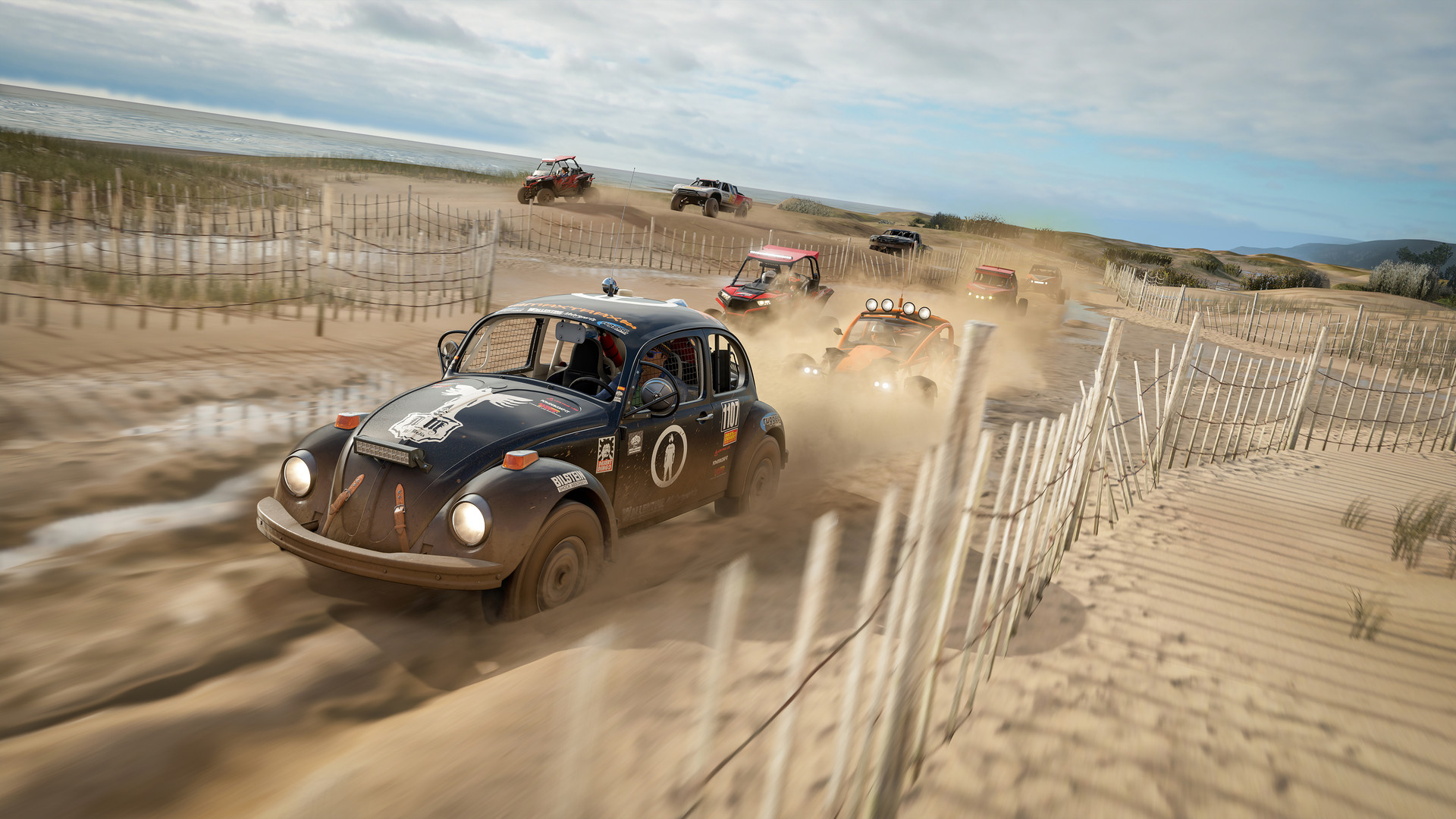

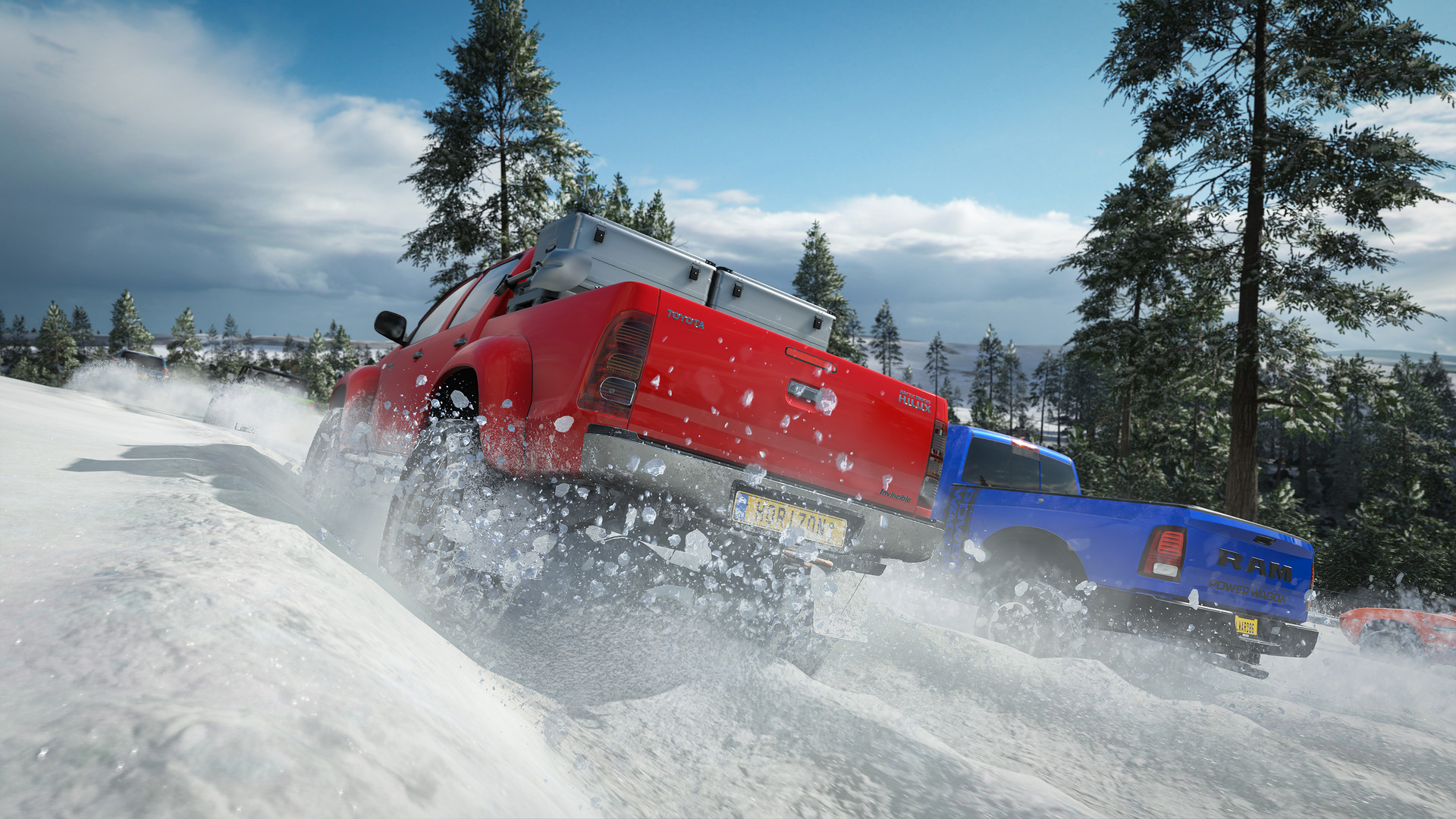

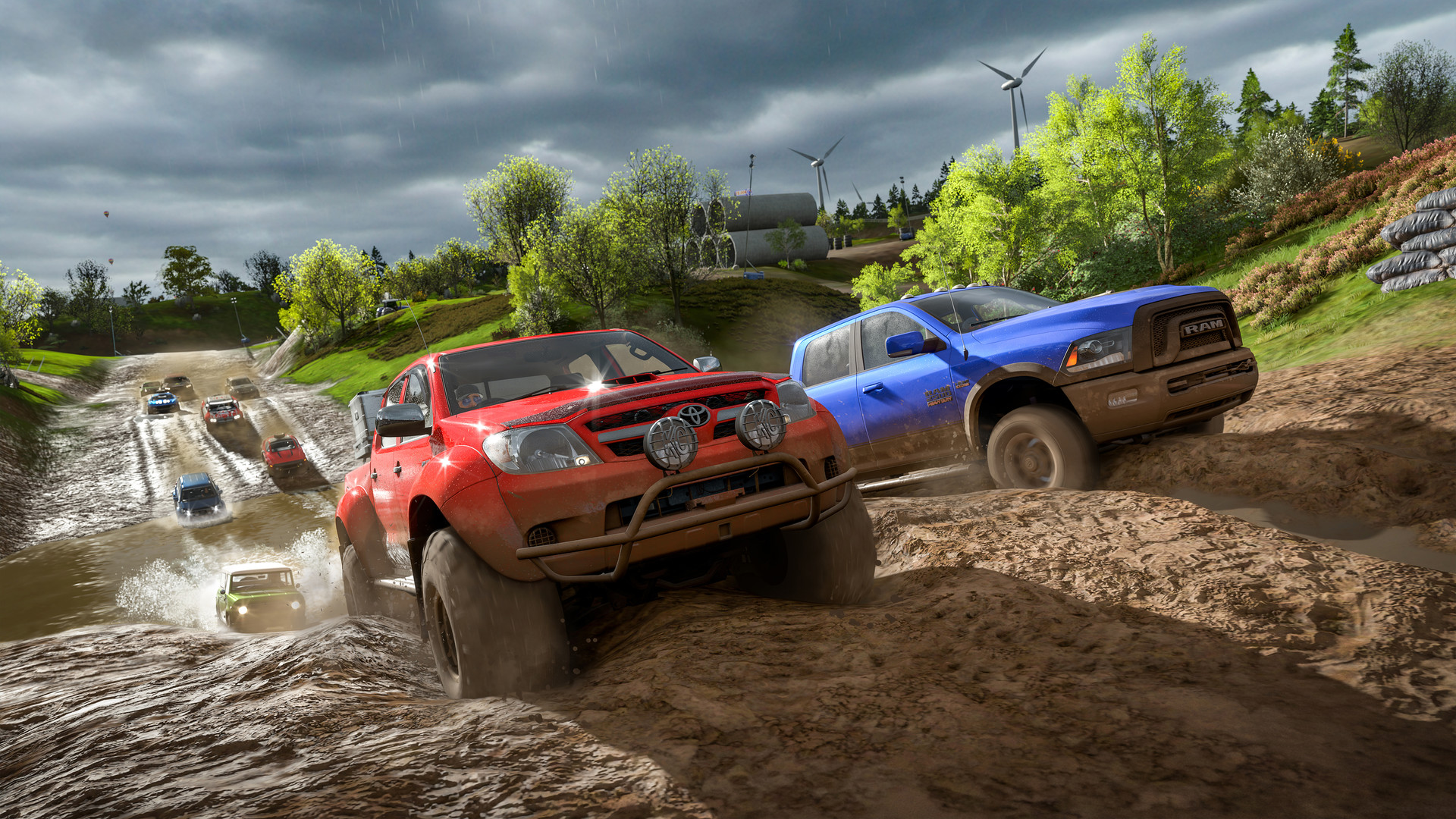
Official store screenshots from Steam — deckport links them, never rehosts. Hover to pause; click to preview.
Identity
Launch
- Binary
- ForzaHorizon4.exe
- Needs files
- none beyond the binary
Proton
- Version
- proton_experimental
- Winetricks
- —
- ProtonDB
- ProtonDB Gold runs perfectly after tweaks
⚙ Setup notes
Game: 2018 Playground Games / Microsoft open-world racer.
DRM: Delisted in Dec 2024 (expiring car/music licenses) — bring your own copy.
Install: The Steam build (appid 1293830) is the one that behaves under Proton.
Proton: As of the May 2026 Proton Experimental update, the long-standing SteamOS black-screen-on-boot bug is FIXED — use Proton Experimental and it should launch straight into Game Mode without Desktop tinkering; it runs ~60fps.
Fix: If you hit the black screen on an older Proton: launch once in Desktop Mode, sign into your Microsoft account with an external keyboard/mouse, set the in-game display to Windowed mode, exit, then return to Game Mode. GE-Proton or Proton 7.0-6 also work and are the fallback if multiplayer/login misbehaves.
Controller: Native gamepad support — controller works out of the box, no Steam Input layout needed.
Display: Initial load can be long, give it time.
The one thing to know
Supply your own copy: Delisted (licensing); configuration only, no links.
Install: Prefer the Steam build (appid 1293830) over the old Microsoft Store/UWP build for Proton.
Account: Requires a one-time online Microsoft account sign-in.
Proton: Large download; needs a recent Proton Experimental (or GE-Proton) — the May 2026 Experimental fixed the SteamOS black-screen-on-boot. Older Proton needs the Desktop-Mode + Windowed-mode workaround.
Controller: Native controller support.
Community guides
Write-ups and threads from people who got this (or a similar) game running. deckport links to them — it doesn't reproduce them.
Get the artwork
deckport never hosts game images. Open this game on SteamGridDB, pick
the cover / hero / logo / icon you like, and drop them into the
game folder under .deckport-art/ before you push it to the
Deck. The importer files them under the right names automatically.
Run it on your Deck
Two files: the one-time importer (deckport.py) in your
Deck's home folder, and this game's install helper. Copy the game
into ~/Games and run the helper with Steam closed — it
writes the recipe (binary, launch options, Proton version)
and registers the shortcut with artwork.