About
FreeSpace 2 Open (FSO) is the community-maintained open-source continuation of the FreeSpace 2 (1999) engine, stewarded by Hard Light Productions since Volition released the source code in 2002. FSO brings modern rendering (OpenGL/Vulkan), widescreen support, high-resolution assets (MediaVPs), and an active modding scene to what is widely regarded as one of the finest space combat simulators ever made.
The retail FreeSpace 2 data files are required and are available on Steam and GOG. Dozens of full-length fan campaigns and total conversions have been released over the years. Knossos.NET is the standard launcher for managing FSO builds and mods.
Screenshots
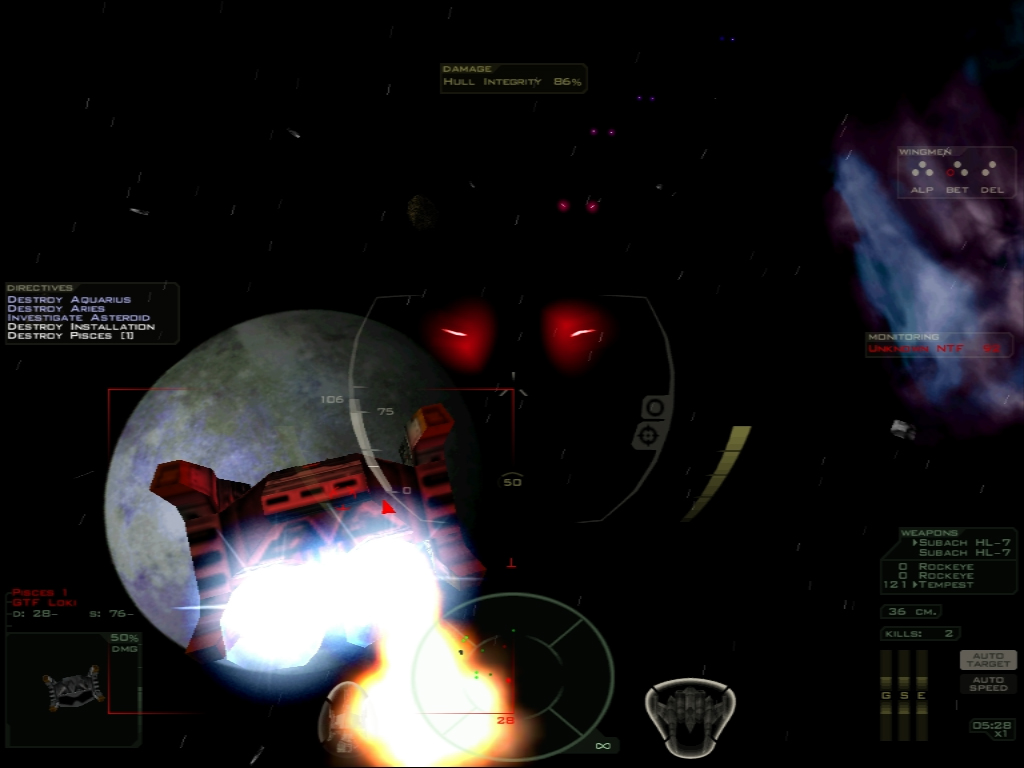
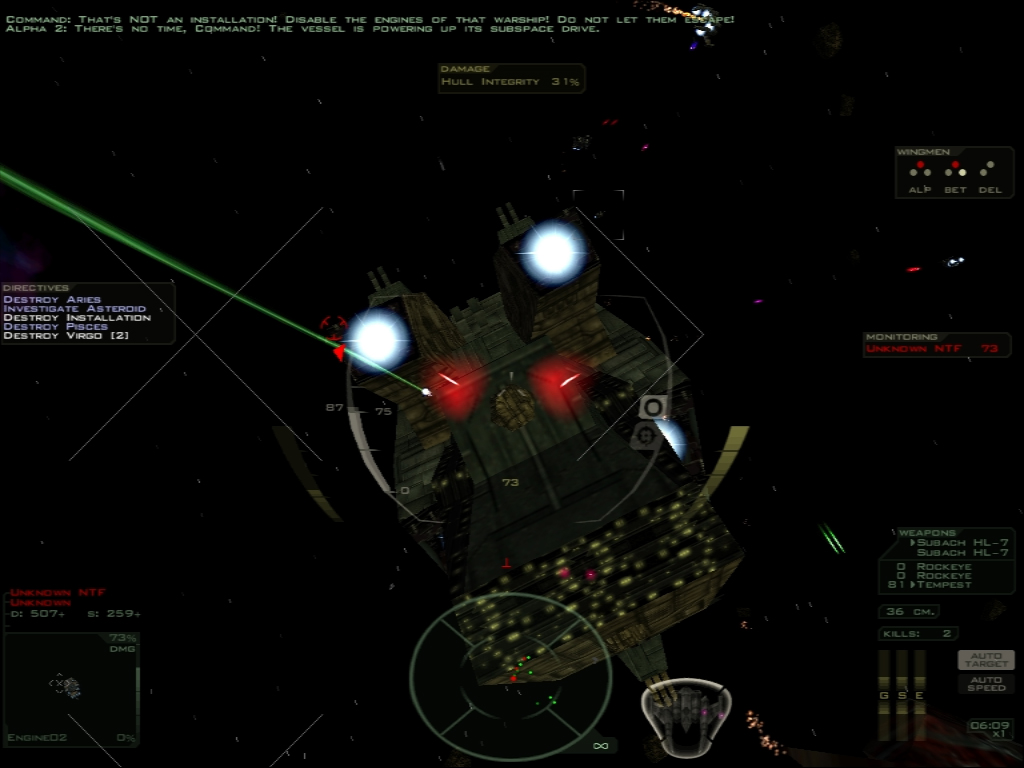
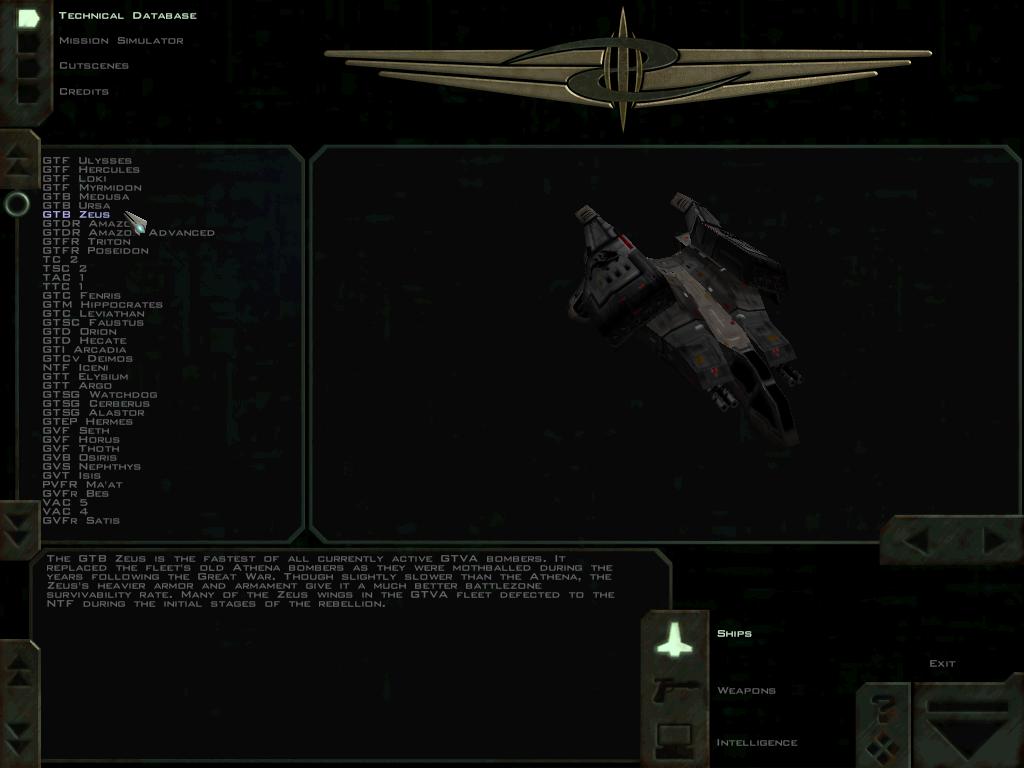
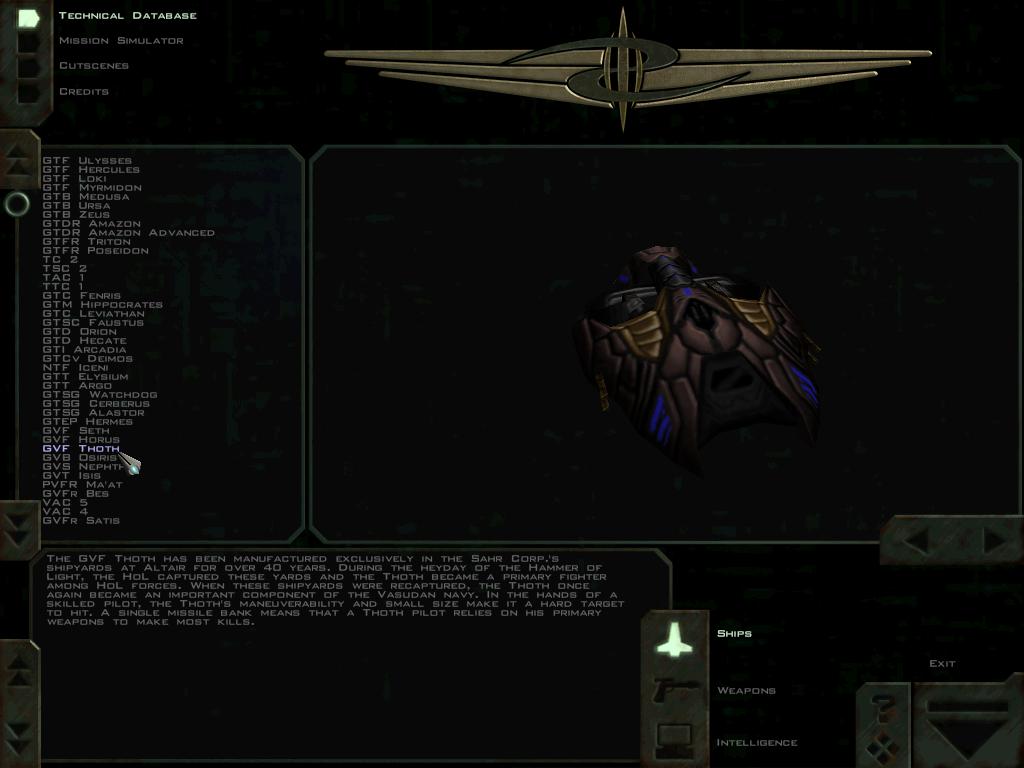
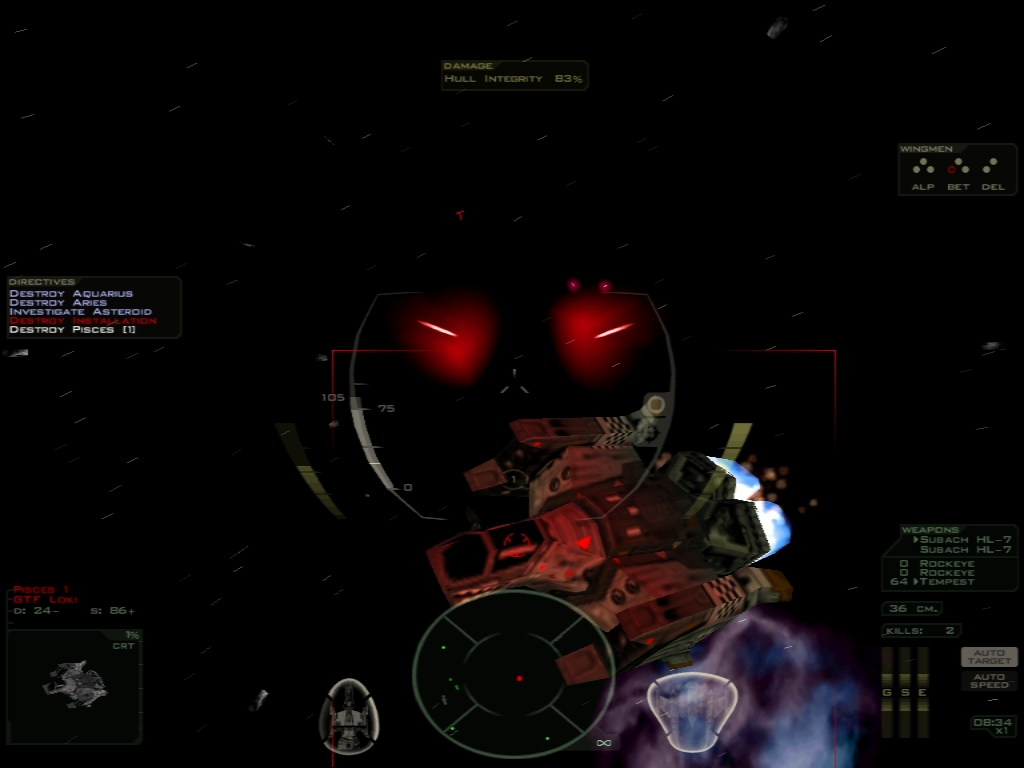
Official store screenshots from Steam — deckport links them, never rehosts. Hover to pause; click to preview.
Identity
Launch
- Binary
- fs2_open
- Needs files
-
- root_fs2.vp
- smarty_fs2.vp
- sparky_fs2.vp
- stu_fs2.vp
- tango1_fs2.vp
- tango2_fs2.vp
- tango3_fs2.vp
- warble_fs2.vp
Runtime
- Runs as
- Native Linux
- Proton
- not needed
⚙ Setup notes
Launcher: Native Linux builds are available via Knossos.NET, the recommended cross-platform launcher and mod manager for FSO. Download the Linux AppImage or package from the Knossos.NET GitHub releases page.
Install: On first run, point Knossos.NET at your FreeSpace 2 data directory (from your Steam install at steamapps/common/Freespace2/ or your GOG install). Knossos.NET downloads the FSO engine builds, the MediaVPs (high-quality asset pack), and any additional campaigns automatically. The resulting fs2_open binary is placed inside the Knossos.NET managed directory.
Steam Deck: To add FSO to Steam as a non-Steam game on Deck, point the entry at the Knossos.NET AppImage or the fs2_open binary directly.
Data: FreeSpace 2 (app 273620) is available on Steam; the data files from GOG are also compatible.
Proton: No Proton needed for the native Linux path via Knossos.NET.
The one thing to know
Supply your own copy: Requires FreeSpace 2 retail data .vp files from your own purchase (Steam app 273620 or GOG).
Setup: Knossos.NET is the recommended setup path — it downloads and manages the FSO engine build, MediaVPs, and mods. Do not attempt to manually wire the engine without it unless you know what you are doing.
Steam Deck: The HLP forums thread above is the main reference for Steam Deck-specific Knossos.NET quirks.
MediaVPs: The high-res asset pack is a separate download inside Knossos.NET and highly recommended.
Community guides
Write-ups and threads from people who got this (or a similar) game running. deckport links to them — it doesn't reproduce them.
- wiki Manually Installing FreeSpace 2 Open — FreeSpace Wiki ↗
- wiki Fs2 Open on Linux / Acquiring the Game Data — FreeSpace Wiki ↗
- pxo Getting Started with Knossos — PXO ↗
- video Knossos.NET launcher for FreeSpace Open (video overview) — YouTube ↗
- hard-light Steam Deck — I will pay a nerd to get Knossos working (HLP forum thread) ↗
- steam Guide to portable FreeSpace 1 & 2 FSO installation — Steam discussions ↗
Get the artwork
deckport never hosts game images. Open this game on SteamGridDB, pick
the cover / hero / logo / icon you like, and drop them into the
game folder under .deckport-art/ before you push it to the
Deck. The importer files them under the right names automatically.
Run it on your Deck
Two files: the one-time importer (deckport.py) in your
Deck's home folder, and this game's install helper. Copy the game
into ~/Games and run the helper with Steam closed — it
writes the recipe (binary, launch options)
and registers the shortcut with artwork.