About
God Mode is a 2013 arena-based third-person shooter where players fight through the procedurally arranged Maze of Hades using firearms and god-inspired special powers. Developed by Saber Interactive with Old School Games and published by Atlus, it shipped on PC, Xbox 360 and PlayStation 3 as a downloadable title and supported up to four-player online co-op. It received mixed reviews (Metacritic around 58) and was pulled from digital storefronts beginning in March 2019 after its publishing licenses expired, leaving it unavailable for new purchase.
Screenshots
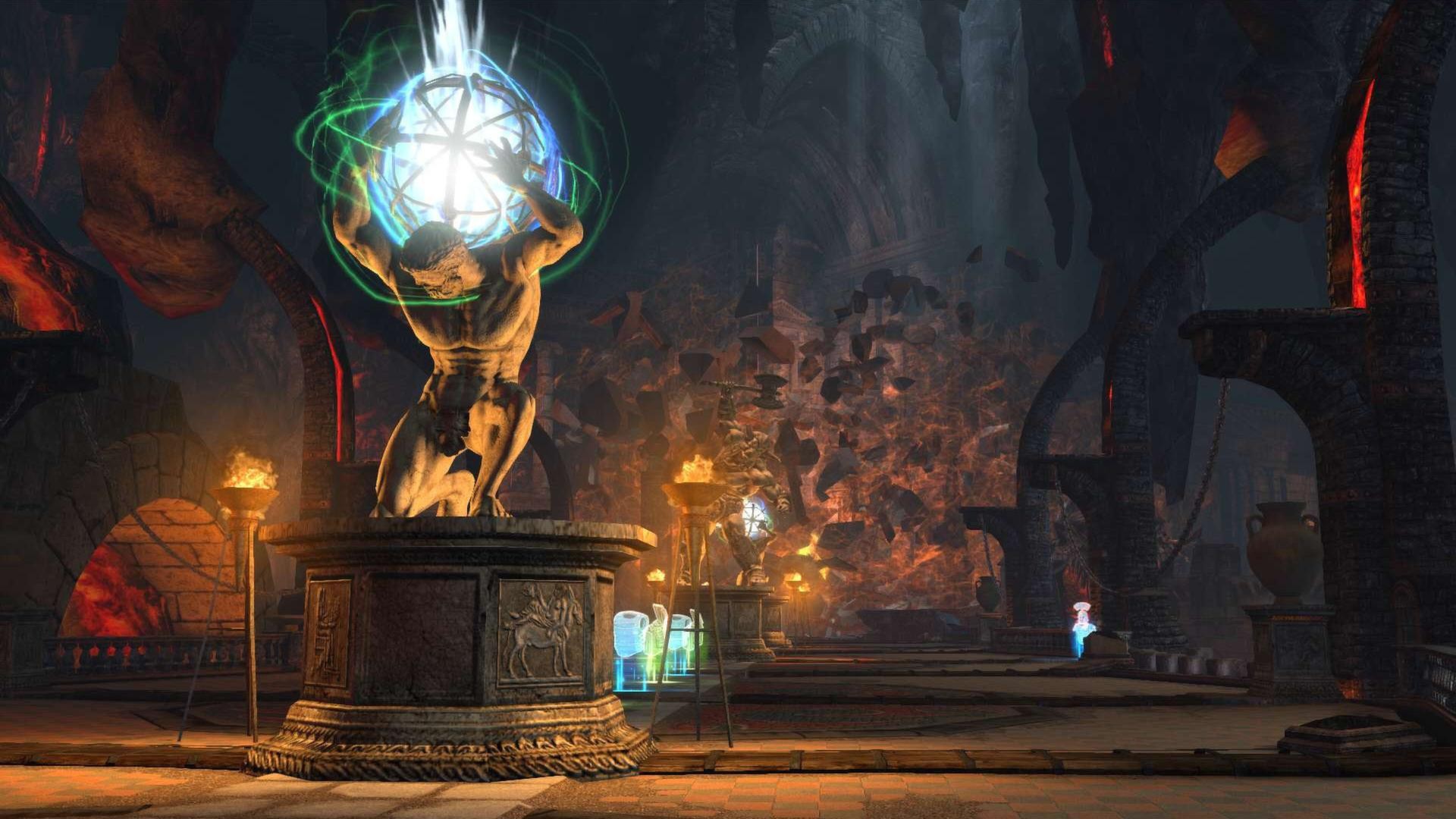
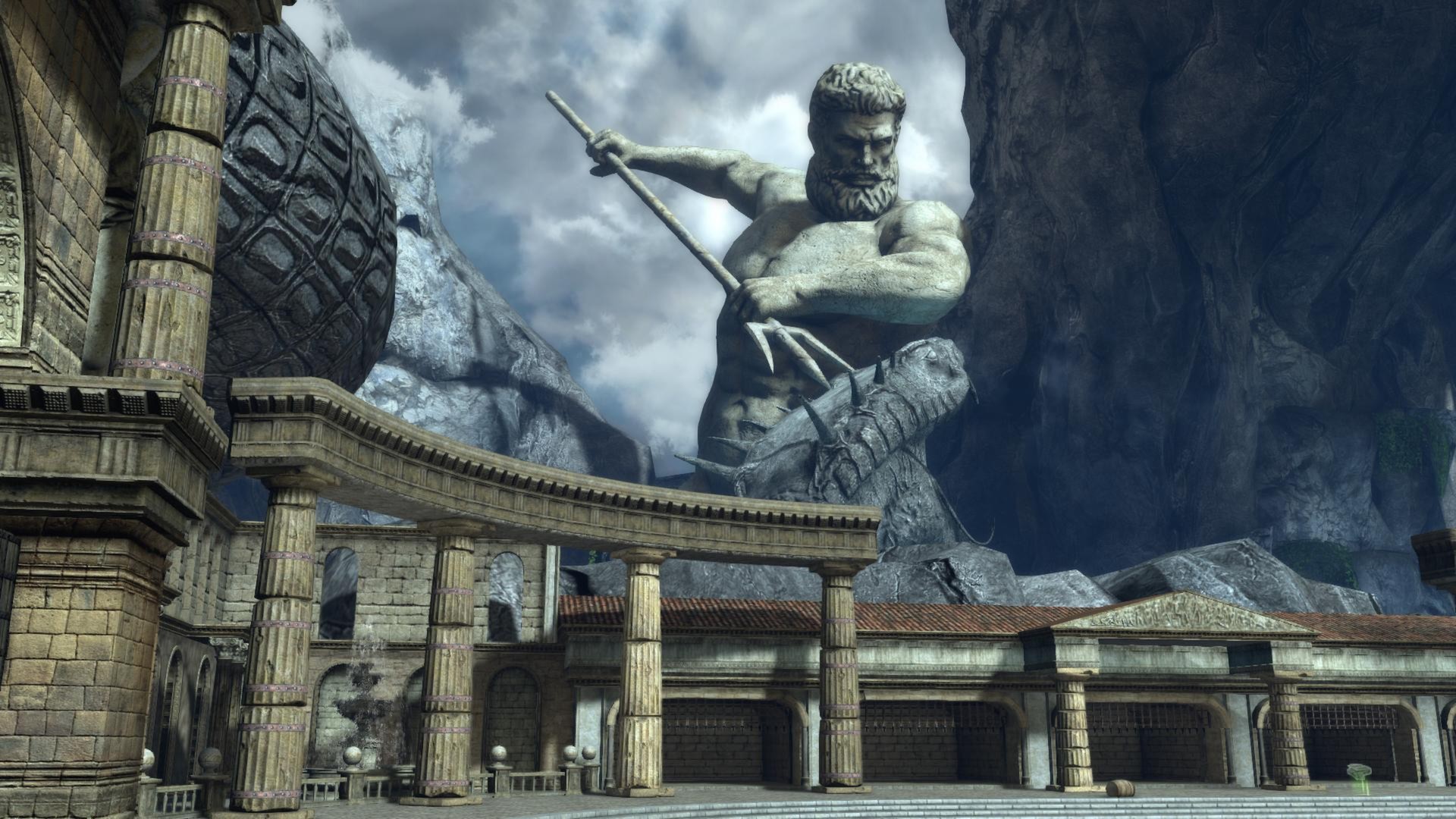
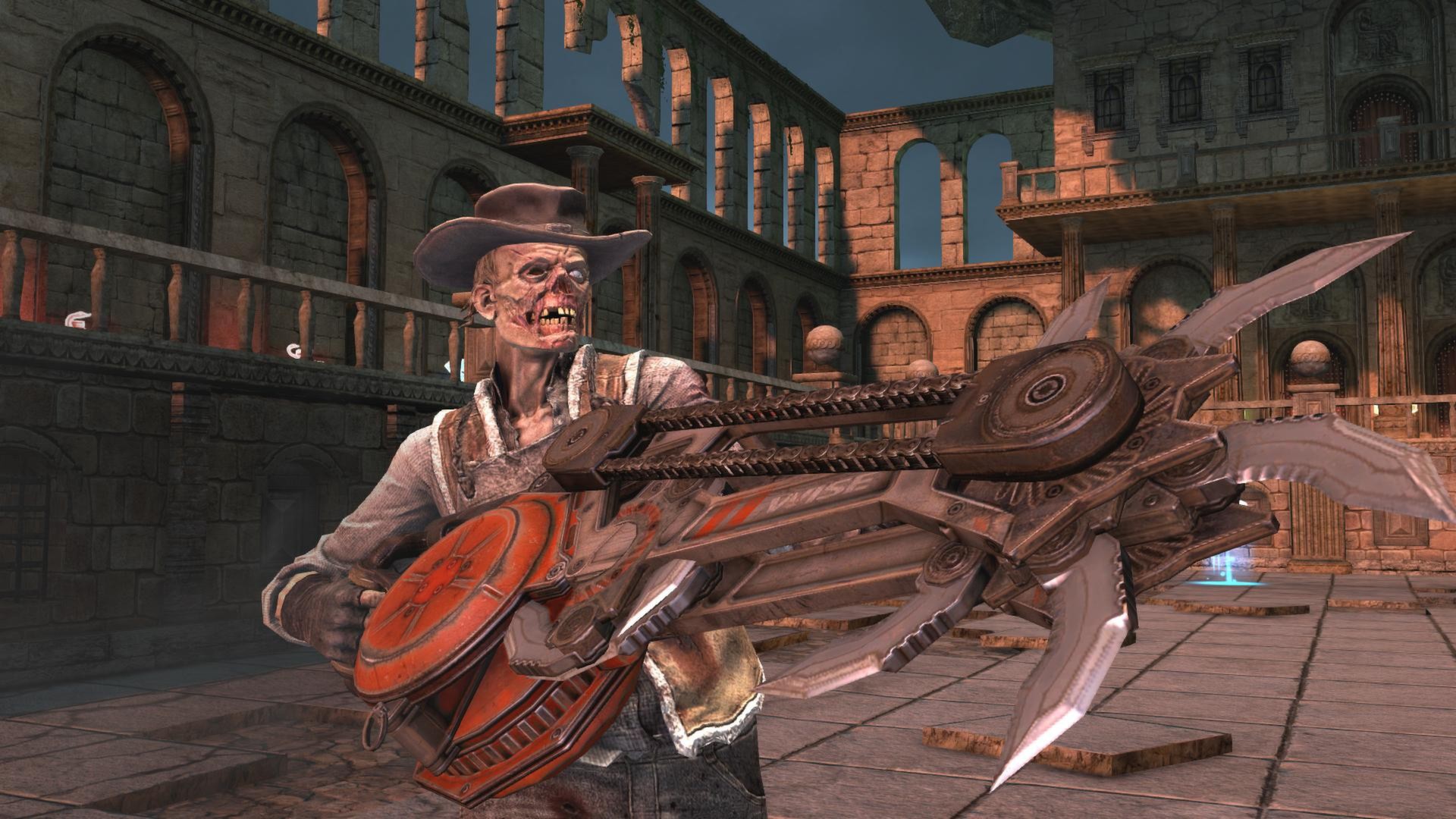
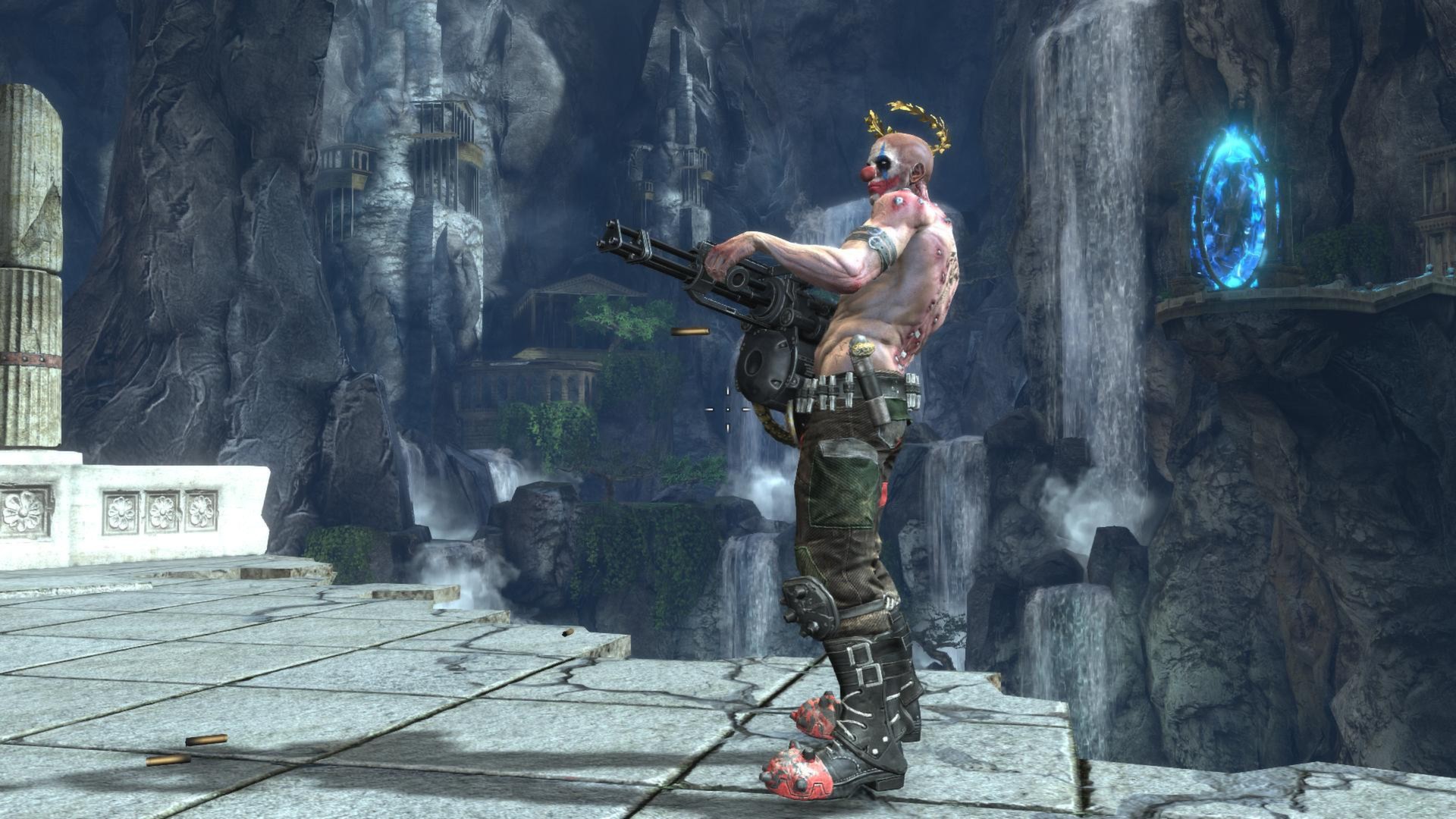
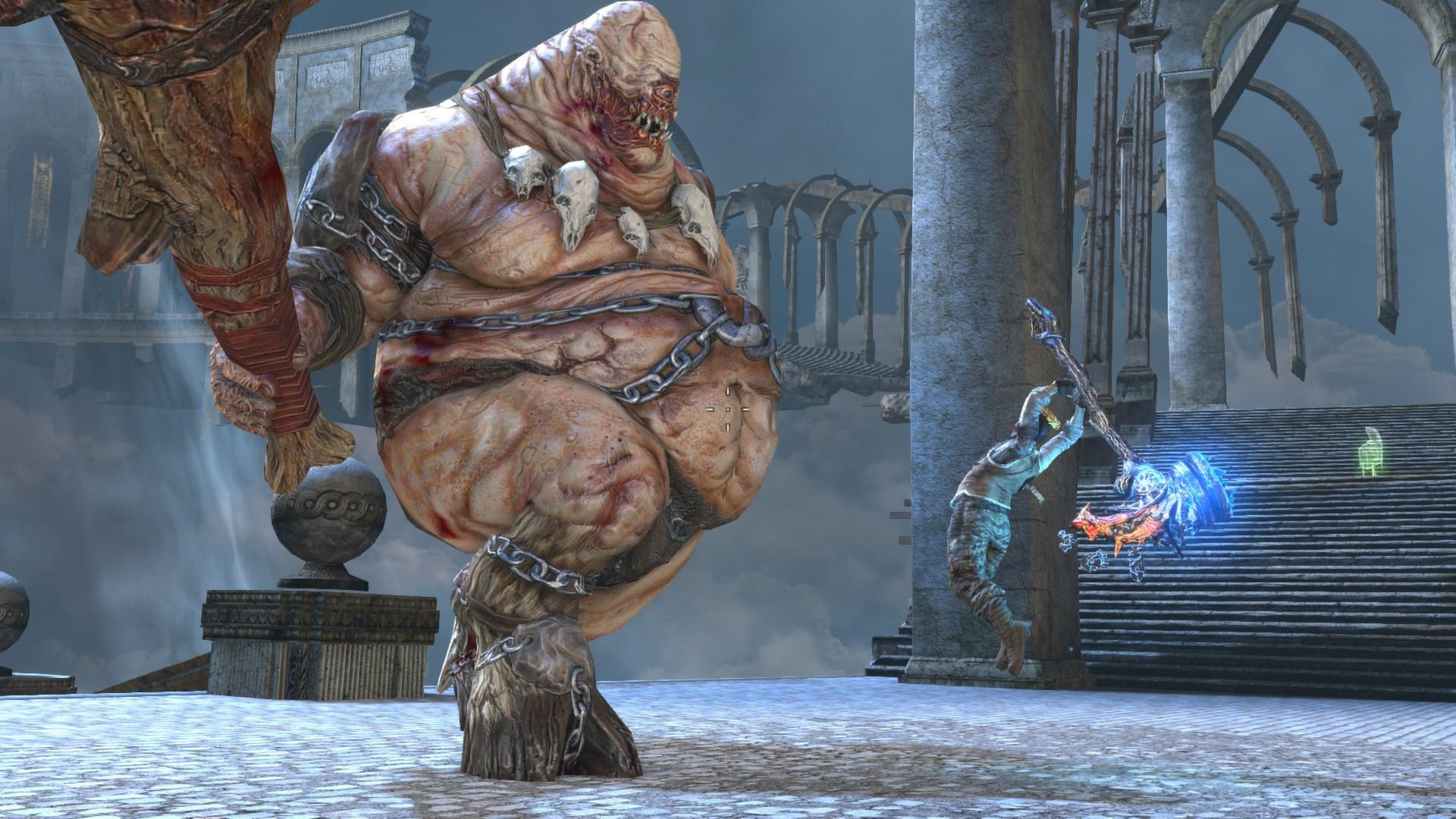
Official store screenshots from Steam — deckport links them, never rehosts. Hover to pause; click to preview.
Identity
Launch
- Binary
- bin/Godmode.exe
- Needs files
- none beyond the binary
Proton
- Version
- GE-Proton
- Winetricks
- —
- ProtonDB
- ProtonDB Platinum runs flawlessly
⚙ Setup notes
Game: Delisted Steam game (appid 227480) — a 2013 co-op arena third-person shooter (Saber Interactive / Old School Games, pub. Atlus), removed from sale ~2019 over an expired license.
DRM: ProtonDB rates it platinum; it runs cleanly under Proton with no DRM wrapper (no GFWL).
Proton: Recommended GE-Proton or proton_experimental — both work; start with GE-Proton if you hit any input/launch quirks.
Install: Executable is Godmode.exe, inside the install's bin/ subfolder (steamapps/common/GodMode/bin/Godmode.exe).
Controller: Full controller support carries over from its XBLA/PSN console roots (4 control presets: Default, Lefty, FPS, FPS Lefty), so it plays well on the Deck with the default gamepad mapping. Note: in-game remapping isn't available.
FPS cap: The game ships locked to 45 FPS. To uncap, edit bin/game.cfg and add LockFps = 0 on a new line inside the Video = { block.
Startup crash: If it crashes on launch, install the bundled DirectX/VC++ redistributables from the game's _CommonRedist folder into the prefix first.
Online: Online/LAN co-op servers appear defunct, but solo and offline play work fine.
Note: deckport only configures the prefix; it never bundles or links the game files.
The one thing to know
Supply your own copy: deckport links nothing.
Compatibility: ProtonDB platinum, no DRM/GFWL — runs out of the box under GE-Proton / proton_experimental with full controller support, so it should be Deck-friendly.
Status: Not yet verified on a physical Deck (needs-test).
Online: Online and LAN co-op servers appear to be gone; play it solo/offline.
FPS cap: Locked to 45 FPS by default; uncap via bin/game.cfg (LockFps = 0 under Video = {).
Binary: bin/Godmode.exe (confirm against your install's folder).
Community guides
Write-ups and threads from people who got this (or a similar) game running. deckport links to them — it doesn't reproduce them.
Get the artwork
deckport never hosts game images. Open this game on SteamGridDB, pick
the cover / hero / logo / icon you like, and drop them into the
game folder under .deckport-art/ before you push it to the
Deck. The importer files them under the right names automatically.
Run it on your Deck
Two files: the one-time importer (deckport.py) in your
Deck's home folder, and this game's install helper. Copy the game
into ~/Games and run the helper with Steam closed — it
writes the recipe (binary, launch options, Proton version)
and registers the shortcut with artwork.