About
Godus is a god game designed by Peter Molyneux as a spiritual successor to his classic Populous, developed by 22cans after a successful 2012 Kickstarter (over 17,000 backers, ~£526k raised). Players sculpt the landscape and shepherd a tribe of followers in a Unity-built sandbox. Released into Steam Early Access in 2013, it became infamous for unmet Kickstarter promises and was effectively left unfinished when 22cans moved on by 2015. Both Godus and Godus Wars were removed from Steam in December 2023 after 22cans declined to update their AWS content servers, though existing owners retain access.
Screenshots
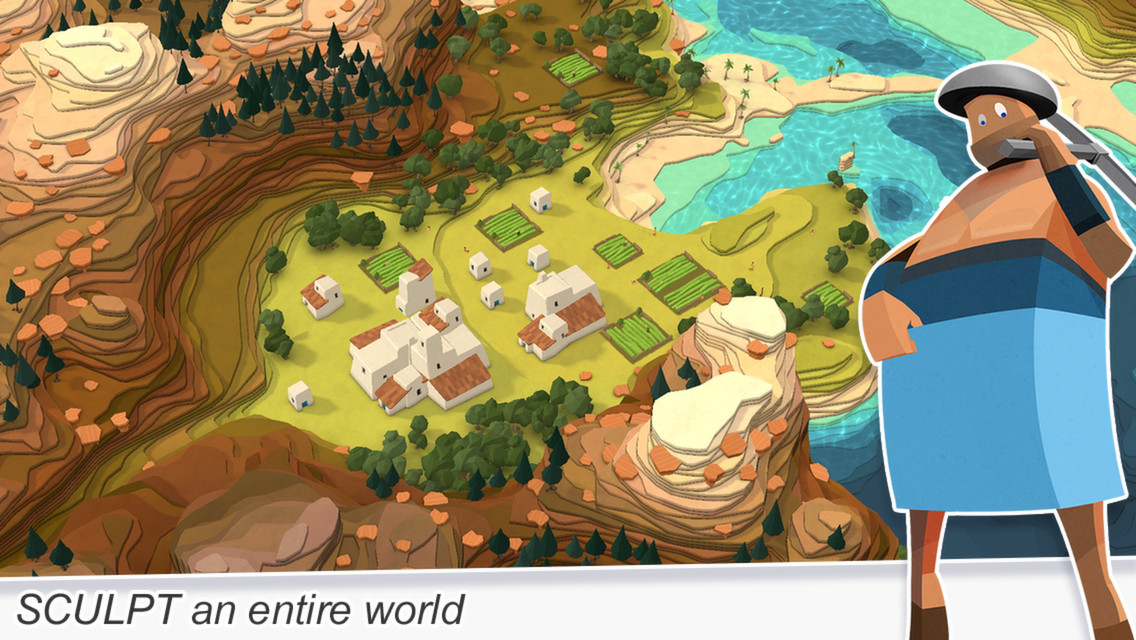
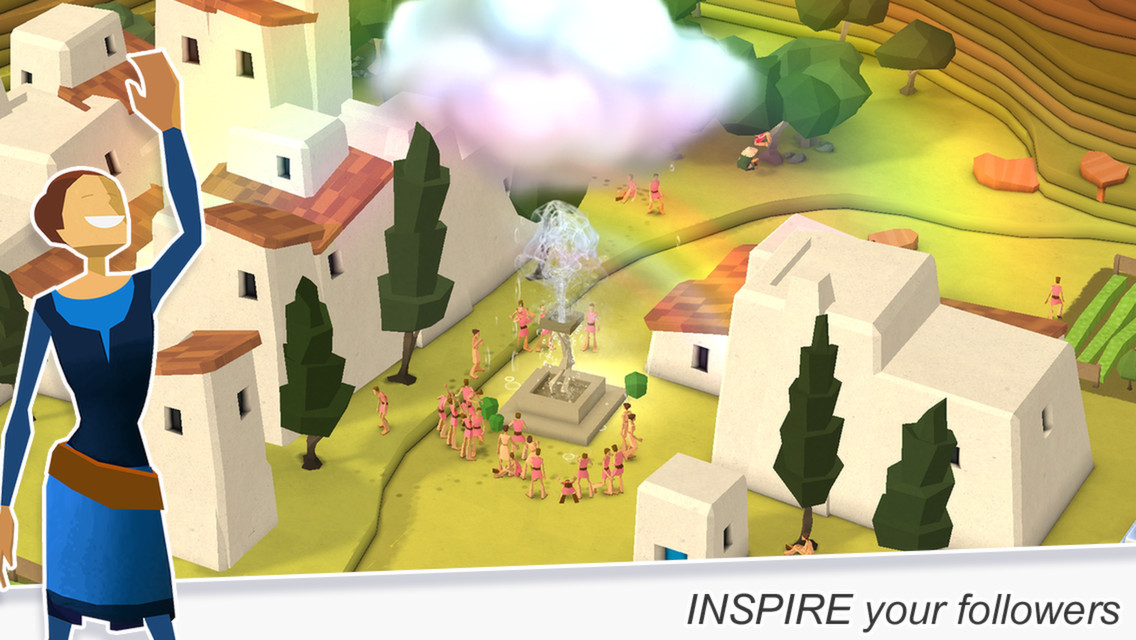
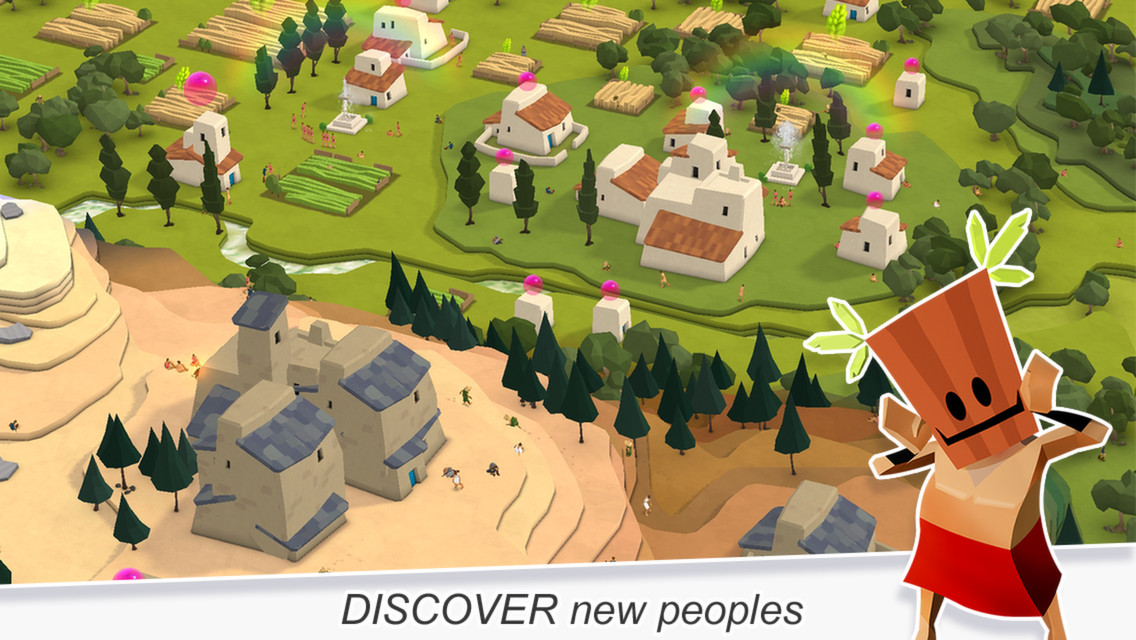
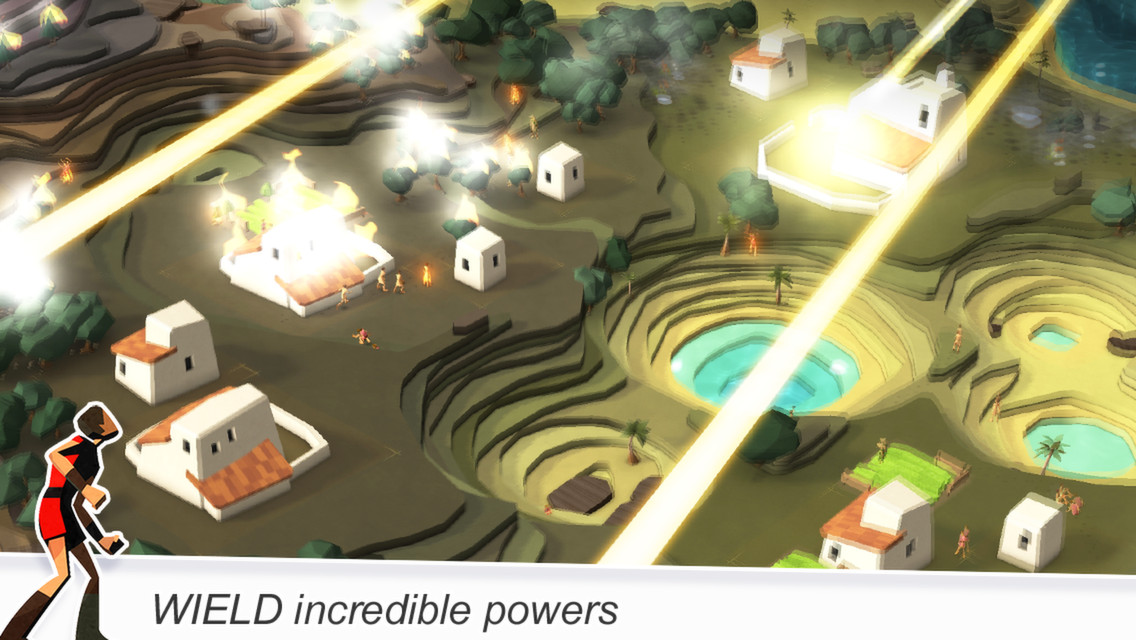
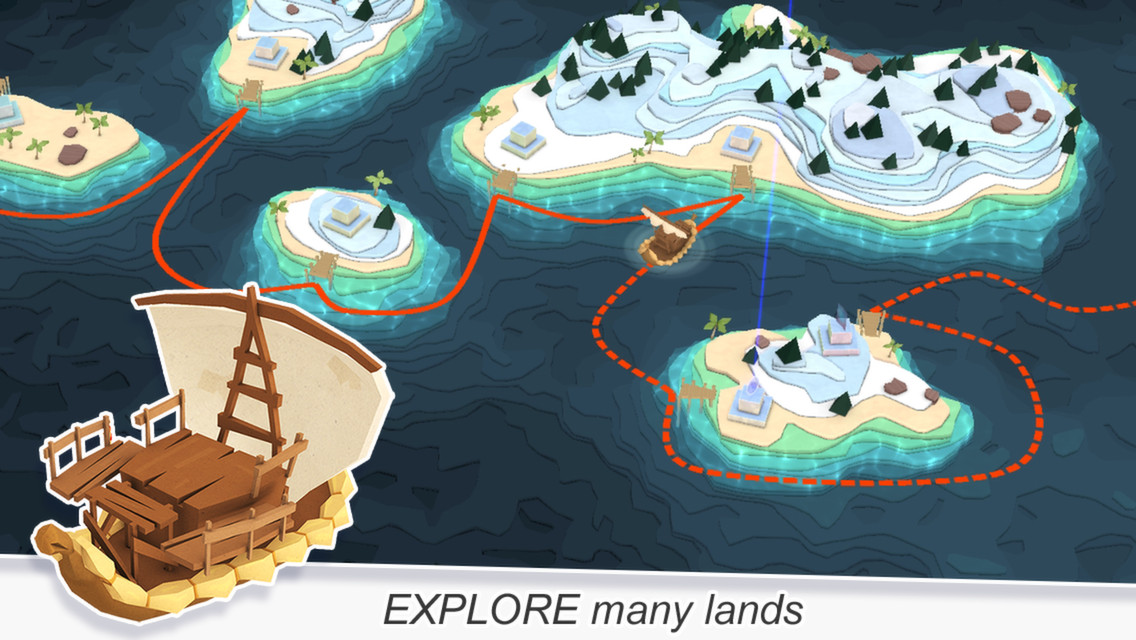
Official store screenshots from Steam — deckport links them, never rehosts. Hover to pause; click to preview.
Identity
Launch
- Binary
- windows/Godus.exe
- Needs files
- none beyond the binary
Proton
- Version
- GE-Proton
- Winetricks
- —
- ProtonDB
- ProtonDB Platinum runs flawlessly
⚙ Setup notes
Delisted: Delisted Steam game (appid 232810; pulled Dec 2023 by 22cans after AWS content servers shut down — existing owners can still install and play).
Proton: Unity god game; main executable is Godus.exe, which lives in the windows/ subfolder of the install dir (steamapps/common/Godus/windows/Godus.exe), not the install root. ProtonDB tier platinum (small sample, ~5 reports / low confidence) — community reports it running out of the box under recent Proton, no GFWL/SecuROM/DRM and no winetricks needed; GE-Proton is a safe default, stock proton_experimental also works.
Controller: This is a point-and-click, mouse-driven game with no real native gamepad support, so on Deck use a Steam Input layout that maps the right trackpad to the mouse (mouse-region or trackpad-as-mouse) plus a few buttons for left-click/zoom — that controller layout is the intended way to play it handheld.
Online: The online/multiplayer ('God Wars') features depend on the retired servers and no longer work; treat it as single-player only.
Install: deckport only configures the prefix; it never bundles or links the game files.
The one thing to know
Supply your own copy: Binary is windows/Godus.exe (inside the windows/ subfolder, not the install root). deckport links nothing.
Delisted: Delisted Dec 2023 (servers retired); owners can still install/play single-player.
Proton: ProtonDB platinum (only a handful of reports / low confidence) — community reports it running cleanly on Linux/Proton, no DRM/winetricks.
Controller: Mouse-driven god game with no native gamepad support: needs a Steam Input layout (right trackpad as mouse + buttons for click/zoom) to be playable on Deck.
Online: Online/God-Wars multiplayer is dead.
Community guides
Write-ups and threads from people who got this (or a similar) game running. deckport links to them — it doesn't reproduce them.
Get the artwork
deckport never hosts game images. Open this game on SteamGridDB, pick
the cover / hero / logo / icon you like, and drop them into the
game folder under .deckport-art/ before you push it to the
Deck. The importer files them under the right names automatically.
Run it on your Deck
Two files: the one-time importer (deckport.py) in your
Deck's home folder, and this game's install helper. Copy the game
into ~/Games and run the helper with Steam closed — it
writes the recipe (binary, launch options, Proton version)
and registers the shortcut with artwork.