About
Episodes from Liberty City is a standalone compilation of the two GTA IV expansions, The Lost and Damned and The Ballad of Gay Tony, packaged so it runs without the base game. Built on Rockstar's RAGE engine, both episodes return to GTA IV's Liberty City with new protagonists, storylines, weapons, and vehicles. It was well received as a substantial follow-up to GTA IV. The standalone PC release (appid 12220) was later delisted from Steam after its content was folded into GTA IV: The Complete Edition.
Screenshots
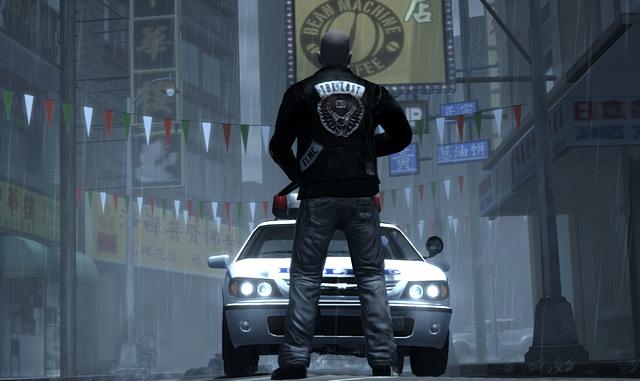
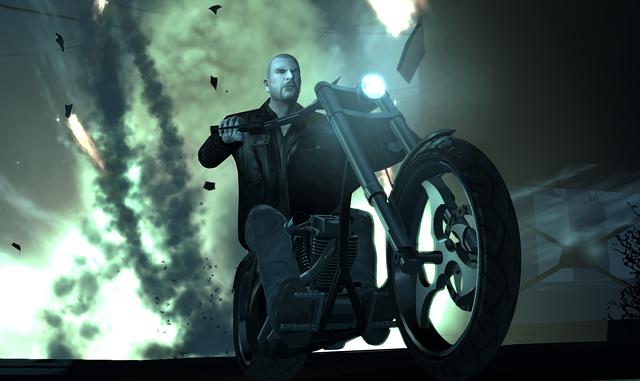
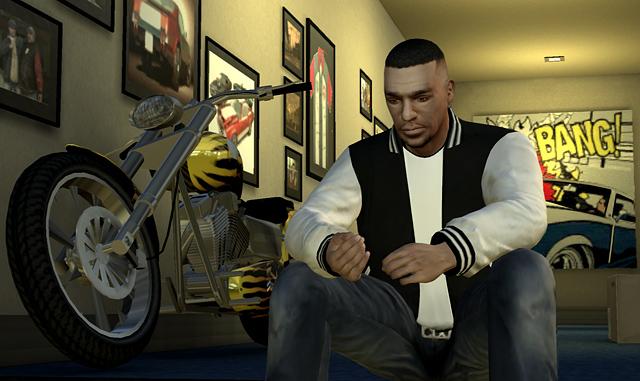
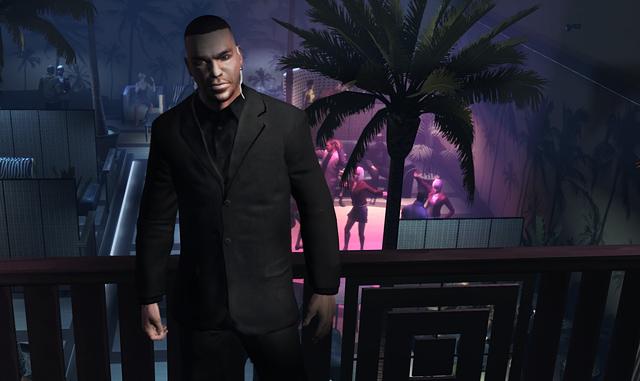
Official store screenshots from Steam — deckport links them, never rehosts. Hover to pause; click to preview.
Identity
Launch
- Binary
- LaunchEFLC.exe
- Needs files
- none beyond the binary
Proton
- Version
- GE-Proton
- Winetricks
- —
- ProtonDB
- ProtonDB Silver runs with minor issues
⚙ Setup notes
Game: Delisted standalone Steam game (appid 12220); the original release shipped with SecuROM + Games for Windows Live + Social Club. Content was later folded into GTA IV: The Complete Edition (which dropped SecuROM/GFWL for the Rockstar launcher). ProtonDB rates it silver and the community runs it on the Deck.
Proton: GE-Proton works well; proton_experimental is also reported fine.
Install: Launch via LaunchEFLC.exe, which spawns EFLC.exe.
Fix: The key fix is bypassing Games for Windows Live — without it you hit EFLC: FATAL ERROR. Drop an xliveless build (xlive.dll) into the EFLC game folder so you never reach the GFWL sign-in, and set Social Club to play offline. Several Deck reports also add 127.0.0.1 tv.rockstargames.com to /etc/hosts to stop the launcher hanging on the Social Club connect. On AMD/Deck no nvapi is needed (that's an Nvidia-only step).
Display: If perf is rough, lower visibility/view range, turn shadows down, and run 1080p; keep Esync disabled if you see instability.
Controller: The game has native XInput gamepad support, so the Deck controller works in-menu and in-game. It's an older title, so applying Steam Input (the community Gamepad layout) is still recommended for the cleanest mapping.
deckport only configures the prefix; it never bundles or links the game files.
The one thing to know
Supply your own copy: The standalone EFLC was delisted from Steam (appid 12220); supply your own copy.
ProtonDB: silver — playable on Deck but expect setup.
Mandatory fix: apply an xliveless build (xlive.dll in the EFLC game dir) to skip Games for Windows Live (otherwise EFLC: FATAL ERROR), and set Social Club to offline. Some setups also add 127.0.0.1 tv.rockstargames.com to /etc/hosts.
Launch: through LaunchEFLC.exe, not EFLC.exe directly.
Perf: can be sub-30fps in dense areas — drop view distance, lower shadows, and run 1080p; disable Esync if you hit crashes.
Controller: Native XInput support, so the Deck gamepad works; applying the community Steam Input layout is still recommended for the cleanest mapping.
Multiplayer: Online multiplayer servers are dead; treat this as single-player only.
deckport links nothing.
Community guides
Write-ups and threads from people who got this (or a similar) game running. deckport links to them — it doesn't reproduce them.
Get the artwork
deckport never hosts game images. Open this game on SteamGridDB, pick
the cover / hero / logo / icon you like, and drop them into the
game folder under .deckport-art/ before you push it to the
Deck. The importer files them under the right names automatically.
Run it on your Deck
Two files: the one-time importer (deckport.py) in your
Deck's home folder, and this game's install helper. Copy the game
into ~/Games and run the helper with Steam closed — it
writes the recipe (binary, launch options, Proton version)
and registers the shortcut with artwork.