About
Grand Theft Auto III is the first fully 3D entry in the Grand Theft Auto series, set in the open world of Liberty City where a silent protagonist works his way up the criminal underworld. Built on the RenderWare engine, it was a landmark release that popularized the modern open-world action template and was widely praised by critics. The PC port arrived in 2002 following the original PlayStation 2 launch. The original classic version was later delisted from Steam ahead of the remastered Definitive Edition.
Screenshots
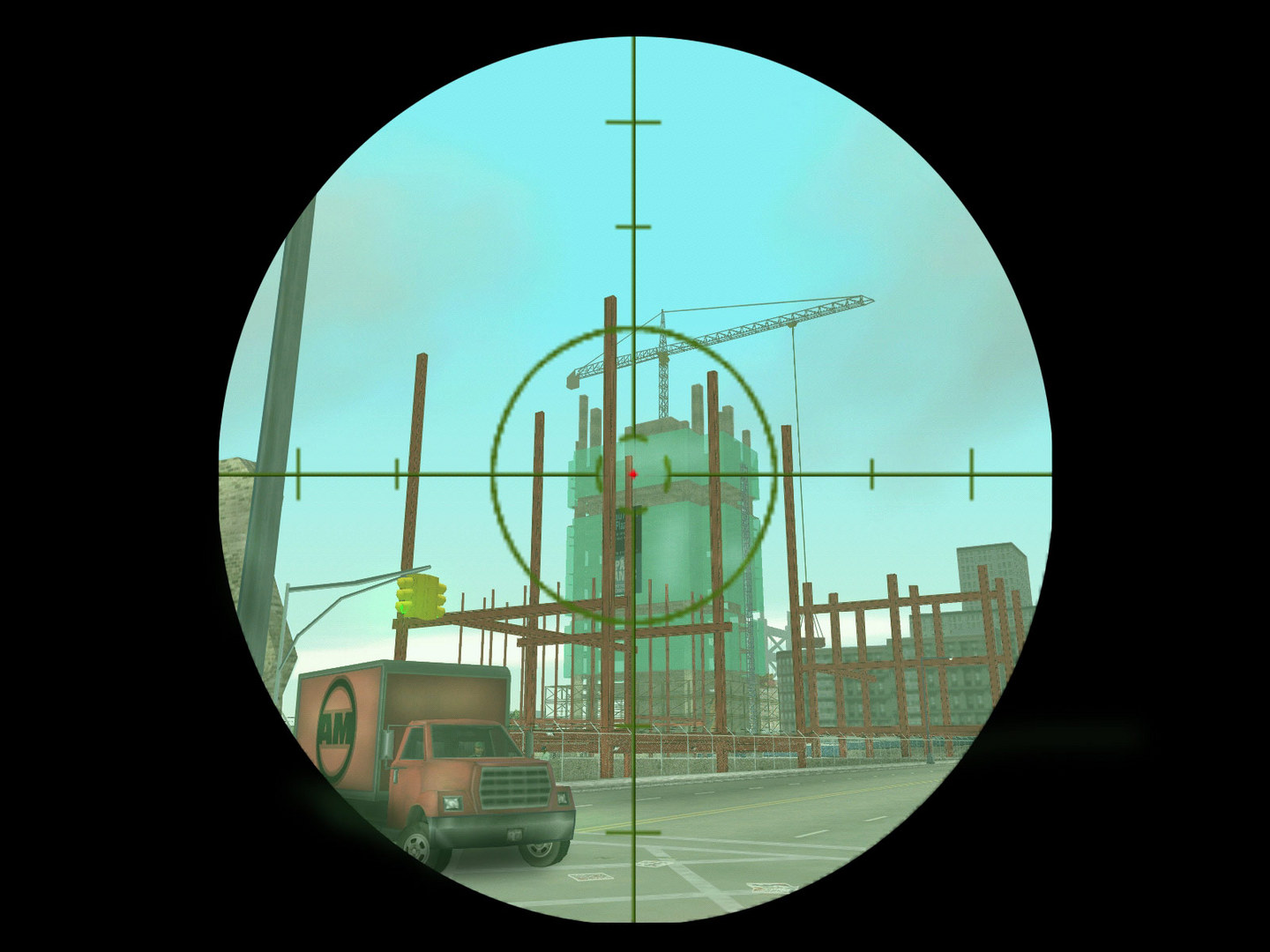
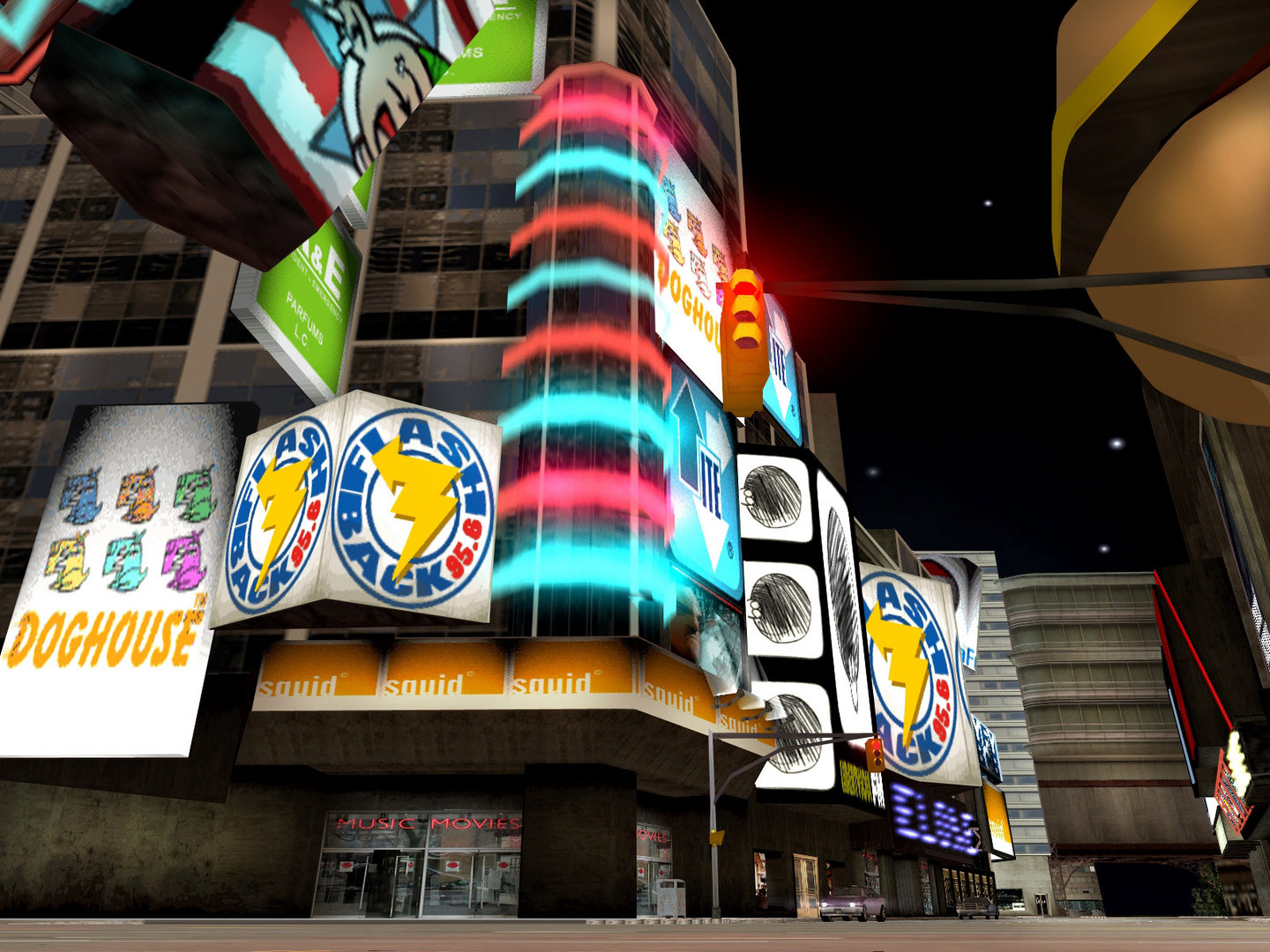
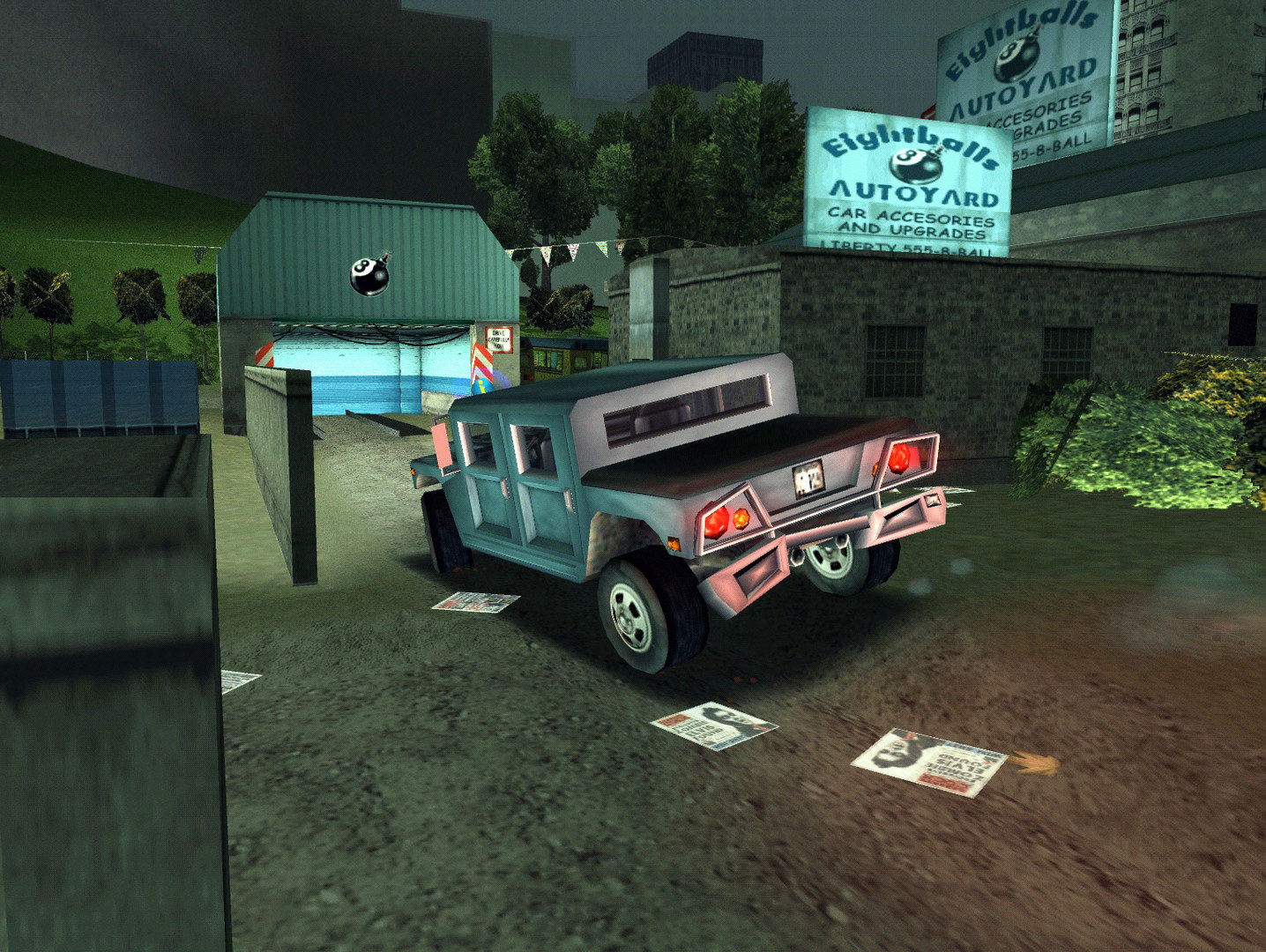
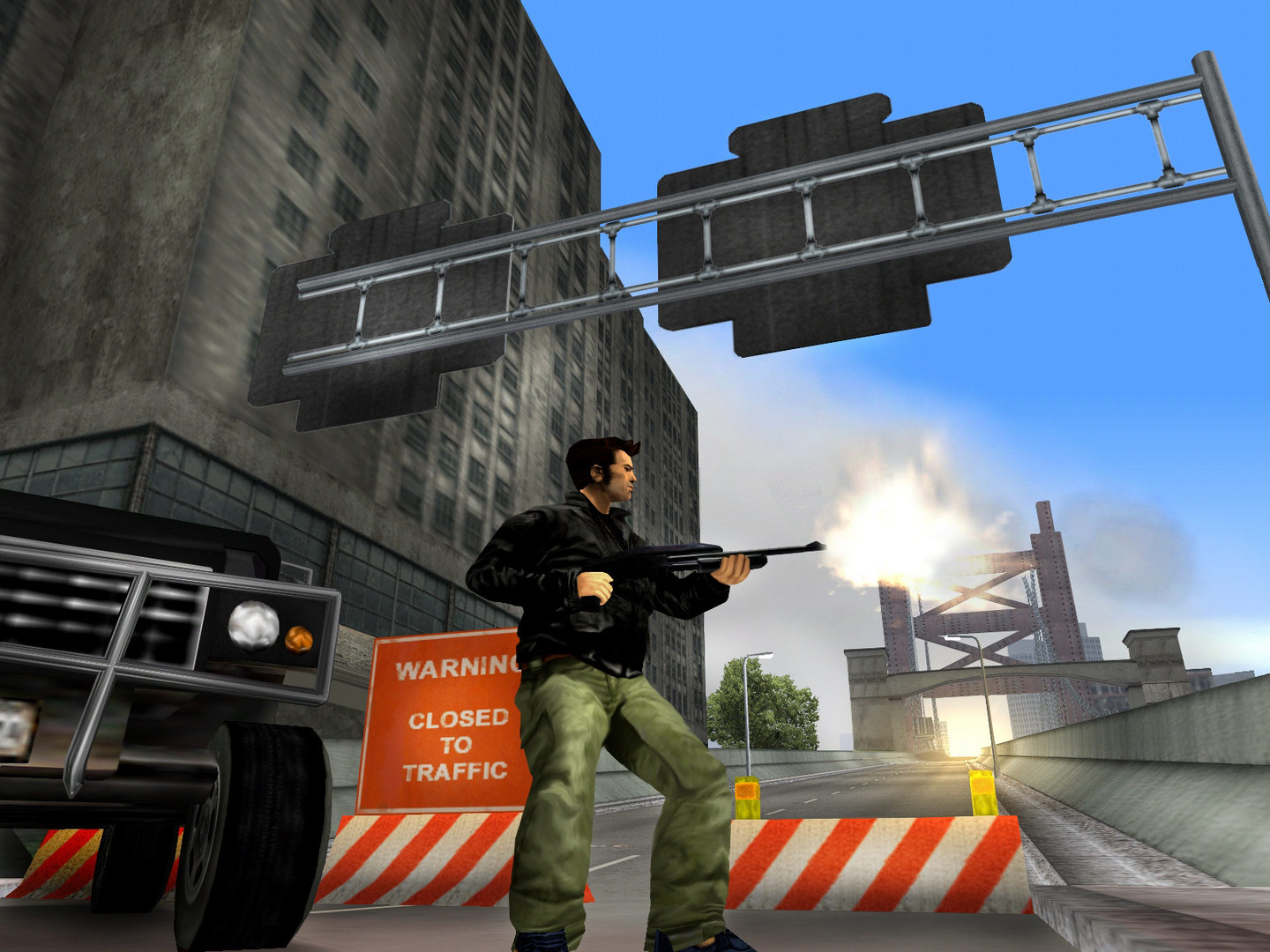
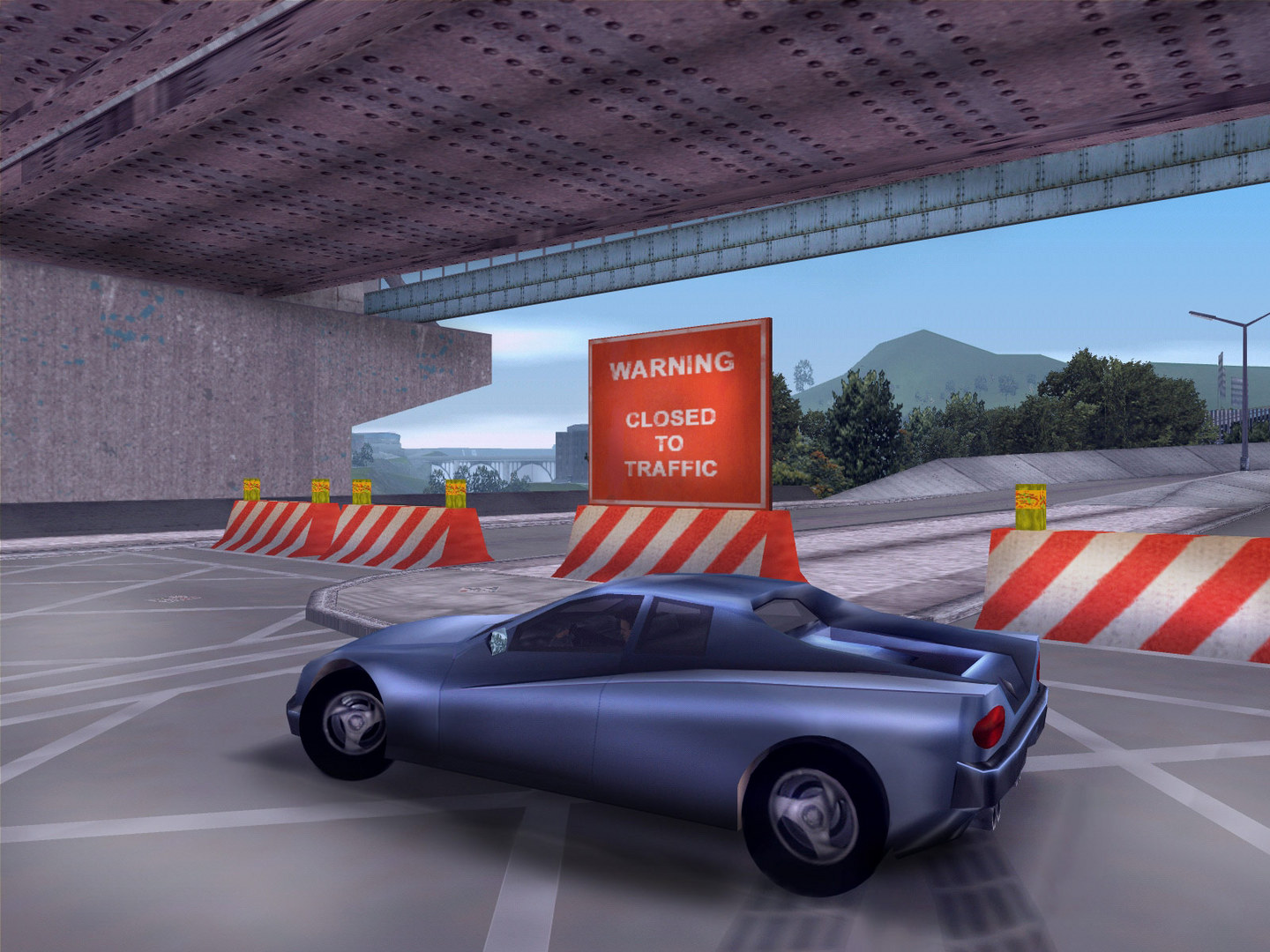
Official store screenshots from Steam — deckport links them, never rehosts. Hover to pause; click to preview.
Identity
Launch
- Binary
- gta3.exe
- Needs files
- none beyond the binary
Proton
- Version
- proton_experimental
- Winetricks
- —
- ProtonDB
- ProtonDB Gold runs perfectly after tweaks
⚙ Setup notes
Game: Delisted classic Steam game (appid 12100; original GTA III, not the Definitive Edition). The main executable is gta3.exe.
Proton: ProtonDB Gold — community confirms the original runs on Proton Experimental at up to 60fps with little fuss.
Controller: Vanilla controller support is poor and uses DirectInput. The clean fix is to drop in Ultimate ASI Loader + SilentPatch + GInput (rewrites input to XInput) into the game folder — works under Proton, but the ASI loader DLL (commonly renamed to dinput8.dll or vorbisFile.dll) must be allowed via a DLL-override launch option (WINEDLLOVERRIDES="dinput8=n,b" %command%) and the mods imported from Desktop Mode.
Simpler path: Skip GInput and bind a Steam Input gamepad layout instead, which plays fine on Deck.
DRM: No GFWL/SecuROM online activation concerns for the Steam build.
The one thing to know
Supply your own copy: deckport configures the prefix only and links nothing.
Game: Original (classic) GTA III, delisted from Steam (appid 12100).
Proton: ProtonDB Gold — community reports confirm it runs on Steam Deck under Proton Experimental, often a flawless 60fps.
Server: Single-player only, so no dead-server worries.
Controller: Stock controller support is weak — either apply the GInput mod (needs Ultimate ASI Loader + SilentPatch + an ASI/DLL-override launch option, imported via Desktop Mode) for proper XInput, or just use a Steam Input gamepad layout for a no-mod path.
Display: Widescreen/aspect-ratio fixes (SilentPatch / widescreen .ini tweaks) are recommended for the Deck's 16:10 display.
Community guides
Write-ups and threads from people who got this (or a similar) game running. deckport links to them — it doesn't reproduce them.
Get the artwork
deckport never hosts game images. Open this game on SteamGridDB, pick
the cover / hero / logo / icon you like, and drop them into the
game folder under .deckport-art/ before you push it to the
Deck. The importer files them under the right names automatically.
Run it on your Deck
Two files: the one-time importer (deckport.py) in your
Deck's home folder, and this game's install helper. Copy the game
into ~/Games and run the helper with Steam closed — it
writes the recipe (binary, launch options, Proton version)
and registers the shortcut with artwork.