About
Grand Theft Auto: San Andreas is an open-world action-adventure game built on the RenderWare engine, the third 3D entry in Rockstar's GTA series after GTA III and Vice City. Set in the fictional state of San Andreas, it follows Carl 'CJ' Johnson returning home to Los Santos, and was acclaimed for its enormous map, RPG-style character stats, and aircraft. The PC version launched in June 2005 and became one of the best-selling and most-modded PC games of its era. This classic build (appid 12120) was delisted from Steam in 2021 when Rockstar replaced it with the Definitive Edition remaster, leaving the original available only to prior owners.
Screenshots
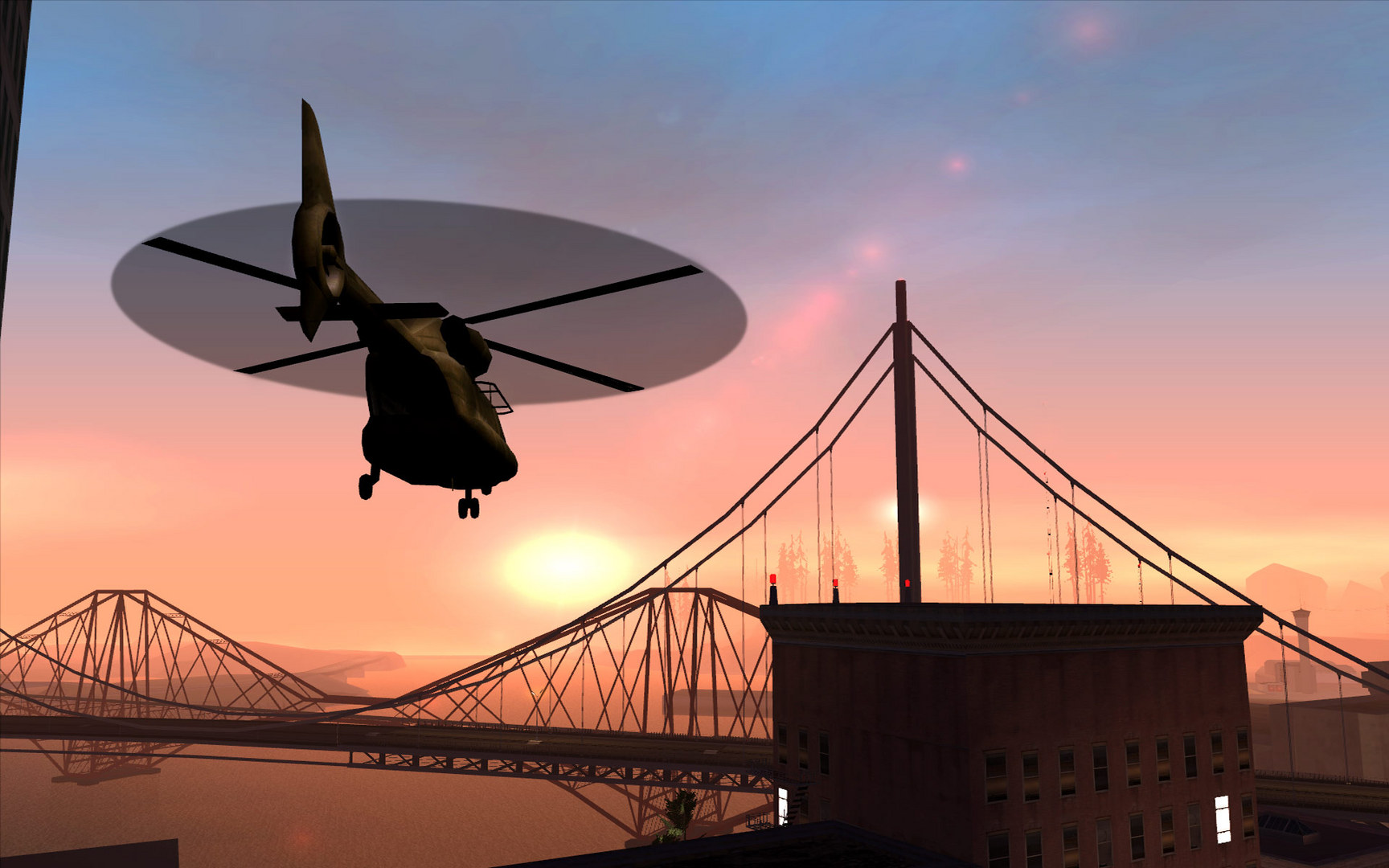
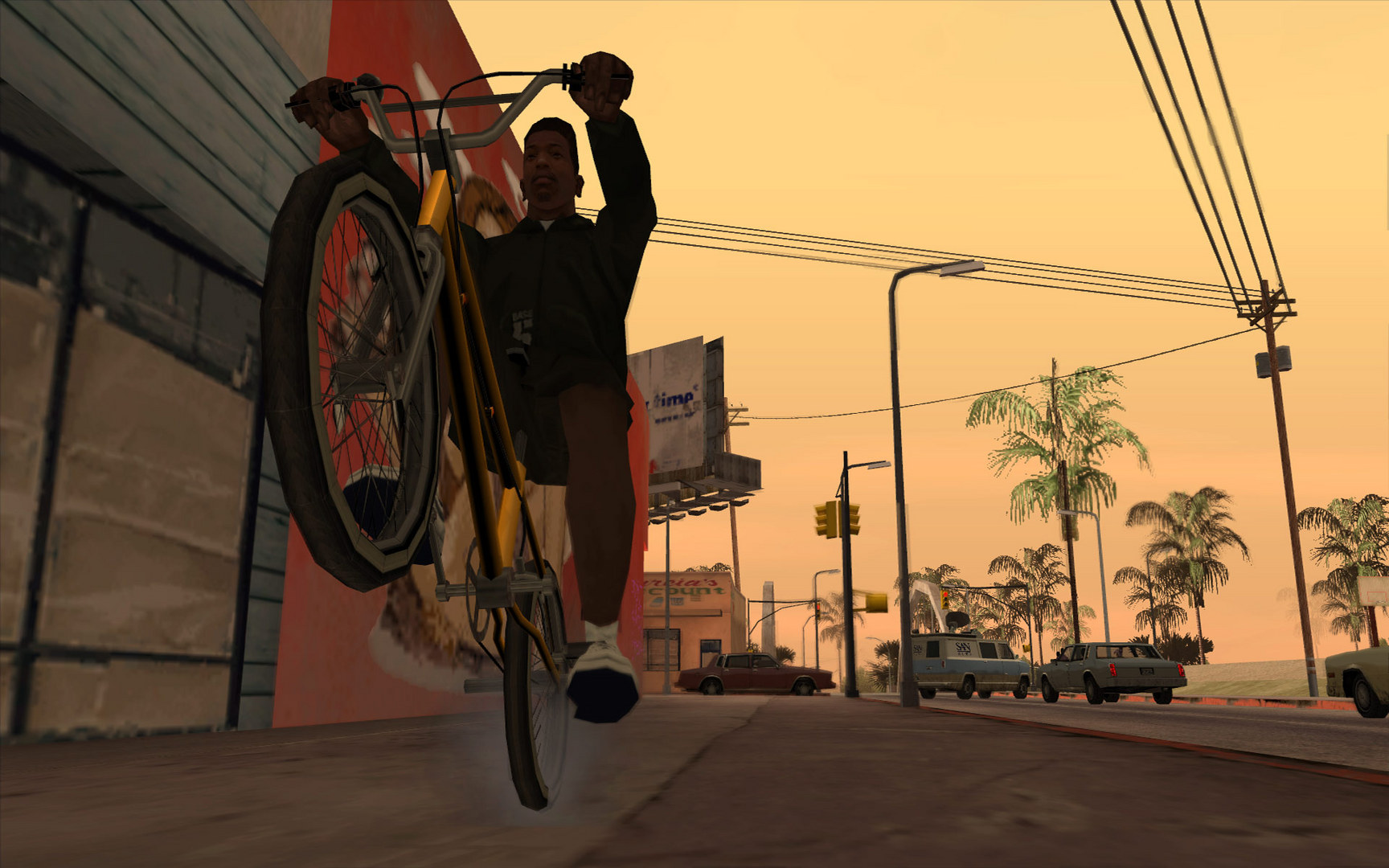
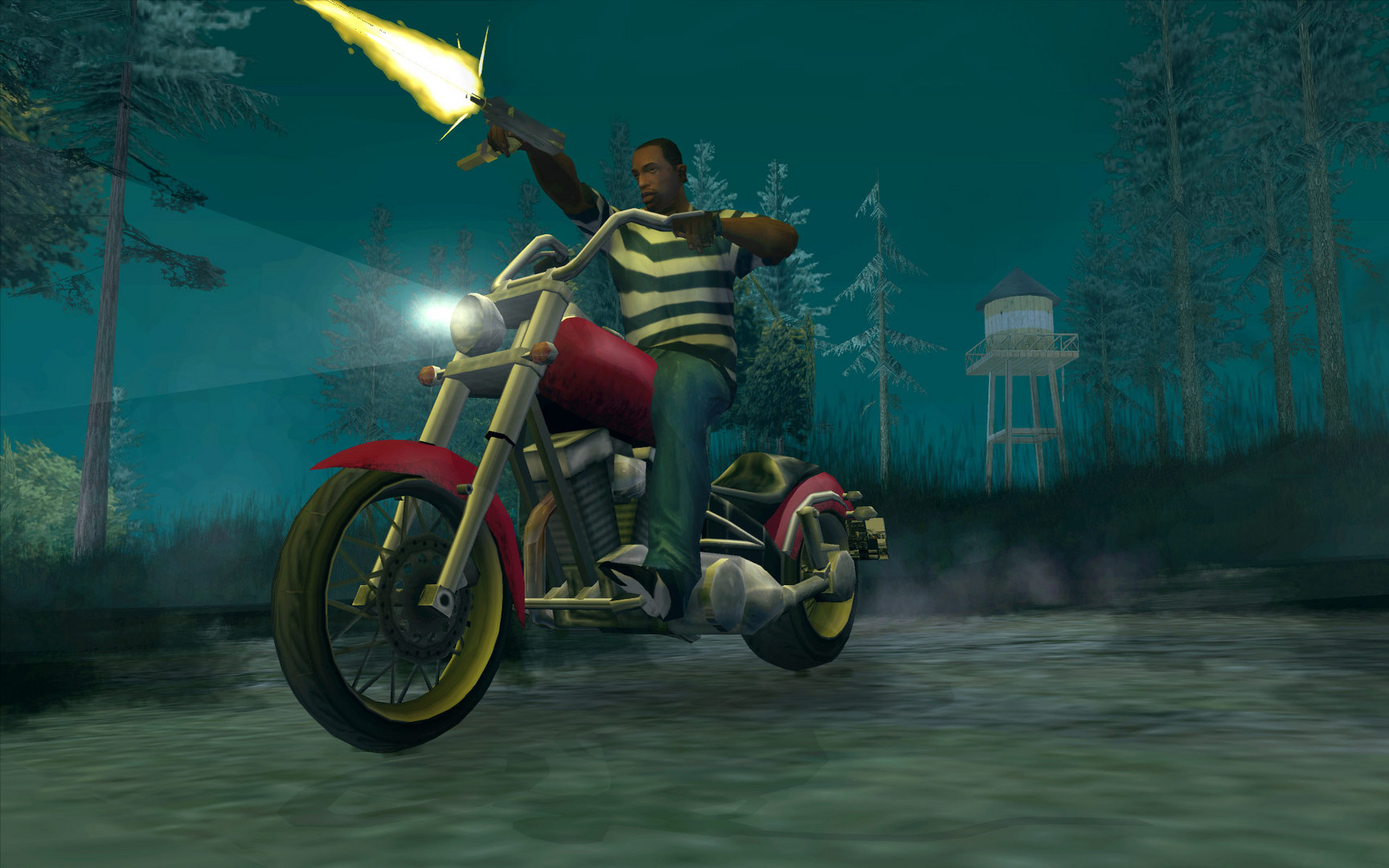
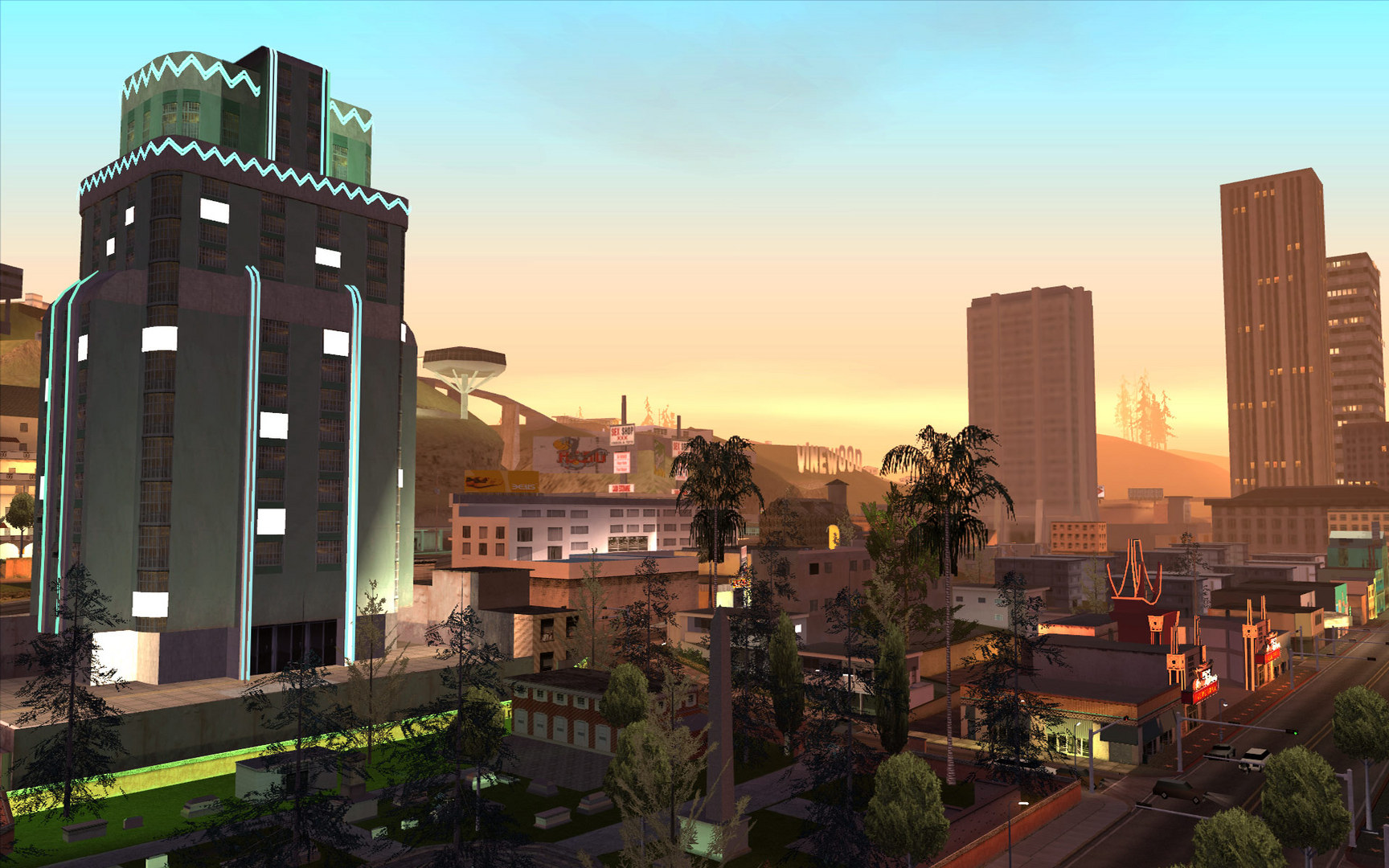
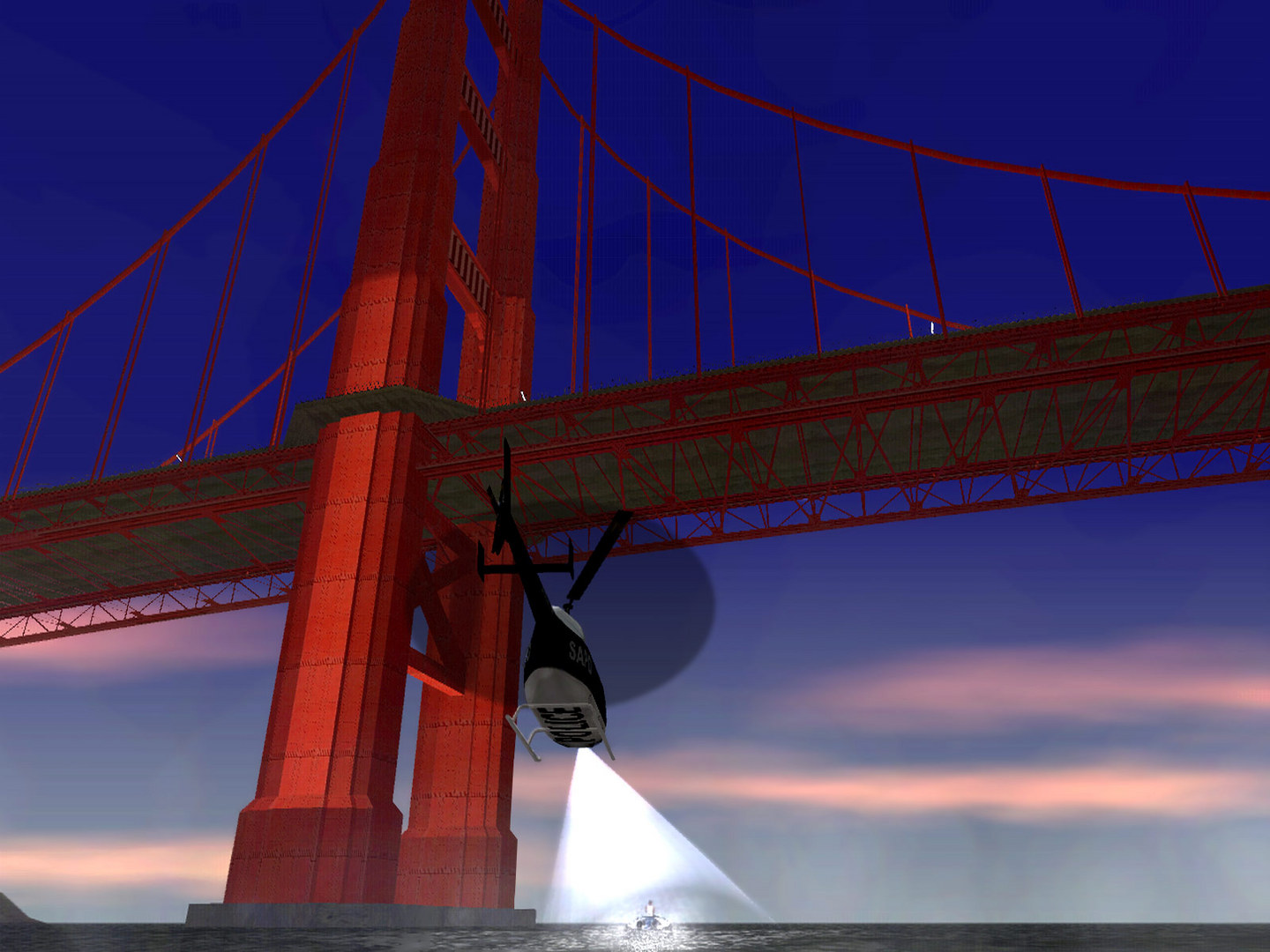
Official store screenshots from Steam — deckport links them, never rehosts. Hover to pause; click to preview.
Identity
Launch
- Binary
- gta_sa.exe
- Needs files
- none beyond the binary
Proton
- Version
- GE-Proton
- Winetricks
- —
- ProtonDB
- ProtonDB Gold runs perfectly after tweaks
⚙ Setup notes
Game: Delisted Steam game (appid 12120 — the classic build, not the Definitive Edition). ProtonDB gold; community confirms it runs on Deck.
Proton: Use GE-Proton (9.2 or newer) — stock Proton has crackly/missing audio that GE fixes.
Binary: gta_sa.exe in the install root.
Controller: *Not* truly plug-and-play. The original PC build has poor built-in pad support (no Start-button mapping, no analog triggers, no rumble), so use a Steam Input controller layout in Gaming Mode. For full console-style support (XInput, analog triggers, vibration) install Silent's GInput mod — note GInput requires the v1.0 downgrade plus the ASI Loader.
Version: The Steam version ships as v3.0 with reduced licensed music and a stricter EXE; many players downgrade to v1.0 for full mod/widescreen compatibility (the downgrader is itself a Windows exe and must be run under Wine/Proton, pointed at a copy of the game folder, then copied back).
Display: For the Deck's 16:10 panel, apply the GTA:SA Widescreen Fix to remove the squished aspect ratio and stretched HUD; note the widescreen fix can crash on some Proton builds, so install Silent Patch alongside or test before relying on it.
Install: deckport only configures the prefix; it never bundles or links the game files.
The one thing to know
Supply your own copy. deckport links nothing.
Compatibility: ProtonDB gold; community reports confirm the classic build (appid 12120) runs on Deck.
Proton: Use GE-Proton 9.2+ to fix audio crackle present on stock Proton.
Controller: Built-in pad support is weak (no Start mapping, no analog triggers, no rumble). Apply a Steam Input layout, or for full XInput/vibration support install Silent's GInput mod (needs the v1.0 downgrade + ASI Loader).
Display: On the 16:10 Deck screen the image is slightly squished and the HUD stretched until you install the GTA:SA Widescreen Fix, and that fix can crash the game on some Proton builds, so pair it with Silent Patch or test first.
Version: The Steam v3.0 build cut some licensed music and uses a tighter EXE, so many players downgrade to v1.0 (run the downgrader under Wine against a copied game folder) for best mod/widescreen results.
Binary: Confirmed as gta_sa.exe.
Community guides
Write-ups and threads from people who got this (or a similar) game running. deckport links to them — it doesn't reproduce them.
Get the artwork
deckport never hosts game images. Open this game on SteamGridDB, pick
the cover / hero / logo / icon you like, and drop them into the
game folder under .deckport-art/ before you push it to the
Deck. The importer files them under the right names automatically.
Run it on your Deck
Two files: the one-time importer (deckport.py) in your
Deck's home folder, and this game's install helper. Copy the game
into ~/Games and run the helper with Steam closed — it
writes the recipe (binary, launch options, Proton version)
and registers the shortcut with artwork.