About
Grand Theft Auto: Vice City is an open-world action-adventure game and the sixth title in the Grand Theft Auto series, built on the RenderWare engine. Set in a 1986 Miami-inspired city, it follows mob enforcer Tommy Vercetti as he builds a criminal empire across a neon-soaked, 80s-themed map. A critical and commercial landmark, it was widely praised for its setting, soundtrack, and voice cast. The original classic release was delisted from Steam after Rockstar replaced it with the separately listed Definitive Edition remaster.
Screenshots
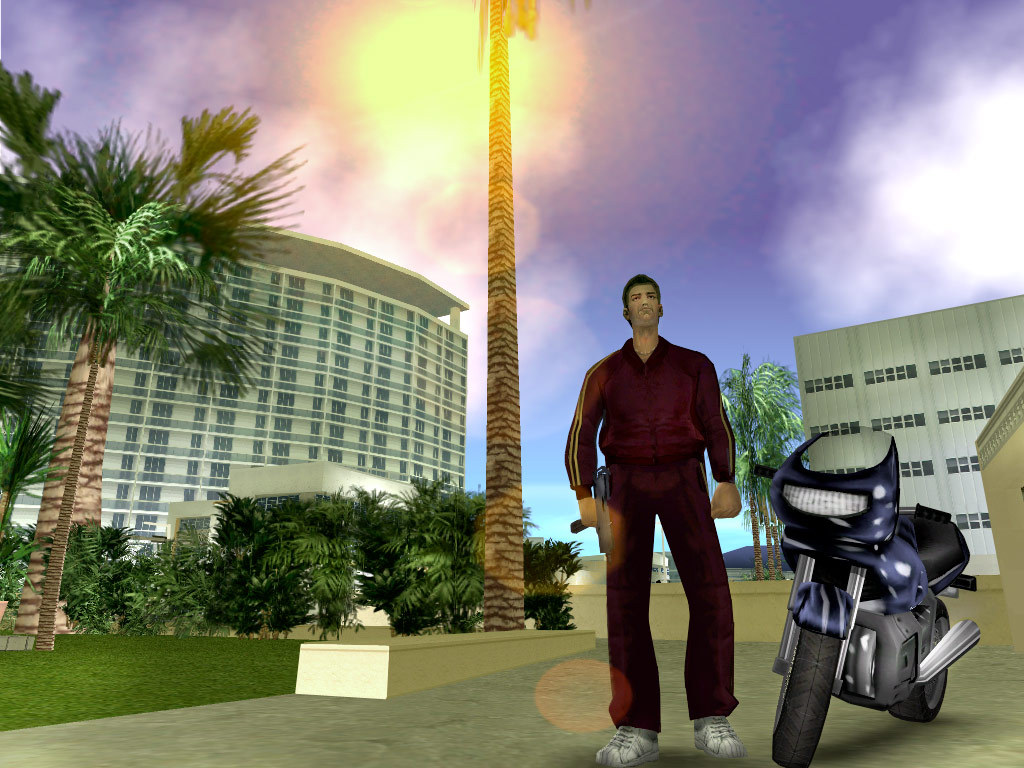
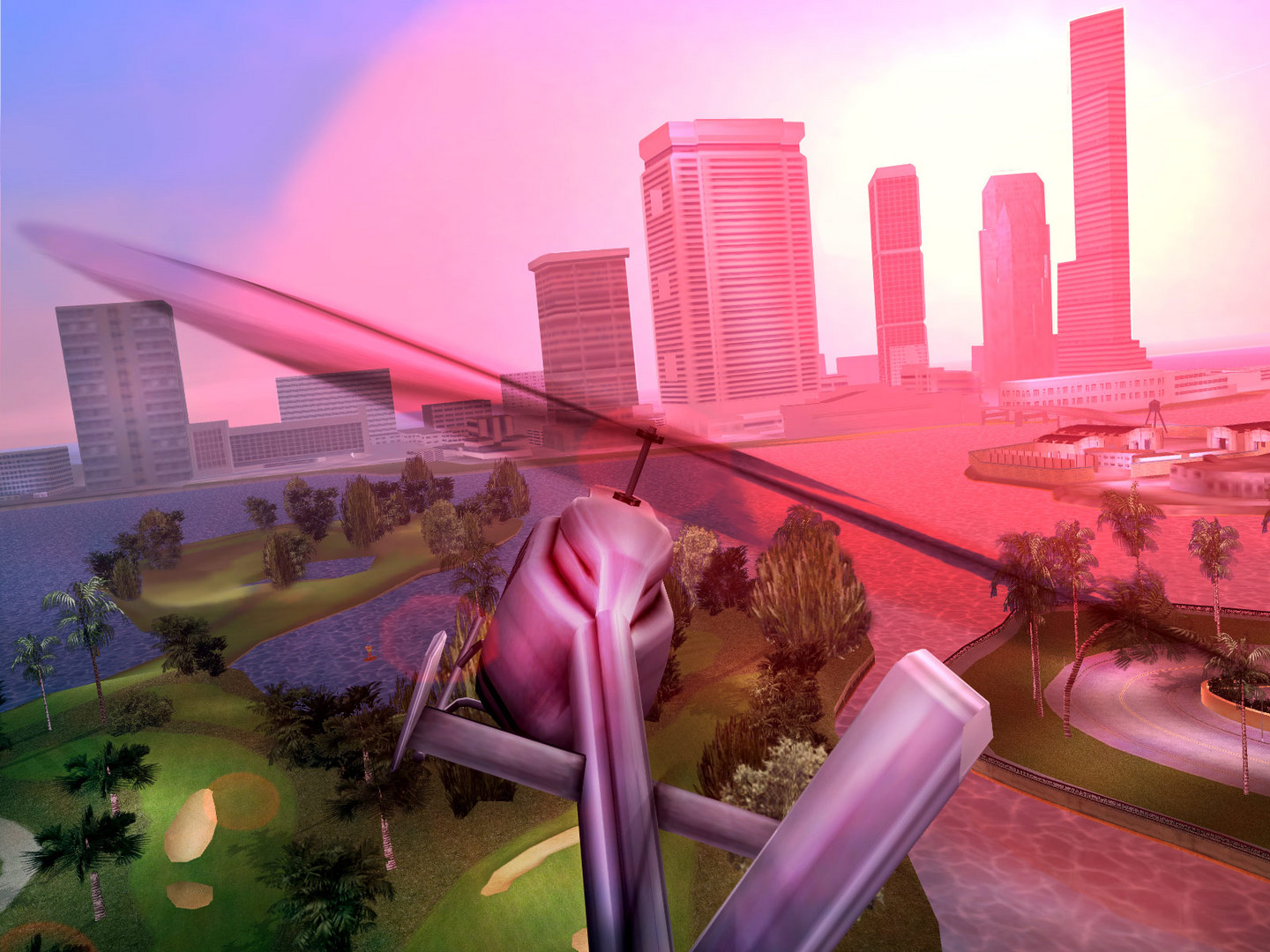
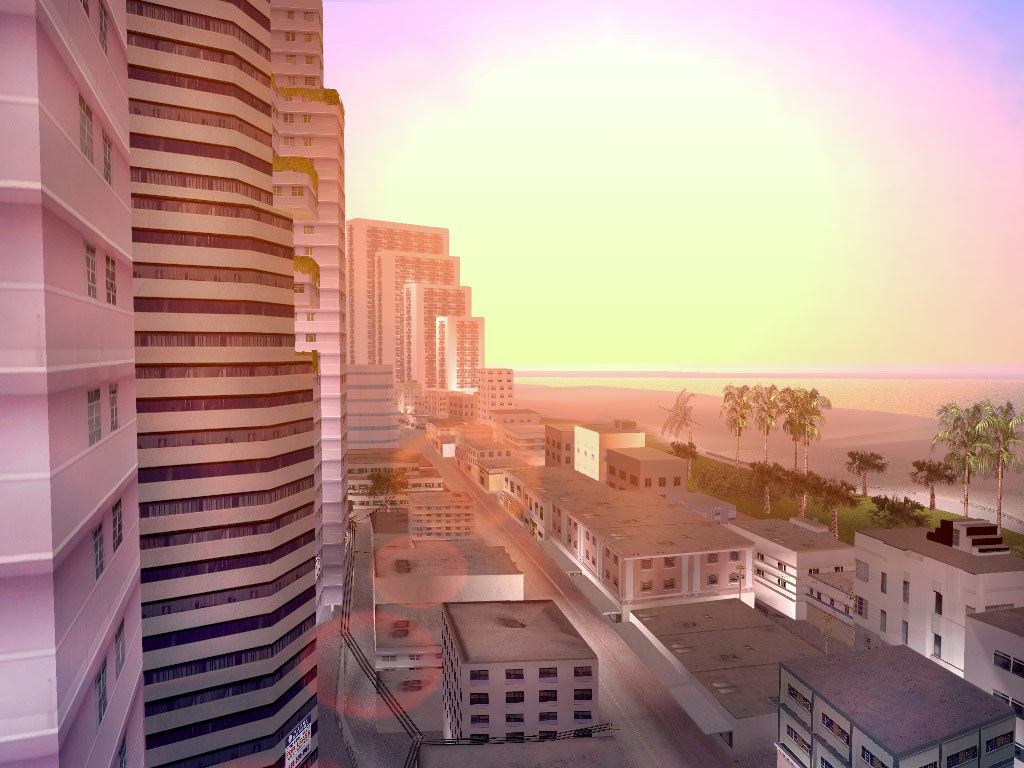
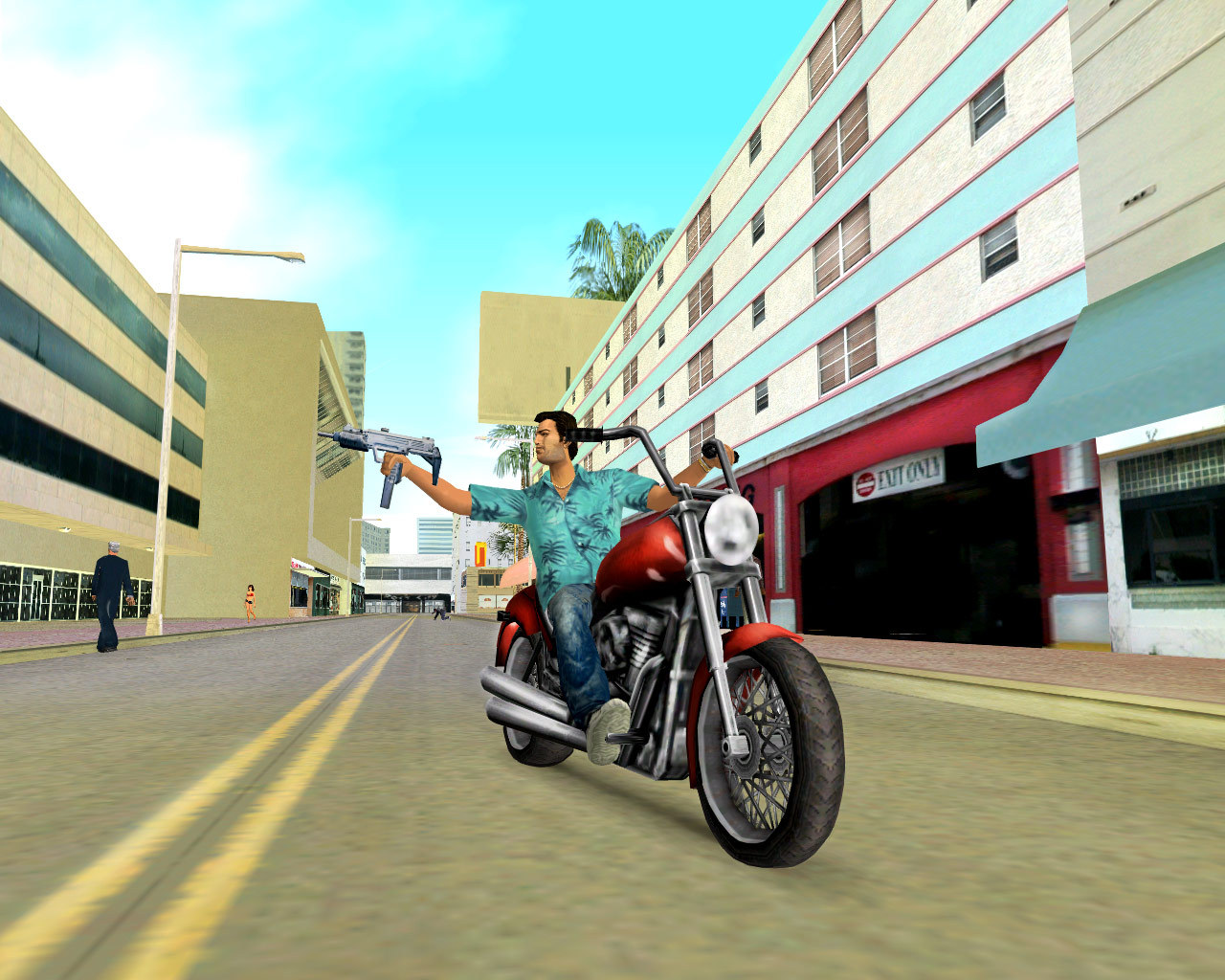
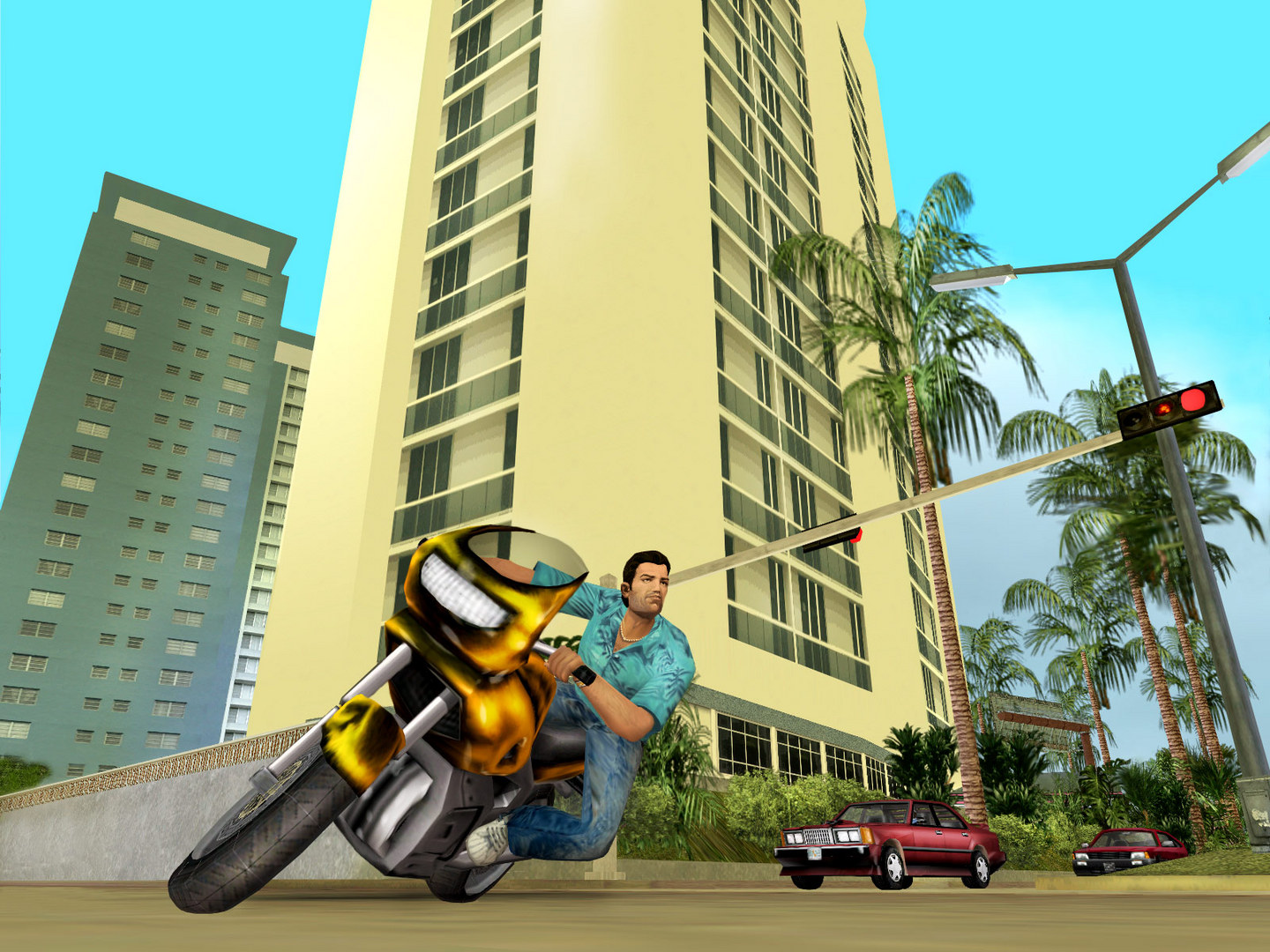
Official store screenshots from Steam — deckport links them, never rehosts. Hover to pause; click to preview.
Identity
Launch
- Binary
- gta-vc.exe
- Options
- WINEDLLOVERRIDES="d3d8=n,b" %command%
- Needs files
- none beyond the binary
Proton
- Version
- GE-Proton
- Winetricks
- —
- ProtonDB
- ProtonDB Gold runs perfectly after tweaks
⚙ Setup notes
DRM: Delisted classic Steam game (appid 12110) — the modern store page is the separate Definitive Edition (appid 1546990); this recipe targets the original. ProtonDB rates it gold and it plays well on Deck. Real binary is gta-vc.exe.
Proton: Use GE-Proton (or Proton 10+); Proton versions before 10.0 had mouse-aim lag.
Fix: The launch option WINEDLLOVERRIDES="d3d8=n,b" %command% lets the d3d8-based widescreen/d3d8to9 fix wrappers load under Wine.
Display: For widescreen, drop ThirteenAG's d3d8 widescreen fix into the game folder (works on the 1.0 exe; the Steam build ships 1.1, so some mods may need the 1.0 downgrade).
Controller: Works via XInput; GInput improves native gamepad button prompts, or use a Steam Input layout.
Install: deckport only configures the prefix; it never bundles or links the game files.
The one thing to know
Supply your own copy. deckport links nothing.
DRM: Original classic GTA: Vice City (delisted appid 12110; the in-store Definitive Edition is a different game).
Display: ProtonDB gold; community reports it running on Deck at ~60fps (try 720p + FSR upscale to 1080p docked).
Frame-rate quirk: An FPS cap of 30/60 breaks mouse aiming — set FPS to unlimited and enable vsync.
Controller: Works (XInput; GInput for proper prompts, or a Steam Input layout).
Fix: Needs the d3d8 launch override above for the widescreen fix wrapper.
Community guides
Write-ups and threads from people who got this (or a similar) game running. deckport links to them — it doesn't reproduce them.
Get the artwork
deckport never hosts game images. Open this game on SteamGridDB, pick
the cover / hero / logo / icon you like, and drop them into the
game folder under .deckport-art/ before you push it to the
Deck. The importer files them under the right names automatically.
Run it on your Deck
Two files: the one-time importer (deckport.py) in your
Deck's home folder, and this game's install helper. Copy the game
into ~/Games and run the helper with Steam closed — it
writes the recipe (binary, launch options, Proton version)
and registers the shortcut with artwork.