About
Grim Fandango is a landmark 1998 adventure game directed by Tim Schafer at LucasArts, blending film noir and Mexican folklore in the Land of the Dead. Players control travel agent Manny Calavera as he uncovers a conspiracy spanning four years of the afterlife journey. The 2015 Remastered edition by Double Fine adds high-resolution backgrounds, reorchestrated music, and tank-free controls. The Remastered version is the recommended way to play and ships a native Linux build that runs directly on the Steam Deck.
Screenshots
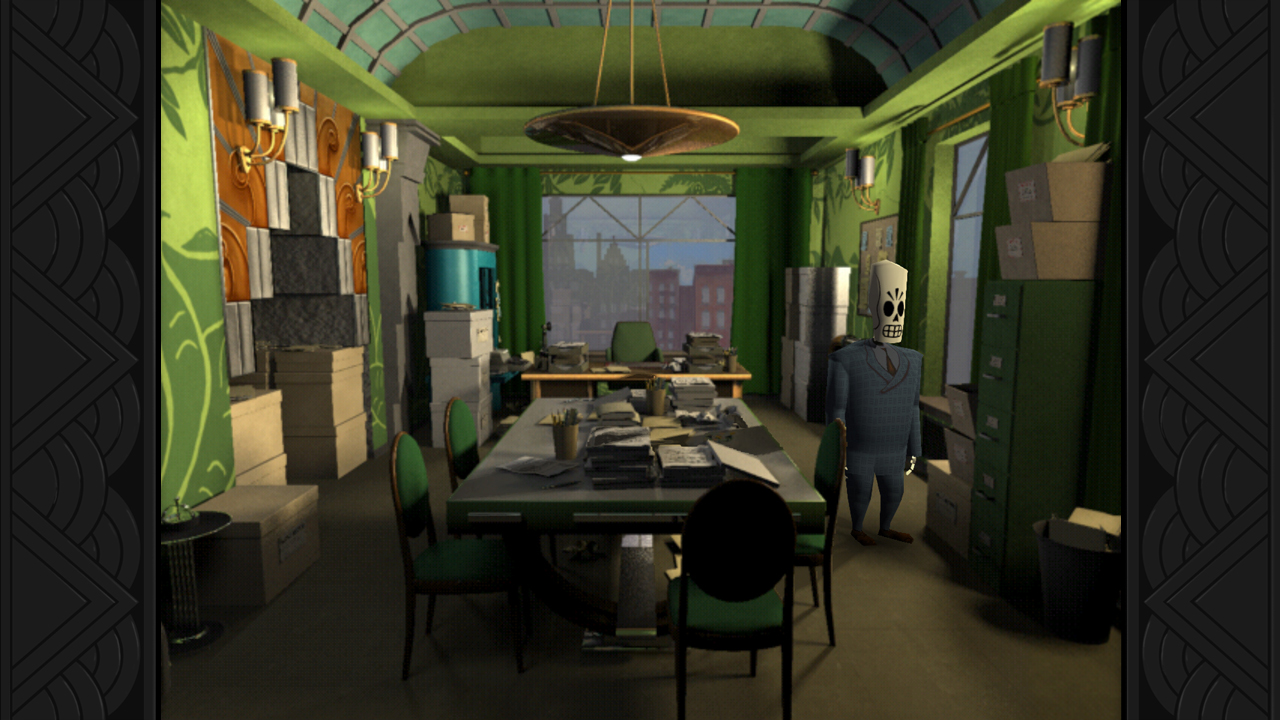
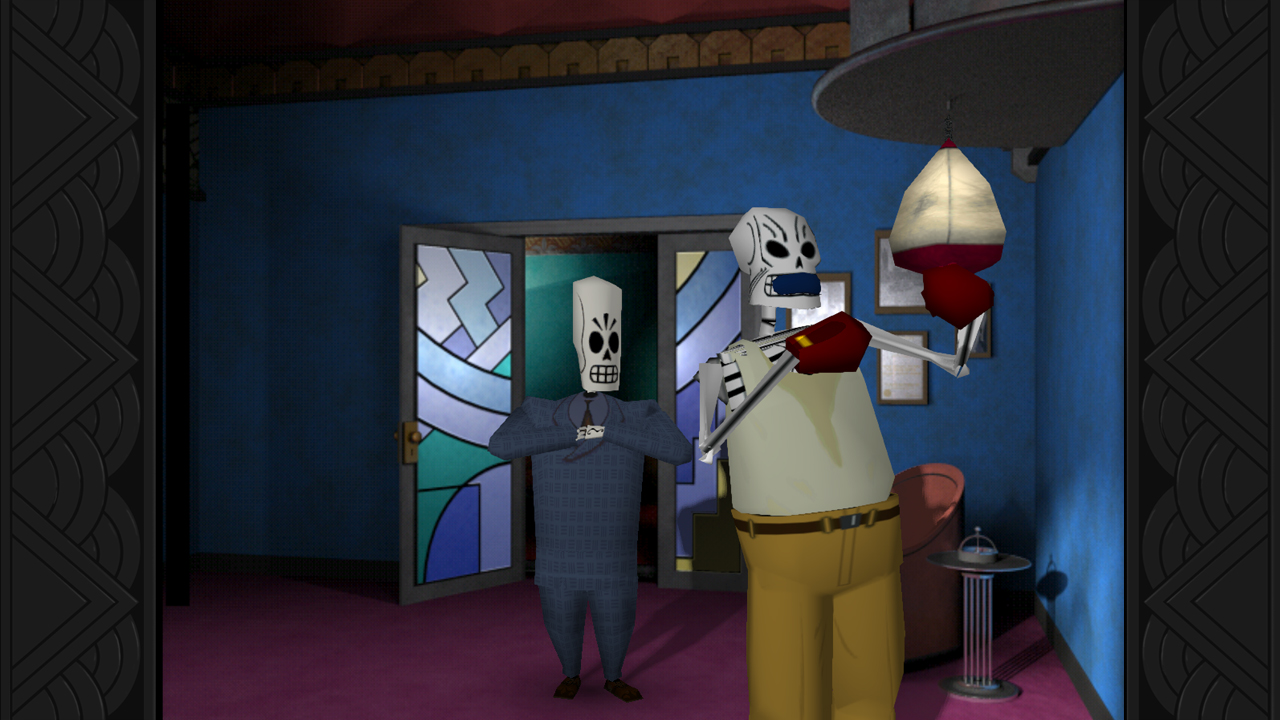
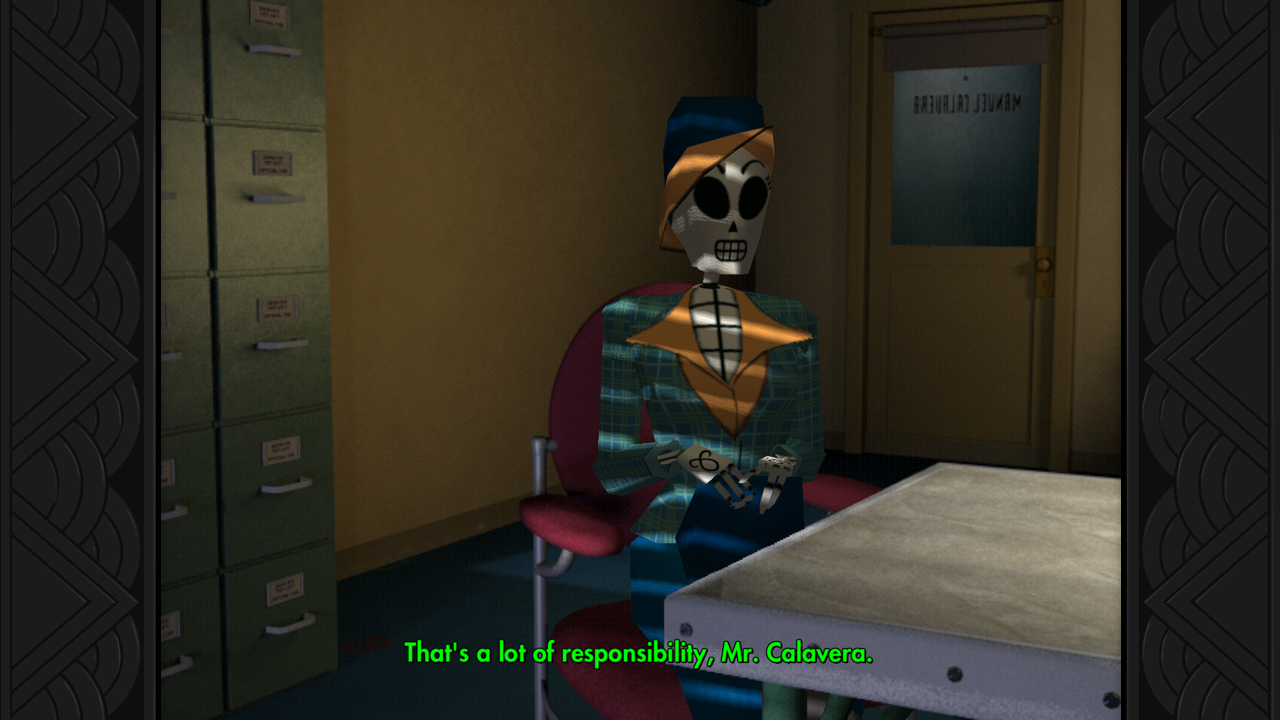
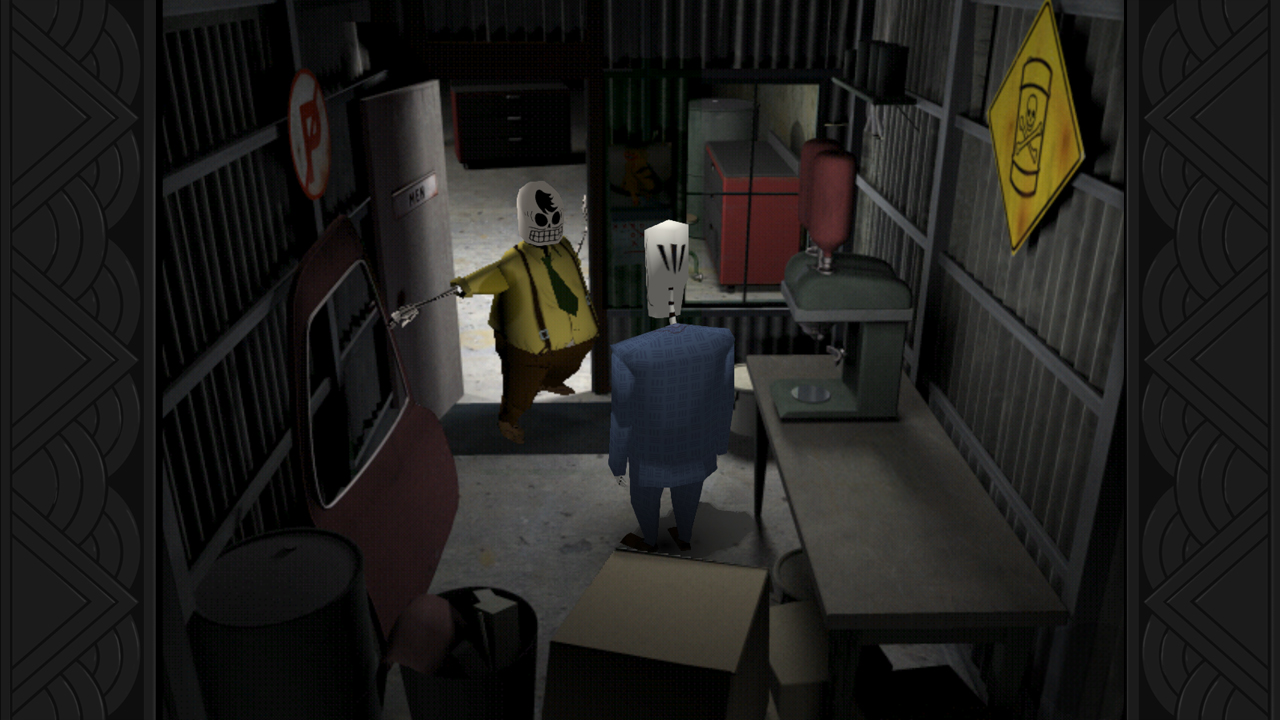
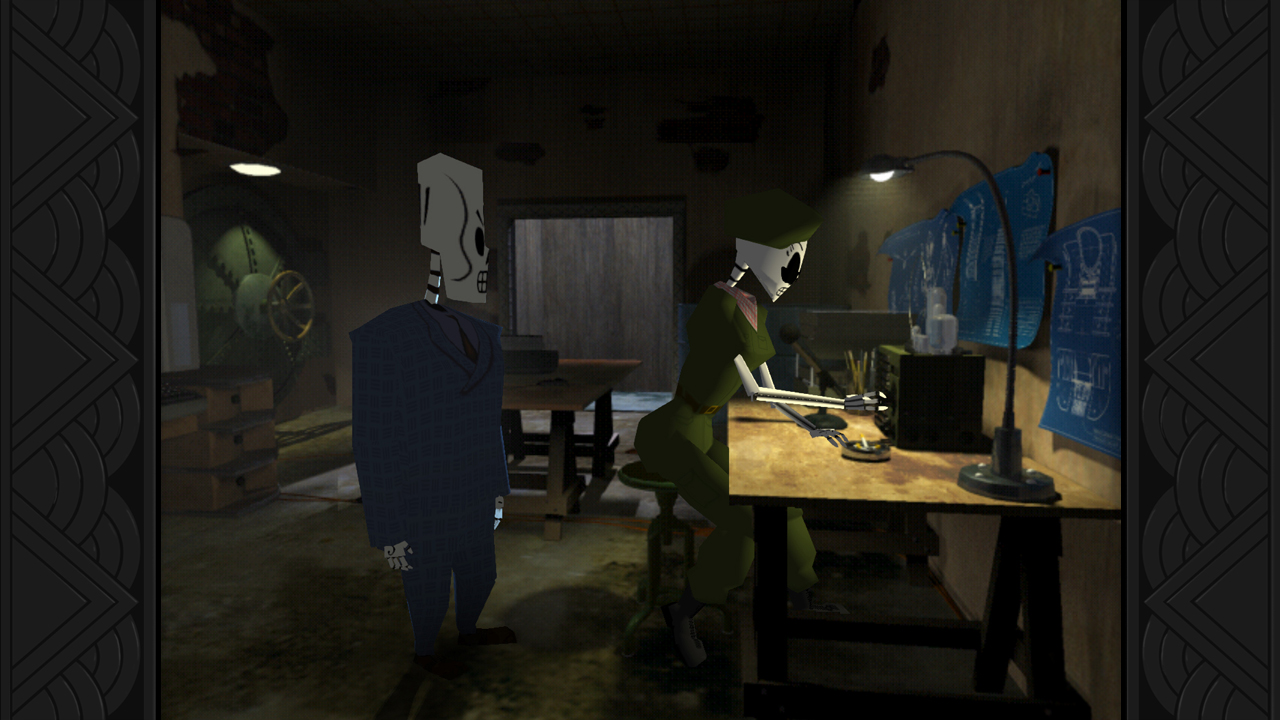
Official store screenshots from Steam — deckport links them, never rehosts. Hover to pause; click to preview.
Identity
Launch
- Binary
- GrimFandango
- Needs files
- none beyond the binary
Runtime
- Runs as
- Native Linux
- Proton
- not needed
⚙ Setup notes
RECOMMENDED PATH: Purchase Grim Fandango Remastered (App 316790) on Steam. It ships a NATIVE Linux build (32-bit ELF binary 'GrimFandango'), which Steam selects automatically on Deck — leave compatibility (Proton) OFF. Double Fine's own Steam Deck guidance lists it as 'Optimal using Linux (Proton version crashes on launch)', so do NOT force Proton/GE-Proton on this title; the native build is the correct and stable path. Proton 10.0-3 improved the Windows build on AMD/Intel GPUs, but native remains recommended. For the original 1998 release with your own data files: install ScummVM via Flatpak (org.scummvm.ScummVM) and use its GrimE engine (formerly ResidualVM) via 'Add Game' pointing to the original data files. The steam_appid above references the Remastered for library linking purposes.
The one thing to know
Grim Fandango Remastered (App 316790) ships a NATIVE Linux build that Steam runs automatically on Deck — keep compatibility/Proton OFF. Double Fine notes the Proton (Windows) version crashes on launch, so do NOT force GE-Proton on this title; use the native build. For the original 1998 release: supply your own data files and run via ScummVM Flatpak (org.scummvm.ScummVM) using the GrimE engine.
Community guides
Write-ups and threads from people who got this (or a similar) game running. deckport links to them — it doesn't reproduce them.
Get the artwork
deckport never hosts game images. Open this game on SteamGridDB, pick
the cover / hero / logo / icon you like, and drop them into the
game folder under .deckport-art/ before you push it to the
Deck. The importer files them under the right names automatically.
Run it on your Deck
Two files: the one-time importer (deckport.py) in your
Deck's home folder, and this game's install helper. Copy the game
into ~/Games and run the helper with Steam closed — it
writes the recipe (binary, launch options)
and registers the shortcut with artwork.