About
Guardians of Middle-earth is a Lord of the Rings-themed MOBA developed by Monolith Productions and published by Warner Bros. Interactive Entertainment, first released on consoles in 2012 and ported to Windows in 2013. Built around a 5v5 lane-pushing Conquest mode, it featured a roster of Tolkien characters such as Gandalf, Sauron and Gollum.
It received a mixed reception (around 71 on Metacritic) and struggled to retain players. Its online services were shut down and the title was delisted, its Steam price zeroed in January 2019 after the Lord of the Rings license lapsed.
Screenshots
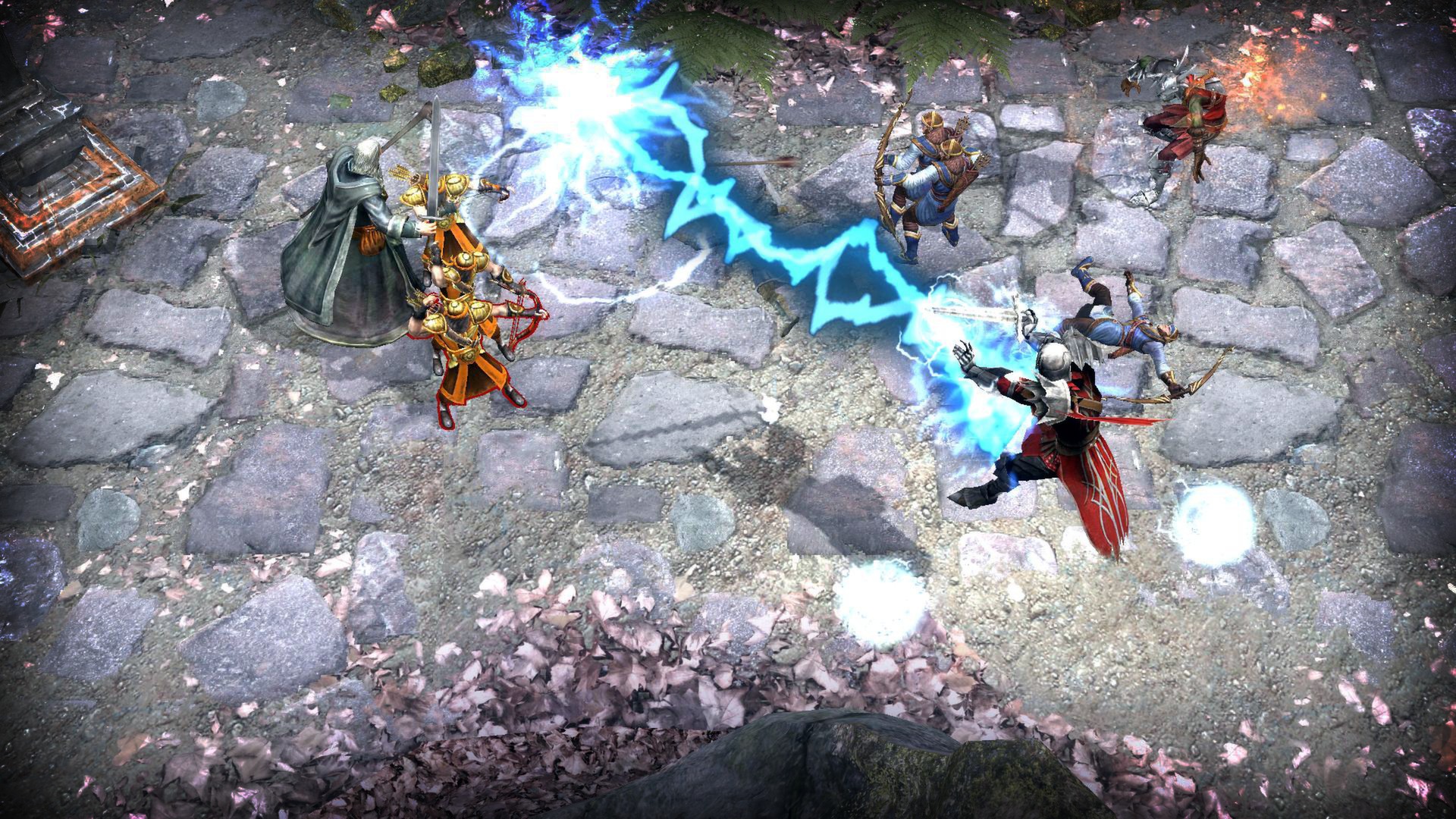
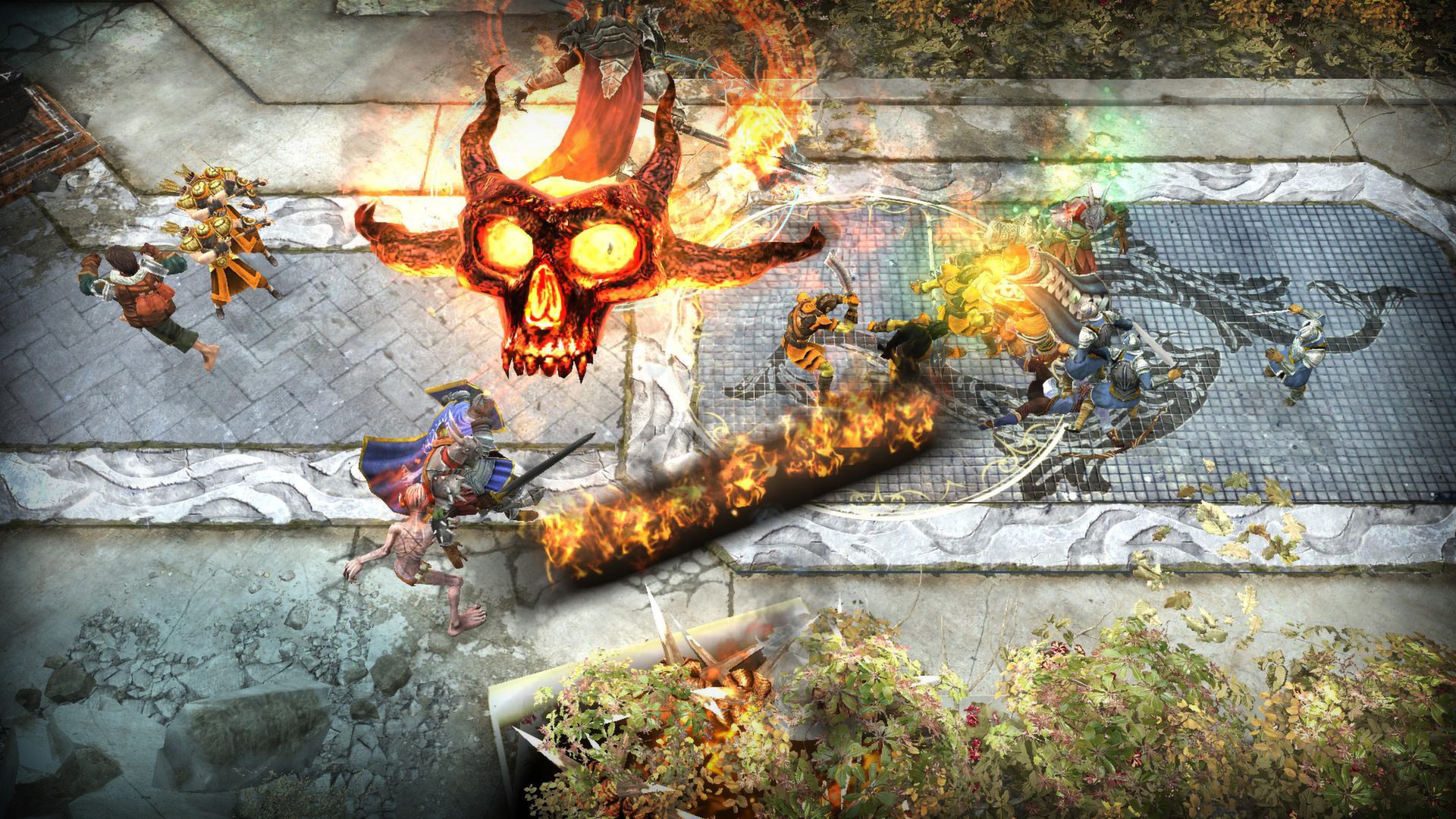
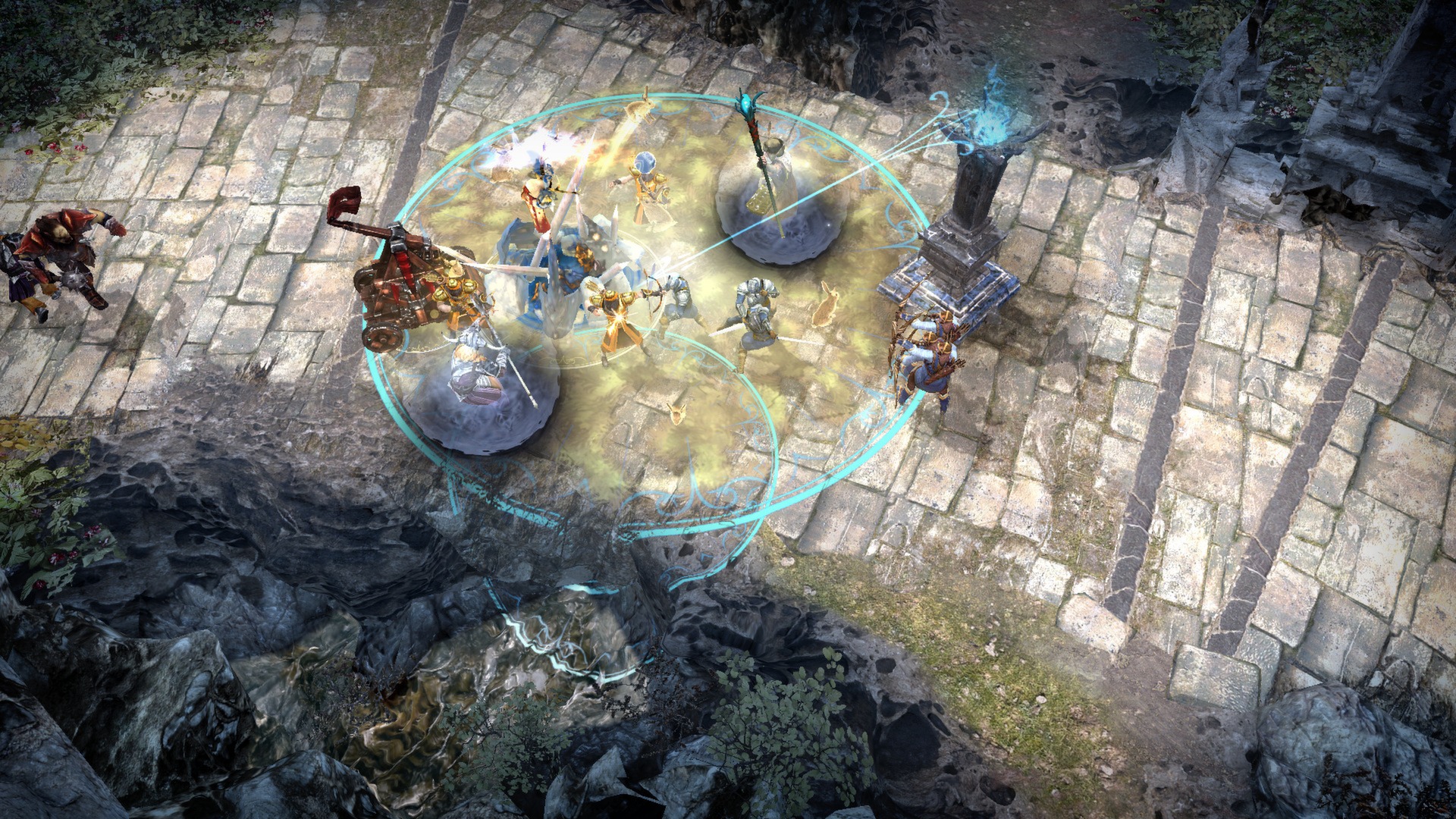
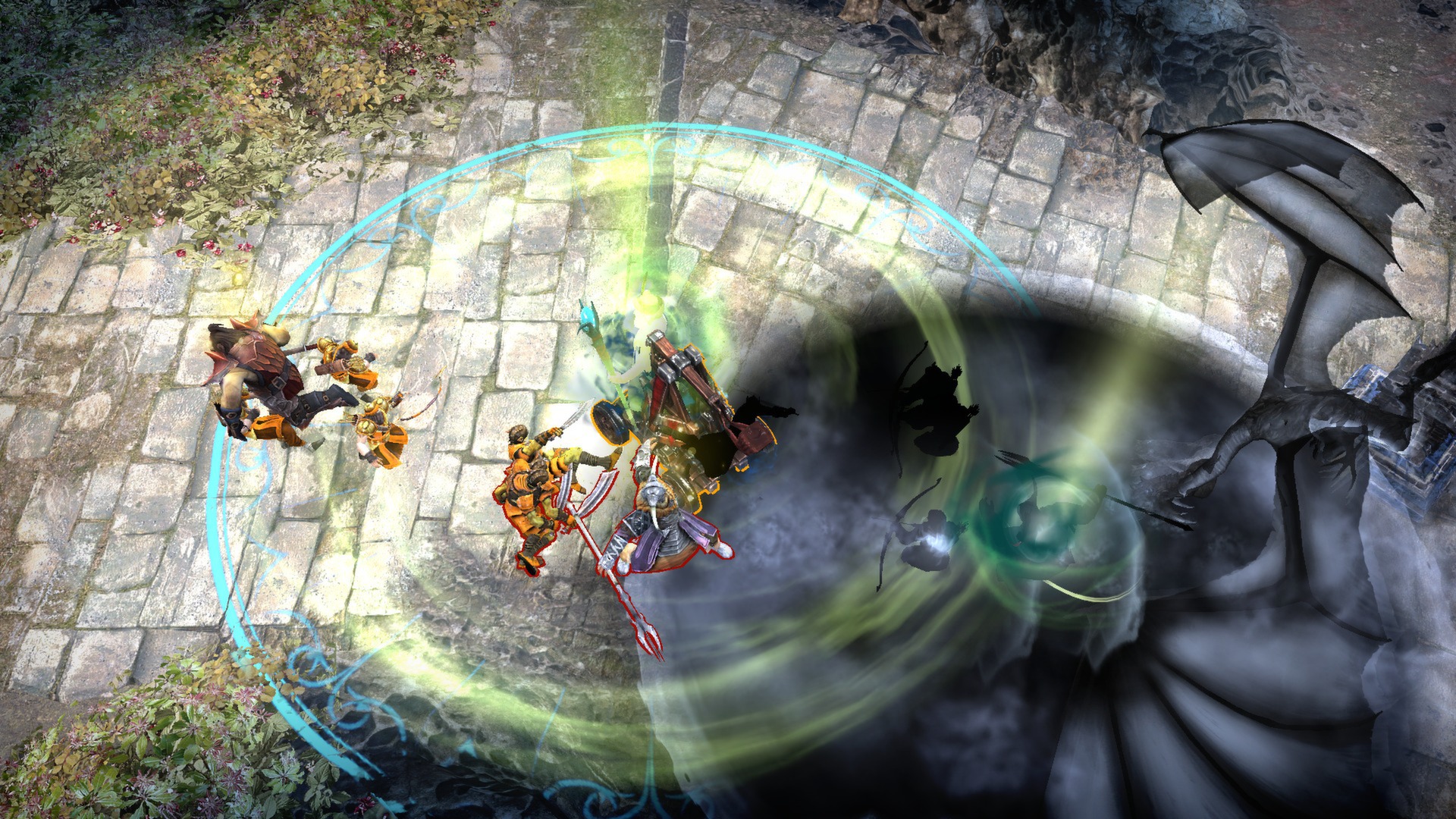
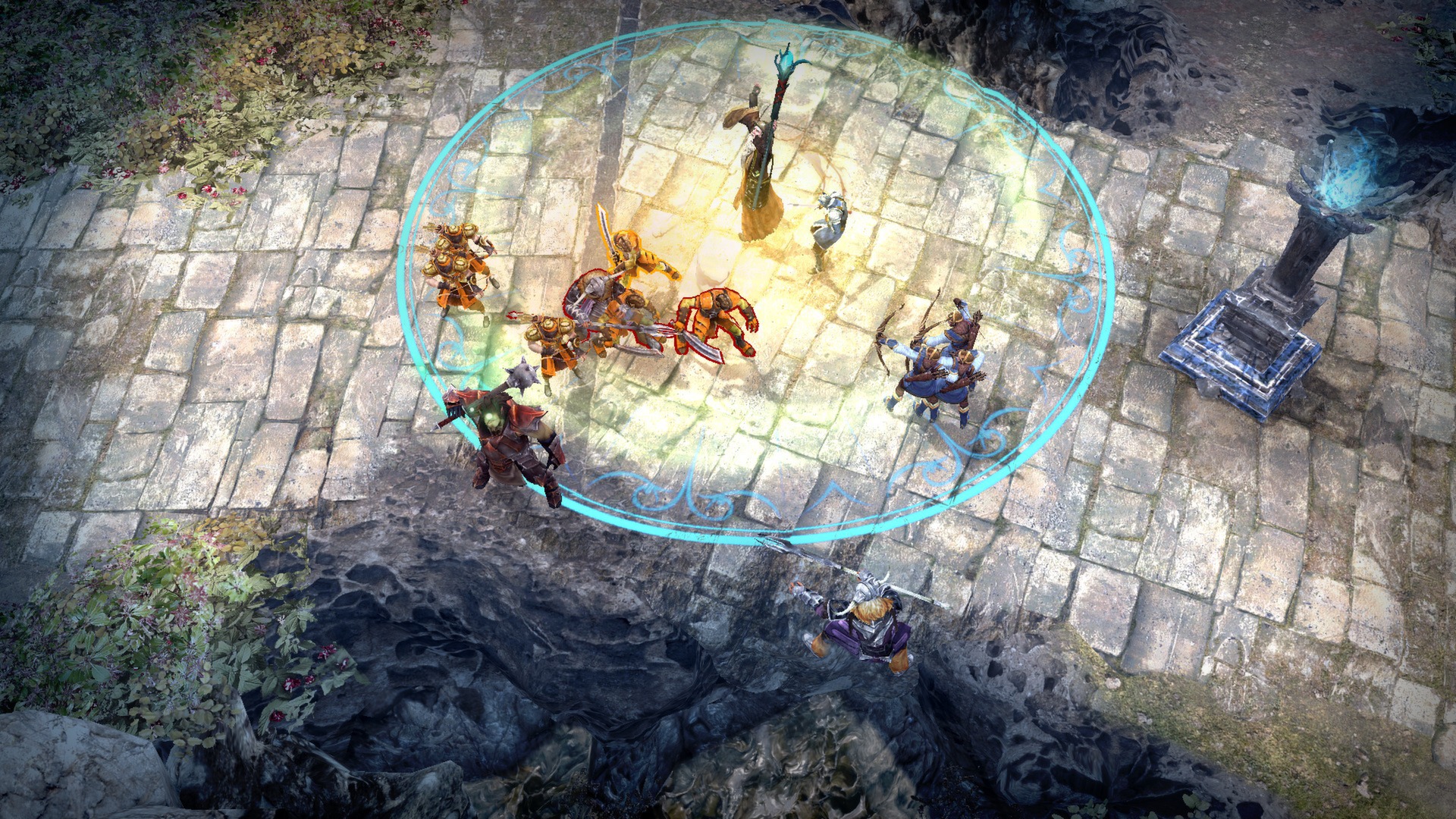
Official store screenshots from Steam — deckport links them, never rehosts. Hover to pause; click to preview.
Identity
Launch
- Binary
- GOME.exe
- Options
- PROTON_NO_D3D11=1 %command%
- Needs files
- none beyond the binary
Proton
- Version
- GE-Proton
- Winetricks
- —
- ProtonDB
- ProtonDB Platinum runs flawlessly
⚙ Setup notes
Delisted Steam MOBA (Steam/ProtonDB appid 111900).
GFWL: The game ships with Games for Windows Live (GFWL), which is the only real Deck hurdle.
Proton: Use GE-Proton (or current proton_experimental).
Fix: The community fix that gets it past the GFWL wall: delete the in-prefix Games for Windows - LIVE / GFWL component and drop a GFWL emulator (xlive.dll) into the game's x86 folder beside GOME.exe, then run with the PROTON_NO_D3D11=1 %command% launch option already set above. Several reports confirm it launching and playing this way (also reported working when run through Lutris with a Steam Proton build).
Install: deckport only configures the prefix; it never bundles or links the game files.
The one thing to know
Supply your own copy. deckport links nothing.
Delisted: Delisted from Steam (price zeroed Jan 2019 when the Lord of the Rings license lapsed) — no longer for sale.
Multiplayer: It's a MOBA and its online/matchmaking servers were shut down around 2018-2019, so live multiplayer is effectively gone; what remains is bot/practice play, so set expectations accordingly.
GFWL: GFWL is the main Deck snag — see the [proton] notes for the xlive.dll bypass + PROTON_NO_D3D11=1.
Controller: PC build leans on Steam Input — apply a gamepad layout (it's a console MOBA on PS3/360, so it maps cleanly to a controller; x360ce also works under Windows).
Binary: GOME.exe in the game's x86/ subfolder (sits next to game.dll).
Status: ProtonDB rates appid 111900 platinum, but on a small/low-confidence sample (~6 reports), and nobody has confirmed this exact recipe on a Deck yet.
Community guides
Write-ups and threads from people who got this (or a similar) game running. deckport links to them — it doesn't reproduce them.
Get the artwork
deckport never hosts game images. Open this game on SteamGridDB, pick
the cover / hero / logo / icon you like, and drop them into the
game folder under .deckport-art/ before you push it to the
Deck. The importer files them under the right names automatically.
Run it on your Deck
Two files: the one-time importer (deckport.py) in your
Deck's home folder, and this game's install helper. Copy the game
into ~/Games and run the helper with Steam closed — it
writes the recipe (binary, launch options, Proton version)
and registers the shortcut with artwork.