About
GundeadliGne is a 2D side-scrolling bullet-hell shoot 'em up and the second entry in Platine Dispositif's Gundemonium trilogy, continuing a story of humanity's alchemy-fueled war with hell. It offers three playable characters with distinct abilities, four difficulty tiers (Novice, Standard, Advanced, Demonic), and a signature Flip Turn mechanic for grazing and deflecting fire. Originally a 2004 Japanese doujin release, it was localized in English and published on Steam by Rockin' Android on September 27, 2011. It was delisted at the developer's request in July 2019 and is no longer sold, though it remains a single-player and local co-op offline title with no online dependencies.
Screenshots
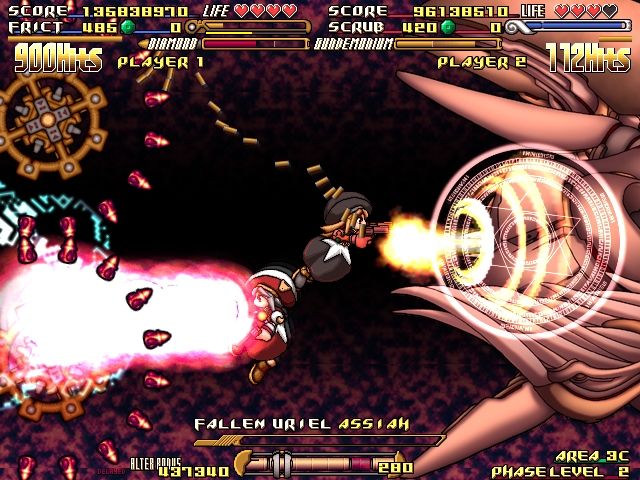
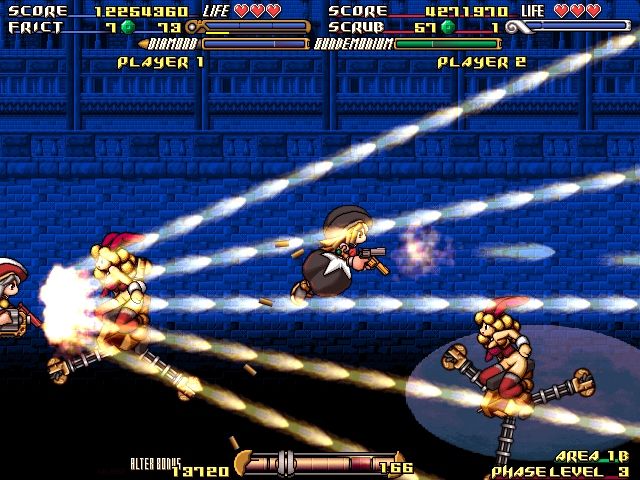
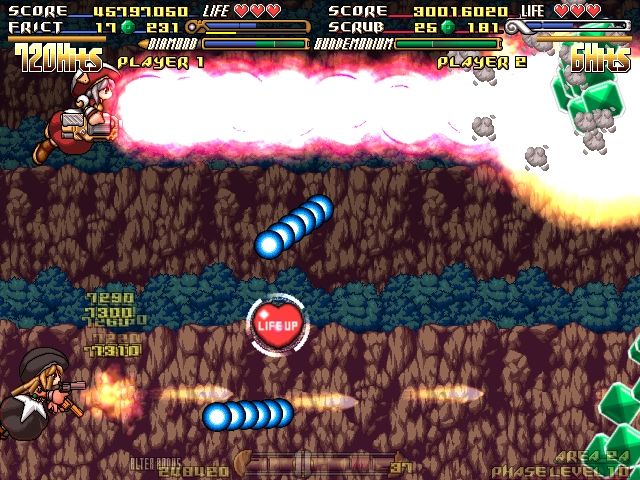
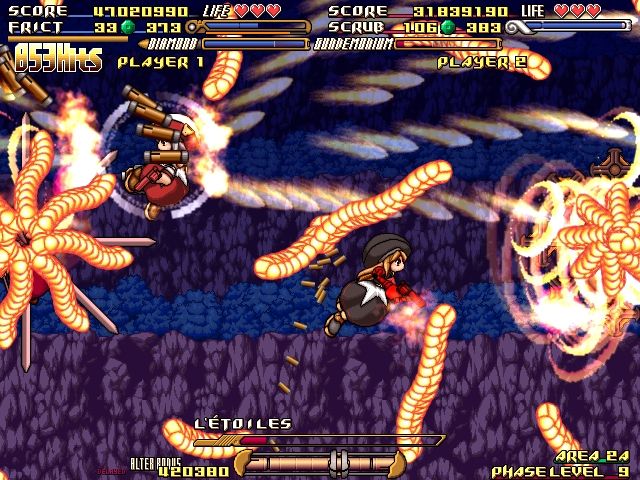
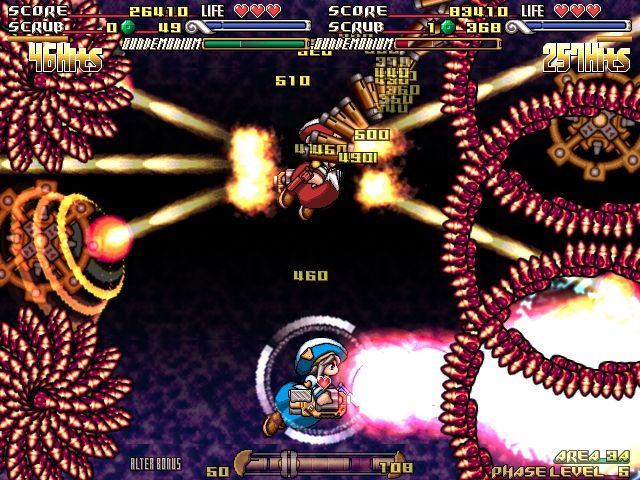
Official store screenshots from Steam — deckport links them, never rehosts. Hover to pause; click to preview.
Identity
Launch
- Binary
- gundead.exe
- Needs files
- none beyond the binary
Proton
- Version
- GE-Proton
- Winetricks
- —
- ProtonDB
- ProtonDB Gold runs perfectly after tweaks
⚙ Setup notes
Game: Delisted Steam shmup (appid 92220), part of the Gundemonium series by Platine Dispositif.
Proton: ProtonDB gold; community confirms it running on Proton 7.0-5+ and GE-Proton on the Deck.
Display: By default it can launch in a tiny window using the fullscreen resolution, so only the top-left ~1/4 of the image is visible.
Fix: Edit gundead.ini in the install dir: set Resize=-1 and set Width/Height to the Deck's native 1280x800 (or your target res). Do not force in-game fullscreen.
Controller: The overseas/Steam build has native XInput (D-pad) support, but Steam Input can make one pad register as BOTH Player 1 and Player 2, starting an unplayable 2-player game. Fix: set Steam Input Per-Game Settings to Force Off for this title; the Deck controls then map to a single XInput pad. Keyboard also works as a fallback.
Install: deckport only configures the prefix; it never bundles or links the game files.
The one thing to know
Supply your own copy. deckport links nothing.
Delisted: Removed at the developer's request (July 2019), so it is no longer for sale.
Proton: ProtonDB gold; multiple community reports run it on Proton 7.0-5+/GE-Proton, so it should play on the Deck.
Display: Tiny-window-on-fullscreen-res — fix in gundead.ini via Resize=-1 + Width/Height set to native res.
Controller: Double-binding (one pad seen as P1 and P2) — set Steam Input Per-Game Settings to Force Off.
Offline: Single-player offline shmup, no servers to worry about.
Status: Specific Deck recipe still NEEDS-TEST.
Community guides
Write-ups and threads from people who got this (or a similar) game running. deckport links to them — it doesn't reproduce them.
Get the artwork
deckport never hosts game images. Open this game on SteamGridDB, pick
the cover / hero / logo / icon you like, and drop them into the
game folder under .deckport-art/ before you push it to the
Deck. The importer files them under the right names automatically.
Run it on your Deck
Two files: the one-time importer (deckport.py) in your
Deck's home folder, and this game's install helper. Copy the game
into ~/Games and run the helper with Steam closed — it
writes the recipe (binary, launch options, Proton version)
and registers the shortcut with artwork.