About
Gundemonium Recollection is a vertically-scrolling danmaku (bullet hell) shoot 'em up by Japanese doujin circle Platine Dispositif. It is a 2007 remake of the 2003 original, rebuilt on the updated GundeadliGne engine with overhauled graphics, revised bullet patterns, and customizable Earl character types, and is the first entry in the three-game Gundemonium series. Rockin' Android localized and published the English version for Windows and PlayStation 3 in 2010. The Steam release was delisted on 2019-07-31 at the developer's request, though existing owners keep library access.
Screenshots
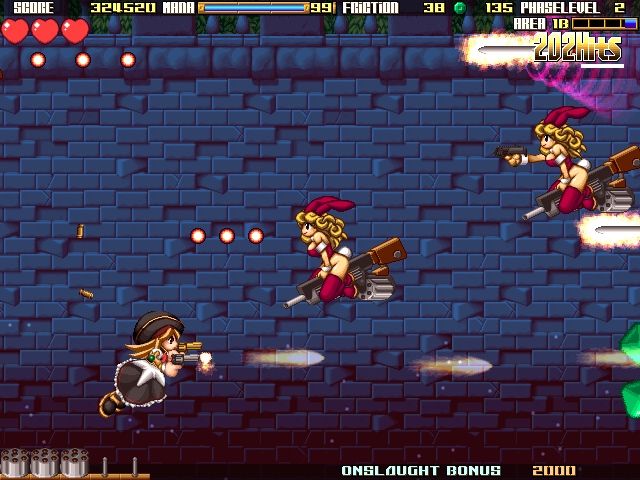
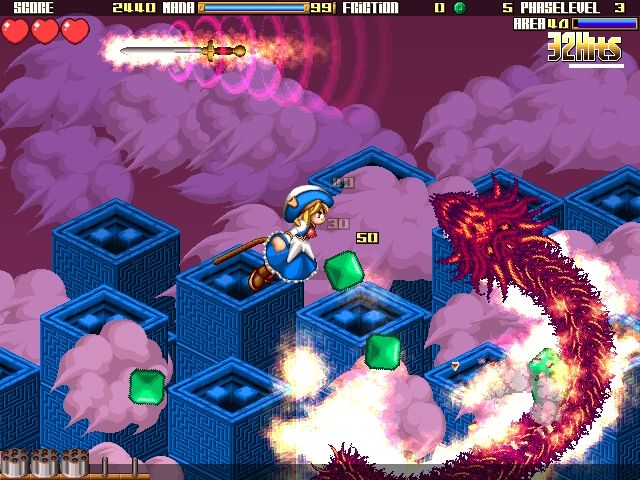
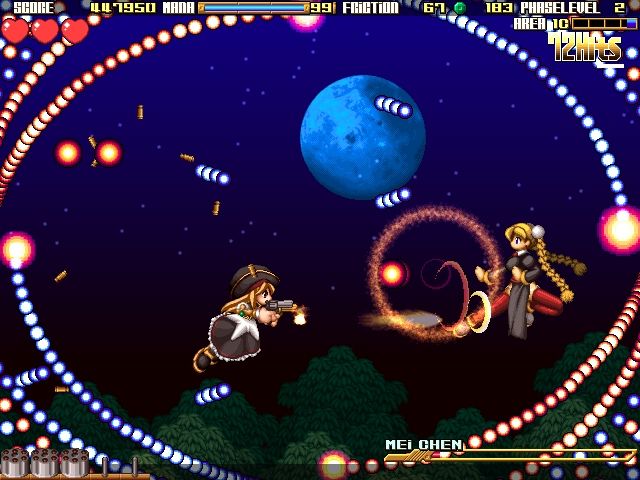
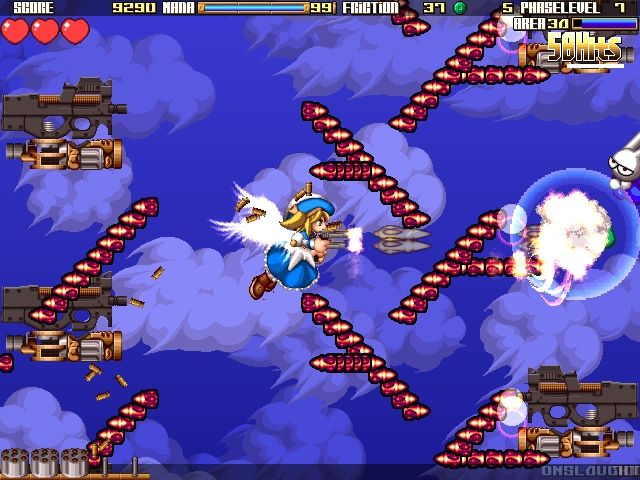
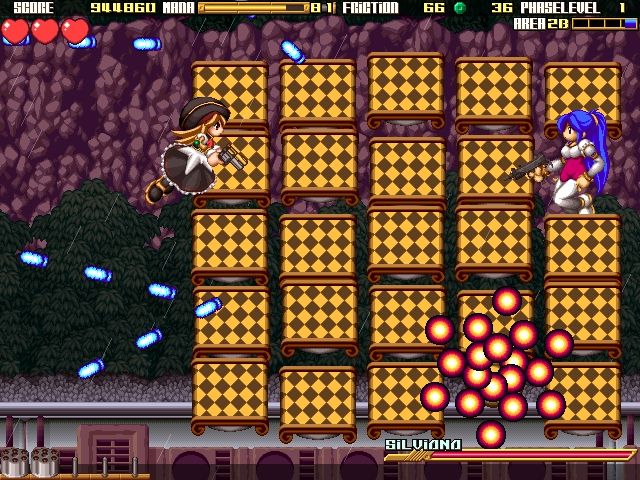
Official store screenshots from Steam — deckport links them, never rehosts. Hover to pause; click to preview.
Identity
Launch
- Binary
- gundrec.exe
- Needs files
- none beyond the binary
Proton
- Version
- GE-Proton
- Winetricks
- —
- ProtonDB
- ProtonDB Gold runs perfectly after tweaks
⚙ Setup notes
Delisted: Steam game (appid 92200) — the overseas Rockin' Android release was pulled at the developer's request on 2019-07-31.
Proton: Runs cleanly — GE-Proton recommended, stock proton_experimental also fine. Lightweight 2D DirectX danmaku shmup.
DRM: No GFWL/SecuROM/DRM and no widescreen hack needed.
Config: Executable is gundrec.exe; per-key remaps not covered in-game can be edited in gundrec.ini in the install folder.
Controller: Native XInput/D-pad support, so the Deck gamepad works out of the box (no Steam Input layout required).
Install: deckport only configures the prefix; it never bundles or links the game files.
The one thing to know
Supply your own copy: deckport links nothing.
Delisted: Removed from Steam 2019-07-31 (overseas version, by developer request) — owners keep library access; no longer for sale on Steam.
Proton: ProtonDB gold; community reports it running fine on Linux/Proton, and as a simple offline 2D shmup it should play well on the Deck.
Controller: Native XInput support (Steam tags it Partial Controller Support — menus may need touch/trackpad in spots).
Config: Binary is gundrec.exe; tweak gundrec.ini for unmappable keys.
Note: Single-player only, so no server-shutdown concern. Not yet confirmed on a physical Deck.
Community guides
Write-ups and threads from people who got this (or a similar) game running. deckport links to them — it doesn't reproduce them.
Get the artwork
deckport never hosts game images. Open this game on SteamGridDB, pick
the cover / hero / logo / icon you like, and drop them into the
game folder under .deckport-art/ before you push it to the
Deck. The importer files them under the right names automatically.
Run it on your Deck
Two files: the one-time importer (deckport.py) in your
Deck's home folder, and this game's install helper. Copy the game
into ~/Games and run the helper with Steam closed — it
writes the recipe (binary, launch options, Proton version)
and registers the shortcut with artwork.