About
Hammer Heads Deluxe is a casual whack-a-mole-style arcade game built on the PopCap Games Framework. The player wields a mouse-controlled hammer to smash gnomes popping out of holes, earning coins and hearts to buy power-ups while avoiding traps and missed swings that drain health.
The Deluxe edition adds two modes: a 25-level Classic Bash culminating in a boss fight against King Globus (which unlocks a harder Tough Cookie mode) and an endless Marathon Bash. It is one of PopCap's small mid-2000s catalog titles, later removed from Steam sale in 2019.
Screenshots

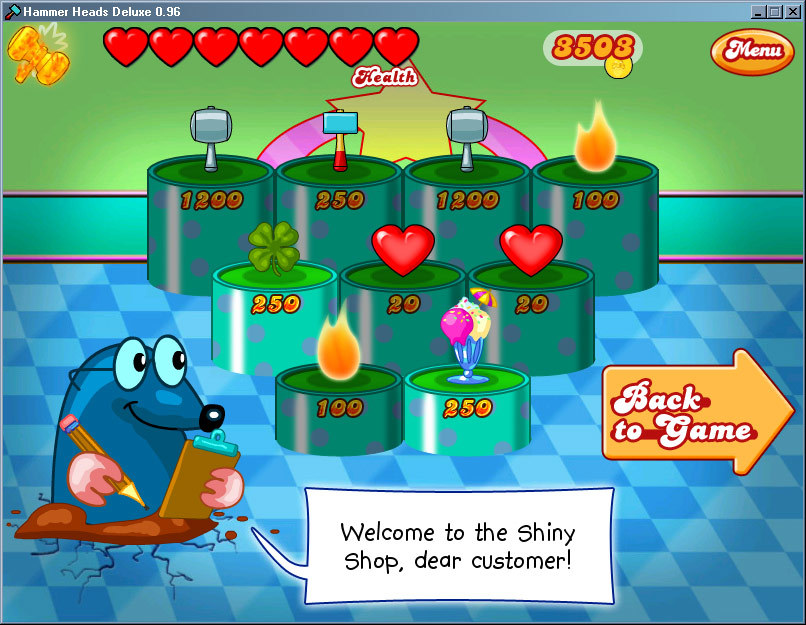


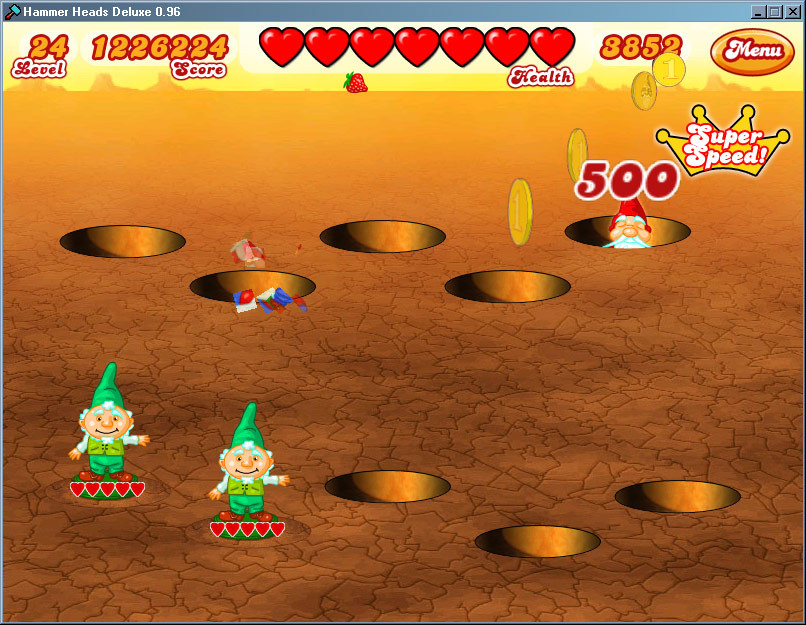
Official store screenshots from Steam — deckport links them, never rehosts. Hover to pause; click to preview.
Identity
Launch
- Binary
- HammerHeads.exe
- Needs files
- none beyond the binary
Proton
- Version
- GE-Proton
- Winetricks
- —
- ProtonDB
- ProtonDB Platinum runs flawlessly
⚙ Setup notes
Game: Delisted PopCap Steam game (appid 3400, removed from sale Dec 2019; existing owners keep library access). Built on the PopCap Games Framework — a tiny, low-spec 2006 arcade title that runs fine under Proton on Deck.
Issue: PopCap-Framework games often mis-detect graphics hardware acceleration and fall back to laggy software rendering or crash on launch.
Fix: If the screen is blank/laggy, force GE-Proton (or proton_experimental) and add launch option PROTON_USE_WINED3D=1 to push it through WineD3D; that clears the hardware-accel false-negative on AMD.
Binary: The real executable is HammerHeads.exe (not a generic game.exe).
Install: deckport only configures the prefix; it never bundles or links the game files.
The one thing to know
Supply your own copy. deckport links nothing. Delisted PopCap arcade game (whack-the-gnomes); single-player only, no servers to worry about.
Controller: Input is mouse-pointer driven — there is NO native gamepad support, so on the Deck play it with a Steam Input layout that maps the right trackpad (or gyro) to mouse and a button to left-click; that virtual-mouse layout is the working controller path.
Display: Watch for the PopCap Games Framework hardware-acceleration false-negative (blank screen / heavy lag); the launch-option WineD3D fallback in the [proton] notes clears it.
Tier confidence: ProtonDB shows Platinum for appid 3400, but on a low report count (only a handful of submissions). Treat it as a promising-but-thin signal rather than a heavily-confirmed rating.
NEEDS-TEST: binary and tier set from ProtonDB (appid 3400) + PopCap-Framework + delisted-games research, not yet confirmed on a physical Deck.
Community guides
Write-ups and threads from people who got this (or a similar) game running. deckport links to them — it doesn't reproduce them.
Get the artwork
deckport never hosts game images. Open this game on SteamGridDB, pick
the cover / hero / logo / icon you like, and drop them into the
game folder under .deckport-art/ before you push it to the
Deck. The importer files them under the right names automatically.
Run it on your Deck
Two files: the one-time importer (deckport.py) in your
Deck's home folder, and this game's install helper. Copy the game
into ~/Games and run the helper with Steam closed — it
writes the recipe (binary, launch options, Proton version)
and registers the shortcut with artwork.