About
Heavy Burger is a competitive top-down run-and-gun for up to four players, built in Unity by Lub Blub and published by Flying Tiger Entertainment. Its arenas mash up classic Data East arcade properties — including BurgerTime, Bad Dudes, Karate Champ, Heavy Barrel, Side Pocket and Lock ’n’ Chase — with Data East characters appearing as enemies.
It originally launched in October 2018 on Steam and Nintendo Switch (later PlayStation 4 in 2021) and has since been delisted from Steam.
Screenshots
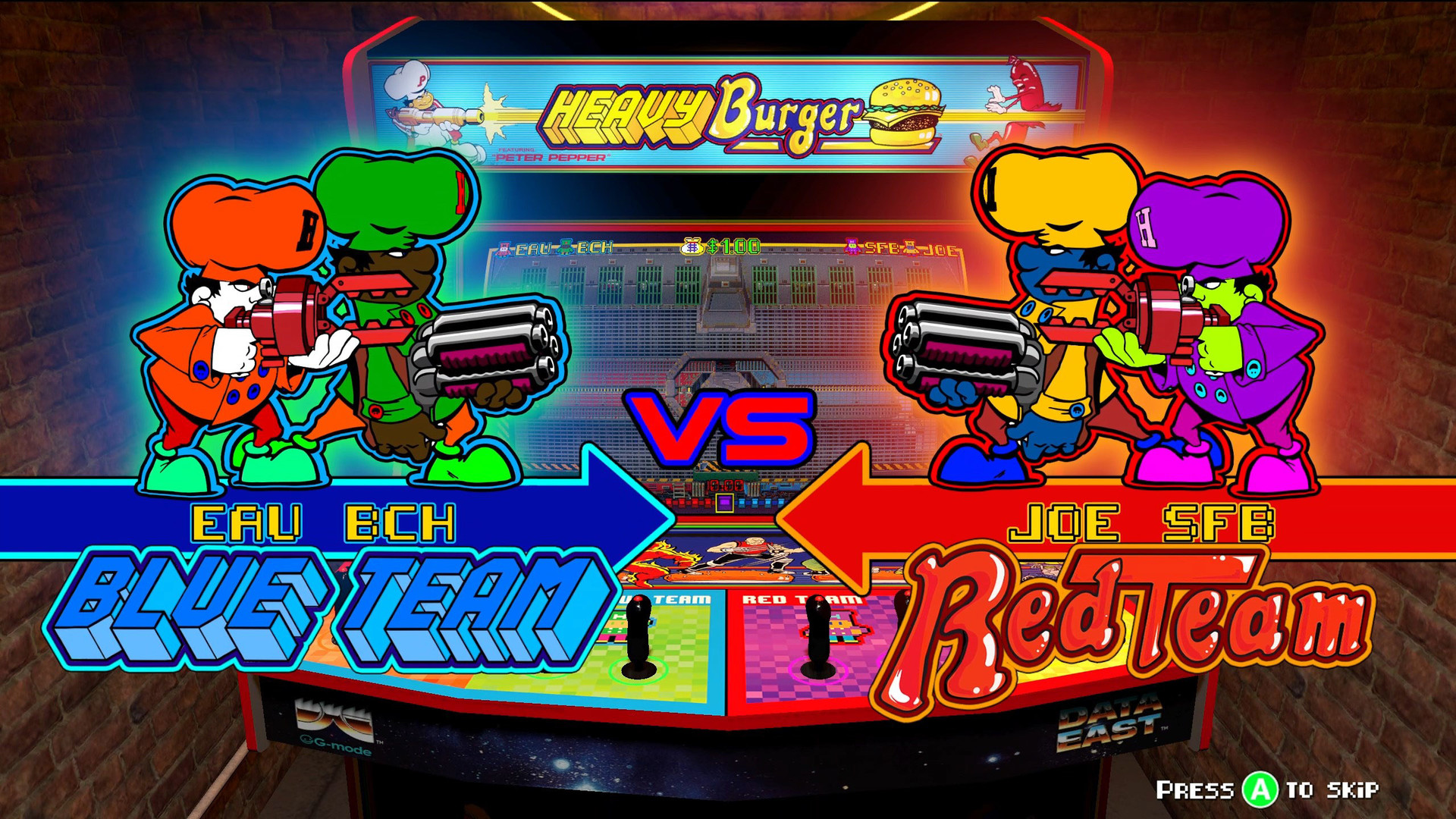
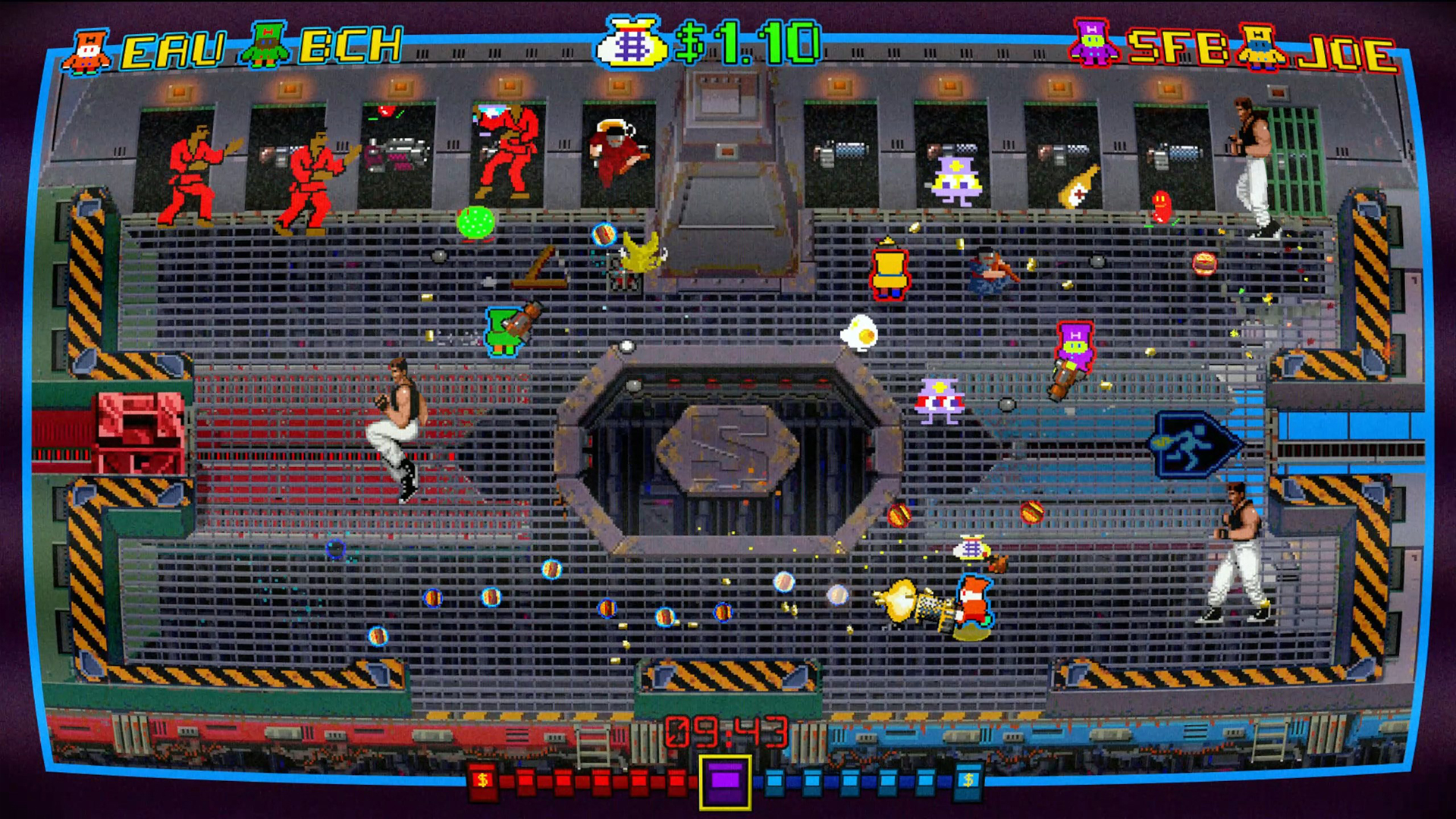
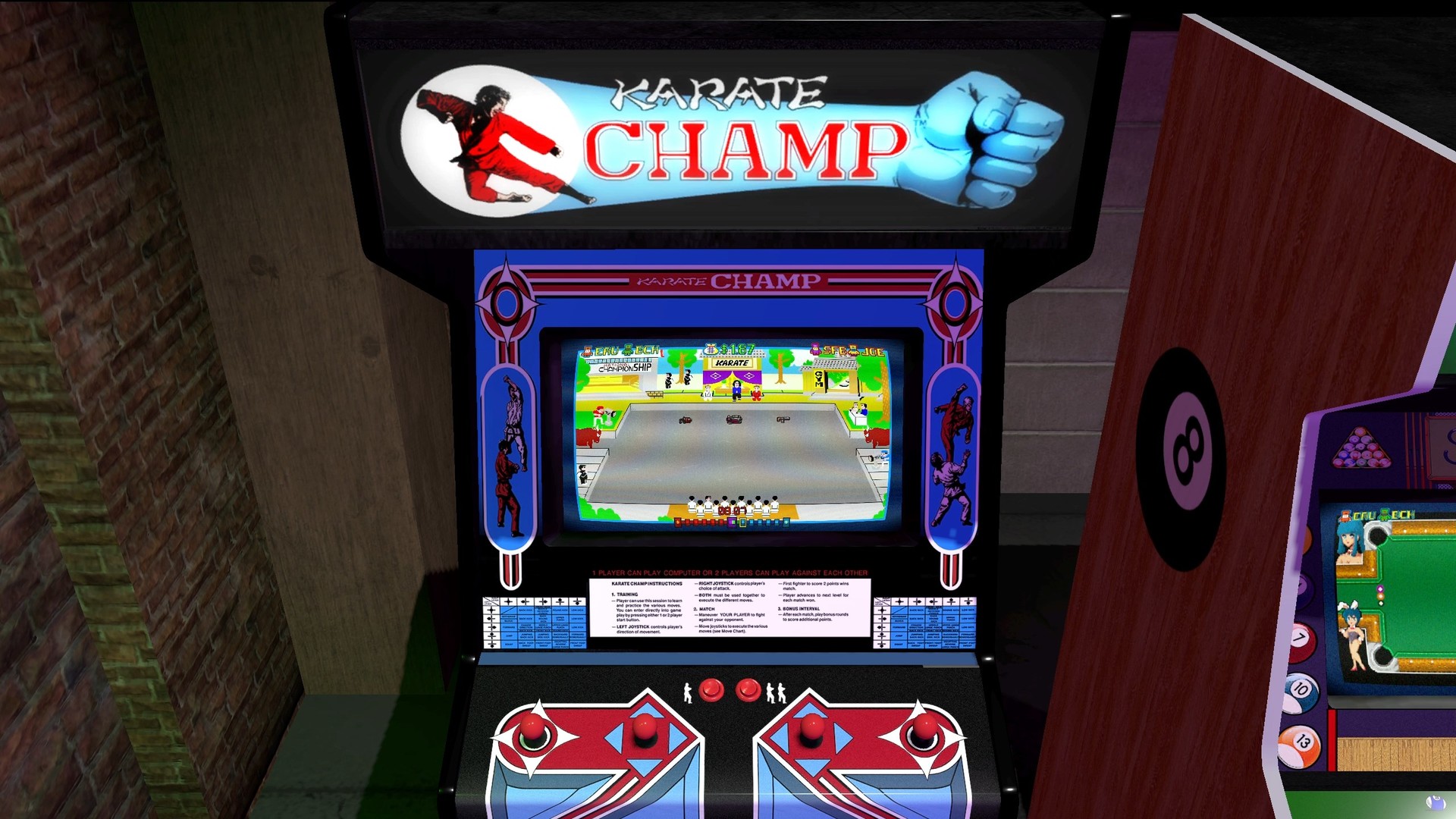
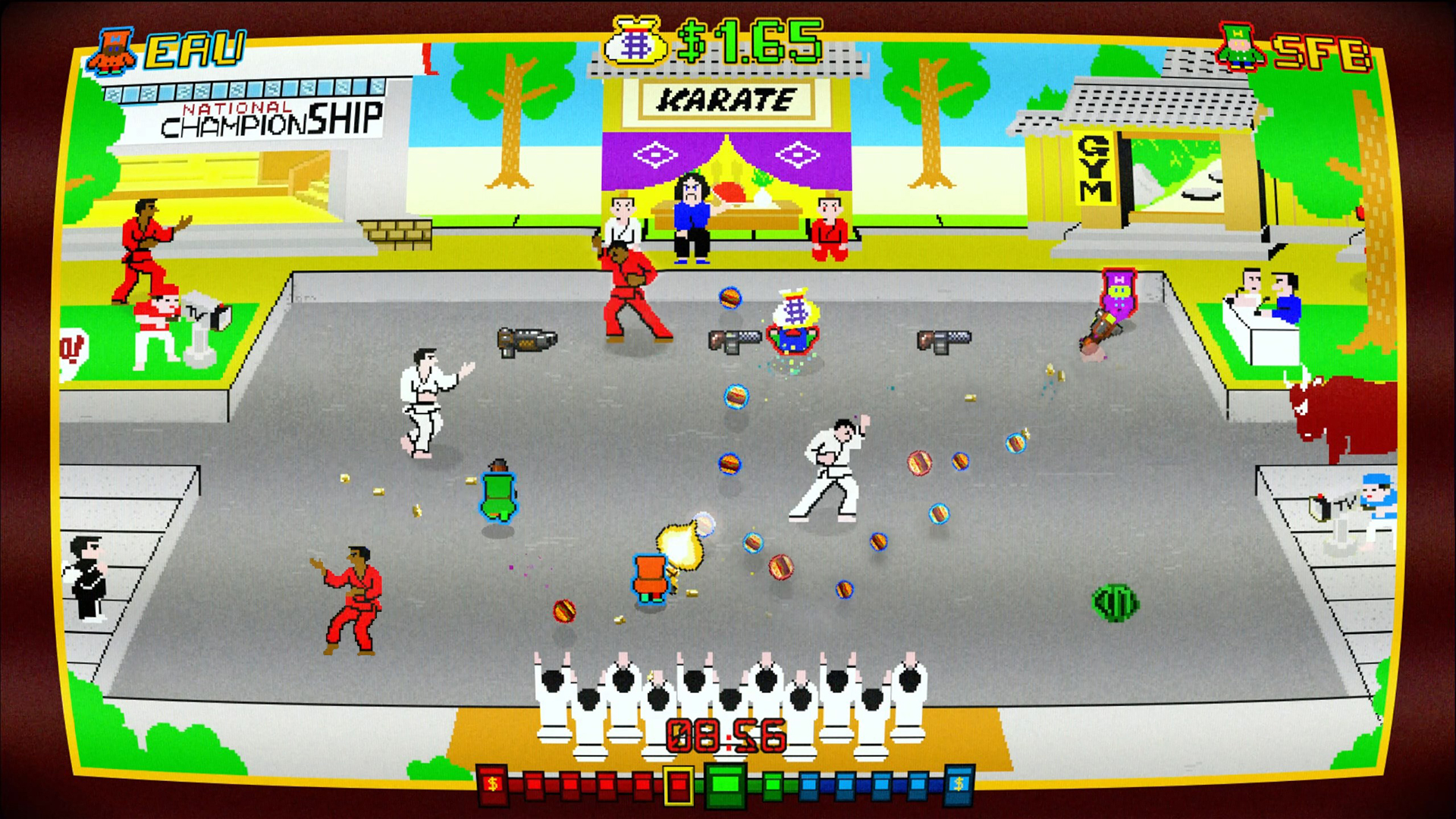
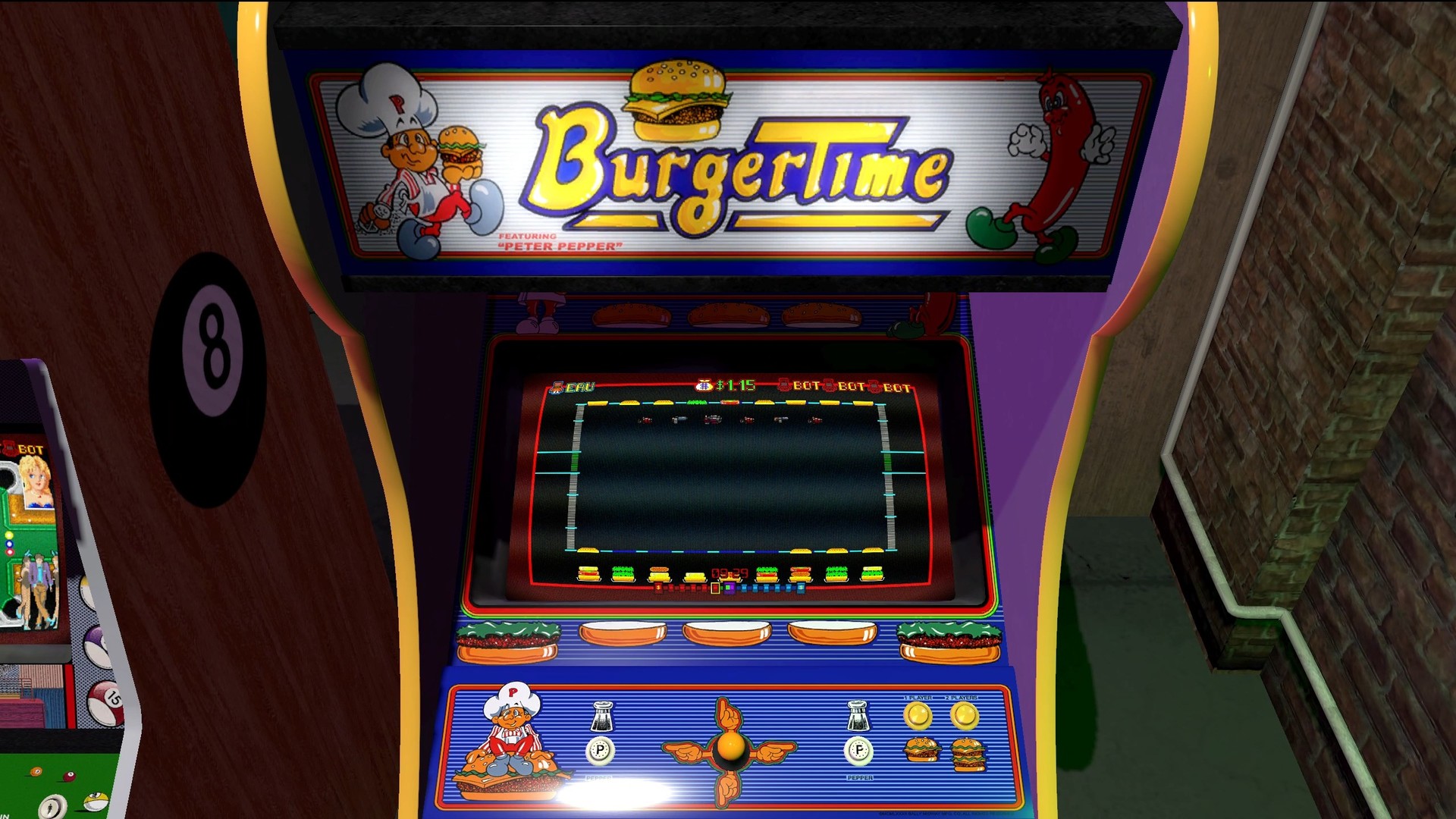
Official store screenshots from Steam — deckport links them, never rehosts. Hover to pause; click to preview.
Identity
Launch
- Binary
- Heavy Burger.exe
- Needs files
- none beyond the binary
Proton
- Version
- GE-Proton
- Winetricks
- —
- ProtonDB
- ProtonDB Platinum runs flawlessly
⚙ Setup notes
Game: Delisted Steam game (appid 922250) — a Unity run-and-gun by Lub Blub (2018) built around classic Data East arcade titles (BurgerTime, Bad Dudes, Karate Champ, Heavy Barrel, Side Pocket).
Proton: Run with GE-Proton (proton_experimental also works). ProtonDB rates it platinum, though that's on a thin sample (~3 low-confidence reports), so treat it as "expected to run clean" rather than battle-tested. Unity title with no DRM/GFWL hoops.
Controller: Detects the Deck's built-in gamepad natively and ships with broad controller support, so it should play without a Steam Input keyboard layout. Add a community gamepad layout if any in-game menu prompts go unbound.
Install: No launch options or winetricks required. deckport only configures the prefix; it never bundles or links the game files.
The one thing to know
Supply your own copy. deckport links nothing. Delisted from Steam (appid 922250) — no longer for sale.
Compatibility: ProtonDB platinum (small, low-confidence sample — verify on your hardware); Unity engine, no DRM/GFWL, no widescreen hacks needed. Native gamepad detection (Deck controller picked up automatically). Purely offline/local multiplayer, so no server-shutdown concerns.
Binary: Heavy Burger.exe inferred from a standard Unity build — confirm the actual exe in your install dir if it differs.
Community guides
Write-ups and threads from people who got this (or a similar) game running. deckport links to them — it doesn't reproduce them.
Get the artwork
deckport never hosts game images. Open this game on SteamGridDB, pick
the cover / hero / logo / icon you like, and drop them into the
game folder under .deckport-art/ before you push it to the
Deck. The importer files them under the right names automatically.
Run it on your Deck
Two files: the one-time importer (deckport.py) in your
Deck's home folder, and this game's install helper. Copy the game
into ~/Games and run the helper with Steam closed — it
writes the recipe (binary, launch options, Proton version)
and registers the shortcut with artwork.