About
HITMAN (2016) is the sixth mainline entry in the long-running Hitman series and the first chapter of the World of Assassination trilogy, built on IO Interactive's in-house Glacier engine. Players control Agent 47 across large, sandbox-style locations, planning and executing assassinations with disguises, improvised tools, and emergent systemic interactions, and the included Contracts mode lets players create and share custom hits.
Originally sold episodically from March to October 2016 to generally strong reviews praising its level design and replayability. IO Interactive delisted the standalone product in January 2023 after folding its content into HITMAN: World of Assassination, so it is no longer sold separately though it stays in the libraries of prior owners.
Screenshots
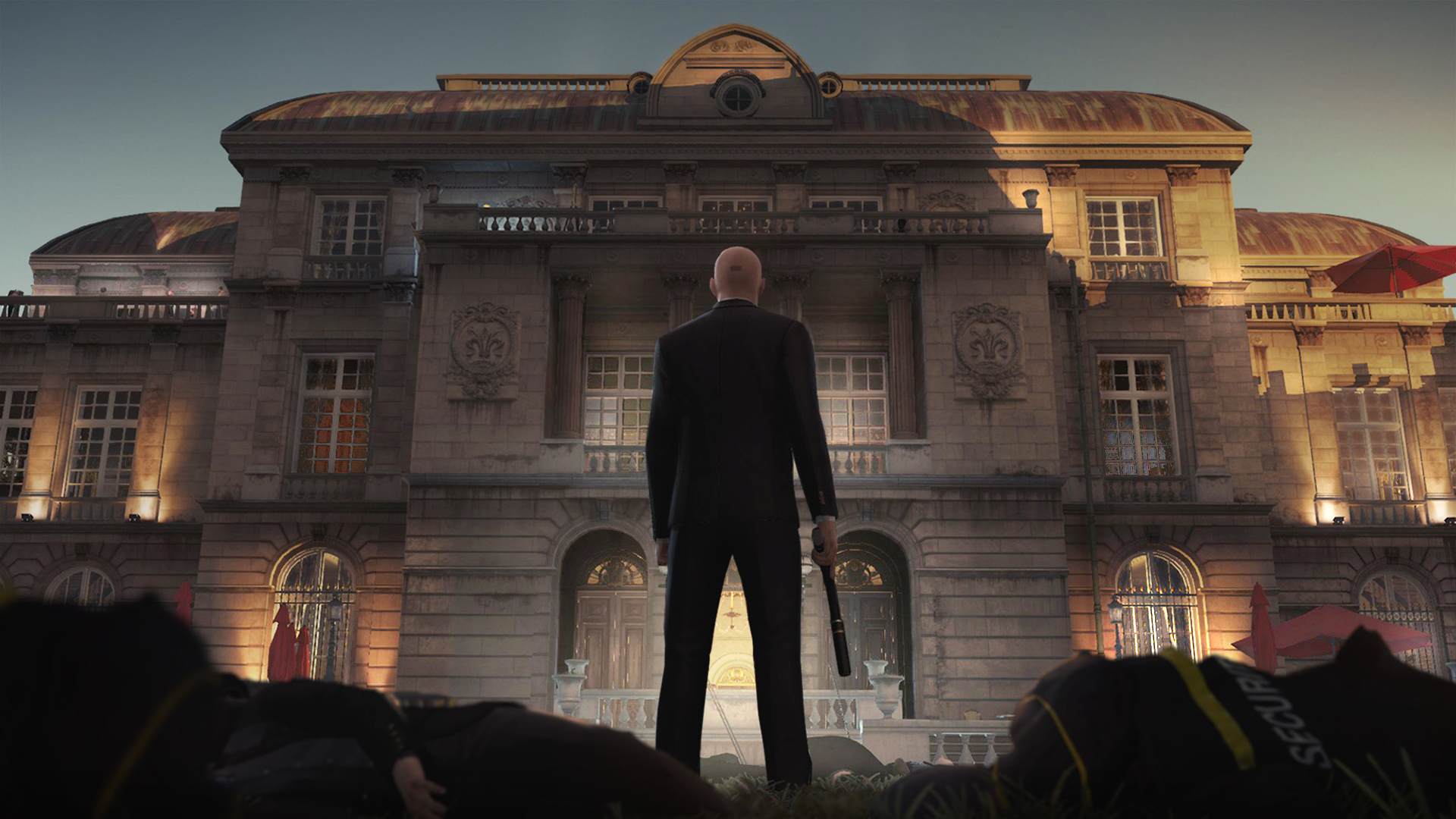
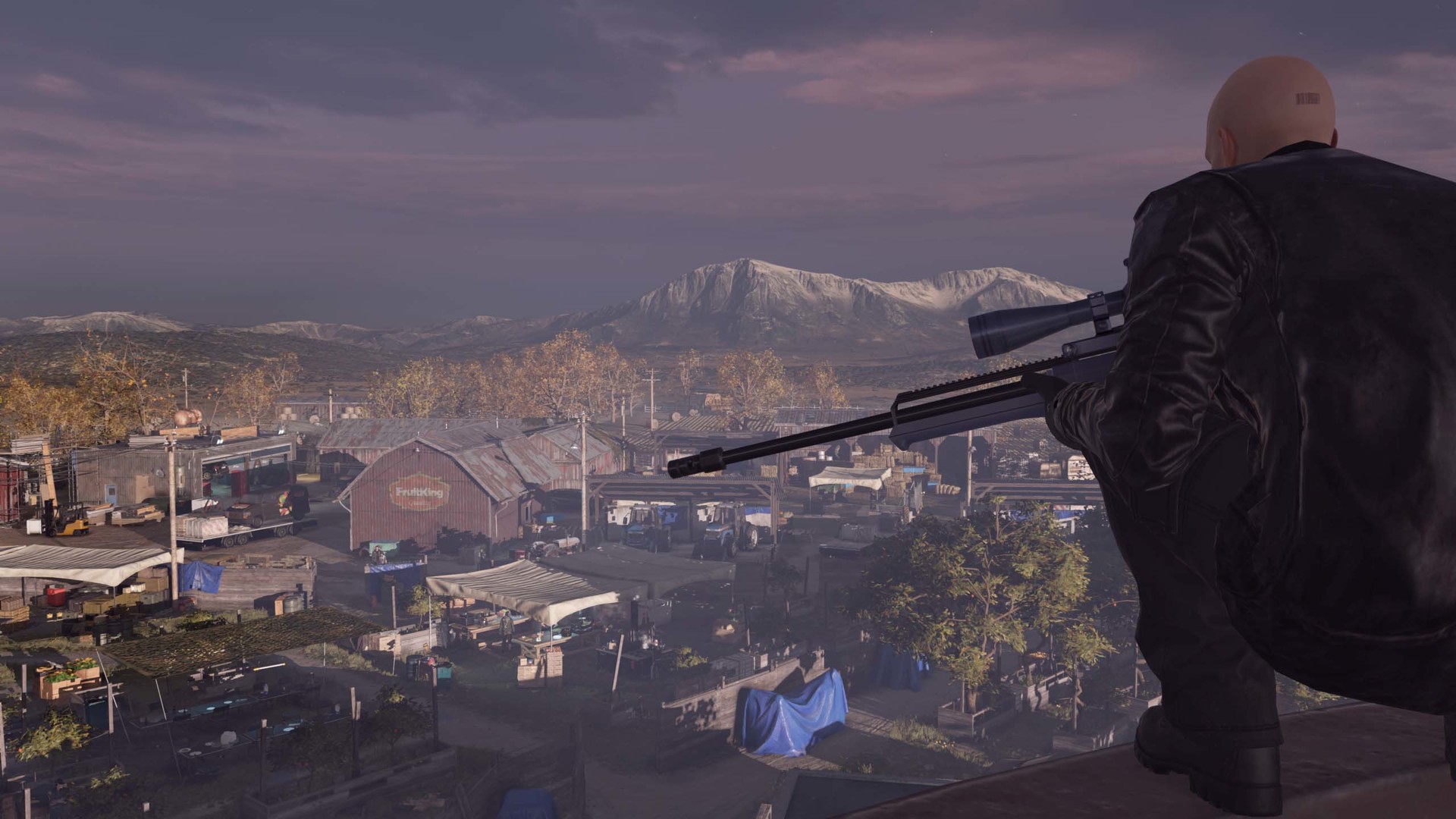
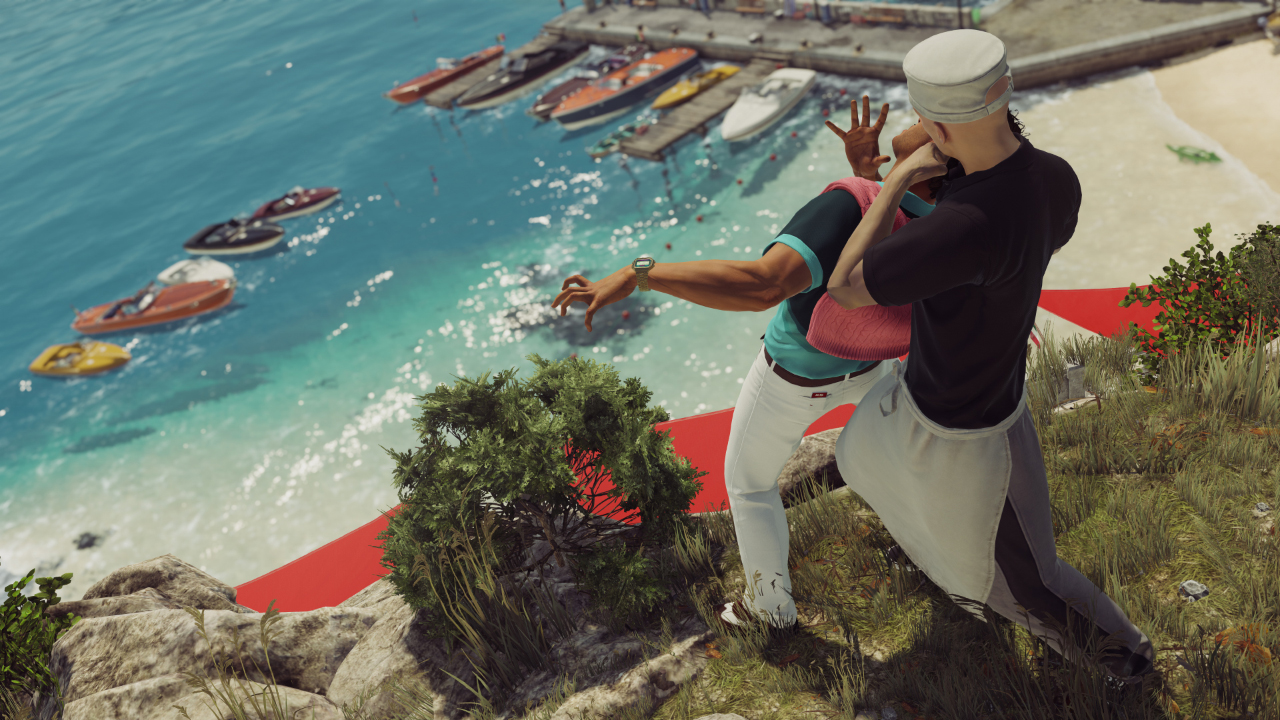
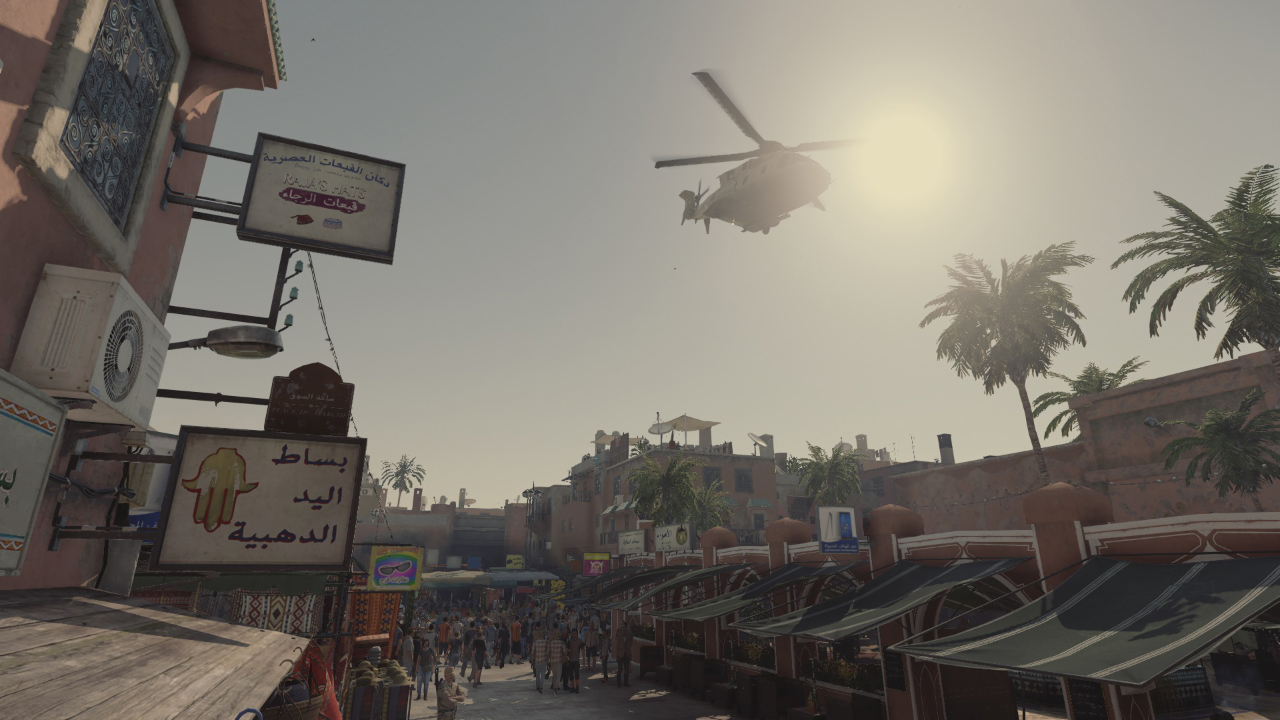
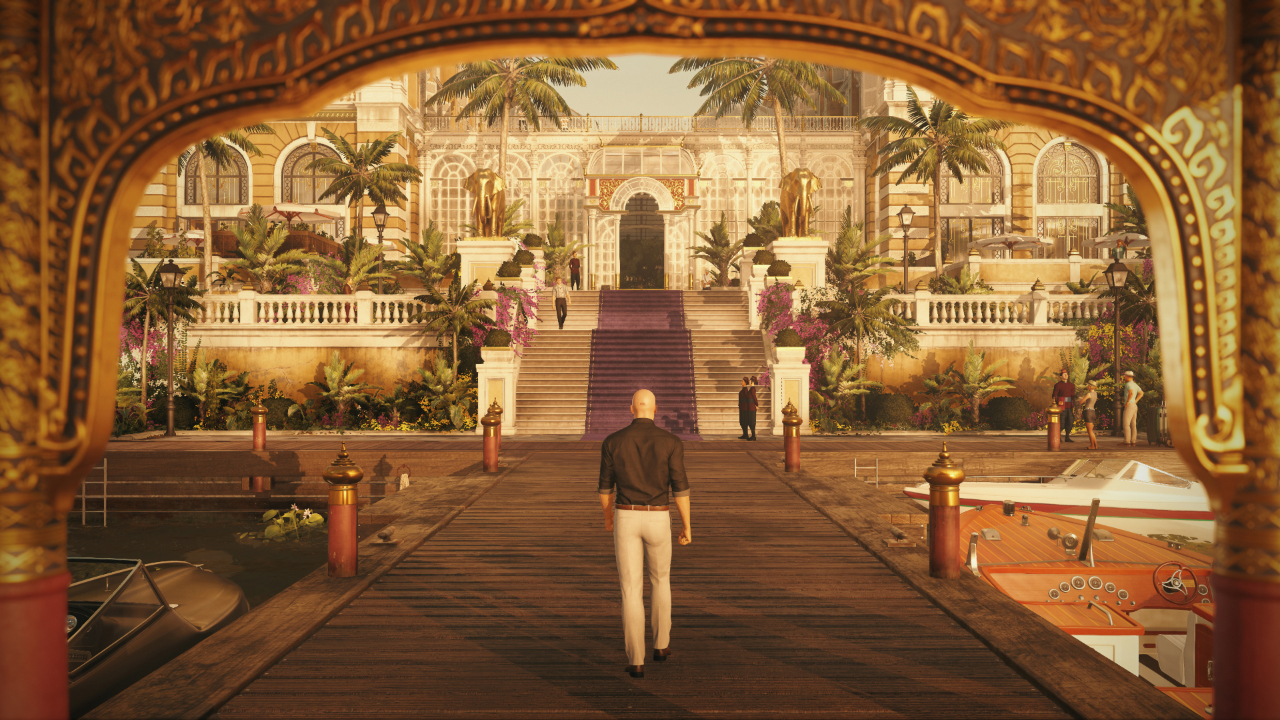
Official store screenshots from Steam — deckport links them, never rehosts. Hover to pause; click to preview.
Identity
Launch
- Binary
- HITMAN.exe
- Needs files
- none beyond the binary
Proton
- Version
- GE-Proton
- Winetricks
- —
- ProtonDB
- ProtonDB Platinum runs flawlessly
⚙ Setup notes
DRM: Delisted standalone HITMAN (2016, appid 236870 — the World of Assassination Glacier-engine title, NOT Absolution/203140). IO Interactive removed the standalone product on 2023-01-26 when its content rolled into HITMAN: World of Assassination; if you already own it, it stays in your library. Denuvo Anti-Tamper shipped at launch but was removed in June 2017, so the current Windows build is Steamworks-only.
Proton: Runs well on Deck via Proton (GE-Proton or recent Proton Experimental, which added Nixxes/IOI launcher support).
Display: Two render paths — HITMAN.exe (DX11, at the install root, most reliable) and a DX12 build at dx12Retail/HITMAN.exe, selected via the in-game launcher or the -d3d12 launch argument (root HITMAN.exe defaults to DX11).
Controller: Gamepad works fine through the Windows build under Proton — no Steam Input layout needed. Avoid the native Linux (Feral) build on Deck: it has a known bug where the controller option is greyed out and the Deck is not recognized as a gamepad; forcing a Proton version downloads the Windows build, which sees the controller correctly.
Online: Online servers were required for live unlocks/progression; with the standalone backend wound down, treat progression as offline-only and play the story/Contracts content.
Install: deckport only configures the prefix; it never bundles or links the game files.
The one thing to know
Supply your own copy. deckport links nothing.
DRM: Standalone HITMAN (2016, appid 236870) was delisted 2023-01-26 when its content folded into HITMAN: World of Assassination; the standalone product is no longer for sale, but it remains in libraries of prior owners.
Proton: Community ProtonDB reports rate it Platinum (strong confidence) on Linux/Deck — runs via GE-Proton or recent Proton Experimental (which added IOI/Nixxes launcher support).
Display: Default binary HITMAN.exe (DX11, at the install root) is the most reliable; the DX12 path lives at dx12Retail/HITMAN.exe and can be picked via the in-game launcher or the -d3d12 launch argument.
Controller: Works fine with no Steam Input layout when running the Windows build under Proton. The native Linux (Feral) build, however, has a known Deck bug — the controller is greyed out and the Deck isn't detected as a gamepad — so force a Proton version (which downloads the Windows build) for proper controller support.
DRM: Denuvo shipped at launch but was removed in June 2017; the current Windows build is Steamworks-only.
Online: Online progression servers for the standalone are effectively gone — expect offline-only play (story + Contracts); live unlocks may not sync.
NEEDS-TEST: not yet confirmed on a specific Deck under this recipe.
Community guides
Write-ups and threads from people who got this (or a similar) game running. deckport links to them — it doesn't reproduce them.
Get the artwork
deckport never hosts game images. Open this game on SteamGridDB, pick
the cover / hero / logo / icon you like, and drop them into the
game folder under .deckport-art/ before you push it to the
Deck. The importer files them under the right names automatically.
Run it on your Deck
Two files: the one-time importer (deckport.py) in your
Deck's home folder, and this game's install helper. Copy the game
into ~/Games and run the helper with Steam closed — it
writes the recipe (binary, launch options, Proton version)
and registers the shortcut with artwork.