About
Hitogata Happa is a vertical-scrolling doujin shmup from Japanese indie studio Platine Dispositif, brought to the West and to Steam by Rockin' Android. Part of the Gundemonium family of titles, it casts the player as a witch's army of magic dolls, each with distinct weapons and abilities purchased with points dropped by enemies.
Its signature mechanic is a self-destruct bomb system: when the flow gauge fills, a doll can hurl itself into enemies for heavy damage, which is essential to clearing the game. It is known for its punishing difficulty and is regarded as one of the harder doujin shooters of its era.
Screenshots
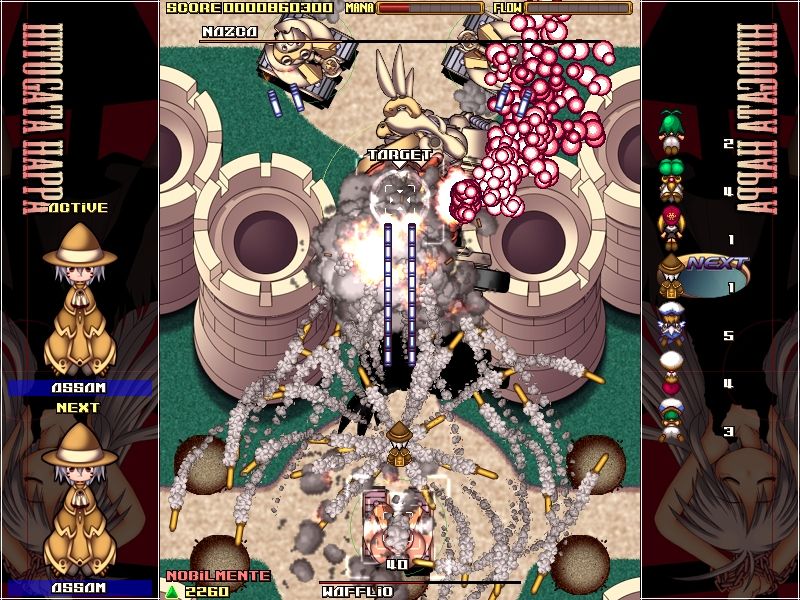
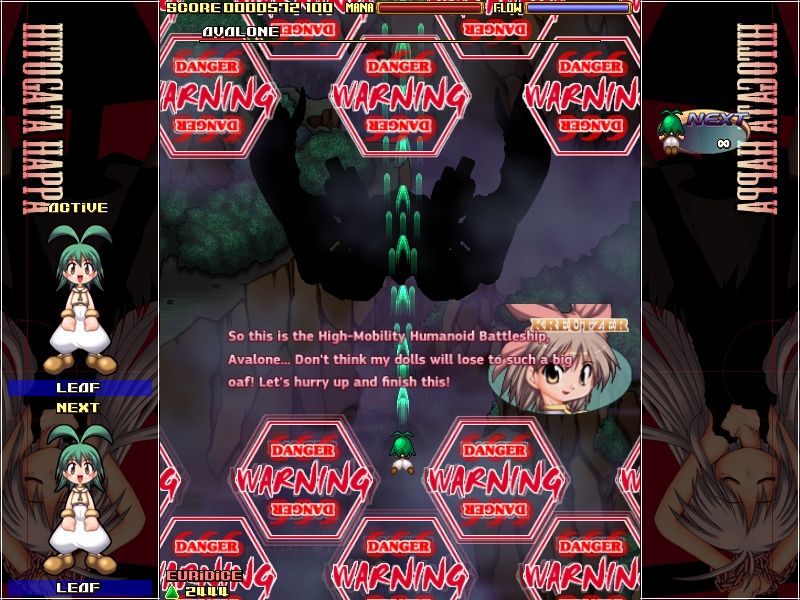
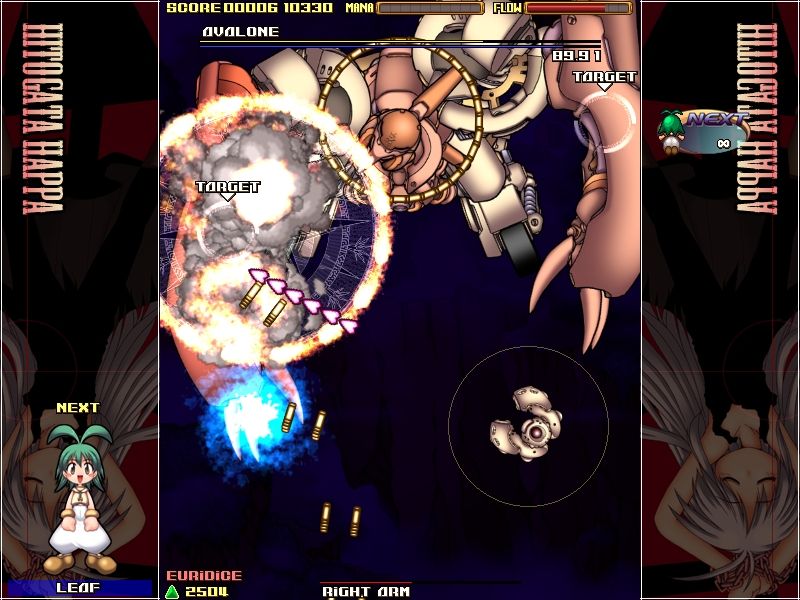
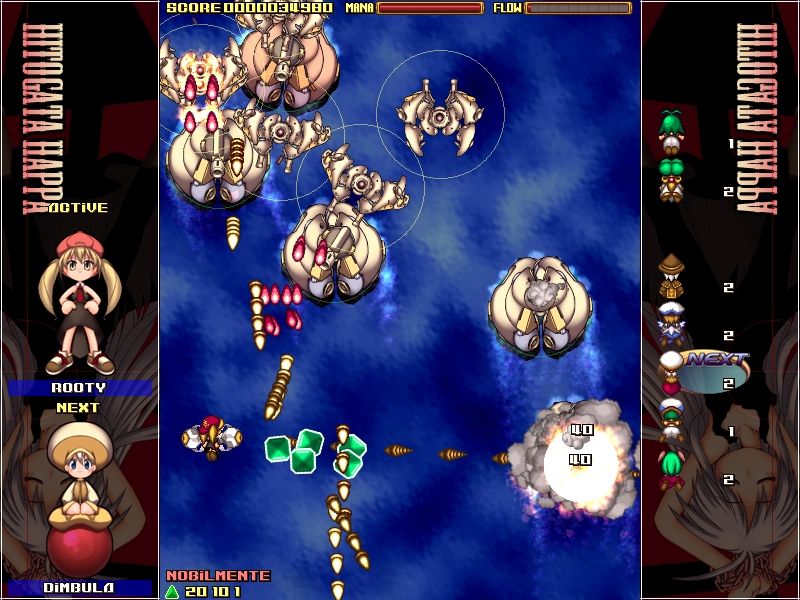
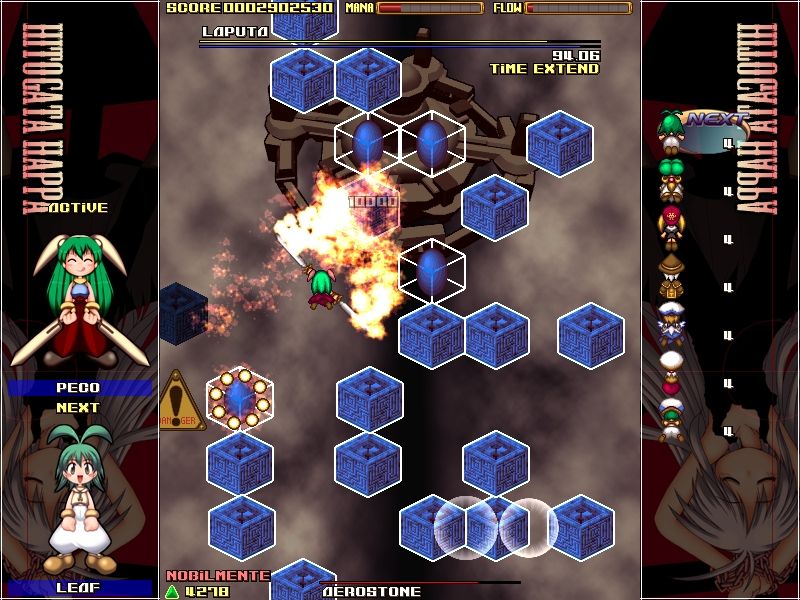
Official store screenshots from Steam — deckport links them, never rehosts. Hover to pause; click to preview.
Identity
Launch
- Binary
- happa.exe
- Needs files
- none beyond the binary
Proton
- Version
- GE-Proton
- Winetricks
- —
- ProtonDB
- ProtonDB Silver runs with minor issues
⚙ Setup notes
DRM: Delisted Steam game (appid 92210, pulled 2019-07-31 at the developer's request). Community reports no DRM blockers.
Engine: 2D top-down shooter on Platine Dispositif's DirectX engine (same family as the Gundemonium games, which run cleanly under Proton).
Proton: ProtonDB tier silver — community reports it running on Linux/Proton. Use GE-Proton (proton_experimental also works); no winetricks needed.
Controller: The overseas build has native XInput controller support, so the Steam Deck gamepad maps directly — no Steam Input layout required.
Install: Per-game key bindings can be edited in happa.ini (not all keys are remappable in-game). deckport only configures the prefix; it never bundles the game files.
The one thing to know
Supply your own copy. Delisted from Steam 2019-07-31 (developer request) — not currently for sale on that store. deckport links nothing.
Proton: ProtonDB silver — runs under Proton (GE-Proton / experimental), no DRM blockers, single-player only so no server concerns.
Controller: Native XInput support means the Deck gamepad works without a Steam Input layout; remaining keys are editable in happa.ini.
Binary: happa.exe is the expected Platine Dispositif build name — confirm against your install.
NEEDS-TEST: not yet confirmed end-to-end on Deck hardware.
Community guides
Write-ups and threads from people who got this (or a similar) game running. deckport links to them — it doesn't reproduce them.
Get the artwork
deckport never hosts game images. Open this game on SteamGridDB, pick
the cover / hero / logo / icon you like, and drop them into the
game folder under .deckport-art/ before you push it to the
Deck. The importer files them under the right names automatically.
Run it on your Deck
Two files: the one-time importer (deckport.py) in your
Deck's home folder, and this game's install helper. Copy the game
into ~/Games and run the helper with Steam closed — it
writes the recipe (binary, launch options, Proton version)
and registers the shortcut with artwork.