About
HoloCure: Save the Fans! is a free, unofficial fan game inspired by Vampire Survivors featuring characters from the virtual YouTuber group Hololive. Players choose a Hololive talent and battle hordes of fans across auto-attack roguelite gameplay, unlocking weapons, collabs, and character-specific abilities. Developed by solo developer Kay Yu and released free on itch.io in 2022, it gained viral popularity in the Hololive community and later received an official Steam release in 2023, still free. The game has received frequent content updates adding new characters and game modes.
Screenshots
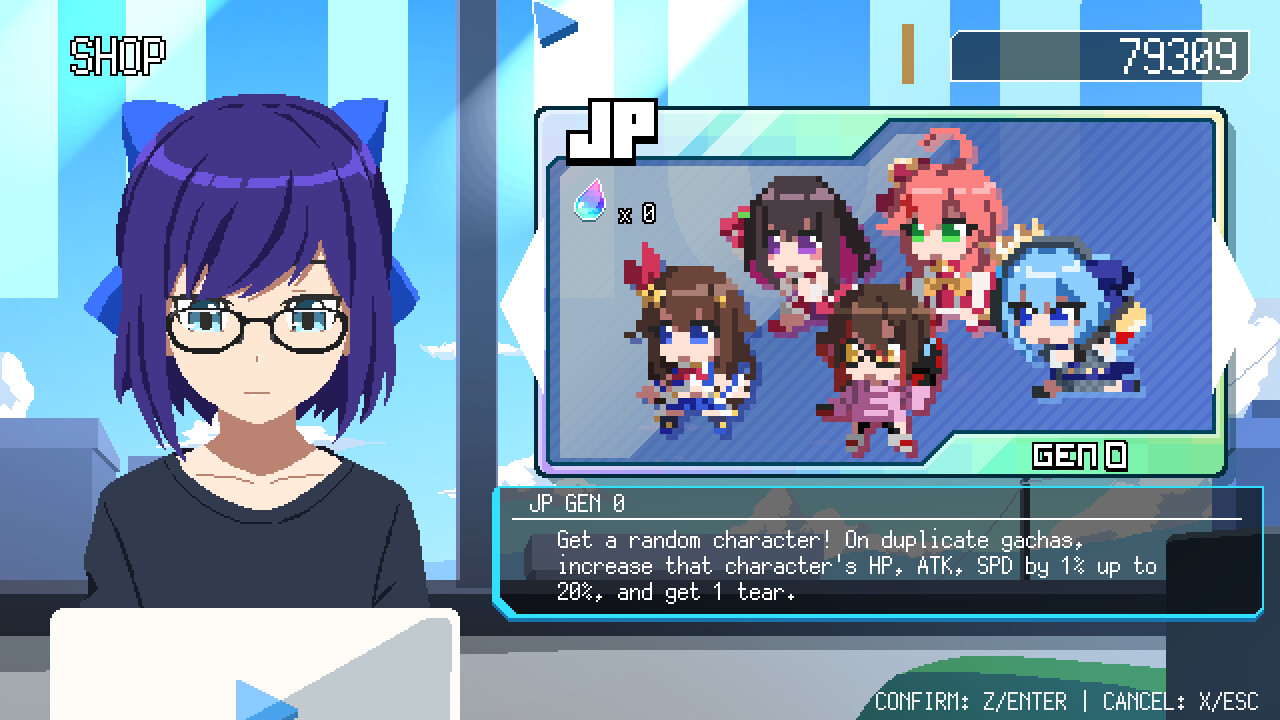
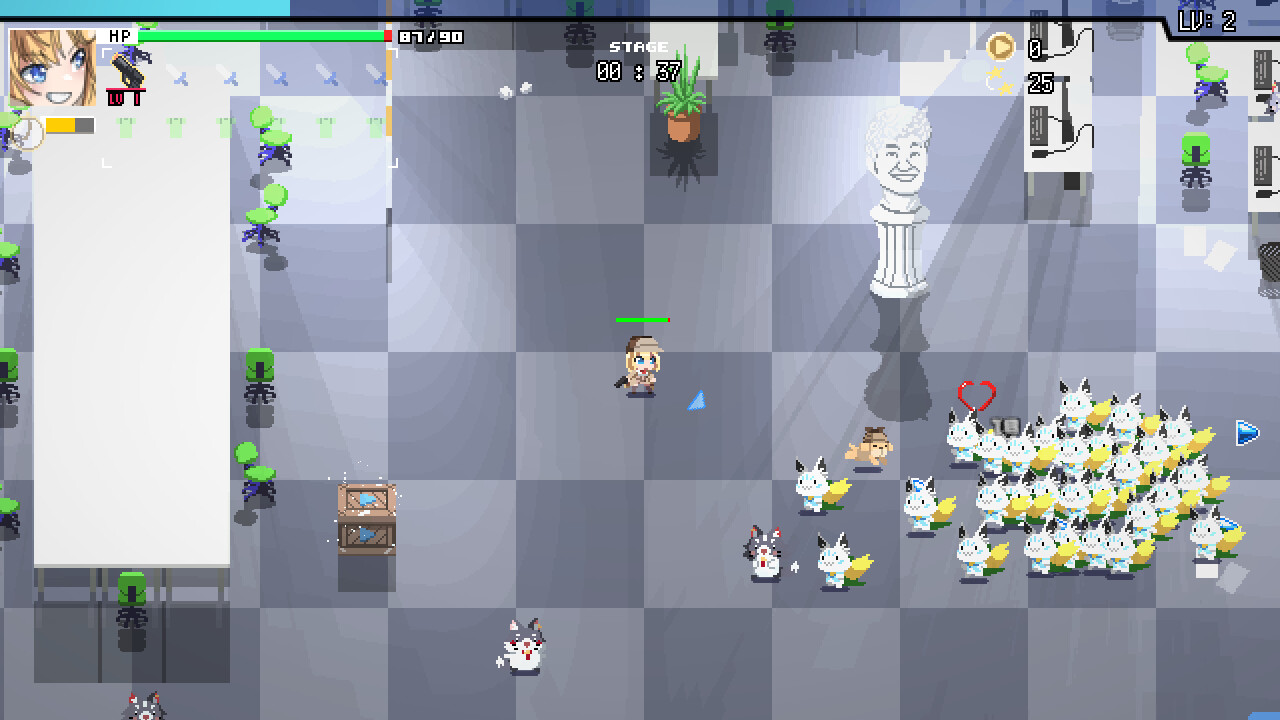
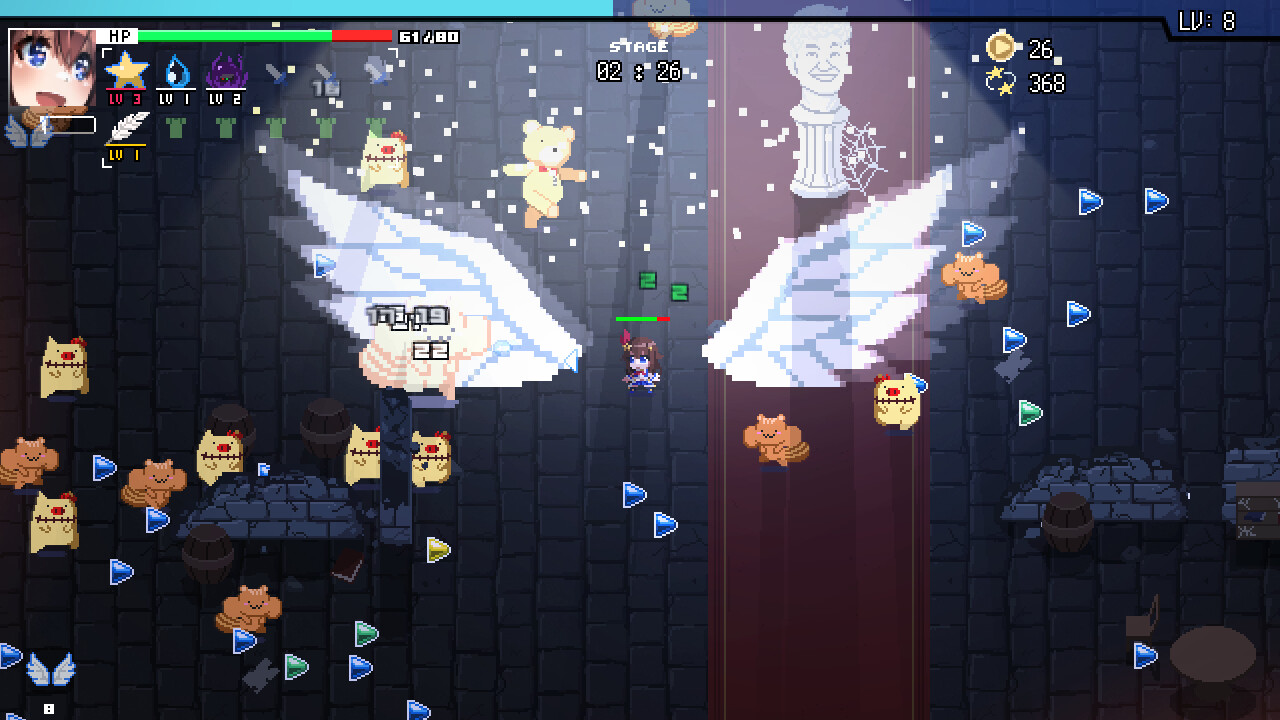
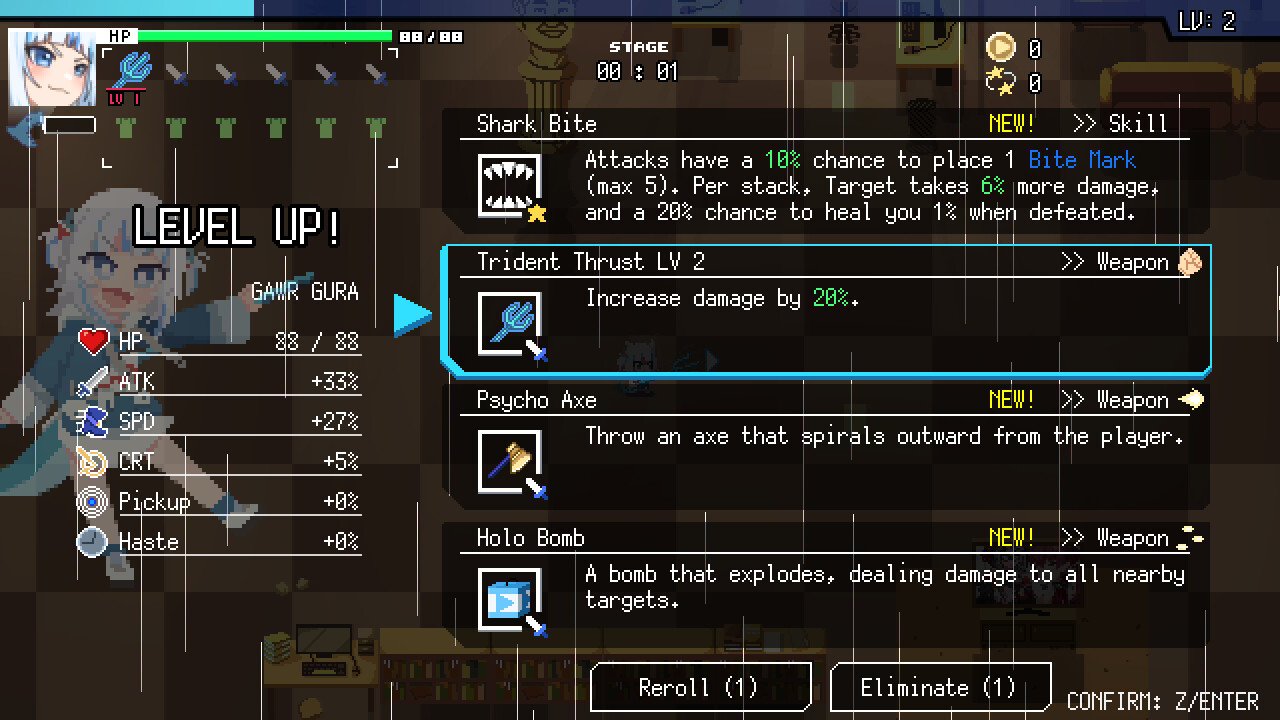

Official store screenshots from Steam — deckport links them, never rehosts. Hover to pause; click to preview.
Identity
Launch
- Binary
- holocure.exe
- Needs files
- none beyond the binary
Proton
- Version
- proton_experimental
- Winetricks
- —
- ProtonDB
- ProtonDB Platinum runs flawlessly
⚙ Setup notes
Engine: Windows-only GameMaker build; runs under Proton on Steam Deck.
Source: Available free on both Steam (app 2420510) and itch.io (kay-yu.itch.io/holocure).
Steam: The Steam version installs and runs on Deck out of the box with Proton — rated Platinum on ProtonDB with no tweaks required.
Install (itch.io): For the itch.io standalone version, download the ZIP, extract it, add holocure.exe as a non-Steam game, and enable Proton Experimental (or any recent Proton GE build) in Properties > Compatibility.
Controller: Plays well with a gamepad, but the game lacks Deck-native button prompts (one reason Steam tags it "Not Supported"); use Steam Input — community controller configs are available.
Performance: Generally smooth, but later waves with many enemies on screen can dip below 60 FPS. Game speed is tied to frame rate, so heavy slowdown can make a run feel slightly longer; capping the Deck's refresh rate helps keep it steady.
The one thing to know
Prefer Steam: Strongly prefer the free Steam version over the itch.io standalone — it installs and works on Deck with zero configuration.
itch.io build: Add the .exe as a non-Steam game and force Proton Experimental.
Data files: No owned data files required.
Steam tag "Not Supported": Steam's own Deck status reads "Not Supported," but this is incomplete/strict Valve verification (no Deck button prompts, late-wave perf), not a real blocker — ProtonDB community reports rate it Platinum and it runs out of the box.
Legal: Unofficial Hololive fan game — not affiliated with Cover Corp.
Community guides
Write-ups and threads from people who got this (or a similar) game running. deckport links to them — it doesn't reproduce them.
Get the artwork
deckport never hosts game images. Open this game on SteamGridDB, pick
the cover / hero / logo / icon you like, and drop them into the
game folder under .deckport-art/ before you push it to the
Deck. The importer files them under the right names automatically.
Run it on your Deck
Two files: the one-time importer (deckport.py) in your
Deck's home folder, and this game's install helper. Copy the game
into ~/Games and run the helper with Steam closed — it
writes the recipe (binary, launch options, Proton version)
and registers the shortcut with artwork.