About
Impact Winter is a survival adventure game set thirty days after a devastating asteroid strike has buried the world in snow. You play as Jacob Solomon, leader of a small group sheltering in a ruined church, scavenging the frozen wasteland and managing your companions while a countdown ticks toward a possible rescue.
Built in Unity, it began as a Kickstarter project that was later picked up and published by Bandai Namco. It was delisted from Steam in December 2020 after the publishing agreement between Mojo Bones and Bandai Namco ended.
Screenshots
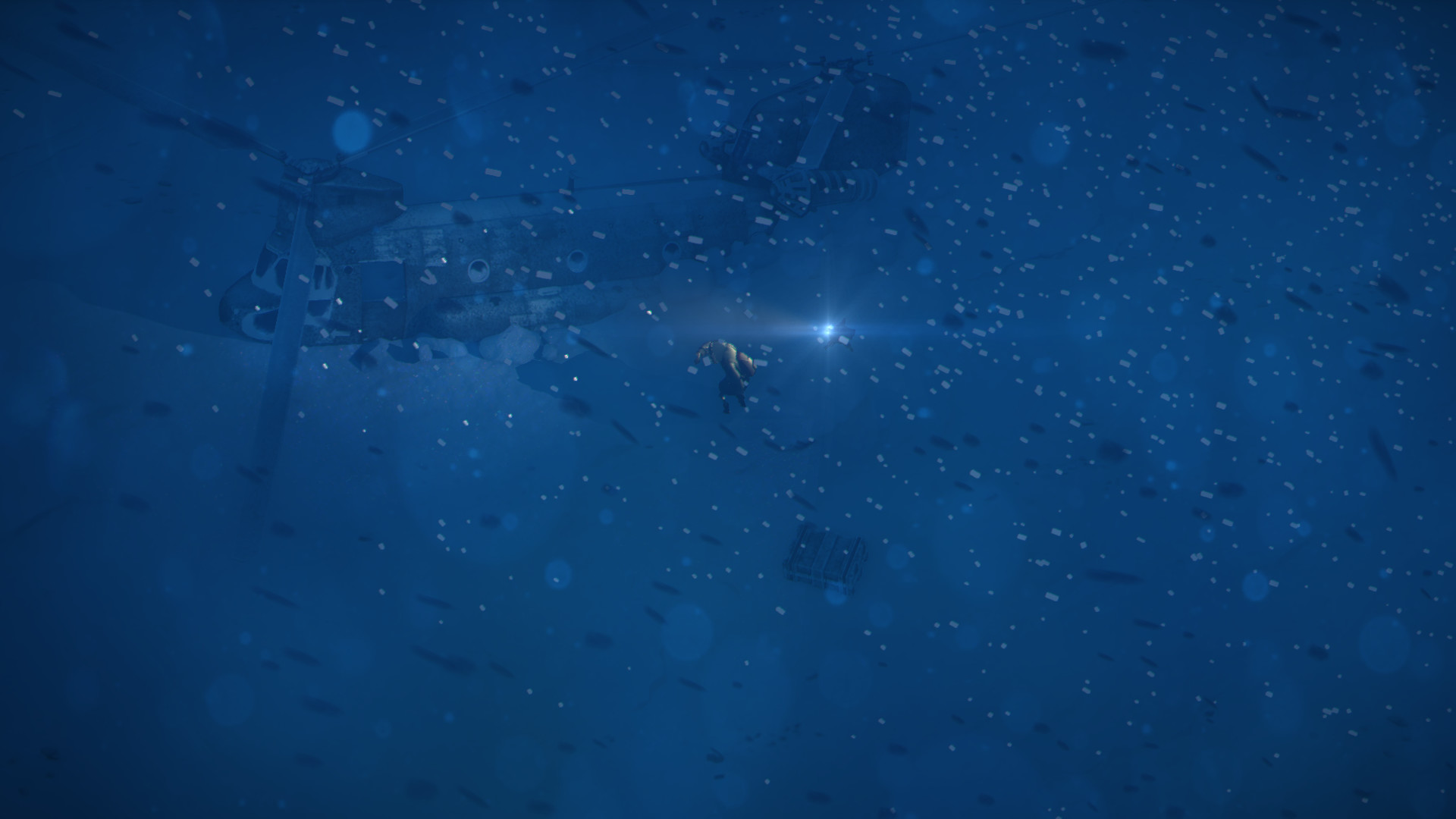
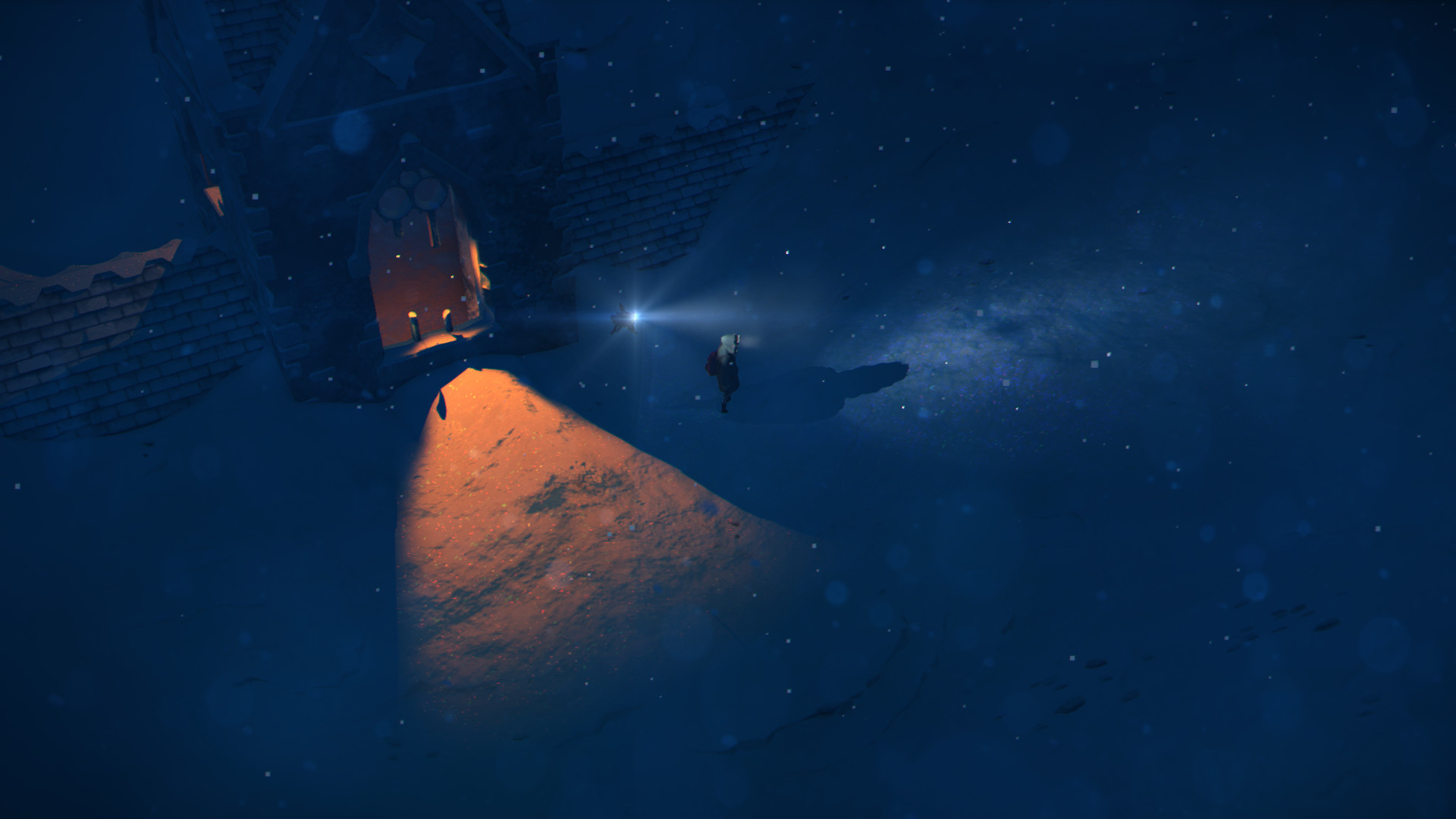
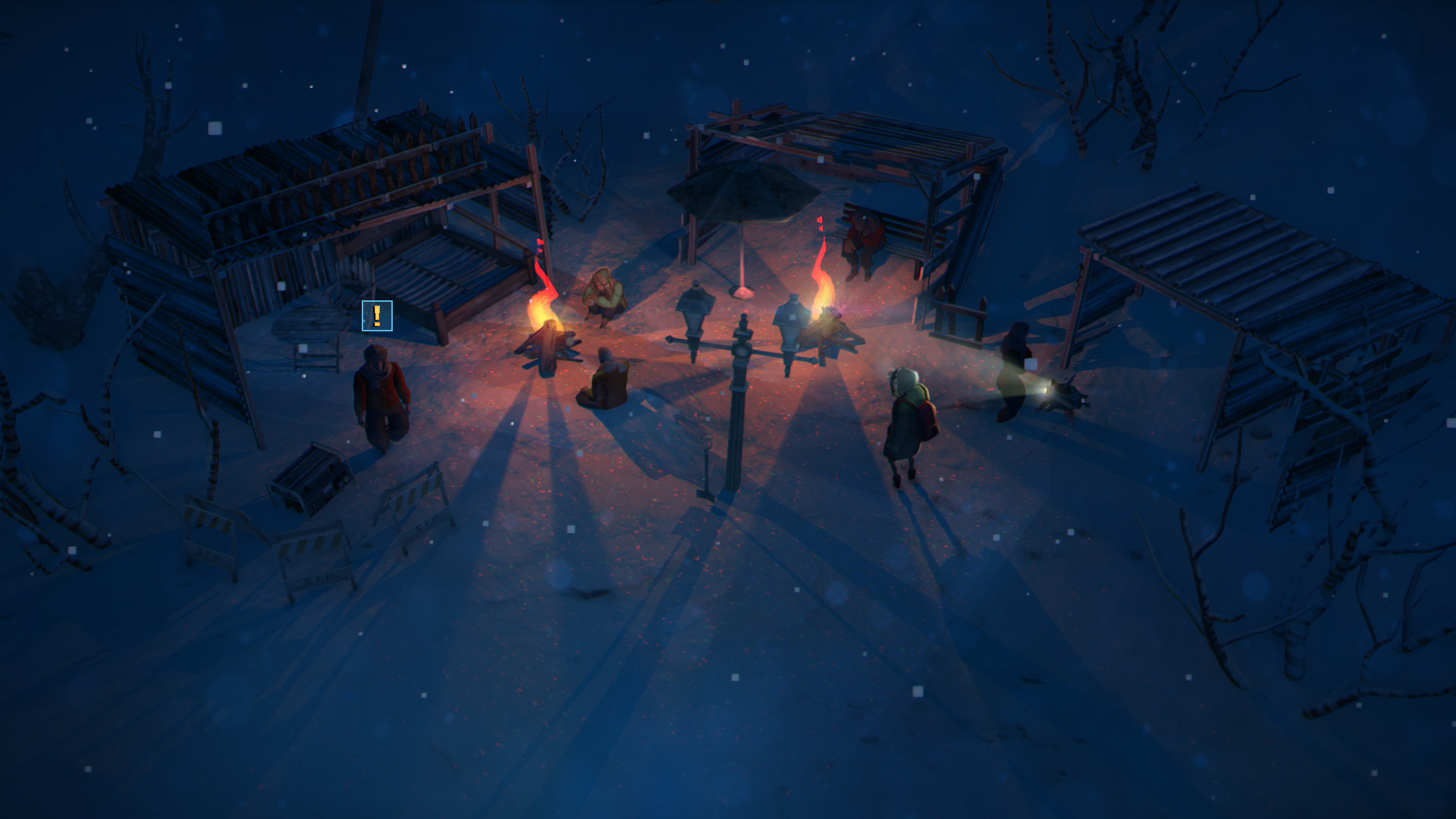
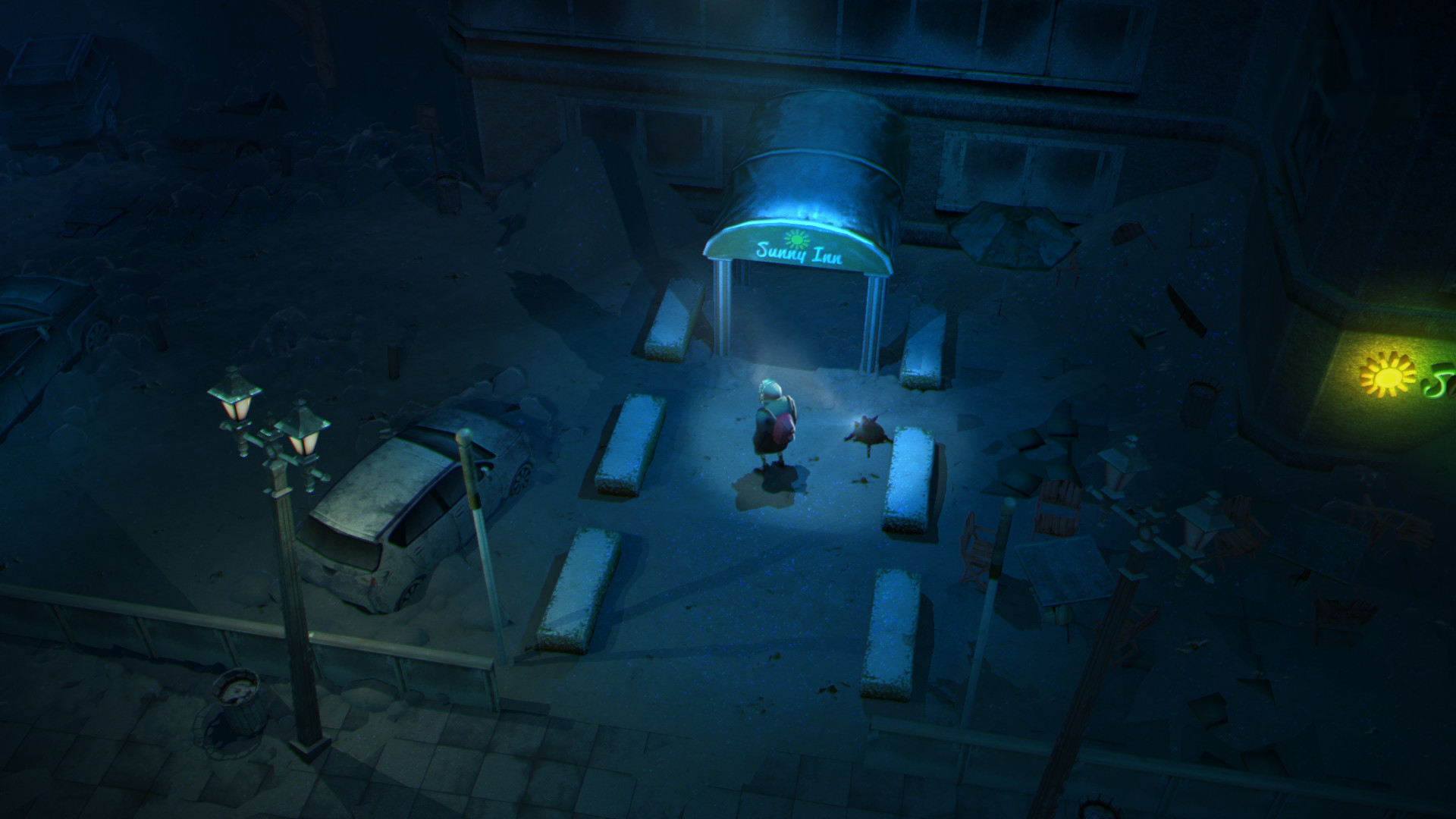
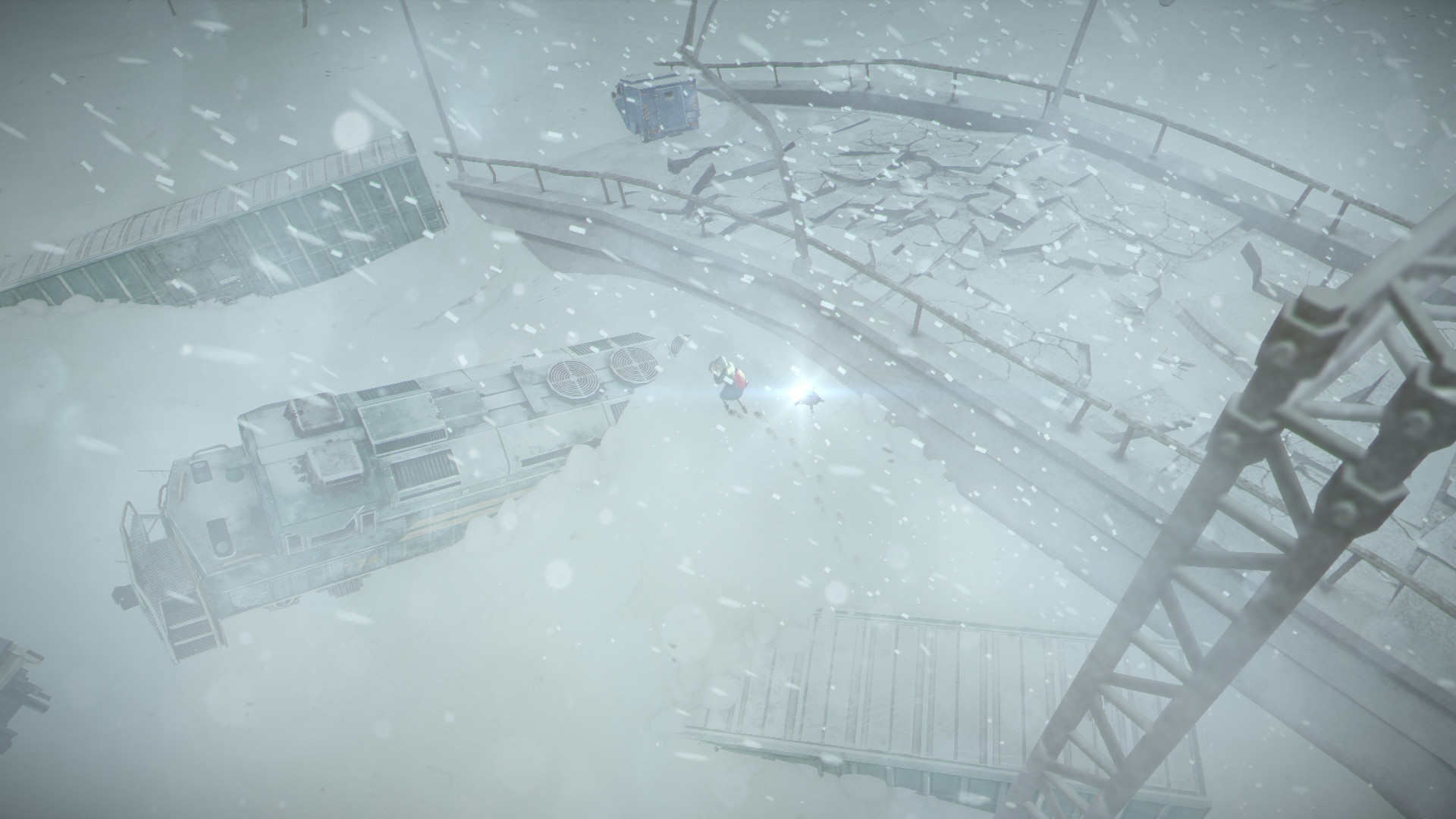
Official store screenshots from Steam — deckport links them, never rehosts. Hover to pause; click to preview.
Identity
Launch
- Binary
- Impact Winter.exe
- Needs files
- none beyond the binary
Proton
- Version
- GE-Proton
- Winetricks
- —
- ProtonDB
- ProtonDB Gold runs perfectly after tweaks
⚙ Setup notes
Game: Delisted Steam game (appid 468000), Unity survival title by Mojo Bones / Bandai Namco.
Proton: ProtonDB rates it gold and it runs well on Deck; GE-Proton is the safe pick (stock Proton Experimental also works).
DRM: No GFWL/SecuROM/DRM hoops — it's a plain Unity .exe.
Install: Launches via Impact Winter.exe next to the Impact Winter_Data folder.
Controller: Support is native (Xbox/DualShock/Logitech F310/F710 all supported per the v2.0 PC controls update), so no Steam Input keyboard hack needed — just leave the Deck on the default gamepad layout.
Note: deckport only configures the prefix; it never bundles or links the game files.
The one thing to know
Supply your own copy. deckport links nothing.
Delisted: Removed from Steam (appid 468000); ProtonDB gold, community reports confirm it runs on Linux/Proton/Deck.
Online: Single-player survival game — no online servers to worry about.
Controller: Native full controller support, so the default Deck gamepad layout is fine.
Status: Recipe is config-only and not yet hand-verified on a specific Deck (hence needs-test).
Install: The Impact Winter.exe binary name assumes the standard Unity install layout; adjust if your copy differs.
Community guides
Write-ups and threads from people who got this (or a similar) game running. deckport links to them — it doesn't reproduce them.
Get the artwork
deckport never hosts game images. Open this game on SteamGridDB, pick
the cover / hero / logo / icon you like, and drop them into the
game folder under .deckport-art/ before you push it to the
Deck. The importer files them under the right names automatically.
Run it on your Deck
Two files: the one-time importer (deckport.py) in your
Deck's home folder, and this game's install helper. Copy the game
into ~/Games and run the helper with Steam closed — it
writes the recipe (binary, launch options, Proton version)
and registers the shortcut with artwork.