About
James Cameron's Avatar: The Game is a 2009 third-person shooter set as a prequel to the Avatar film, putting players on the jungle moon Pandora amid the conflict between the human RDA corporation and the native Na'vi. Players can side with either faction, and the game features both DirectX 9 and DirectX 10 render paths.
It was a movie tie-in released alongside the film and received mixed reviews. The PC version was delisted from Steam in 2013 and is no longer sold on any Ubisoft storefront.
Screenshots
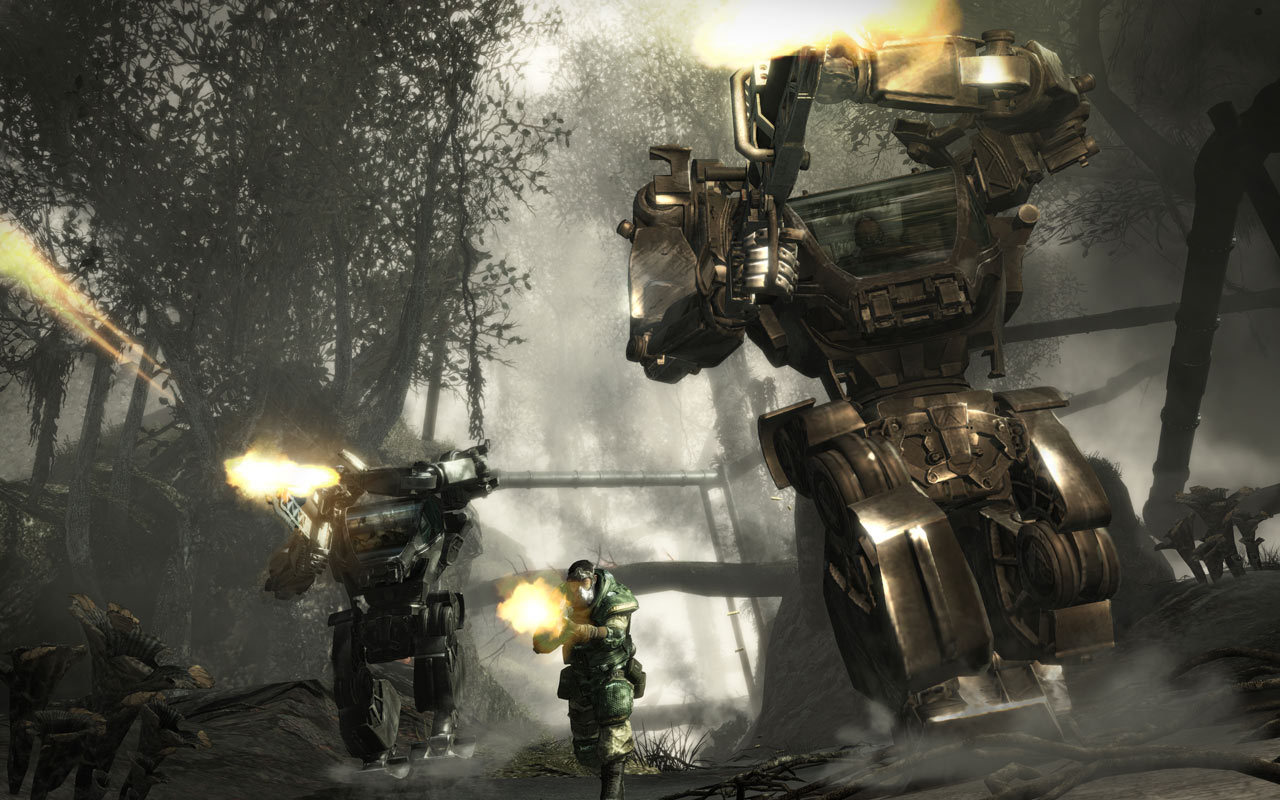
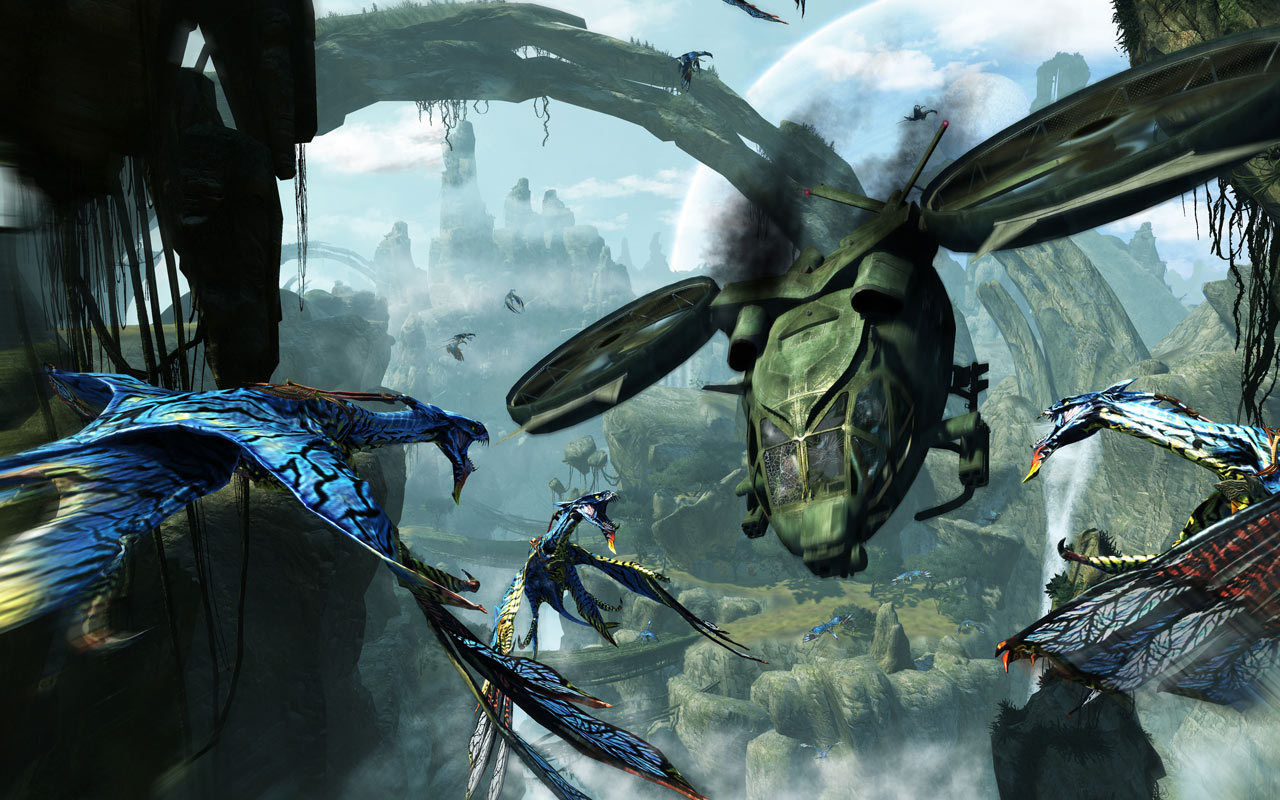
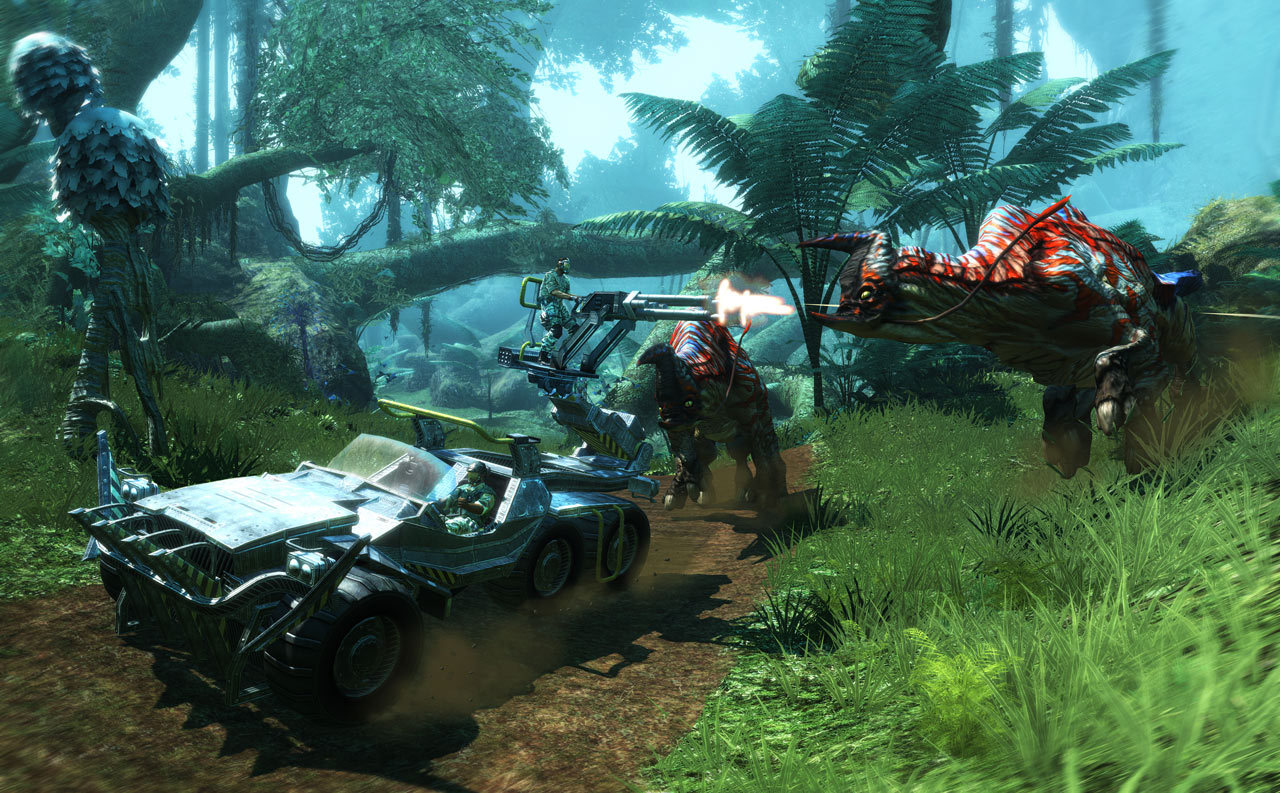
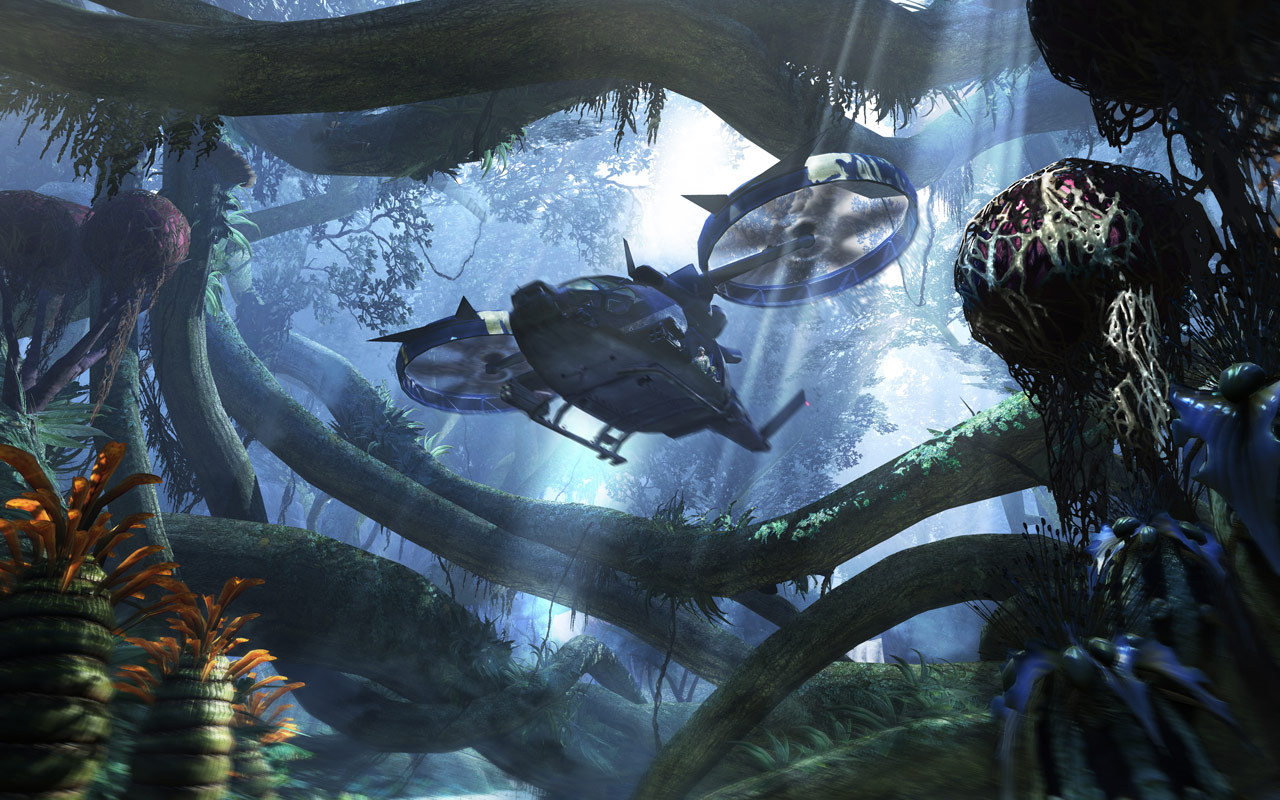
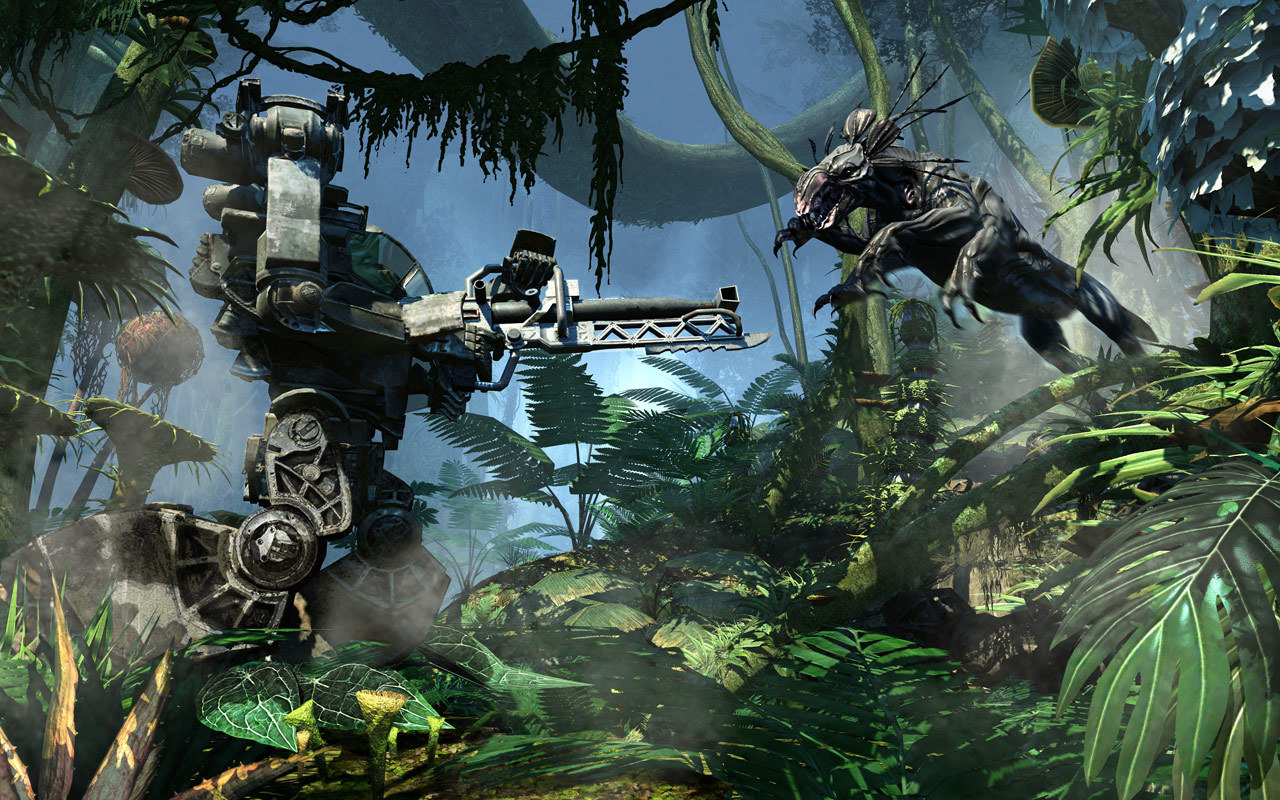
Official store screenshots from Steam — deckport links them, never rehosts. Hover to pause; click to preview.
Identity
Launch
- Binary
- Avatar.exe
- Needs files
- none beyond the binary
Proton
- Version
- proton_experimental
- Winetricks
- —
⚙ Setup notes
Game: Ubisoft's 2009 third-person shooter tie-in to the Avatar film (RDA vs Na'vi on Pandora), delisted.
Proton: Community reports run it well on the Deck under Proton in DX9 mode; the main thing to get right is the single-core launch fix below. ProtonDB has very few reports, so treat any tier as provisional.
Display: Has both DirectX 9 and DirectX 10 render modes.
Mods: There's an active Avatar Modding community for the 2009 game.
The one thing to know
Supply your own copy: Delisted commercial game — supply your own copy.
DRM: The retail/Steam release used Tagès / Solidshield (T@GES) activation — limited to 3 activations that replenish one per 30 days, with online or manual code activation. A community DRM-free build avoids that activation layer.
Fix: If it won't launch (or crashes on load on modern multi-core CPUs), pin it to a single CPU core (set CPU 0 affinity / /affinity 1). This is the most-reported launch fix.
Display: The 'black squares' bug is DX10 + HDR/bloom — disable bloom or use DX9 mode.
Warning: Heavy flashing colour/effects (possible epilepsy trigger).
Binary: bin/Avatar.exe. deckport links nothing.
Community guides
Write-ups and threads from people who got this (or a similar) game running. deckport links to them — it doesn't reproduce them.
Get the artwork
deckport never hosts game images. Open this game on SteamGridDB, pick
the cover / hero / logo / icon you like, and drop them into the
game folder under .deckport-art/ before you push it to the
Deck. The importer files them under the right names automatically.
Run it on your Deck
Two files: the one-time importer (deckport.py) in your
Deck's home folder, and this game's install helper. Copy the game
into ~/Games and run the helper with Steam closed — it
writes the recipe (binary, launch options, Proton version)
and registers the shortcut with artwork.