About
Jump Force is a crossover fighting game built to celebrate the 50th anniversary of Shueisha's Weekly Shonen Jump magazine, pitting characters from series like Dragon Ball, One Piece, Naruto, Yu-Gi-Oh!, and Bleach against each other in 3v3 team battles. Built on Unreal Engine 4, it features a story mode and online multiplayer alongside its roster of over 50 manga heroes and villains. Reception was mixed, with praise for the fan-service crossover but criticism of its stiff animation, story, and realistic art style. It was pulled from sale on 2022-02-07 and its online servers were shut down on 2022-08-24, leaving only offline and local play available.
Screenshots
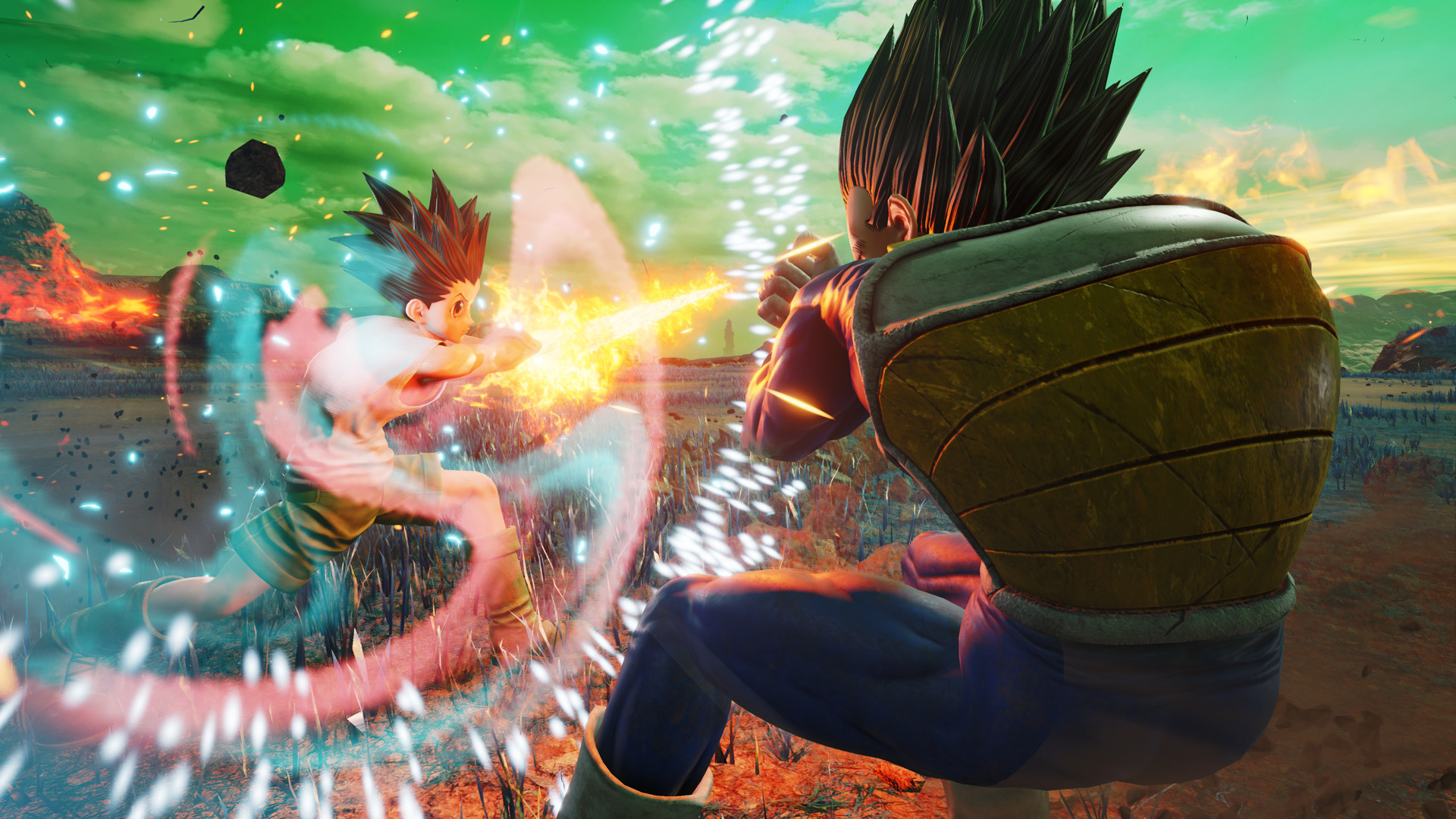
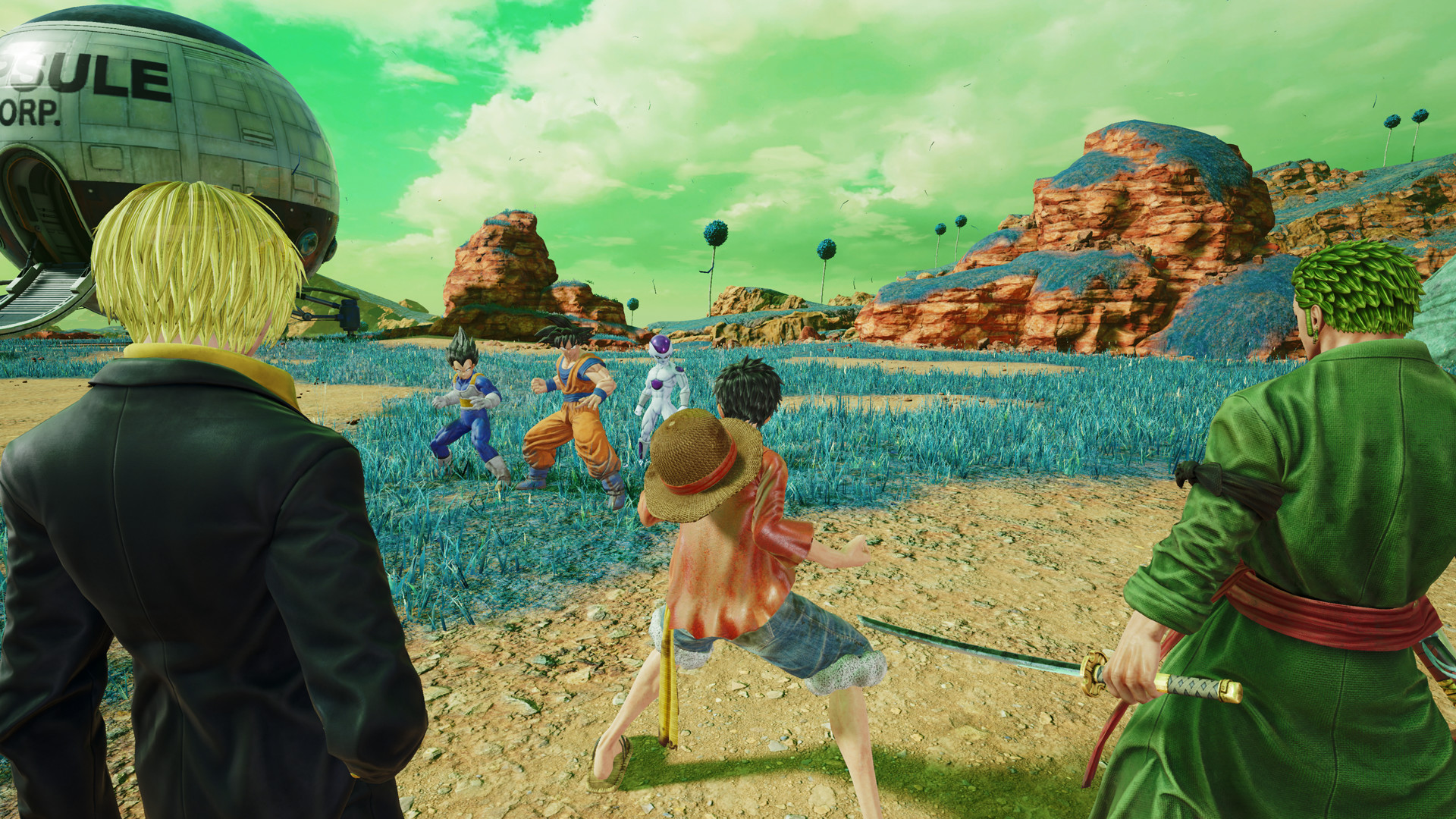
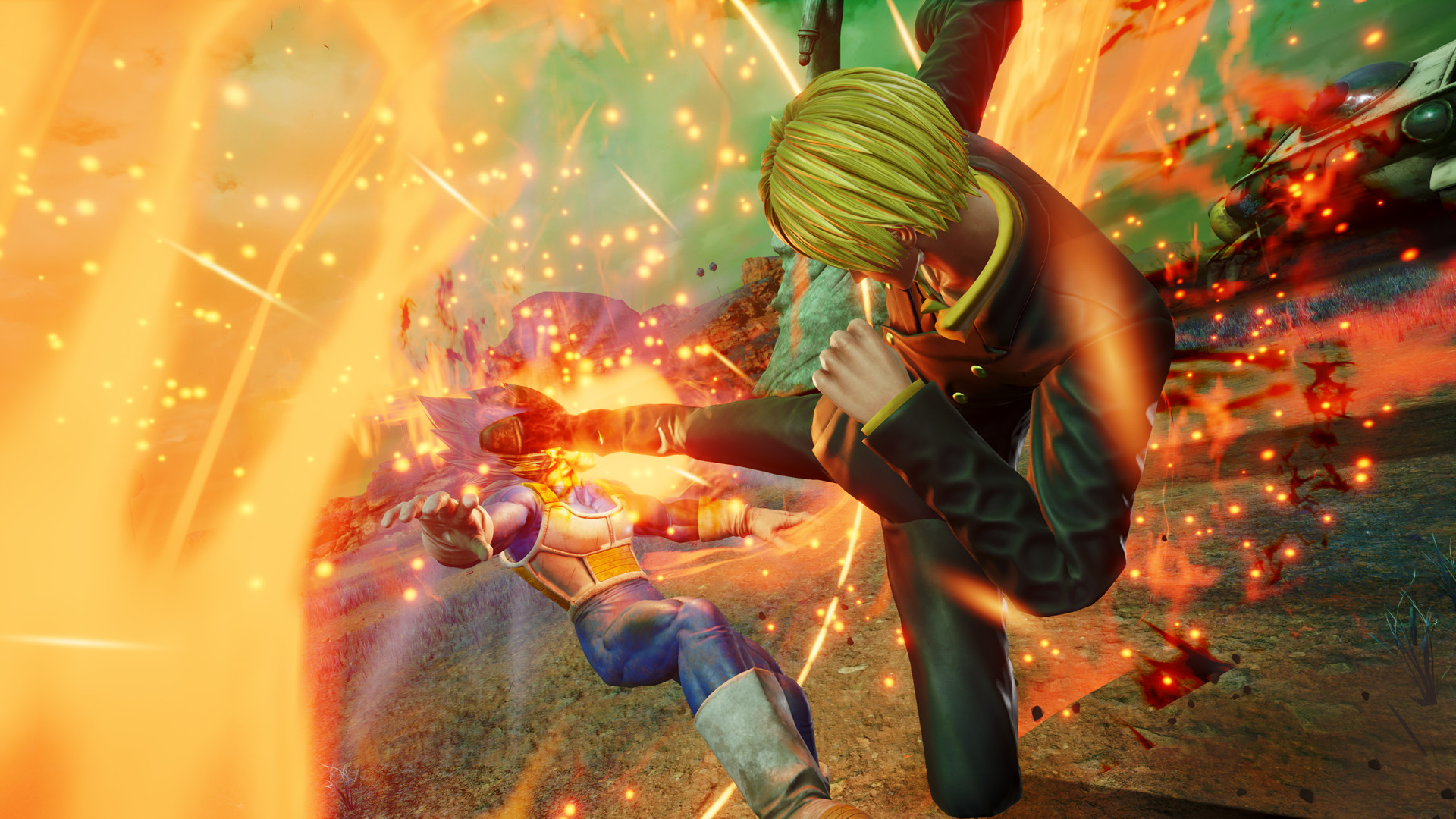
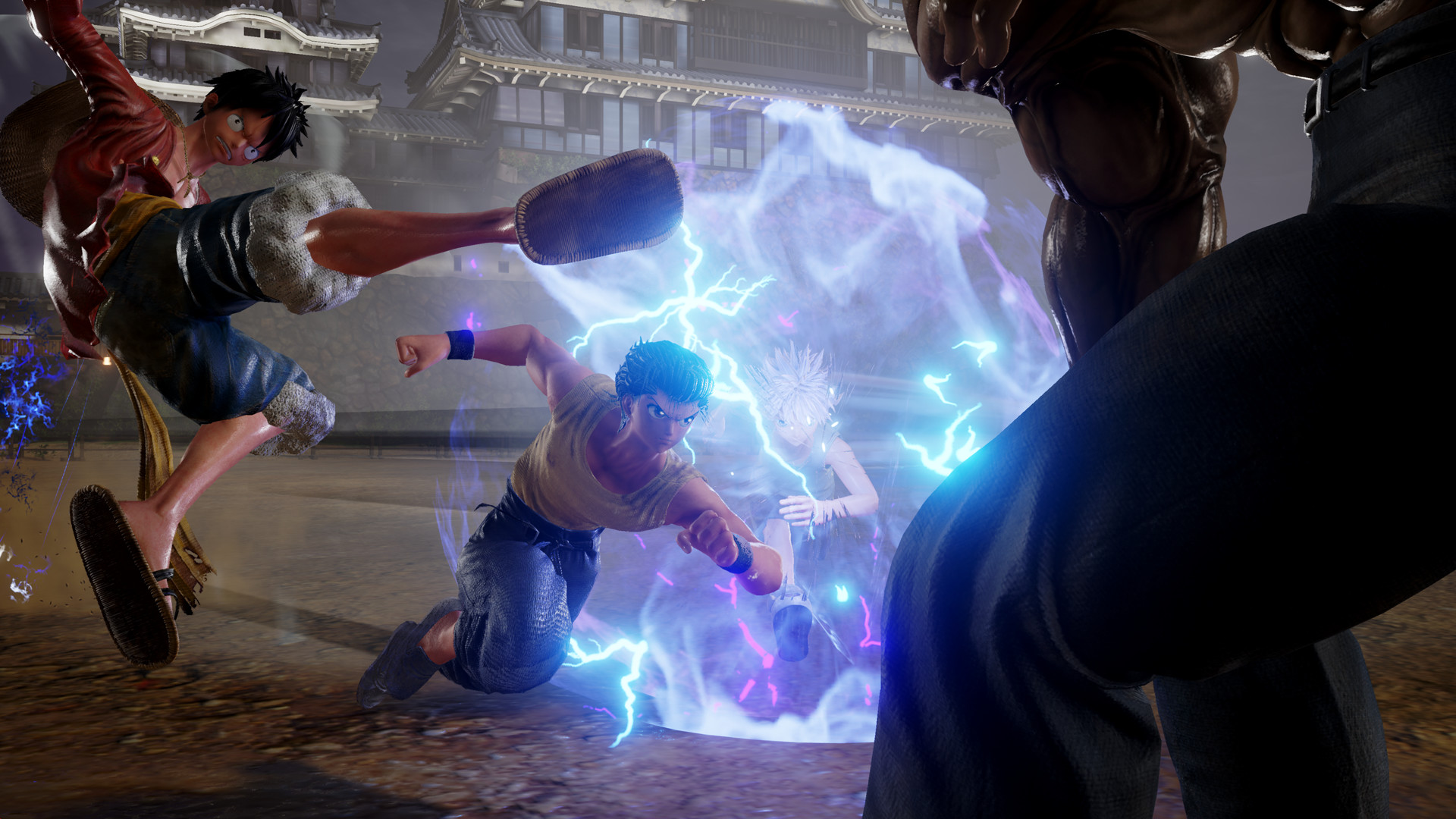
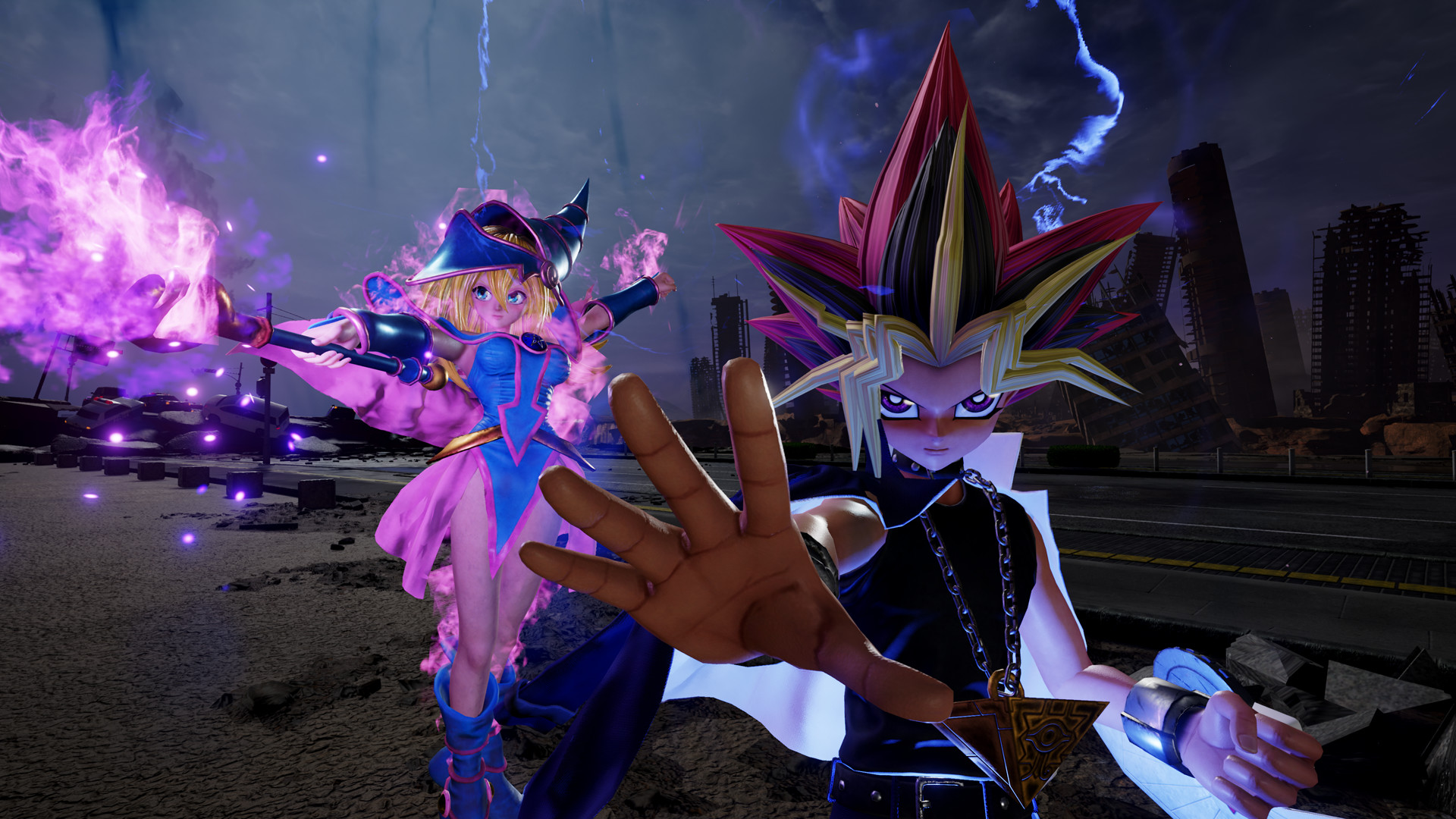
Official store screenshots from Steam — deckport links them, never rehosts. Hover to pause; click to preview.
Identity
Launch
- Binary
- JUMP_FORCE.exe
- Needs files
- none beyond the binary
Proton
- Version
- GE-Proton
- Winetricks
- —
- ProtonDB
- ProtonDB Silver runs with minor issues
⚙ Setup notes
DRM: Delisted Steam game (appid 816020), removed from sale 2022-02-07; online servers shut down 2022-08-24, so only solo (and LAN) modes work now.
Fix: Stock Valve Proton (incl. proton_experimental) does NOT work because of Easy Anti-Cheat — you MUST force GE-Proton (community confirms GE-Proton7-29 era working).
Proton: The game is Unsupported out of the box on Deck; set the compatibility tool to GE-Proton in the game Properties to get past the launch error.
Launch: Launches through the EAC wrapper JUMP_FORCE.exe at the install root, which then starts JUMP_FORCE/Binaries/Win64/JUMP_FORCE-Win64-Shipping.exe.
Display: Runs ~60fps; if you see dips, drop Shadows and Anti-Aliasing to Medium (or everything to Low).
Controller: Native controller support — it's a fighting game, no Steam Input layout needed.
Install: deckport only configures the prefix; it never bundles or links the game files.
The one thing to know
Supply your own copy. deckport links nothing.
Fix: Requires GE-Proton — stock Valve Proton fails on this game's Easy Anti-Cheat. Force GE-Proton in the game's compatibility settings.
Online: Permanently dead (servers shut down 2022-08-24); only single-player and LAN remain.
Controller: Native gamepad support, no controller hack needed.
Status: Recipe reflects community Deck reports but has not been confirmed on a Deck by this project.
Community guides
Write-ups and threads from people who got this (or a similar) game running. deckport links to them — it doesn't reproduce them.
Get the artwork
deckport never hosts game images. Open this game on SteamGridDB, pick
the cover / hero / logo / icon you like, and drop them into the
game folder under .deckport-art/ before you push it to the
Deck. The importer files them under the right names automatically.
Run it on your Deck
Two files: the one-time importer (deckport.py) in your
Deck's home folder, and this game's install helper. Copy the game
into ~/Games and run the helper with Steam closed — it
writes the recipe (binary, launch options, Proton version)
and registers the shortcut with artwork.