About
Jurassic Park: The Game is an episodic graphic adventure developed and published by Telltale Games, set during the events of the 1993 film and built on the Telltale Tool engine. Gameplay is cinematic and story-driven, relying heavily on quick-time events and dialogue rather than traditional point-and-click puzzles.
It was released across four episodes in November 2011 and met a mixed critical reception, with praise for its setting and atmosphere but criticism of its restrictive QTE-focused design. The game was delisted from digital storefronts following the closure of Telltale Games in 2018.
Screenshots
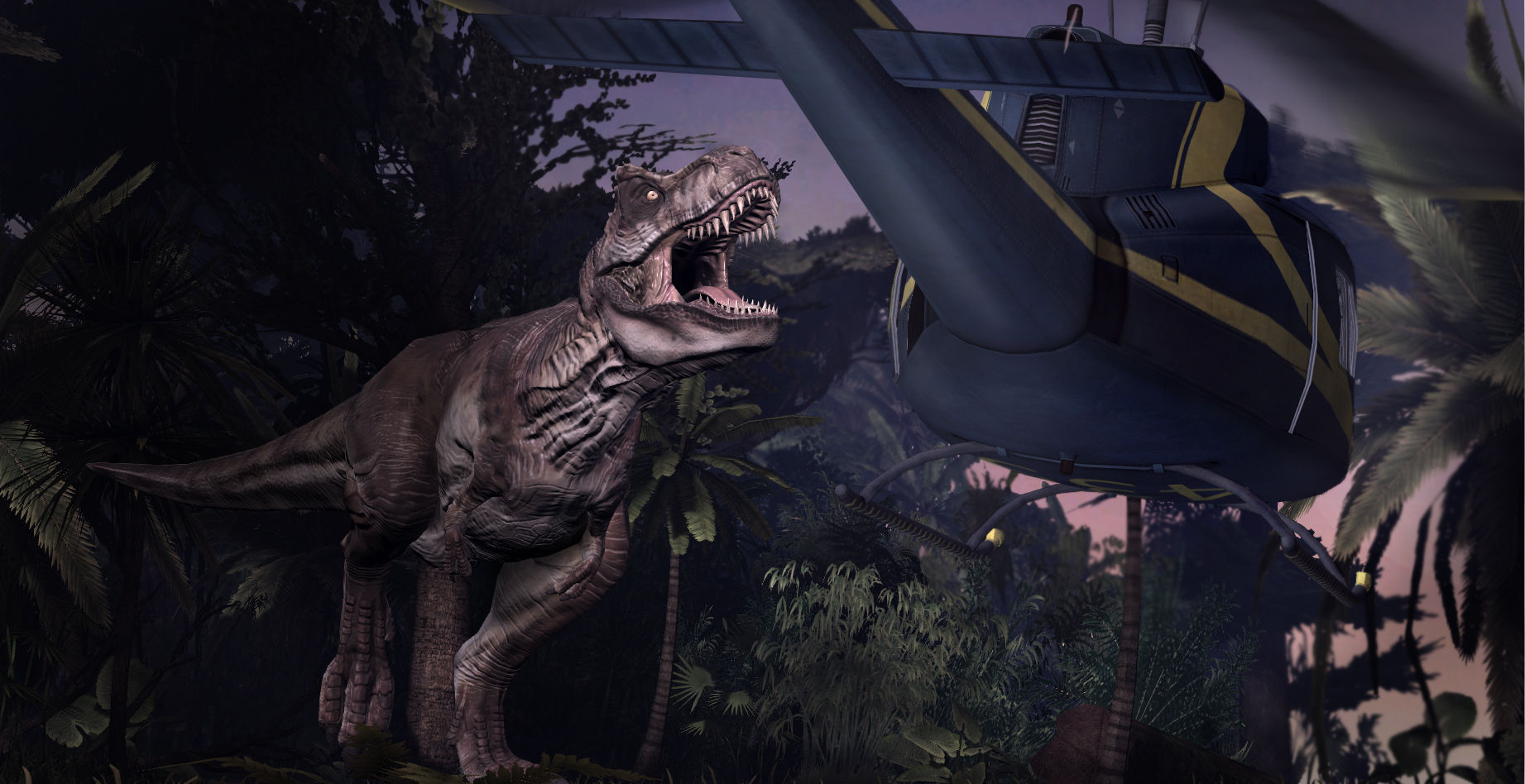
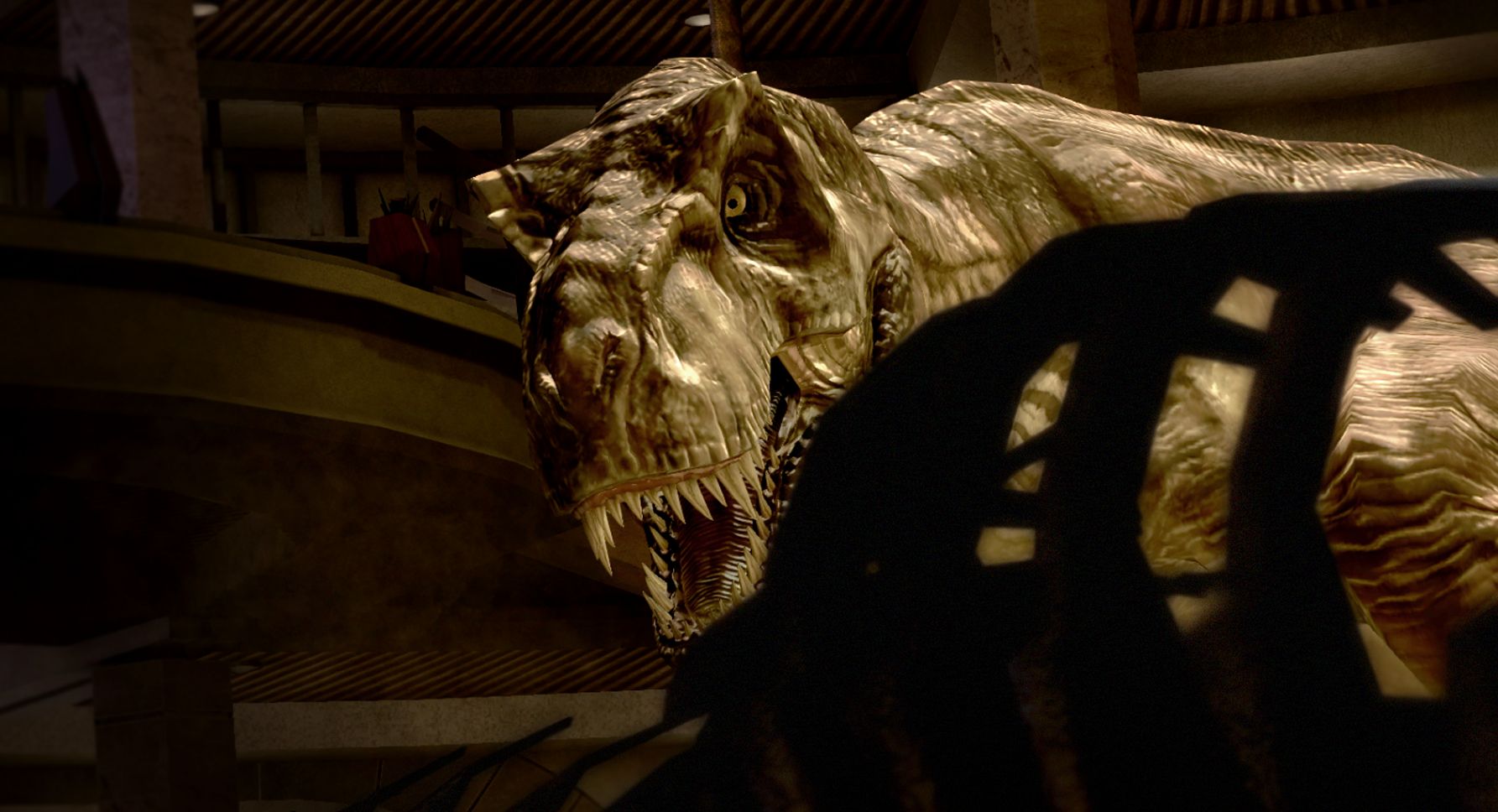
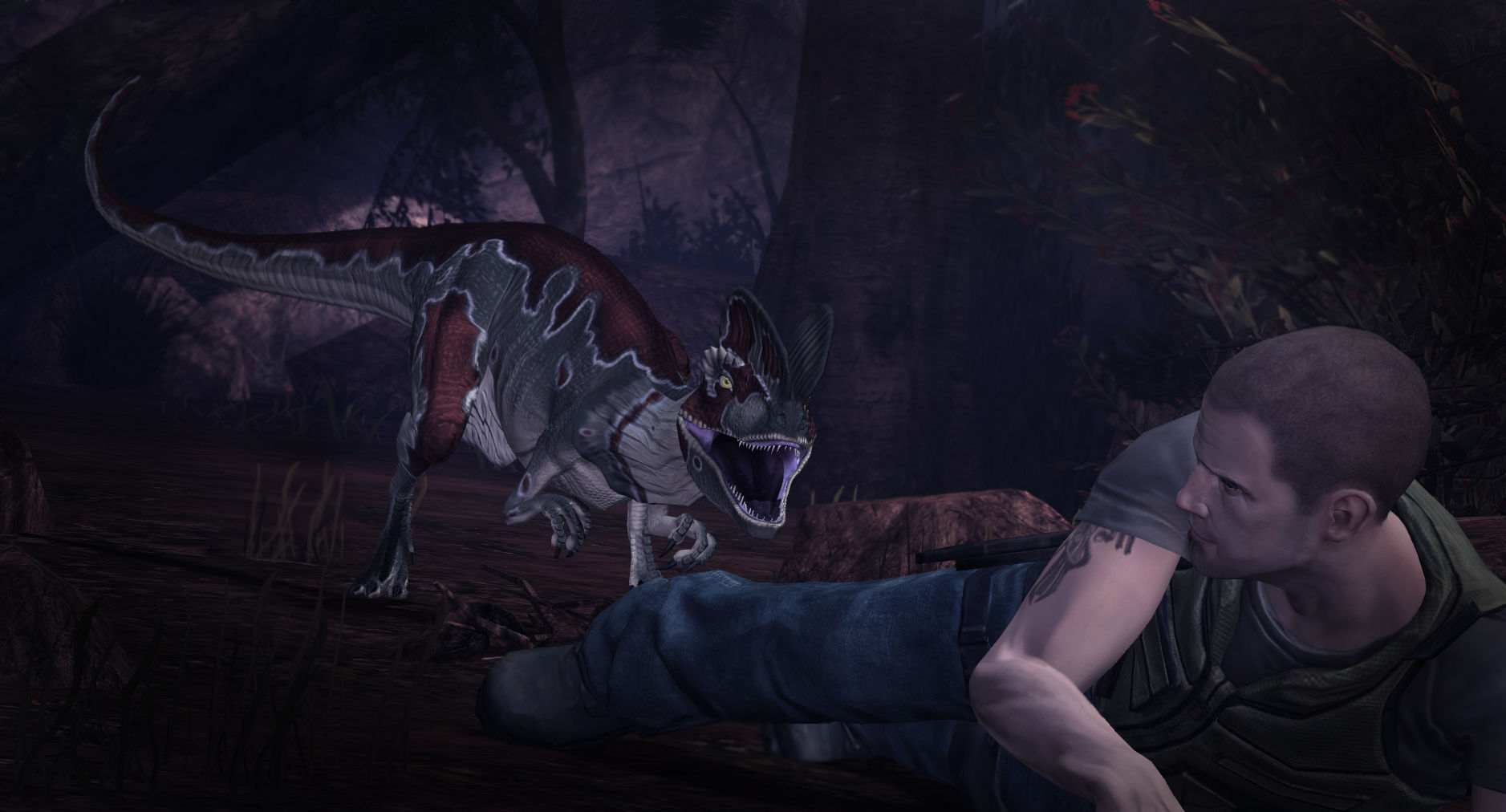
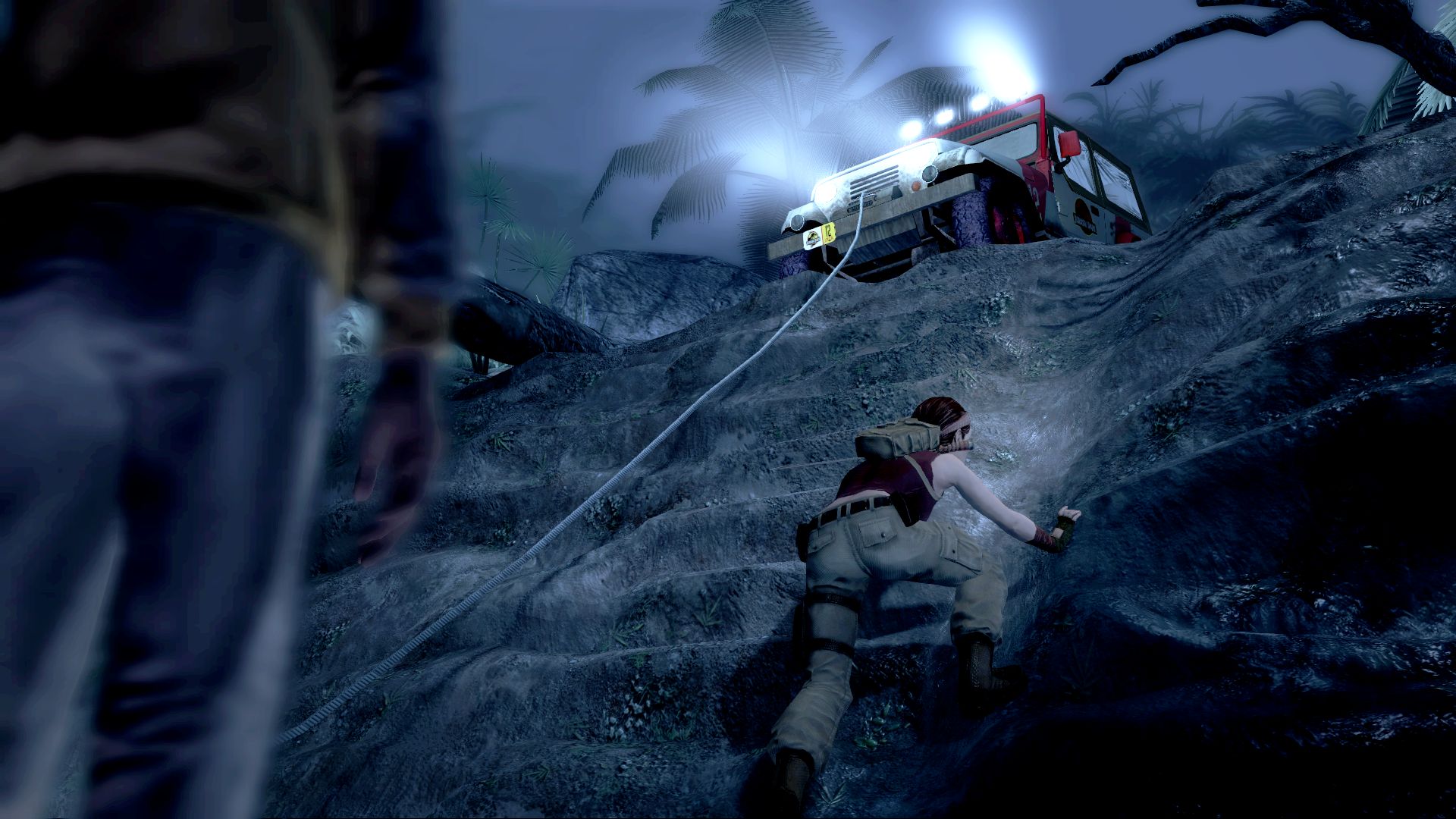
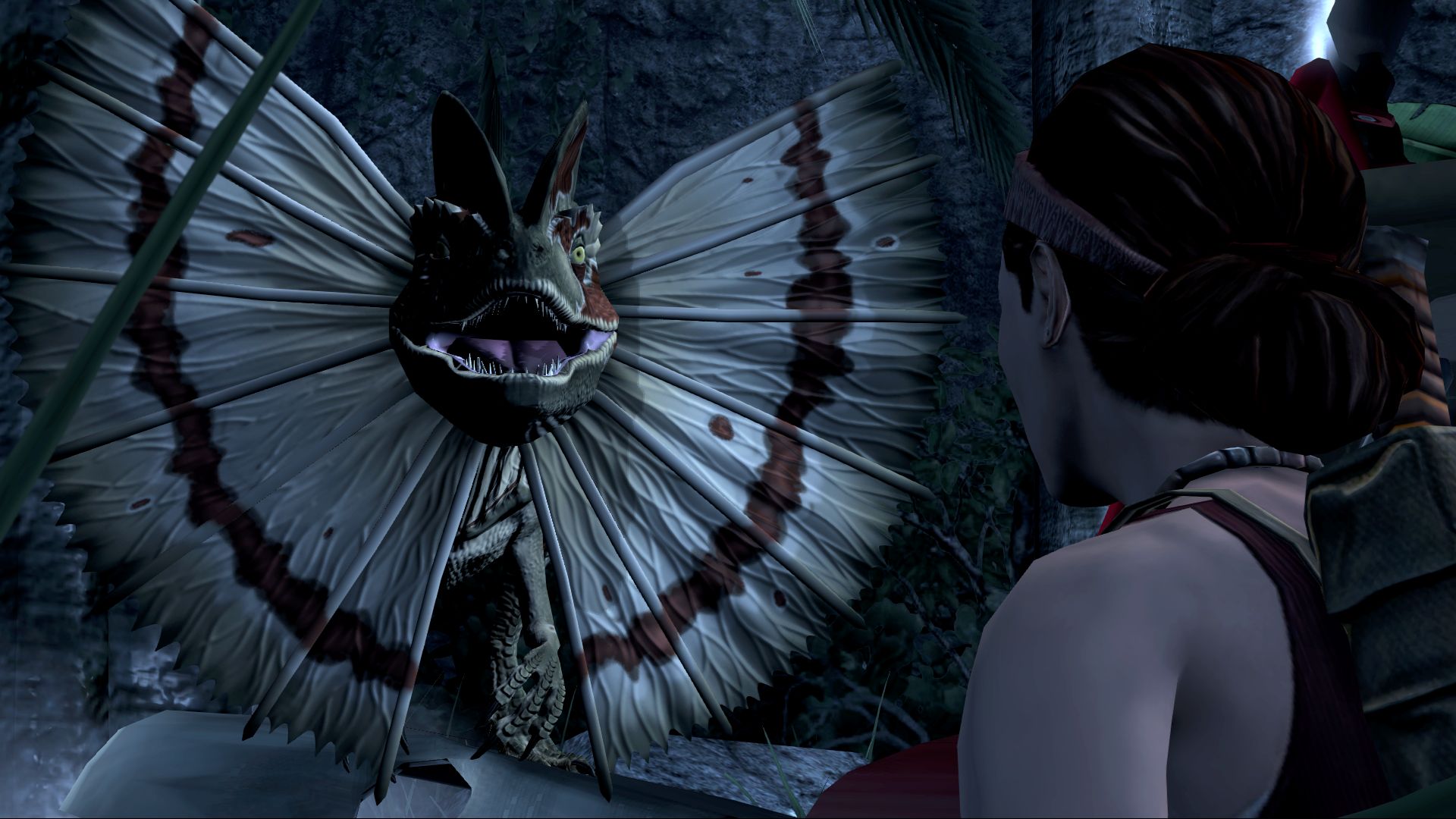
Official store screenshots from Steam — deckport links them, never rehosts. Hover to pause; click to preview.
Identity
Launch
- Binary
- GameData/JurassicPark101.exe
- Needs files
- none beyond the binary
Proton
- Version
- proton_experimental
- Winetricks
- —
⚙ Setup notes
Game: Telltale's 2011 episodic Jurassic Park adventure (all episodes) — a cinematic, QTE-driven game on the Telltale Tool engine.
Binary: The real launcher lives in the GameData subfolder of the install directory as JurassicPark101.exe (the patched build). Older/unpatched copies use JurassicPark100.exe in the same folder — point the recipe at whichever exists.
Controller: Native gamepad support (the whole game is QTE/button-prompt driven) — Steam Input not required. If the game refuses to start, unplug extra controllers and leave only one active.
Known fix — missing cursor / QTE icons: A Telltale Tool bug can hide the mouse cursor and on-screen QTE prompts. Workaround: pause (Spacebar/Esc) → Load → reload the latest checkpoint to make the icons reappear.
Install method: Normal Steam install. As a Telltale Tool title it runs well under Proton; do not let it install its bundled DirectX (Proton/DXVK handles that).
Display: Playable on Deck (~800p, 30-60fps).
The one thing to know
Supply your own copy: Delisted commercial game — Telltale's catalogue was pulled from storefronts after the studio's 2018 closure, so it can no longer be purchased. Run it from a copy you already own in your Steam library.
Binary: Launcher is GameData/JurassicPark101.exe (patched) — or JurassicPark100.exe on unpatched copies. Confirm which file your install actually contains.
Controller: Native gamepad support; the whole game is button-prompt/QTE based.
Community guides
Write-ups and threads from people who got this (or a similar) game running. deckport links to them — it doesn't reproduce them.
Get the artwork
deckport never hosts game images. Open this game on SteamGridDB, pick
the cover / hero / logo / icon you like, and drop them into the
game folder under .deckport-art/ before you push it to the
Deck. The importer files them under the right names automatically.
Run it on your Deck
Two files: the one-time importer (deckport.py) in your
Deck's home folder, and this game's install helper. Copy the game
into ~/Games and run the helper with Steam closed — it
writes the recipe (binary, launch options, Proton version)
and registers the shortcut with artwork.