About
Kane & Lynch: Dead Men is a third-person shooter from IO Interactive, built on the studio's Glacier engine and released in 2007. It follows two violent criminals — death-row mercenary Kane and his unstable, medicated escort Lynch — through a brutal, cinematic crime spree, and introduced the competitive heist mode Fragile Alliance.
The game is best remembered for 'Gerstmanngate': GameSpot critic Jeff Gerstmann's 2007 dismissal after a lukewarm review of the heavily-advertised title, a landmark moment in games-journalism ethics. Its original online co-op and multiplayer relied on Games for Windows LIVE, and the title has since been delisted from Steam.
Screenshots
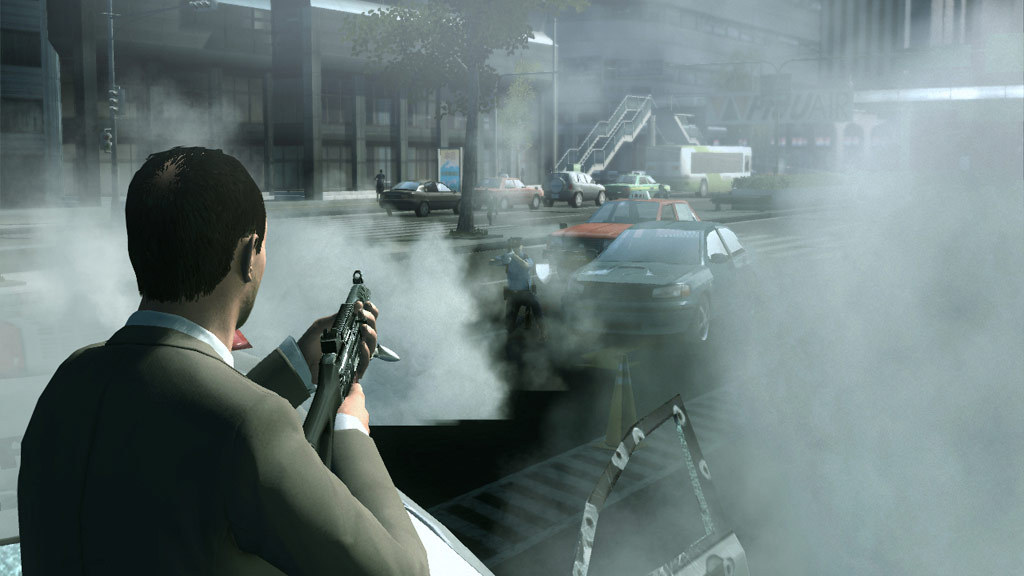
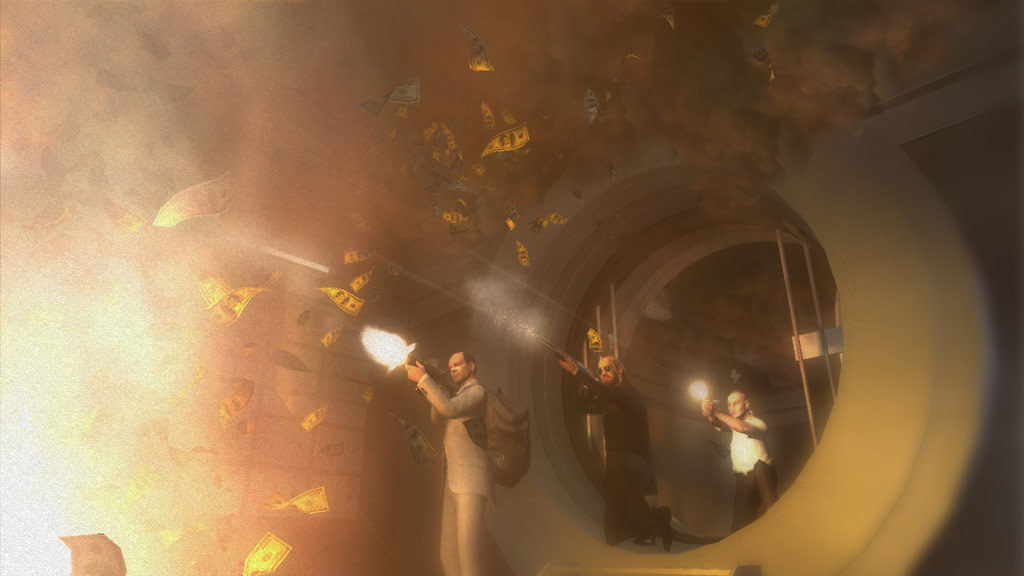
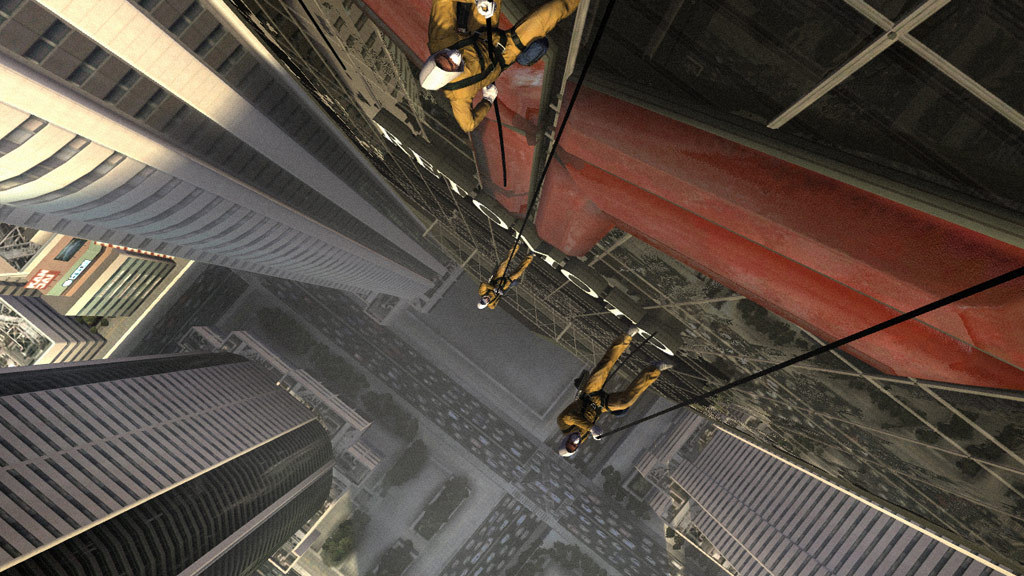

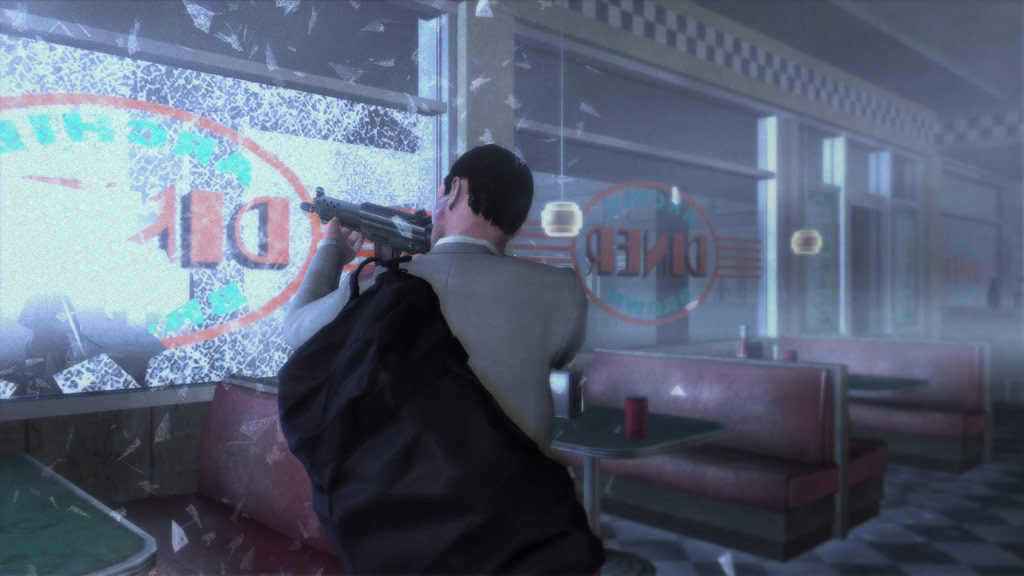
Official store screenshots from Steam — deckport links them, never rehosts. Hover to pause; click to preview.
Identity
Launch
- Binary
- kaneandlynch.exe
- Needs files
- none beyond the binary
Proton
- Version
- Proton 8.0-5
- Winetricks
- —
- ProtonDB
- ProtonDB Silver runs with minor issues
⚙ Setup notes
Status: Delisted Steam game (appid 8080), ProtonDB silver — confirmed running on Steam Deck.
Proton: Known-good is Proton 8.0-5. Proton 9 shows graphical glitches and Proton 10/11 currently fail to launch, so force Proton 8 in the title's compatibility settings (or GE-Proton 8).
GFWL: Required fix — the game ships with Games for Windows LIVE (GFWL), which is dead, and will fail with a missing xlive.dll until handled. Either run the bundled XLiveRedist installer from the game folder, or apply the PCGamingWiki "Play without Games for Windows - LIVE" replacement xlive.dll (Xliveless) into the game folder. On Linux some reports instead use protontricks 8080 d3dx9_31 d3dx9_34 gfw on a fresh prefix.
Chapter-4 bug: Cap the framerate to ~30 fps at the start of chapter 4 to avoid a known game-breaking softlock.
Controller: Uses XInput, but recognition can be flaky and you can't mix keyboard+mouse with a pad — leave Steam Input enabled (Gamepad with Mouse Trackpad / Xbox 360 template) so the Deck controls map reliably.
Install: deckport only configures the prefix; it never bundles or links the game files.
The one thing to know
Supply your own copy: Delisted Steam game (appid 8080). deckport links nothing.
Status: Community confirms it runs on Steam Deck via Proton 8 after the GFWL bypass.
GFWL: You MUST disable Games for Windows LIVE (extract the GFWL-disable files into the game folder) or it won't launch.
Proton: Pin Proton 8.0-5 — Proton 9 has graphical glitches and Proton 10/11 fail to start.
Chapter-4 bug: Cap to ~30 fps at the start of chapter 4 to dodge a known game-breaking bug.
Multiplayer: The original online co-op/multiplayer relies on GFWL servers that are gone — treat it as single-player.
Controller: XInput-based but recognition can be flaky and keyboard+mouse can't be mixed with a pad — keep Steam Input on (Xbox 360 / Gamepad template) for reliable Deck controls.
Binary: Launch exe is kaneandlynch.exe in the install root (the same exe that errors on missing xlive.dll until GFWL is handled).
Community guides
Write-ups and threads from people who got this (or a similar) game running. deckport links to them — it doesn't reproduce them.
Get the artwork
deckport never hosts game images. Open this game on SteamGridDB, pick
the cover / hero / logo / icon you like, and drop them into the
game folder under .deckport-art/ before you push it to the
Deck. The importer files them under the right names automatically.
Run it on your Deck
Two files: the one-time importer (deckport.py) in your
Deck's home folder, and this game's install helper. Copy the game
into ~/Games and run the helper with Steam closed — it
writes the recipe (binary, launch options, Proton version)
and registers the shortcut with artwork.