About
Kingdoms of Amalur: Reckoning is a 2012 open-world action RPG set in the Faelands of Amalur, where the player controls the Fateless One, a hero resurrected free of the destiny that binds everyone else. Its development pedigree was its big draw: fantasy author R.A. Salvatore built the world lore, comics artist Todd McFarlane led the visual design, and Elder Scrolls veteran Ken Rolston was lead designer. The game was well reviewed for its fast, combo-driven combat and large world, but the commercial failure of 38 Studios shortly after launch ended any sequel. The original release was delisted from Steam in 2020 ahead of the Re-Reckoning remaster.
Screenshots
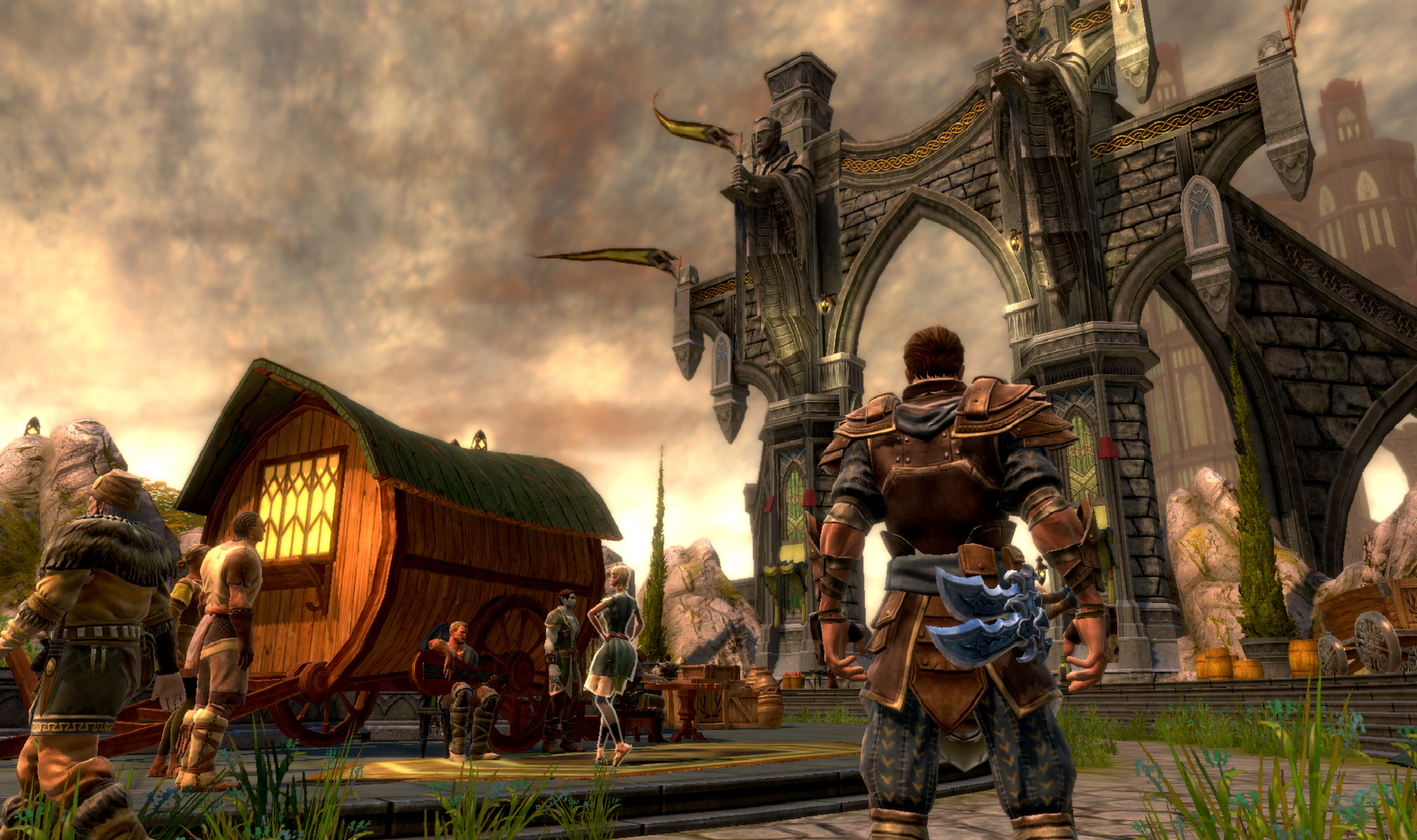
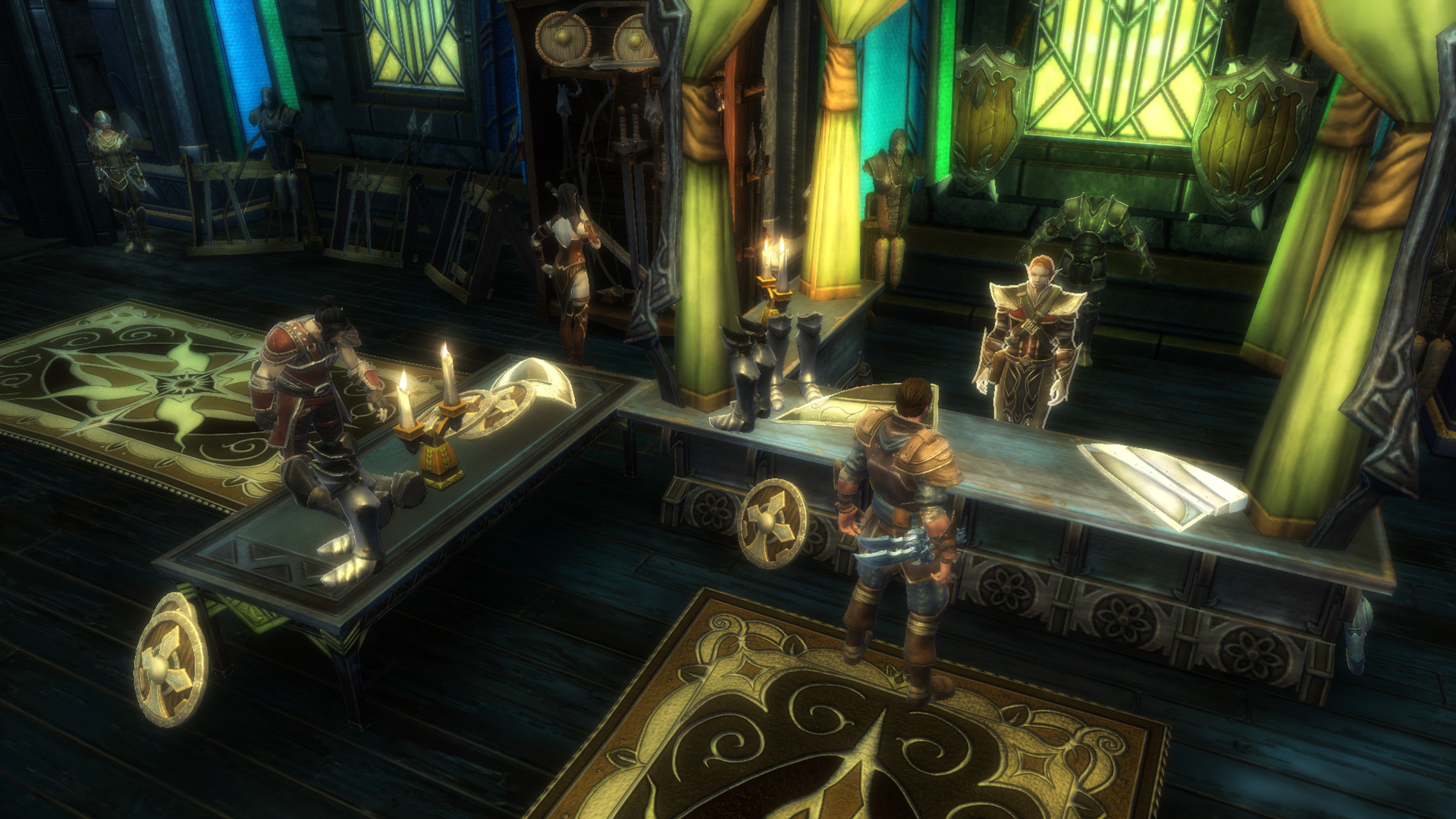

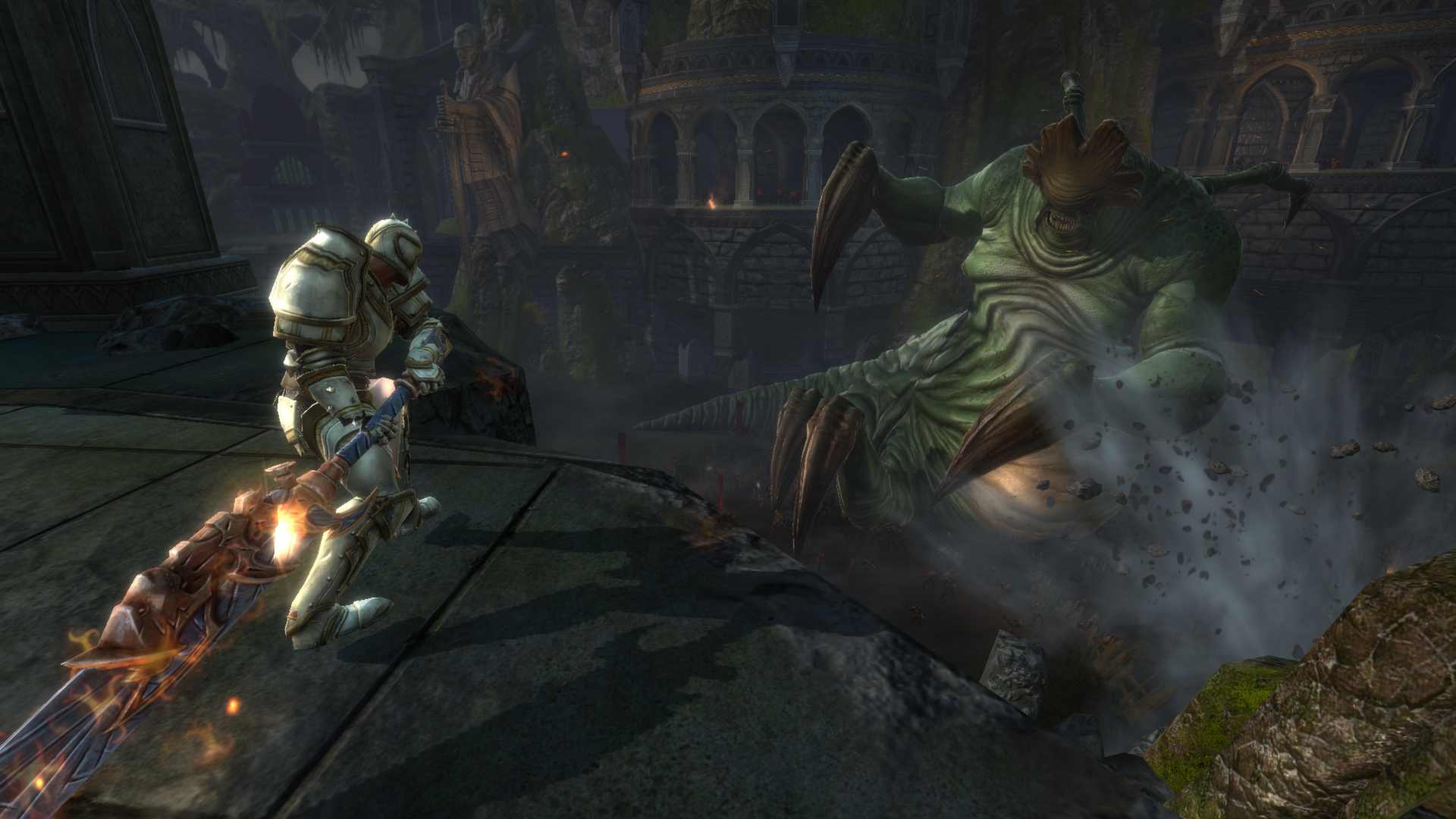
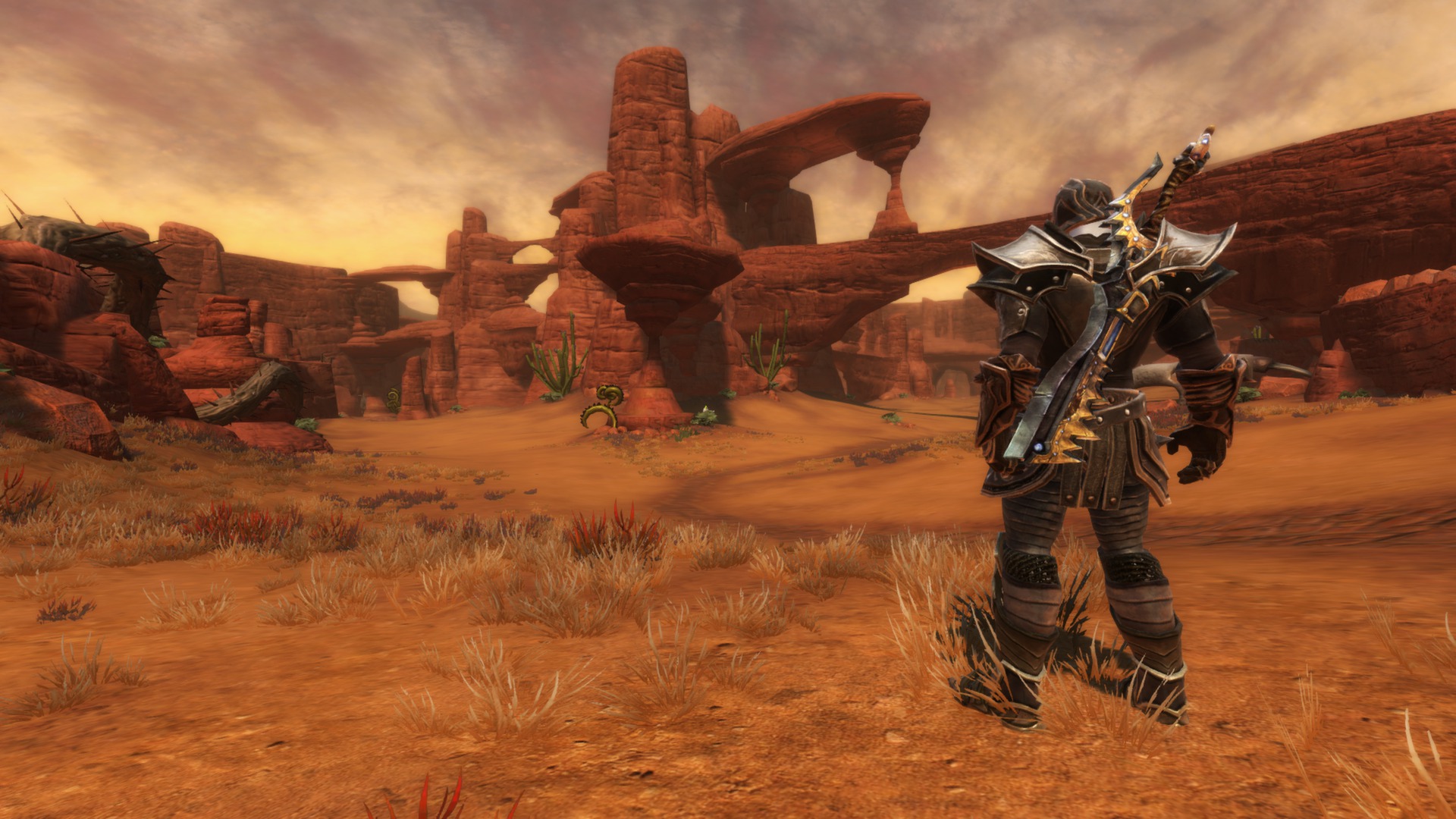
Official store screenshots from Steam — deckport links them, never rehosts. Hover to pause; click to preview.
Identity
Launch
- Binary
- Reckoning.exe
- Needs files
- none beyond the binary
Proton
- Version
- Proton 6.3-8
- Winetricks
- —
- ProtonDB
- ProtonDB Platinum runs flawlessly
⚙ Setup notes
DRM: Delisted Steam game (appid 102500), pulled July 2020 ahead of the Re-Reckoning remake — original is no longer for sale. ProtonDB Platinum and Deck-Verified 'Playable'.
Proton: Known-good is Proton 6.3-8 (5.13-6 also fine). Newer Proton (7.0/8.0/9.0/10.0) introduces a mouse-steering bug in conversations and indoors — pin to 6.3-8 to avoid it.
Install: Binary is Reckoning.exe.
GFWL: The Steam build is GFWL-free (no Games for Windows Live), so no DRM bypass is needed.
Controller: Native Xinput controller support, works out of the box with the Deck's built-in gamepad.
Display: For ultrawide/FOV the community uses external Widescreen Fixer, but the Deck's 16:10 panel runs fine at native res without it.
Files: deckport only configures the prefix; it never bundles or links the game files.
The one thing to know
Supply your own copy: deckport links nothing.
DRM: Original Reckoning (appid 102500) was delisted in July 2020 ahead of the Re-Reckoning remake — no longer for sale. ProtonDB Platinum / Deck-Verified Playable.
Proton: Pin Proton to 6.3-8 — Proton 7.0+ has a mouse-steering bug during conversations and indoors.
Controller: Native Xinput controller support — no Steam Input layout hack required.
Display: Optional external Widescreen Fixer for FOV, but not needed at the Deck's native 16:10.
Server: Single-player only, so no server concerns.
Community guides
Write-ups and threads from people who got this (or a similar) game running. deckport links to them — it doesn't reproduce them.
Get the artwork
deckport never hosts game images. Open this game on SteamGridDB, pick
the cover / hero / logo / icon you like, and drop them into the
game folder under .deckport-art/ before you push it to the
Deck. The importer files them under the right names automatically.
Run it on your Deck
Two files: the one-time importer (deckport.py) in your
Deck's home folder, and this game's install helper. Copy the game
into ~/Games and run the helper with Steam closed — it
writes the recipe (binary, launch options, Proton version)
and registers the shortcut with artwork.