About
Laser League is a fast-paced futuristic team sports game from Roll7, the British studio known for the OlliOlli series, published by 505 Games and built on Unreal Engine 4. Players claim control nodes that energize laser barriers across a neon arena, aiming to fry the opposing team while dodging the beams.
It launched in May 2018 and was relaunched in December 2021 as the free-to-play Laser League: World Arena. The online servers were shut down on July 6, 2023, leaving local and offline play, and the title was delisted from Steam.
Screenshots
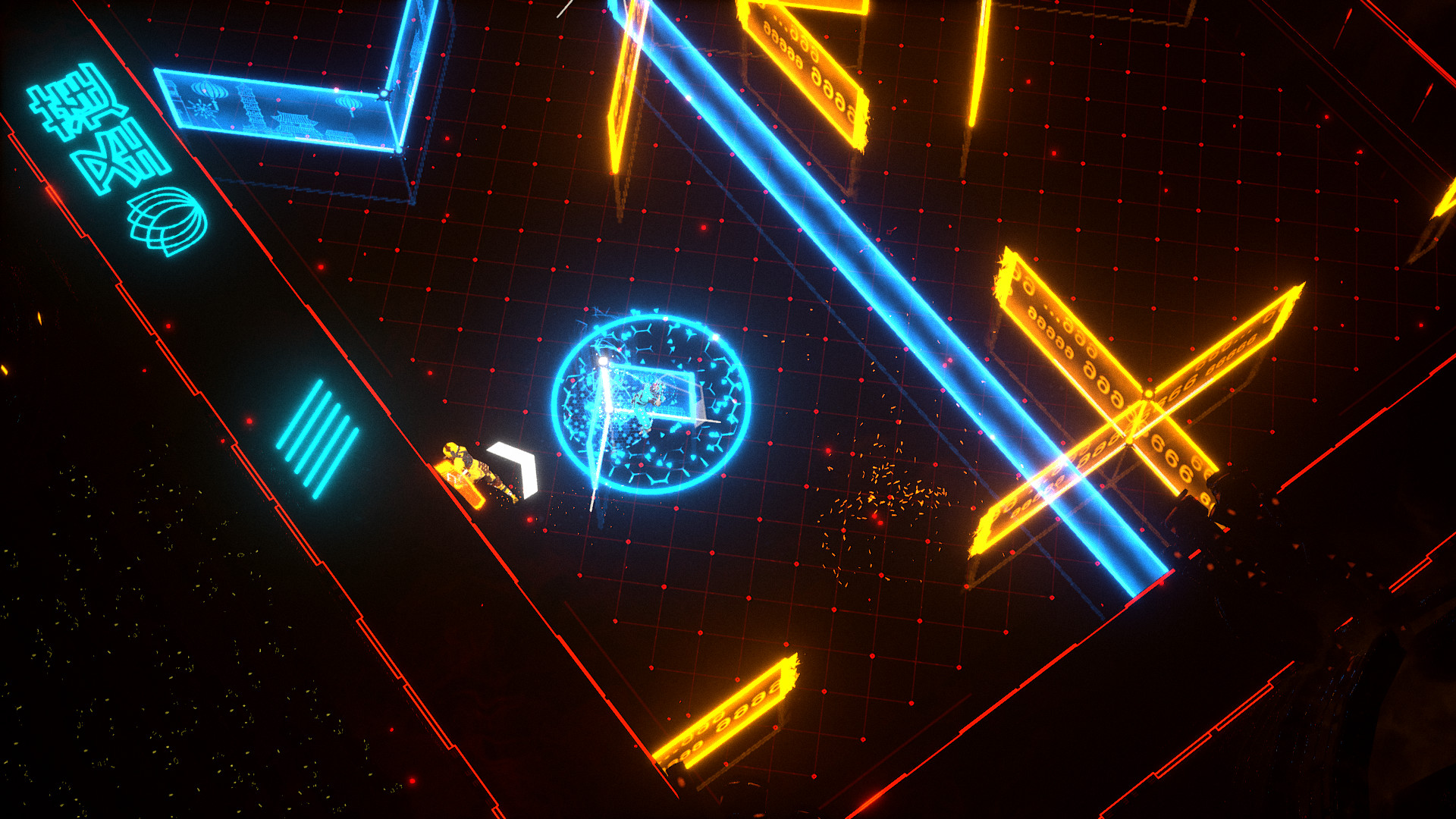
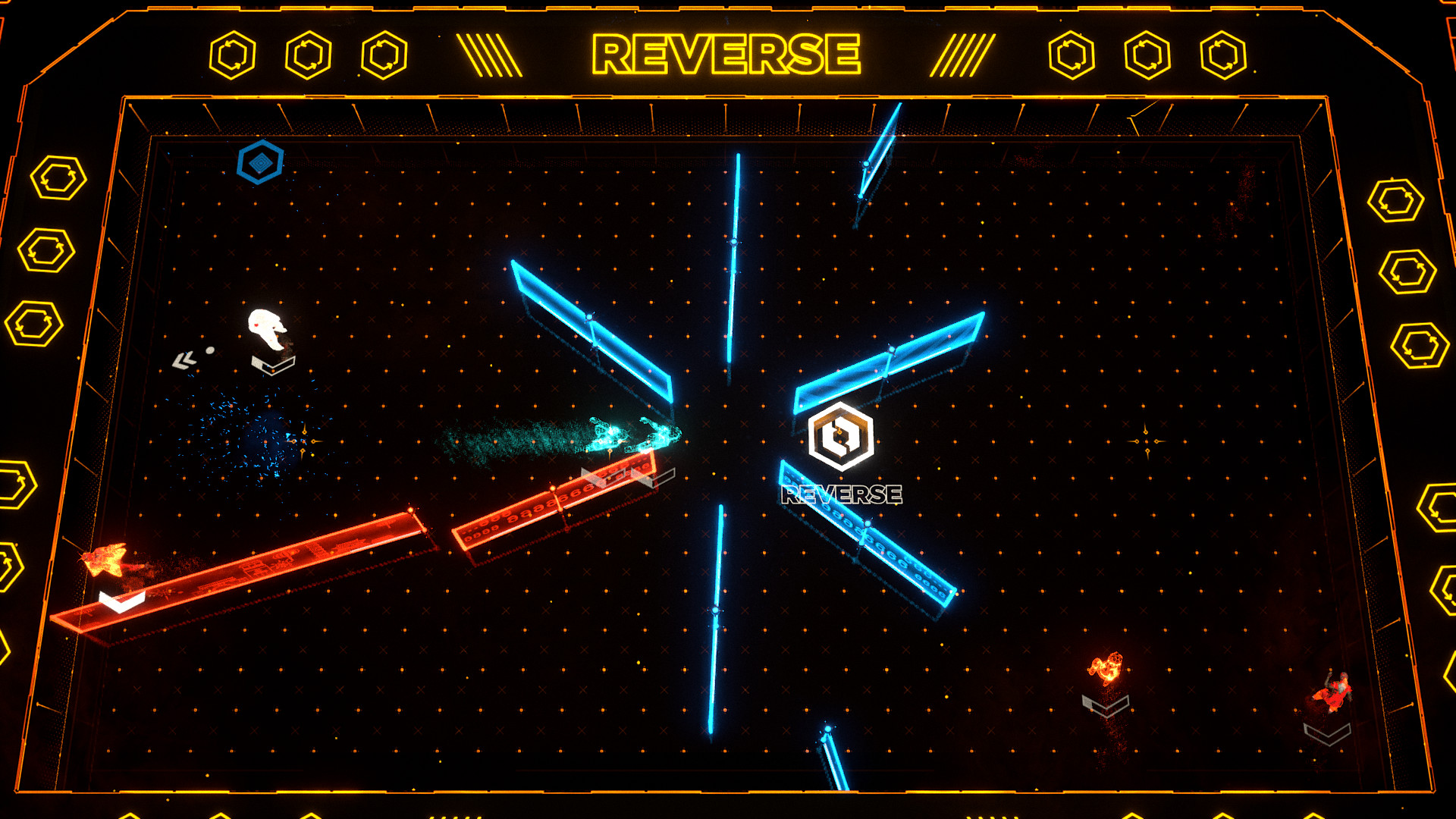
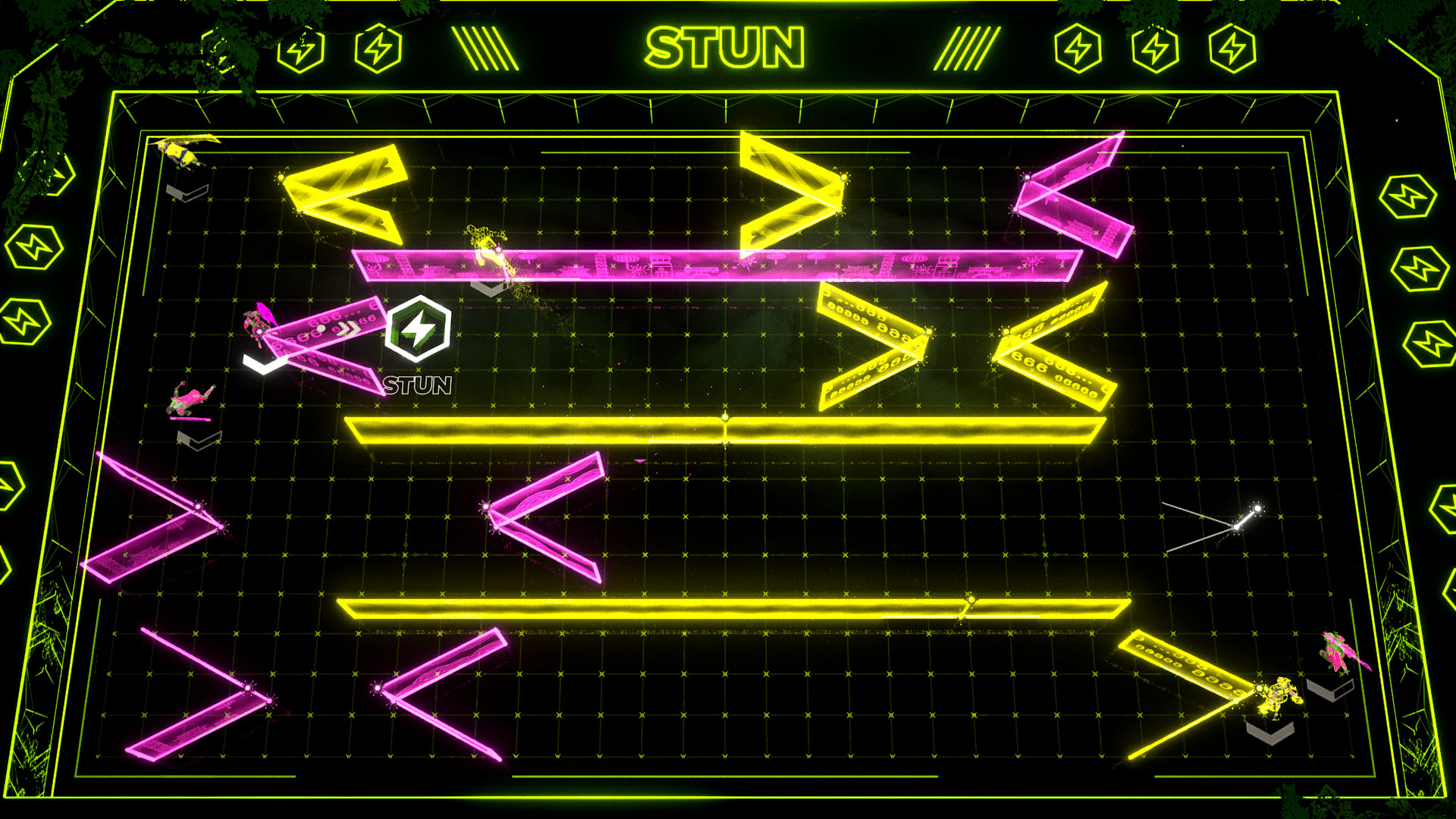
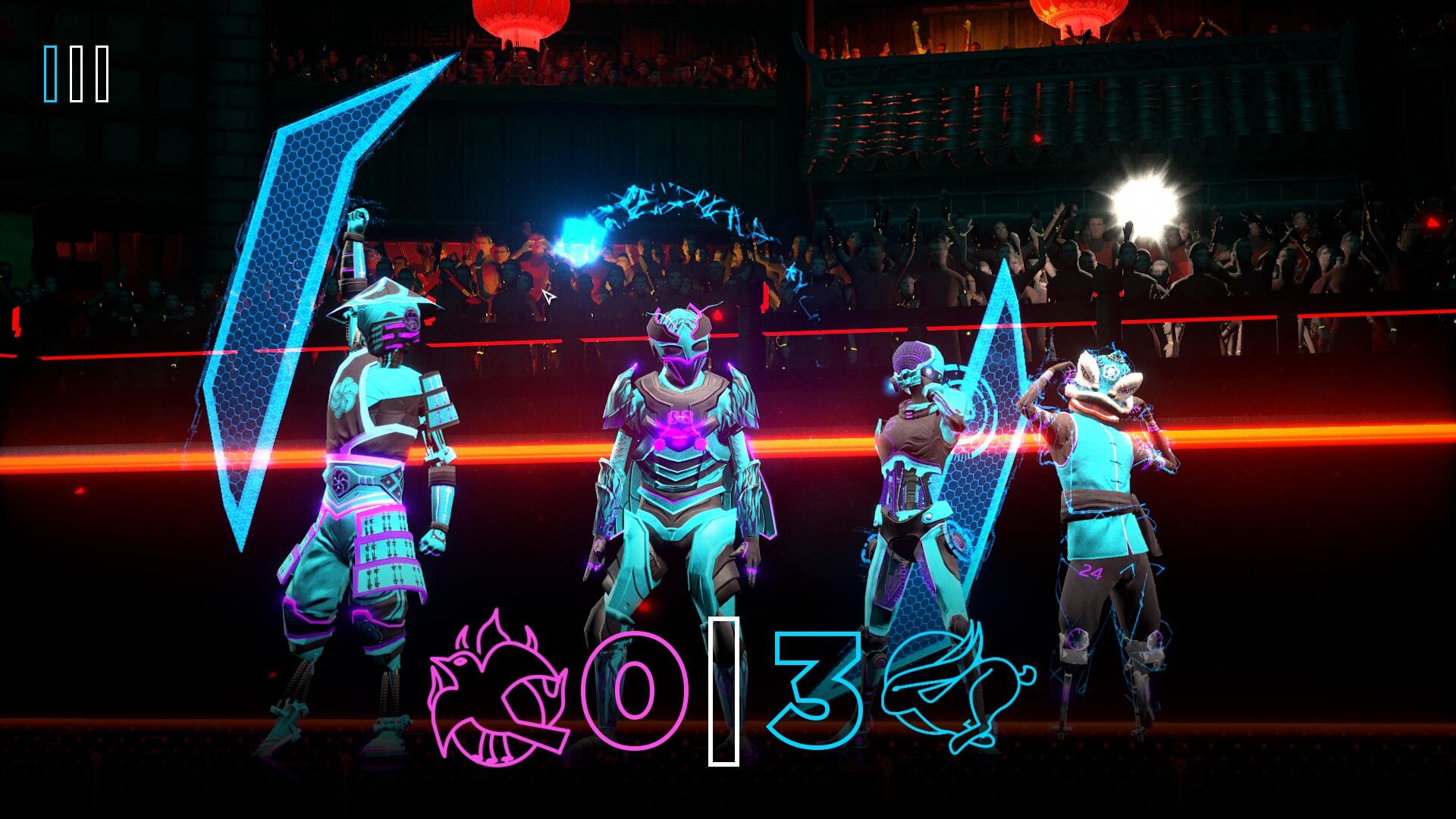
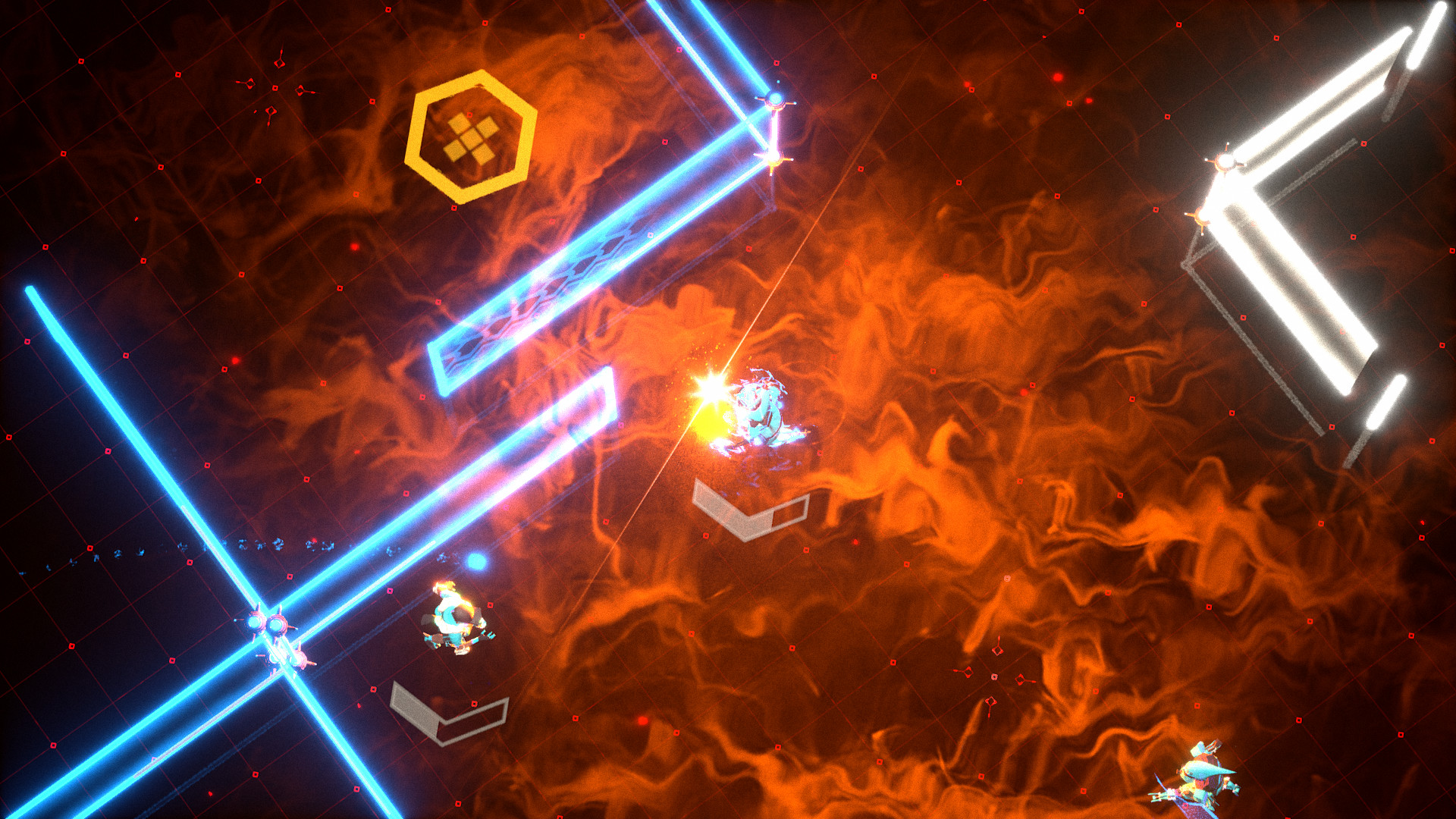
Official store screenshots from Steam — deckport links them, never rehosts. Hover to pause; click to preview.
Identity
Launch
- Binary
- LaserLeague.exe
- Needs files
- none beyond the binary
Proton
- Version
- GE-Proton
- Winetricks
- —
- ProtonDB
- ProtonDB Gold runs perfectly after tweaks
⚙ Setup notes
Game: Laser League: World Arena (delisted Steam appid 570460), a fast 1-3v3 neon arena game built on Unreal Engine 4.
Proton: Use GE-Proton (Proton Experimental also works). ProtonDB rates it gold (best reports reach platinum).
Online: Online servers shut down July 6 2023, but local/offline play still works. On launch the game tries to load your online profile and fails; when prompted to retry, choose No and it opens to the offline menus. Note: ranking, challenges and cosmetic-unlock progression are gone (server-side); only local matches remain. Some owners have had to restore a working offline build via a Steam Console depot download to get past the connection screen — see the linked Steam guide.
Controller: Controller support is central to the design and the Deck gamepad works out of the box; no Steam Input layout is needed for one pad. If you connect multiple controllers and hit input glitches, switch the in-game Controller API to "Direct" in settings to fix it.
Modes: Drop into Local Game mode for solo/AI or hot-seat couch play (offline local match supports up to 2 players; campaign is online-only and now unavailable).
Install: deckport only configures the prefix; it never bundles or links the game files.
The one thing to know
Supply your own copy. deckport links nothing.
Online: ONLINE MULTIPLAYER IS DEAD — the World Arena servers were shut down July 6 2023, so only offline / local-couch play remains (ranking, challenges and cosmetic unlocks are gone with the servers). On launch the game fails to fetch your online profile; pick No when asked to retry to reach the offline menus. If your install hangs on the connection screen, owners have restored a working offline build via a Steam Console depot download (see linked guide).
Proton: ProtonDB gold (best reports platinum); runs on Proton (GE-Proton or Experimental).
Controller: Local play is controller-driven and the Deck pad works natively (no Steam Input layout required). With multiple controllers, set the in-game Controller API to "Direct" if you see input glitches; extra players each need their own pad.
Binary: This is an Unreal Engine 4 game (not Unity). LaserLeague.exe is the expected top-level launcher; the shipping exe sits under LaserLeague/Binaries/Win64/. Confirm the exact name/casing in your install.
Community guides
Write-ups and threads from people who got this (or a similar) game running. deckport links to them — it doesn't reproduce them.
Get the artwork
deckport never hosts game images. Open this game on SteamGridDB, pick
the cover / hero / logo / icon you like, and drop them into the
game folder under .deckport-art/ before you push it to the
Deck. The importer files them under the right names automatically.
Run it on your Deck
Two files: the one-time importer (deckport.py) in your
Deck's home folder, and this game's install helper. Copy the game
into ~/Games and run the helper with Steam closed — it
writes the recipe (binary, launch options, Proton version)
and registers the shortcut with artwork.