About
Legacy of Kain: Soul Reaver is a 3D action-adventure game and the second entry in the Legacy of Kain series, casting players as the wraith Raziel as he hunts his former master Kain across the decaying world of Nosgoth. Built on a custom Crystal Dynamics engine, it is notable for its seamless real-time shifting between the material and spectral planes and its puzzle-platforming combat. It was acclaimed on release for its atmosphere, voice acting, and ambitious world design.
The classic PC version is library-only, having been superseded on the Steam store by the 2024 Soul Reaver 1 & 2 Remastered.
Screenshots
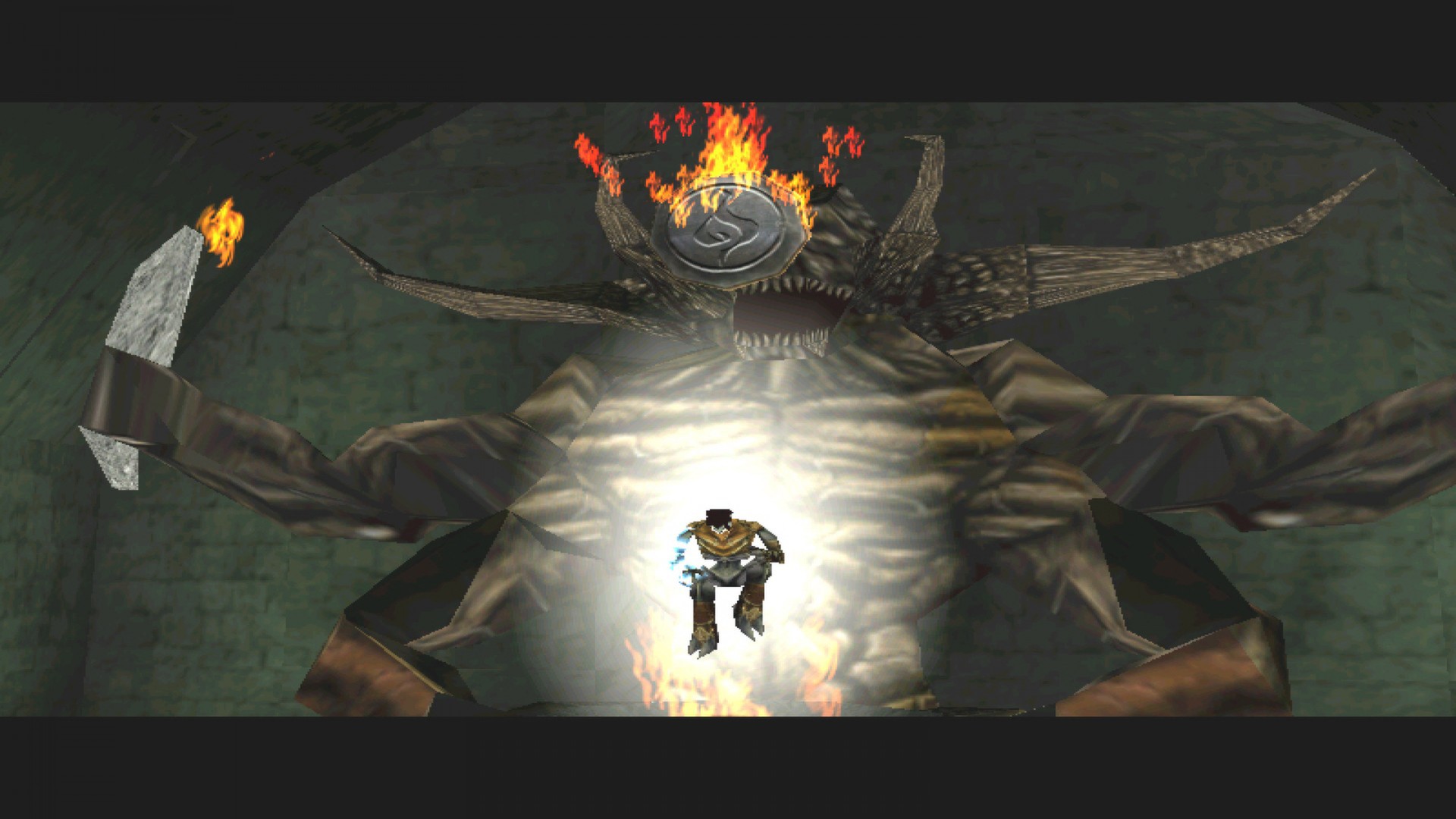
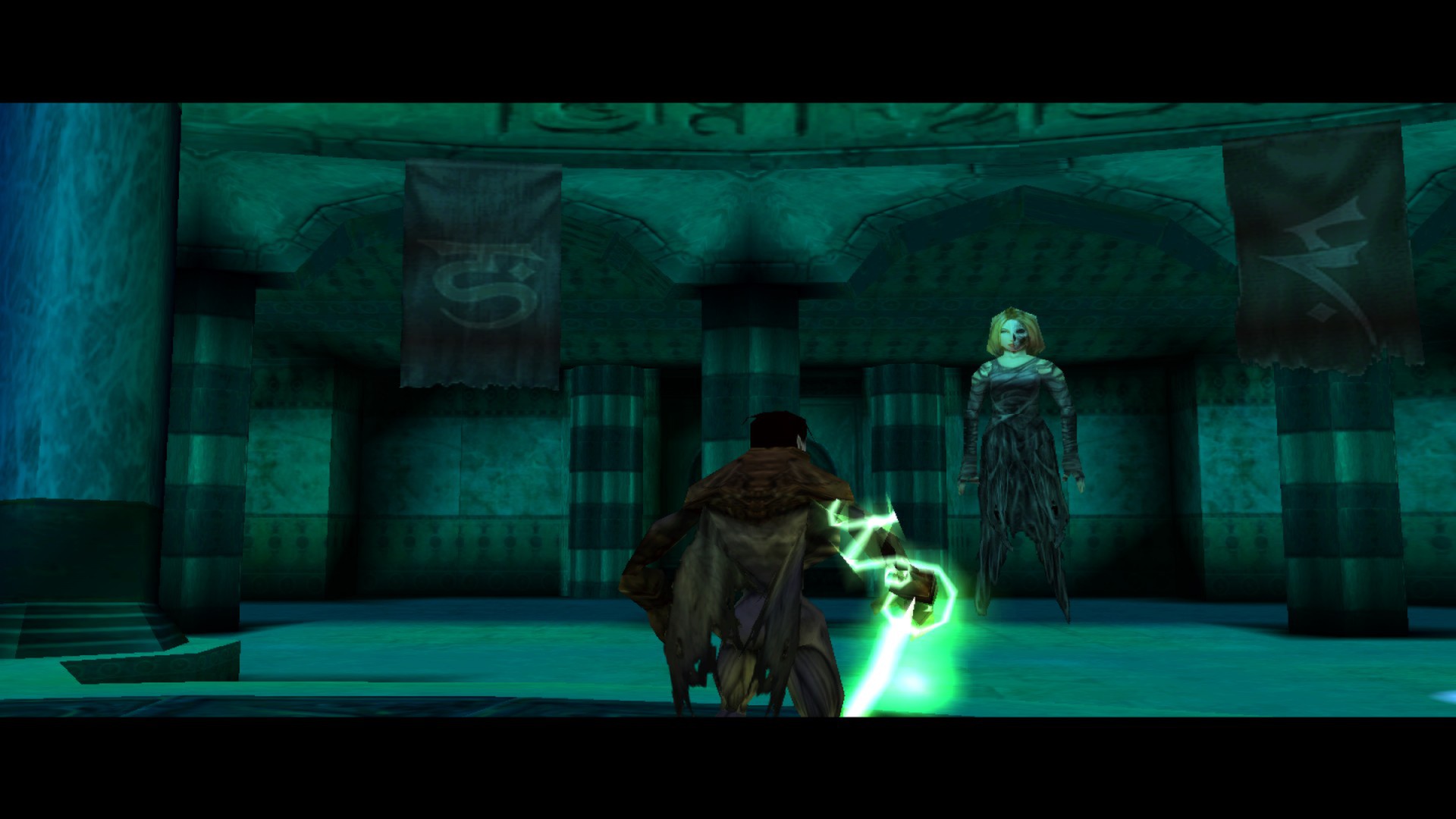
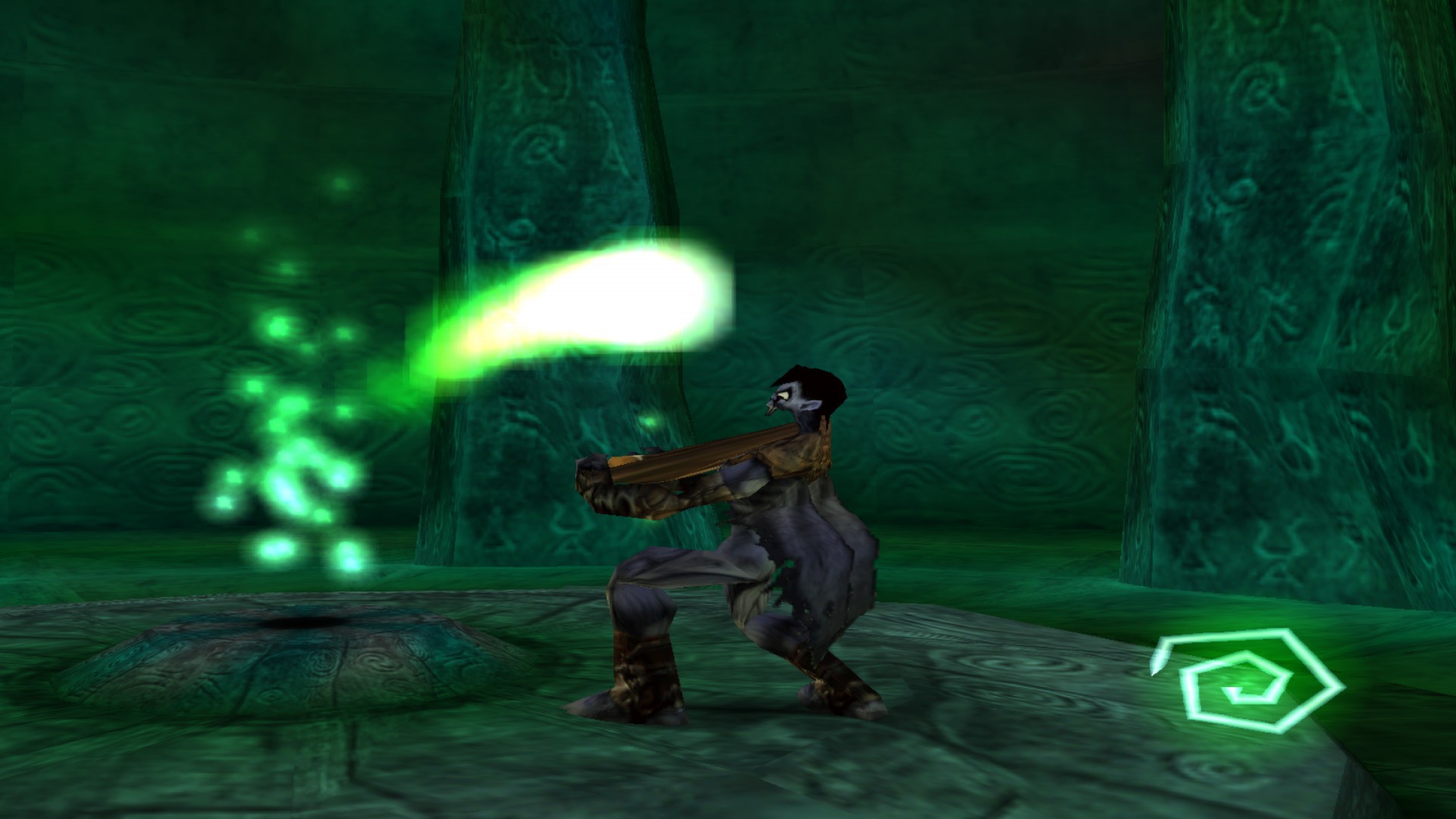
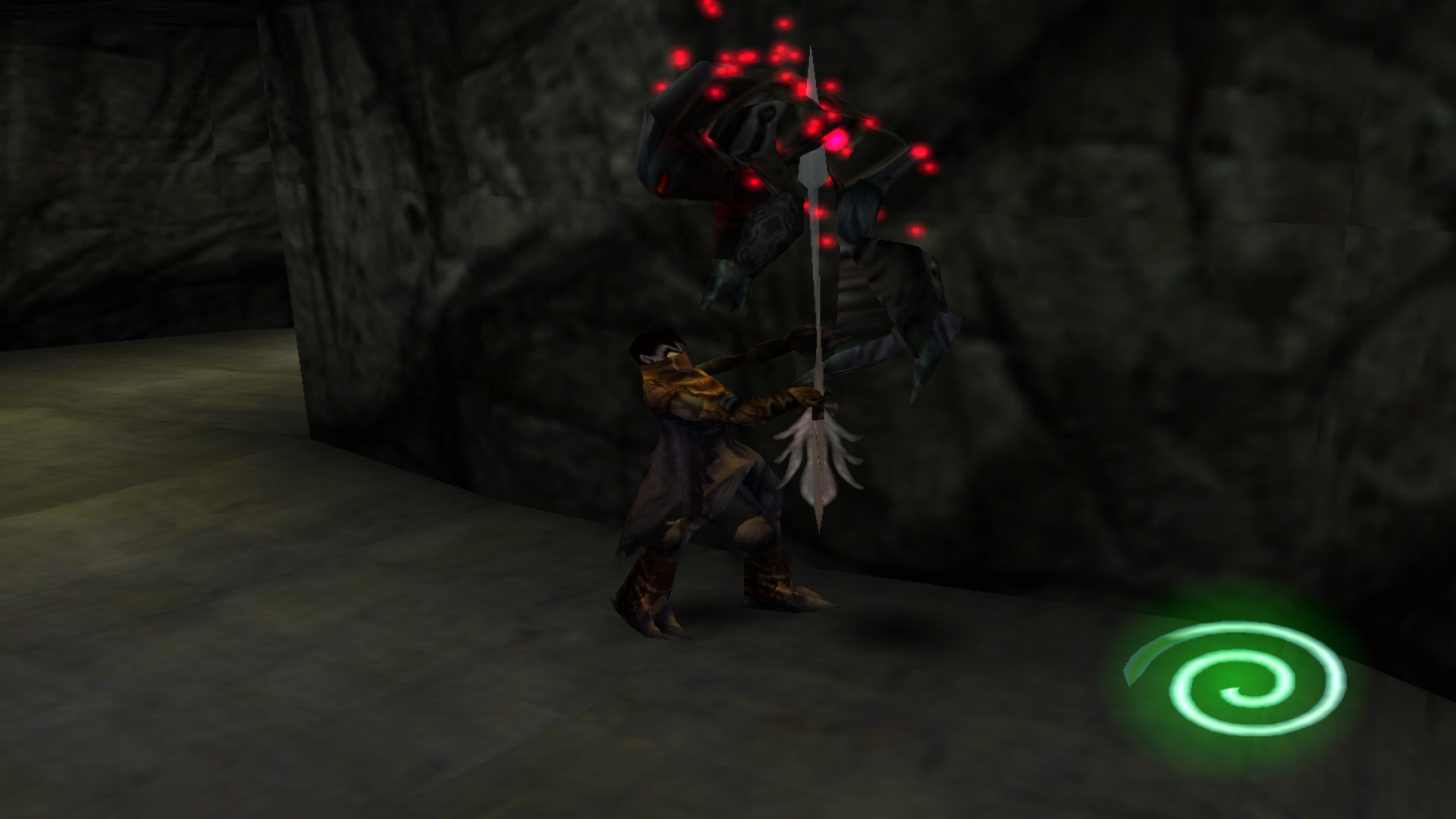
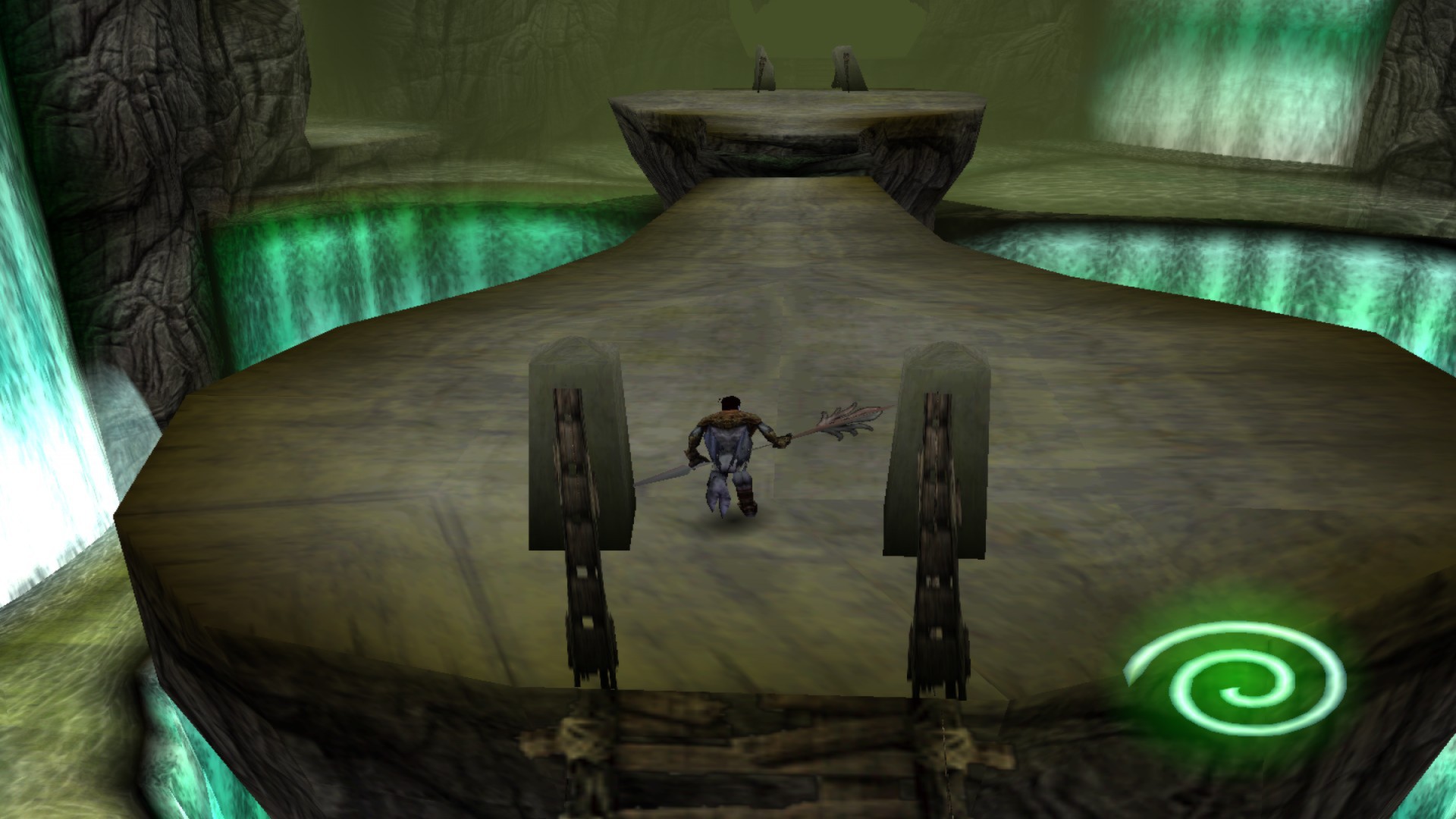
Official store screenshots from Steam — deckport links them, never rehosts. Hover to pause; click to preview.
Identity
Launch
- Binary
- Kain2.exe
- Needs files
- none beyond the binary
Proton
- Version
- GE-Proton
- Winetricks
- —
- ProtonDB
- ProtonDB Gold runs perfectly after tweaks
⚙ Setup notes
Delisted: Delisted Steam game (appid 224920) — the 1999/PC retail port; the store entry was replaced by the 2024 Soul Reaver 1&2 Remastered (appid 2521380), so the classic version is library-only.
Proton: ProtonDB: gold (recent reports trend platinum). Runs well on Deck under GE-Proton (community also reports Proton 5.0-10 working). Binary is Kain2.exe in the install root (the Steam folder Legacy of Kain Soul Reaver); launch the game directly from that exe.
Fix: The vanilla port is locked to 30fps / 4:3 / 640x480 internal and FMVs fail in true fullscreen. Apply the community SR1-Hook patch (the "Fix for any kain2.exe / SR1-Hook" plus the Bink video patch from Nosgothica) to enable widescreen, uncap framerate to 60fps, and repair video — drop its files alongside Kain2.exe in the game folder.
Display: Run videos in windowed mode if they refuse to play fullscreen.
Online: Singleplayer only; no online servers to worry about.
Install: deckport only configures the prefix; it never bundles or links the game files.
The one thing to know
Supply your own copy: Classic PC version, delisted in favor of the 2024 Remaster (appid 2521380) — own the original in your library. deckport links nothing.
Proton: ProtonDB gold; community confirms it runs on Deck/Linux under GE-Proton (Proton 5.0-10 also reported).
Fix: Vanilla port is rough: 30fps cap, 4:3 640x480, and FMVs break in fullscreen — install the community SR1-hook patch for widescreen + 60fps + video/input fixes.
Controller: Native DirectInput support but the menu pointer is touchy; the soulreaver-gamepad-fix mod cleans it up, or map a Steam Input gamepad/keyboard layout (Joy2Key-style) for menus.
Online: Singleplayer, no servers.
Community guides
Write-ups and threads from people who got this (or a similar) game running. deckport links to them — it doesn't reproduce them.
Get the artwork
deckport never hosts game images. Open this game on SteamGridDB, pick
the cover / hero / logo / icon you like, and drop them into the
game folder under .deckport-art/ before you push it to the
Deck. The importer files them under the right names automatically.
Run it on your Deck
Two files: the one-time importer (deckport.py) in your
Deck's home folder, and this game's install helper. Copy the game
into ~/Games and run the helper with Steam closed — it
writes the recipe (binary, launch options, Proton version)
and registers the shortcut with artwork.