About
Lost Planet 2 is a 2010 third-person shooter from Capcom, a sequel to Lost Planet: Extreme Condition built on the MT Framework 2.0 engine. Set on a terraforming planet, it emphasizes four-player co-op campaigns against giant Akrid creatures alongside larger competitive multiplayer. The PC version originally relied on Games for Windows Live; it was delisted in 2021, and a later patch removed the GFWL backend along with its online multiplayer, leaving the single-player and local content.
Screenshots
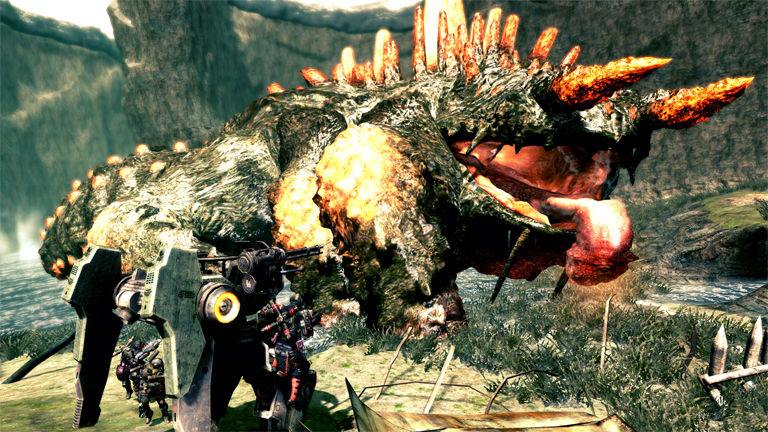
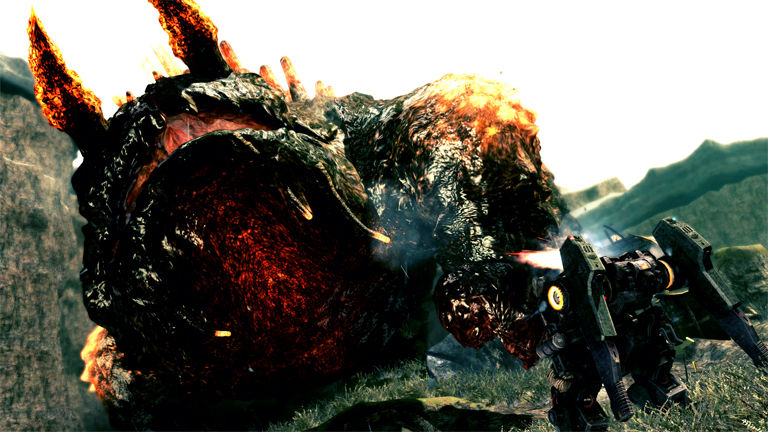
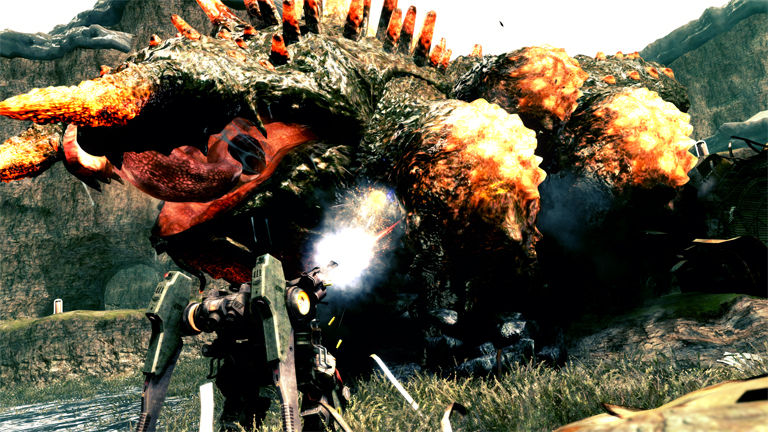
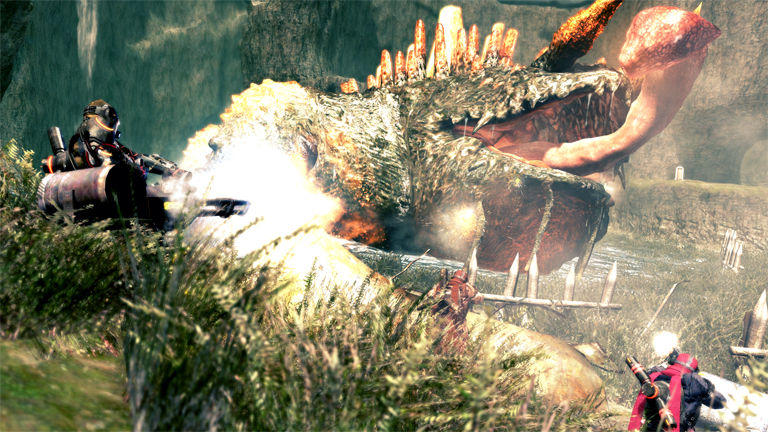
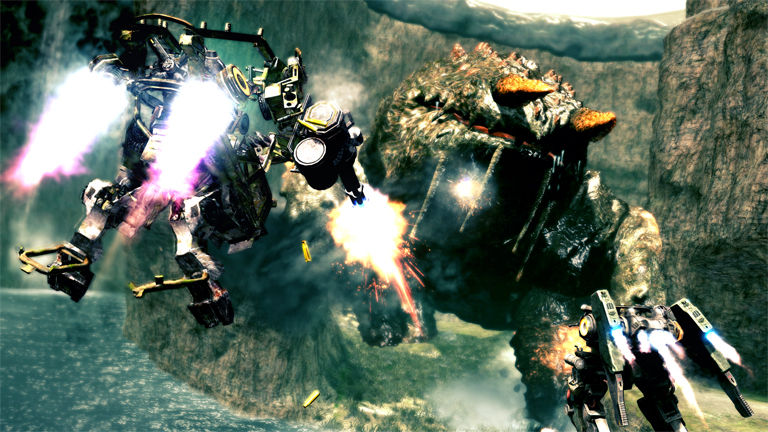
Official store screenshots from Steam — deckport links them, never rehosts. Hover to pause; click to preview.
Identity
Launch
- Binary
- LP2DX9.exe
- Options
- %command%
- Needs files
- none beyond the binary
Proton
- Version
- GE-Proton
- Winetricks
- —
⚙ Setup notes
Overview: 2010 Capcom four-player co-op shooter on the MT Framework 2.0 engine. Delisted since 2021 — bring your own copy; this recipe is configuration only.
Two builds ship in the game folder: LP2DX9.exe (DirectX 9) and LP2DX11.exe (DirectX 11). DX11 looks better (water, boss detail) but DX9 is the more stable path under Proton — start with DX9, switch the recipe's binary to LP2DX11.exe if you want the visuals and it holds up. (The Lost Planet 2 *Benchmark* is a separate standalone download, not part of the retail game.)
GFWL — read this first: Historically the PC version required Games for Windows Live (now dead), which was the #1 blocker on Deck. In May 2025 Capcom shipped a Steam update that strips GFWL out of the game entirely. If your Steam copy is updated, GFWL is gone and no xlive bypass is needed — but that same patch also removed online multiplayer and wiped existing GFWL-tied saves. Net for Deck: a current Steam build should launch straight into single-player.
If you have an older / non-updated build that still calls GFWL: the legitimate offline fix is an open-source GFWL emulator/shim — drop a stub xlive.dll (e.g. the community xlive/XLiveless-style replacement documented on PCGamingWiki) next to the exe so the game stops waiting on the dead service. This disables online and System Link but lets single-player and local play boot.
Proton: Try GE-Proton (latest) first; reports also cite stock Proton 7.0-3 / GE-Proton7-29 working. %command% passthrough is set so you can prepend env vars if needed.
Compatibility: Single-player campaign is the reliable mode. Online and System Link are broken/removed; occasional crashes after saving are reported. Pre-rendered title-screen video may glitch — harmless.
Controller: Native Xinput gamepad support — the Deck controller works without remapping.
The one thing to know
Supply your own copy: Delisted since 2021 — configuration only, no store links.
GFWL: A May 2025 Steam update removed GFWL from the game, so a current build needs no bypass; that patch also removed online MP and wiped old GFWL saves. Only older non-updated builds still need the legitimate xlive.dll GFWL shim.
Display: Two exes ship — LP2DX9.exe (default here, more stable) and LP2DX11.exe (prettier). Swap if one misbehaves.
Scope: Single-player only is reliable; online/System Link is removed/broken. Crashes after saving reported occasionally.
Note: ProtonDB tier left blank pending a fresh Deck test.
Community guides
Write-ups and threads from people who got this (or a similar) game running. deckport links to them — it doesn't reproduce them.
Get the artwork
deckport never hosts game images. Open this game on SteamGridDB, pick
the cover / hero / logo / icon you like, and drop them into the
game folder under .deckport-art/ before you push it to the
Deck. The importer files them under the right names automatically.
Run it on your Deck
Two files: the one-time importer (deckport.py) in your
Deck's home folder, and this game's install helper. Copy the game
into ~/Games and run the helper with Steam closed — it
writes the recipe (binary, launch options, Proton version)
and registers the shortcut with artwork.