About
Lost Planet: Extreme Condition - Colonies Edition is an expanded re-release of Capcom's 2007 sci-fi third-person shooter, built on the MT Framework engine. Set on the frozen colony world of E.D.N. III, players fight insectoid Akrid aliens and rival snow pirates on foot or piloting mechanized Vital Suits, harvesting thermal energy (T-ENG) to survive the cold. The Colonies Edition adds new characters, weapons, multiplayer maps, and first/third-person camera options, with cross-platform multiplayer against Xbox 360 players. The original earned an IGN Editor's Choice award on Xbox 360, though the PC and PlayStation 3 versions saw more mixed reception.
Screenshots
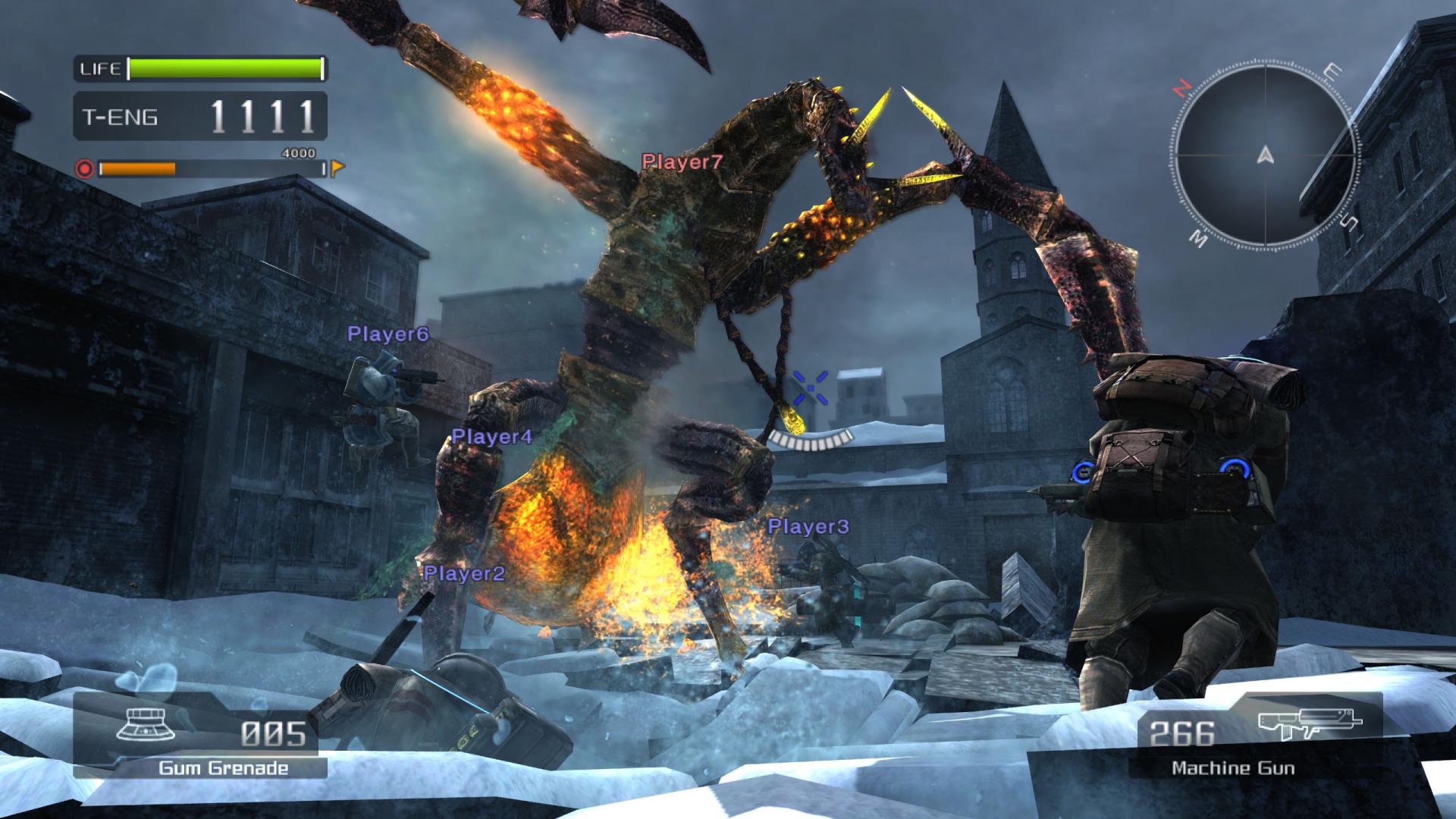
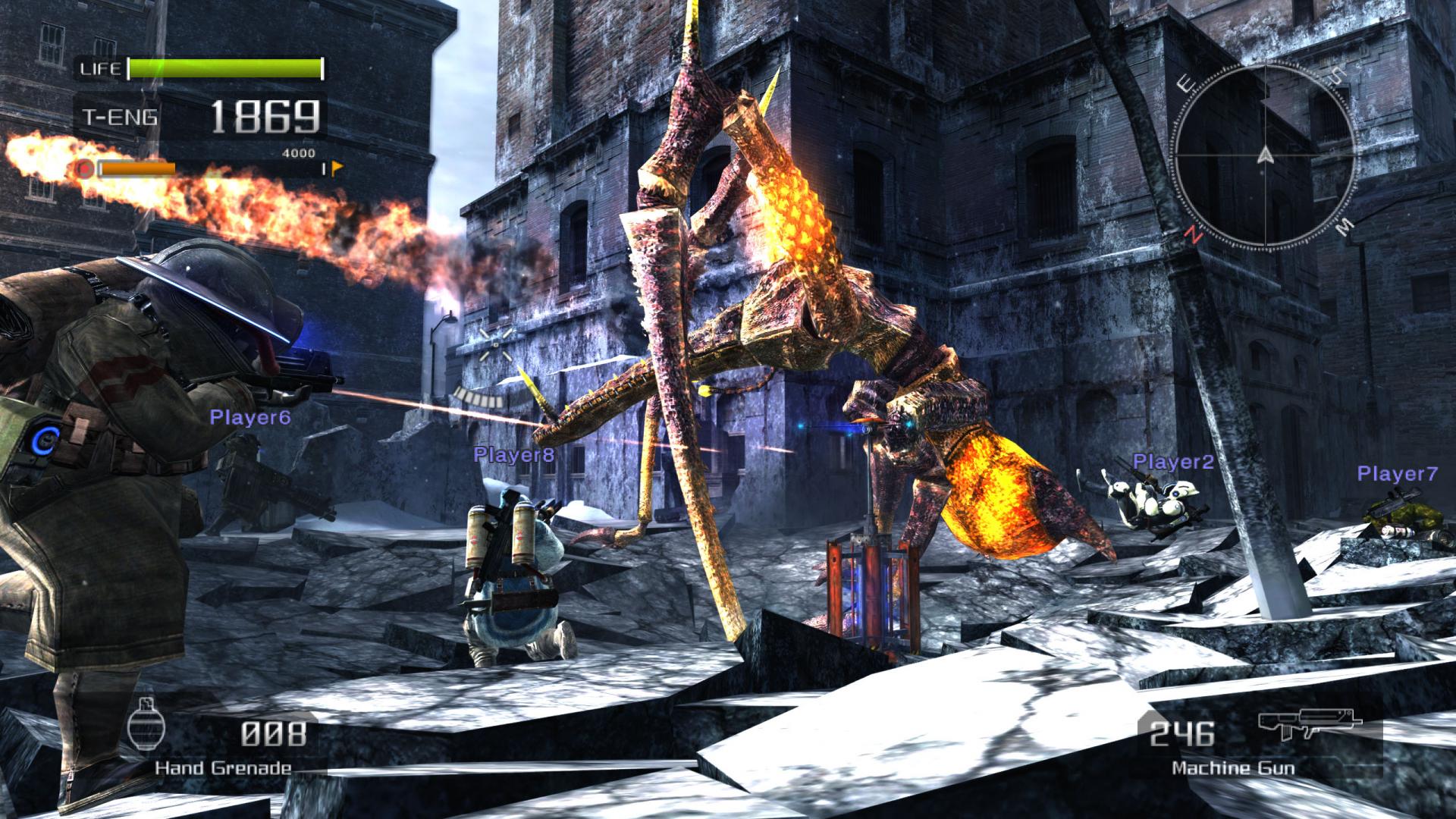
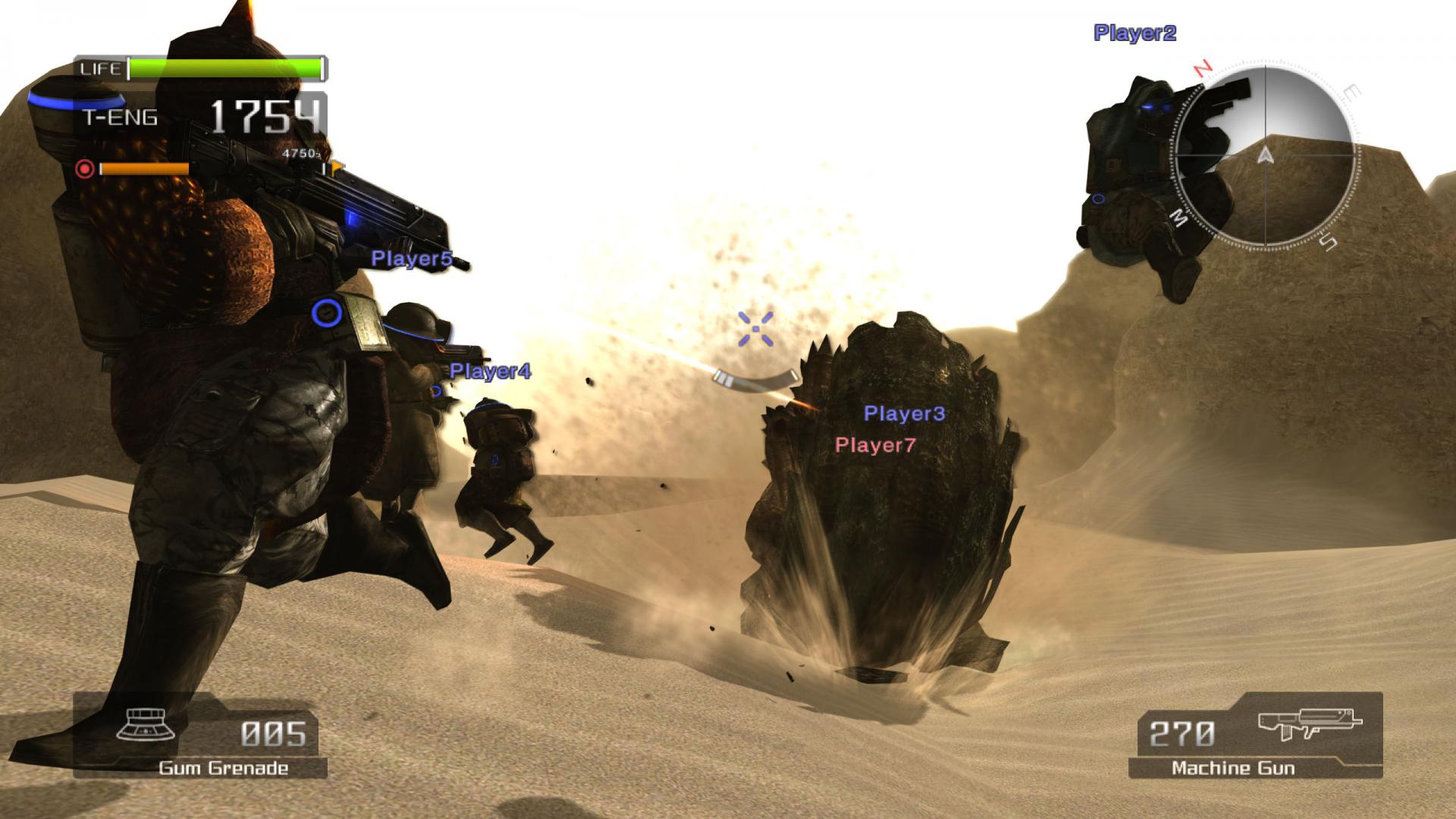
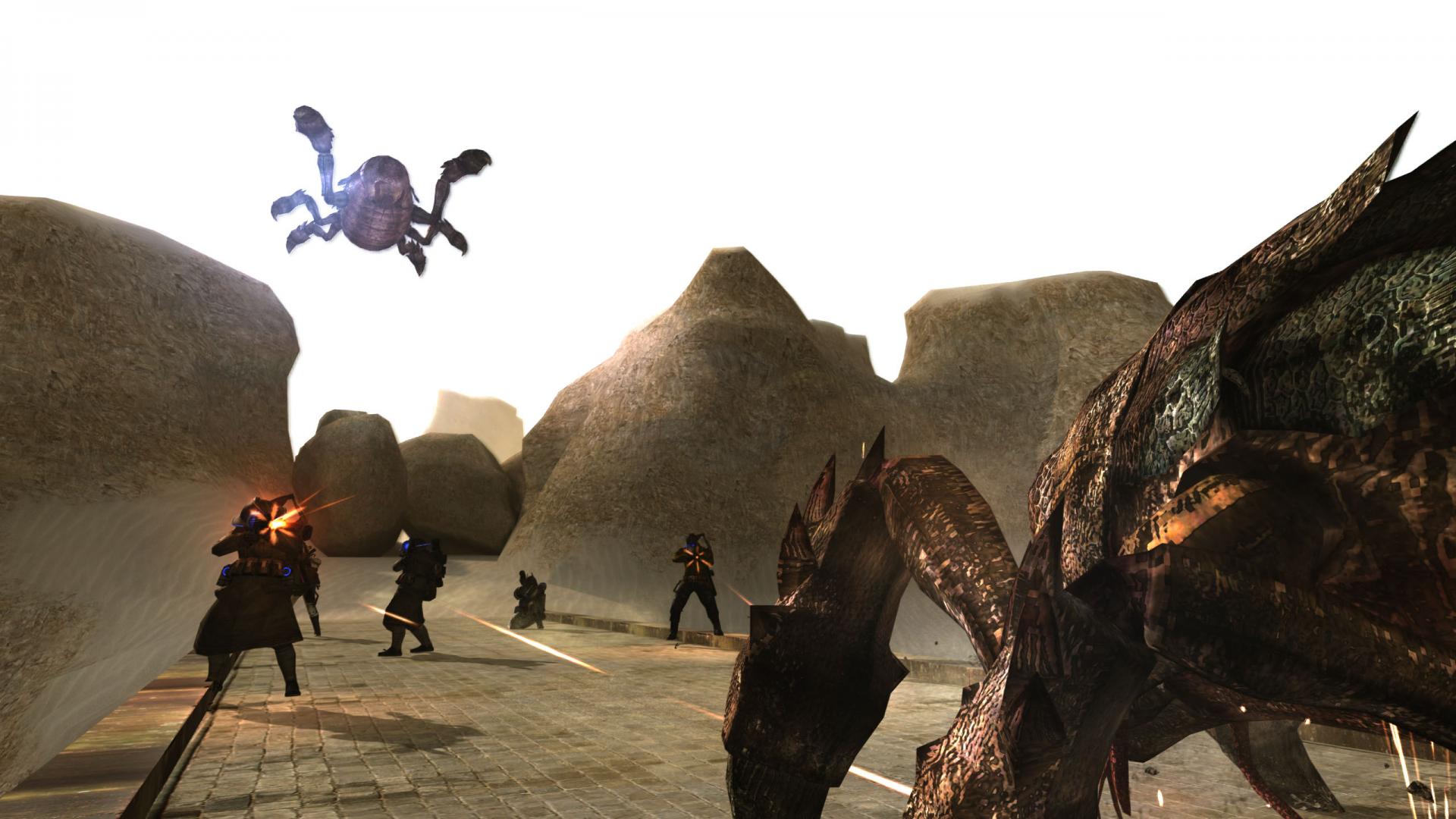
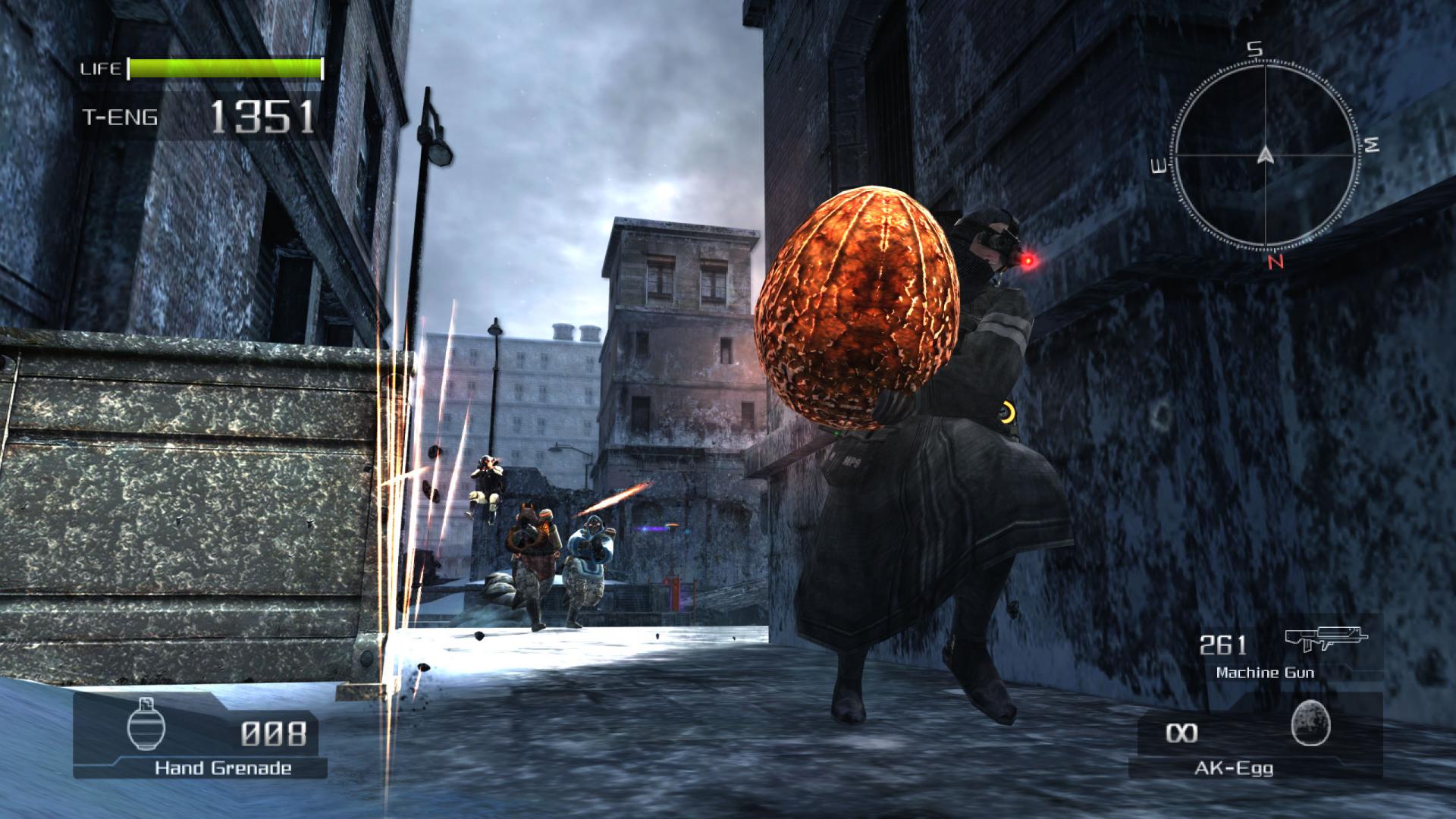
Official store screenshots from Steam — deckport links them, never rehosts. Hover to pause; click to preview.
Identity
Launch
- Binary
- LostPlanetColoniesDX9.exe
- Options
- %command%
- Needs files
- none beyond the binary
Proton
- Version
- GE-Proton
- Winetricks
- —
- ProtonDB
- ProtonDB Silver runs with minor issues
⚙ Setup notes
Game: 2008 Capcom third-person shooter (MT Framework), Colonies Edition (Steam AppID 45720). Delisted from Steam Nov 2021.
Install: Launch the DX9 executable (LostPlanetColoniesDX9.exe) — DX9 is the most Proton-compatible path; the DX10 exe is more crash-prone under Proton.
Proton: Older Proton (5.x) crashed on startup in both modes, so use GE-Proton or proton_experimental.
GFWL: the original retail/unpatched build uses Games for Windows Live for saves and multiplayer; on a GFWL build you need a GFWL bypass/emulator or saves won't work. Capcom's May 29, 2025 Steam update removed the GFWL requirement on the current default build (local saves, no emulator needed) but also stripped online multiplayer (and wiped any old GFWL-profile saves). The pre-patch GFWL build can still be restored by downgrading to an older Steam depot.
Controller: Native Xbox-style controller support — works with the Deck pad out of the box.
The one thing to know
Supply your own copy: Delisted Nov 2021 — configuration only, no links.
Install: Pick the DX9 exe; LostPlanetColoniesDX10.exe is crash-prone under Proton.
Proton: Use GE-Proton (older Proton 5.x crashes on startup).
GFWL: original/unpatched build needs a GFWL bypass/emulator for saves; the May 29, 2025 Steam update dropped GFWL on the current default build (local saves) but also removed online multiplayer and wiped old GFWL saves. Downgrade to an older depot if you want the GFWL/online build back.
Controller: Native controller support — playable with the Deck gamepad.
Status: ProtonDB trends Silver/Gold on recent Proton (old Proton 5.x reports showed startup crashes), but treat as needs-test until confirmed on your build.
Community guides
Write-ups and threads from people who got this (or a similar) game running. deckport links to them — it doesn't reproduce them.
Get the artwork
deckport never hosts game images. Open this game on SteamGridDB, pick
the cover / hero / logo / icon you like, and drop them into the
game folder under .deckport-art/ before you push it to the
Deck. The importer files them under the right names automatically.
Run it on your Deck
Two files: the one-time importer (deckport.py) in your
Deck's home folder, and this game's install helper. Copy the game
into ~/Games and run the helper with Steam closed — it
writes the recipe (binary, launch options, Proton version)
and registers the shortcut with artwork.