About
Magic 2015 - Duels of the Planeswalkers is the digital adaptation of Wizards of the Coast's Magic: The Gathering trading card game, developed by Stainless Games and released in July 2014 on PC, consoles, and mobile. It was the sixth entry in the Duels of the Planeswalkers series and introduced fully customizable decks, letting players build from cards unlocked through a single-player campaign. The shift to a free-to-play-style economy with in-game booster packs and microtransactions drew a polarized critical reception, ranging from praise for the new deck-building to sharp criticism of its grind and monetization. It was pulled from Steam in November 2020 and is no longer sold.
Screenshots
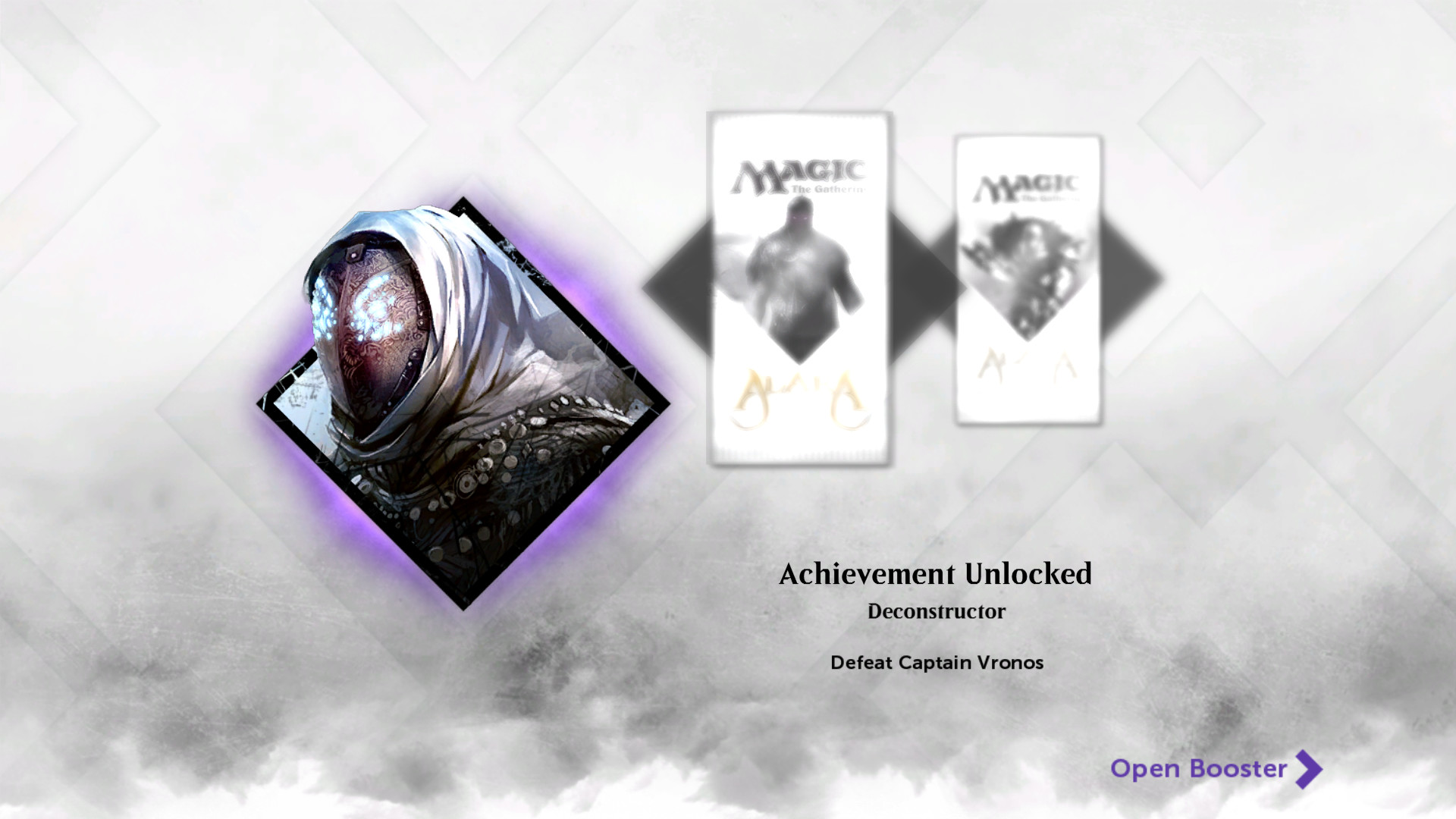
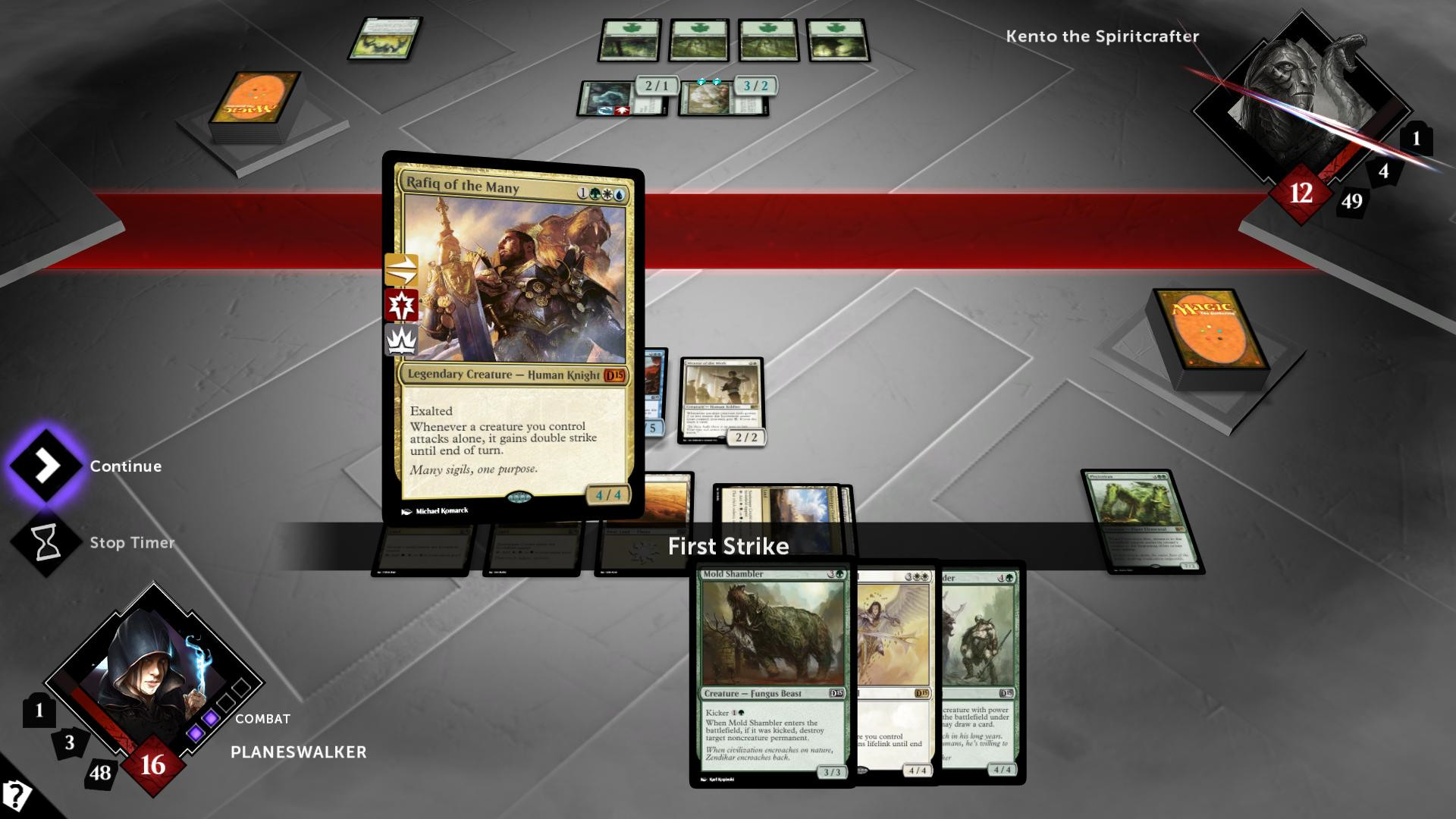
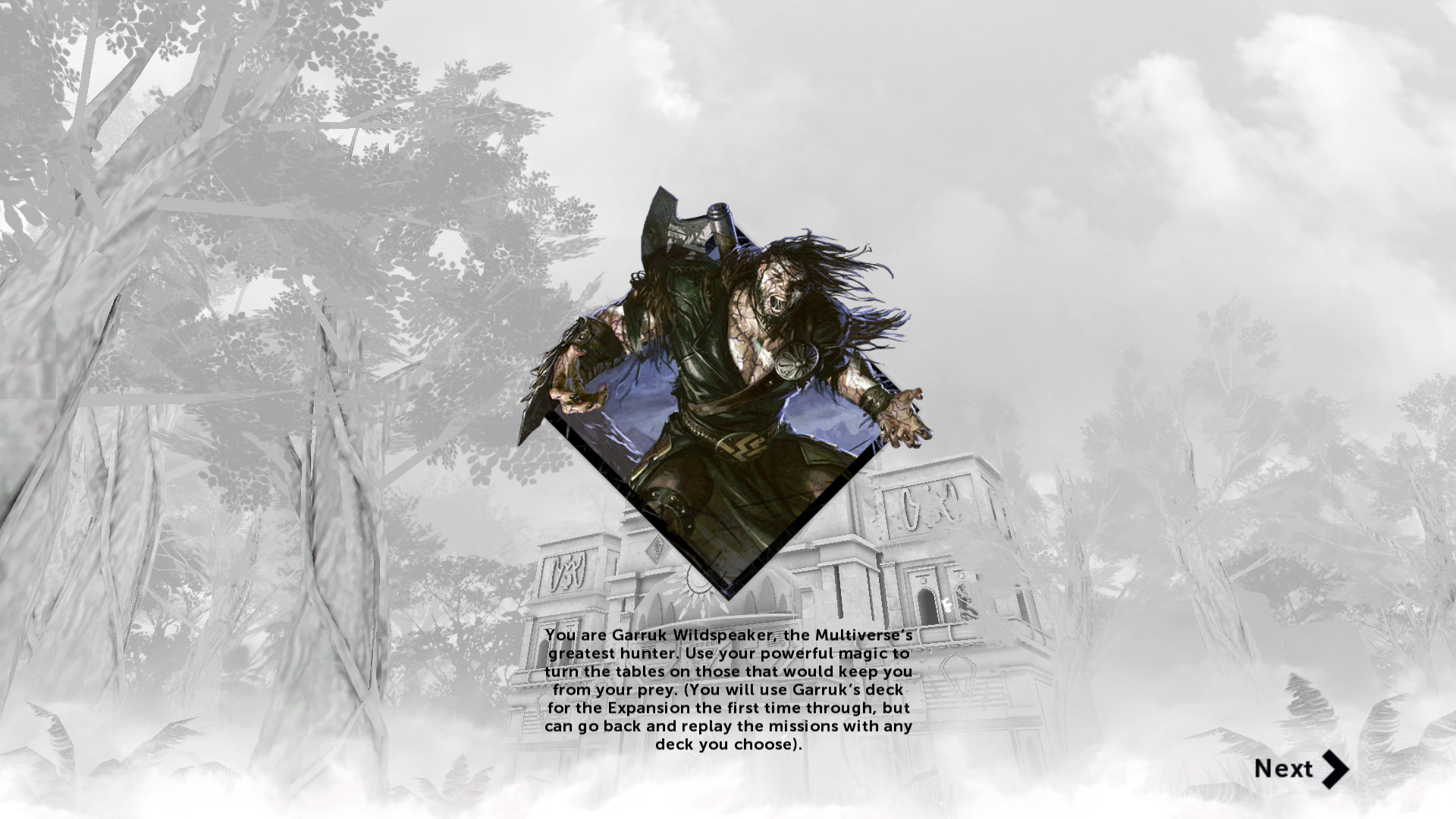
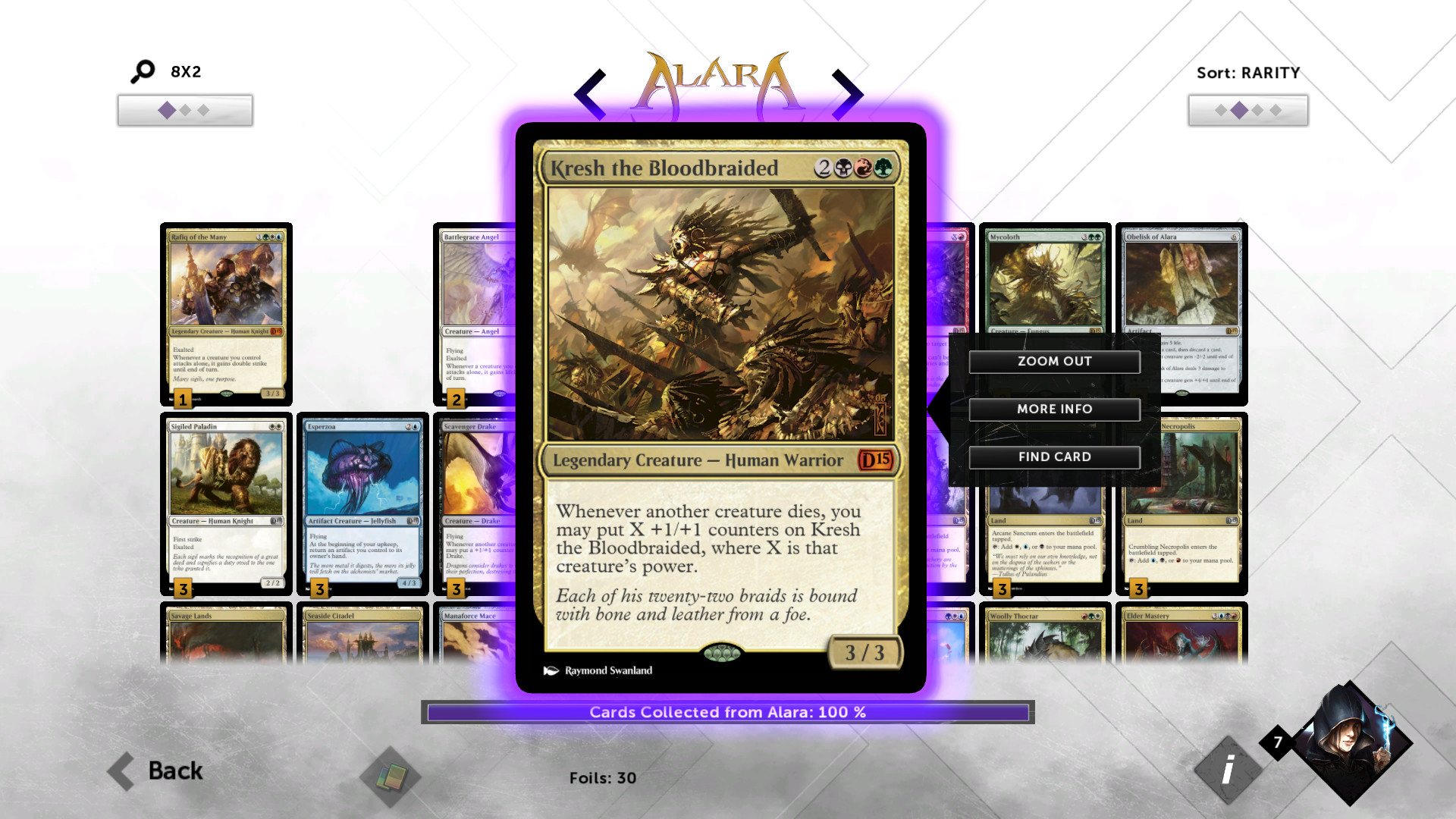
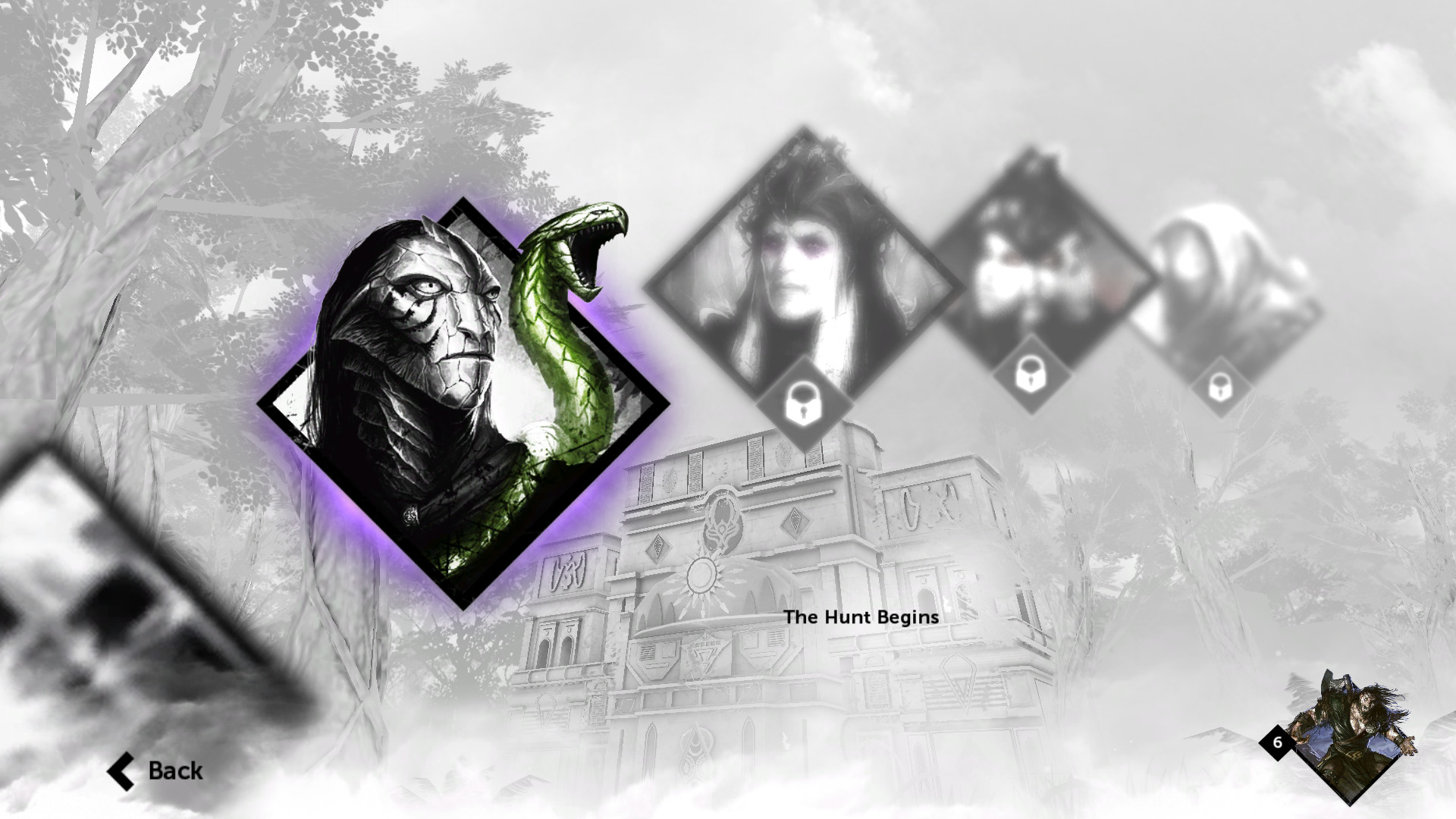
Official store screenshots from Steam — deckport links them, never rehosts. Hover to pause; click to preview.
Identity
Launch
- Binary
- DotP_D15.exe
- Needs files
- none beyond the binary
Proton
- Version
- GE-Proton
- Winetricks
- —
- ProtonDB
- ProtonDB Silver runs with minor issues
⚙ Setup notes
Status: Delisted Steam game (appid 255420, pulled Nov 2020). ProtonDB tier silver.
Install: Main executable is DotP_D15.exe (the install also ships Launcher_x64.exe).
Proton: Use GE-Proton rather than stock proton_experimental: community reports the stock branch can hang on the loading/title screen, and GE-Proton clears the most reports.
Display: If it sticks on a black or loading screen, force a windowed start and let it settle, then return to fullscreen from the in-game options.
DRM: No GFWL or SecuROM — plain Steam-DRM build, so no DRM bypass needed.
Supply your own copy: deckport only configures the prefix; it never bundles or links the game files.
The one thing to know
Supply your own copy: Delisted Steam game (appid 255420, removed Nov 2020); only previous owners retain it in their library. deckport links nothing.
Proton: ProtonDB silver — it runs under Proton but a clean run can take work. Prefer GE-Proton, since stock Proton has reports of hanging on the loading screen.
Controller: The PC build is menu/mouse-driven (no first-class native PC gamepad support), so apply a Steam Input gamepad-mouse / keyboard layout on the Deck for full controller play.
Multiplayer: Online multiplayer relied on now-dead servers; only single-player and local/hotseat play is dependable.
Community guides
Write-ups and threads from people who got this (or a similar) game running. deckport links to them — it doesn't reproduce them.
Get the artwork
deckport never hosts game images. Open this game on SteamGridDB, pick
the cover / hero / logo / icon you like, and drop them into the
game folder under .deckport-art/ before you push it to the
Deck. The importer files them under the right names automatically.
Run it on your Deck
Two files: the one-time importer (deckport.py) in your
Deck's home folder, and this game's install helper. Copy the game
into ~/Games and run the helper with Steam closed — it
writes the recipe (binary, launch options, Proton version)
and registers the shortcut with artwork.