About
Magic: The Gathering - Duels of the Planeswalkers 2012 is the second entry in the digital adaptation of Wizards of the Coast's collectible card game, developed by Stainless Games and released in 2011 for PC, Xbox 360, and PlayStation 3. It pits the player against AI or human opponents using preconstructed decks unlocked through three eleven-mission campaigns, and introduces the cooperative Archenemy mode where up to three players team up against boss characters with doubled life totals.
Reception was generally positive, with reviewers praising the refined interface over the 2009 original while noting deck-balance quibbles. It is delisted from Steam, having been superseded by later annual Duels titles.
Screenshots
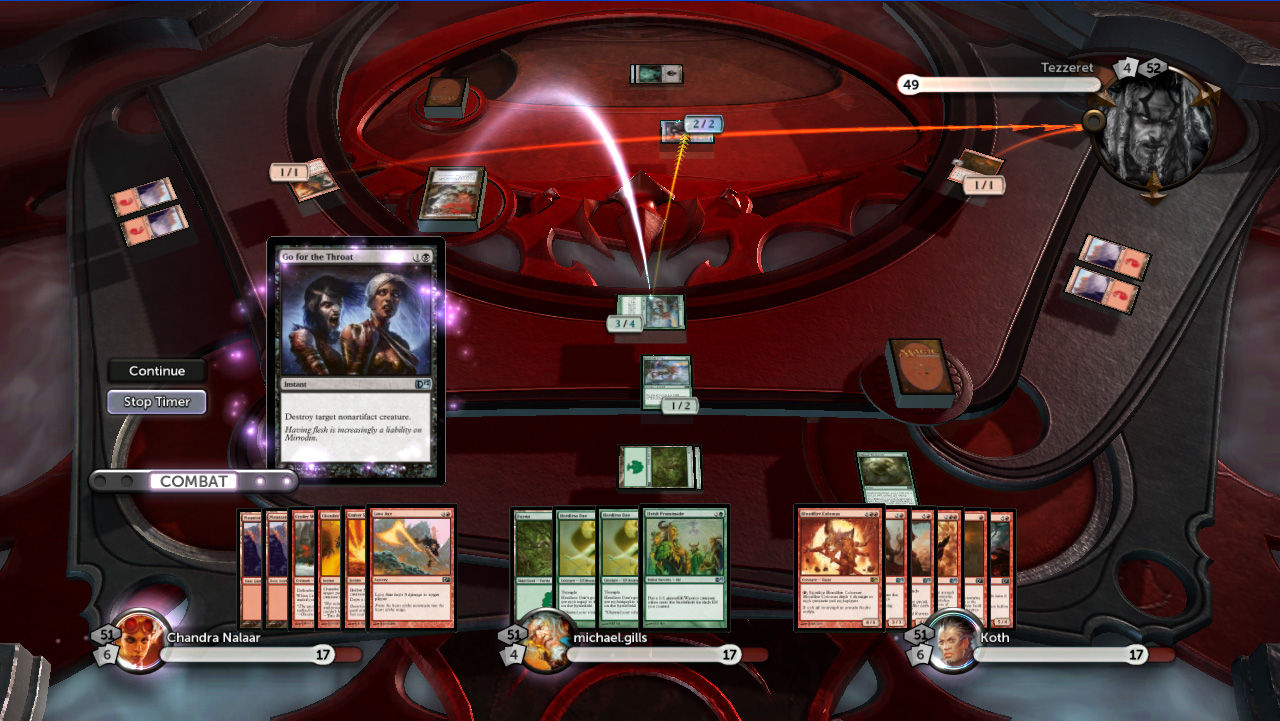
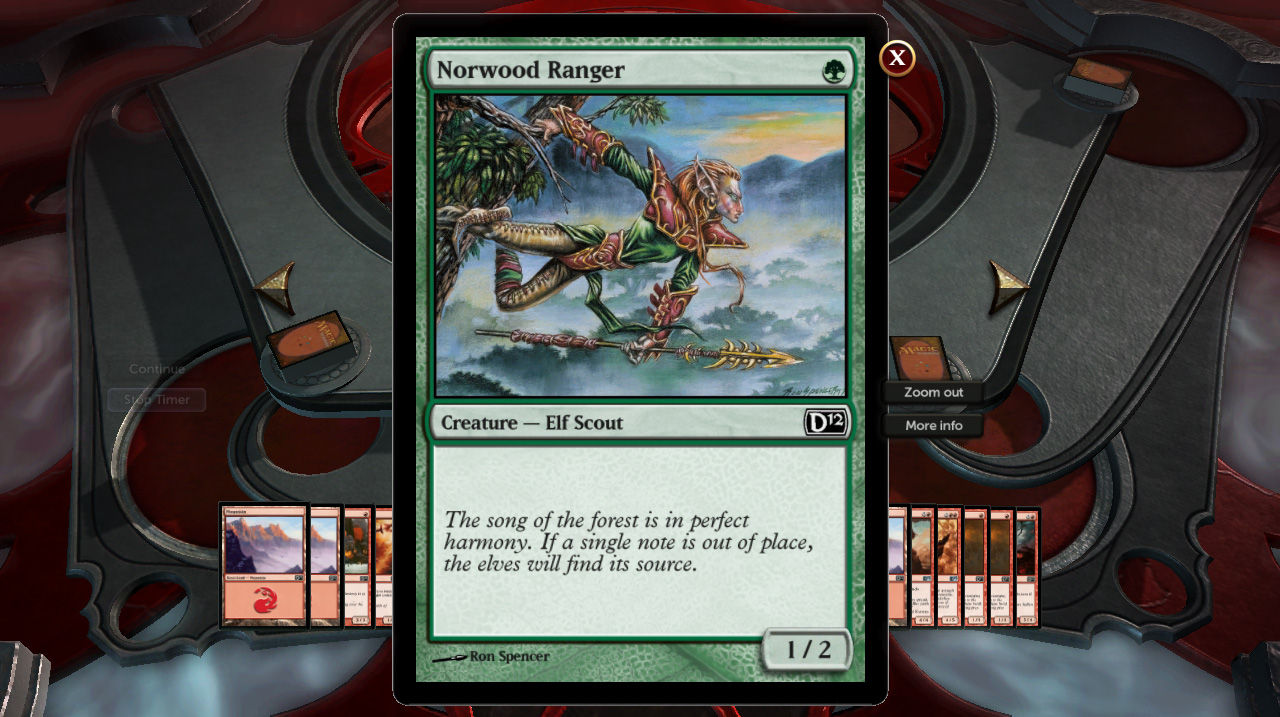
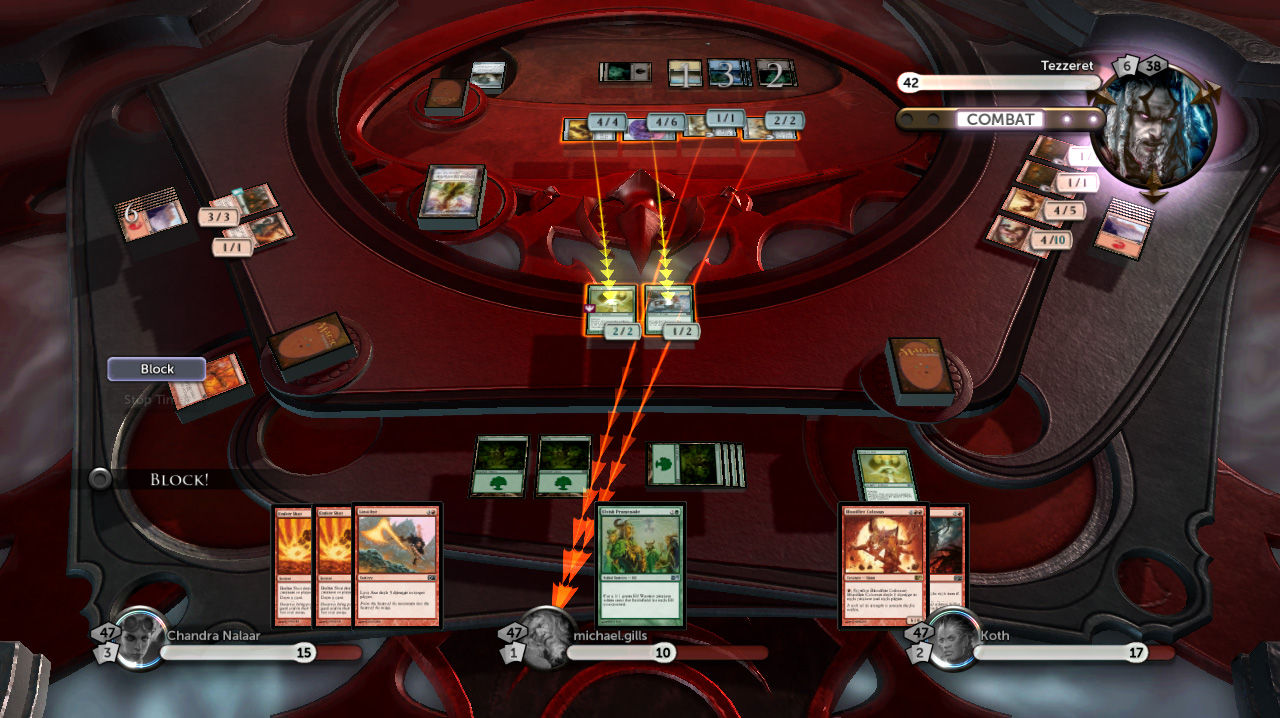
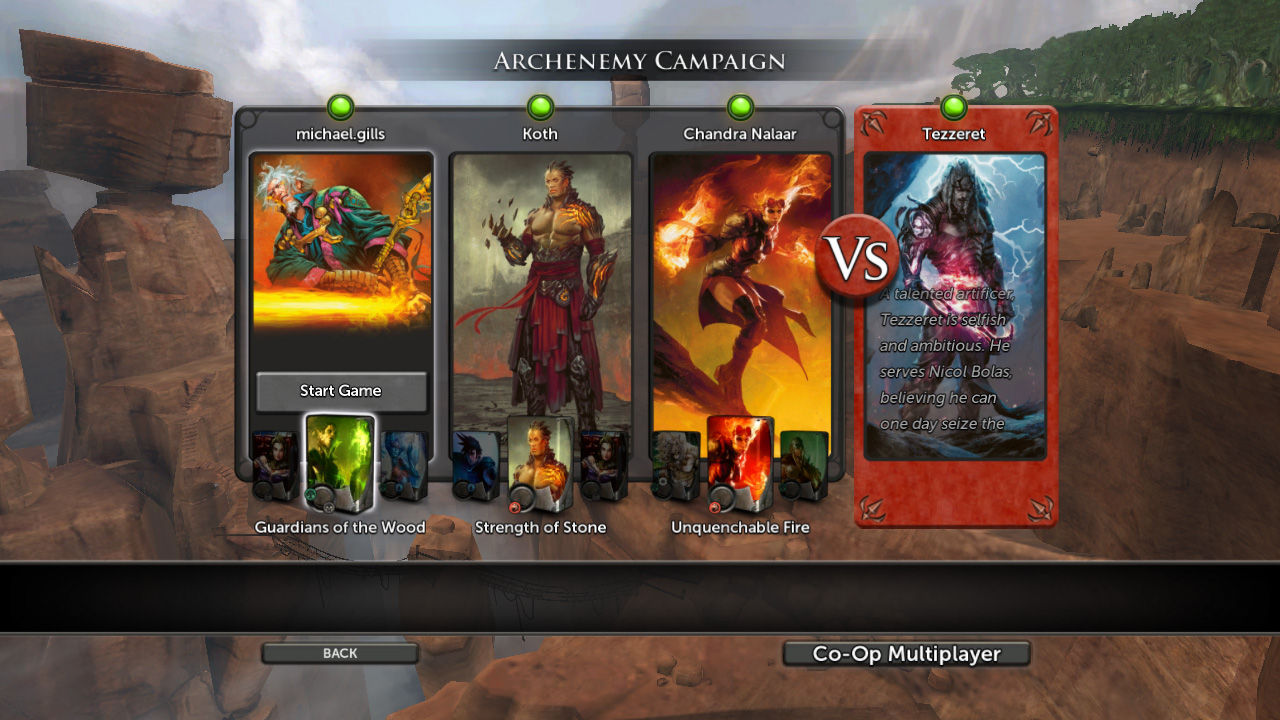
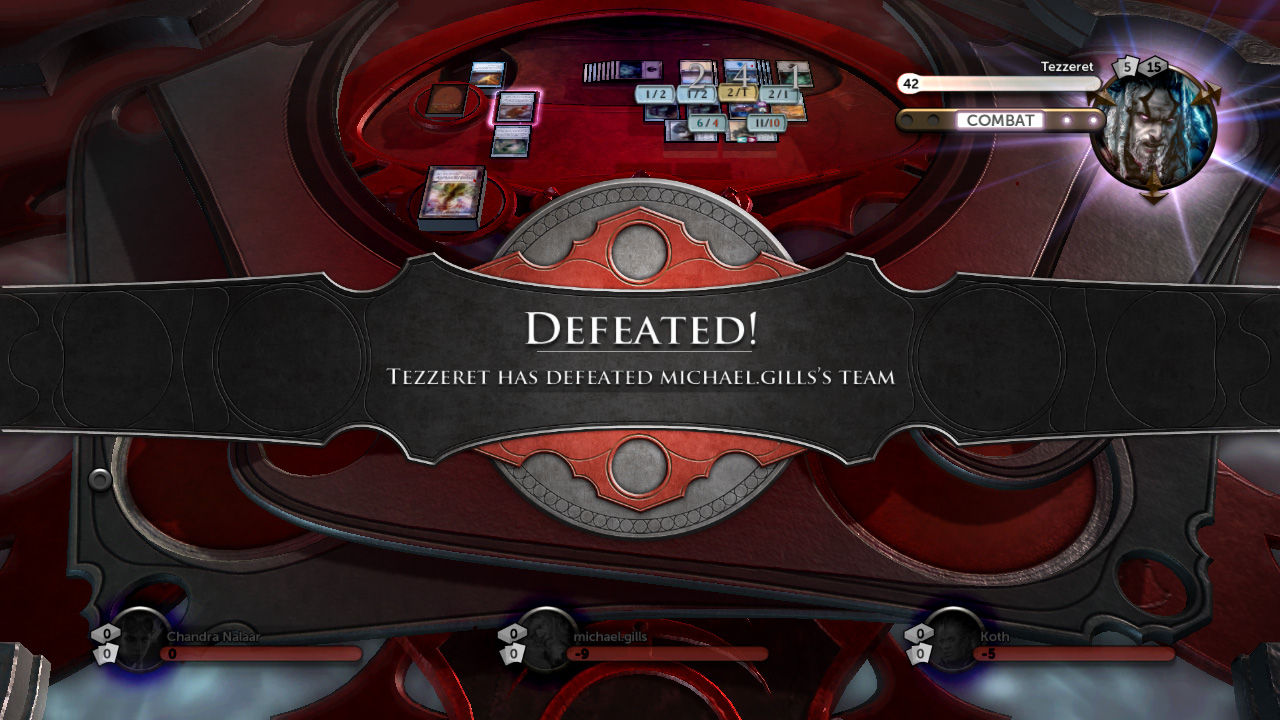
Official store screenshots from Steam — deckport links them, never rehosts. Hover to pause; click to preview.
Identity
Launch
- Binary
- Magic_2012.exe
- Needs files
- none beyond the binary
Proton
- Version
- GE-Proton
- Winetricks
- —
- ProtonDB
- ProtonDB Gold runs perfectly after tweaks
⚙ Setup notes
Status: Delisted Steam game (appid 49470). ProtonDB rates it gold and the older Duels of the Planeswalkers titles (2012/2013/2014/2015) all run on the Deck.
Proton: Prefer GE-Proton over stock Proton: it bundles the media codecs Valve can't ship, which fixes the most common black-video/intro issues on these DotP games.
DRM / Games for Windows Live: This is a 2011 GFWL-era title and the Steam build still ships the Games for Windows Live component. The campaign/single-player path can usually be reached, but GFWL's online activation/sign-in is unreliable on modern systems. The standard community remedy is the GFWL replacement (xlive) shim that lets the game boot past the LIVE prompt; install only the legitimate community shim into the game folder — do not defeat or remove any paid-content licensing. Some reports also use PROTON_NO_D3D11=1 %command% as a launch option if rendering misbehaves. Treat the GFWL hurdle as the main thing to confirm on a hands-on pass.
Display: No widescreen hack required.
Controller: The UI is fundamentally pointer-driven (clicking/targeting cards and menus), so on the Deck use a Steam Input layout that drives a mouse cursor (right trackpad as mouse) as the primary control method. The game does expose some native gamepad navigation, but mouse-style control is the reliable path for a card game like this.
Install: Confirm the binary name (Magic_2012.exe) against your install; deckport only configures the prefix and bundles/links nothing.
The one thing to know
Supply your own copy: deckport links nothing. Confirm the binary name (Magic_2012.exe, in steamapps/common/Magic the Gathering DotP 2012) against your own install.
Status: Delisted Steam game (appid 49470), ProtonDB gold (low-confidence, ~10 reports); community confirms the DotP 2012/13/14/15 titles run on the Deck under Proton, so this needs a hands-on Deck pass to finalize.
Proton: Use GE-Proton (carries the codecs that fix black-video on these titles).
DRM / GFWL: This is a GFWL-era (2011) title and the Steam build ships Games for Windows Live; its online sign-in is flaky on modern setups. Expect to apply the legitimate community GFWL/xlive shim to boot past the LIVE prompt — confirm this on the hands-on pass. PROTON_NO_D3D11=1 %command% is a sometimes-needed launch option.
Controller: The card-game UI is pointer-driven, so use a Steam Input mouse-cursor (trackpad-as-mouse) layout as the primary control; native gamepad navigation is partial.
Multiplayer: The single-machine 2-player hot-seat mode requires a second physical gamepad and isn't relevant on a handheld. Online multiplayer servers may be long dead — campaign/AI play is the durable path.
Community guides
Write-ups and threads from people who got this (or a similar) game running. deckport links to them — it doesn't reproduce them.
Get the artwork
deckport never hosts game images. Open this game on SteamGridDB, pick
the cover / hero / logo / icon you like, and drop them into the
game folder under .deckport-art/ before you push it to the
Deck. The importer files them under the right names automatically.
Run it on your Deck
Two files: the one-time importer (deckport.py) in your
Deck's home folder, and this game's install helper. Copy the game
into ~/Games and run the helper with Steam closed — it
writes the recipe (binary, launch options, Proton version)
and registers the shortcut with artwork.