About
Magical Drop V is a fast-paced competitive puzzle game and the fifth main entry in the Magical Drop series, which originated with Data East in 1995. Players push and pull columns of colored balloons, lining up matching colors to clear the board and bury opponents under falling pieces.
Developed by the French studio Golgoth Studio, it launched on Windows via Steam in November 2012 and was the first new series installment in over a decade. It was removed from sale on Steam in July 2020, reportedly tied to the dormant publisher Ignition Entertainment and licensing of the Magical Drop property.
Screenshots
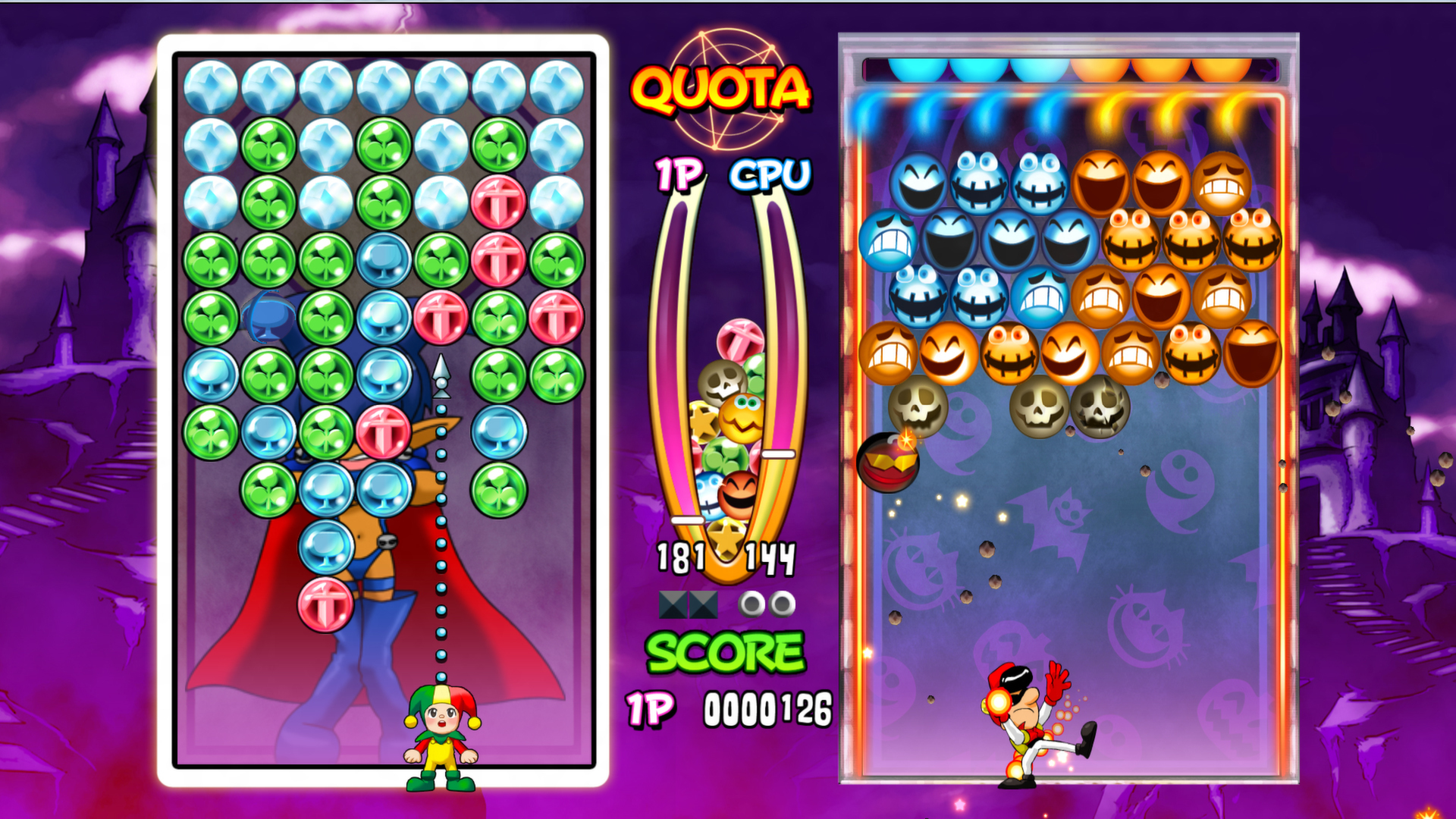
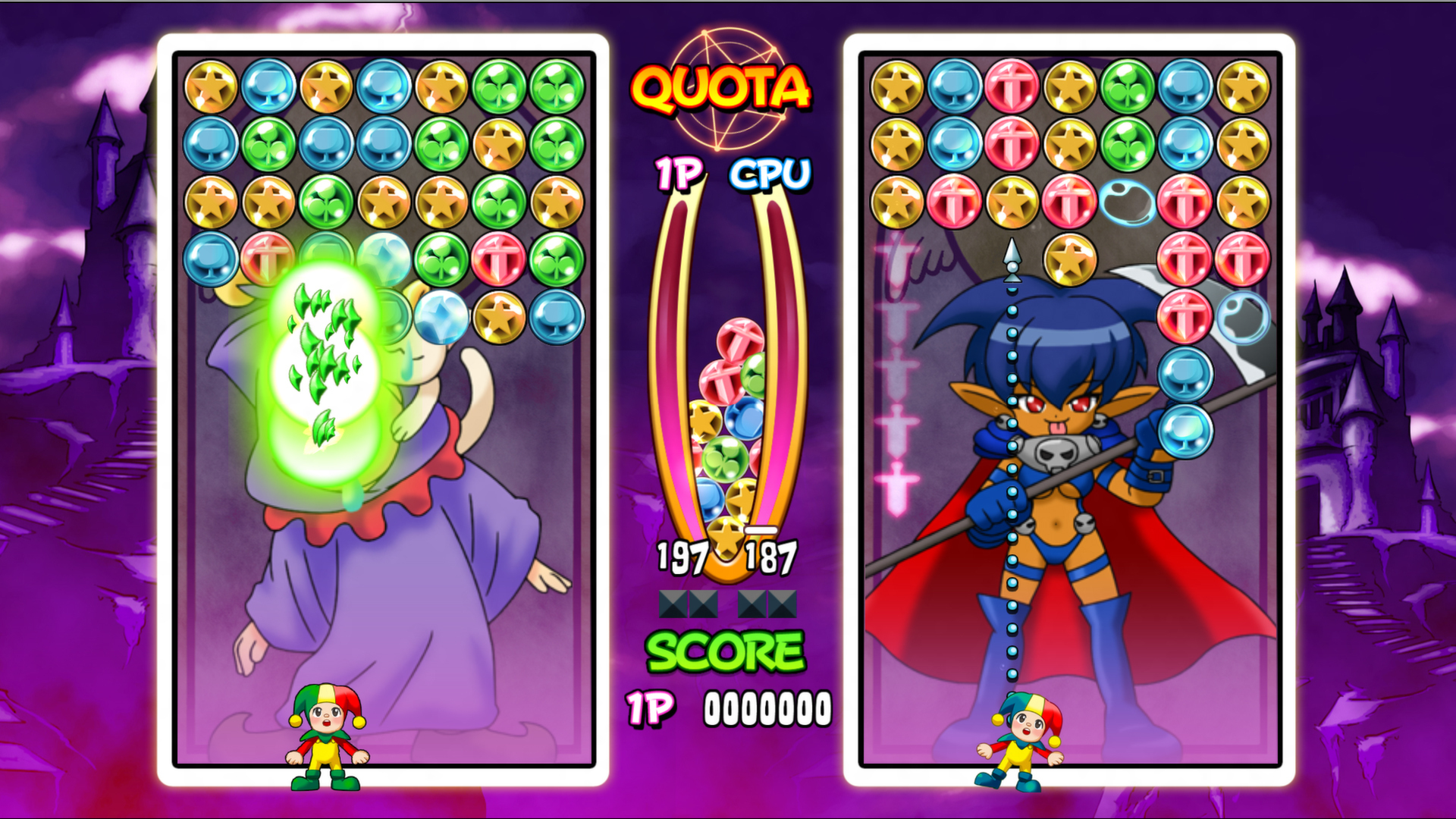
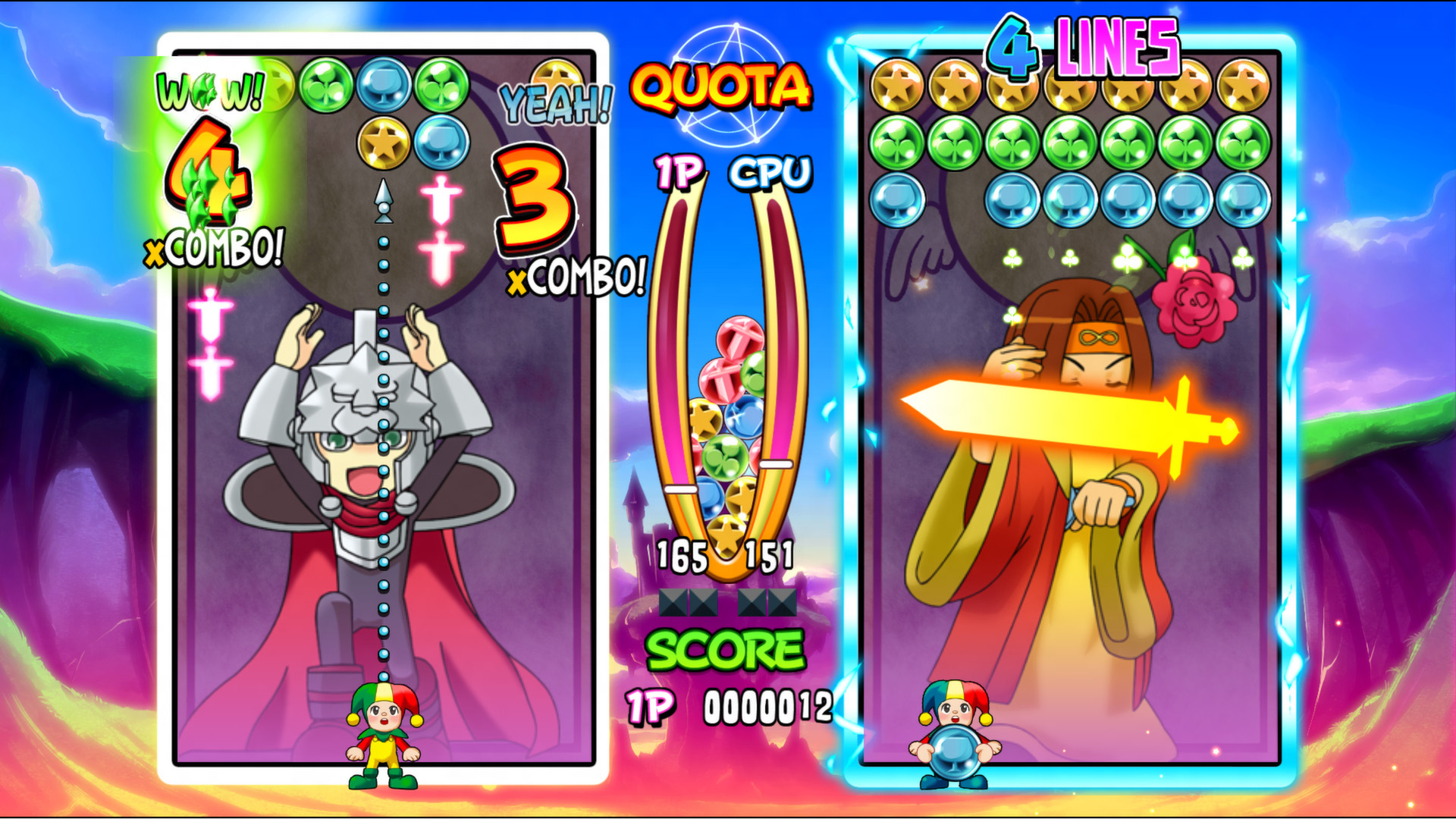
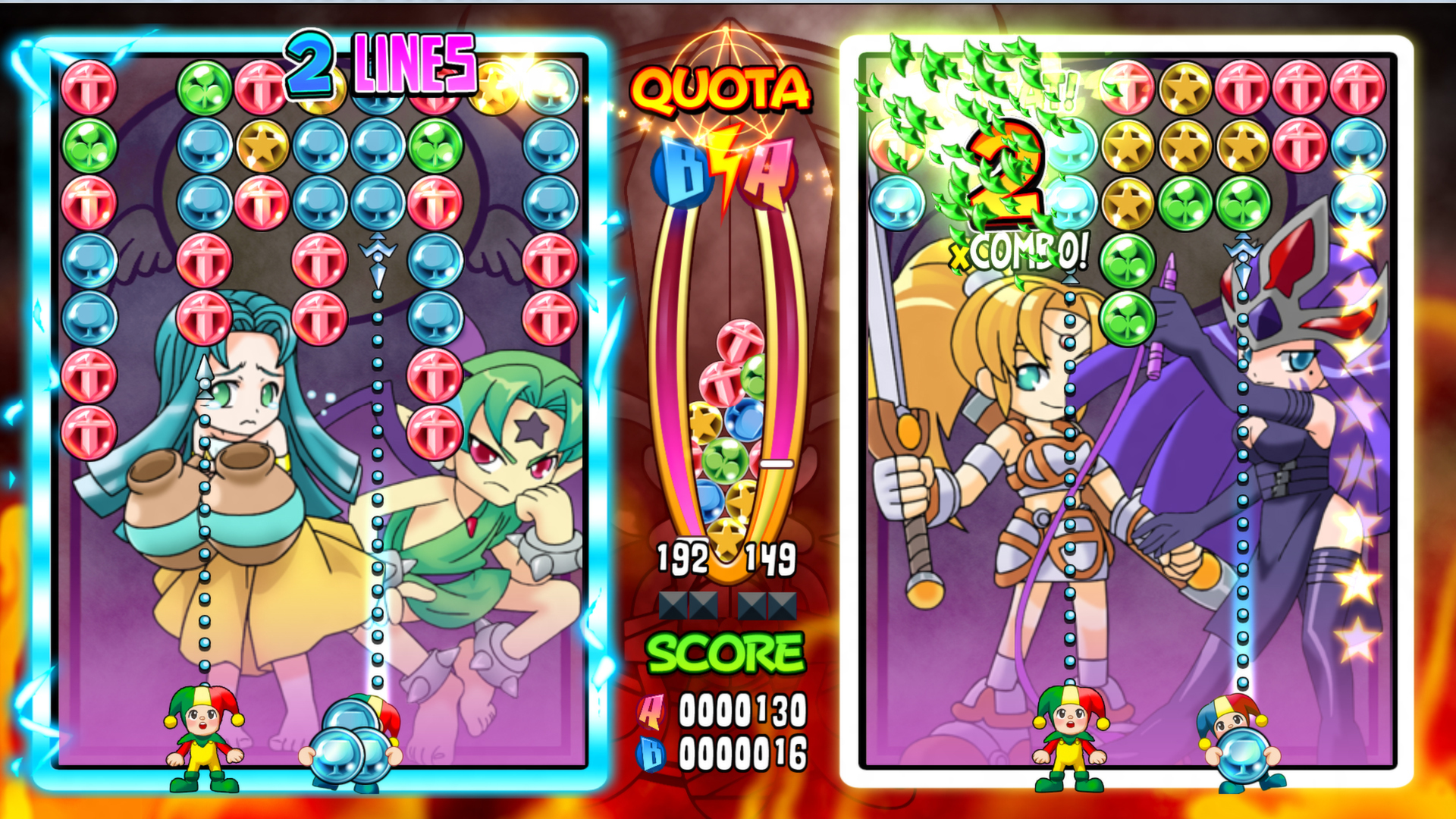
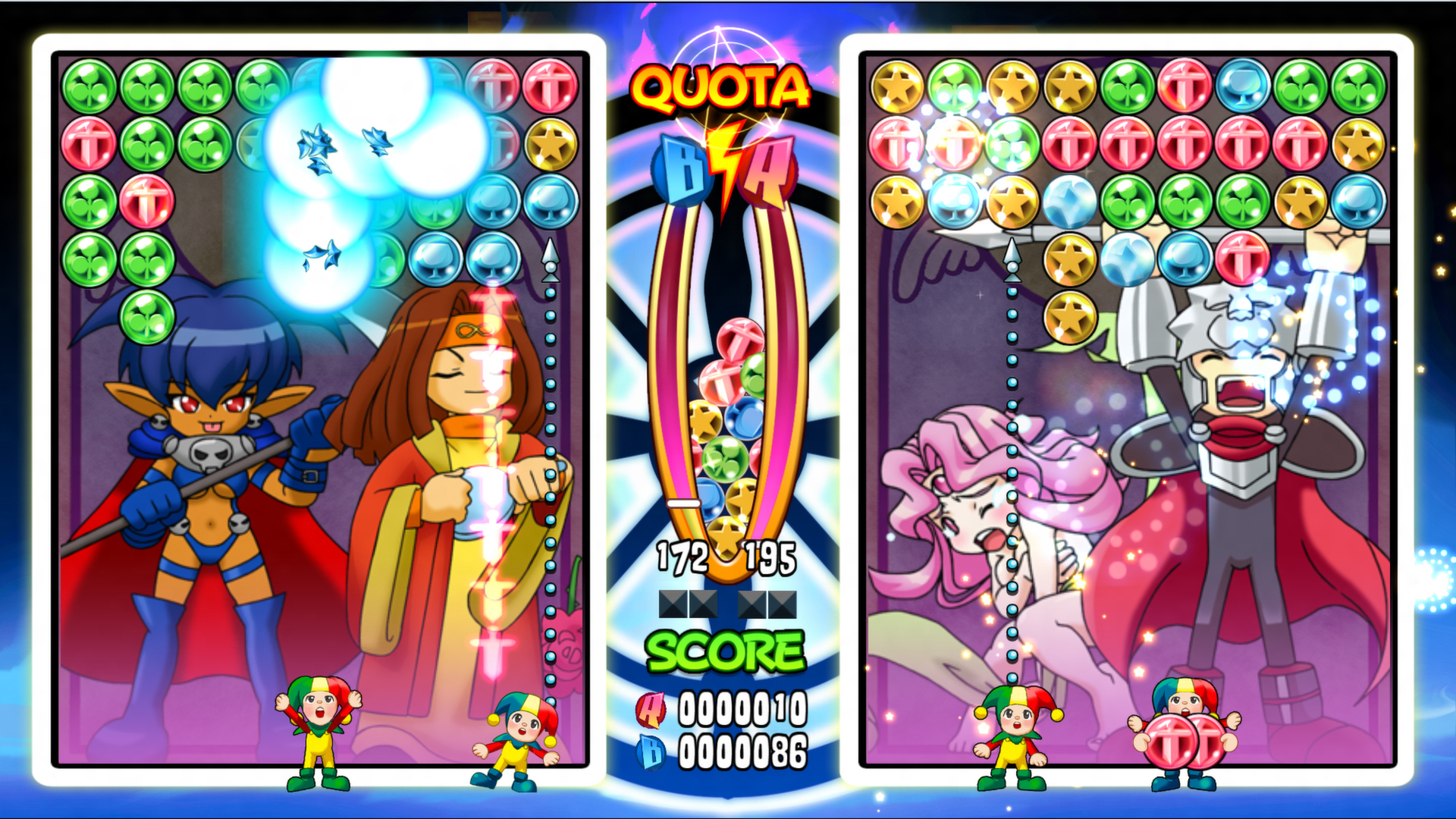
Official store screenshots from Steam — deckport links them, never rehosts. Hover to pause; click to preview.
Identity
Launch
- Binary
- Magical Drop V.exe
- Needs files
- none beyond the binary
Proton
- Version
- GE-Proton
- Winetricks
- corefonts
- ProtonDB
- ProtonDB Platinum runs flawlessly
⚙ Setup notes
Delisted: Steam game (appid 204960, removed from Steam 2020-07-28).
Engine: Adobe AIR — the executable is a small AIR-runtime launcher (named like Magical Drop V.exe in the install root), NOT a generic game.exe. Confirm the exact name from your copy and set [launch] binary to it.
Proton: ProtonDB rates this Platinum (small sample — 5 reports, low confidence). start with GE-Proton (or proton_experimental). Adobe AIR titles can be finicky: if you hit a blank/black window or a missing-runtime error, install fonts via protontricks (corefonts is pre-seeded here) and, if the bundled AIR runtime fails, the adobeair winetricks verb is the usual recovery.
Controller: Steam lists Partial Controller Support, so the in-game gamepad path should bind; for anything it misses, a Steam Input layout (controller or keyboard-as-controller) covers menus and play.
Install: deckport only configures the prefix; it never bundles or links the game files.
The one thing to know
Supply your own copy: deckport links nothing.
Delisted: removed from Steam 2020-07-28 (no longer for sale).
Engine: Adobe AIR — the main Deck risk is the bundled AIR runtime. If the game shows a blank window or runtime error, use protontricks (corefonts pre-seeded; try the adobeair verb as recovery) and GE-Proton.
Status: ProtonDB reports this Platinum, but on a small/low-confidence sample (5 reports) and no Deck-specific Verified badge (game is delisted), so status NEEDS-TEST until confirmed on a Deck.
Controller: Steam lists Partial Controller Support; a Steam Input layout covers any unbound menus, so input is workable.
Binary: the shipped name (Magical Drop V.exe) is the typical AIR launcher — verify against your install.
Community guides
Write-ups and threads from people who got this (or a similar) game running. deckport links to them — it doesn't reproduce them.
Get the artwork
deckport never hosts game images. Open this game on SteamGridDB, pick
the cover / hero / logo / icon you like, and drop them into the
game folder under .deckport-art/ before you push it to the
Deck. The importer files them under the right names automatically.
Run it on your Deck
Two files: the one-time importer (deckport.py) in your
Deck's home folder, and this game's install helper. Copy the game
into ~/Games and run the helper with Steam closed — it
writes the recipe (binary, launch options, Proton version)
and registers the shortcut with artwork.