About
Marvel: Ultimate Alliance is a 2006 action role-playing game in which players assemble a team of four Marvel superheroes from a large roster and battle through a story spanning the Marvel Universe. It was the third and final Marvel title from Raven Software, following X-Men Legends and its sequel, and shares their squad-based, isometric brawler-RPG gameplay.
The original release was well received and spawned a long-running series. A 2016 remaster returned the game to Steam, but both it and the sequel were delisted in 2018 after Activision's Marvel publishing license expired.
Screenshots
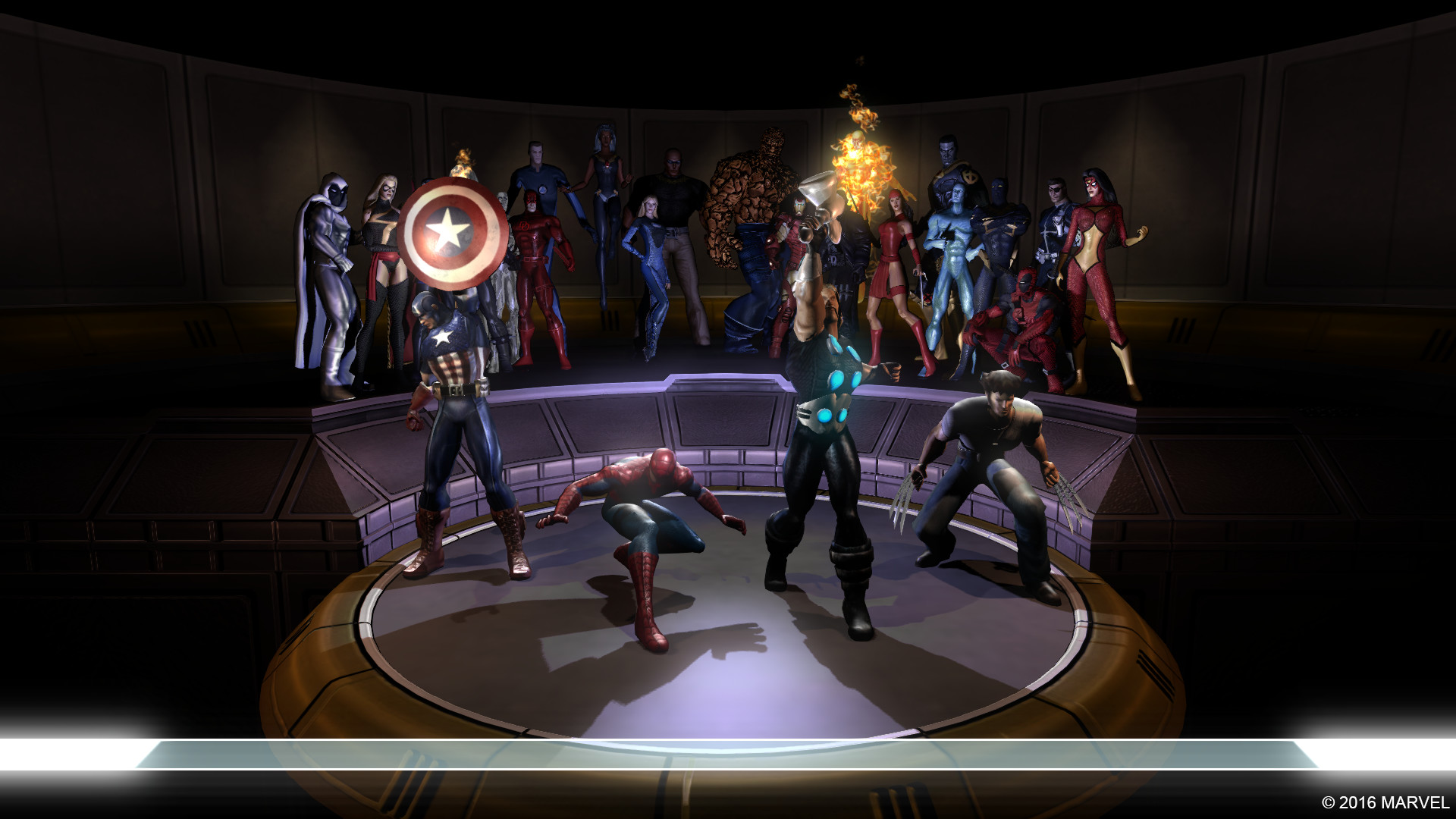
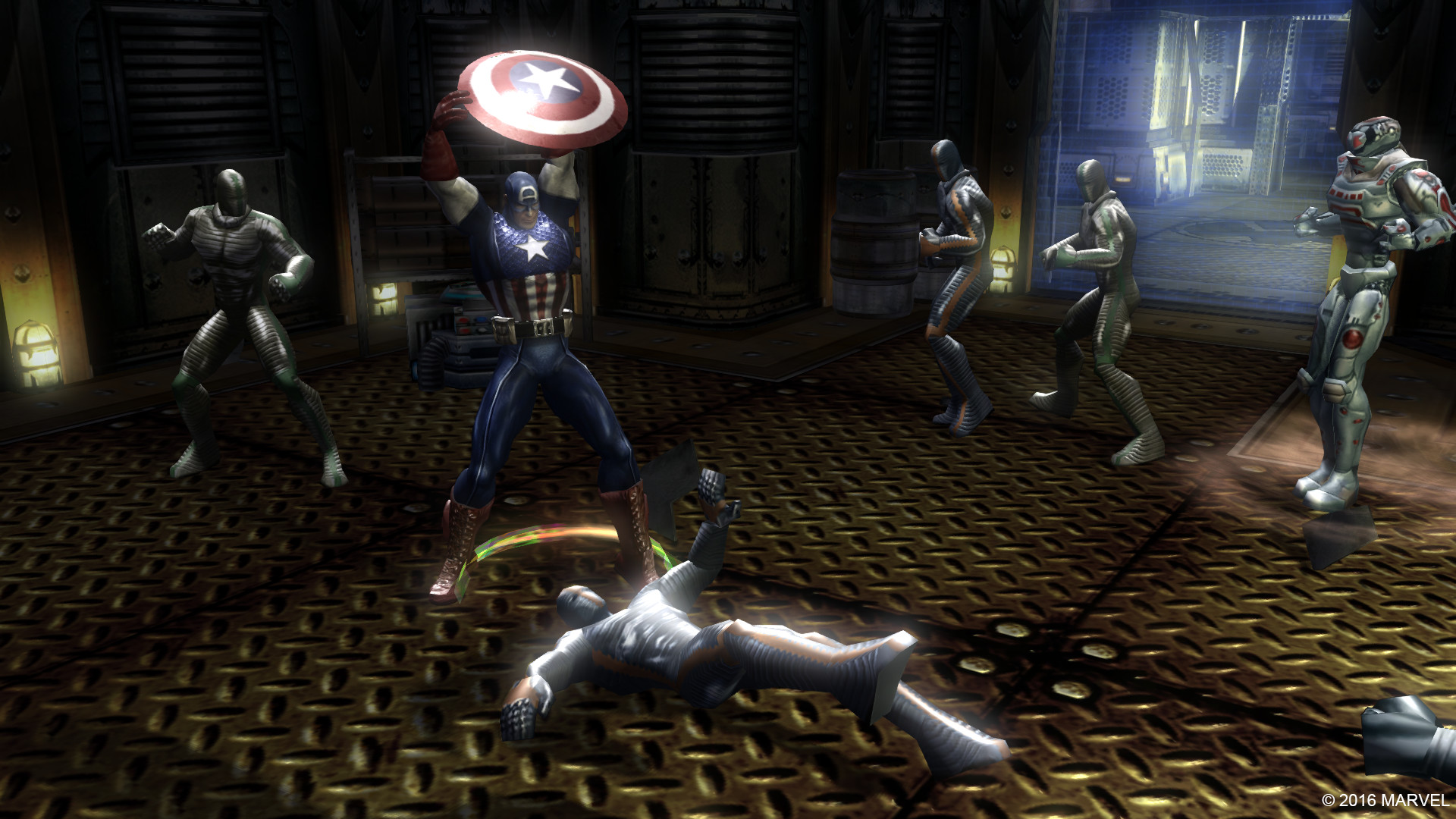
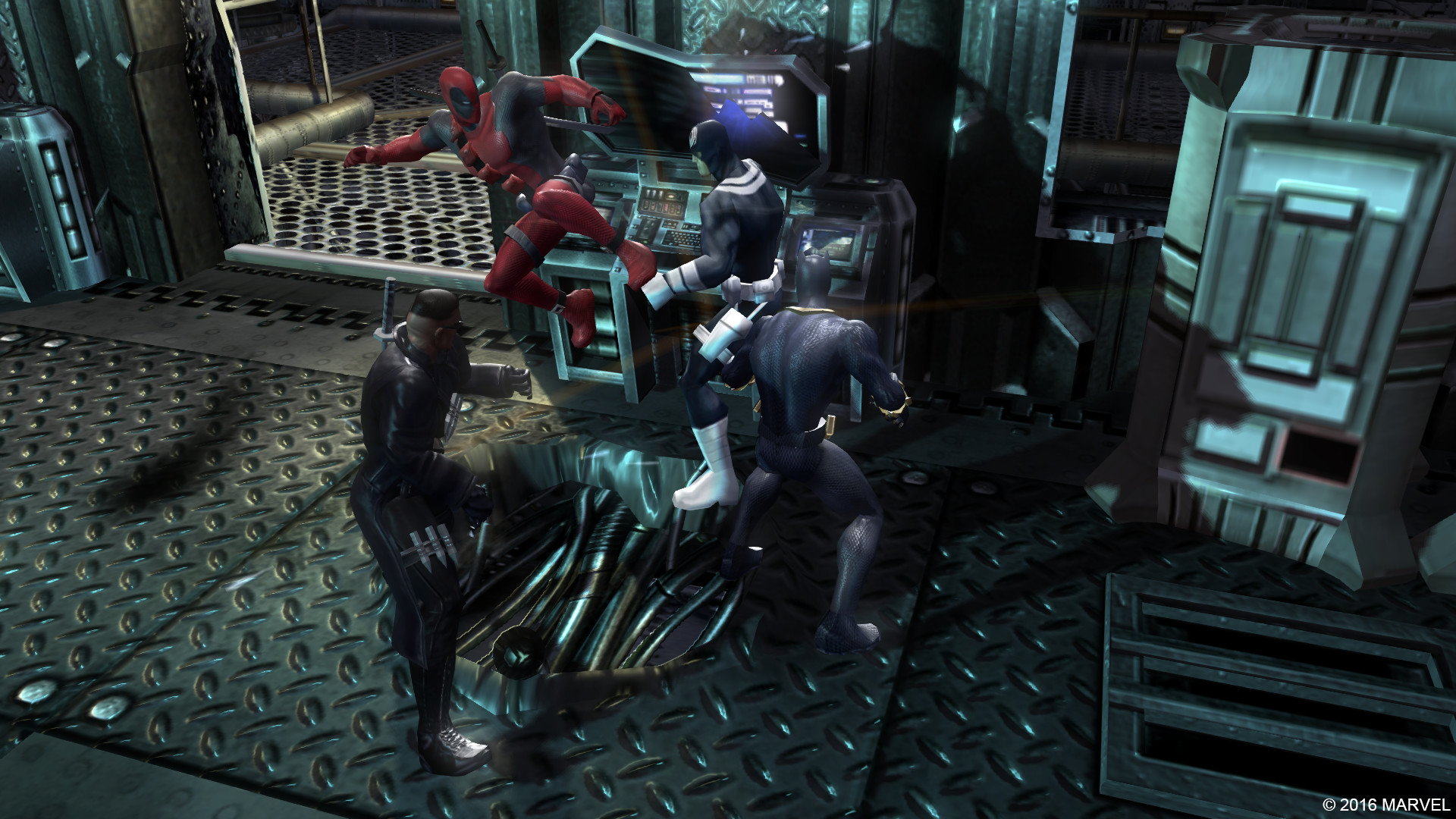
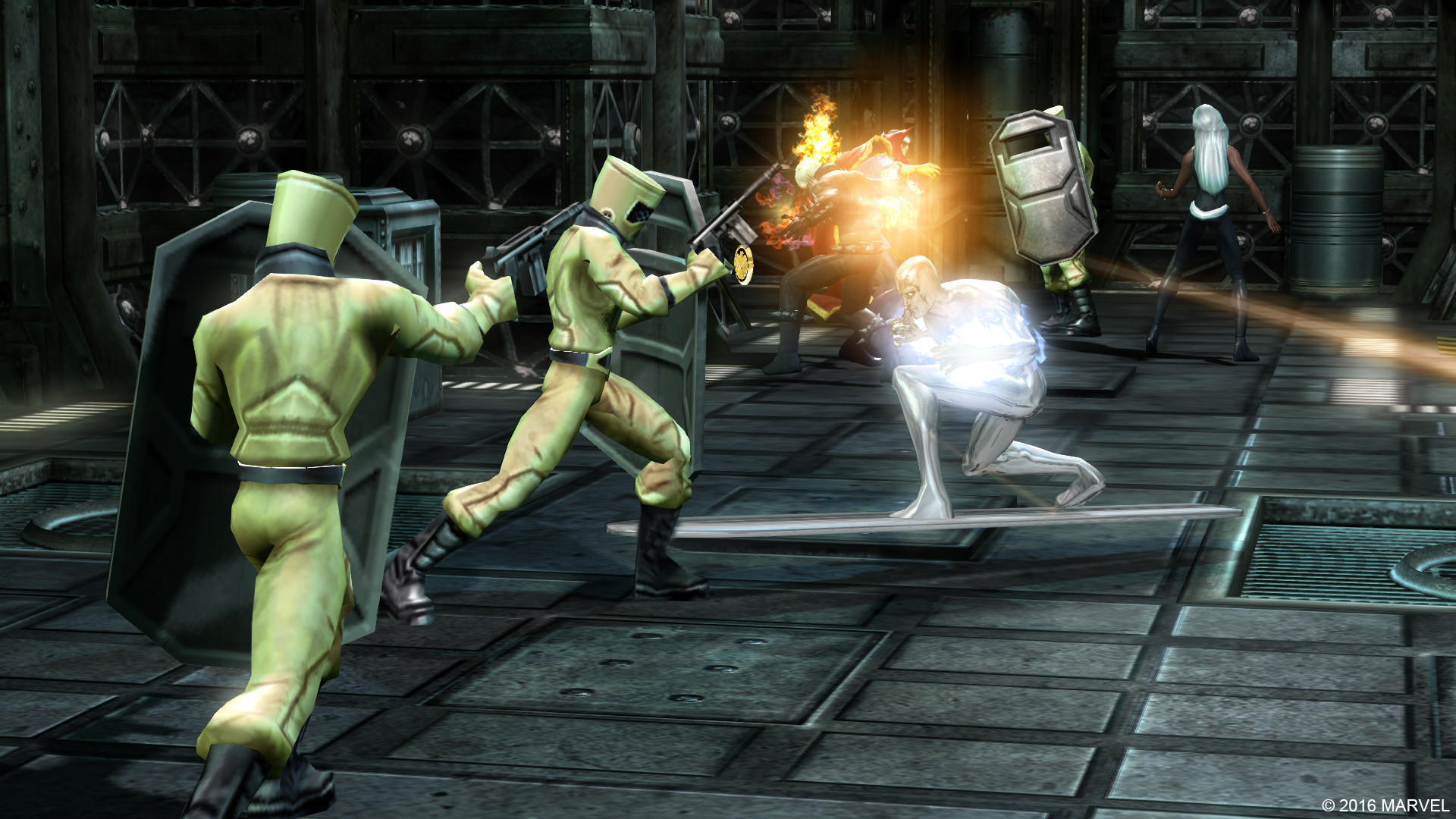
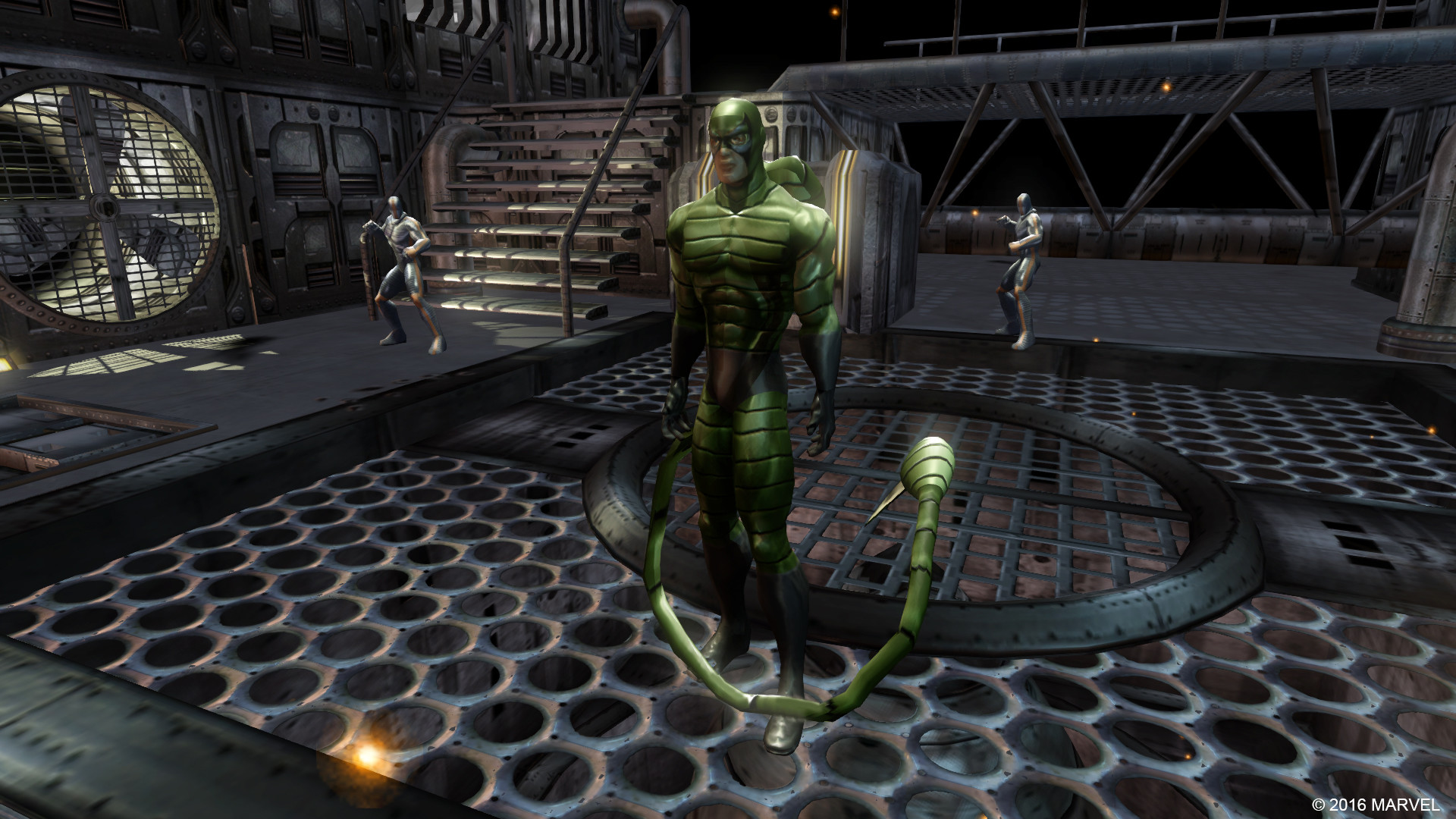
Official store screenshots from Steam — deckport links them, never rehosts. Hover to pause; click to preview.
Identity
Launch
- Binary
- MUA.exe
- Needs files
- none beyond the binary
Proton
- Version
- proton_experimental
- Winetricks
- —
- ProtonDB
- ProtonDB Gold runs perfectly after tweaks
⚙ Setup notes
About: The 2006 action-RPG (Raven Software; Beenox PC port) — the first in the series, before Ultimate Alliance 2. This recipe targets the 2016 Steam remaster (Zoë Mode, appid 433300); installs to steamapps/common/Marvel - Ultimate Alliance/ with MUA.exe in the root.
DRM: Steam DRM; delisted in 2018 (the 2016 re-release was pulled too). Supply your own copy.
ProtonDB: Gold. Use proton_experimental — it clears up the audio crackling some reports see on default Proton. (WineGE-8-26 also works for those using Lutris.)
Controller: Native gamepad, but Steam Input bindings are flaky. Switch the controller config to the default Gamepad template ("Zoë Mode Official Layout"). Press Start at the main menu to activate the pad. The game may register a phantom second controller — open in-game Options right after launch and set Player 2 input to Keyboard so pressing Start doesn't add an extra player.
Display: Game defaults to a low resolution (800x600 / 1280x720); raise it to 1280x720 in Video Options and enable V-Sync to stop battery drain from an uncapped framerate.
Cosmetic: Minor stutter the first time each cutscene loads; smooth otherwise.
Install method: Normal Steam install of an owned copy — no extra files needed for the base game.
The one thing to know
Supply your own copy: Delisted commercial Steam game (DRM) — supply your own copy. deckport links nothing for downloading it.
Controller: Expect to set the Gamepad template + fix the phantom Player 2 (see proton notes); not plug-and-play.
Binary: MUA.exe confirmed from the Steam install folder; Proton version still needs an on-Deck test.
Community guides
Write-ups and threads from people who got this (or a similar) game running. deckport links to them — it doesn't reproduce them.
Get the artwork
deckport never hosts game images. Open this game on SteamGridDB, pick
the cover / hero / logo / icon you like, and drop them into the
game folder under .deckport-art/ before you push it to the
Deck. The importer files them under the right names automatically.
Run it on your Deck
Two files: the one-time importer (deckport.py) in your
Deck's home folder, and this game's install helper. Copy the game
into ~/Games and run the helper with Steam closed — it
writes the recipe (binary, launch options, Proton version)
and registers the shortcut with artwork.