About
Marvel: Ultimate Alliance 2 is an action-RPG sequel to the 2006 original, with a story inspired by Marvel's Civil War crossover. Players assemble a team of four Marvel heroes and combine powers through signature Fusion attacks.
The 2016 console-and-PC re-release was handled by Zoë Mode and based on the Vicarious Visions version. It was pulled from digital storefronts in 2018 due to licensing issues between Activision and Marvel.
Screenshots
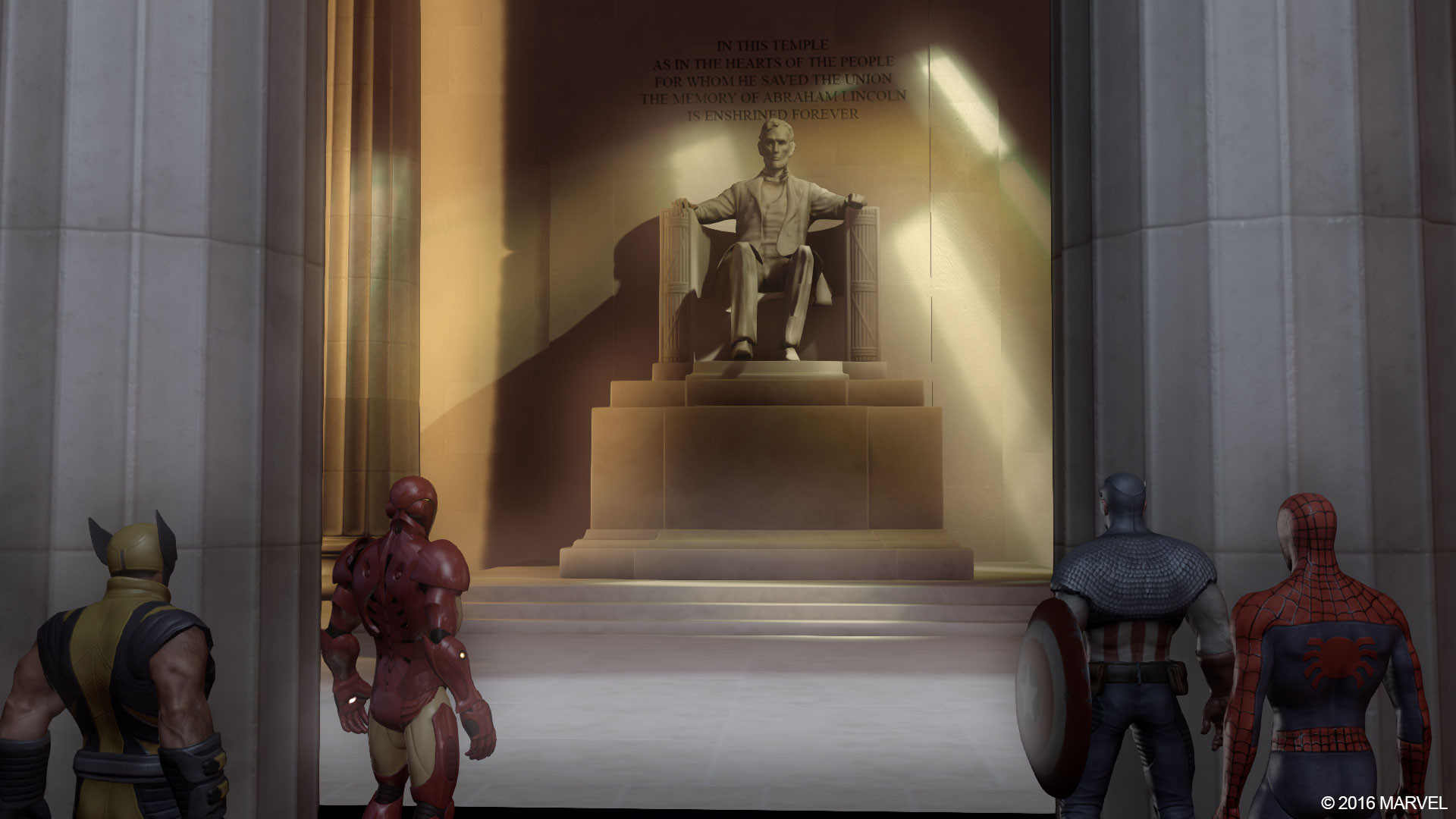
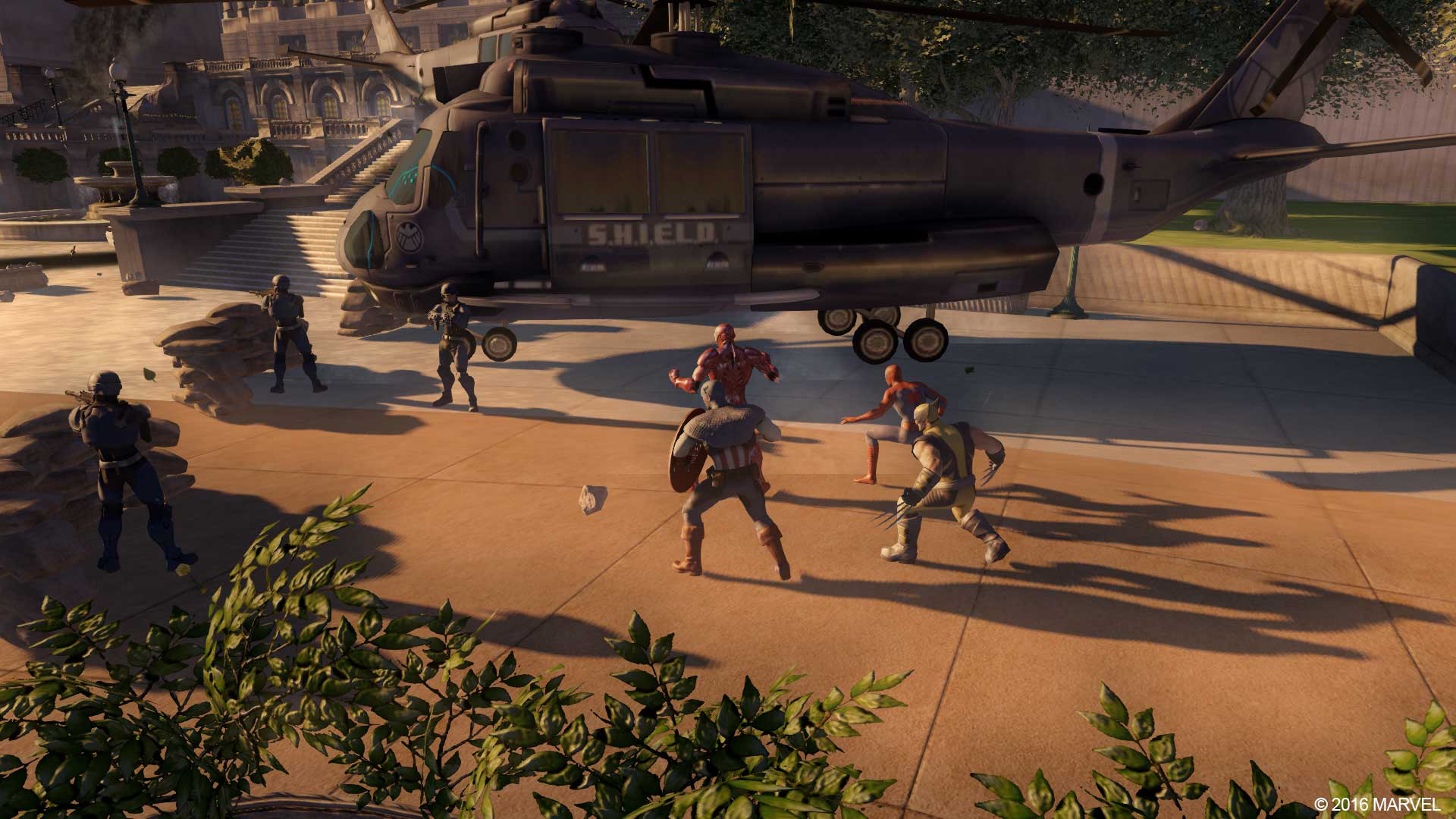
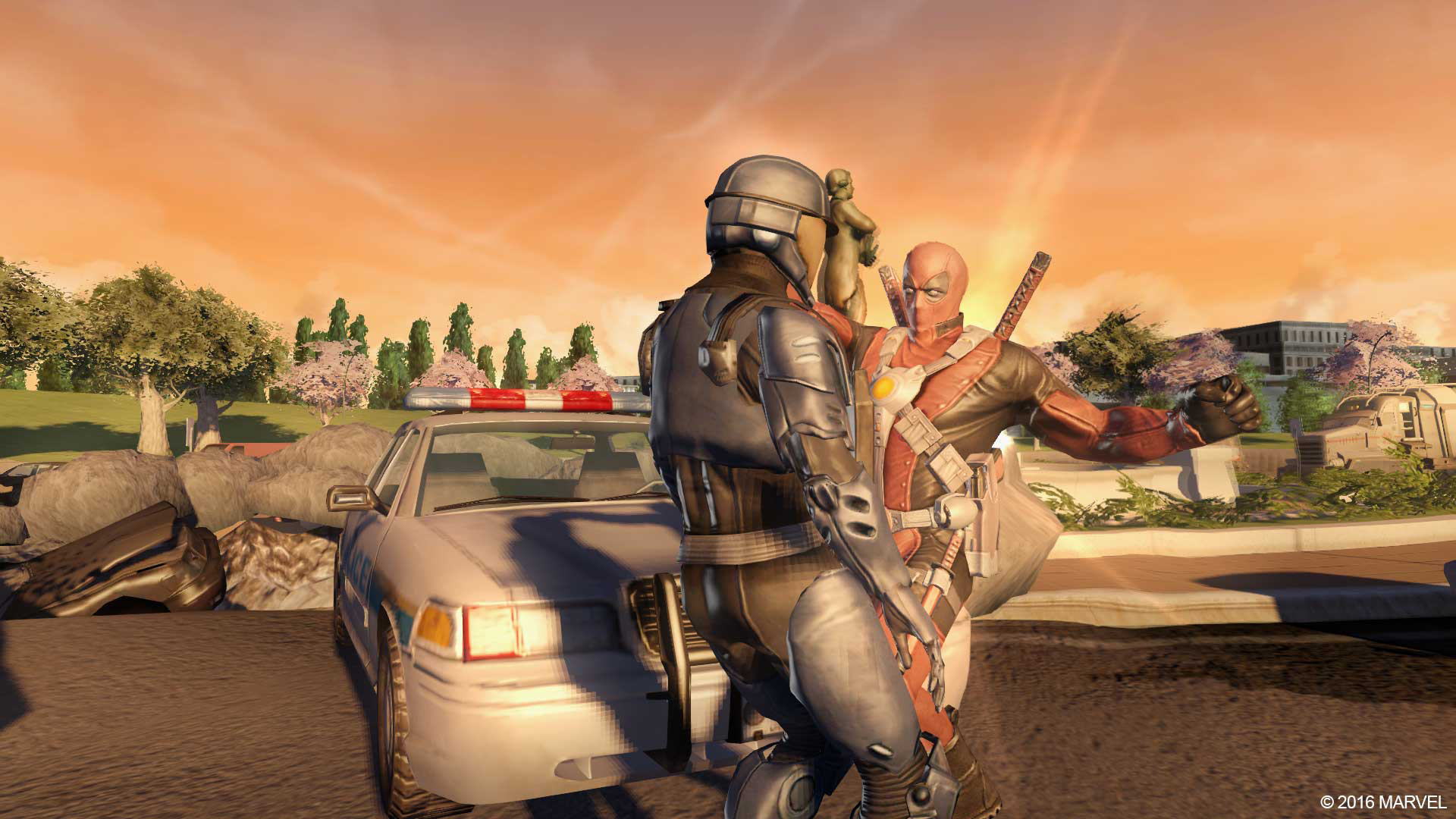
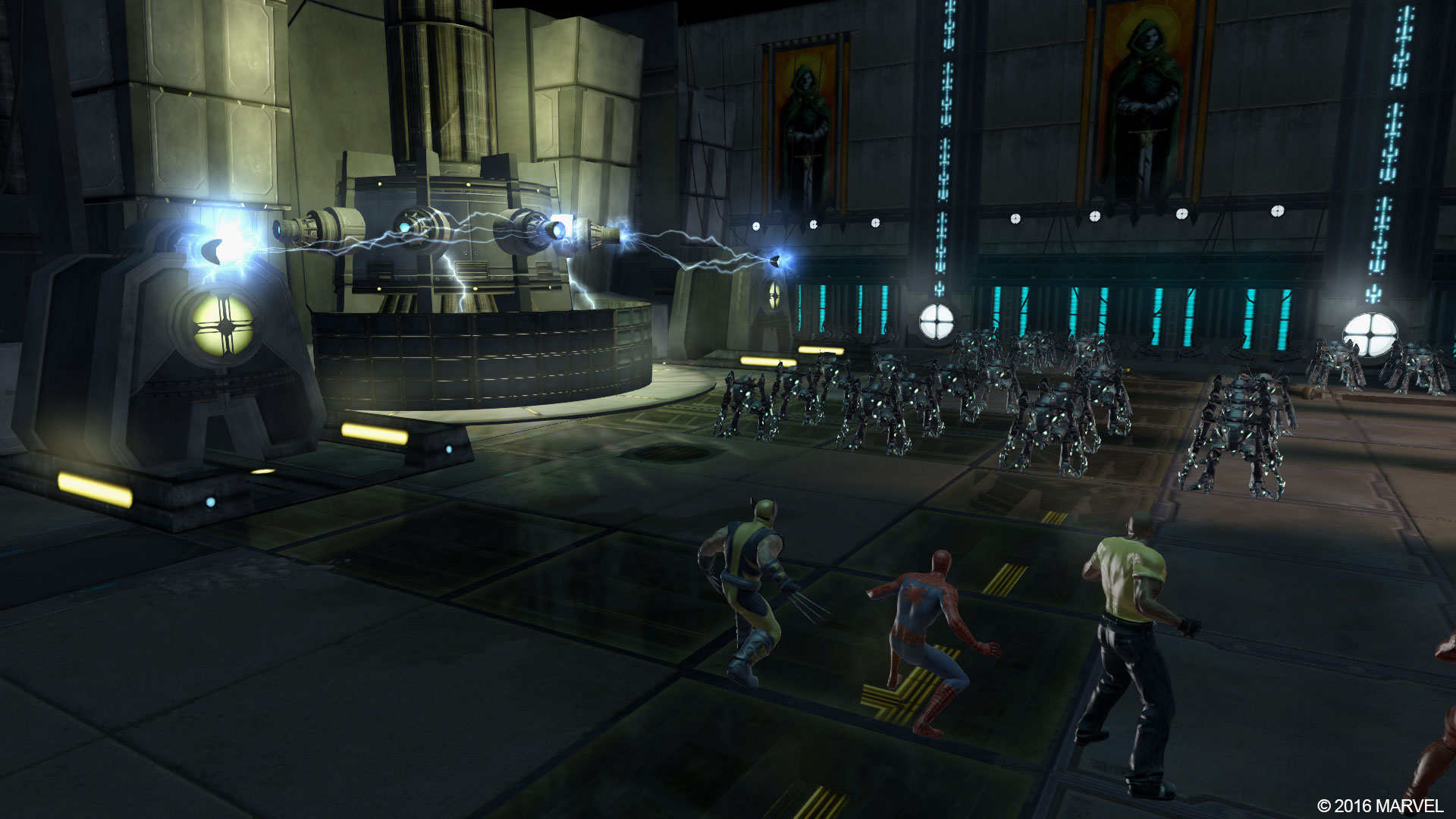
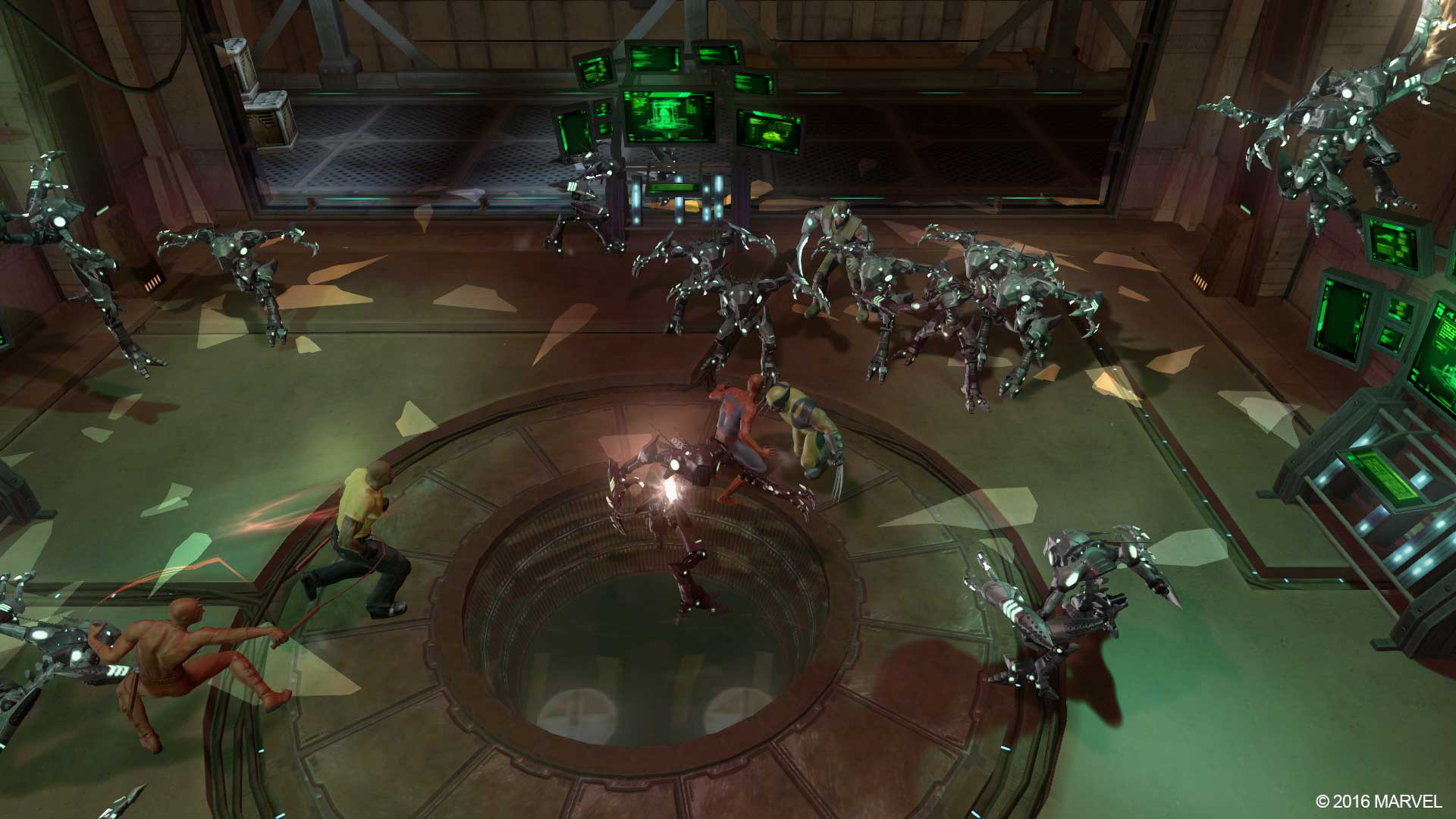
Official store screenshots from Steam — deckport links them, never rehosts. Hover to pause; click to preview.
Identity
Launch
- Binary
- MUA2.exe
- Needs files
- none beyond the binary
Proton
- Version
- GE-Proton
- Winetricks
- vcrun2022
- ProtonDB
- ProtonDB Pending not enough reports yet
⚙ Setup notes
Port: 2016 PC port (Zoë Mode) of the 2009 action-RPG, delisted not long after release.
ProtonDB / Deck: Runs on Deck under Proton. GE-Proton and proton_experimental are both reported working; several users also report the default Valve Proton works fine once the controller files are in place.
DRM: No GFWL/SecuROM — plain Steam port, so it boots without DRM workarounds.
Controller (the one real catch): The game is built on DirectInput (DINPUT), so a modern XInput pad isn't detected properly out of the box and only the touchscreen responds. The community fix is XIDI (open-source DINPUT→XInput wrapper by SamuelGR on GitHub): drop the XIDI files into the game's root folder, install the VC++ 2022 runtime (vcrun2022), and set the Steam Input template to a Gamepad layout (the Gamepad with Mouse and Trackpad Valve template, or the community Zoë Mode Official Layout, both work). A known side effect of the gamepad template is the game seeing a phantom Player 2 — open in-game Options right after launch and set Player 2's controller to keyboard so Start pauses instead of joining a second player.
Runtime: The VC++ 2022 runtime (vcrun2022) clears the most common startup issues and is required by the XIDI fix.
Install: Normal Steam install, then copy the XIDI controller files into the game's root folder before first launch. deckport configures the prefix and runtime.
The one thing to know
Controller: Out of the box only the touchscreen responds — the game is DirectInput-only. Drop the XIDI wrapper files into the game's root folder, install the VC++ 2022 runtime, and select a Gamepad Steam Input template (Gamepad with Mouse and Trackpad or the Zoë Mode Official Layout). After launch, set Player 2 to keyboard in Options so Start pauses rather than adding a phantom player.
Verify the exe: The .exe name (MUA2.exe) is a best guess based on MUA1's MUA.exe; confirm the real launcher in your copy.
Status: Community reports confirm the 2016 port runs on Deck under Proton, but it was delisted quickly so coverage is thin and the ProtonDB tier is unsettled — needs a hardware pass.
Scope: Recipe describes setup only, not where to get the game.
Community guides
Write-ups and threads from people who got this (or a similar) game running. deckport links to them — it doesn't reproduce them.
Get the artwork
deckport never hosts game images. Open this game on SteamGridDB, pick
the cover / hero / logo / icon you like, and drop them into the
game folder under .deckport-art/ before you push it to the
Deck. The importer files them under the right names automatically.
Run it on your Deck
Two files: the one-time importer (deckport.py) in your
Deck's home folder, and this game's install helper. Copy the game
into ~/Games and run the helper with Steam closed — it
writes the recipe (binary, launch options, Proton version)
and registers the shortcut with artwork.