About
Max & the Magic Marker is a physics-based 2D puzzle-platformer from Danish studio Press Play, in which the boy Max uses a magic marker to freehand-draw objects that become real, interactive physics elements used to solve puzzles and traverse levels. An early example of the 'draw-to-solve' mechanic, the player sketches platforms, bridges, weights and shields with a limited supply of ink to help Max chase a monster he accidentally created. It debuted on WiiWare in 2010 to generally favorable reviews (around 76 on Metacritic), praised for its inventive drawing gameplay and charming art style while criticized for imprecise controls and short length. The Steam (Windows) version was later delisted after Microsoft acquired Press Play, and the WiiWare and Desura releases have since shut down.
Screenshots
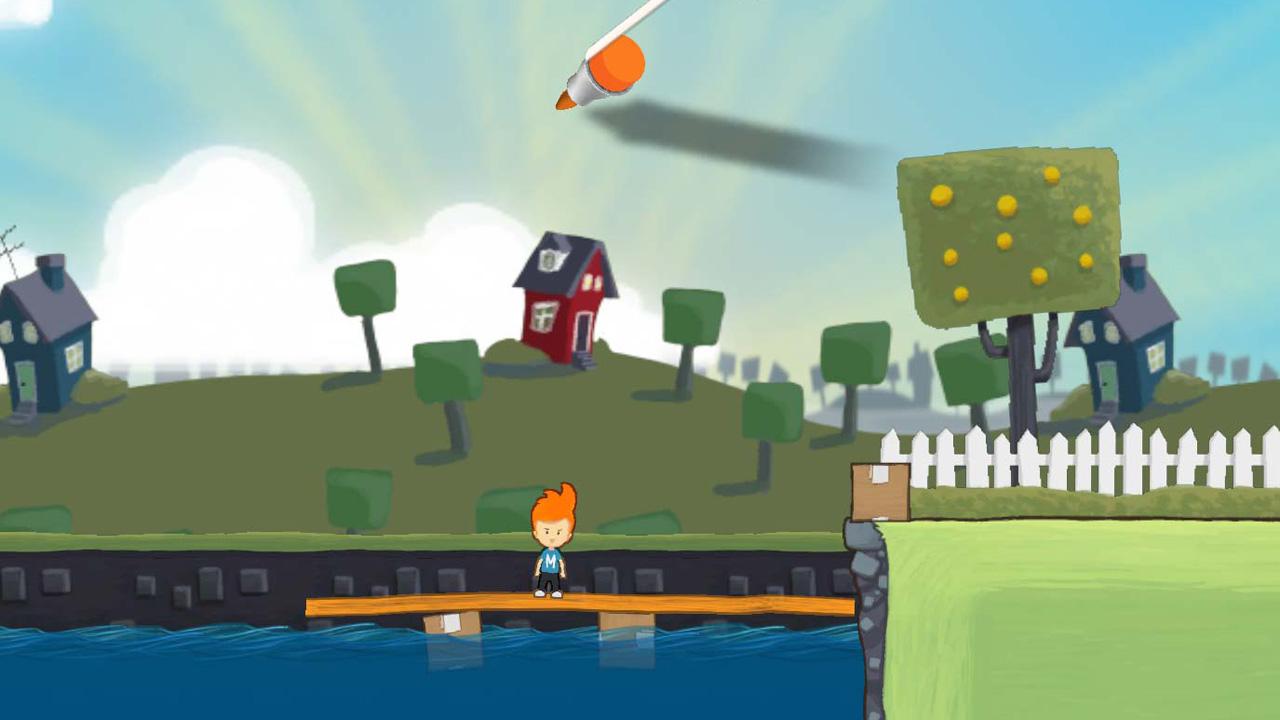
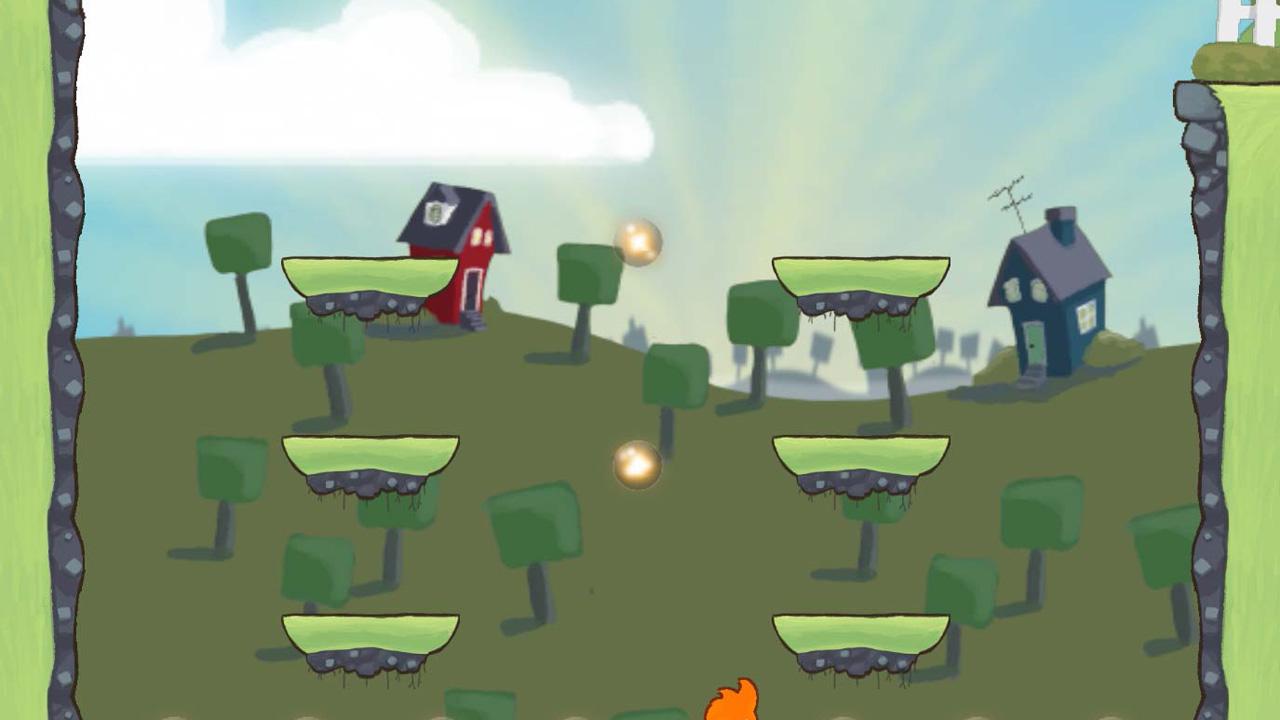
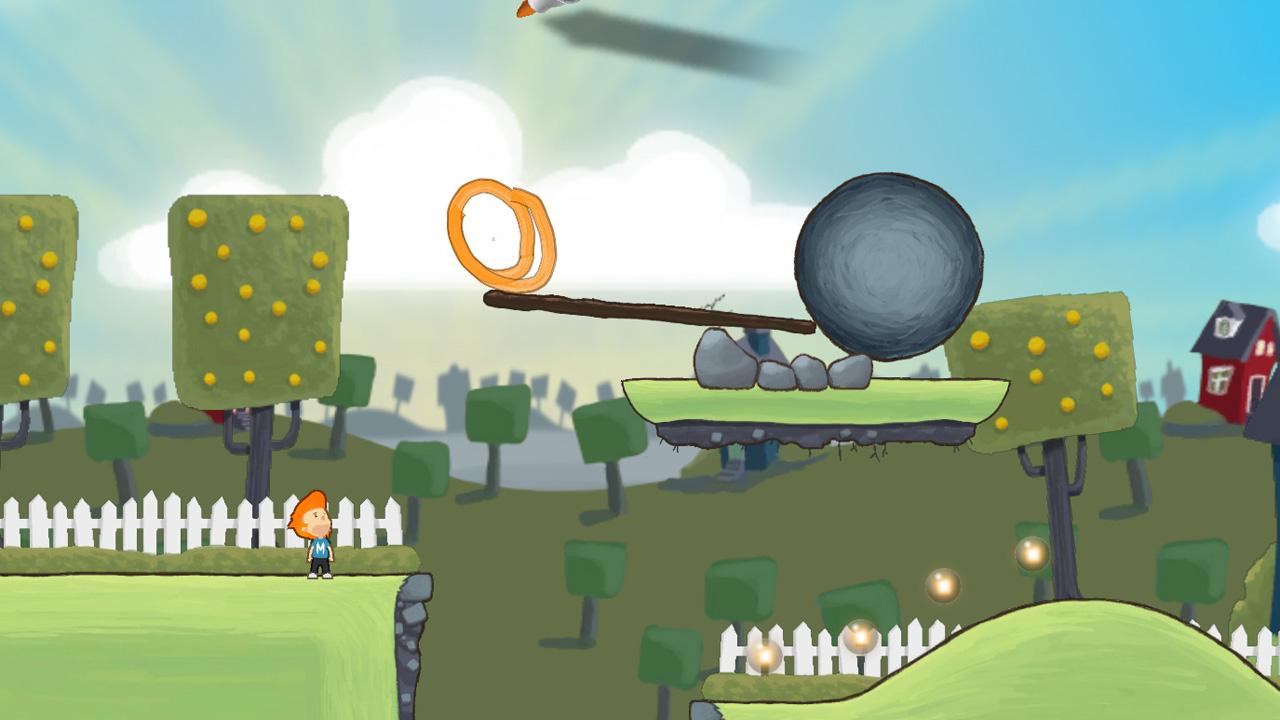

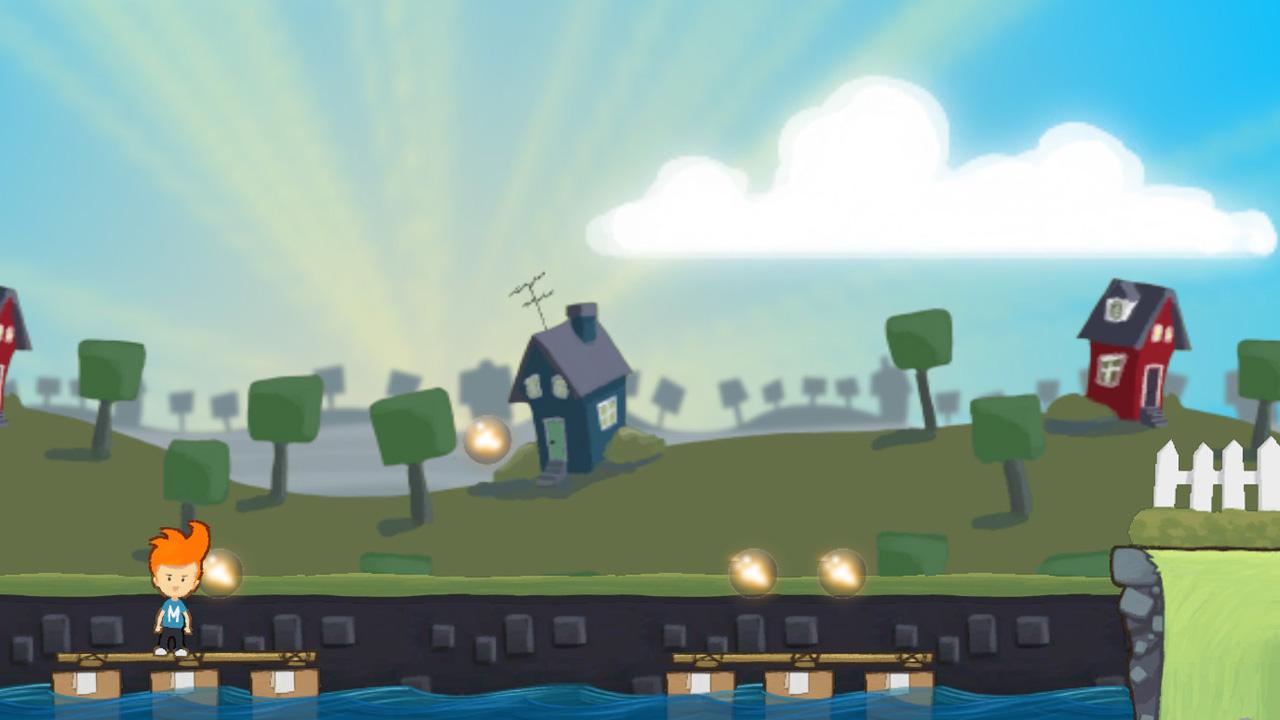
Official store screenshots from Steam — deckport links them, never rehosts. Hover to pause; click to preview.
Identity
Launch
- Binary
- Max.exe
- Needs files
- none beyond the binary
Proton
- Version
- GE-Proton
- Winetricks
- —
- ProtonDB
- ProtonDB Platinum runs flawlessly
⚙ Setup notes
DRM: Delisted Steam game (appid 50820), pulled after Microsoft acquired developer Press Play. Small 2D physics drawing-platformer; no SecuROM/GFWL DRM reported, so it runs cleanly under Proton.
Proton: Use GE-Proton (or proton_experimental as a fallback).
Install: Main exe is Max.exe; if the install has a GPlrLanc.exe launcher, point the binary at Max.exe directly to skip it.
Controller: Drawing is mouse-driven. On the Deck, use a Steam Input layout that maps the RIGHT TRACKPAD to mouse (as a trackpad in mouse mode) for drawing the marker line, plus the left stick / d-pad for movement and a face button for jump. That trackpad-as-mouse layout makes it fully playable on Deck.
deckport only configures the prefix; it never bundles or links the game files.
The one thing to know
Supply your own copy. deckport links nothing. Delisted from Steam after Microsoft bought developer Press Play; not for sale (also was on Wii Shop / Desura, all shut down).
Input: The main caveat is input — it's a mouse-driven drawing game, so it needs a Steam Input layout that uses the right trackpad as a mouse to draw. Once that's set it plays fine on Deck.
DRM: Single-player, no online servers to worry about. Runs under Proton with no DRM blockers (no SecuROM/GFWL).
Status: ProtonDB shows platinum, but on a very small sample (~3 reports, low confidence) — treat it as promising, not proven. This specific recipe (binary Max.exe, GE-Proton, trackpad layout) still needs an on-Deck confirmation.
Community guides
Write-ups and threads from people who got this (or a similar) game running. deckport links to them — it doesn't reproduce them.
Get the artwork
deckport never hosts game images. Open this game on SteamGridDB, pick
the cover / hero / logo / icon you like, and drop them into the
game folder under .deckport-art/ before you push it to the
Deck. The importer files them under the right names automatically.
Run it on your Deck
Two files: the one-time importer (deckport.py) in your
Deck's home folder, and this game's install helper. Copy the game
into ~/Games and run the helper with Steam closed — it
writes the recipe (binary, launch options, Proton version)
and registers the shortcut with artwork.