About
Medal of Honor: Airborne is a World War II first-person shooter and the eleventh installment in the Medal of Honor series, built on a heavily modified Unreal Engine 3. Its signature mechanic lets players parachute into each of six large open missions and choose their own landing spot, adding flexibility to how each engagement is approached as a paratrooper in the US 82nd Airborne Division. Reviews were generally favorable, praising the airborne insertion gimmick and combat while noting the campaign's short length. The Steam version was delisted in January 2022, largely tied to compatibility issues on newer hardware.
Screenshots
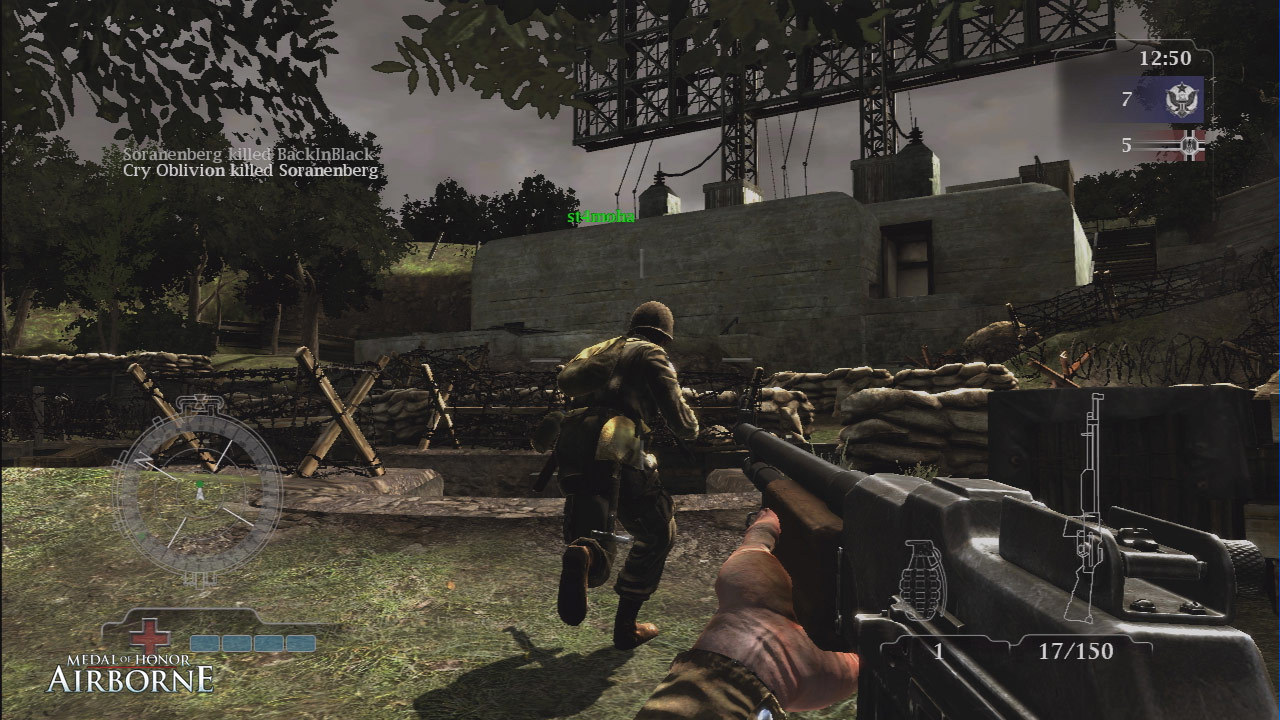
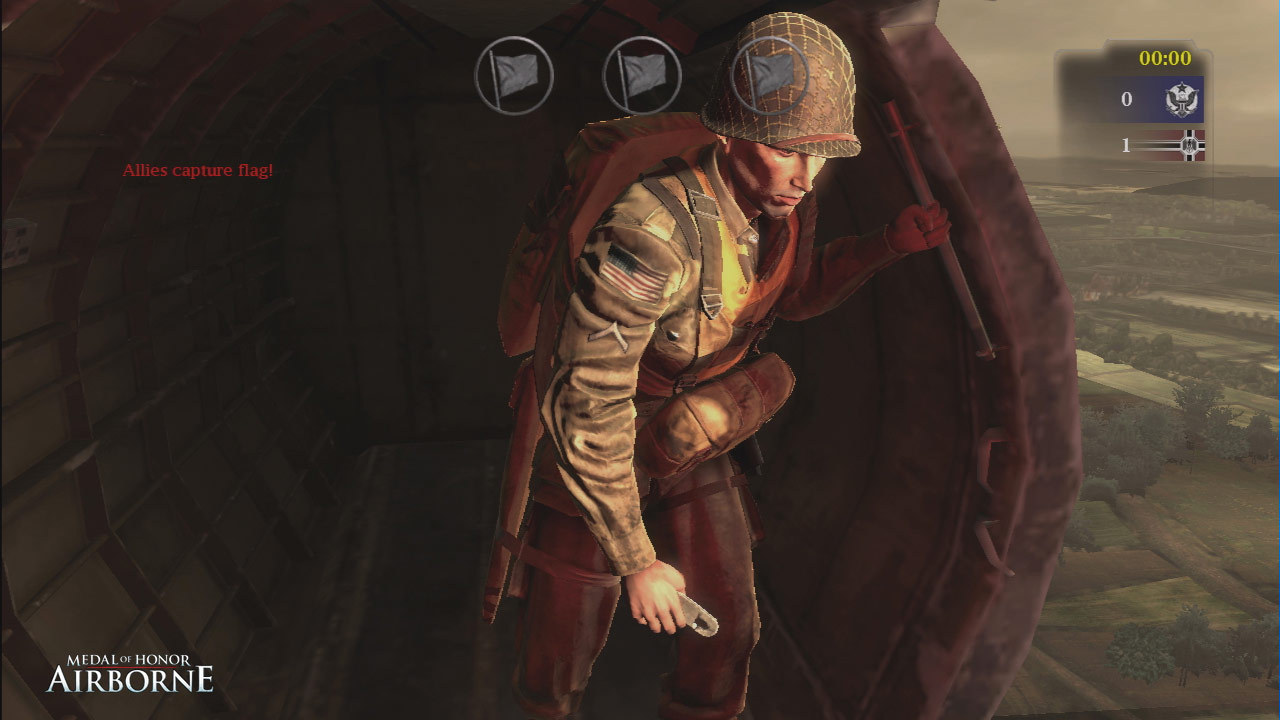

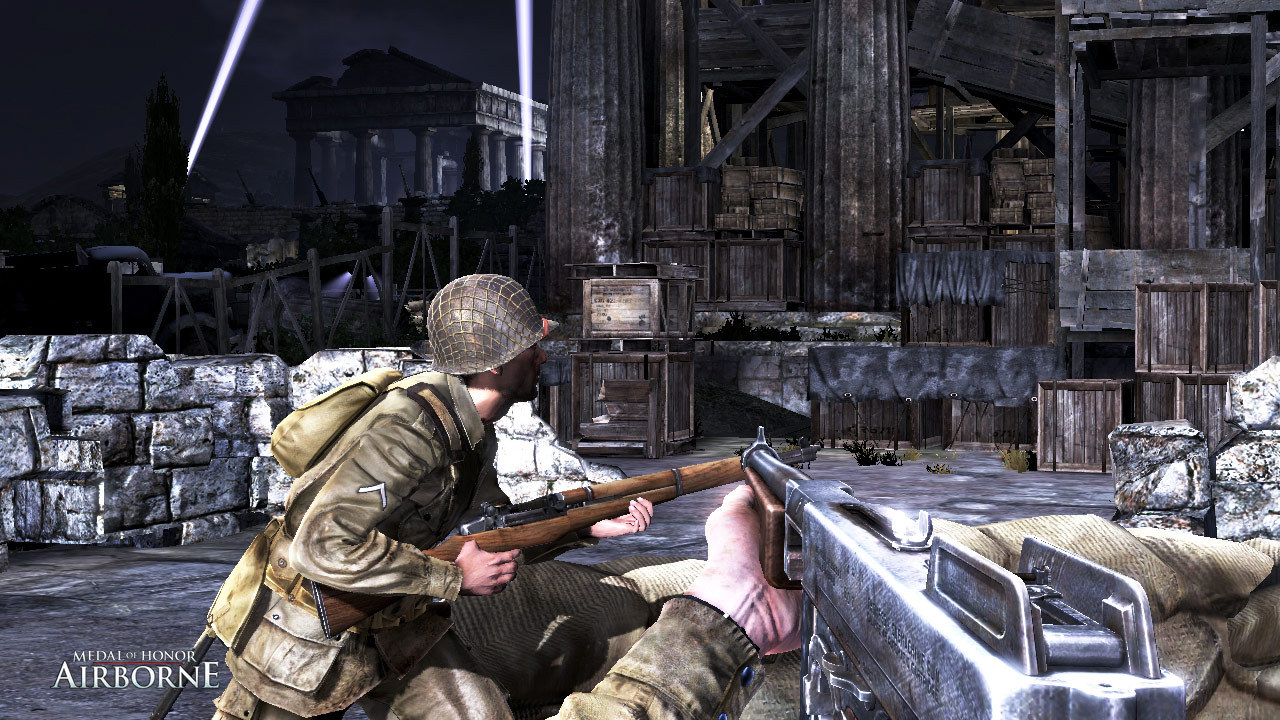
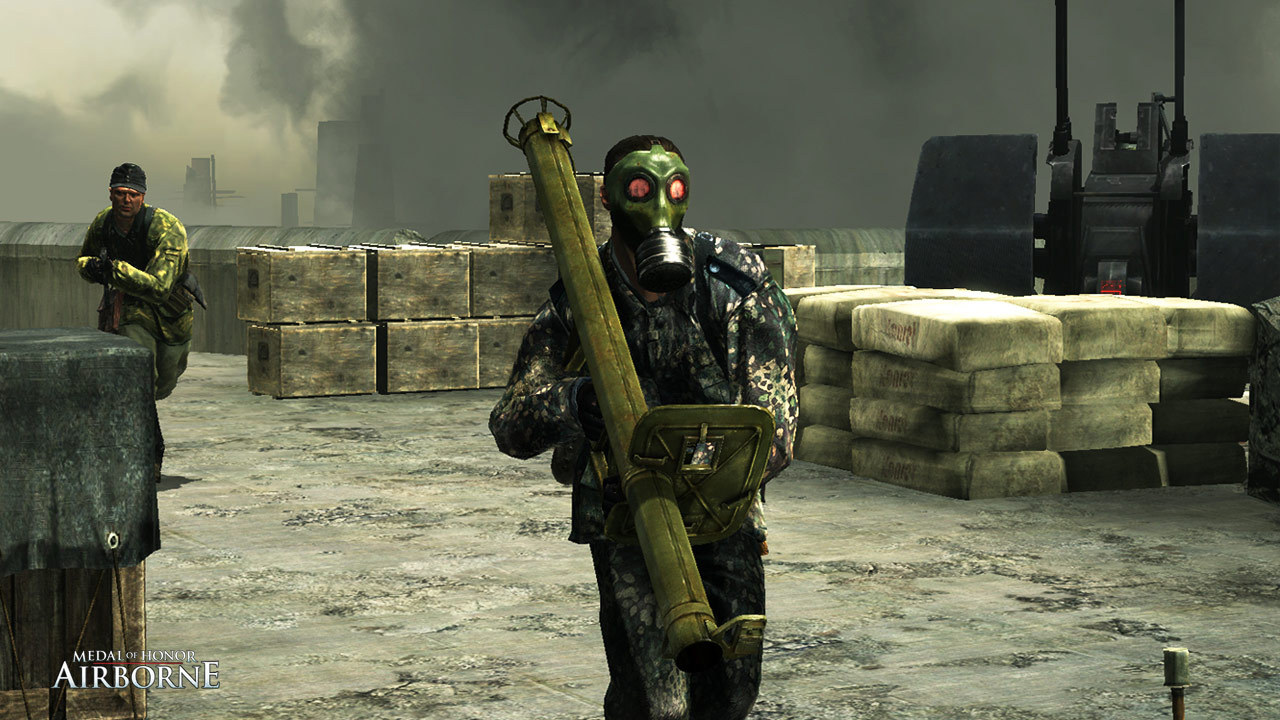
Official store screenshots from Steam — deckport links them, never rehosts. Hover to pause; click to preview.
Identity
Launch
- Binary
- UnrealEngine3/Binaries/MOHA.exe
- Options
- PROTON_USE_D9VK=1 %command%
- Needs files
- none beyond the binary
Proton
- Version
- GE-Proton
- Winetricks
- —
- ProtonDB
- ProtonDB Platinum runs flawlessly
⚙ Setup notes
Status: Delisted Steam game (appid 24840). ProtonDB platinum, runs well single-player on the Deck.
Proton: Use GE-Proton (community reports GE-Proton7-20 specifically fixes the General Protection Fault that default/experimental Proton throws on launch).
Fix: Real game exe is UnrealEngine3/Binaries/MOHA.exe; the moha_setup.exe launcher in that same folder hangs under Proton, so rename it (e.g. moha_setup.exe -> moha_setup.bak) or point Steam straight at MOHA.exe.
Launch: PROTON_USE_D9VK=1 %command% gives a solid 60fps.
Display: Because moha_setup is bypassed you can't use the in-game settings UI; edit graphics/resolution in the .ini files under Documents/EA Games/Medal of Honor Airborne(tm)/Config instead (inside the Proton prefix's emulated Documents folder).
PhysX: PhysX-driver fixes you'll see for Windows do NOT apply under Proton.
The one thing to know
Supply your own copy: deckport links nothing.
Single-player: The draw, and it plays great on Deck (platinum) once configured: GE-Proton + rename moha_setup.exe + PROTON_USE_D9VK=1 launch option.
Display: The catch is that bypassing moha_setup means no in-game settings menu — set resolution/graphics by editing the .ini files under Documents/EA Games/Medal of Honor Airborne(tm)/Config (in the Proton prefix) before first launch.
Controller: Native Xbox 360-style controller support is present (the game also shipped on PS3/360), so a gamepad works; bindings live in Config/MOHAInput.ini and can be remapped there. If input doesn't bind, fall back to a Steam Input keyboard/mouse layout.
Multiplayer: Effectively dead — it required EA Online/GameSpy accounts that are problematic to create and largely defunct, so treat this as single-player only.
Community guides
Write-ups and threads from people who got this (or a similar) game running. deckport links to them — it doesn't reproduce them.
Get the artwork
deckport never hosts game images. Open this game on SteamGridDB, pick
the cover / hero / logo / icon you like, and drop them into the
game folder under .deckport-art/ before you push it to the
Deck. The importer files them under the right names automatically.
Run it on your Deck
Two files: the one-time importer (deckport.py) in your
Deck's home folder, and this game's install helper. Copy the game
into ~/Games and run the helper with Steam closed — it
writes the recipe (binary, launch options, Proton version)
and registers the shortcut with artwork.