About
Micro Machines World Series is a Unity-powered revival of the classic miniature-car series, racing tiny vehicles across household-themed tracks like kitchens and pool tables. Beyond traditional Race events it adds Elimination and team-based Battle modes (including Capture the Flag and King of the Hill) using a roster of Hasbro-licensed weapons and toys. The Linux/macOS builds were produced by Virtual Programming using their eON wrapper (not a hand-written native port), but reviewers found the Linux port ran very smoothly day-one.
It launched in 2017 to mixed reviews, criticized for lacking a career mode and for shaky online play. It was delisted from Steam in February 2023 after the Hasbro license lapsed, and its online servers were shut down in March 2024, leaving the single-player and local split-screen content as the playable core.
Screenshots
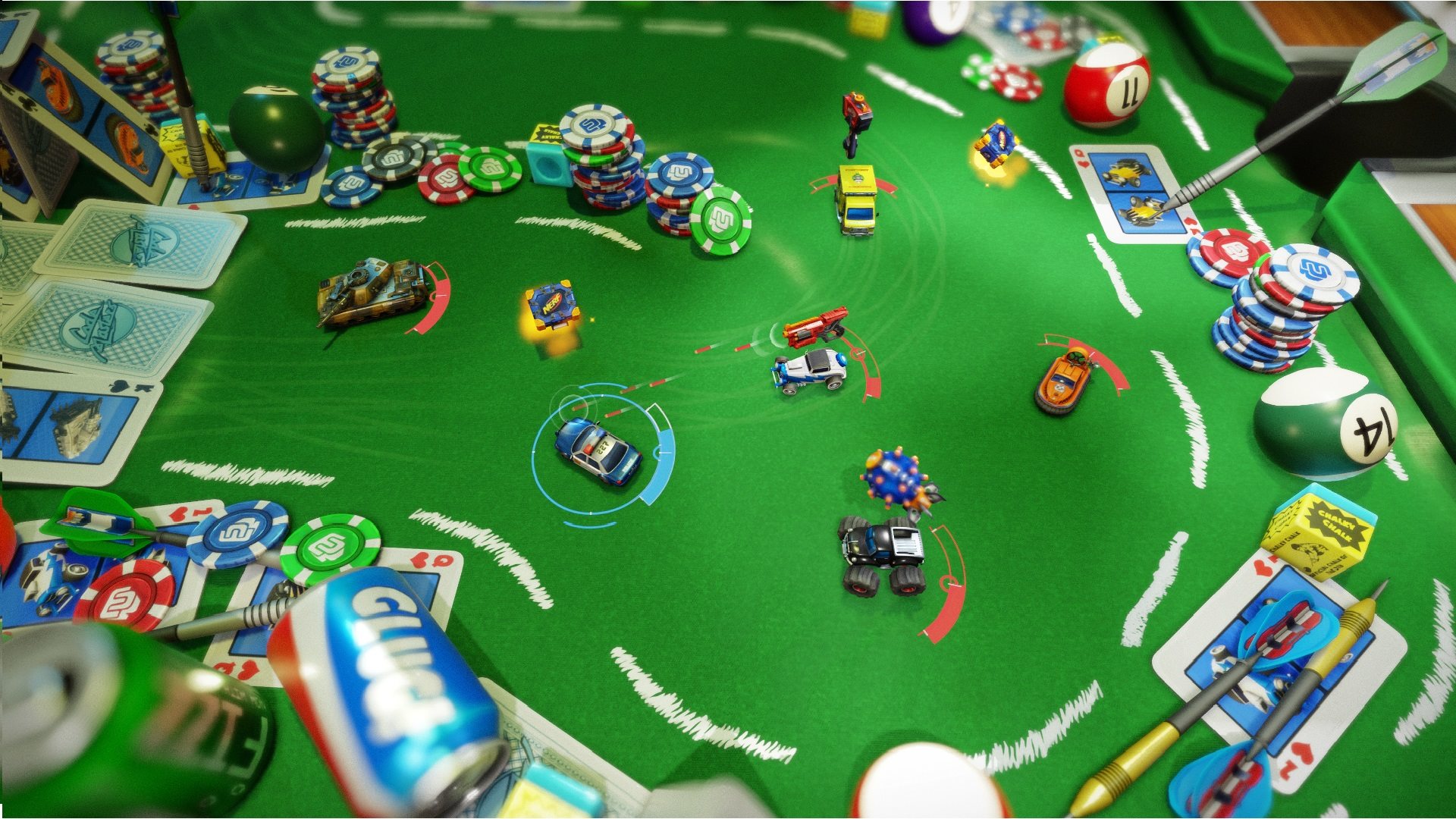
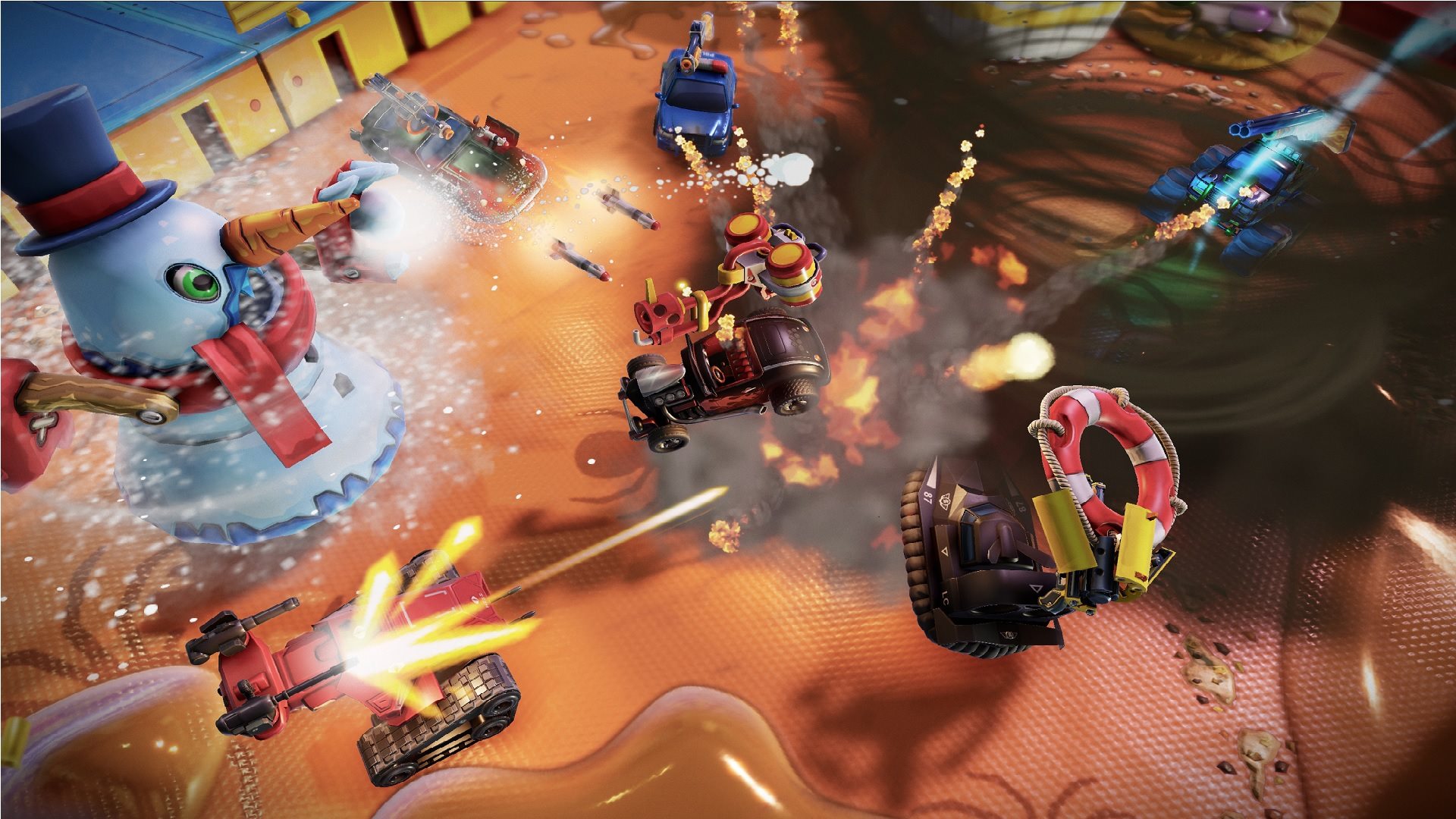
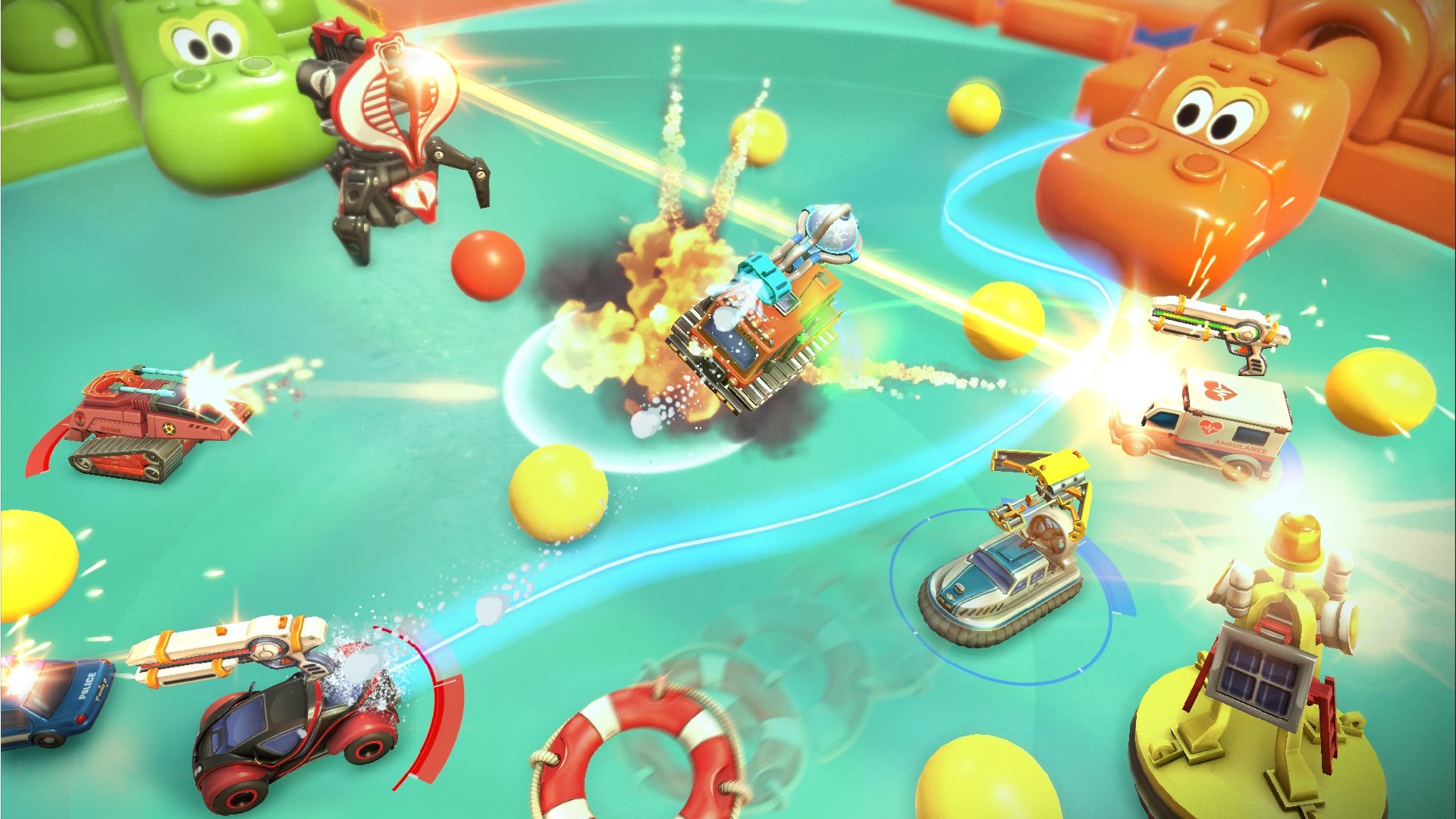
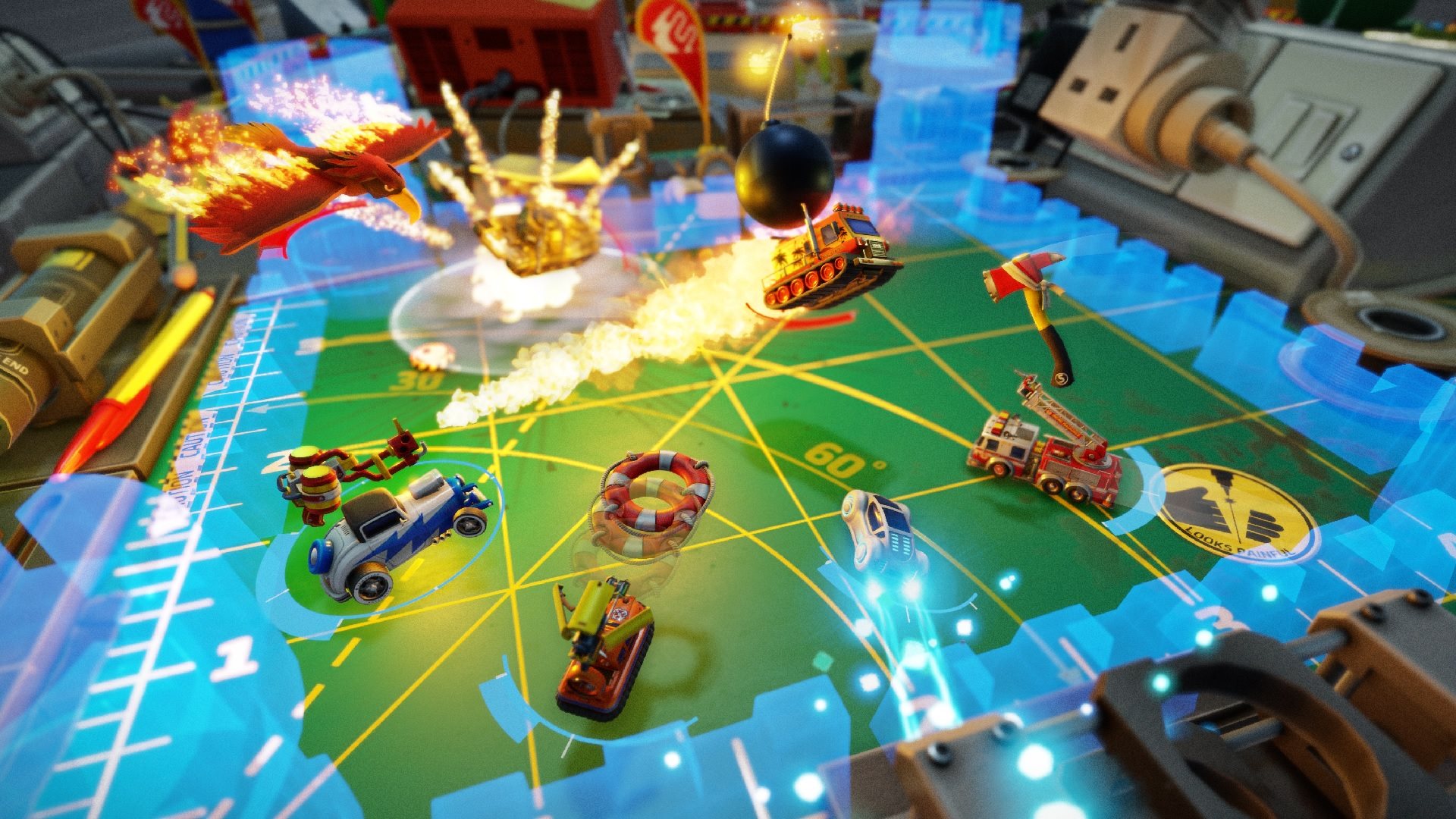
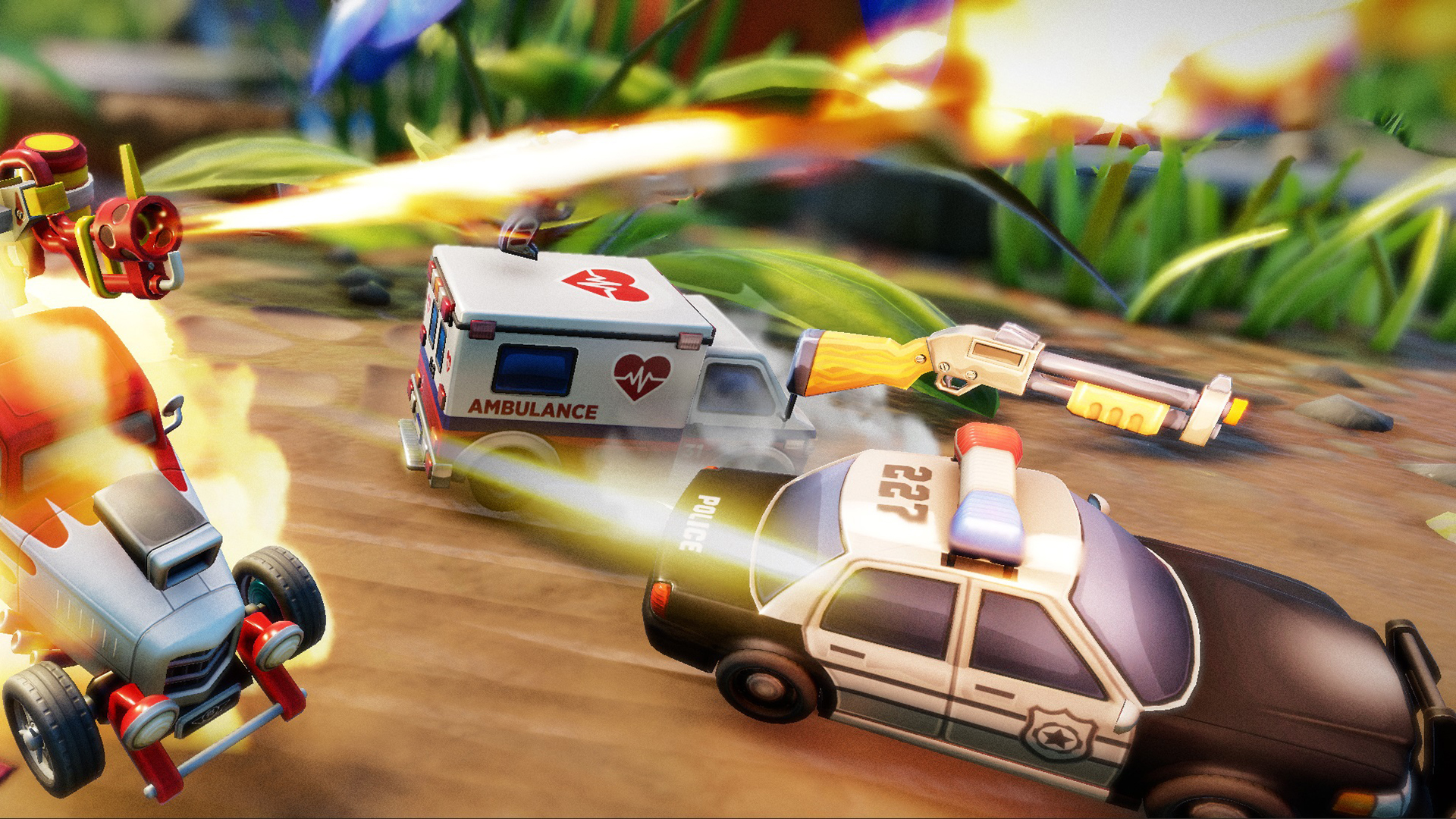
Official store screenshots from Steam — deckport links them, never rehosts. Hover to pause; click to preview.
Identity
Launch
- Binary
- MicroMachines
- Needs files
- none beyond the binary
Runtime
- Runs as
- Native Linux
- Proton
- not needed
- ProtonDB
- ProtonDB Gold runs perfectly after tweaks
⚙ Setup notes
DRM: Delisted Steam game (appid 535850, removed Feb 2023 over the Hasbro license).
Linux depot: This Unity title shipped a Linux depot day-1, but it is a Virtual Programming eON-wrapper port (the Windows binary run through a compatibility layer), not a hand-written native build. It still runs on the Deck directly without Proton, and the day-1 Linux port was reviewed as very smooth (no crashes on max settings). Point the launch binary at MicroMachines (exact filename not independently verified — confirm against the Linux depot's steamapps/common folder on first run).
Proton fallback: If the Linux depot misbehaves on current SteamOS, force GE-Proton (or proton_experimental) on the Windows depot and point binary at MicroMachines.exe. ProtonDB tier is gold but on a very small sample (only ~4 reports).
Controller: Gamepad support works on Deck out of the box (the Linux port was reviewed with working controller glyphs and rumble); no manual Steam Input remap should be required.
Online: Official online multiplayer servers shut down March 21 2024 — Quick Game / local-versus / single-player events still play fully offline. An early, community-run private server (project "MMCOS") exists but is largely untested.
Install: deckport only configures the prefix; it never bundles or links the game files.
The one thing to know
Supply your own copy: deckport links nothing.
DRM: Delisted from Steam Feb 2023 (Hasbro license lapse) — not for sale.
Linux depot: Ships a Linux depot (a Virtual Programming eON-wrapper port, not a true native build) so it runs on the Deck without Proton; the day-1 Linux port was reviewed as running smoothly. ProtonDB tier is gold but on a very small sample (~4 reports), so treat the rating as a weak signal. Gamepad support works out of the box, no Steam Input layout needed.
Online: Official online servers were shut down March 21 2024, so all official online multiplayer is dead — only single-player and local same-screen versus modes remain playable. A community private-server project ("MMCOS") exists but is early and largely untested.
Binary: MicroMachines is a best-guess for the Linux depot's launch binary and is not independently verified — confirm it against the installed files. If running the Windows depot instead, switch type to proton and use MicroMachines.exe under GE-Proton.
Community guides
Write-ups and threads from people who got this (or a similar) game running. deckport links to them — it doesn't reproduce them.
Get the artwork
deckport never hosts game images. Open this game on SteamGridDB, pick
the cover / hero / logo / icon you like, and drop them into the
game folder under .deckport-art/ before you push it to the
Deck. The importer files them under the right names automatically.
Run it on your Deck
Two files: the one-time importer (deckport.py) in your
Deck's home folder, and this game's install helper. Copy the game
into ~/Games and run the helper with Steam closed — it
writes the recipe (binary, launch options)
and registers the shortcut with artwork.