About
Might & Magic: Clash of Heroes is a puzzle-RPG that blends tile-matching battles with a story-driven campaign set in the Might & Magic universe of Ashan, roughly 40 years before Heroes of Might and Magic V. Originally a 2009 Nintendo DS title by Capybara Games, it was widely acclaimed (including IGN's DS Strategy Game of the Year) and ported to PC, Xbox 360 and PlayStation 3 by Ubisoft in 2011. Players control a roster of heroes across five regions, lining up colored units into formations to launch attacks and defenses against opponents. The original 2011 PC release was later delisted from Steam following the 2023 Definitive Edition remaster.
Screenshots
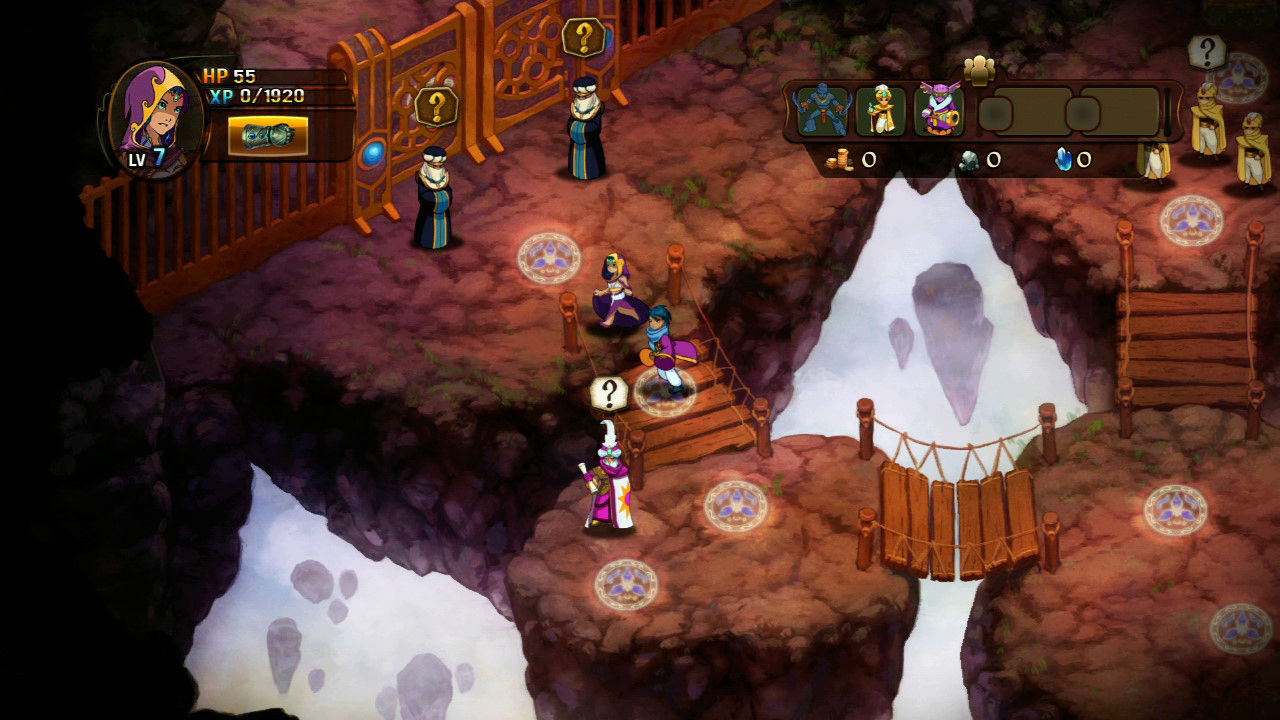
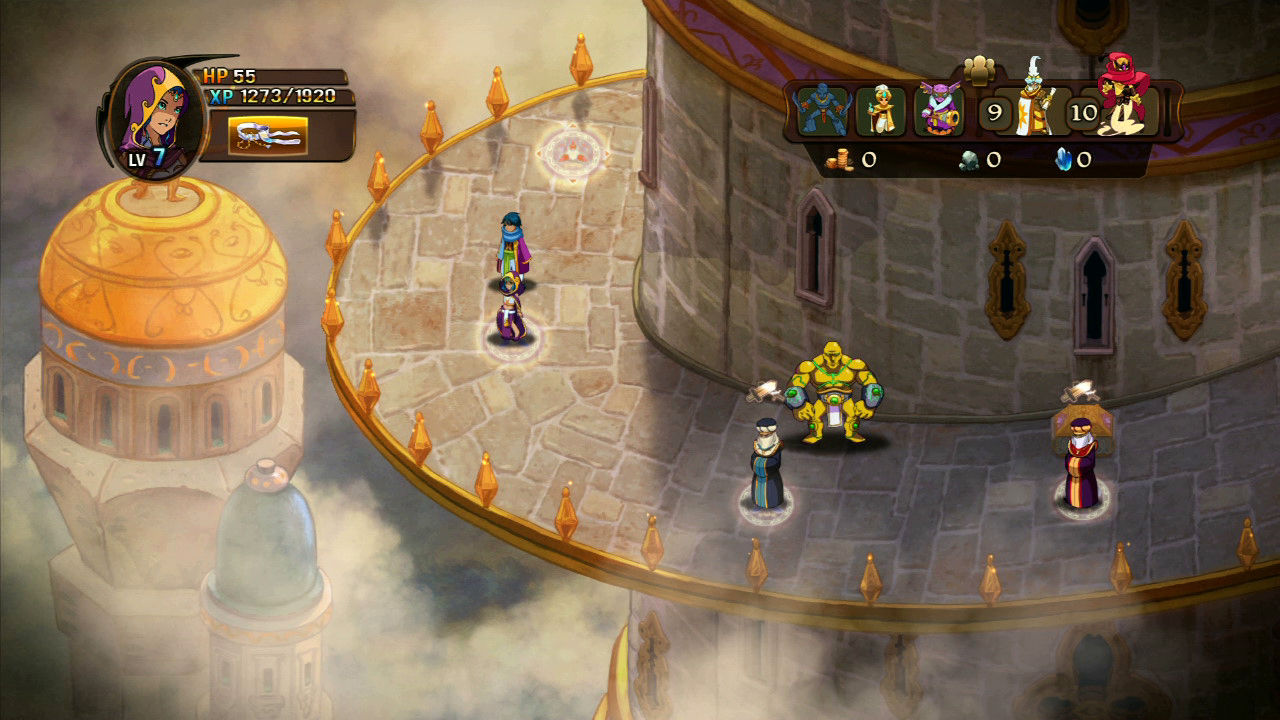
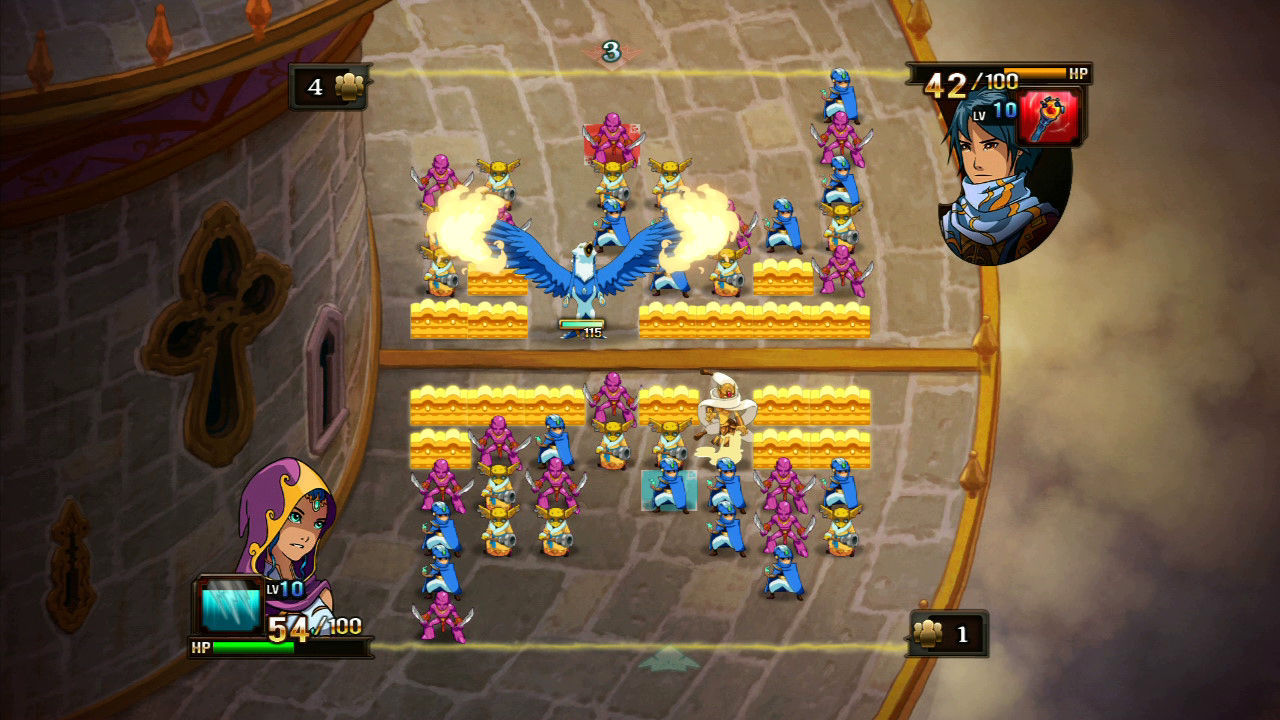
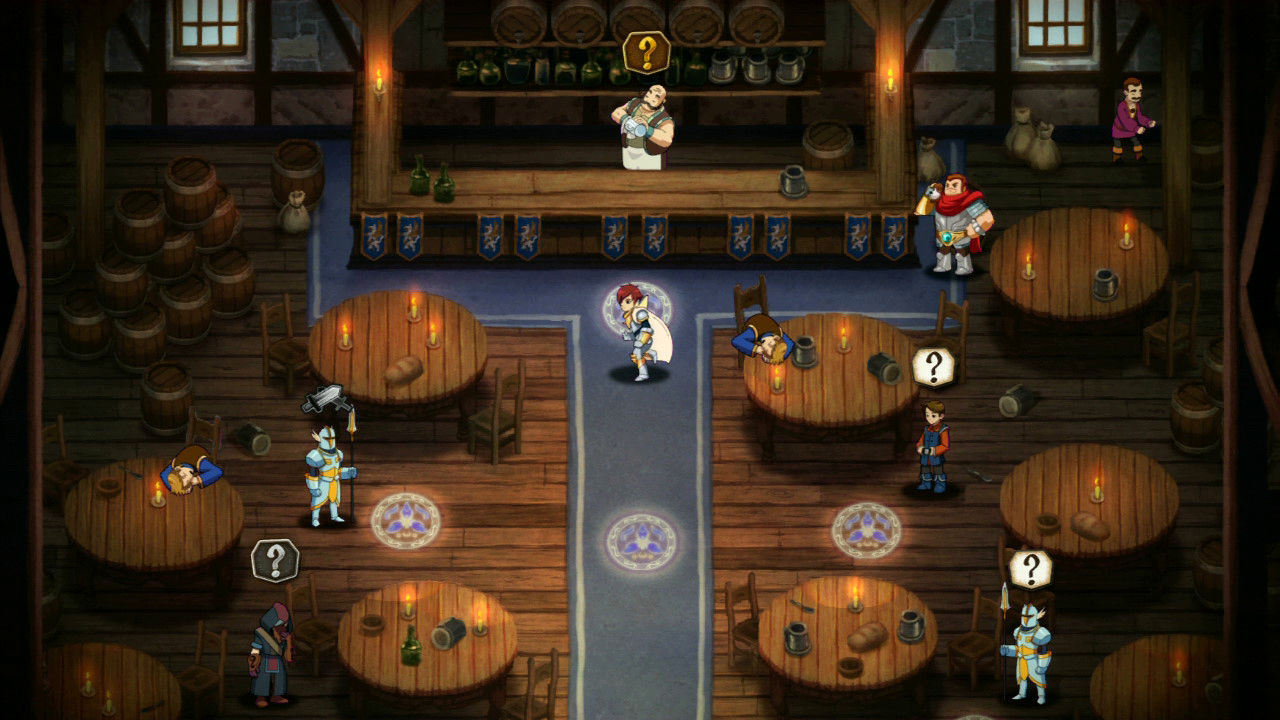
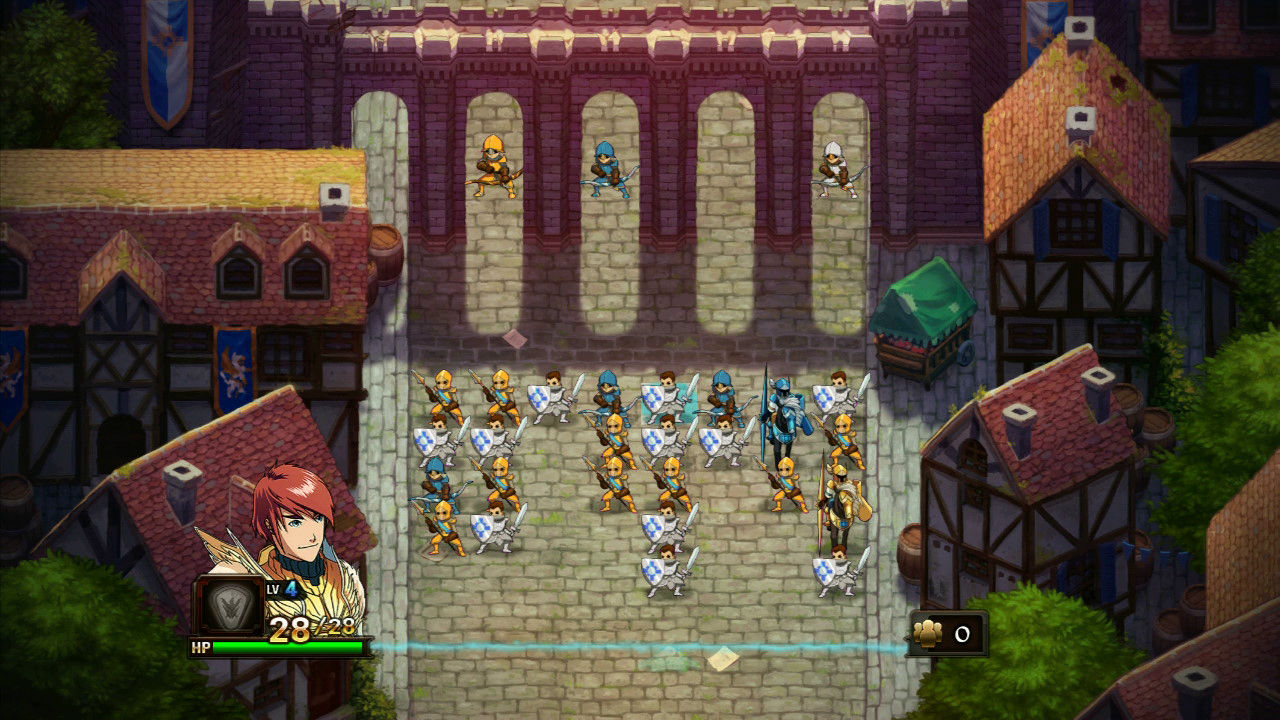
Official store screenshots from Steam — deckport links them, never rehosts. Hover to pause; click to preview.
Identity
Launch
- Binary
- MMClashOfHeroes.exe
- Needs files
- none beyond the binary
Proton
- Version
- GE-Proton
- Winetricks
- —
- ProtonDB
- ProtonDB Silver runs with minor issues
⚙ Setup notes
Version: Original 2011 PC port (delisted Steam appid 61700; the 2023 Definitive Edition / appid 2213300 is a separate, still-for-sale remaster — NOT this recipe). Tile-matching puzzle-RPG.
DRM: Steam DRM only — no GFWL/SecuROM.
Proton: Runs on Proton; the old 'won't launch' Proton bug (ValveSoftware/Proton#1515, 2018) is long resolved on modern GE-Proton / proton_experimental. Mostly point-and-click/menu-driven, so it plays great on the Deck.
Install: If the .exe sits elsewhere in the install, the executable is named MMClashOfHeroes.exe.
Fix (black screen on save load): The single most common Deck/Proton issue: the game boots and menus respond, but the play field goes black with a gray vignette when you load a save in fullscreen. Fix by running in windowed mode — toggle with Alt+Enter, or edit the userconfig file in the game folder to set SCREEN_WIDTH = 1366 / SCREEN_HEIGHT = 768. (Community-confirmed as a fullscreen-rendering mismatch on the Deck's OS.)
Fix (won't launch): If it black-screens at boot or refuses to launch, force GE-Proton or proton_experimental and verify the redist deps (DXSETUP + vcredist_x86) installed into the prefix. The 2018 Proton launch bug (ValveSoftware/Proton#1515) no longer reproduces on modern Proton.
The one thing to know
Supply your own copy: deckport only configures the prefix; supply your own copy. Recipe not yet hardware-verified on a Deck.
Version: Delisted original (appid 61700) — the still-sold Definitive Edition is a different appid (2213300) and is NOT covered here.
Performance: Community/ProtonDB reports confirm the original runs on Proton/Deck (currently rated Silver, with several Gold/Platinum reports); tile-matching puzzle-RPG, so framerate is a non-issue.
Black screen on save: Loading a save in fullscreen can blank the play field to black-with-gray-vignette while menus still respond. Switch to windowed mode (Alt+Enter, or set SCREEN_WIDTH = 1366 / SCREEN_HEIGHT = 768 in the game's userconfig).
Controller: The original PC version has weak/no native gamepad support — it's a mouse-and-menu game, so use the Steam Deck's right trackpad as mouse (or apply a Steam Input keyboard/mouse-on-controller layout); fully playable that way.
Community guides
Write-ups and threads from people who got this (or a similar) game running. deckport links to them — it doesn't reproduce them.
Get the artwork
deckport never hosts game images. Open this game on SteamGridDB, pick
the cover / hero / logo / icon you like, and drop them into the
game folder under .deckport-art/ before you push it to the
Deck. The importer files them under the right names automatically.
Run it on your Deck
Two files: the one-time importer (deckport.py) in your
Deck's home folder, and this game's install helper. Copy the game
into ~/Games and run the helper with Steam closed — it
writes the recipe (binary, launch options, Proton version)
and registers the shortcut with artwork.