About
Mike Dies is a challenging Metroidvania-style puzzle-platformer built in Unity, following Spaceman Mike after he crashes into an asteroid field and must survive hostile aliens, a ruthless kingpin, and his own personal demons while trying to reunite with his partner Gregory. It pairs tight, bite-sized level design with brutal, dynamic death scenes and a synth soundtrack, and tells an LGBT-themed story across a roughly 3-5 hour campaign.
Critics praised its clever level design, creative bosses, and heart. It was delisted from Steam in early 2023 after developer Psydra Games announced (Jan 26, 2023) it was shutting down.
Screenshots
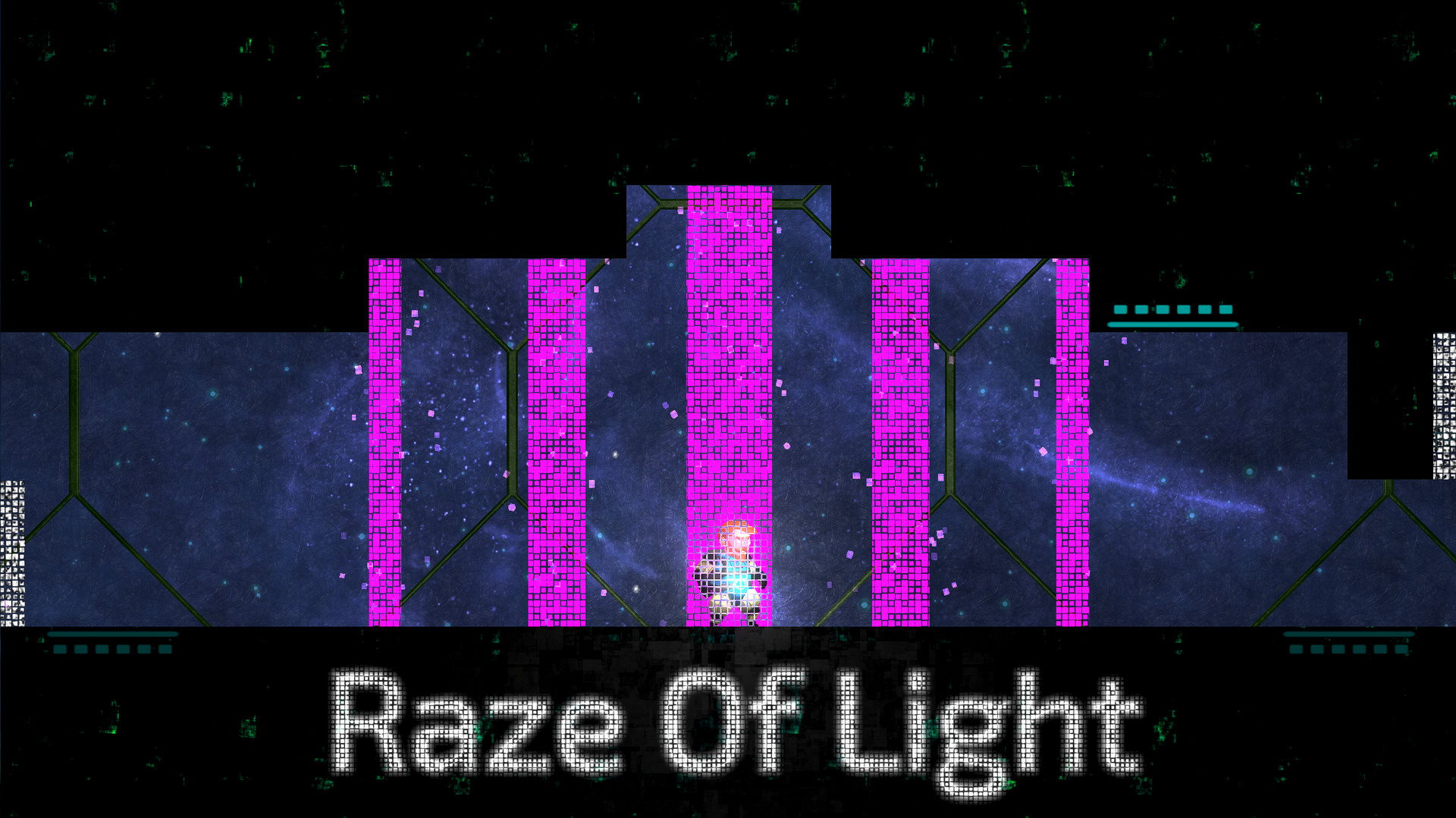

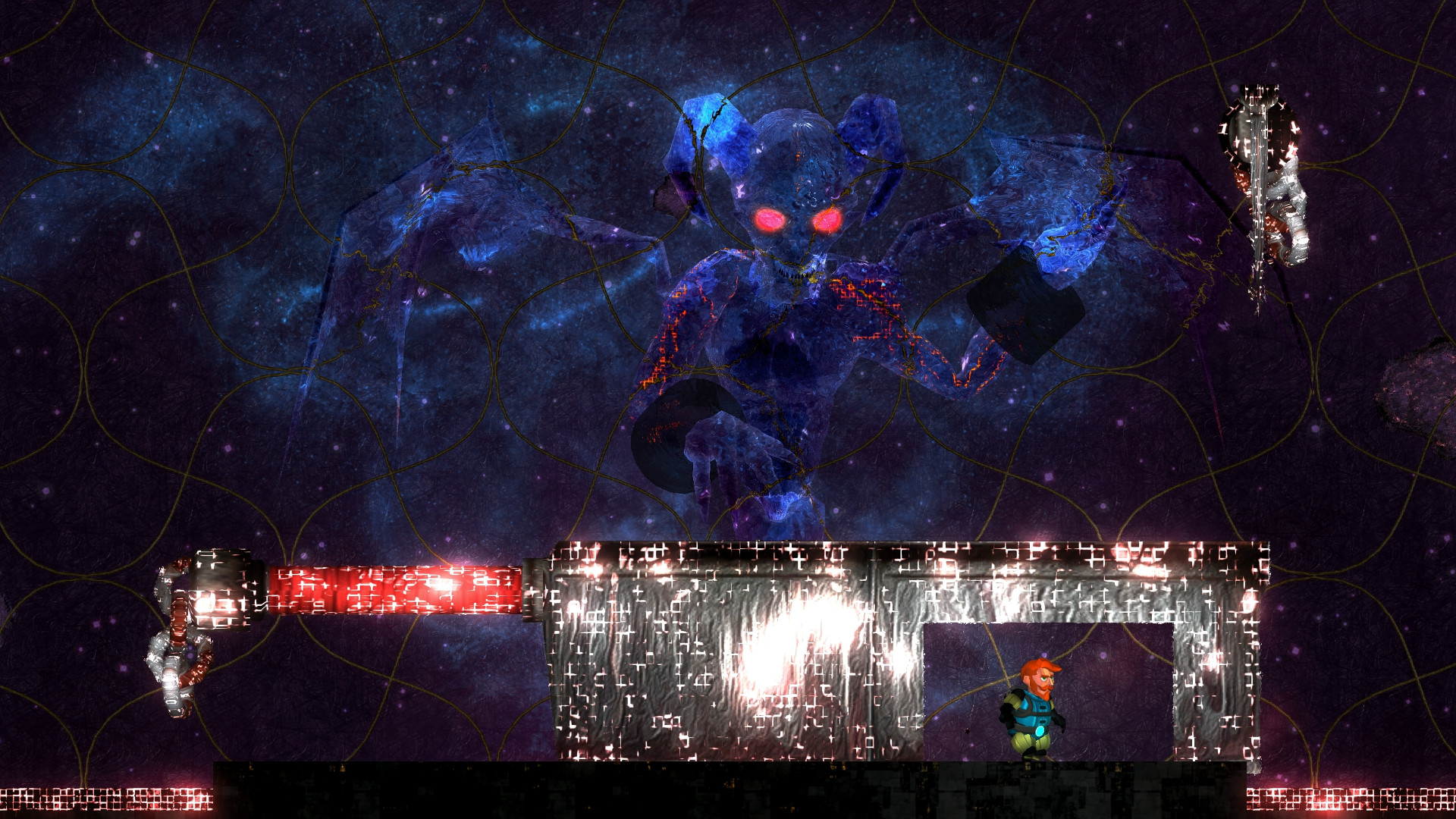

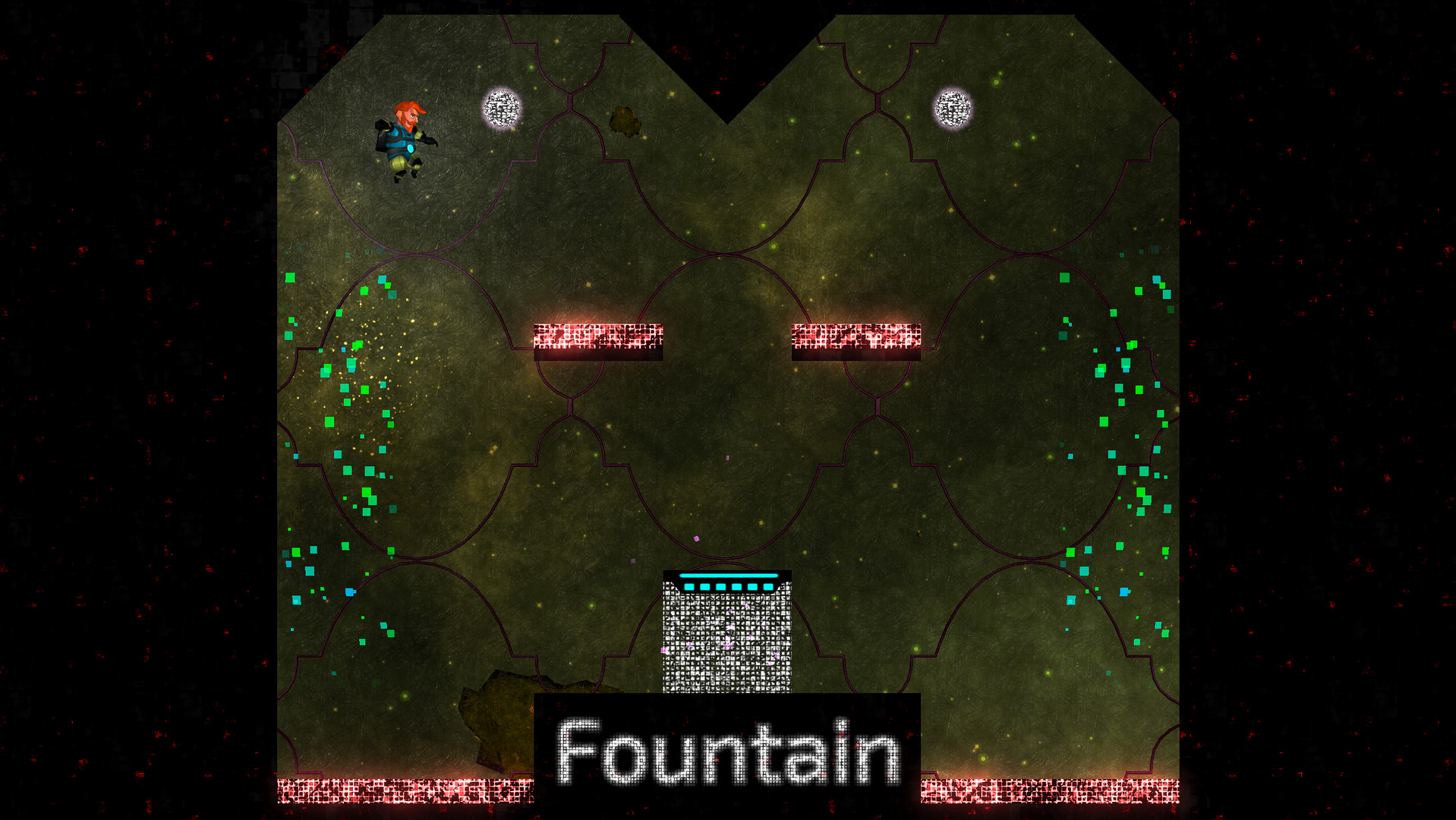
Official store screenshots from Steam — deckport links them, never rehosts. Hover to pause; click to preview.
Identity
Launch
- Binary
- Mike Dies.exe
- Needs files
- none beyond the binary
Proton
- Version
- GE-Proton
- Winetricks
- —
- ProtonDB
- ProtonDB Gold runs perfectly after tweaks
⚙ Setup notes
Game: Delisted Steam game (appid 696200), a Unity 2018 puzzle-platformer by Psydra Games. ProtonDB rates it gold.
Proton: Unity titles like this run cleanly under Proton on the Deck with no DRM/GFWL hoops — GE-Proton or proton_experimental both work; pick GE-Proton if you hit any Unity input/render quirk.
Install: Launch the install's Mike Dies.exe (Unity player). No special winetricks or launch options required.
DRM: deckport only configures the prefix; it never bundles or links the game files.
The one thing to know
Supply your own copy. deckport links nothing.
DRM: Delisted in early 2023 when Psydra Games announced its shutdown (Jan 26, 2023); owners keep library access (single-player, no servers needed).
Controller: Steam lists 'Partial Controller Support' — gamepad works in-game, but a couple of users reported the in-game controller-config screen being finicky; if a button won't bind, set a Steam Input gamepad (or keyboard/mouse) layout on the Deck as a fallback.
Proton: ProtonDB gold; runs as a standard Unity Proton title.
NEEDS-TEST: confirm the exact Mike Dies.exe name in your install and that controller mapping behaves on a real Deck.
Community guides
Write-ups and threads from people who got this (or a similar) game running. deckport links to them — it doesn't reproduce them.
Get the artwork
deckport never hosts game images. Open this game on SteamGridDB, pick
the cover / hero / logo / icon you like, and drop them into the
game folder under .deckport-art/ before you push it to the
Deck. The importer files them under the right names automatically.
Run it on your Deck
Two files: the one-time importer (deckport.py) in your
Deck's home folder, and this game's install helper. Copy the game
into ~/Games and run the helper with Steam closed — it
writes the recipe (binary, launch options, Proton version)
and registers the shortcut with artwork.