About
Minecraft: Story Mode is an episodic narrative adventure developed and published by Telltale Games under license from Mojang, set in the world of Minecraft and built on the Telltale Tool engine. Released across five main episodes from October 2015 through March 2016, with three additional DLC episodes, it follows a customizable hero named Jesse and a band of friends in a comedy-drama where player choices shape the branching story.
A second season of five episodes followed in 2017. Both seasons were pulled from digital storefronts in 2019 after the closure of Telltale Games ended the licensing arrangement, leaving the game unavailable for purchase.
Screenshots
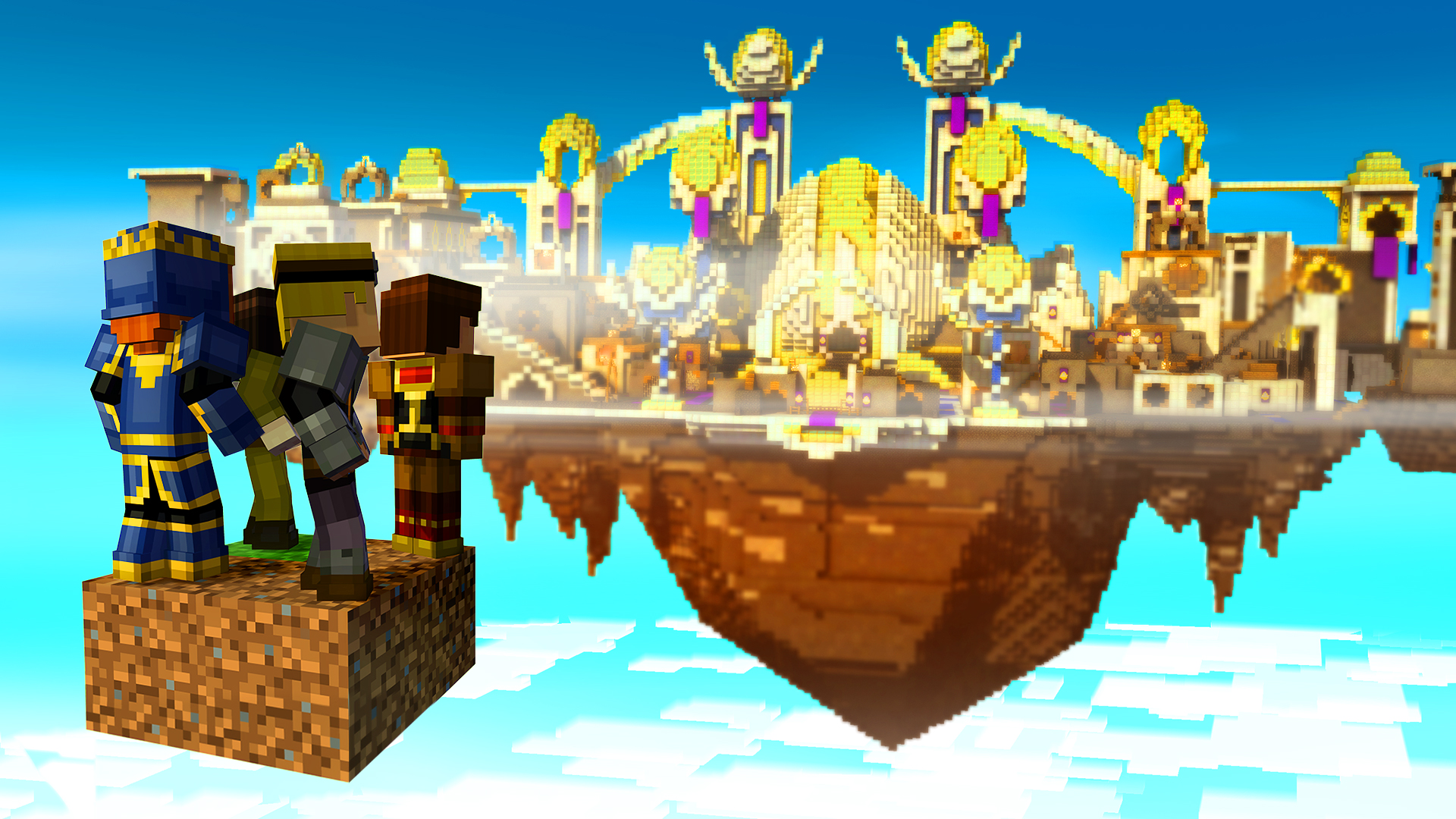
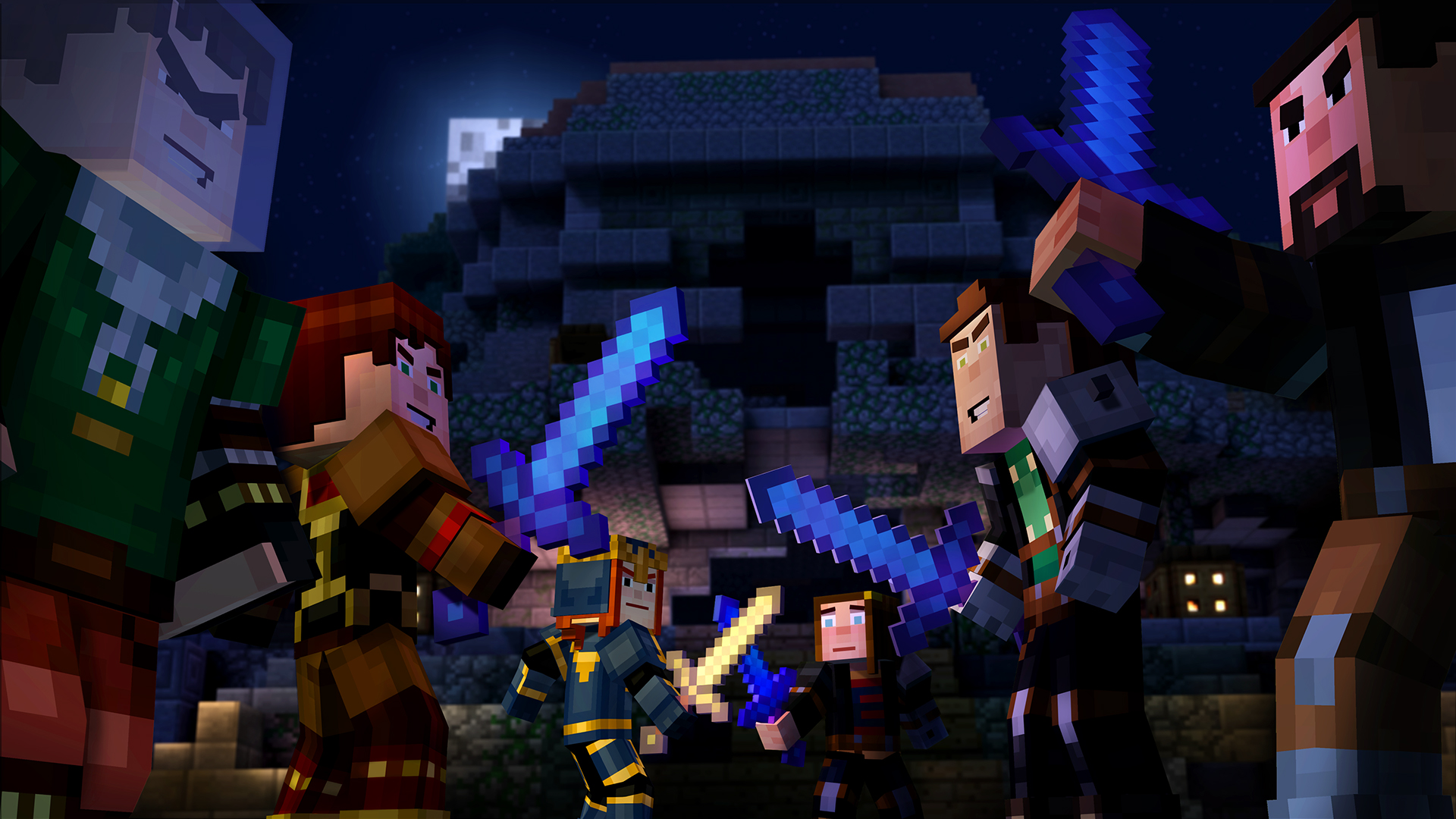
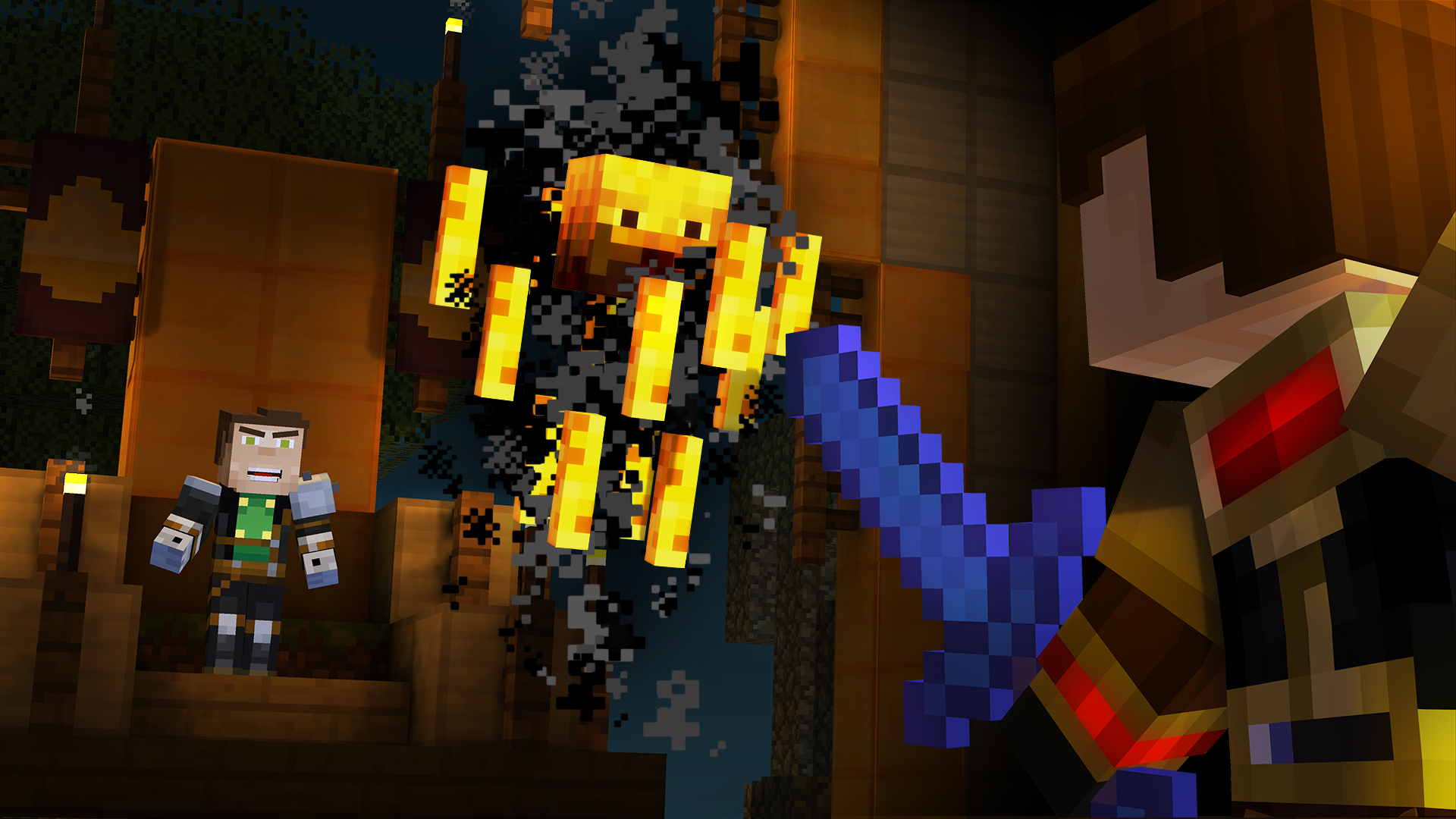
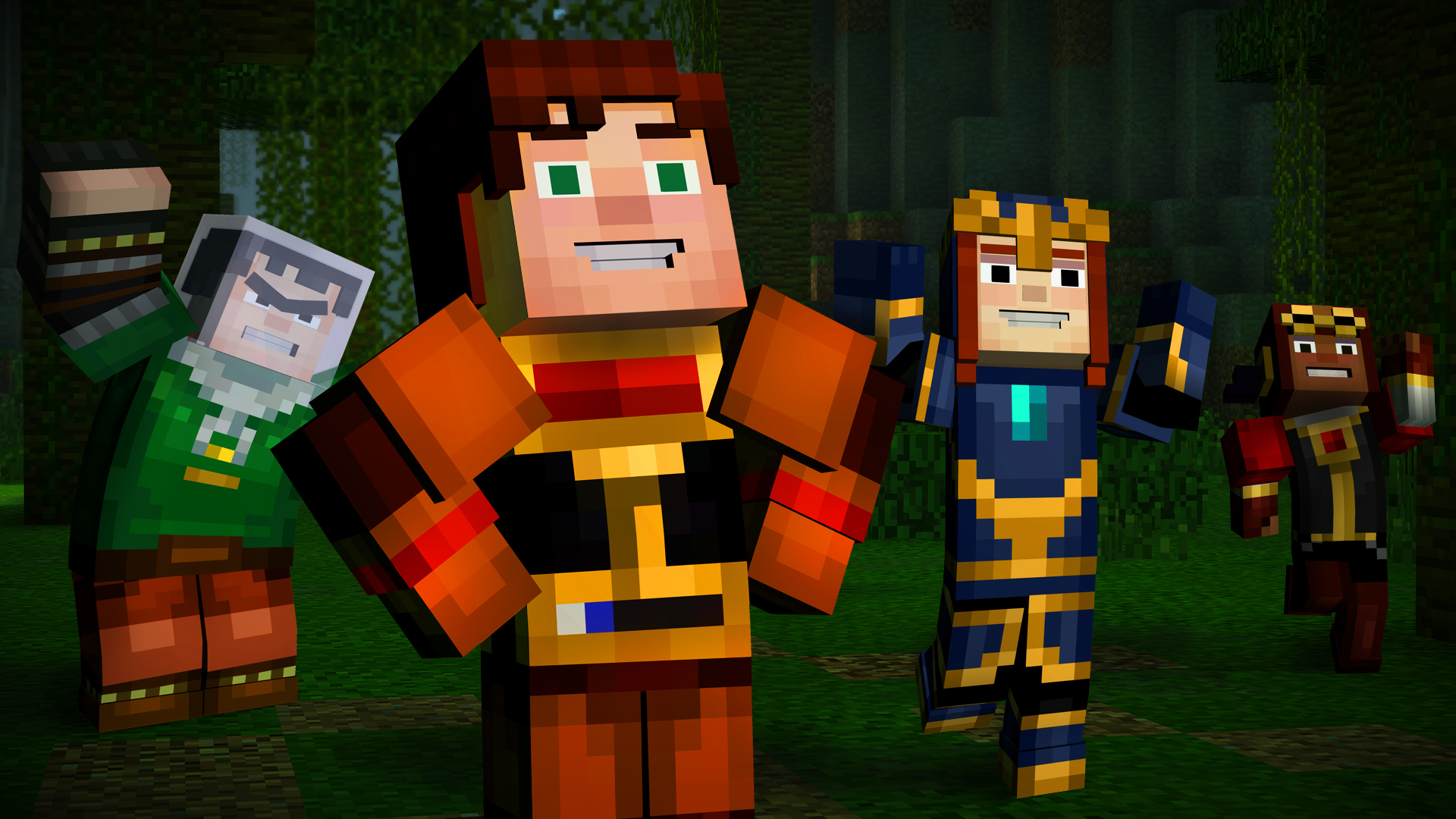
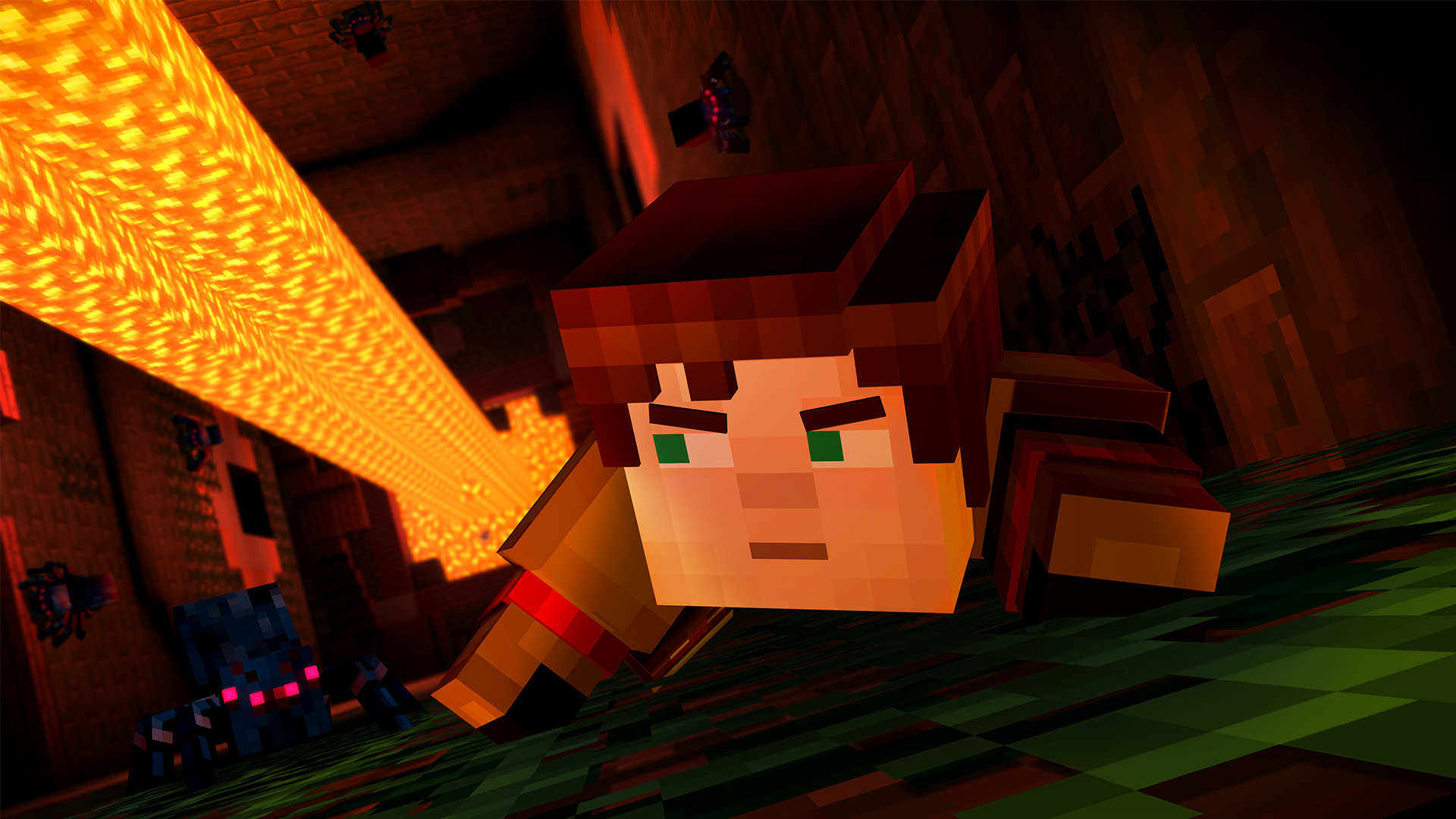
Official store screenshots from Steam — deckport links them, never rehosts. Hover to pause; click to preview.
Identity
Launch
- Binary
- MinecraftStoryMode.exe
- Needs files
- none beyond the binary
Proton
- Version
- GE-Proton
- Winetricks
- —
- ProtonDB
- ProtonDB Gold runs perfectly after tweaks
⚙ Setup notes
Game: 2015 Telltale Games episodic adventure (Telltale Tool engine). Delisted in 2019 after Telltale's closure pulled the licensed content.
DRM: The Steam build is DRM-free (no GFWL/SecuROM), so it runs cleanly under Proton.
Proton: ProtonDB Gold; the original game was marked Steam Deck Verified by Valve. Runs well on default GE-Proton/proton_experimental with no special launch options or winetricks needed.
Controller: Native Xbox-style gamepad support, but it is finicky — the controller MUST be active/plugged in before the game launches, or it falls back to keyboard+mouse. On Deck the built-in controller registers as a gamepad; if button prompts/input are wrong, apply a Steam Input gamepad (or a community Telltale) layout.
Install: Normal Steam install, then copy the Minecraft Story Mode - A Telltale Game Series folder to the Deck (game is delisted, so you must own/have it before it left the store).
The one thing to know
Supply your own copy: Delisted (Telltale closure / licensing) — configuration only, no links.
DRM: DRM-free Steam build, runs under Proton; ProtonDB rates it Playable on Deck.
Controller: Supported but must be connected/active BEFORE launch or it reverts to keyboard+mouse; if input/prompts are off, use a Steam Input gamepad layout.
Install: Steam appid 376870. Launcher exe is MinecraftStoryMode.exe in steamapps/common/Minecraft Story Mode - A Telltale Game Series/.
Community guides
Write-ups and threads from people who got this (or a similar) game running. deckport links to them — it doesn't reproduce them.
Get the artwork
deckport never hosts game images. Open this game on SteamGridDB, pick
the cover / hero / logo / icon you like, and drop them into the
game folder under .deckport-art/ before you push it to the
Deck. The importer files them under the right names automatically.
Run it on your Deck
Two files: the one-time importer (deckport.py) in your
Deck's home folder, and this game's install helper. Copy the game
into ~/Games and run the helper with Steam closed — it
writes the recipe (binary, launch options, Proton version)
and registers the shortcut with artwork.