About
Minecraft: Story Mode - Season Two is a five-episode narrative adventure developed by Telltale Games in collaboration with Mojang, set in the blocky world of Minecraft. Players return as the customizable hero Jesse (selectable as male or female), making branching dialogue and crafting choices that shape the story across the season, in Telltale's signature choice-driven episodic format.
The first episode launched in July 2017 and the game met generally mixed-to-positive reception. It was delisted following Telltale's 2018 closure and the expiry of the Minecraft license, making the season no longer available for sale.
Screenshots
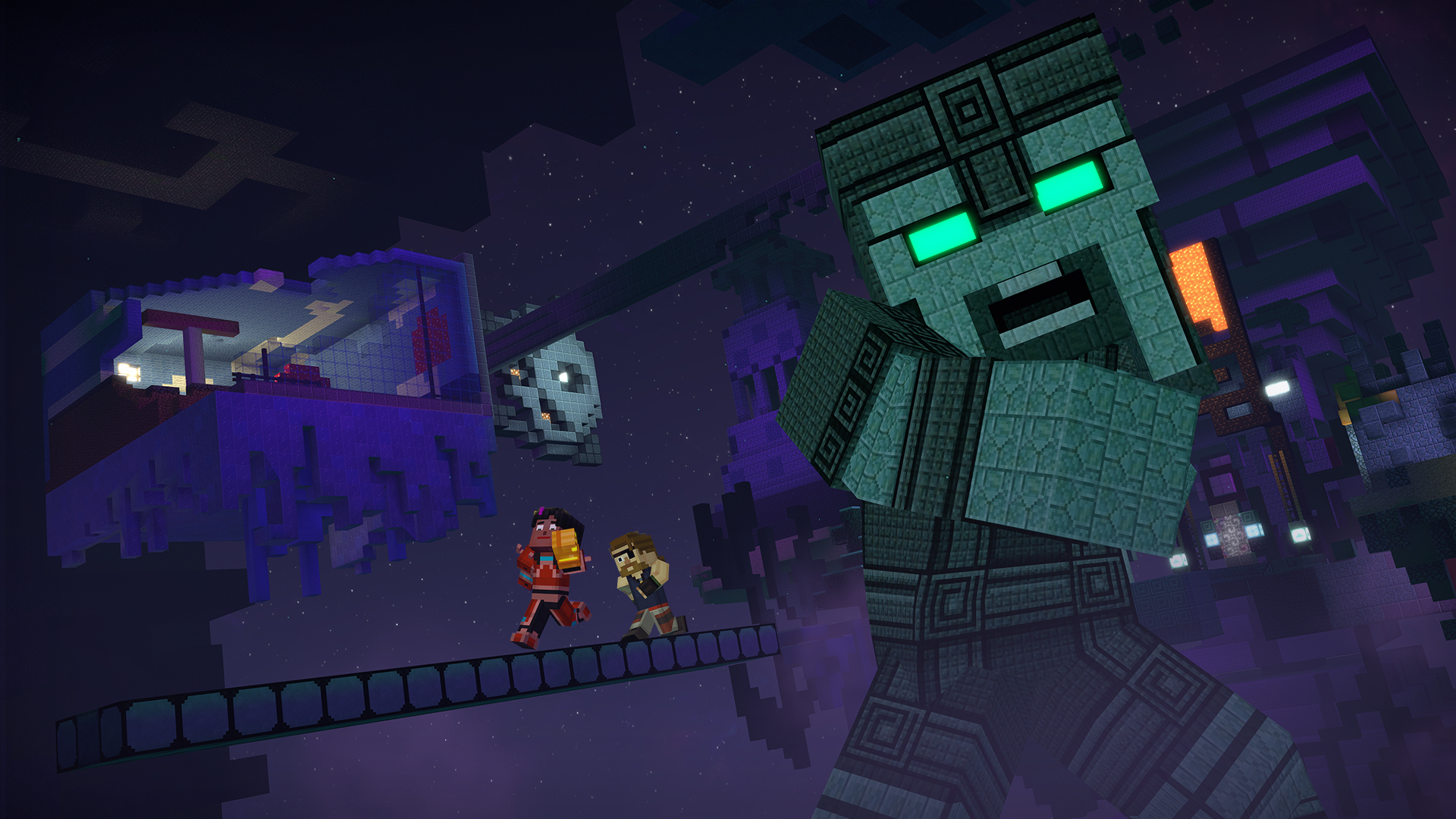
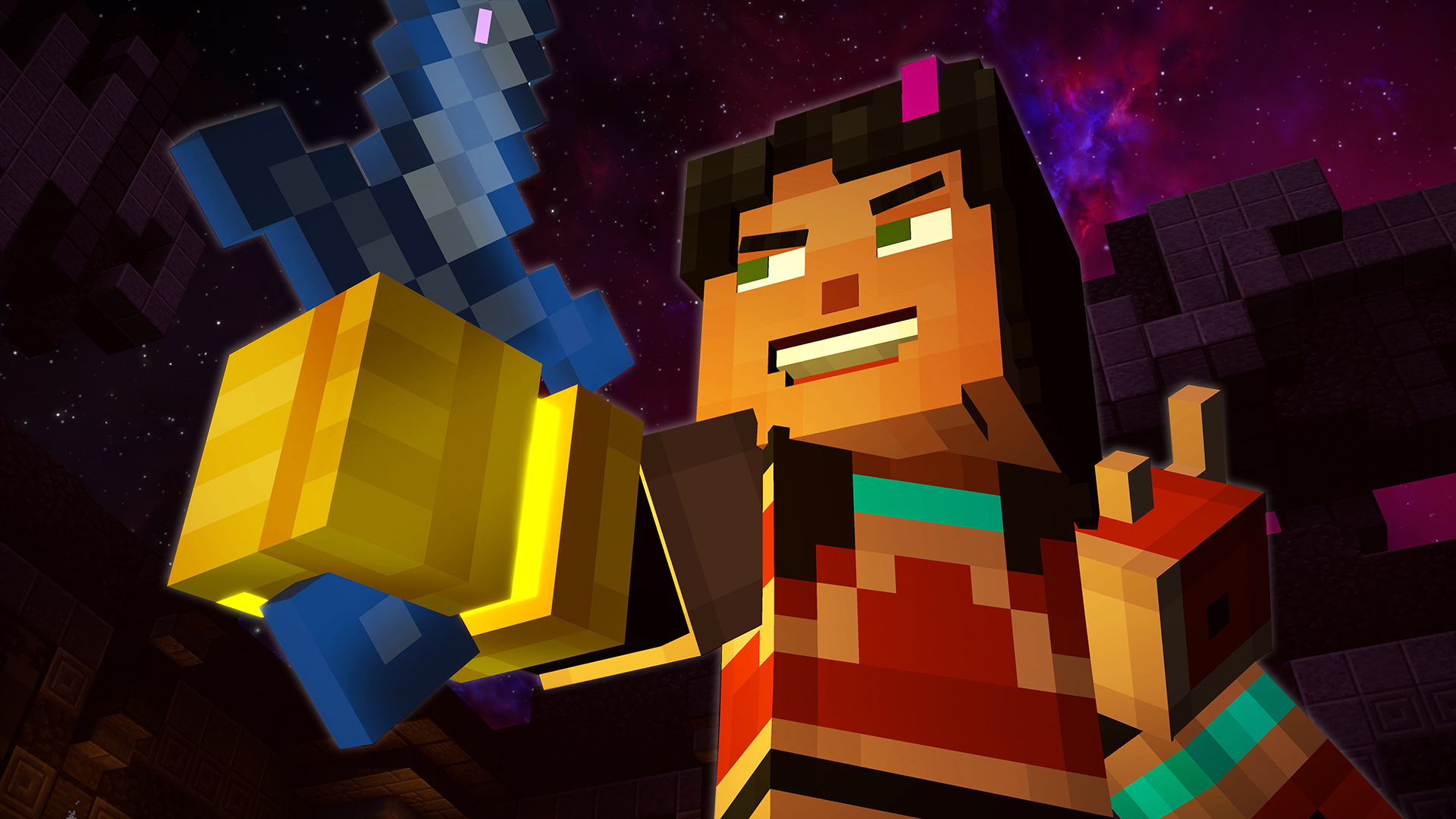
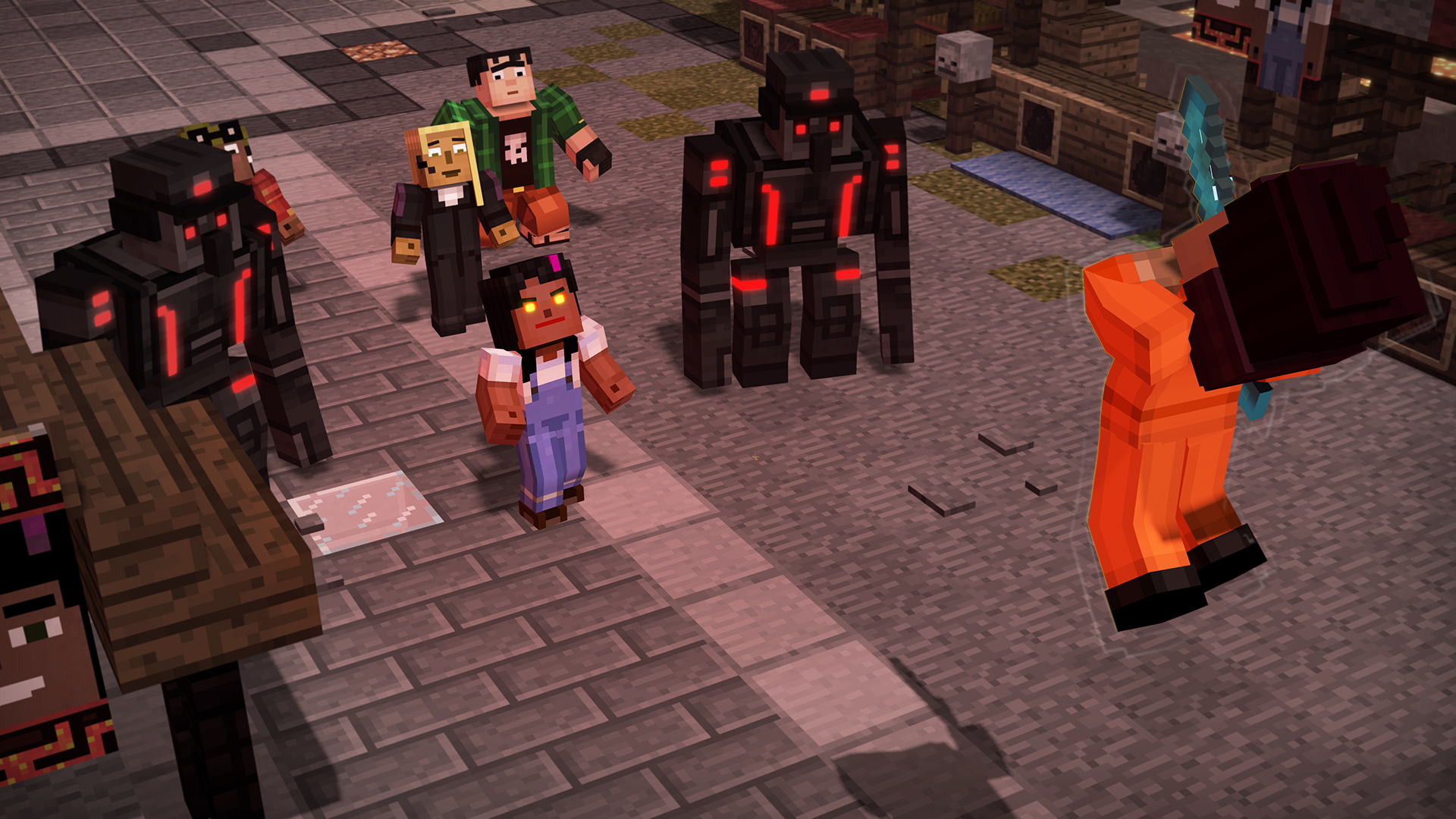
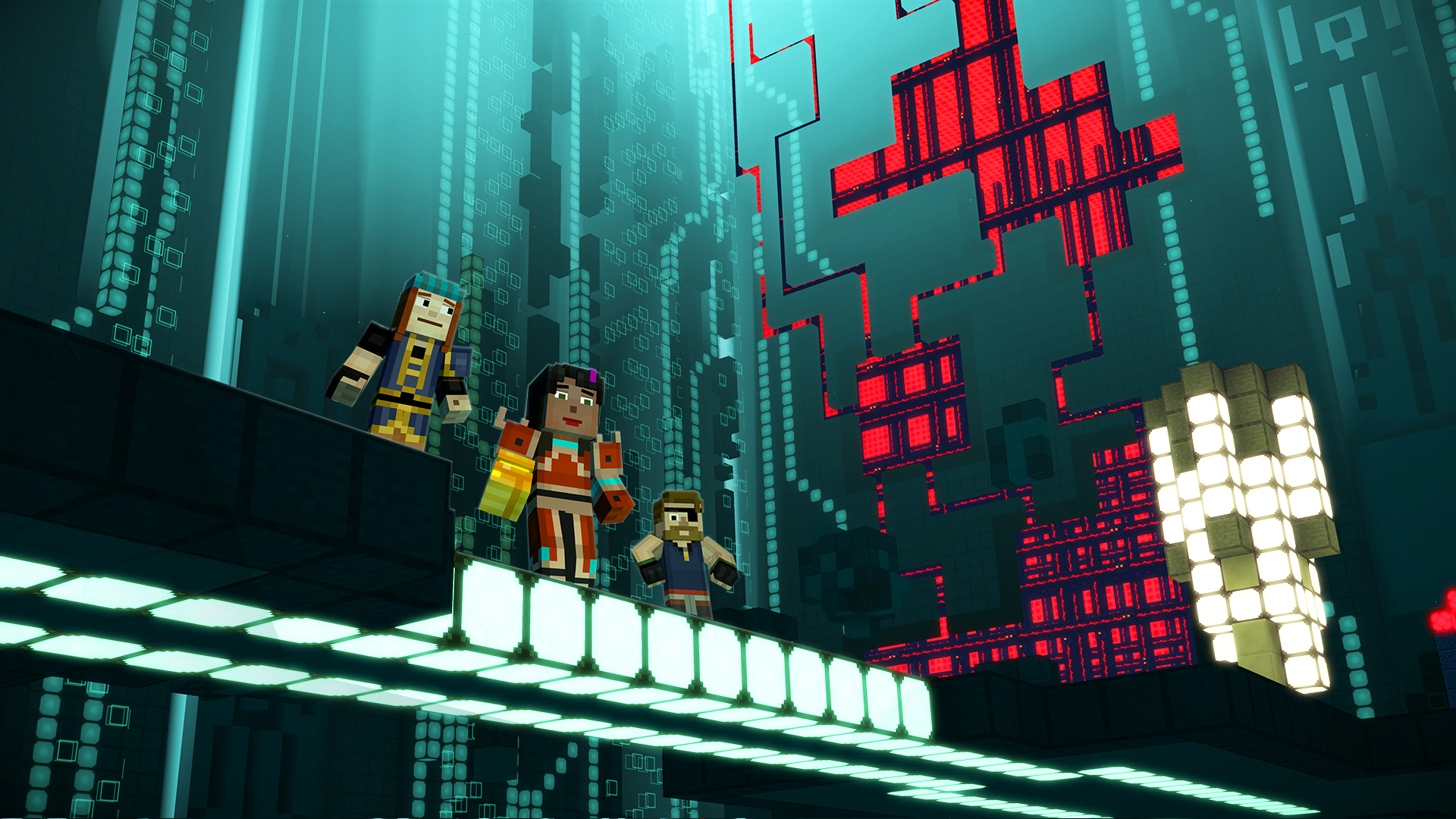
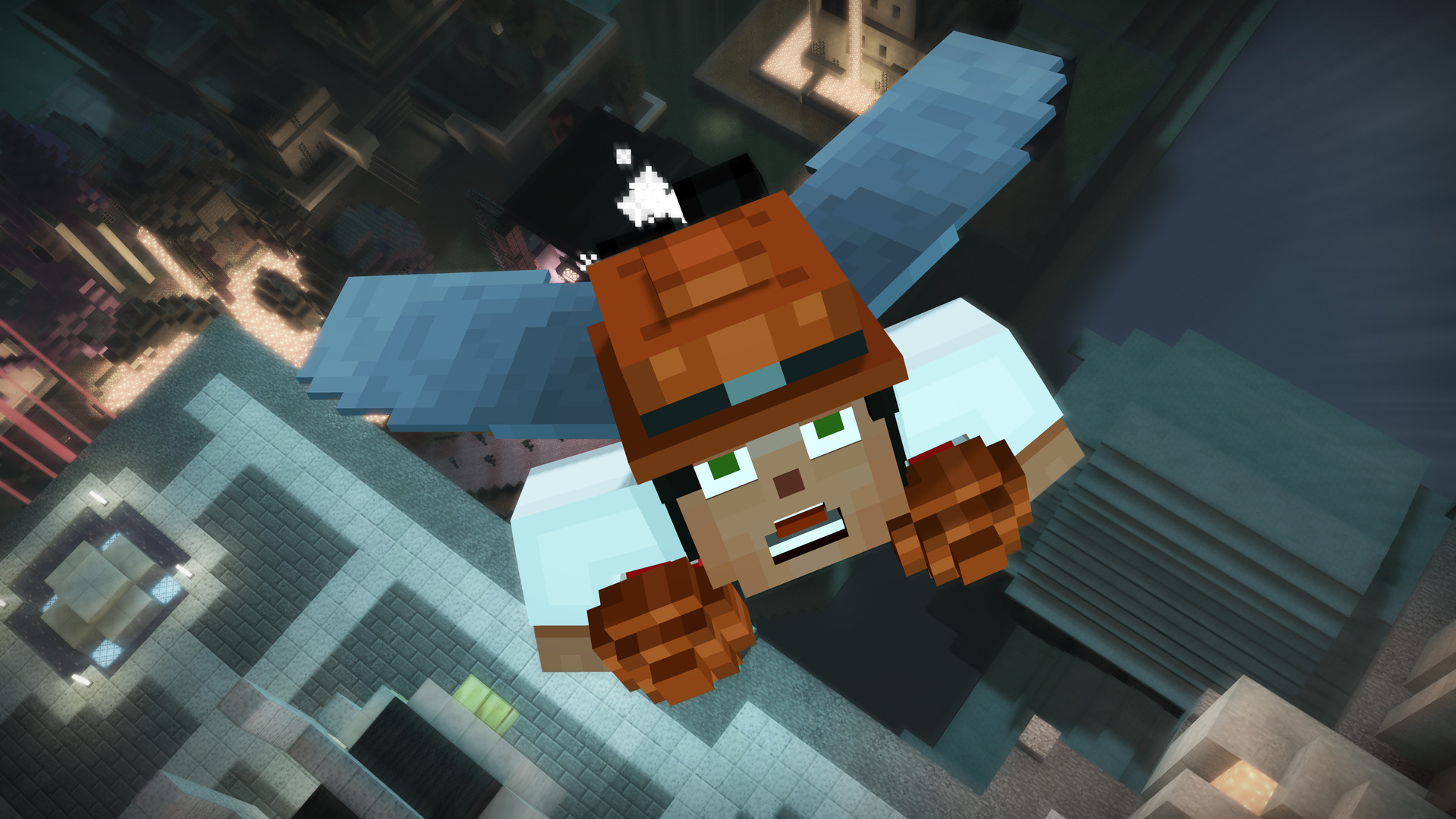
Official store screenshots from Steam — deckport links them, never rehosts. Hover to pause; click to preview.
Identity
Launch
- Binary
- Minecraft2.exe
- Needs files
- none beyond the binary
Proton
- Version
- GE-Proton
- Winetricks
- —
- ProtonDB
- ProtonDB Platinum runs flawlessly
⚙ Setup notes
Delisted: Delisted Steam game (appid 639170; pulled 2019-04-29 after Telltale's closure + Minecraft IP license expiry — not returning to sale).
Proton: Telltale's late-era engine runs cleanly under Proton; it was whitelisted by Valve (reporter just pressed Play, no tweaks) and ProtonDB rates it platinum, so no DRM/launcher workarounds are needed. Use GE-Proton (or proton_experimental as a fallback). Note the platinum tier is low-confidence (few reports).
DRM: No GFWL/SecuROM.
Controller: Native gamepad support works on Deck — connect/enable the controller BEFORE launching; if the right stick or a QTE fails to register, fall back to a Steam Input gamepad/Steam-Deck-controller layout.
Saves: Proton gives each game its own prefix, so if you want Season One choices imported, manually copy the Season One save into this game's prefix.
The one thing to know
Supply your own copy. Delisted single-player Telltale title (appid 639170) — no servers needed, fully offline. deckport links nothing.
Proton: ProtonDB platinum; community confirms it runs on Linux/Proton, so it should play on the Deck with GE-Proton.
Binary: Launcher exe is Minecraft2.exe (Season One ships MinecraftStoryMode.exe). If Steam reports it missing, verify game files — a known partial-download bug leaves only _CommonRedist with no exe.
Controller: Native controller support works but is finicky — enable the pad before launch and use a Steam Input layout if a QTE/right-stick input is missed.
Saves: Saves are per-prefix under Proton; copy Season One saves over manually if you want choice carryover.
Community guides
Write-ups and threads from people who got this (or a similar) game running. deckport links to them — it doesn't reproduce them.
Get the artwork
deckport never hosts game images. Open this game on SteamGridDB, pick
the cover / hero / logo / icon you like, and drop them into the
game folder under .deckport-art/ before you push it to the
Deck. The importer files them under the right names automatically.
Run it on your Deck
Two files: the one-time importer (deckport.py) in your
Deck's home folder, and this game's install helper. Copy the game
into ~/Games and run the helper with Steam closed — it
writes the recipe (binary, launch options, Proton version)
and registers the shortcut with artwork.