About
Missile Command: Recharged is a modern remake of Atari's 1980 arcade classic, in which you defend cities from waves of incoming ballistic missiles by aiming and detonating counter-missiles. The 2020 original was the debut entry in Atari's Recharged line of revamped classics, adding a neon faux-vector art style, power-ups, new enemy types, and a Robert Vincent Sotelo soundtrack.
This recipe targets that original 2020 release (Steam appid 1292010), which was delisted on October 28, 2022 and replaced by a separately-sold 2022 revamp. The original is a Unity-based, controller-friendly arcade title that reviewers received positively as a faithful, fast-paced reimagining of the coin-op.
Screenshots
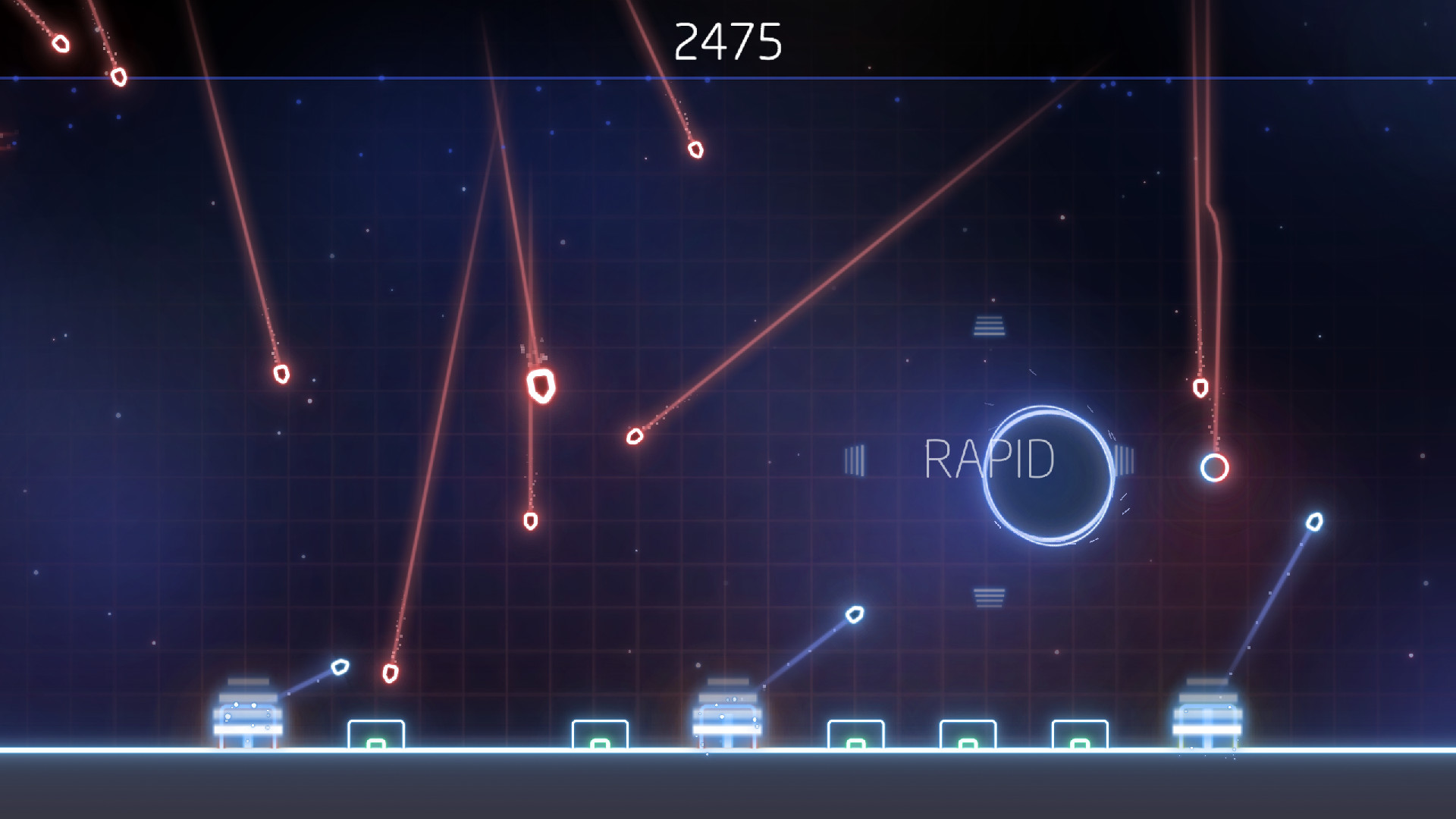

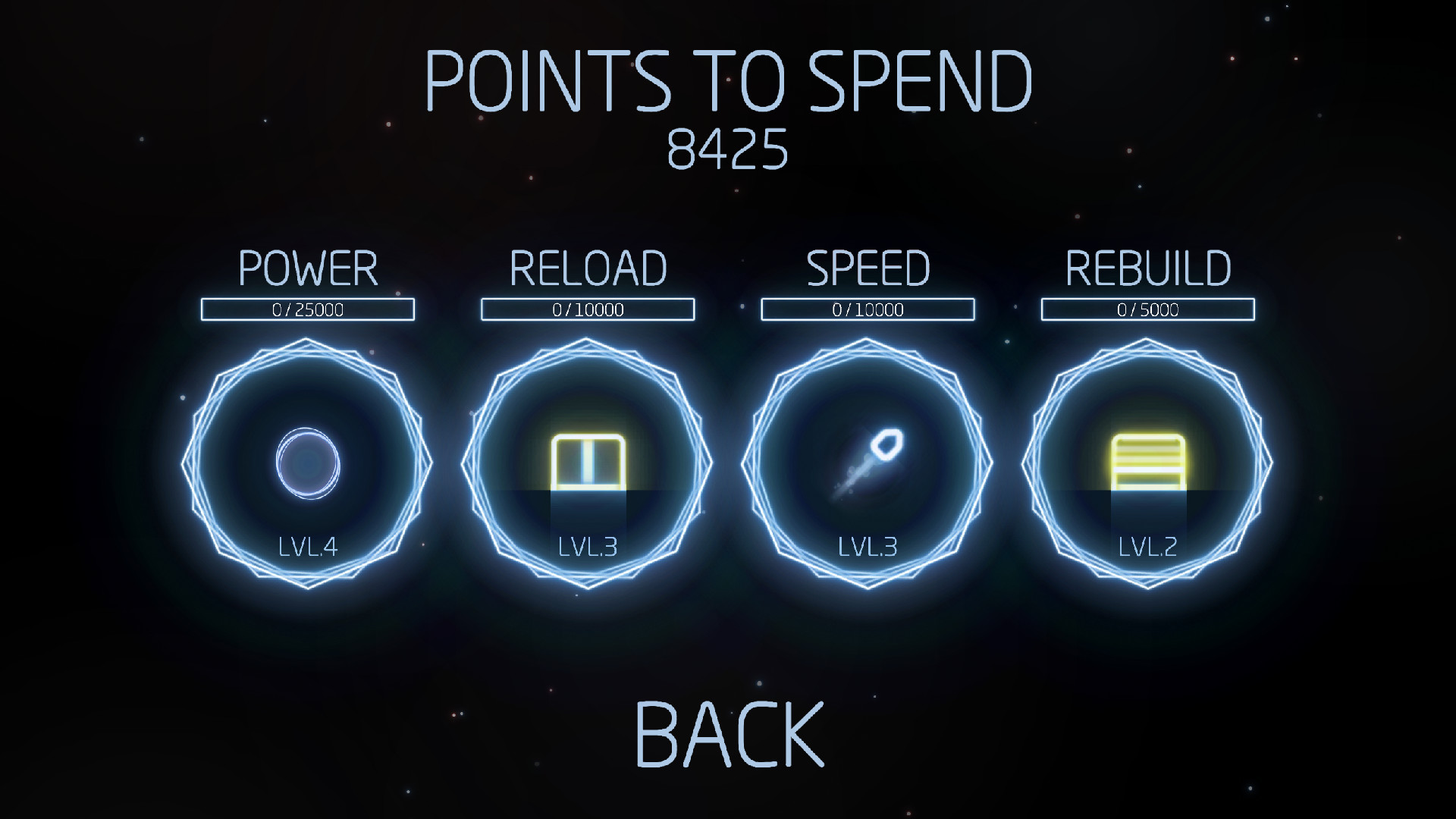

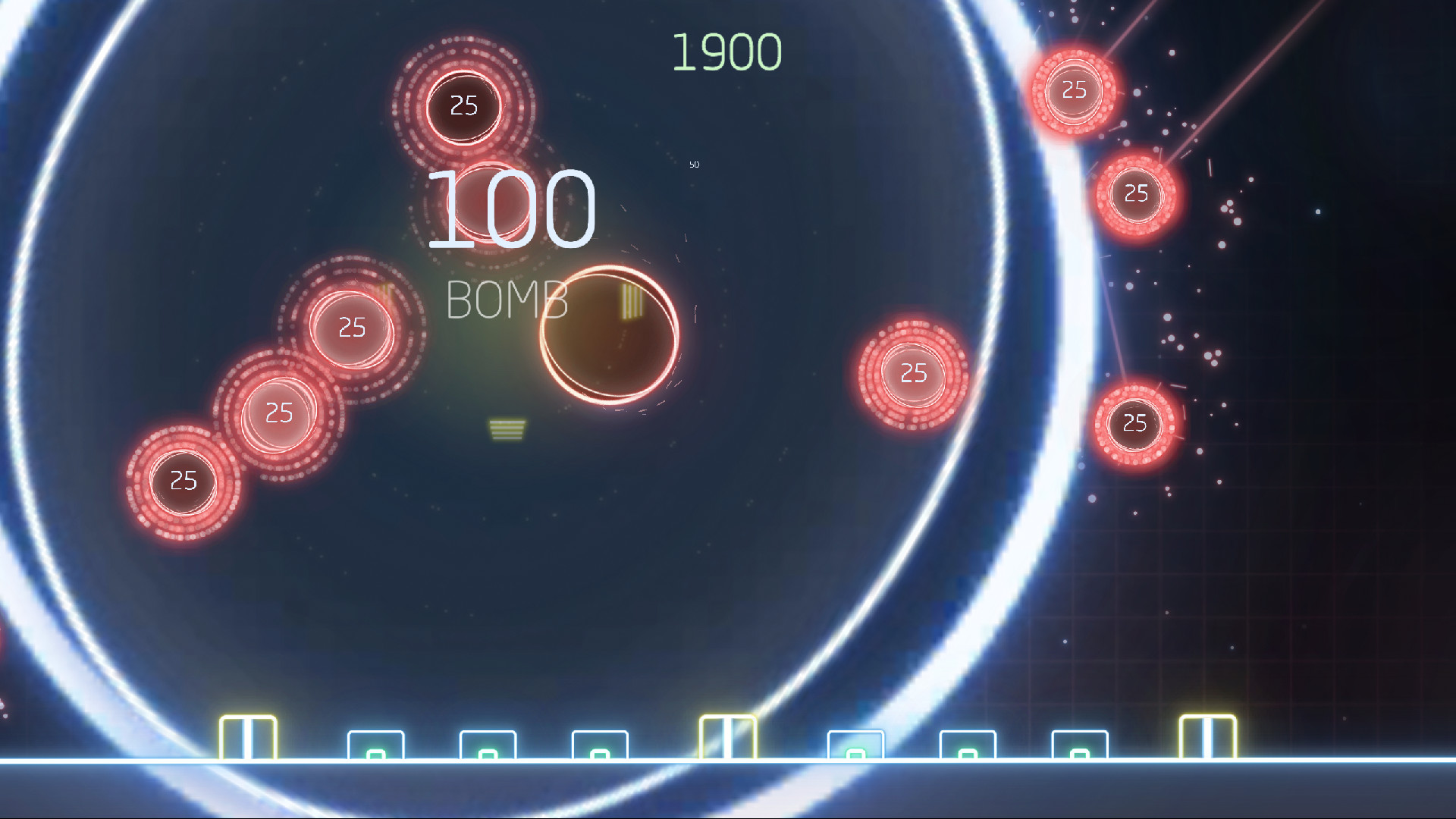
Official store screenshots from Steam — deckport links them, never rehosts. Hover to pause; click to preview.
Identity
Launch
- Binary
- Missile Command Recharged.exe
- Needs files
- none beyond the binary
Proton
- Version
- proton_experimental
- Winetricks
- —
- ProtonDB
- ProtonDB Gold runs perfectly after tweaks
⚙ Setup notes
Appid: This recipe targets the DELISTED 2020 original, Steam appid 1292010 (removed Oct 28, 2022). The later appid 2114990 is the 2022 'revamp' that is still for sale on Steam and is NOT what this recipe covers.
Proton: The 2020 original is a Unity title and runs well on Deck under Proton (proton_experimental or current GE-Proton both fine). ProtonDB has only a handful of reports for this delisted appid (provisional Platinum, low confidence), so the rating is thin but positive — treat it as "very likely fine, lightly tested."
DRM: It needs no DRM/GFWL workarounds.
Controller: Works natively — it's a gamepad-friendly arcade shooter, so the default Steam Input Gamepad layout plays fine; no keyboard/mouse hack required.
Display: Known wrinkle — the Deck touchscreen is glitchy under Linux, so steer the crosshair with the stick/trackpad instead. Local 2-player co-op forces the second player onto a gamepad.
Install: deckport only configures the prefix; it never bundles or links the game files.
The one thing to know
Supply your own copy. deckport links nothing.
Right title: Targets the DELISTED 2020 original (appid 1292010), NOT the still-for-sale 2022 revamp (appid 2114990) — make sure you point this at the right title.
Proton: Runs well on Deck under Proton. ProtonDB only has a few reports for this delisted appid (provisional Platinum, low confidence), so it's marked Gold here to stay honest — likely fine, lightly tested. No DRM/GFWL fixes needed.
Controller: Plays great with the default gamepad layout. Deck touchscreen input is buggy on Linux, so aim with stick/trackpad; local co-op puts player 2 on a gamepad.
Binary: Name is a best-guess Unity exe — confirm the exact name in your install folder.
Community guides
Write-ups and threads from people who got this (or a similar) game running. deckport links to them — it doesn't reproduce them.
Get the artwork
deckport never hosts game images. Open this game on SteamGridDB, pick
the cover / hero / logo / icon you like, and drop them into the
game folder under .deckport-art/ before you push it to the
Deck. The importer files them under the right names automatically.
Run it on your Deck
Two files: the one-time importer (deckport.py) in your
Deck's home folder, and this game's install helper. Copy the game
into ~/Games and run the helper with Steam closed — it
writes the recipe (binary, launch options, Proton version)
and registers the shortcut with artwork.