About
Monopoly Plus is a digital adaptation of Hasbro's classic Monopoly board game, developed by Asobo Studio and published by Ubisoft. It features a 3D animated 'Living Board' where the city comes to life as players buy property and build, supporting up to six players via AI, local, and online play. A successor to Monopoly Streets, it was delisted from Steam and other PC storefronts in early October 2024 following the release of the newer Monopoly (2024), and is no longer purchasable.
Screenshots
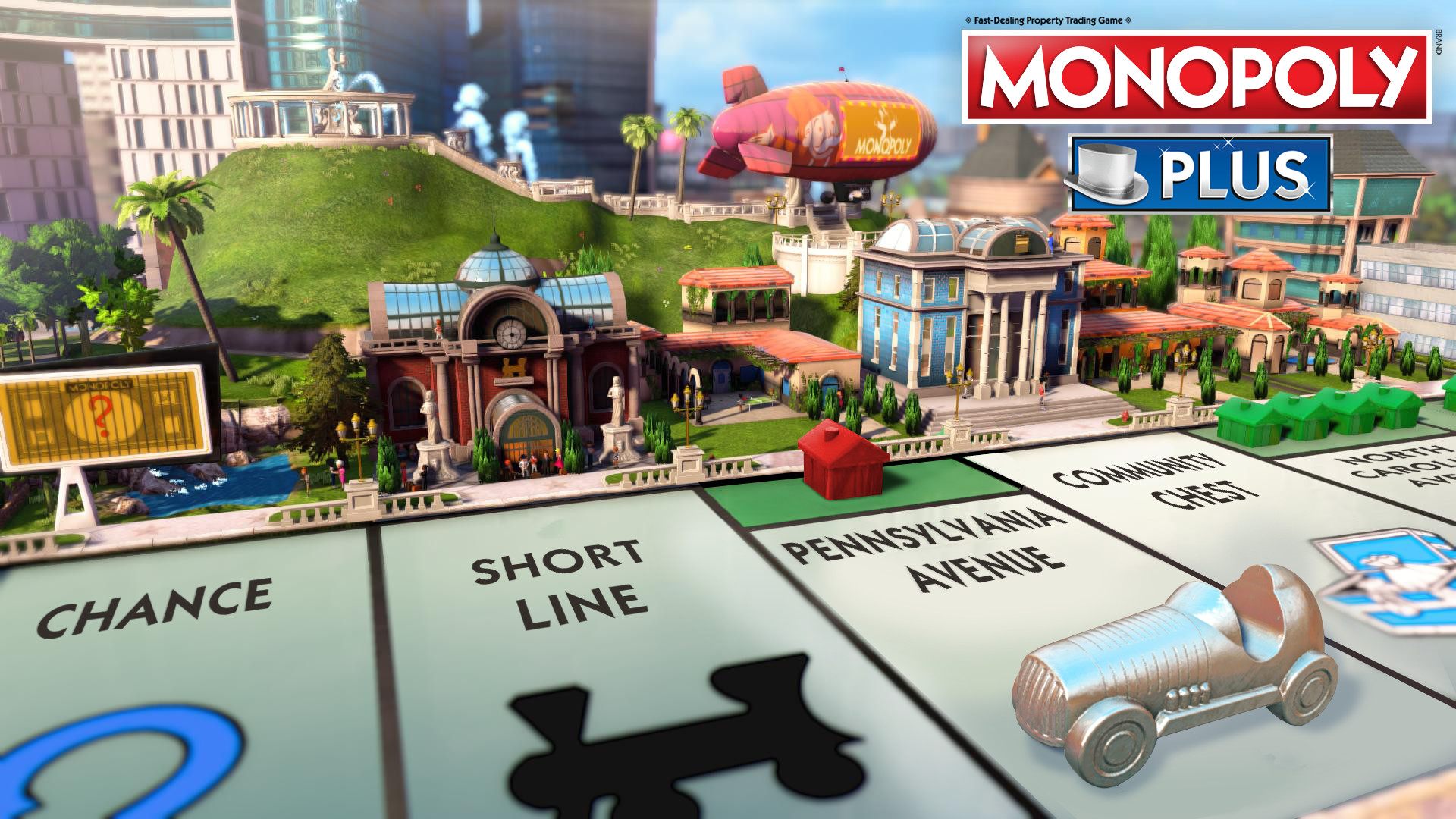

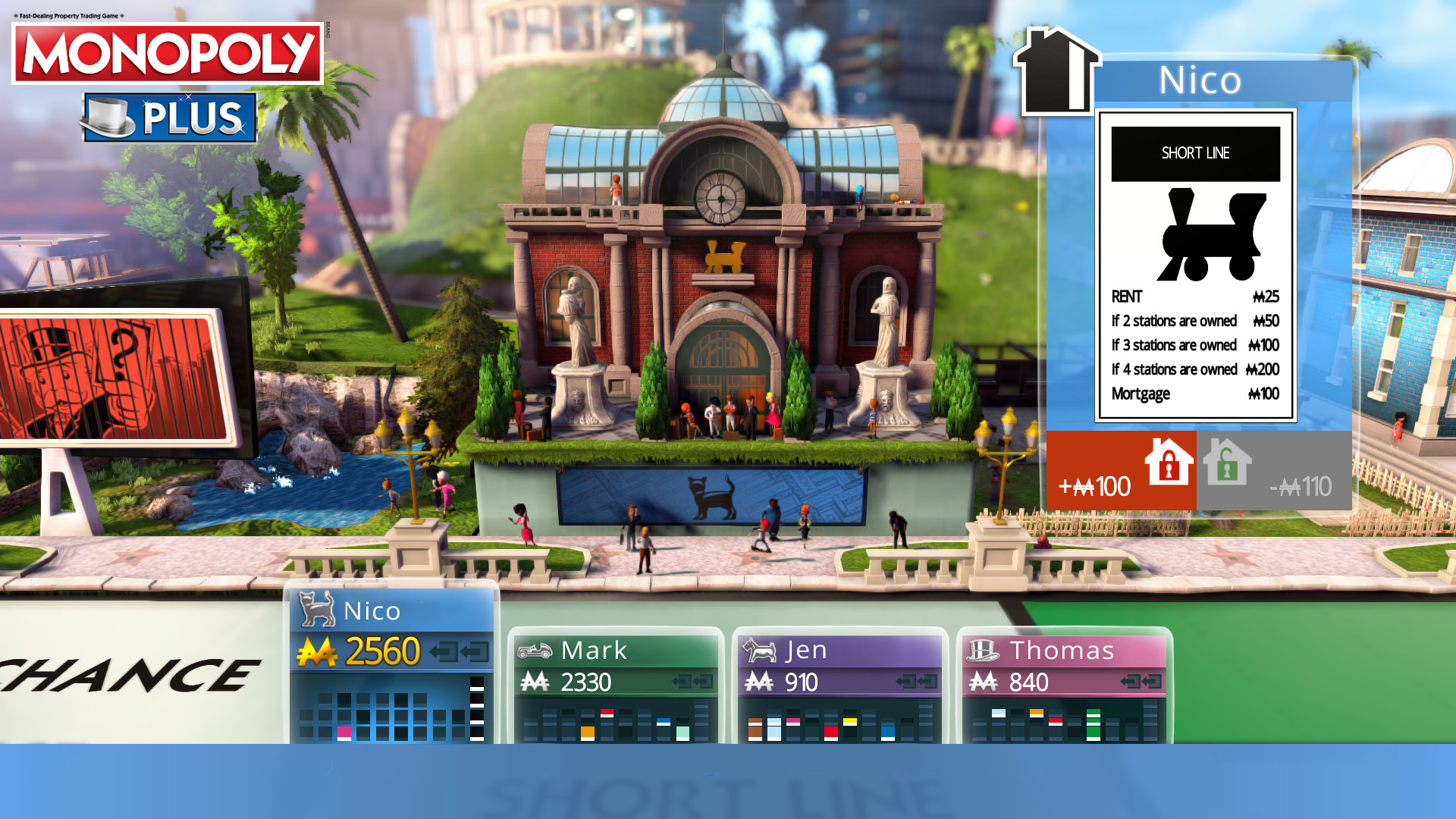
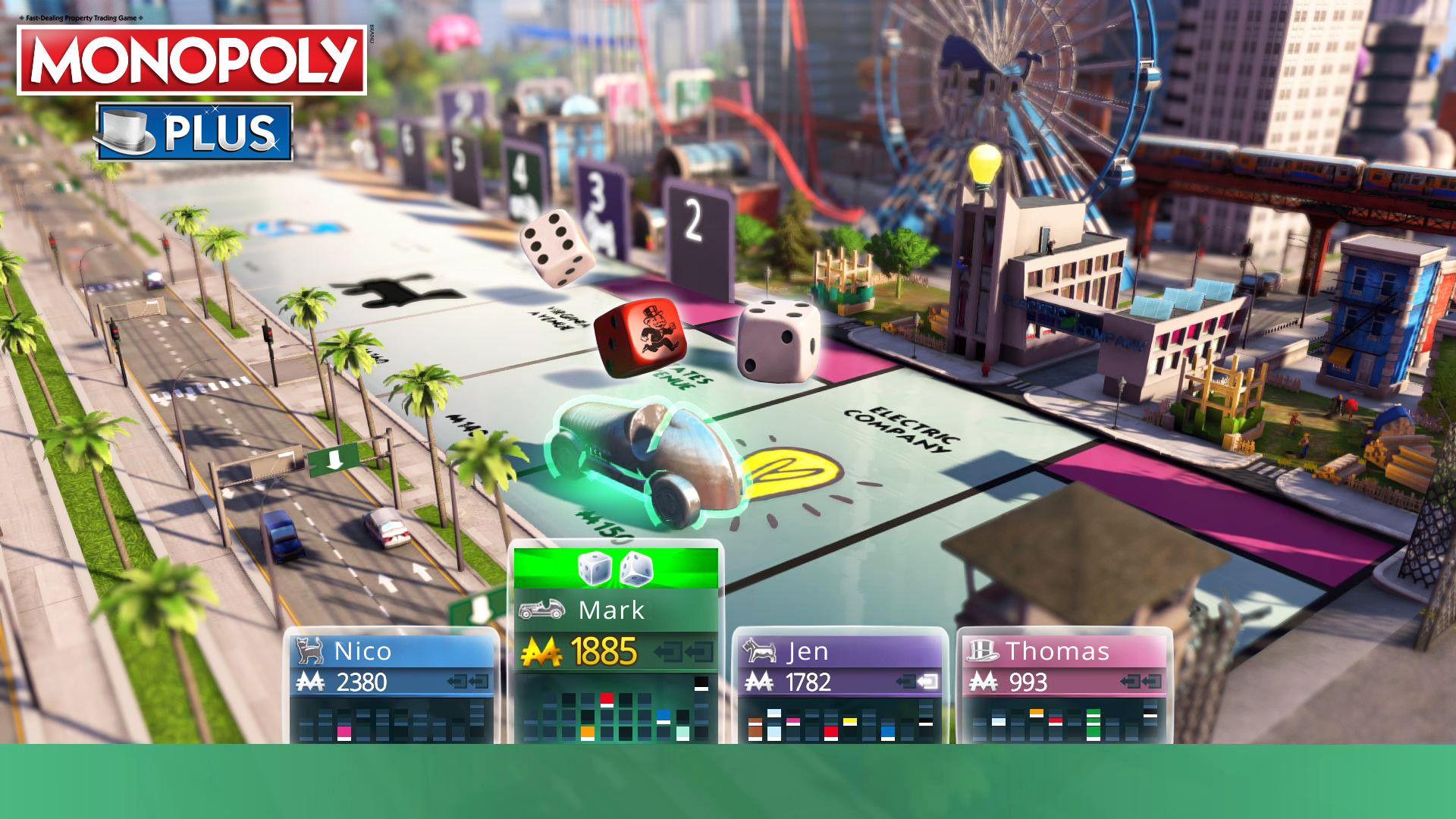
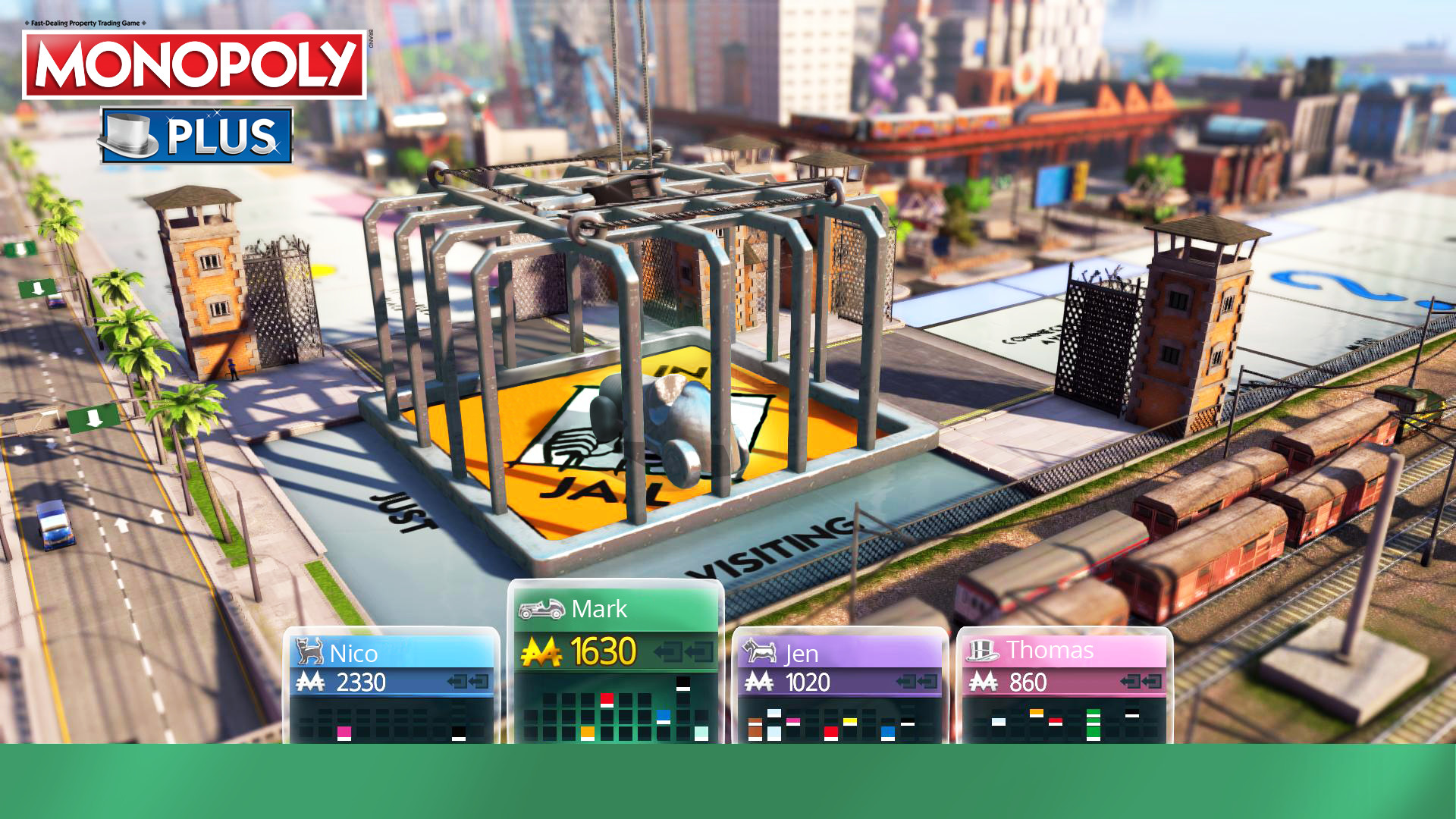
Official store screenshots from Steam — deckport links them, never rehosts. Hover to pause; click to preview.
Identity
Launch
- Binary
- Monopoly.exe
- Options
- PROTON_NO_ESYNC=1 PROTON_NO_FSYNC=1 %command%
- Needs files
- none beyond the binary
Proton
- Version
- proton_experimental
- Winetricks
- —
- ProtonDB
- ProtonDB Silver runs with minor issues
⚙ Setup notes
DRM: Delisted Steam game (appid 562810) — removed from sale 2 Oct 2024 after Monopoly (2024) shipped, so it is no longer purchasable through Steam.
Uplay: This is a Ubisoft Connect (Uplay) title, so the Steam Proton prefix must also have Ubisoft Connect installed: launching from Steam pushes the digital license to your linked Ubisoft account on first run, then Ubisoft Connect starts the game.
Proton: Use proton_experimental (or GE-Proton); experimental tends to handle the Ubisoft Connect handshake best on SteamOS.
Fix: If the game hangs at launch, the esync/fsync-off launch options above (PROTON_NO_ESYNC=1 PROTON_NO_FSYNC=1 %command%) usually clear it.
Controller: Works out of the box — the game ships a console-style gamepad UI, no Steam Input keyboard layout needed.
Install: deckport only configures the prefix; it never bundles or links the game files.
The one thing to know
Supply your own copy: deckport links nothing.
DRM: Delisted from Steam on 2 Oct 2024 (succeeded by Monopoly 2024) — no longer for sale.
Uplay: Ubisoft Connect (Uplay) dependency is the main hurdle — you must install Ubisoft Connect into the Proton prefix and let it link the digital license on first launch, otherwise the game will not start.
Proton: Community reports confirm it runs on Linux/Proton (ProtonDB silver); proton_experimental or GE-Proton recommended, with esync/fsync disabled if it hangs.
Multiplayer: Online multiplayer was flaky even at launch and may be dead — local/AI play is the safe path.
Controller: Natively supported (console-style pad UI).
Community guides
Write-ups and threads from people who got this (or a similar) game running. deckport links to them — it doesn't reproduce them.
Get the artwork
deckport never hosts game images. Open this game on SteamGridDB, pick
the cover / hero / logo / icon you like, and drop them into the
game folder under .deckport-art/ before you push it to the
Deck. The importer files them under the right names automatically.
Run it on your Deck
Two files: the one-time importer (deckport.py) in your
Deck's home folder, and this game's install helper. Copy the game
into ~/Games and run the helper with Steam closed — it
writes the recipe (binary, launch options, Proton version)
and registers the shortcut with artwork.