About
The 2013 PC port of NetherRealm Studios' 2011 Mortal Kombat (the ninth main entry, MK9), built on Unreal Engine 3. The Komplete Edition bundles the base game with all downloadable content, including the four DLC fighters (Skarlet, Kenshi, Rain, and guest character Freddy Krueger) plus extra costumes and Klassic skins. It rebooted the series with a return to 2D-plane fighting and was widely praised for revitalizing the franchise. The game has been delisted from sale, in part due to expired licensing for guest content.
Screenshots
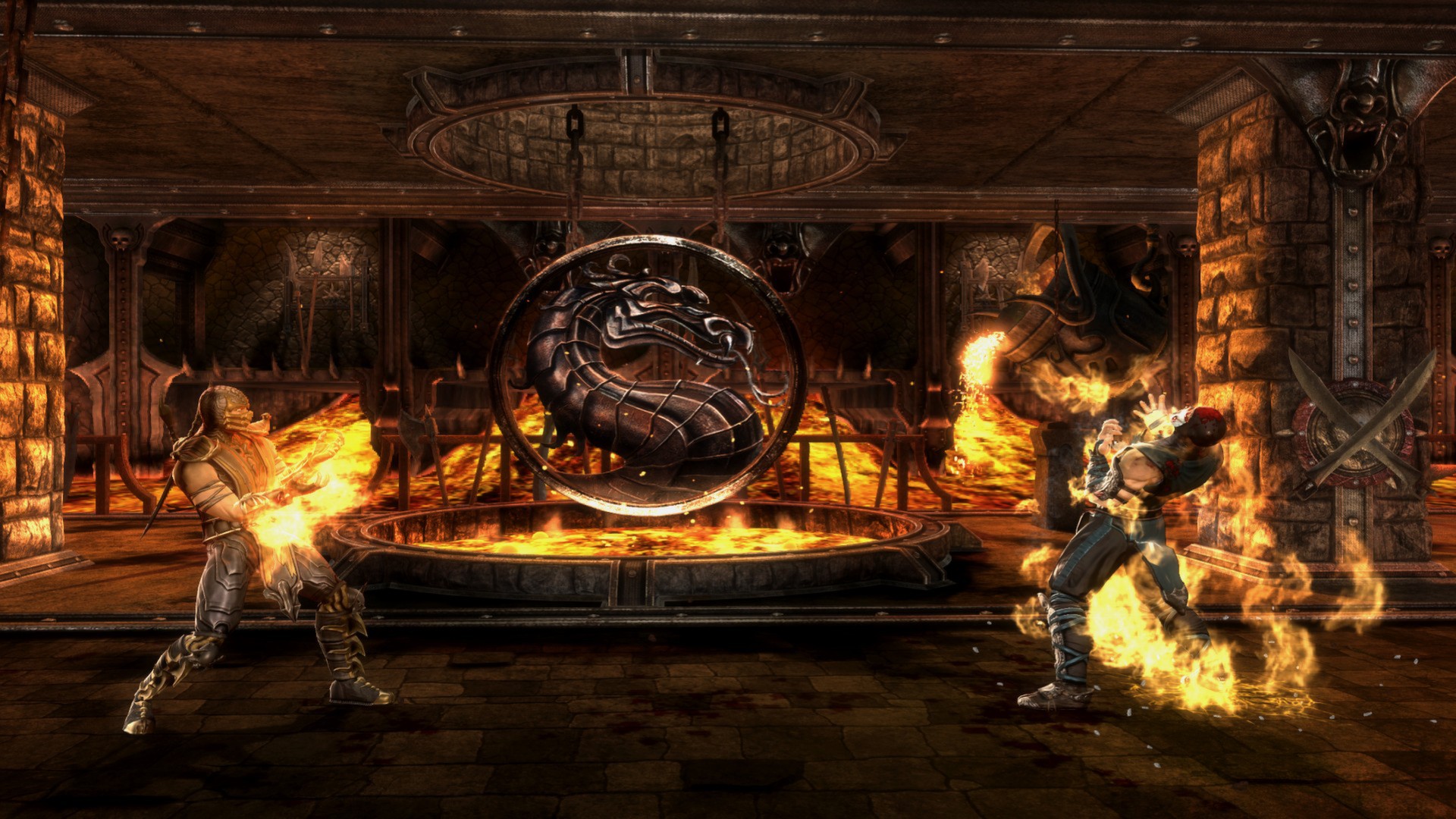
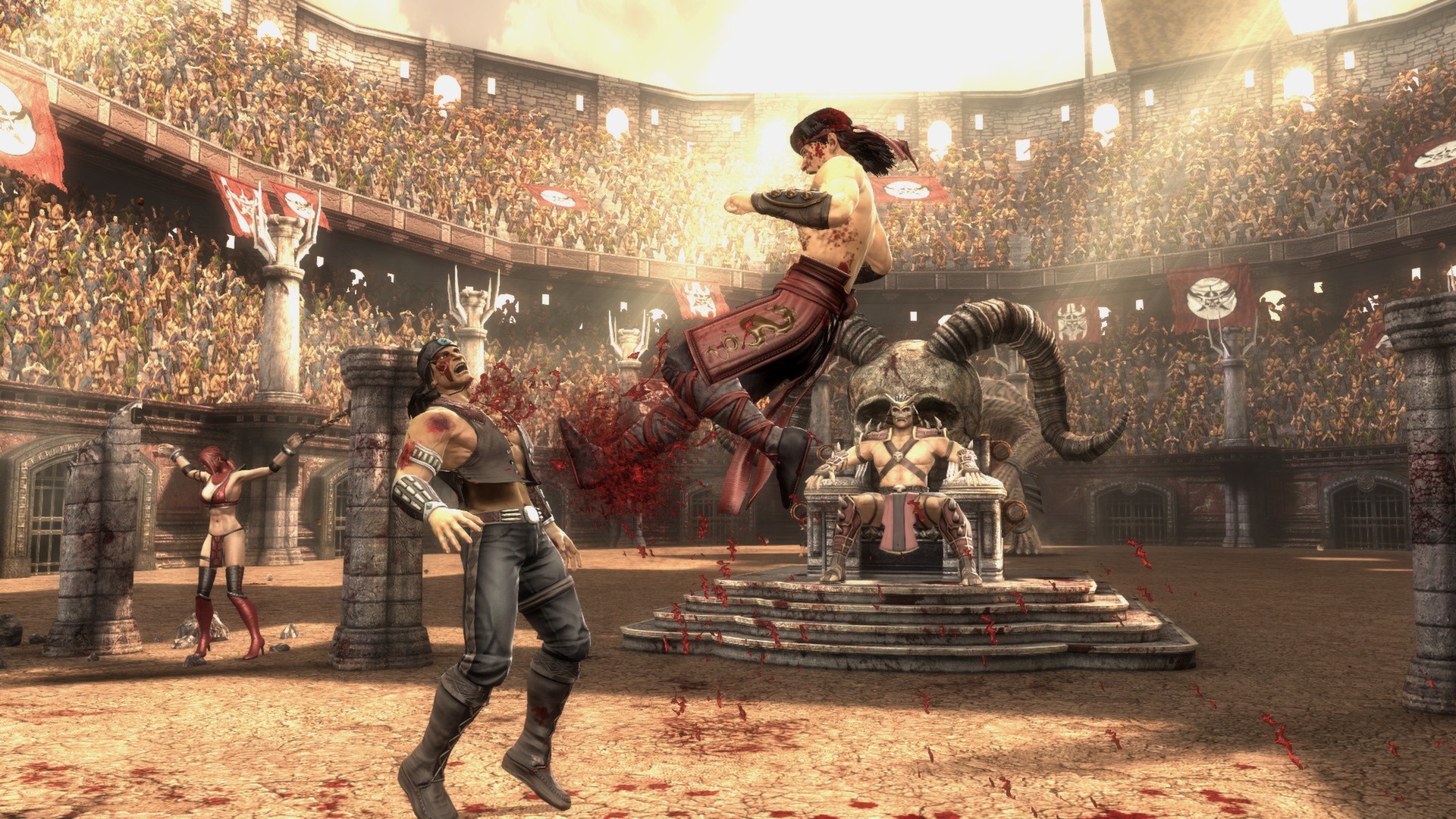
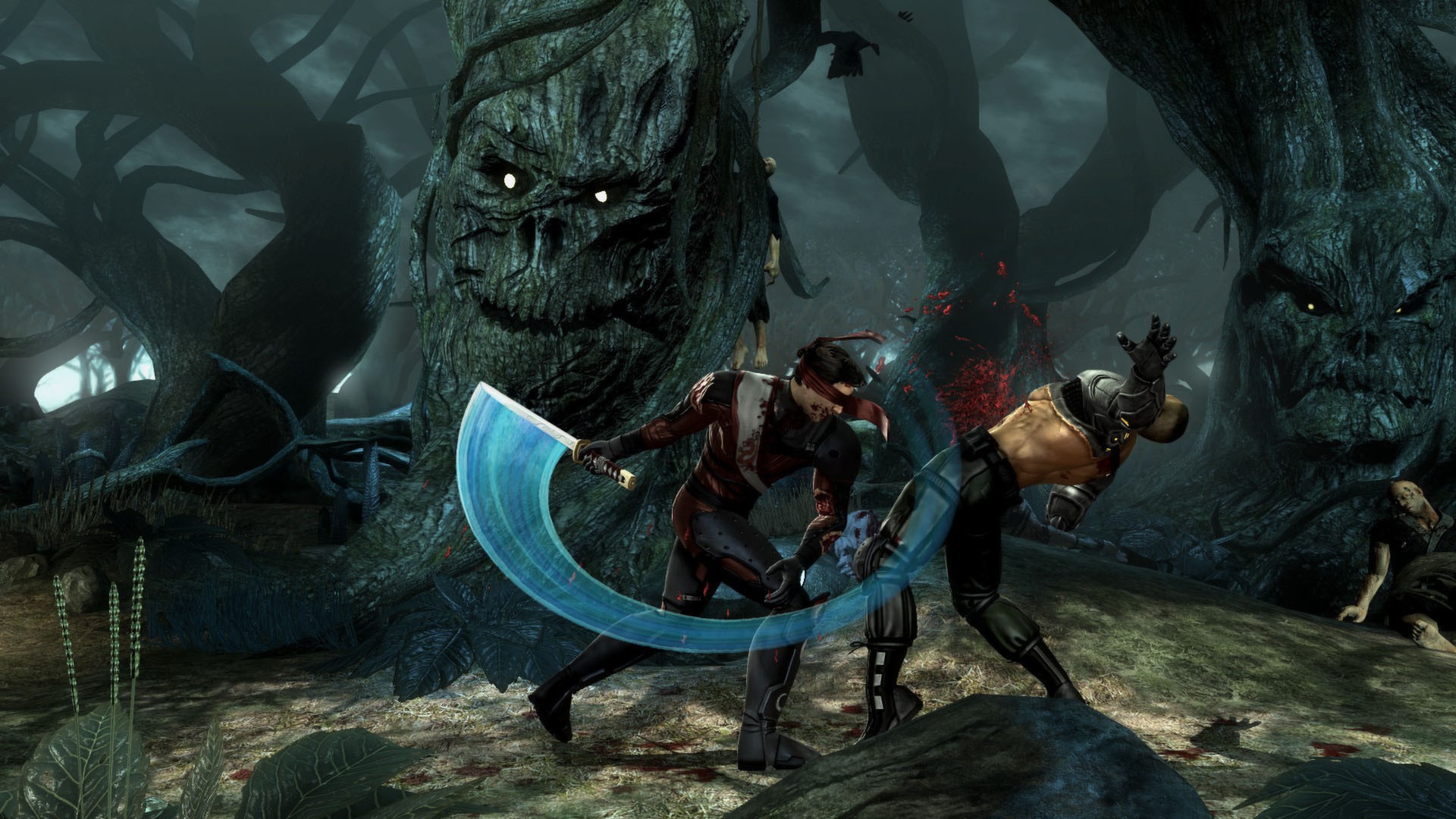
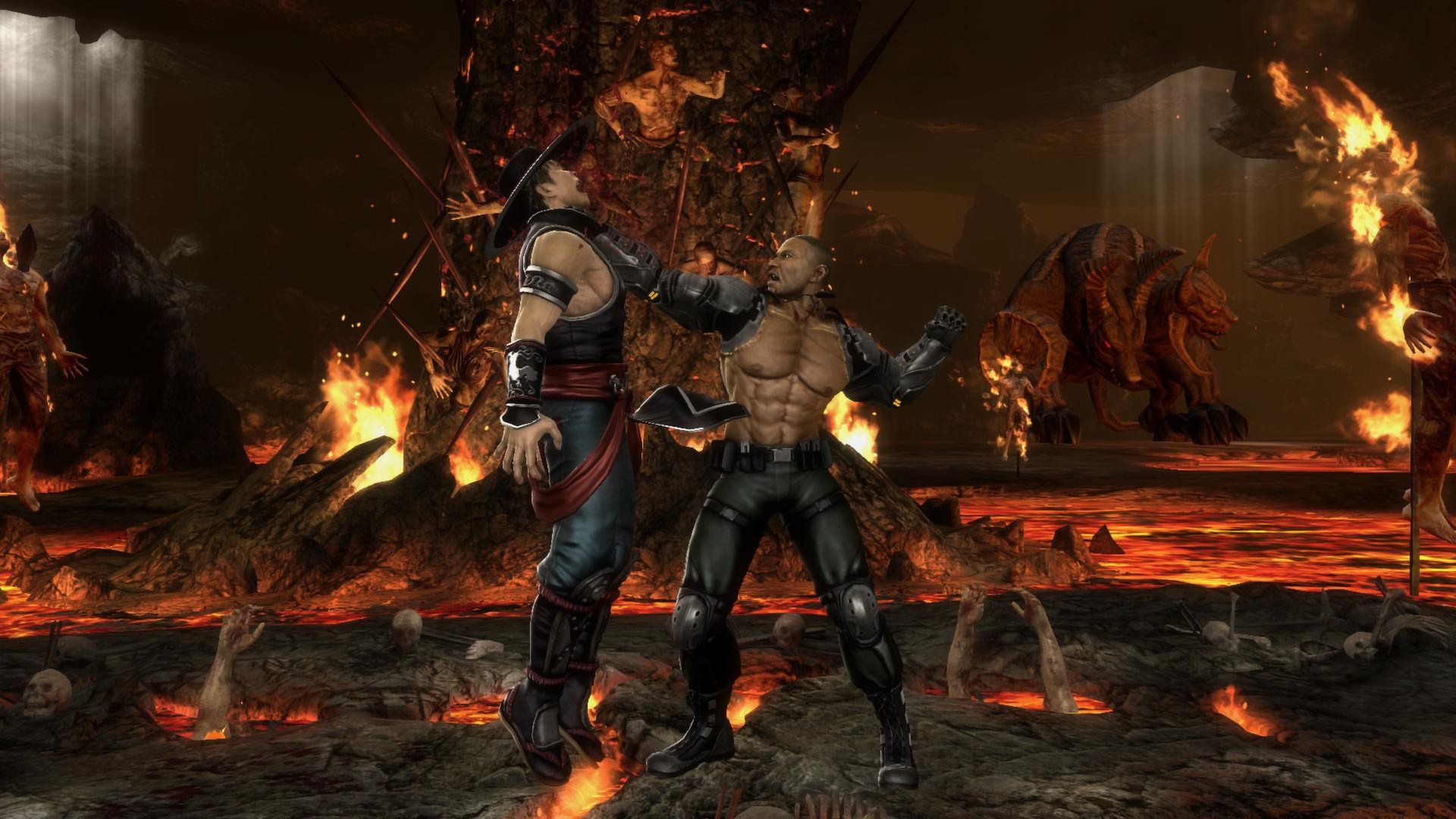
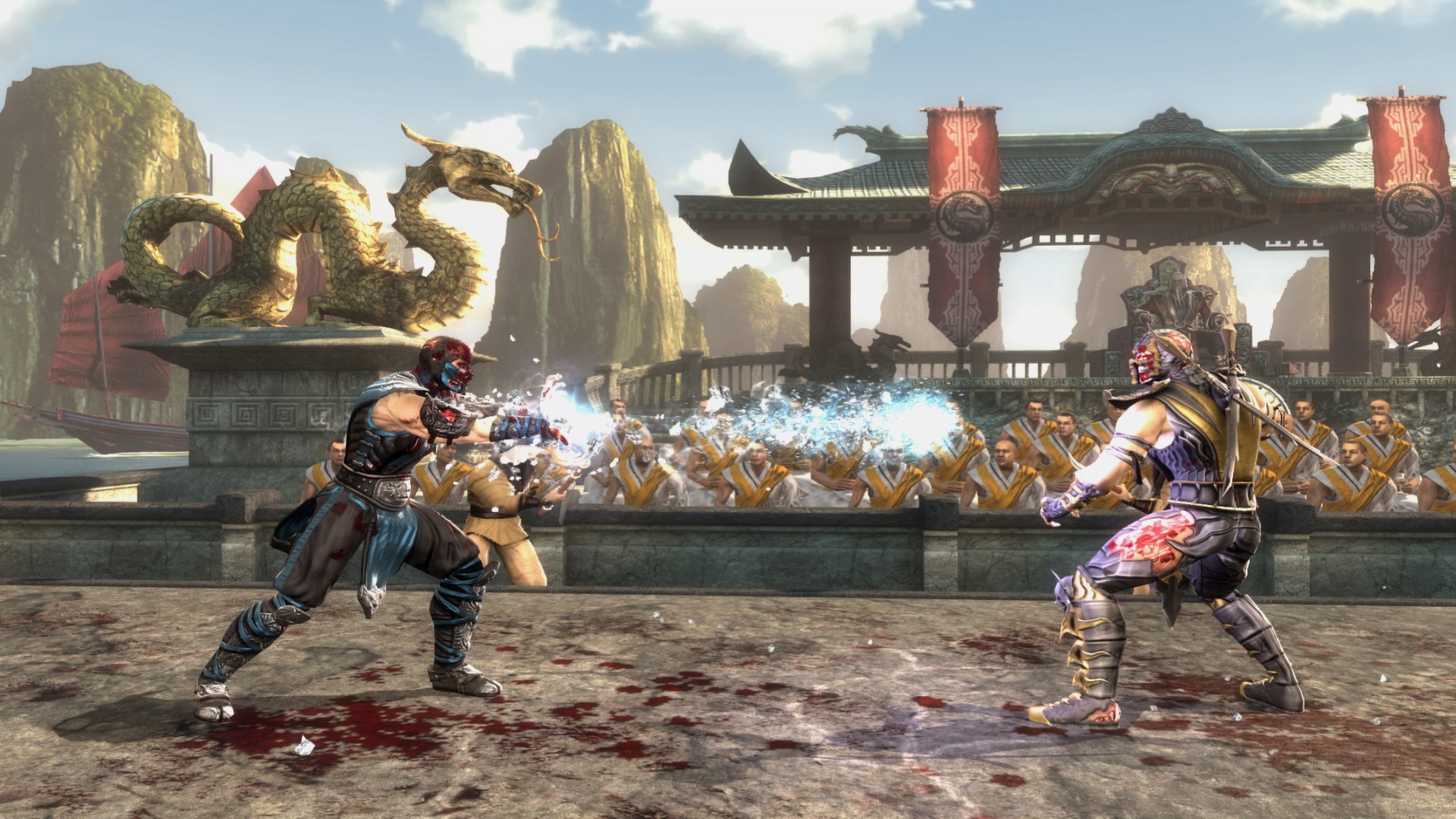
Official store screenshots from Steam — deckport links them, never rehosts. Hover to pause; click to preview.
Identity
Launch
- Binary
- DiscContentPC/MKKE.exe
- Needs files
- none beyond the binary
Proton
- Version
- Proton 4.2-9
- Winetricks
- —
⚙ Setup notes
Game: 2013 PC release of NetherRealm's 2011 Mortal Kombat (MK9), Komplete Edition (UE3).
DRM: Delisted — supply your own copy.
Proton: Runs under Proton; Valve-rated Deck-Playable. PIN Proton to 4.2-9 — newer Proton hangs at the MK logo. Community reports 6.3-x also launches and can run smoother; try 4.2-9 first, then 6.3-x if you get stutter. Proton Experimental / GE-Proton are NOT recommended (logo hang).
Binary: Main game exe is DiscContentPC/MKKE.exe. The advanced settings/config launcher (resolution, graphics) is DiscContentPC/MKLauncher.exe in the same folder.
Controller: Works with the Deck's built-in gamepad — no Steam Input remap needed for basic play.
Install: Normal Steam install (folder MortalKombat_KompleteEdition); config lives in the prefix %appdata%/MKKE/.
The one thing to know
Supply your own copy: Delisted from sale (expired guest-content licensing) — supply your own copy; configuration only, no links.
Proton version is load-bearing: Default/newer Proton hangs at the MK logo. Pin 4.2-9 (or 6.3-x).
Binary confirmed: Main exe is DiscContentPC/MKKE.exe.
Community guides
Write-ups and threads from people who got this (or a similar) game running. deckport links to them — it doesn't reproduce them.
Get the artwork
deckport never hosts game images. Open this game on SteamGridDB, pick
the cover / hero / logo / icon you like, and drop them into the
game folder under .deckport-art/ before you push it to the
Deck. The importer files them under the right names automatically.
Run it on your Deck
Two files: the one-time importer (deckport.py) in your
Deck's home folder, and this game's install helper. Copy the game
into ~/Games and run the helper with Steam closed — it
writes the recipe (binary, launch options, Proton version)
and registers the shortcut with artwork.