About
NBA Playgrounds is an officially NBA-licensed arcade basketball game in the spirit of NBA Jam and NBA Street, built on Unreal Engine 4. Matches are fast-paced 2-on-2 contests that emphasize exaggerated dunks, blocks, and alley-oops, with players unlocking a roster of NBA stars through card packs earned in tournaments and exhibition games. It launched in 2017 to a mixed-to-positive reception, praised for its multiplayer but criticized for a slow single-player grind. The game was quietly delisted from storefronts in October 2018 after the franchise moved to a new publisher for its sequel.
Screenshots
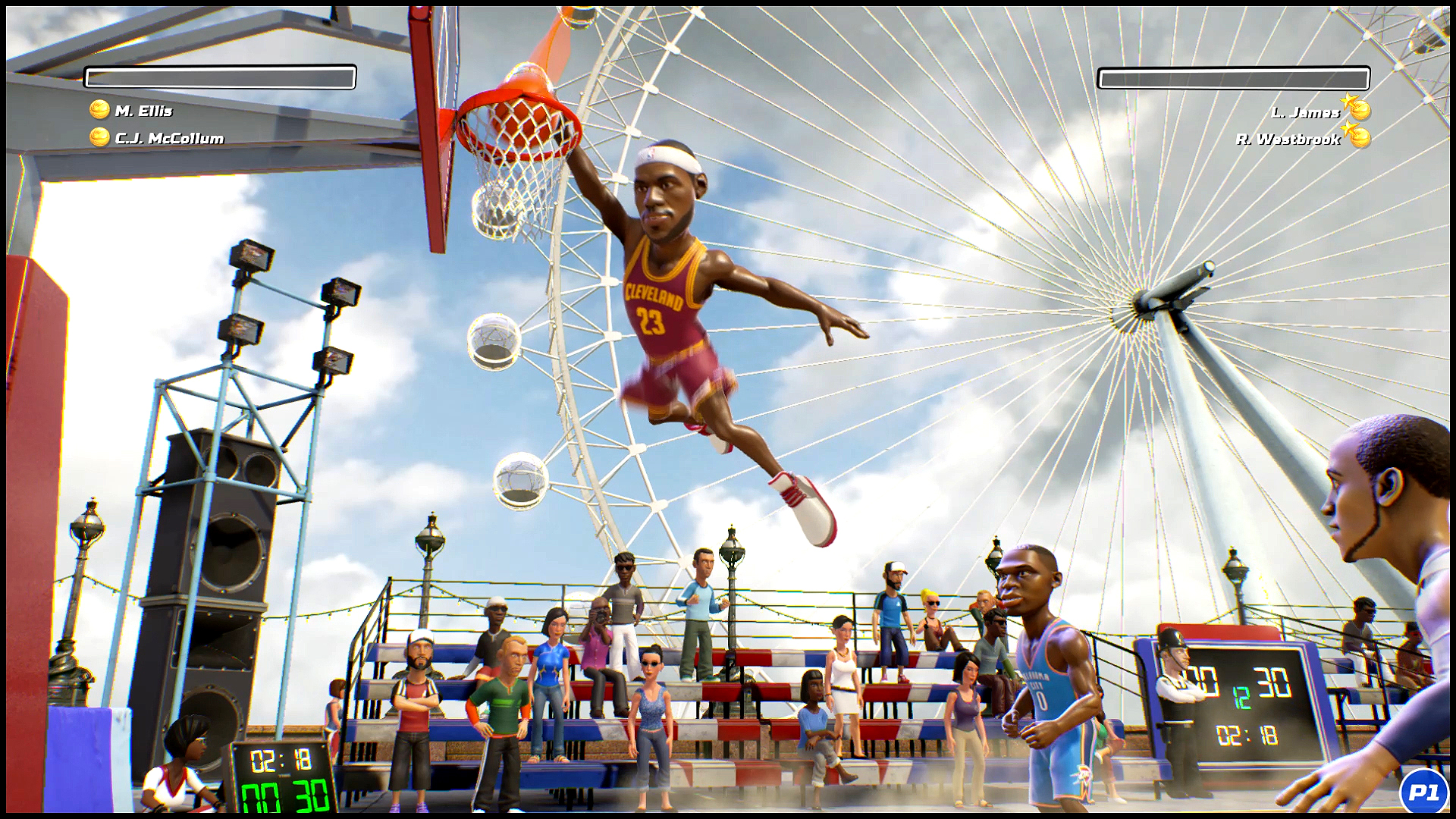
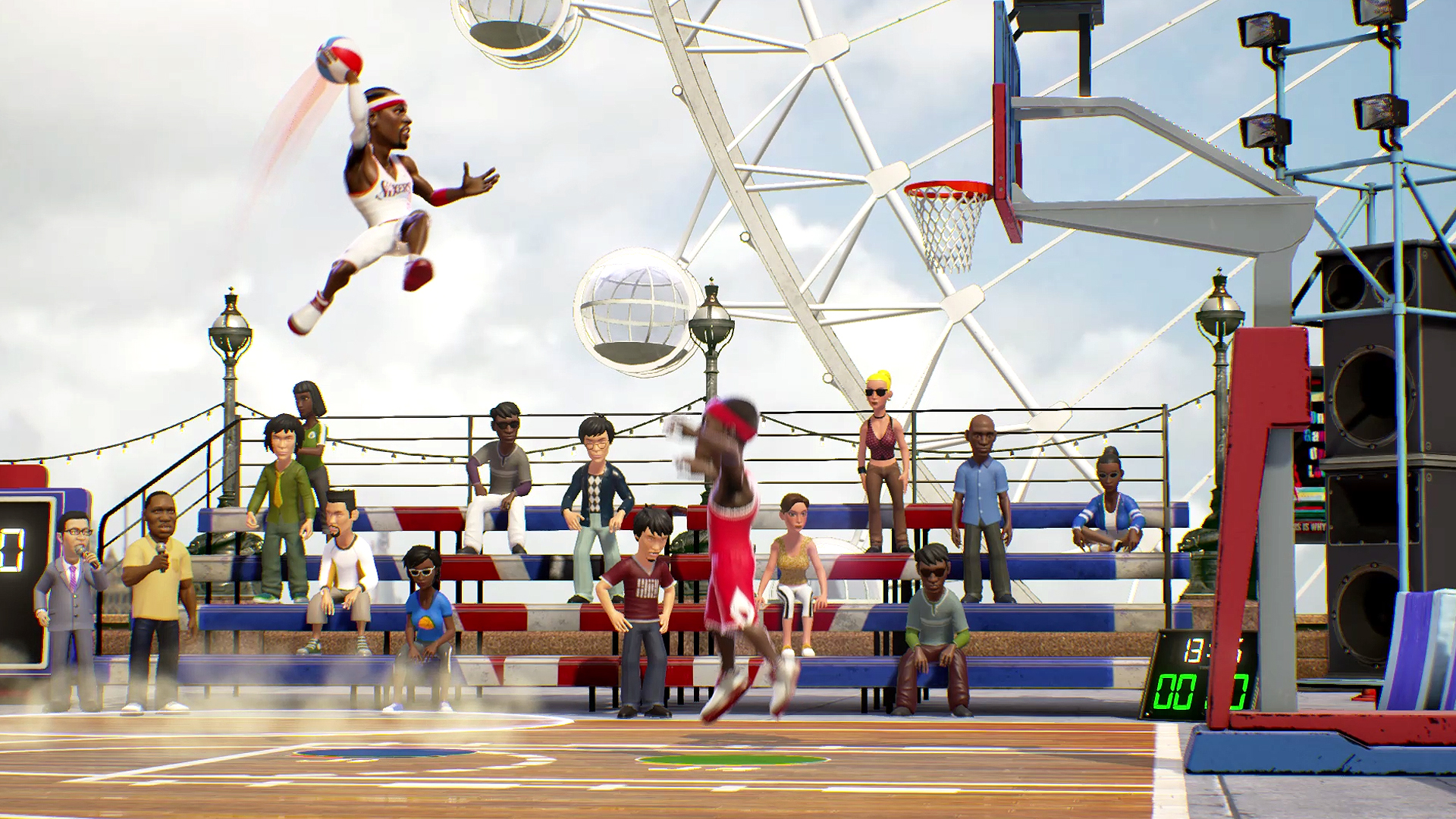
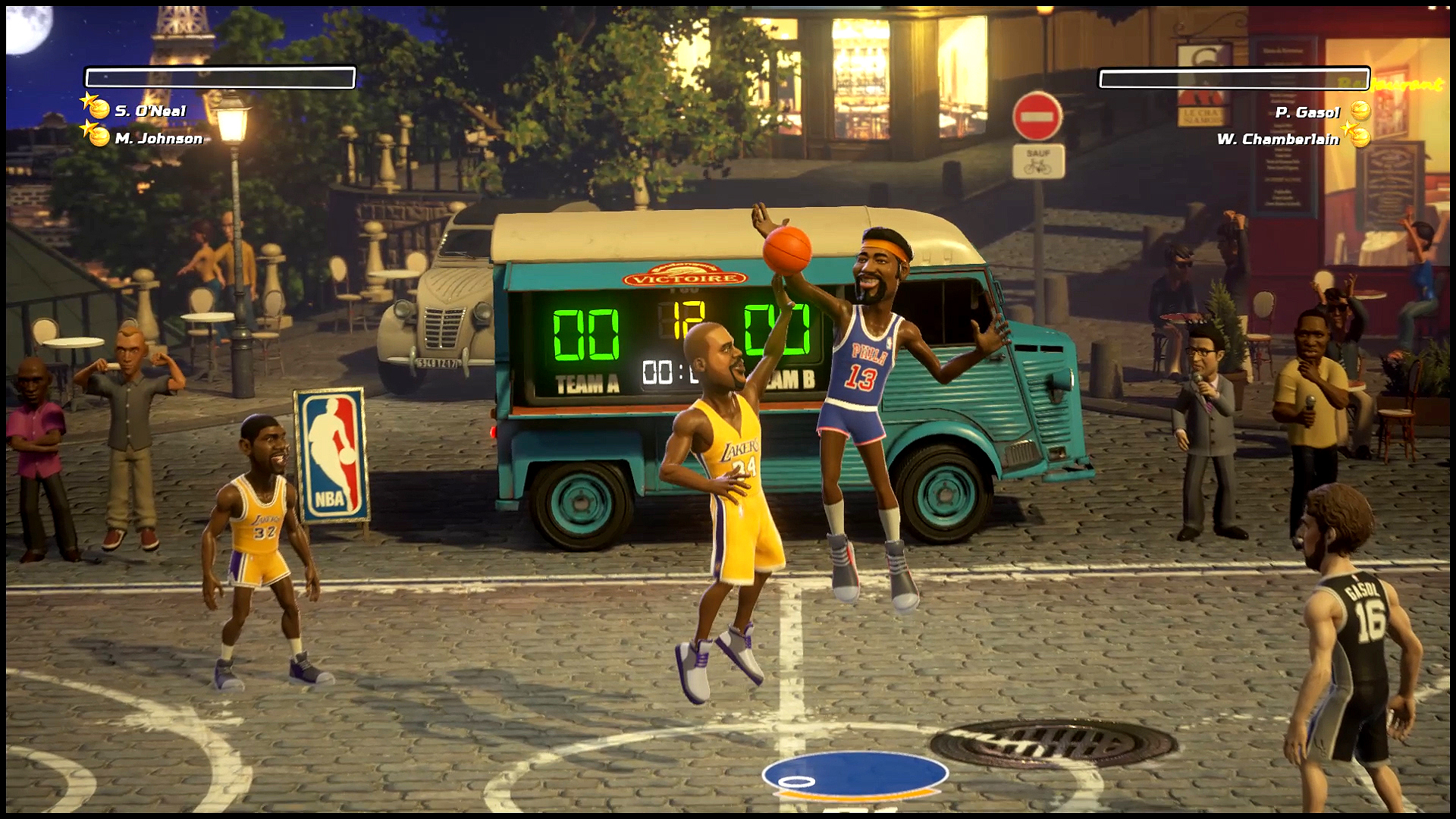
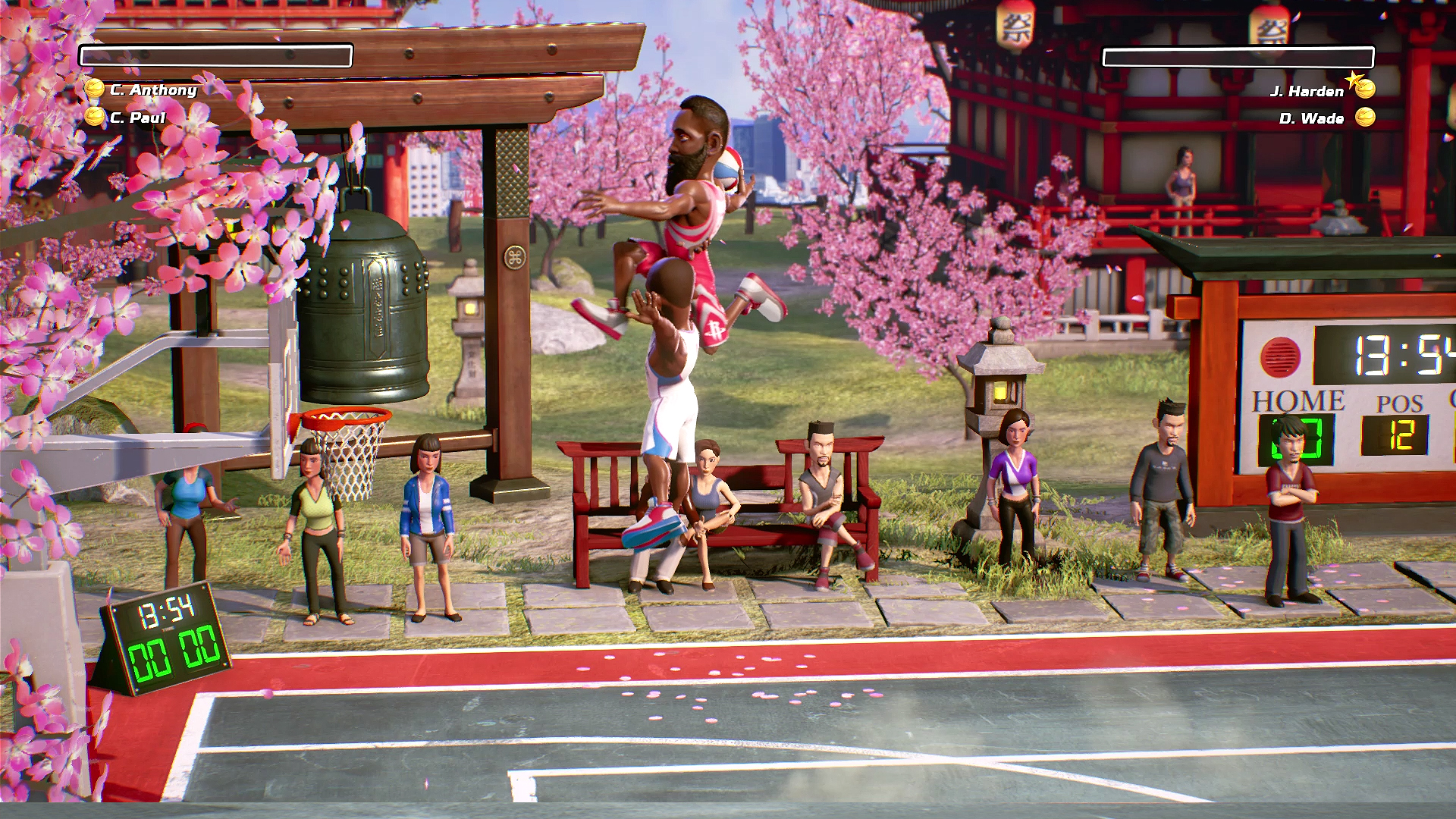
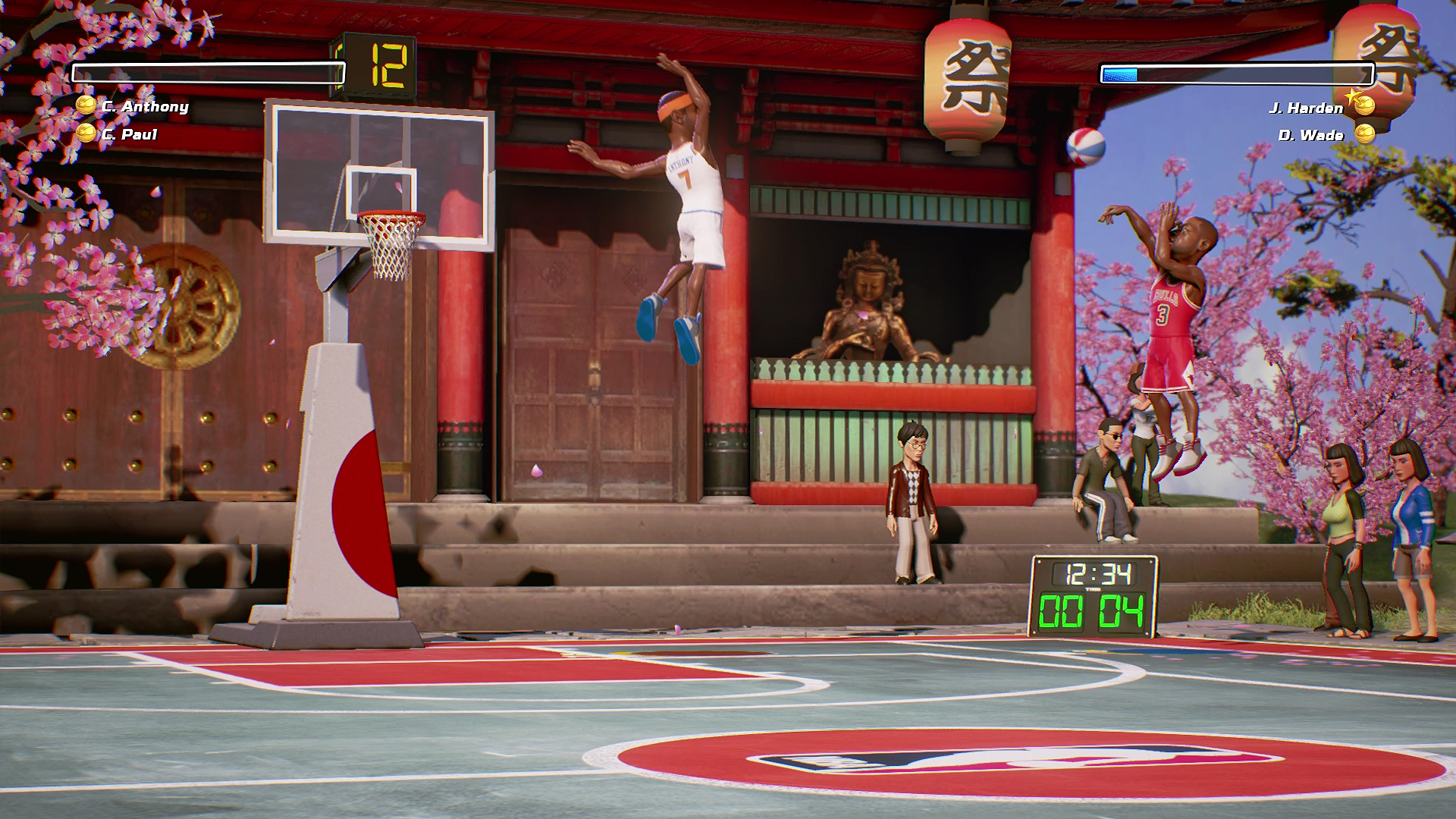
Official store screenshots from Steam — deckport links them, never rehosts. Hover to pause; click to preview.
Identity
Launch
- Binary
- NBAPlaygrounds/Binaries/Win64/NBAPlaygrounds-Win64-Shipping.exe
- Needs files
- none beyond the binary
Proton
- Version
- GE-Proton
- Winetricks
- —
- ProtonDB
- ProtonDB Gold runs perfectly after tweaks
⚙ Setup notes
Delisted: Steam game (appid 545270), removed from Steam October 2018.
Engine: Unreal Engine 4 title; real executable is NBAPlaygrounds\Binaries\Win64\NBAPlaygrounds-Win64-Shipping.exe.
Proton: ProtonDB rates it gold (small sample — ~11 reports, low confidence) and the engine is UE4, so it should run well on the Deck — GE-Proton or proton_experimental both work.
DRM: No GFWL/SecuROM DRM to bypass.
Controller: native Xbox/XInput support; the game shows Xbox prompts in-game. On Deck the built-in Steam Input gamepad mapping drives it fine — if a pad isn't detected, set the controller layout to Gamepad with the Deck's default template (this replaces the old desktop x360ce workaround).
Install: deckport only configures the prefix; it never bundles or links the game files.
The one thing to know
Supply your own copy: delisted from Steam in October 2018 (not for sale). deckport links nothing.
Binary: confirmed as NBAPlaygrounds-Win64-Shipping.exe (UE4, Win64 build).
Proton: ProtonDB gold (low confidence — only ~11 reports); community reports it running on Linux/Proton, so it should play on the Deck — not yet verified on this exact recipe, hence needs-test.
Online: multiplayer relied on servers that may be offline; treat as a local/single-player experience.
Controller: works via native XInput + Steam Input; pick a Gamepad layout if the pad isn't auto-detected.
Community guides
Write-ups and threads from people who got this (or a similar) game running. deckport links to them — it doesn't reproduce them.
Get the artwork
deckport never hosts game images. Open this game on SteamGridDB, pick
the cover / hero / logo / icon you like, and drop them into the
game folder under .deckport-art/ before you push it to the
Deck. The importer files them under the right names automatically.
Run it on your Deck
Two files: the one-time importer (deckport.py) in your
Deck's home folder, and this game's install helper. Copy the game
into ~/Games and run the helper with Steam closed — it
writes the recipe (binary, launch options, Proton version)
and registers the shortcut with artwork.