About
Need for Speed: Shift is a 2009 racing game developed by Slightly Mad Studios and published by Electronic Arts. It marked a shift for the series toward a more simulation-focused driving experience, with a cockpit-centric presentation and a career built around earning stars across circuit and track events. The game was well received on PC for its handling and immersive in-car camera, and it spawned a 2011 sequel, Shift 2: Unleashed. It was delisted from Steam in 2021, and its online multiplayer servers have since been retired, leaving the single-player career as the playable mode.
Screenshots
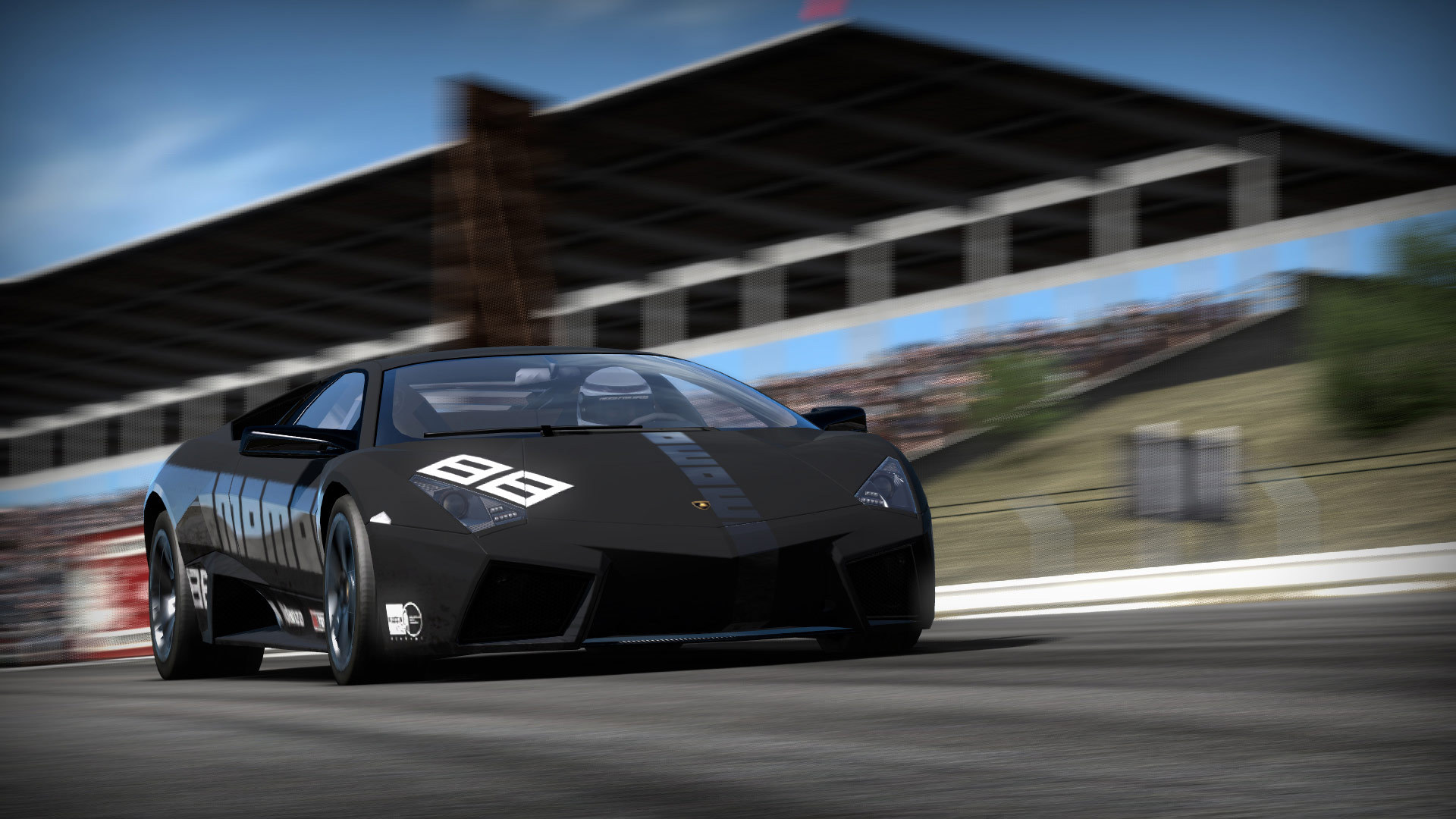
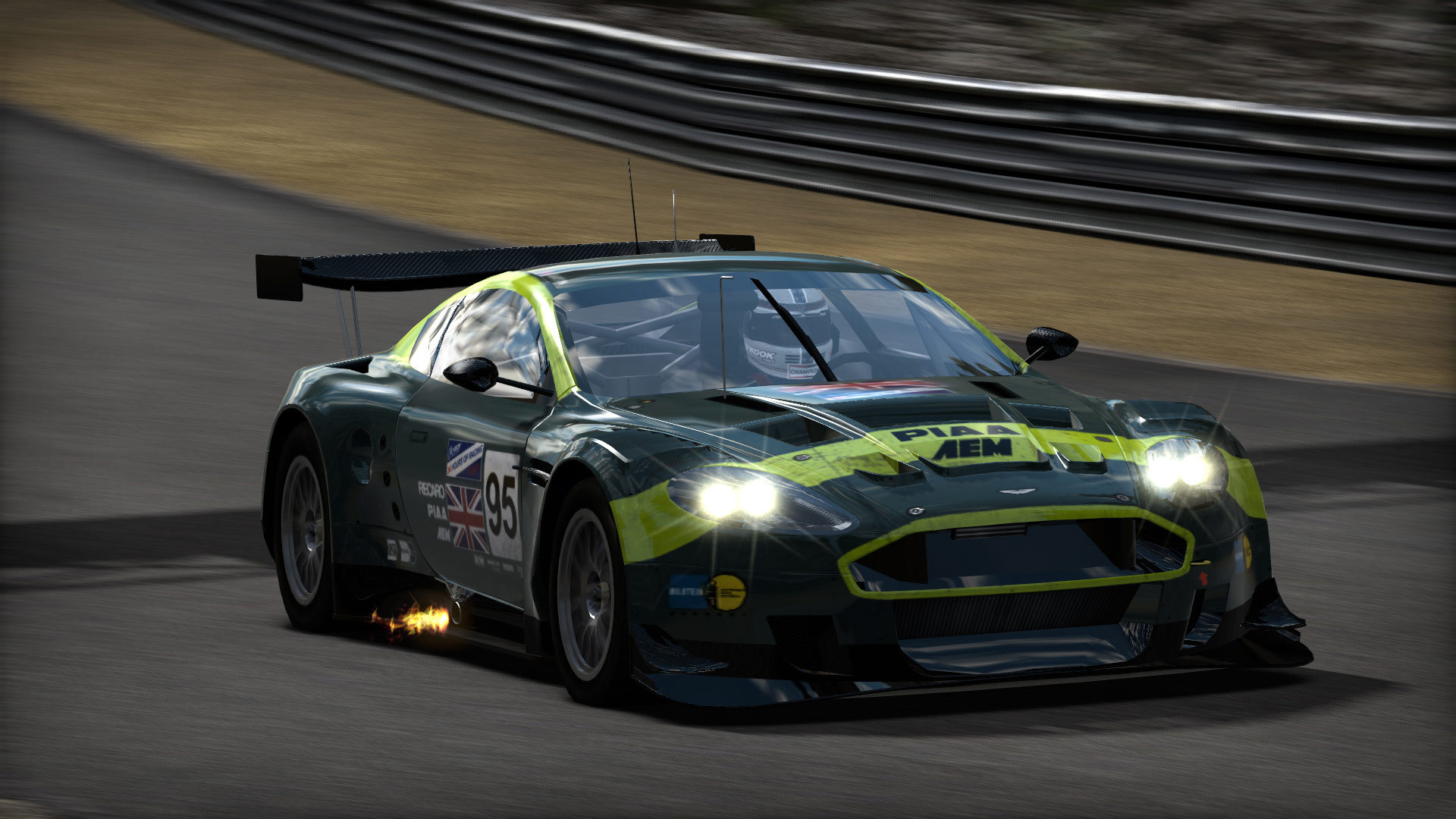
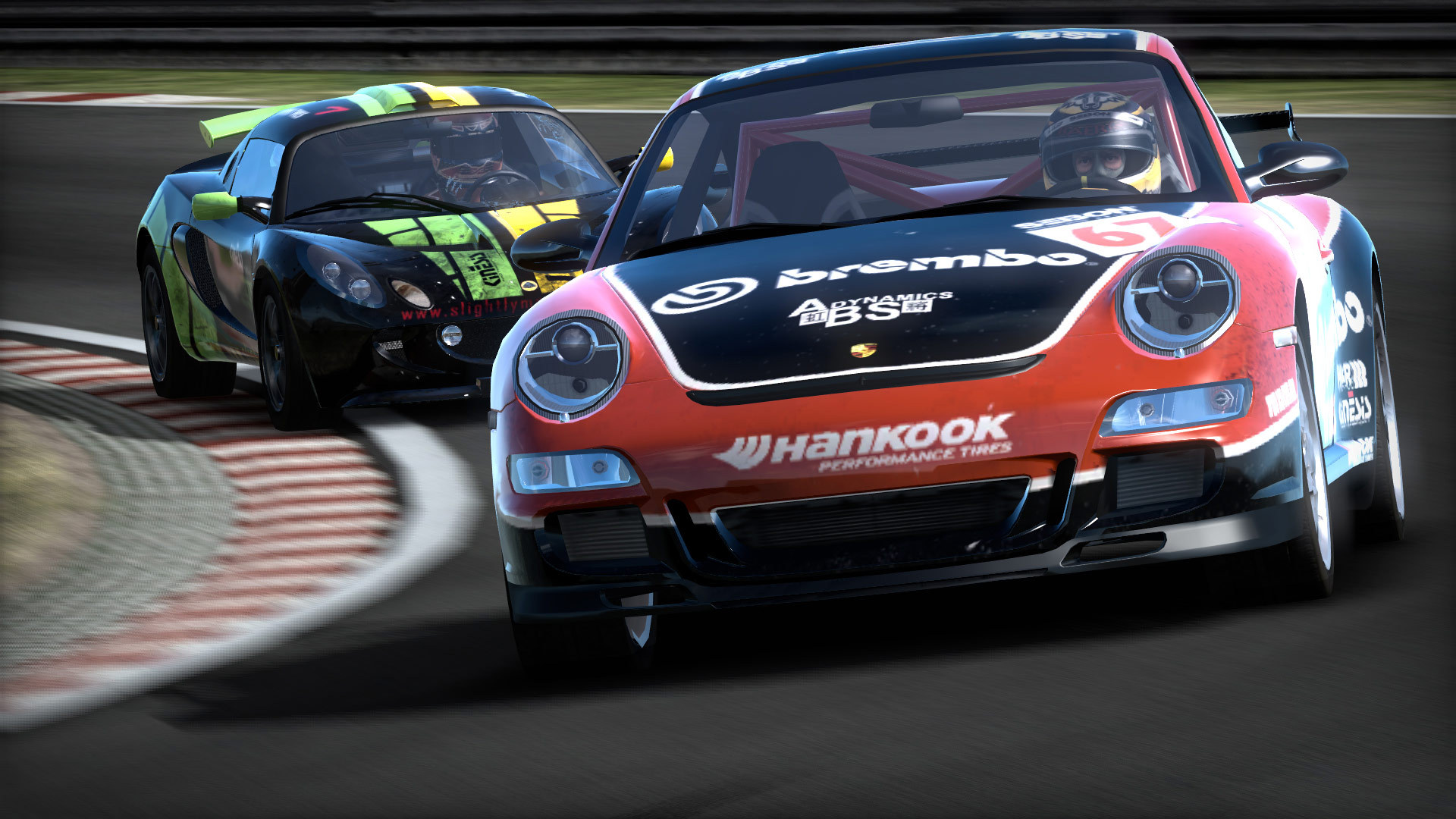
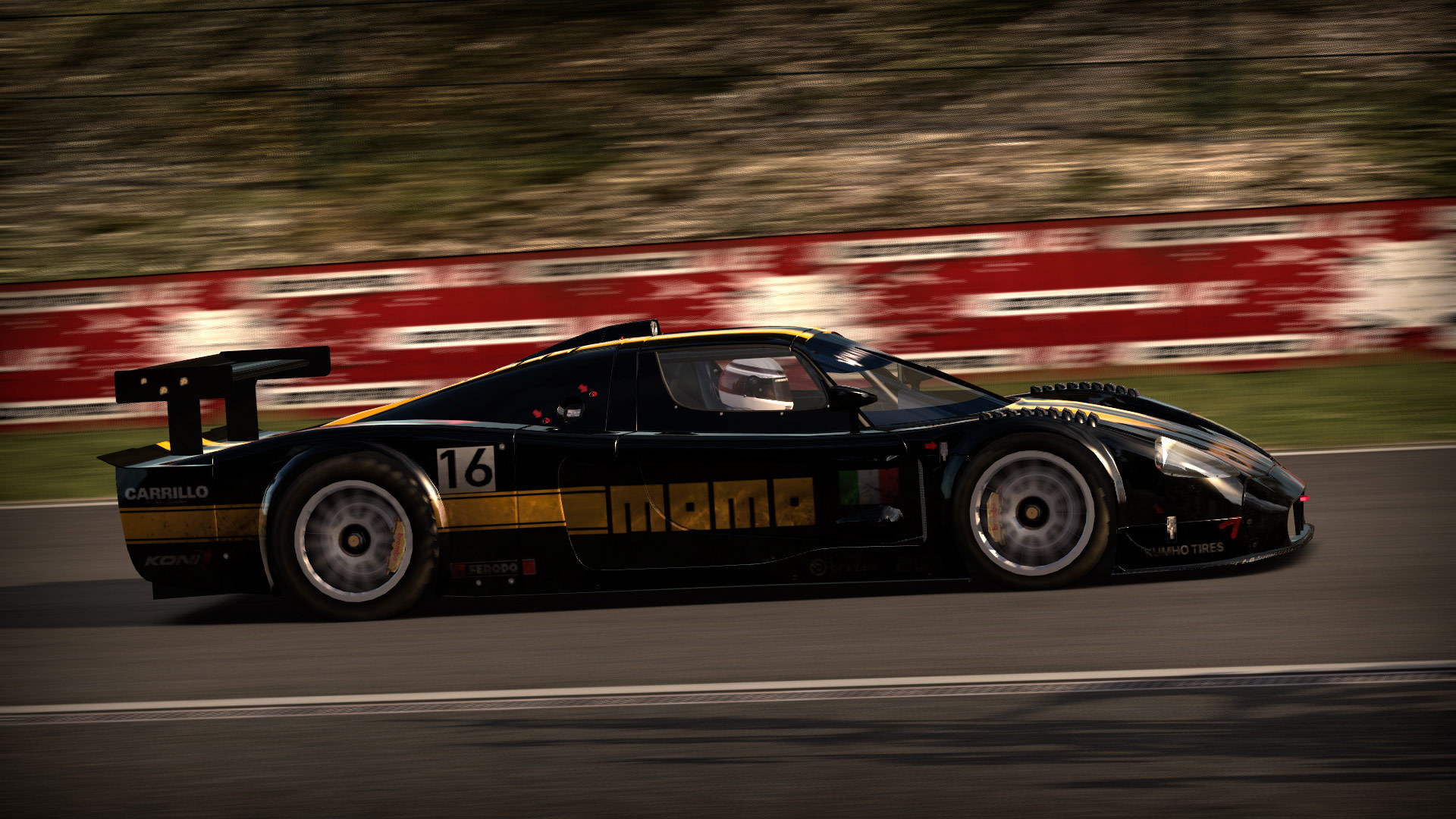
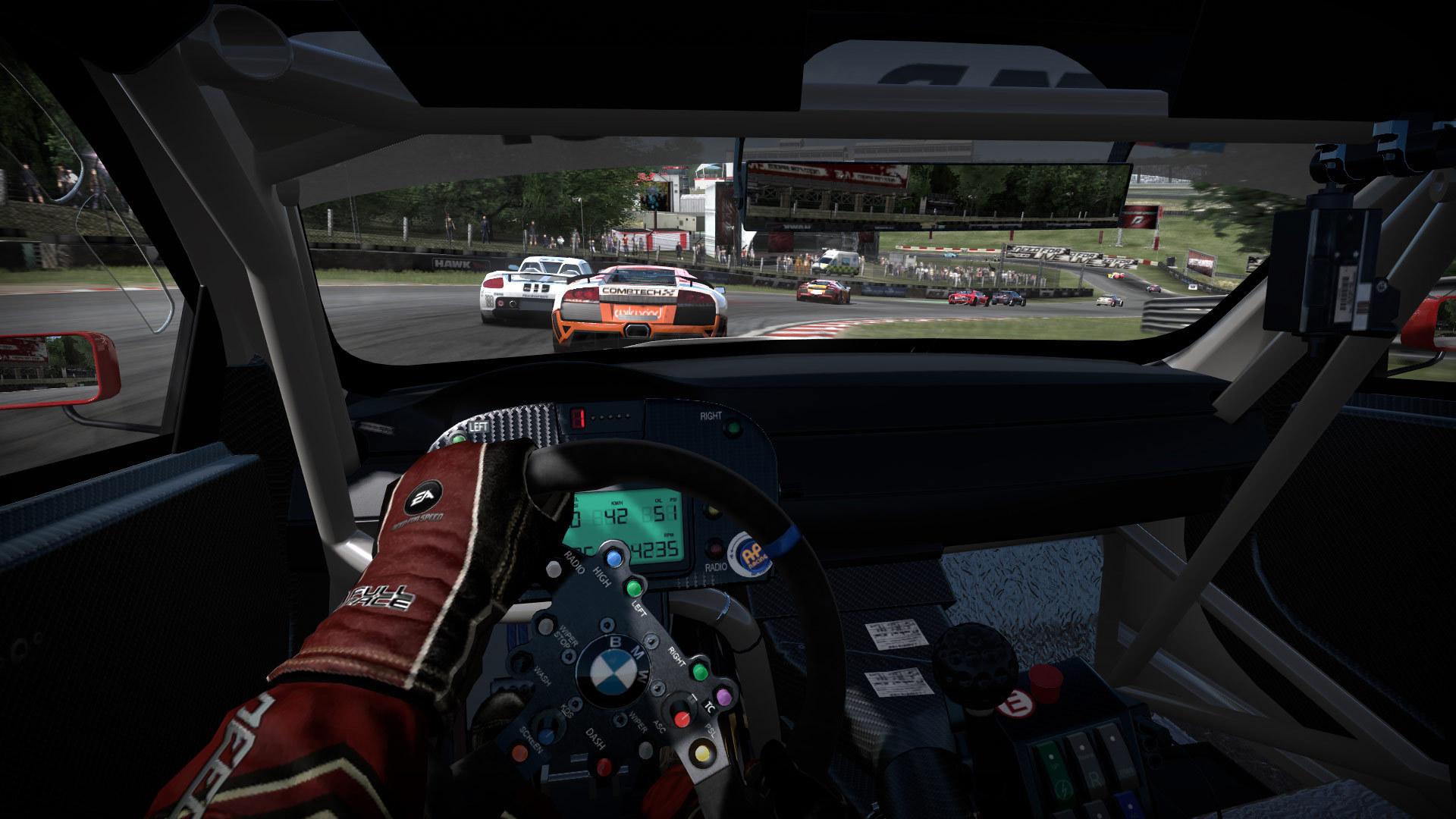
Official store screenshots from Steam — deckport links them, never rehosts. Hover to pause; click to preview.
Identity
Launch
- Binary
- shift.exe
- Needs files
- none beyond the binary
Proton
- Version
- GE-Proton
- Winetricks
- —
- ProtonDB
- ProtonDB Gold runs perfectly after tweaks
⚙ Setup notes
Overview: 2009 racing sim, delisted from Steam 2021-05-31 (appid 24870). Was ProtonDB Platinum and many players report it running flawlessly out of the box with full native gamepad support (Xbox 360/One).
Proton: A regression in newer stock Proton (ValveSoftware/Proton issue #8435) can cause a black screen / freeze after the logo or hang at the language-select screen — pin GE-Proton or an older Proton 7.0/8.0 build to dodge it.
Display: Disable any Steam overlay/alt-tab focus stealing — alt-tab can lock the game up.
Controller: If the controller misbehaves, edit Documents/Need For Speed/Settings/PROFILEOPTIONS_profile and remove every Type 3 instance.
Patch: Install the official v1.02 patch (cumulative — rolls up every official fix) before relying on save/career stability.
Multiplayer: Servers are retired (offline 2021); single-player and career are the playable modes.
Install: Normal-install-then-copy via Steam — deckport only configures the prefix; it never bundles or links the game files. Note the retail DISC release used SecuROM, which does not run under Proton; use the Steam executable instead.
The one thing to know
Supply your own copy: Delisted title (off Steam since 2021-05-31, appid 24870), so not for sale. This recipe describes prefix setup only; it does not say where to get the game.
Proton: Historically ProtonDB Platinum and reported working on the Deck out of the box with native gamepad support, but newer stock Proton regressed (Proton issue #8435: black screen / freeze after the logo or at language-select) — pin GE-Proton or an older Proton 7.0/8.0 build. Tier set to gold to reflect the regression.
Binary: PCGamingWiki lists the launcher as SHIFT.exe; Proton's filesystem is case-insensitive so shift.exe resolves the same. Confirm against your own install.
Patch: Apply the official v1.02 patch (cumulative) for the most stable build. The retail DISC version shipped with SecuROM, which does not run under Proton — use the Steam executable.
Controller: Flake fix — remove every Type 3 from Documents/Need For Speed/Settings/PROFILEOPTIONS_profile.
Multiplayer: Online/multiplayer is dead; play single-player/career.
Community guides
Write-ups and threads from people who got this (or a similar) game running. deckport links to them — it doesn't reproduce them.
Get the artwork
deckport never hosts game images. Open this game on SteamGridDB, pick
the cover / hero / logo / icon you like, and drop them into the
game folder under .deckport-art/ before you push it to the
Deck. The importer files them under the right names automatically.
Run it on your Deck
Two files: the one-time importer (deckport.py) in your
Deck's home folder, and this game's install helper. Copy the game
into ~/Games and run the helper with Steam closed — it
writes the recipe (binary, launch options, Proton version)
and registers the shortcut with artwork.