About
Need for Speed: Undercover is the twelfth main entry in the long-running Need for Speed series, developed by EA Black Box and released in 2008. Players go undercover as a police informant to infiltrate a street-racing crime ring, with a story told through live-action cutscenes and open-world pursuit-heavy racing. It was a return to the arcade cops-and-racers formula after the simulation-leaning ProStreet, though it drew mixed reviews for performance issues and a thin open world. The PC version has since been delisted from digital storefronts and is no longer sold.
Screenshots
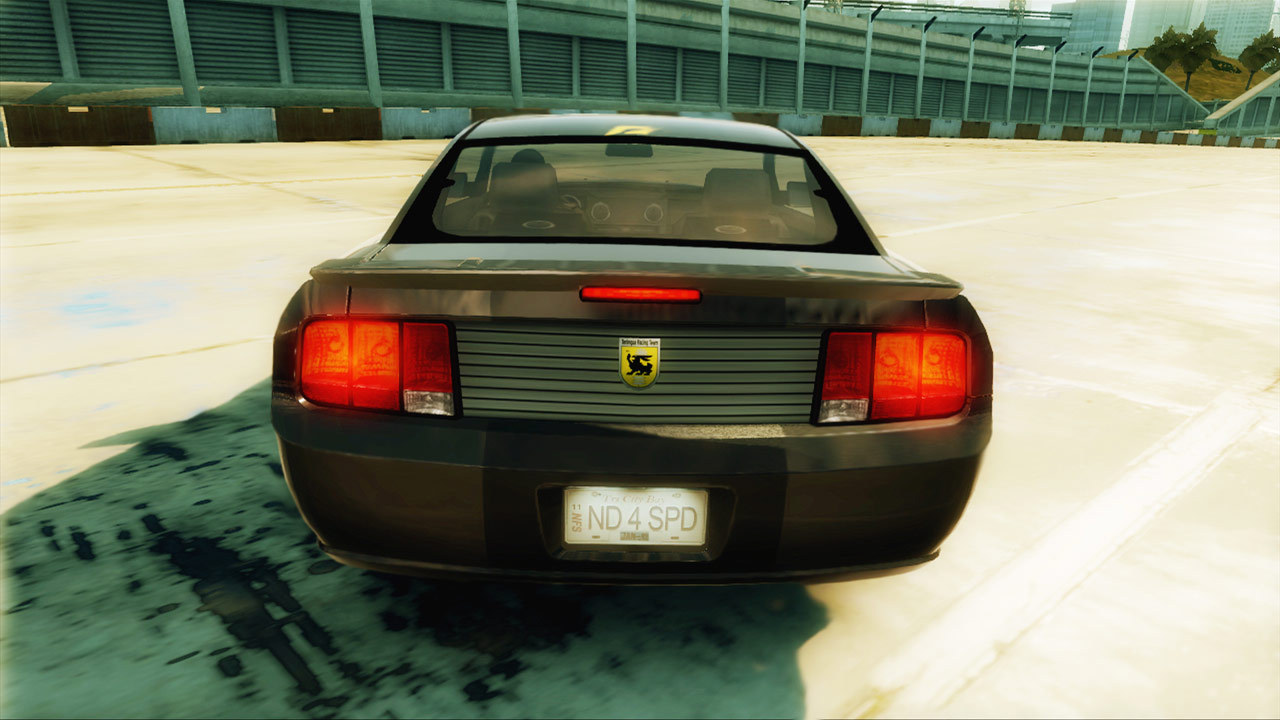
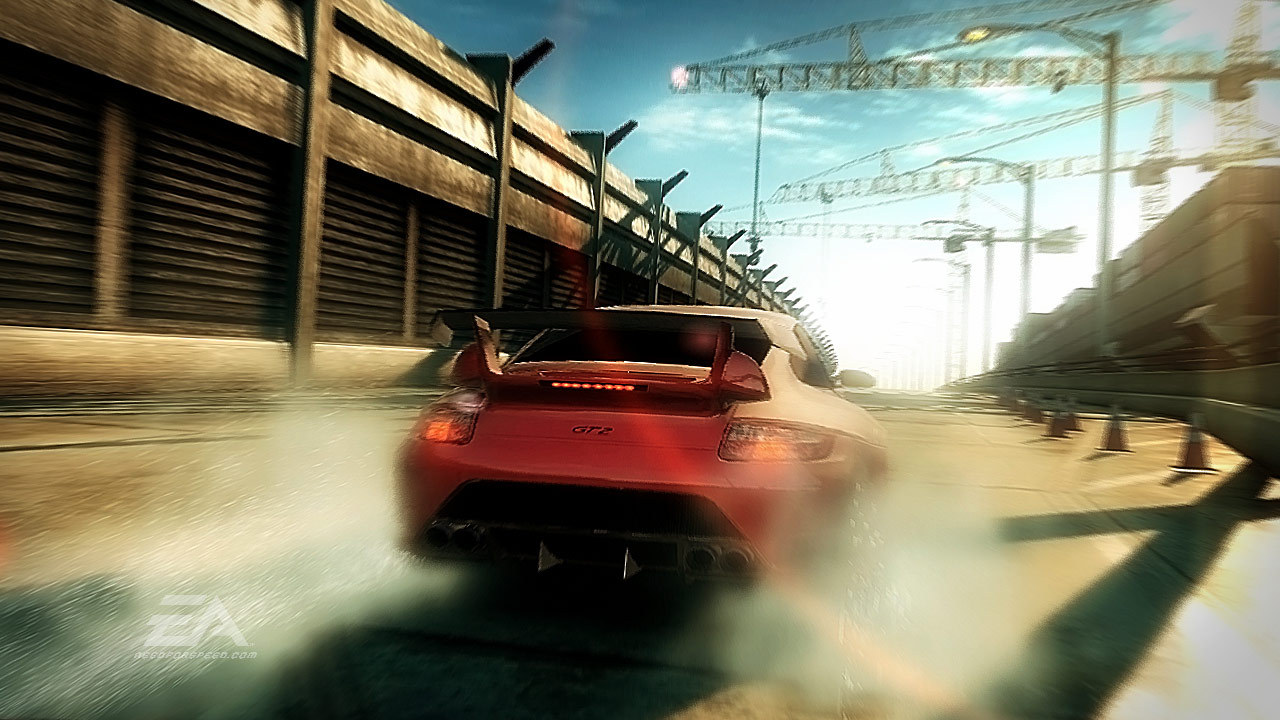
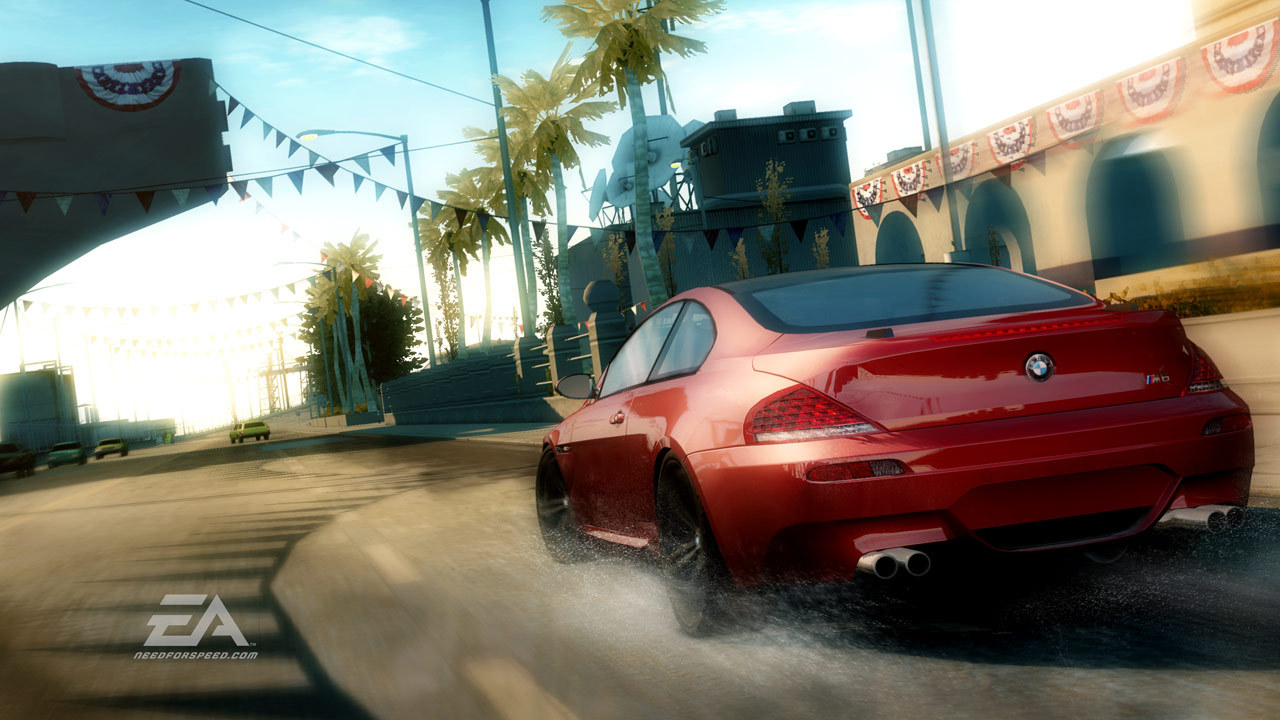
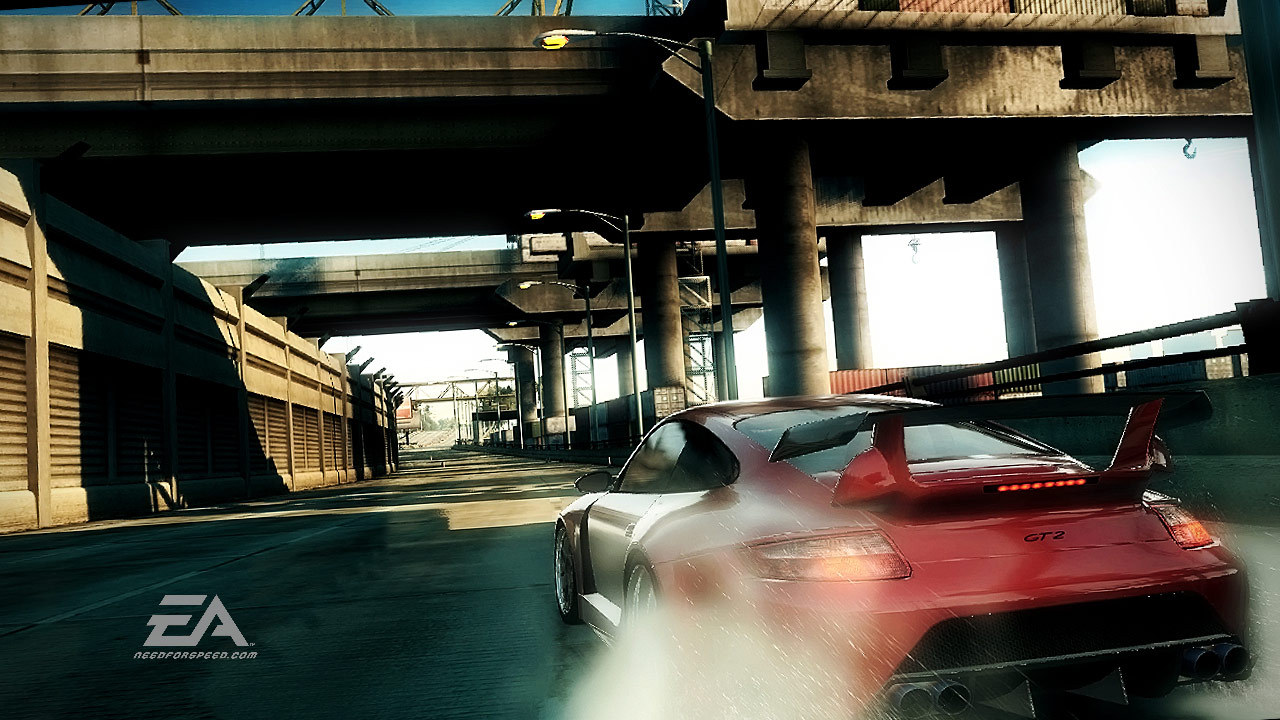
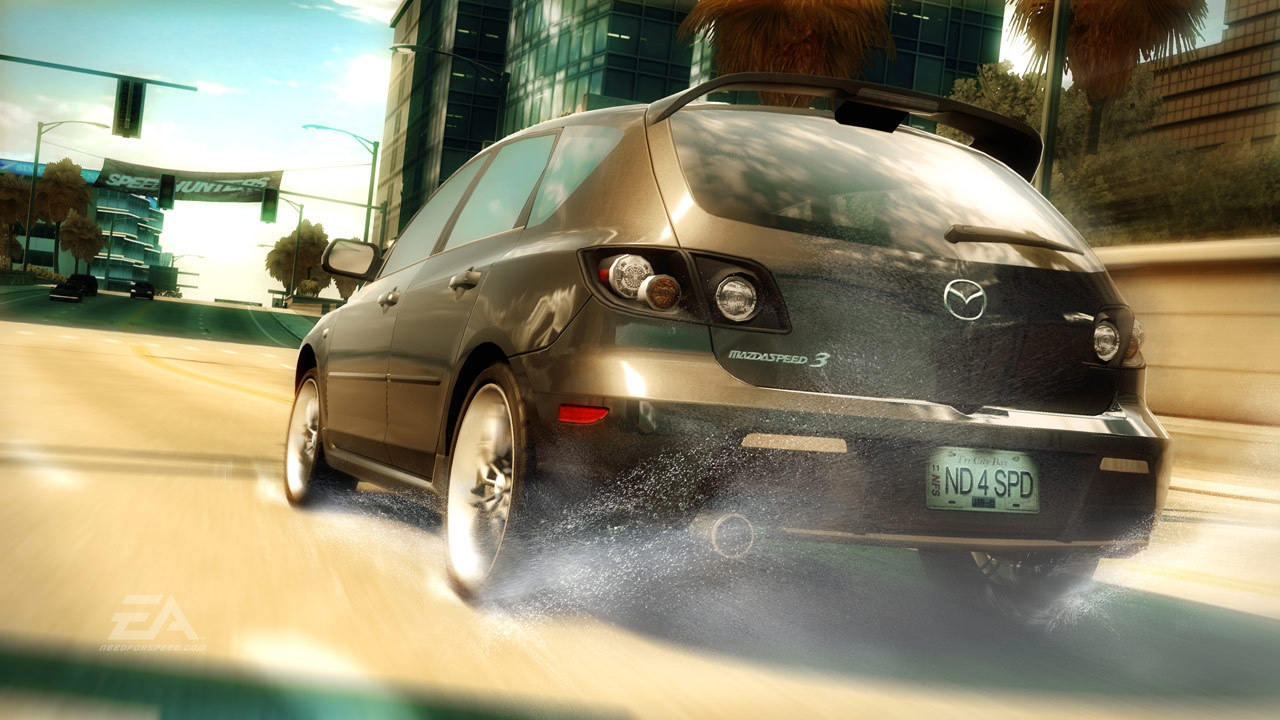
Official store screenshots from Steam — deckport links them, never rehosts. Hover to pause; click to preview.
Identity
Launch
- Binary
- nfs.exe
- Needs files
- none beyond the binary
Proton
- Version
- Proton 7.0-6
- Winetricks
- —
- ProtonDB
- ProtonDB Gold runs perfectly after tweaks
⚙ Setup notes
DRM: Delisted Steam game (appid 17430). ProtonDB tier gold — community reports it running well on the Deck in Gaming Mode with full controller support out of the box.
Proton: Use Proton 7.0-6: some users hit mission crashes on newer/experimental Proton that went away on Proton 7.
Controller: Recommended polish is the ThirteenAG Widescreen Fixes Pack 'NFSUndercover Generic Fix' dropped next to nfs.exe (an ASI/d3d9 plugin) — set ImproveGamepadSupport = 1 for correct controller glyphs and Scaling = 1 for proper FOV at the Deck's 1280x800.
Fix: Note one snag: the Generic Fix can prevent the game starting under some setups (WidescreenFixesPack issue #1488); if it fails to launch, remove the fix — the game still runs and is playable without it, just without glyphs.
Display: Launch only from Gaming Mode (it does not run from Desktop Mode).
Install: deckport only configures the prefix; it never bundles or links the game files.
The one thing to know
Supply your own copy. deckport links nothing. Delisted Steam game (appid 17430), ProtonDB gold. Single-player; no online servers needed.
Binary: nfs.exe.
Proton: Best on Proton 7.0-6 — experimental/newer Proton can crash on certain missions.
Controller: Works natively in Gaming Mode; the ThirteenAG Generic Fix (ImproveGamepadSupport=1, Scaling=1) adds correct glyphs and 1280x800 FOV but can block launch on some setups (remove it if the game won't start). No controller remapping.
Quirks: Runs only in Gaming Mode (not Desktop), Steam overlay does not work, and saves are NOT in Documents or Steam Cloud — do not uninstall or you lose your save.
Community guides
Write-ups and threads from people who got this (or a similar) game running. deckport links to them — it doesn't reproduce them.
Get the artwork
deckport never hosts game images. Open this game on SteamGridDB, pick
the cover / hero / logo / icon you like, and drop them into the
game folder under .deckport-art/ before you push it to the
Deck. The importer files them under the right names automatically.
Run it on your Deck
Two files: the one-time importer (deckport.py) in your
Deck's home folder, and this game's install helper. Copy the game
into ~/Games and run the helper with Steam closed — it
writes the recipe (binary, launch options, Proton version)
and registers the shortcut with artwork.