About
Ninja Blade is a 2009 cinematic action game from FromSoftware, originally published by Microsoft Game Studios for Xbox 360 and Windows. The player controls modern ninja Ken Ogawa as he battles a parasitic 'Alpha-worm' outbreak overrunning Tokyo, in over-the-top stages punctuated by frequent quick-time-event finishing moves called 'todome'. Heavily inspired by Ninja Gaiden, Devil May Cry and Onimusha, it drew mixed reviews largely for its reliance on QTEs, but is remembered as a stylish, derivative B-tier brawler. It is notable as one of FromSoftware's lesser-known pre-Souls action titles, and was later pulled from sale on Steam.
Screenshots
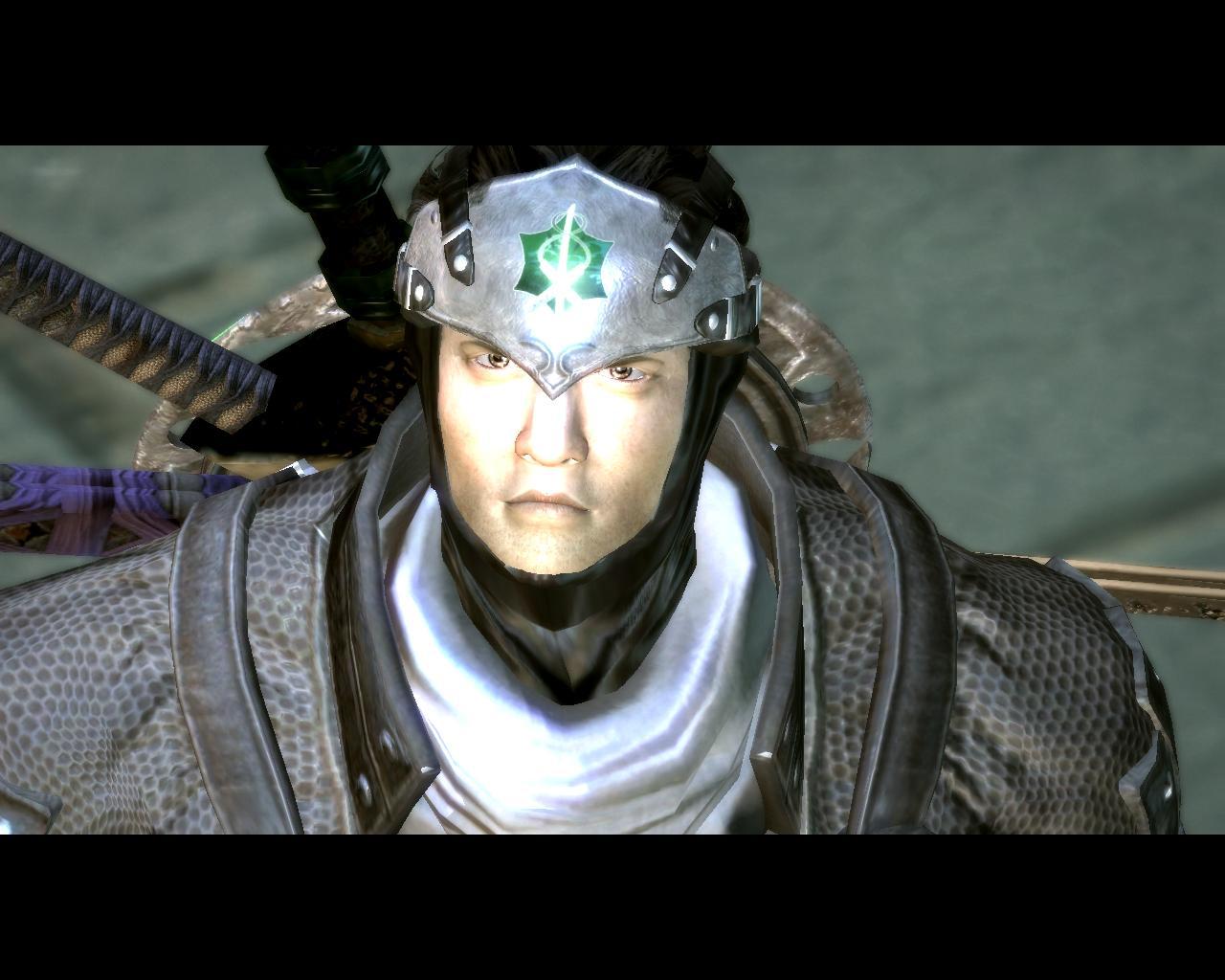
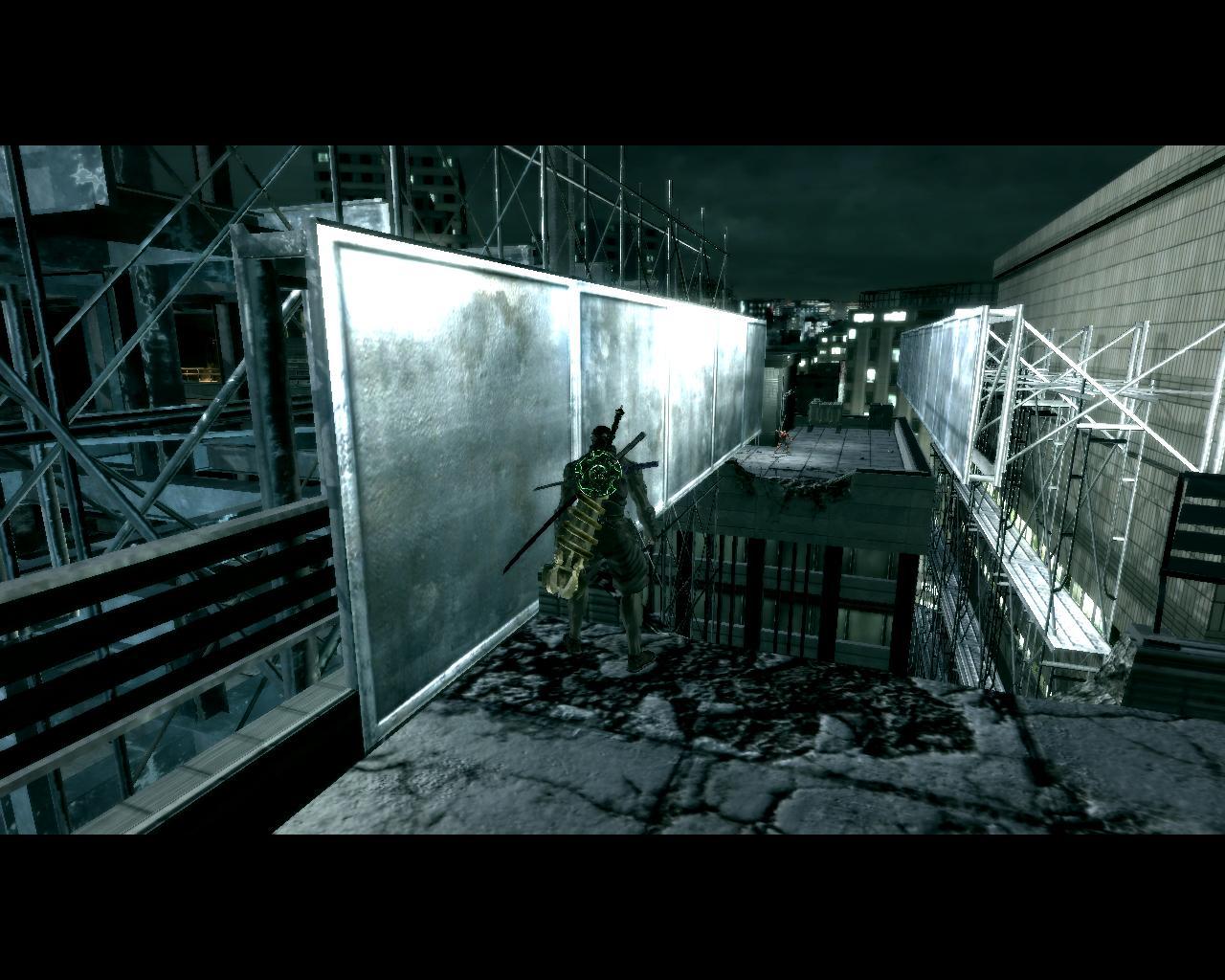
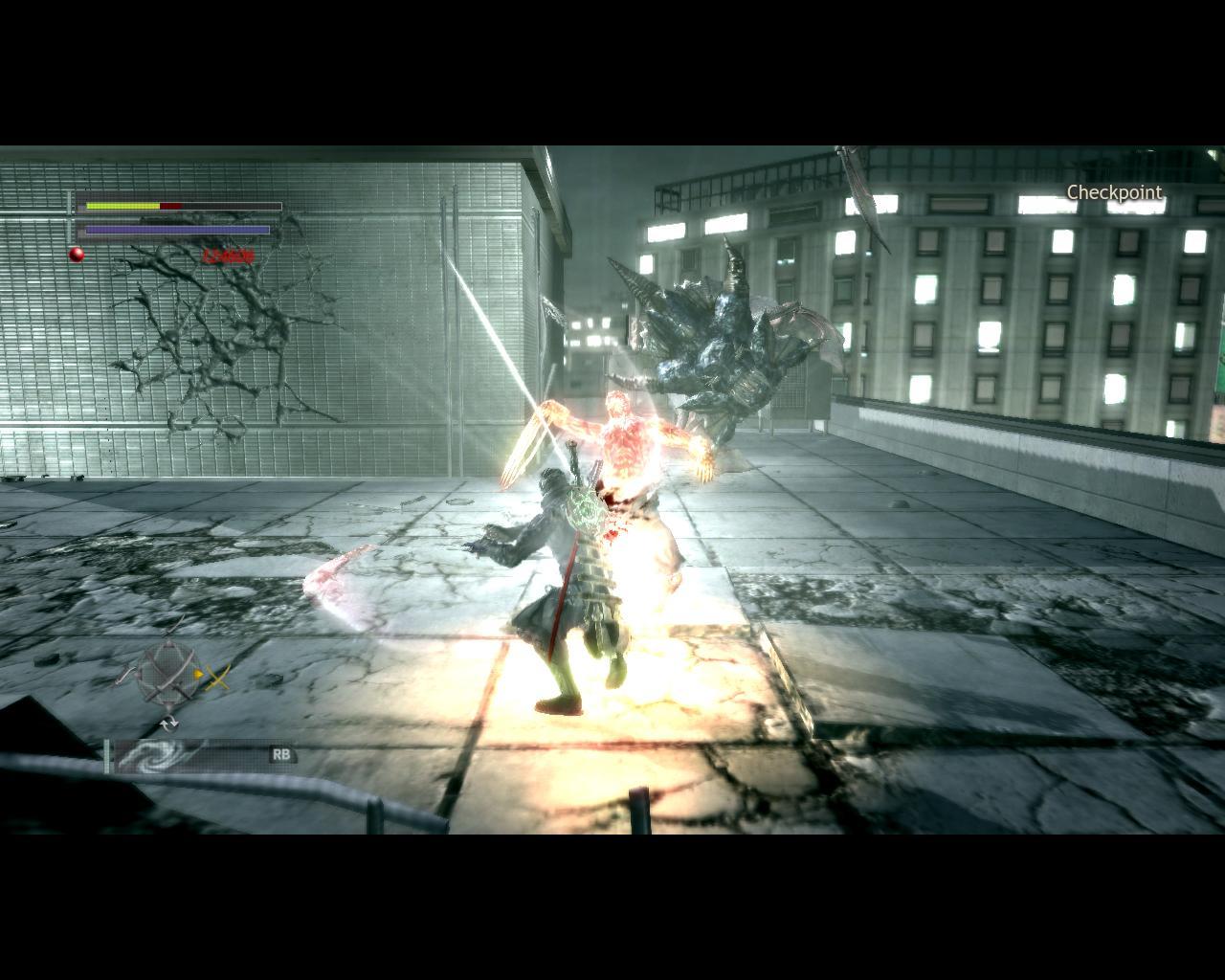
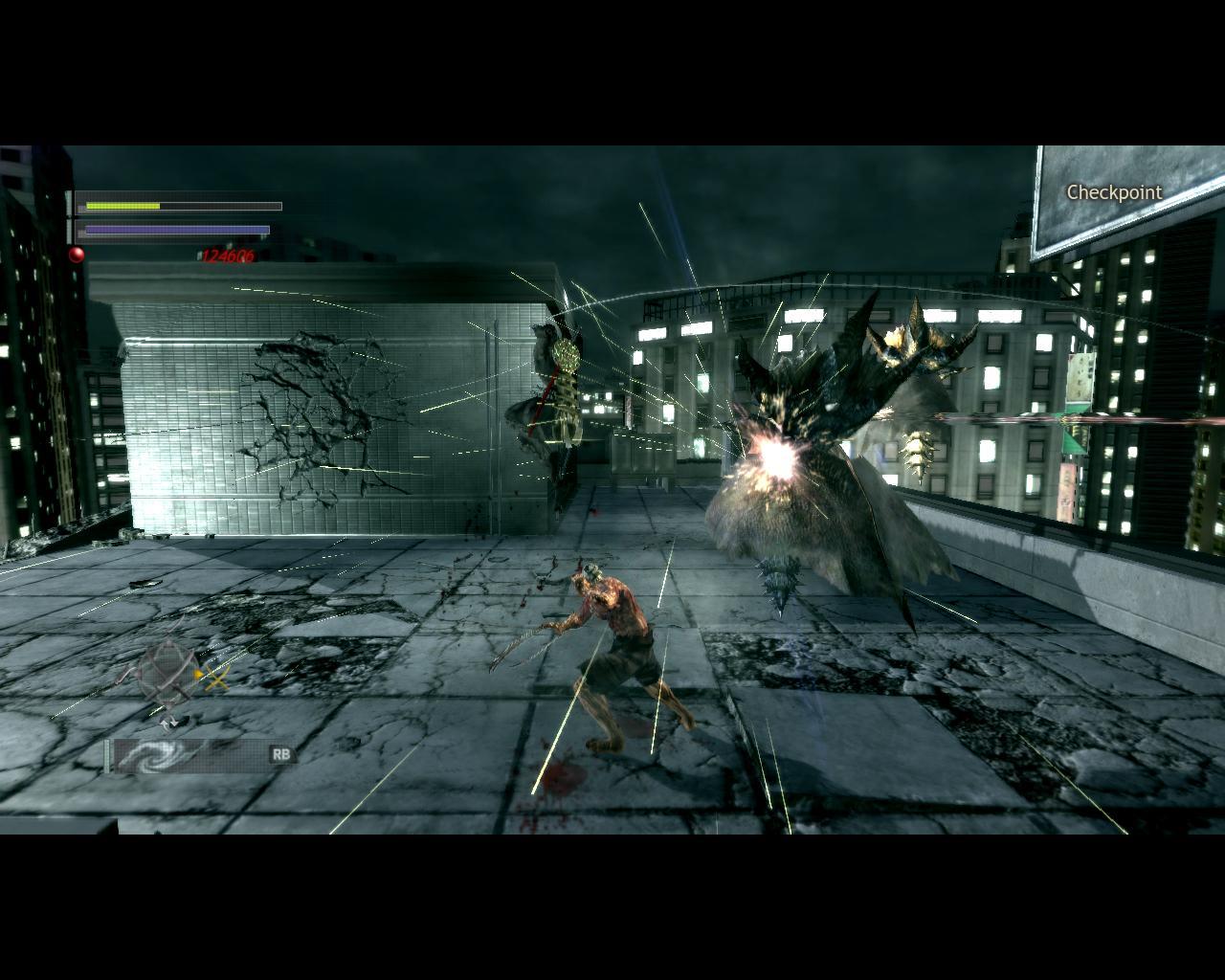
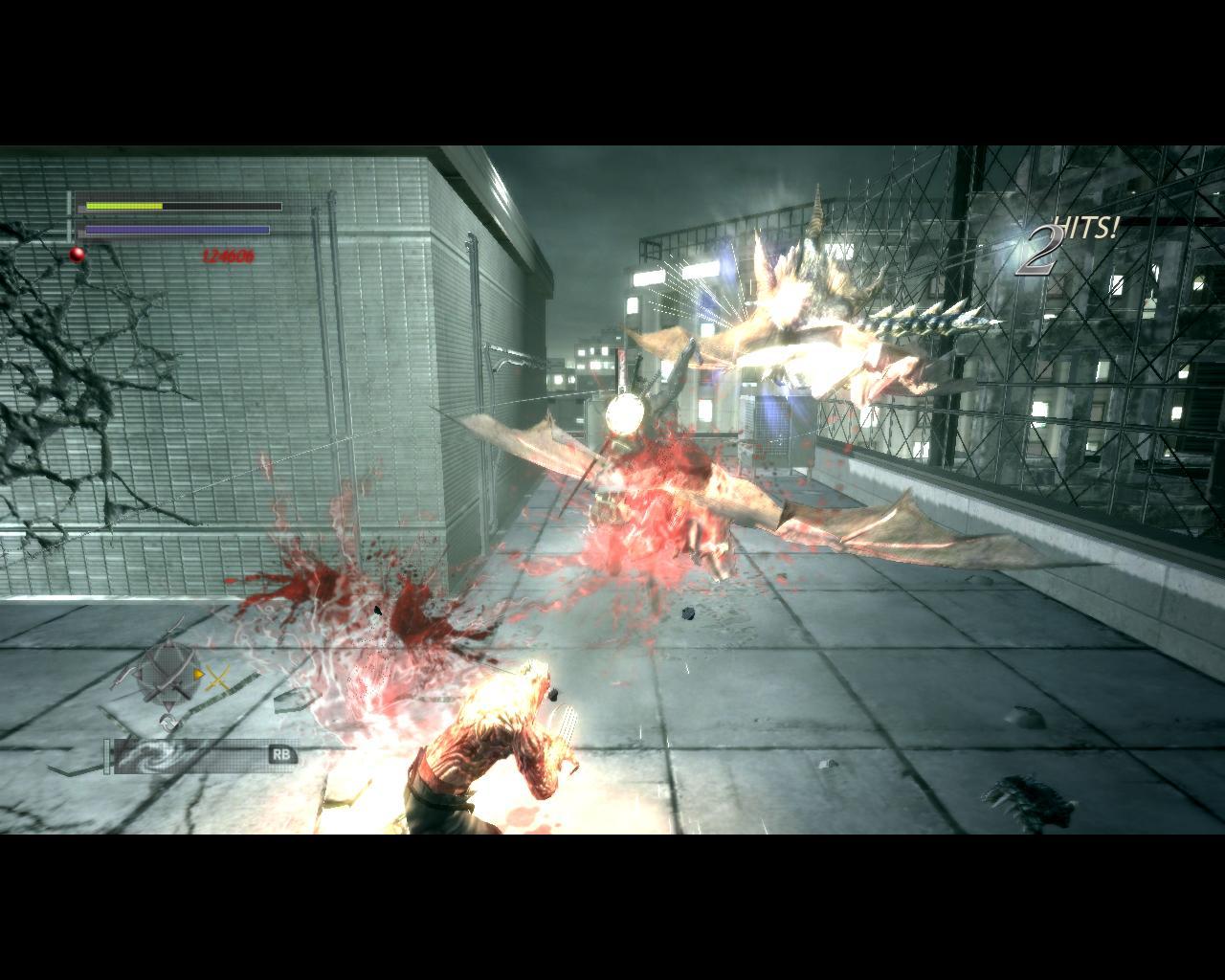
Official store screenshots from Steam — deckport links them, never rehosts. Hover to pause; click to preview.
Identity
Launch
- Binary
- NinjaBlade.exe
- Needs files
- none beyond the binary
Proton
- Version
- GE-Proton
- Winetricks
- —
- ProtonDB
- ProtonDB Gold runs perfectly after tweaks
⚙ Setup notes
Game: FromSoftware's 2009 cinematic hack-and-slash (very QTE-heavy), delisted from Steam April 2022 at the publisher's request (appid 37010).
Proton: GE-Proton is the safe pick — DXVK handles this DX9-era port and it bundles the bits this Games for Windows - LIVE (GFWL) title leans on.
GFWL: the digital release depends on Games for Windows - LIVE (xlive.dll). The community-standard fix to launch it offline under Proton without installing the dead GFWL client is the XLiveLess stub DLL (drop the replacement xlive.dll next to NinjaBlade.exe). Note: GFWL saves are tied to the old service and won't transfer.
Cutscenes/FMV: the pre-rendered videos use the WMV/VC-1 codec, which Proton doesn't decode out of the box — intro and cutscene movies play as a black screen (subtitles still show). Press Esc to skip them; gameplay is unaffected.
Controller: a 'lazy' Xbox 360 port, so the Deck's built-in controller maps cleanly via XInput. All button prompts (incl. the QTEs and finishing moves) assume a gamepad, so no Steam Input layout needed.
Frame rate is CRITICAL: the port re-applies a 30 FPS cap on every launch — in-game set Frame Rate Setting to Variable, but cap to ~60 (use the Deck's TDP/FPS limiter), because going much past 60 corrupts QTEs and finishing-move timing and can soft-lock the wall-run sections.
The one thing to know
Supply your own copy: delisted commercial game (Steam appid 37010, pulled April 2022).
DRM: the digital/Steam version is a Games for Windows - LIVE title and wants xlive.dll to launch — use the XLiveLess stub to run it offline (no GFWL client). The older disc release additionally used StarForce, which destabilises modern Windows; the digital copy is the one to use.
Frame rate: the port hard-caps to 30 FPS on every launch (switch Frame Rate Setting to Variable each time), but going much past 60 can break finishing-move QTEs and the wall-run jump timing, so cap ~60 with the Deck's FPS limiter.
Black-screen cutscenes: intro and FMV movies (WMV/VC-1 codec) render black under Proton — only subtitles show. Press Esc to skip; it doesn't affect gameplay.
Known bug: on the wall-run sections the jump sometimes won't register and you fall — retry, or use a completed save.
Controller: works out of the box (XInput), no Steam Input layout required.
Binary: NinjaBlade.exe. deckport links nothing.
Community guides
Write-ups and threads from people who got this (or a similar) game running. deckport links to them — it doesn't reproduce them.
Get the artwork
deckport never hosts game images. Open this game on SteamGridDB, pick
the cover / hero / logo / icon you like, and drop them into the
game folder under .deckport-art/ before you push it to the
Deck. The importer files them under the right names automatically.
Run it on your Deck
Two files: the one-time importer (deckport.py) in your
Deck's home folder, and this game's install helper. Copy the game
into ~/Games and run the helper with Steam closed — it
writes the recipe (binary, launch options, Proton version)
and registers the shortcut with artwork.