About
Obulis is a physics-based puzzle game in which each level tasks the player with dropping colored spheres into matching pots. The spheres hang from chains and ropes that the player cuts, setting them in motion under simulated gravity so they swing, collide, and roll toward their targets. Levels are arranged across a linear world map with occasional branching paths, and the goal is to collect six medallions by clearing marked stages.
It was a small independent title later delisted from Steam after its distribution agreement with Meridian4 lapsed in 2020.
Screenshots


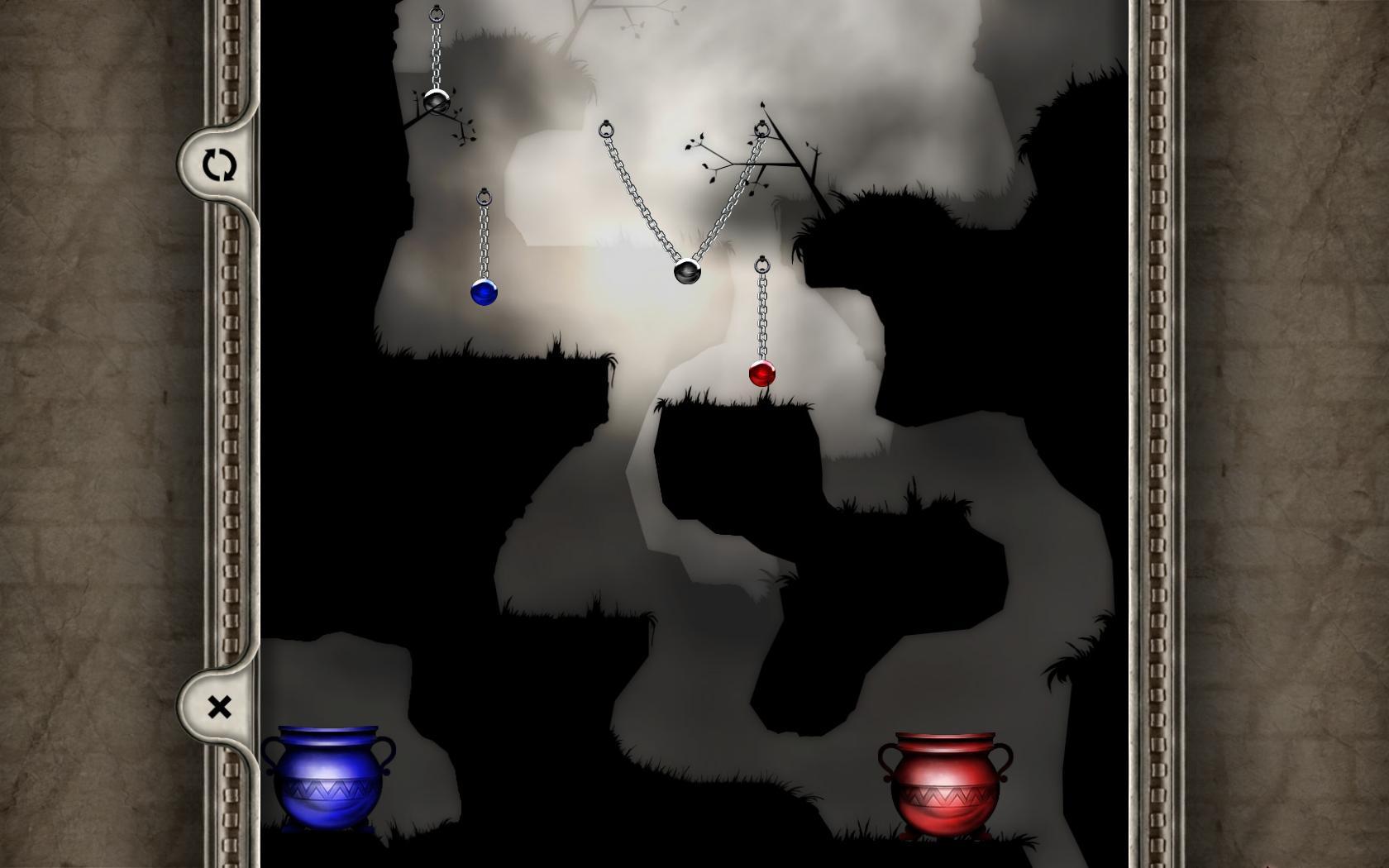

Official store screenshots from Steam — deckport links them, never rehosts. Hover to pause; click to preview.
Identity
Launch
- Binary
- obulis_steam.exe
- Needs files
- none beyond the binary
Proton
- Version
- GE-Proton
- Winetricks
- —
- ProtonDB
- ProtonDB Platinum runs flawlessly
⚙ Setup notes
DRM: Delisted Steam game (appid 11330, removed Nov 2020 after the IonFX/Meridian4 agreement lapsed).
Proton: ProtonDB Platinum — recent reports (Proton 10.0-3) confirm it runs out of the box on Linux/Deck; GE-Proton or proton_experimental both work.
Install: The real binary is obulis_steam.exe.
Display: If it fails to launch, force windowed / low-res via the in-game options. The Windows Run in 640x480 compatibility flag has no direct Proton analogue, so set resolution from the launcher instead.
Note: deckport only configures the prefix; it never bundles or links the game files.
The one thing to know
Supply your own copy: deckport links nothing.
DRM: Delisted from Steam Nov 2020 (no longer for sale).
Proton: ProtonDB Platinum with recent Proton 10 reports, so it should run cleanly on the Deck — flagged needs-test because nobody has confirmed this exact recipe on hardware.
Install: Binary confirmed as obulis_steam.exe.
Controller: No native gamepad support — Obulis is mouse-driven (left-click selects a rope/chain, right-click or Space cuts it, R restarts). On the Deck apply a Steam Input layout that maps the right trackpad/stick to mouse and a button to left/right click, or use the touchscreen.
Online: Single-player puzzle game, no online dependency.
Community guides
Write-ups and threads from people who got this (or a similar) game running. deckport links to them — it doesn't reproduce them.
Get the artwork
deckport never hosts game images. Open this game on SteamGridDB, pick
the cover / hero / logo / icon you like, and drop them into the
game folder under .deckport-art/ before you push it to the
Deck. The importer files them under the right names automatically.
Run it on your Deck
Two files: the one-time importer (deckport.py) in your
Deck's home folder, and this game's install helper. Copy the game
into ~/Games and run the helper with Steam closed — it
writes the recipe (binary, launch options, Proton version)
and registers the shortcut with artwork.