About
Ori and the Blind Forest is a 2015 Metroidvania platform-adventure developed by Moon Studios and published by Microsoft Studios. Players guide Ori, a small forest spirit, through a hand-painted world using fluid movement and progressively unlocked abilities. It was widely praised for its visuals, music, and tight platforming, and was followed by a sequel, Ori and the Will of the Wisps. This recipe targets the original (non-Definitive) Windows release, which was delisted from Steam in 2016 when the expanded Definitive Edition replaced it.
Screenshots
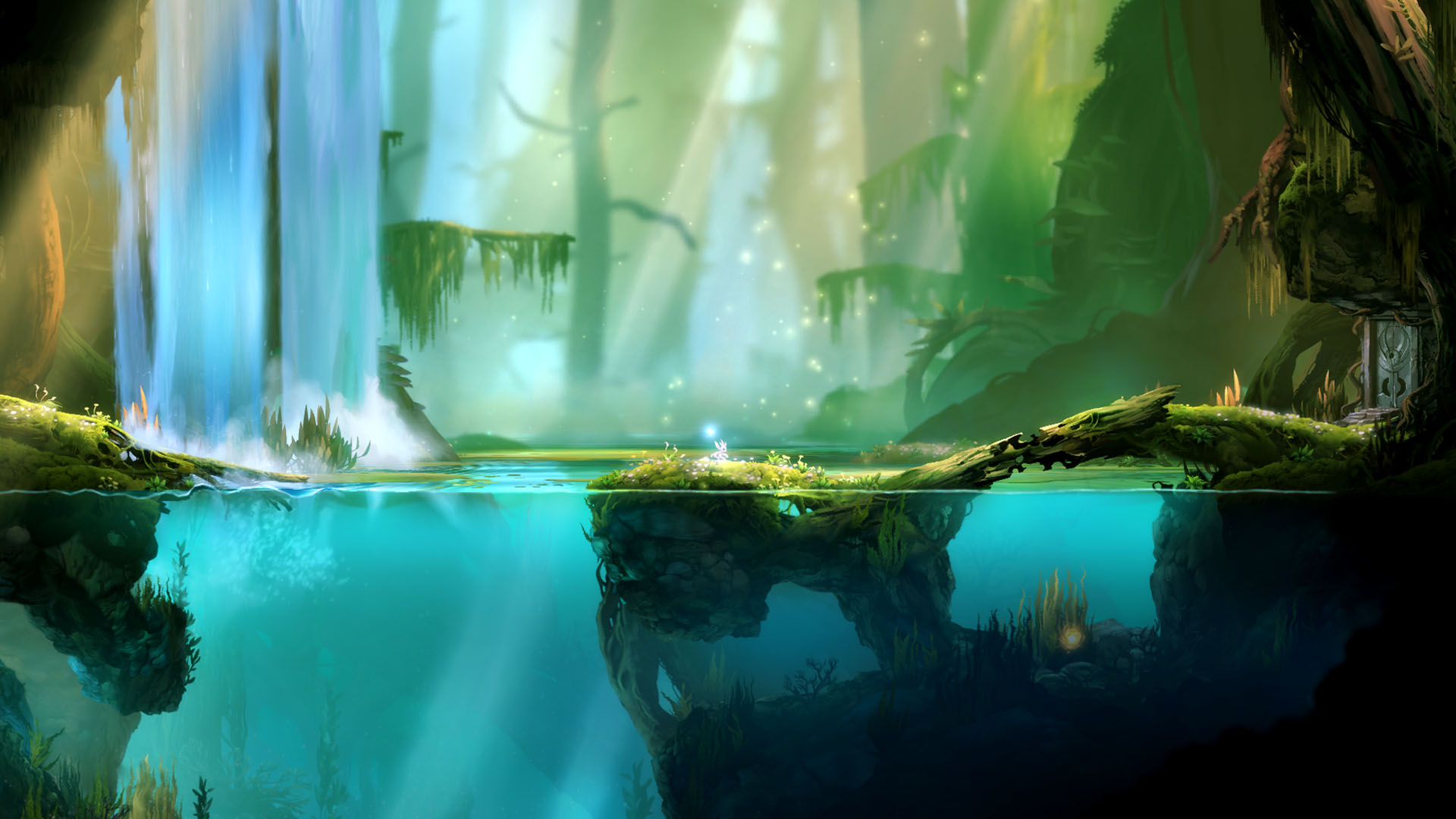
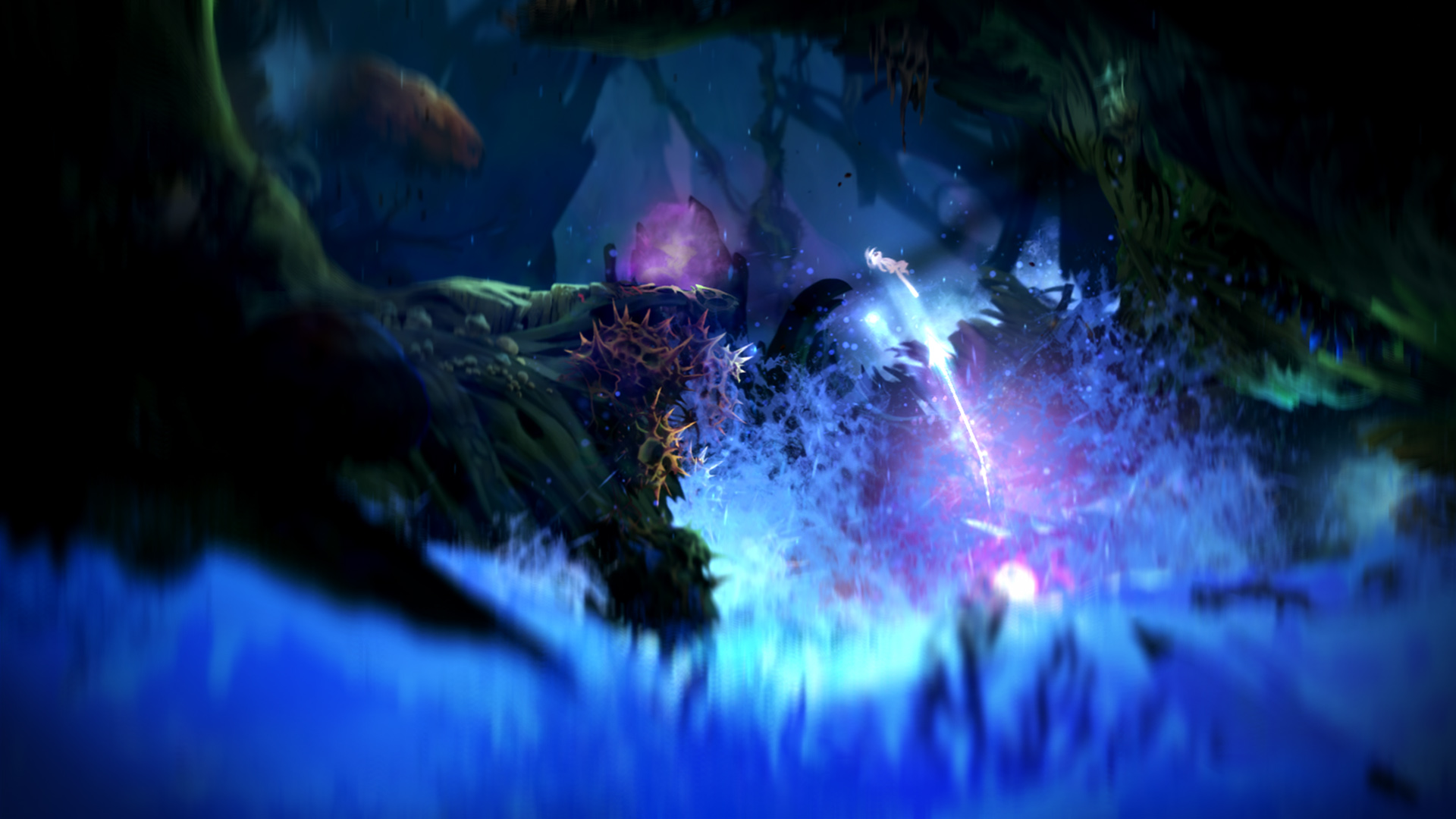
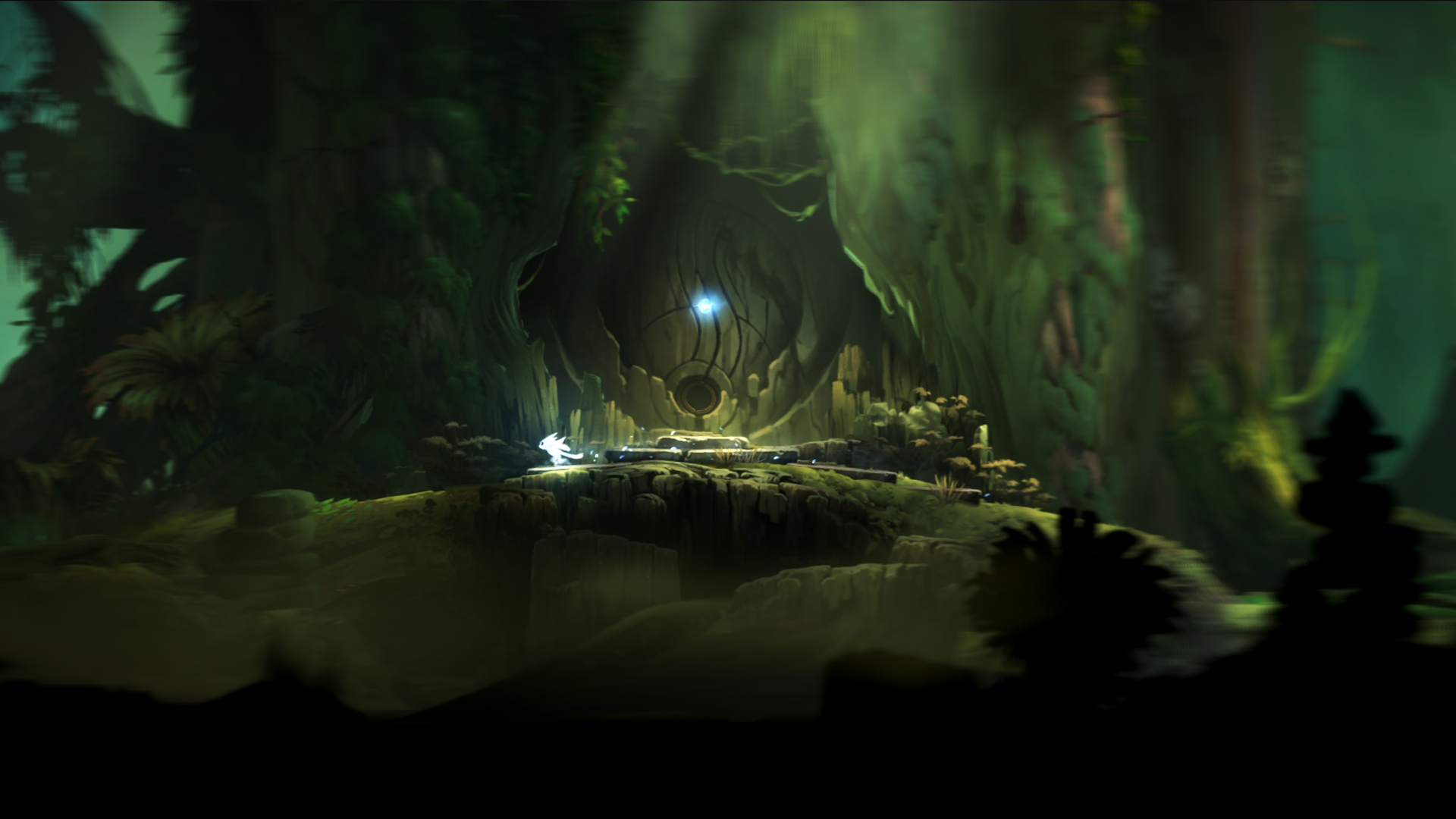
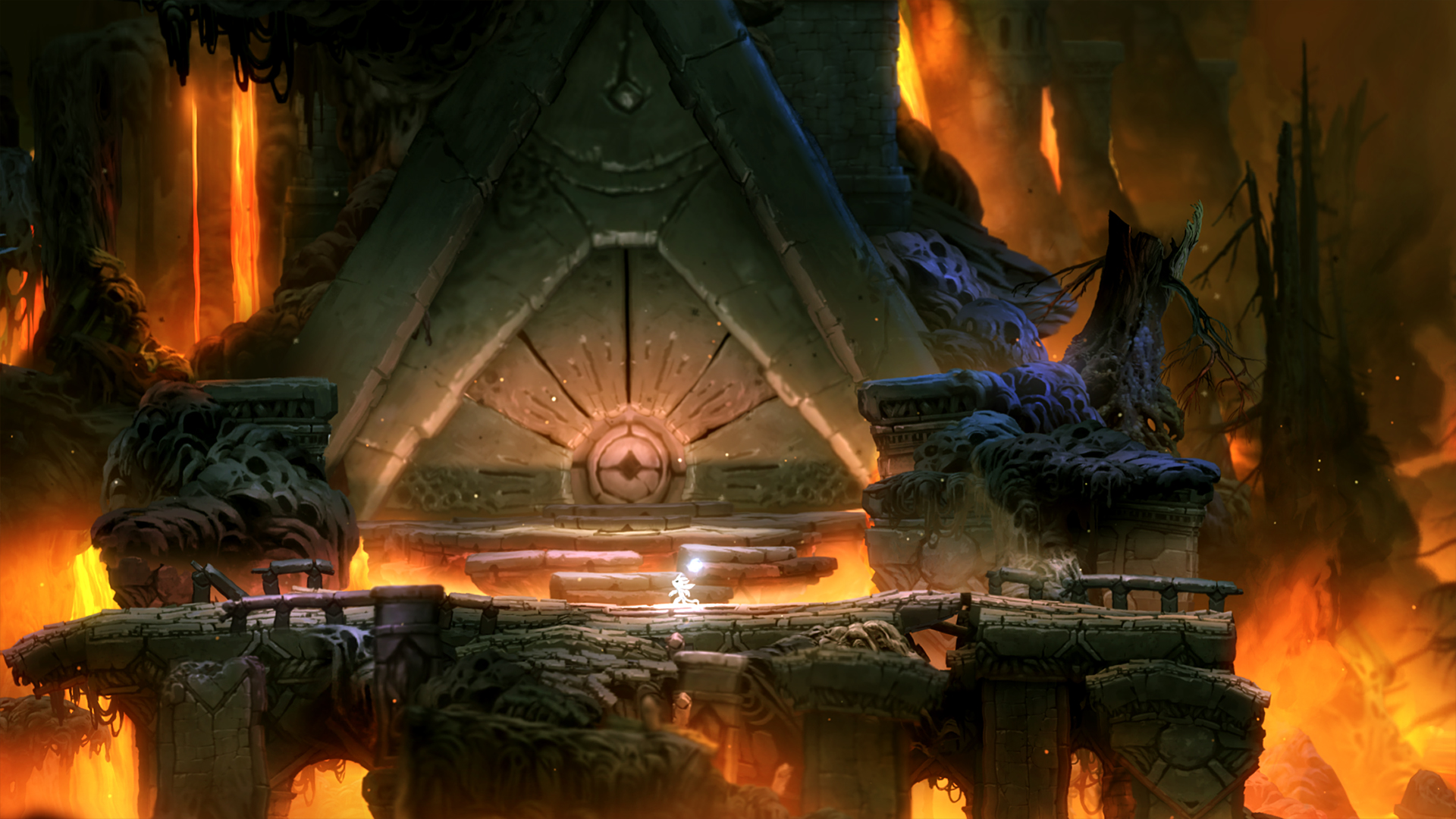
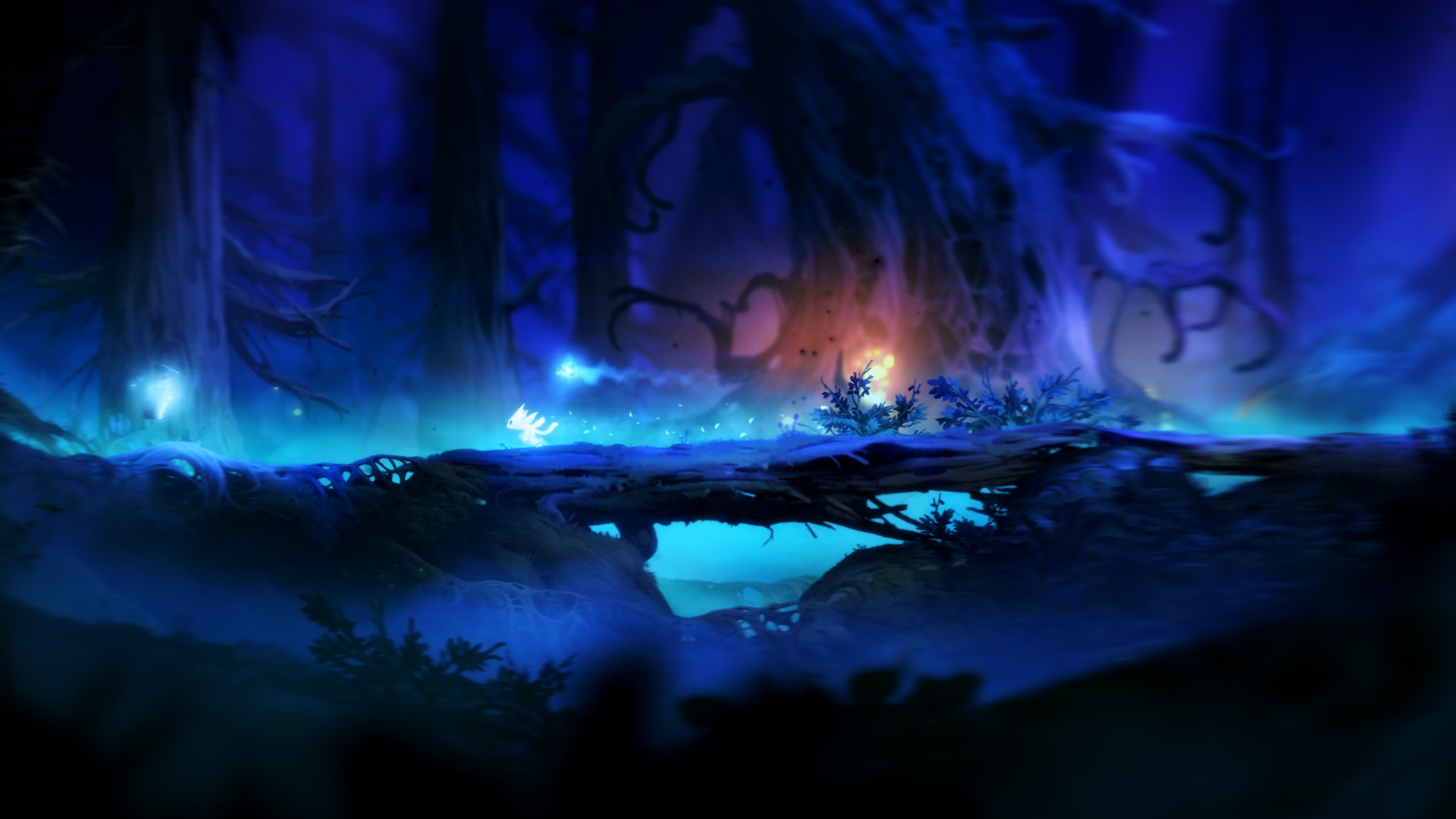
Official store screenshots from Steam — deckport links them, never rehosts. Hover to pause; click to preview.
Identity
Launch
- Binary
- ori.exe
- Needs files
- none beyond the binary
Proton
- Version
- GE-Proton
- Winetricks
- —
- ProtonDB
- ProtonDB Platinum runs flawlessly
⚙ Setup notes
Edition: Original (non-Definitive) Ori and the Blind Forest, Steam appid 261570 — delisted in 2016 when the Definitive Edition (387290) replaced it. The main executable is ori.exe (the DE uses oriDE.exe instead).
Proton: ProtonDB rates the original platinum: it runs essentially out of the box under Proton on the Steam Deck. GE-Proton or proton_experimental both work.
Fix: No DRM/GFWL workarounds, winetricks, or custom launch options are required.
Controller: The game ships with full native Xbox-style controller support, so the Deck's built-in gamepad just works — no Steam Input layout needed.
Install: deckport only configures the prefix; it never bundles or links the game files.
The one thing to know
Supply your own copy. deckport links nothing.
Edition: Original edition (appid 261570), delisted in 2016 in favour of the Definitive Edition (387290) which is still sold; this recipe targets the older non-DE build only. Binary is ori.exe.
Proton: ProtonDB platinum for the original — community reports it running cleanly under Proton on Deck with no fixes, no DRM/GFWL steps, and no winetricks.
Controller: Full native controller support, single-player offline, so no online-server concerns.
Status: needs-test — not yet confirmed on a physical Deck by a contributor.
Community guides
Write-ups and threads from people who got this (or a similar) game running. deckport links to them — it doesn't reproduce them.
Get the artwork
deckport never hosts game images. Open this game on SteamGridDB, pick
the cover / hero / logo / icon you like, and drop them into the
game folder under .deckport-art/ before you push it to the
Deck. The importer files them under the right names automatically.
Run it on your Deck
Two files: the one-time importer (deckport.py) in your
Deck's home folder, and this game's install helper. Copy the game
into ~/Games and run the helper with Steam closed — it
writes the recipe (binary, launch options, Proton version)
and registers the shortcut with artwork.