About
Outland is a 2D action platformer built around a polarity-switching mechanic inspired by the shoot-'em-up Ikaruga: the player toggles between blue (light) and red (dark) states to absorb same-colored attacks while damaging opposite-colored enemies, all woven into a Metroidvania-style adventure. Developed by Housemarque and published by Ubisoft, it debuted in 2011 on Xbox Live Arcade and PlayStation Network to strong reviews before arriving on PC via Steam in 2014.
The PC release supports a full storyline online co-op mode in addition to its single-player campaign. The Steam version was delisted in December 2018, briefly relisted in October 2020, and removed from sale again in April 2024.
Screenshots
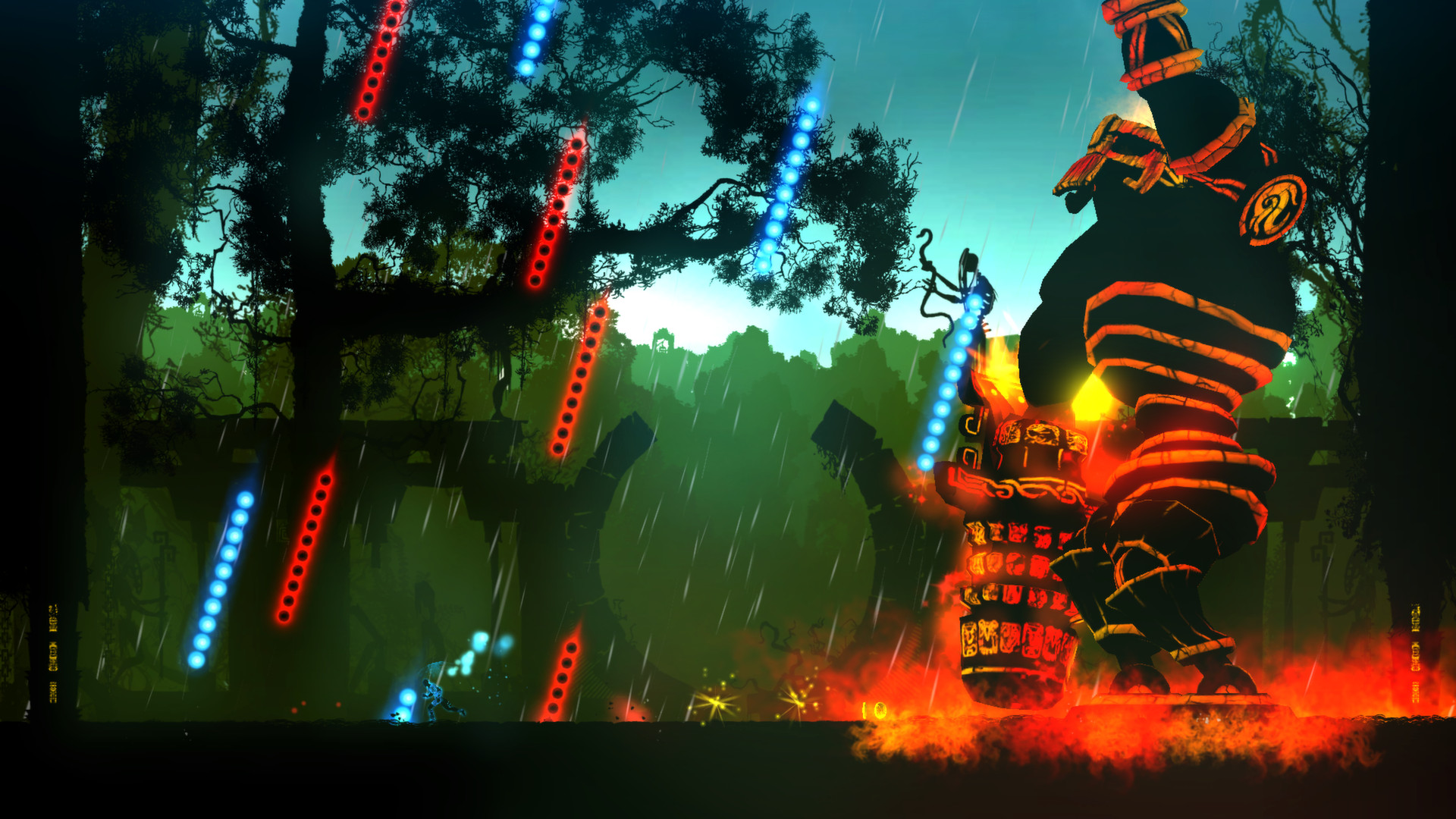
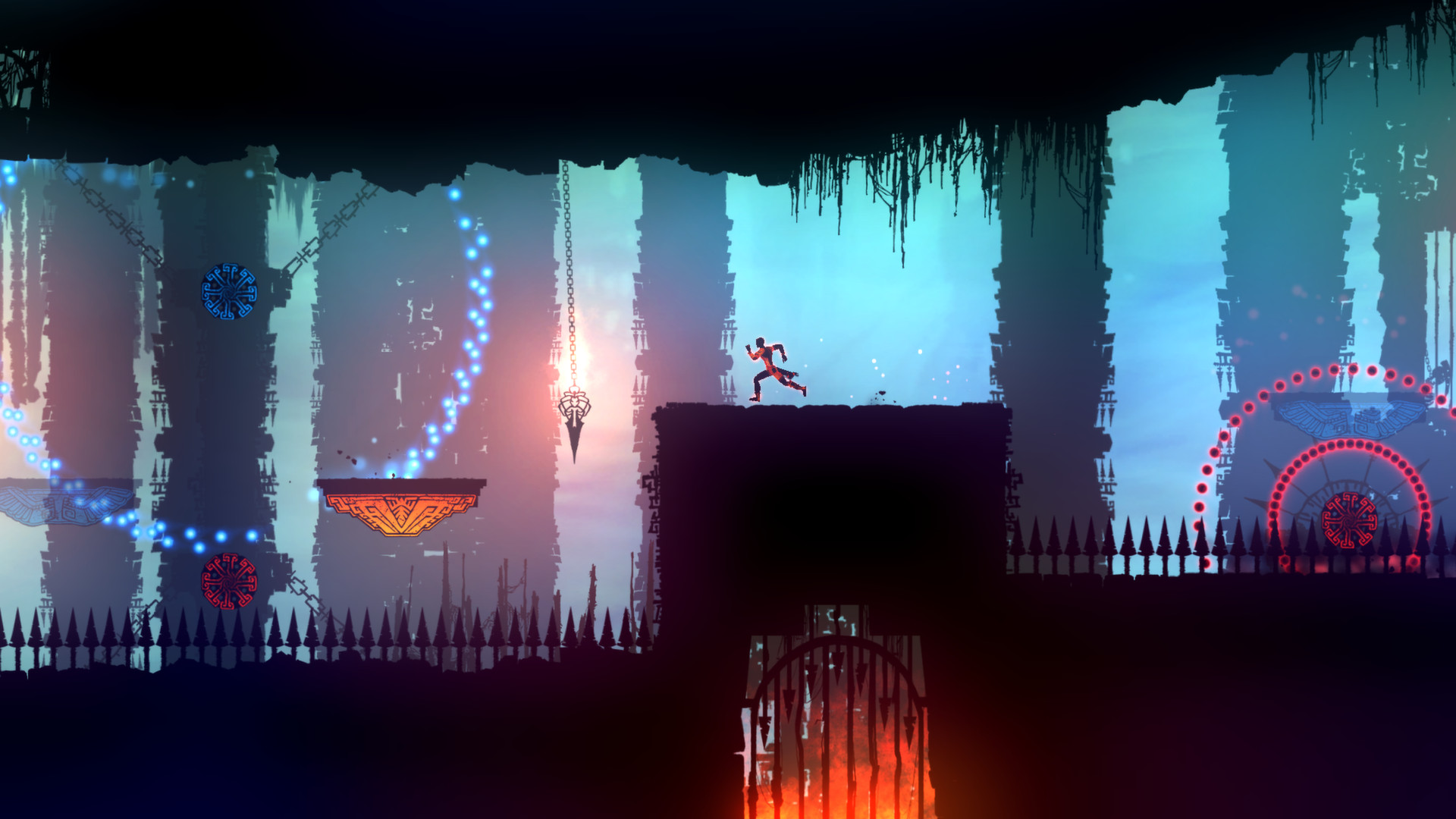
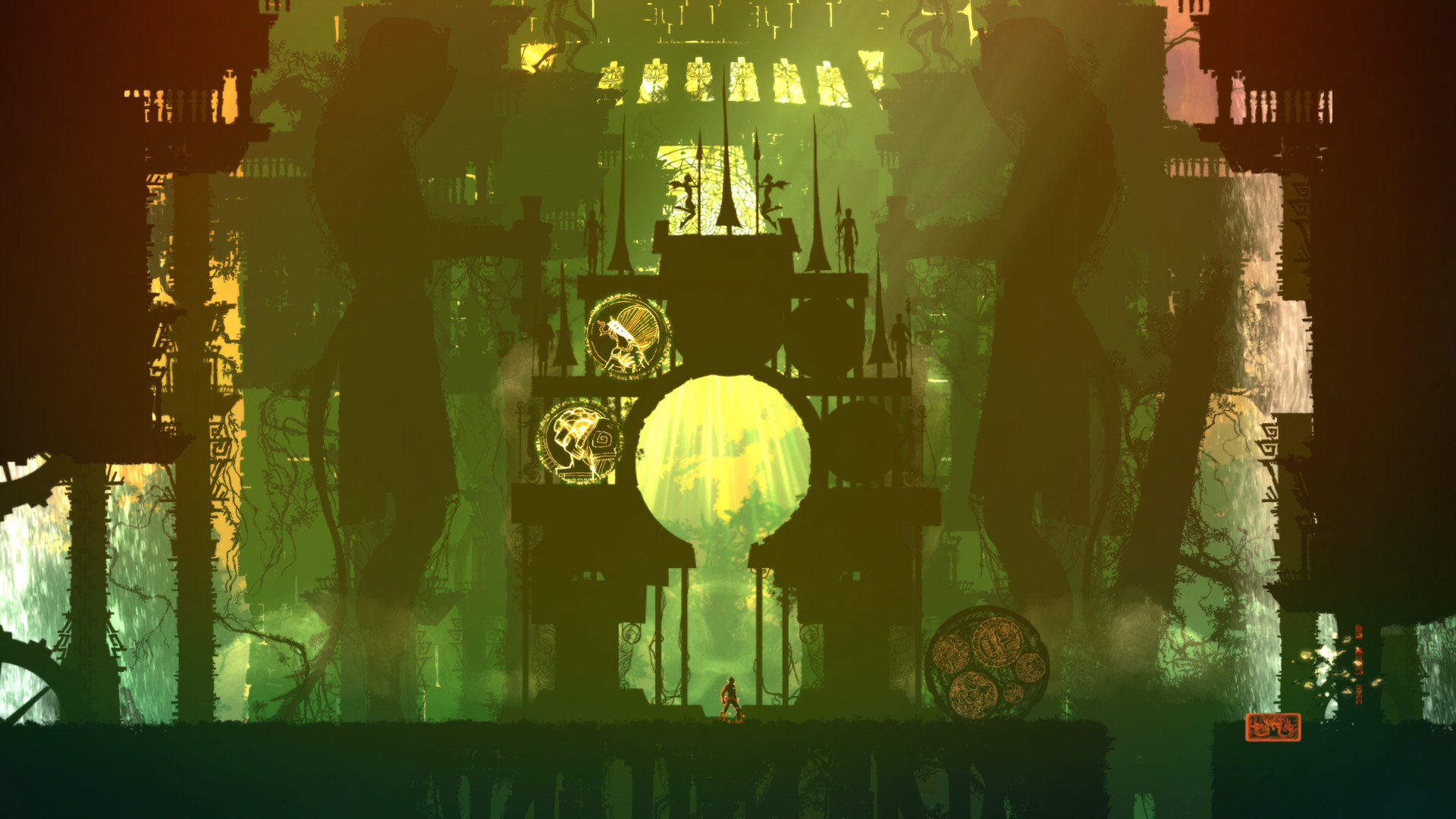
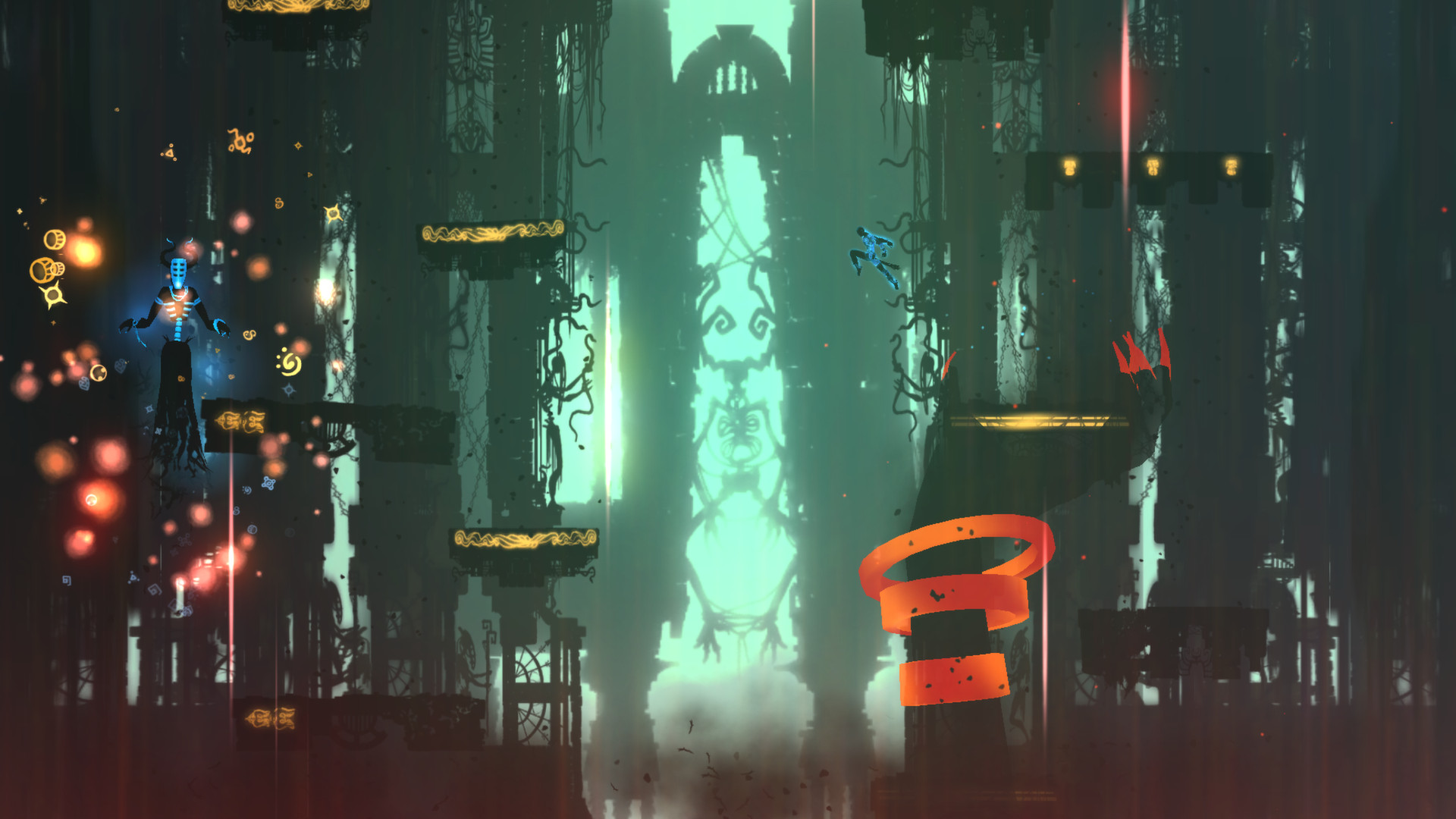
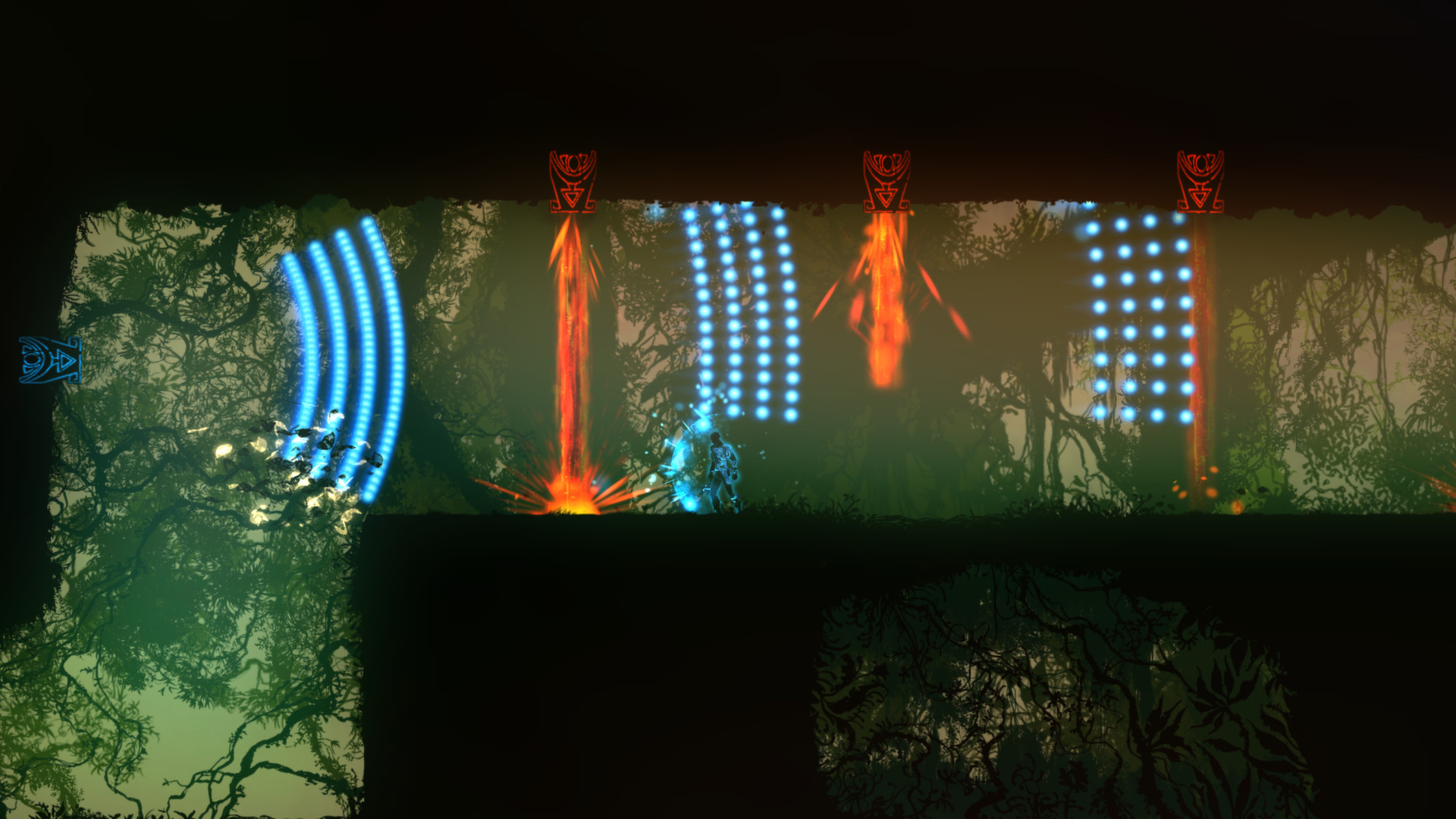
Official store screenshots from Steam — deckport links them, never rehosts. Hover to pause; click to preview.
Identity
Launch
- Binary
- Outland.exe
- Needs files
- none beyond the binary
Proton
- Version
- GE-Proton
- Winetricks
- —
- ProtonDB
- ProtonDB Gold runs perfectly after tweaks
⚙ Setup notes
Game: Delisted Steam game (appid 305050, Housemarque/Ubisoft side-scrolling platformer).
Proton: ProtonDB tier gold — community reports it running well on Linux/Proton, so it plays on the Deck. Run the Windows build Outland.exe under GE-Proton (Proton 8.0+/Experimental also work).
DRM: No GFWL, SecuROM, or other DRM hurdles.
Controller: The game speaks DirectInput rather than native XInput, so Steam's default gamepad mapping can act flaky — force a Steam Input gamepad layout for the title (Properties > Controller > 'Enable Steam Input') and the Deck's built-in controls work fine.
Native: A native Linux build also exists (Feb 2015); this recipe configures the Windows-via-Proton path.
Install: deckport only configures the prefix; it never bundles or links the game files.
The one thing to know
Supply your own copy: deckport links nothing.
Status: Delisted Steam game (appid 305050). ProtonDB gold; community reports confirm it runs on Linux/Proton, so it should run on the Deck under GE-Proton — needs a hands-on Deck pass to confirm this exact recipe.
Binary: Outland.exe (Windows build).
Controller: DirectInput-based, so enable Steam Input and use a gamepad layout if the in-game controller mapping misbehaves.
Native: A native Linux build also exists if you prefer it over Proton.
Community guides
Write-ups and threads from people who got this (or a similar) game running. deckport links to them — it doesn't reproduce them.
Get the artwork
deckport never hosts game images. Open this game on SteamGridDB, pick
the cover / hero / logo / icon you like, and drop them into the
game folder under .deckport-art/ before you push it to the
Deck. The importer files them under the right names automatically.
Run it on your Deck
Two files: the one-time importer (deckport.py) in your
Deck's home folder, and this game's install helper. Copy the game
into ~/Games and run the helper with Steam closed — it
writes the recipe (binary, launch options, Proton version)
and registers the shortcut with artwork.