About
Override: Mech City Brawl is a 3D mech-fighting brawler built in Unreal Engine 4, where giant robots fight in destructible cities. A standout feature lets up to four players co-pilot a single mech, each controlling different limbs. It received mixed-to-average reviews, praised for its visuals and chaotic multiplayer but criticized for slow, button-mash-heavy combat. All digital versions were delisted in 2022 and online servers were shut down, leaving only local and single-player content playable; a sequel, Override 2: Super Mech League, followed in 2020.
Screenshots
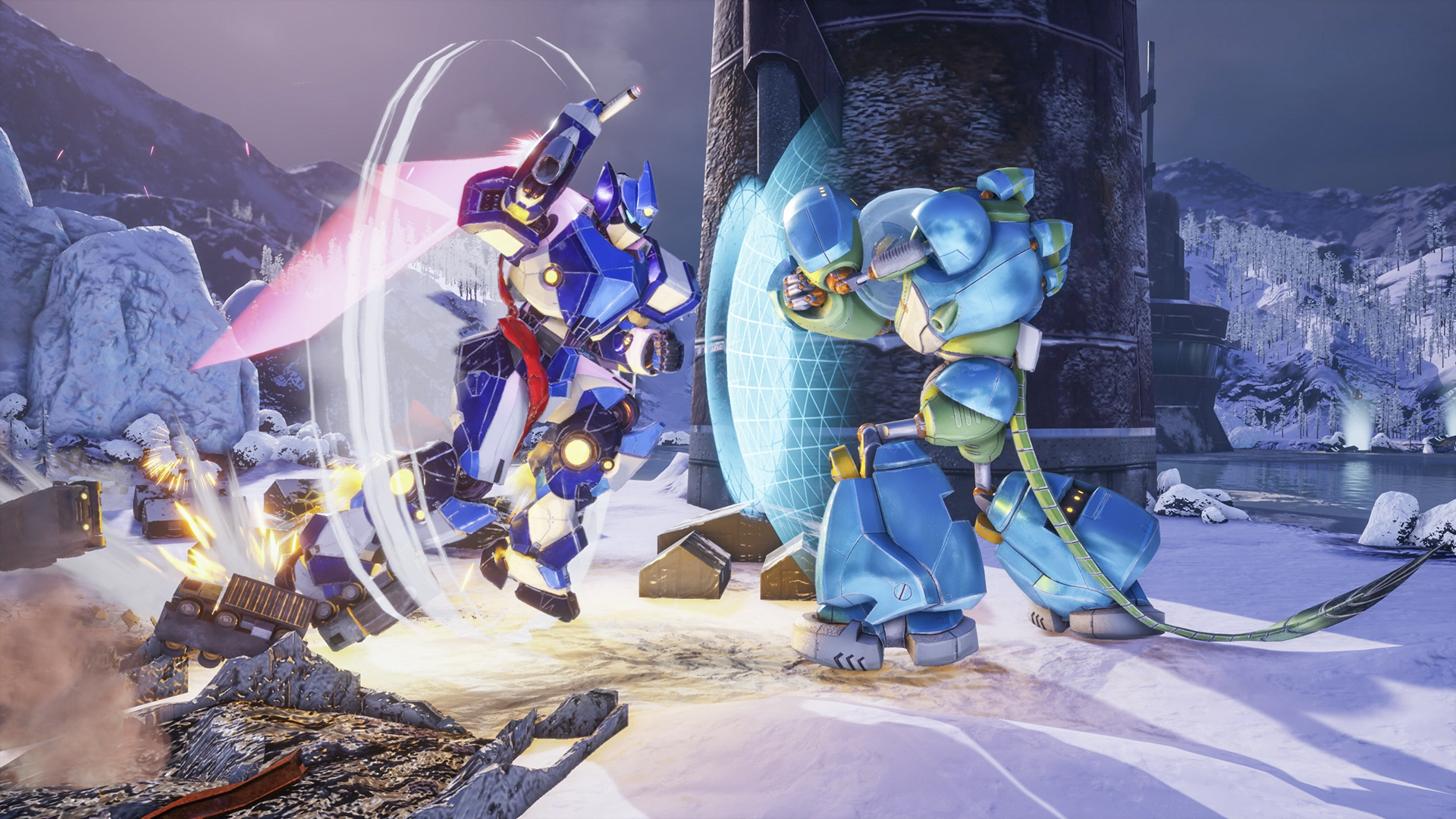
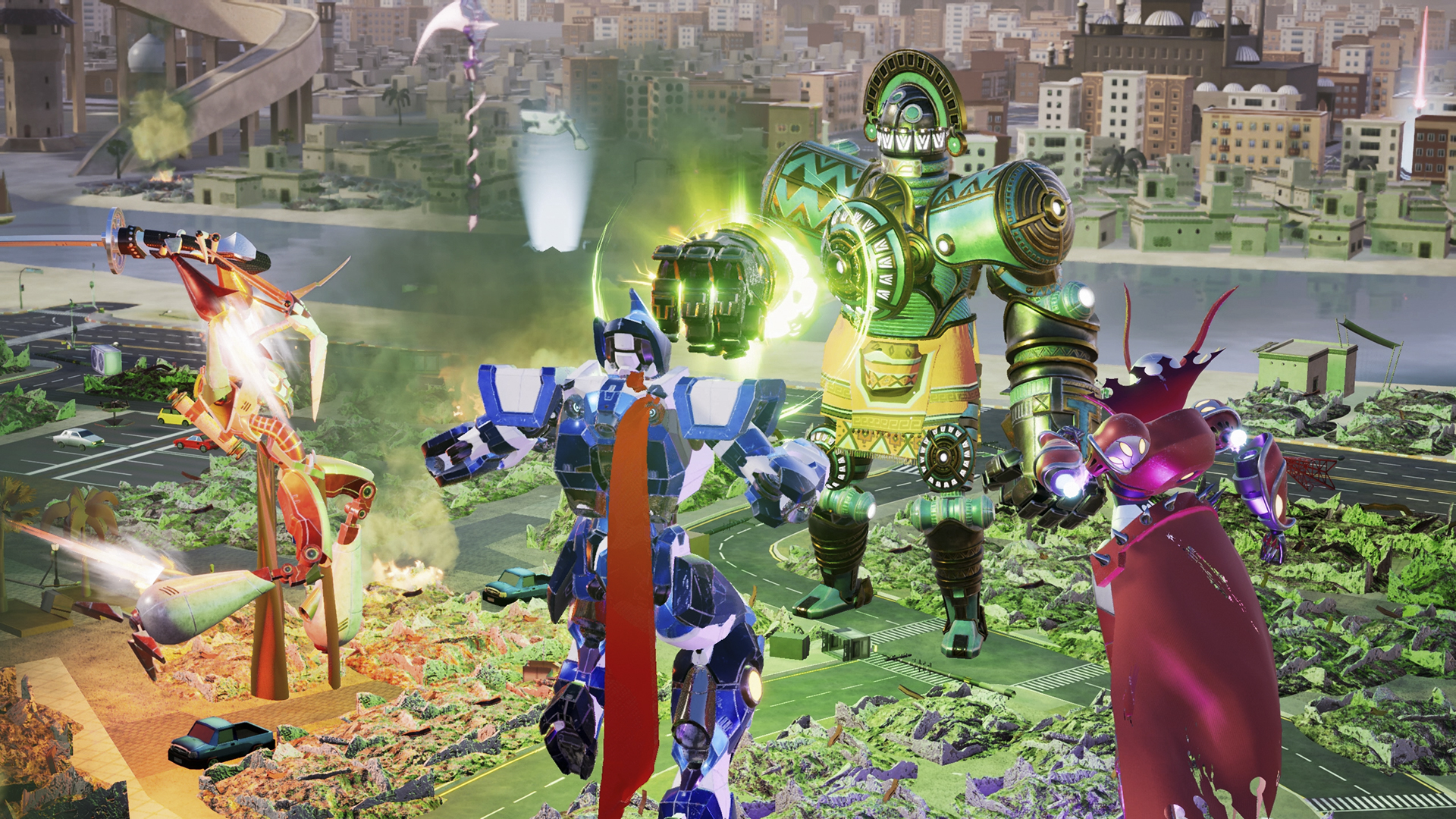
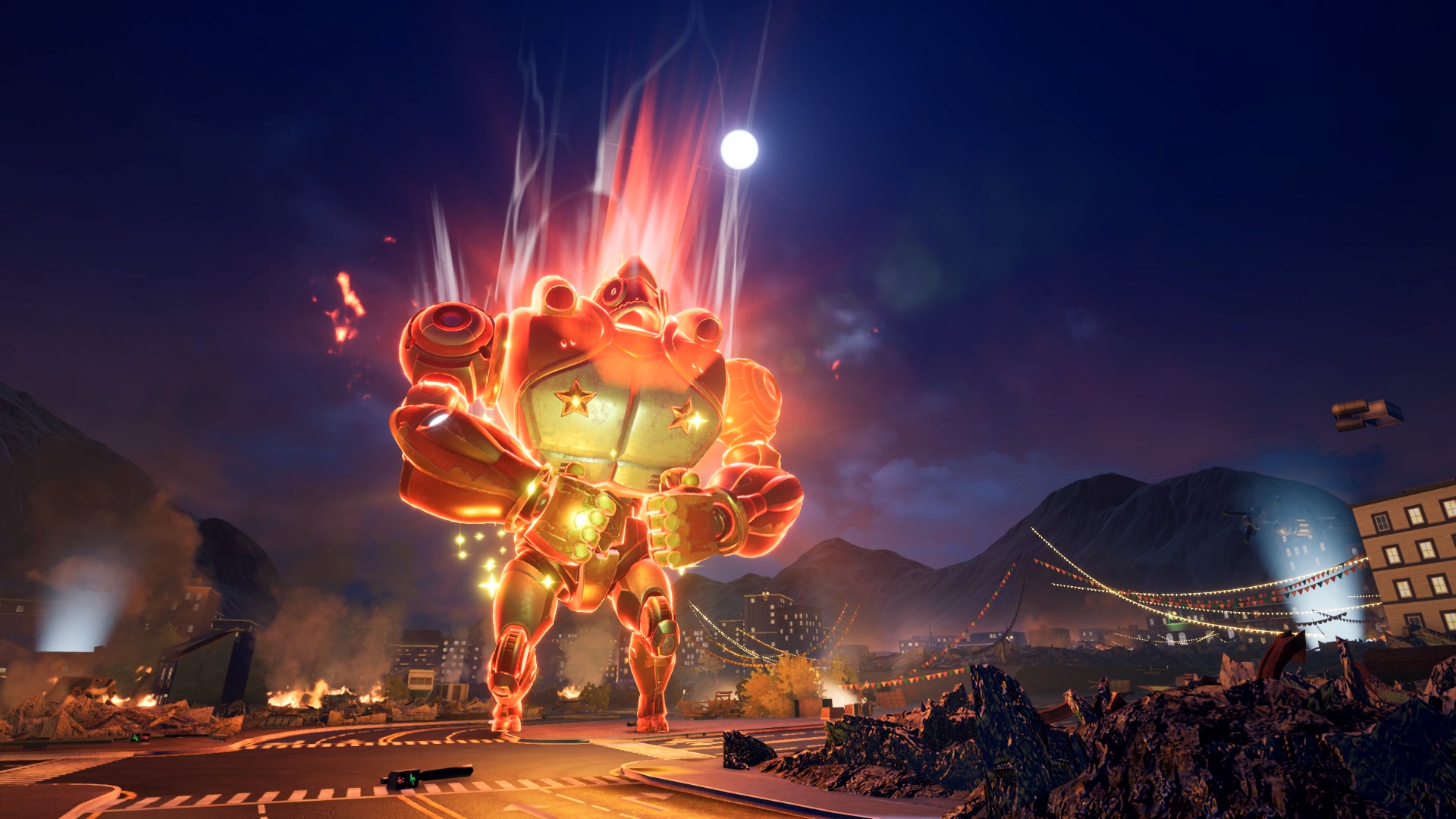
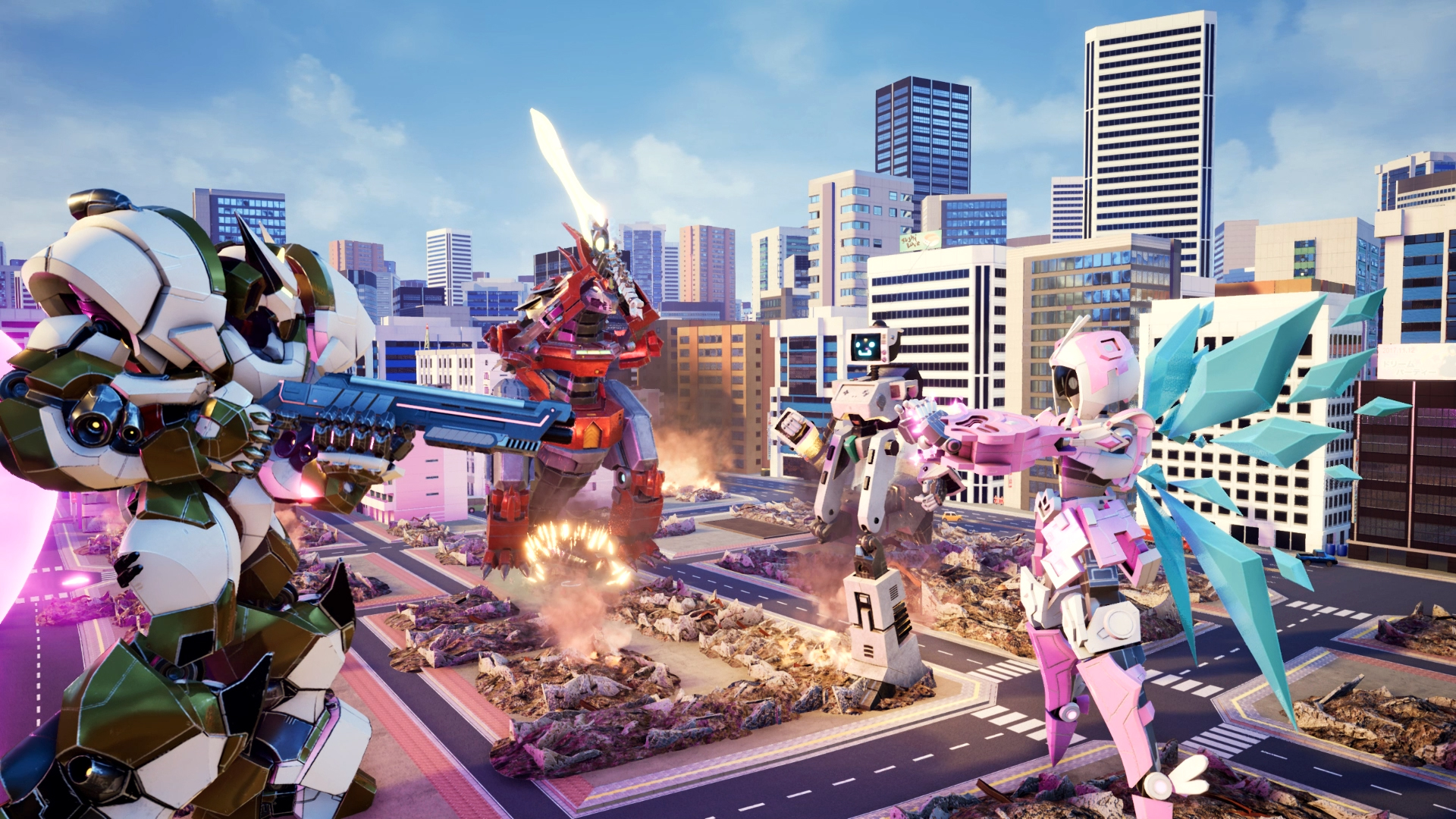
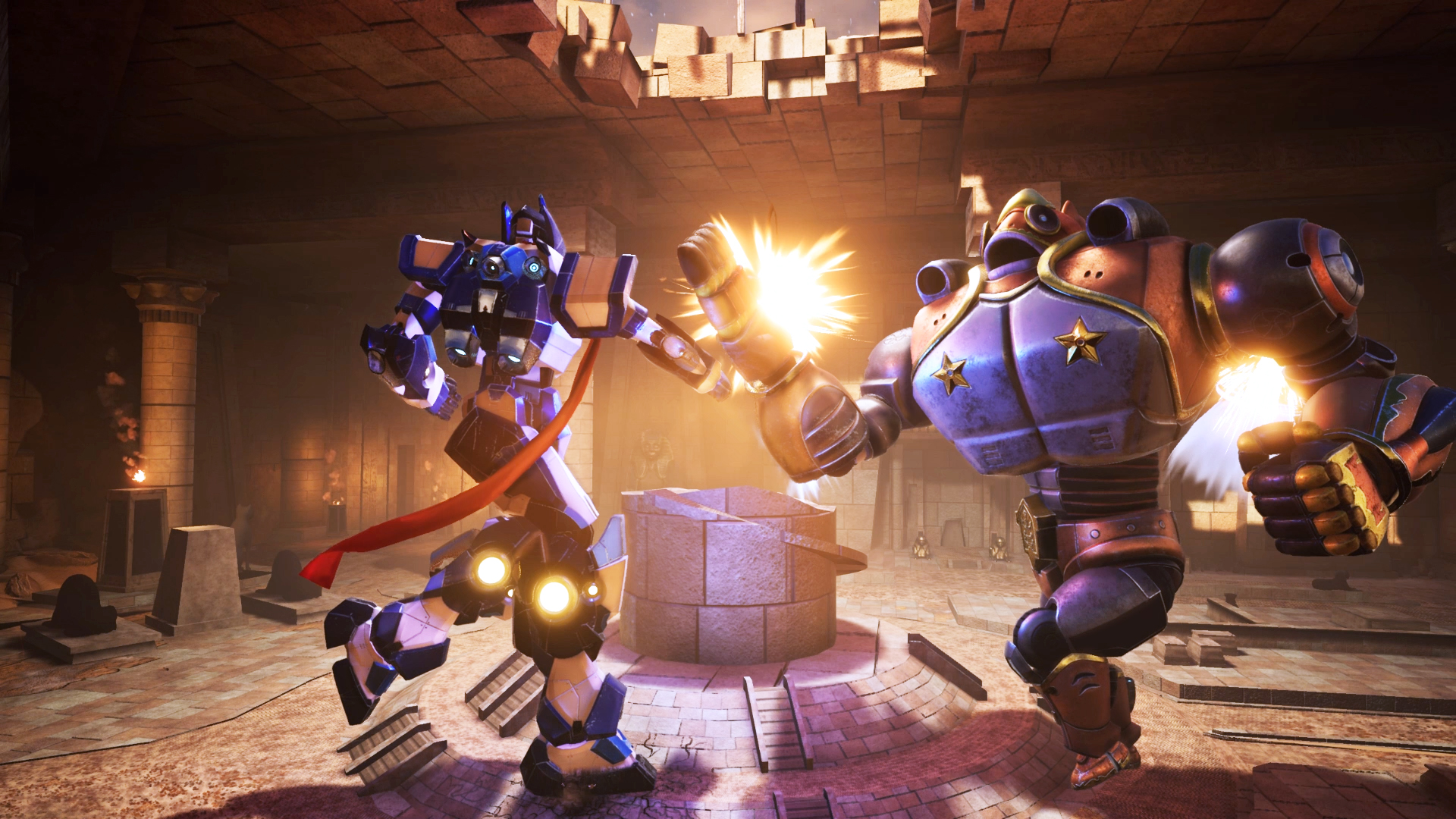
Official store screenshots from Steam — deckport links them, never rehosts. Hover to pause; click to preview.
Identity
Launch
- Binary
- Override-Win64-Shipping.exe
- Needs files
- none beyond the binary
Proton
- Version
- GE-Proton
- Winetricks
- —
- ProtonDB
- ProtonDB Gold runs perfectly after tweaks
⚙ Setup notes
Game: Delisted Steam game (appid 709440), Unreal Engine 4. ProtonDB rates it Gold; most reports say it runs out of the box on Proton/Deck.
Fix: if the game hangs after the MODUS robot-head intro (splash shows but no menu/sound), rename the prefix folder Override/Content/Movies to _Movies to skip the intro videos — this is the most common Deck/Proton fix.
Proton: GE-Proton or a recent stable Proton is recommended; proton_experimental has been reported to stall on the same intro for some users.
Install: deckport only configures the prefix; it never bundles or links the game files.
The one thing to know
Supply your own copy: deckport links nothing.
ProtonDB: Gold, Deck status Unsupported (icon only, not a play-blocker).
Controller: Native full gamepad support — it's a couch-fighting/brawler designed around controllers, so input works out of the box on Deck.
Online is dead: The Balance shut down servers and delisted the game (Oct 2022); only local/offline and single-player content is playable now.
Fix: if the game stalls on the MODUS intro, apply the Movies-folder rename fix in the proton notes.
Binary: the UE4 shipping exe (Override-Win64-Shipping.exe); confirm the exact path against your install.
Community guides
Write-ups and threads from people who got this (or a similar) game running. deckport links to them — it doesn't reproduce them.
Get the artwork
deckport never hosts game images. Open this game on SteamGridDB, pick
the cover / hero / logo / icon you like, and drop them into the
game folder under .deckport-art/ before you push it to the
Deck. The importer files them under the right names automatically.
Run it on your Deck
Two files: the one-time importer (deckport.py) in your
Deck's home folder, and this game's install helper. Copy the game
into ~/Games and run the helper with Steam closed — it
writes the recipe (binary, launch options, Proton version)
and registers the shortcut with artwork.